The Plopper Mod (26.2, 1.20.1) – Item Collector Block
Java mod listed for Minecraft 1.20. Downloads from the MC Java Mods app on Android.
⬇ Download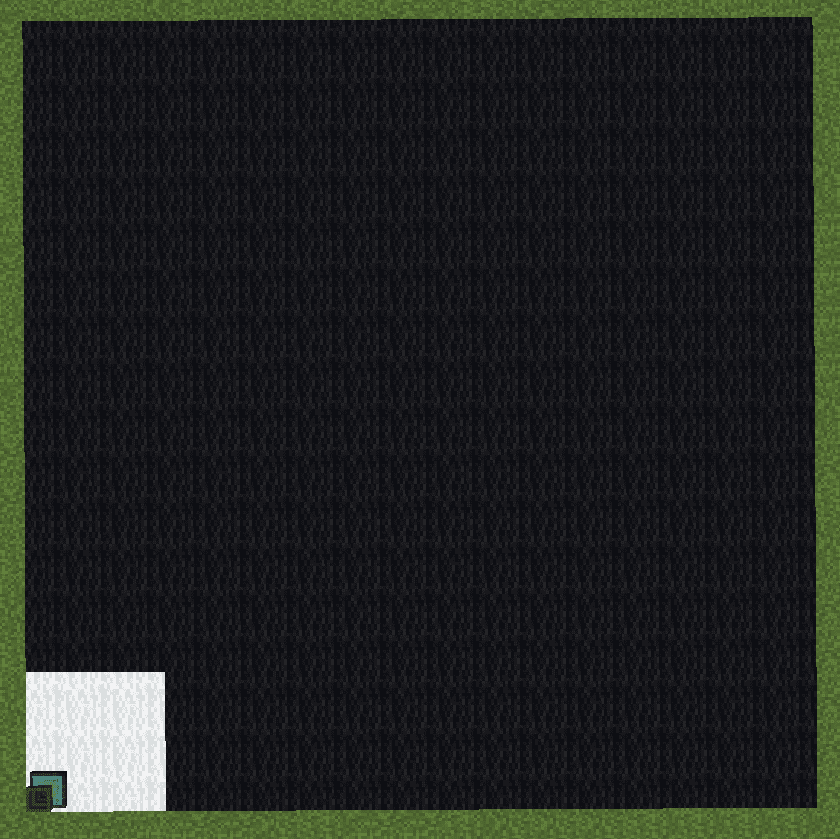
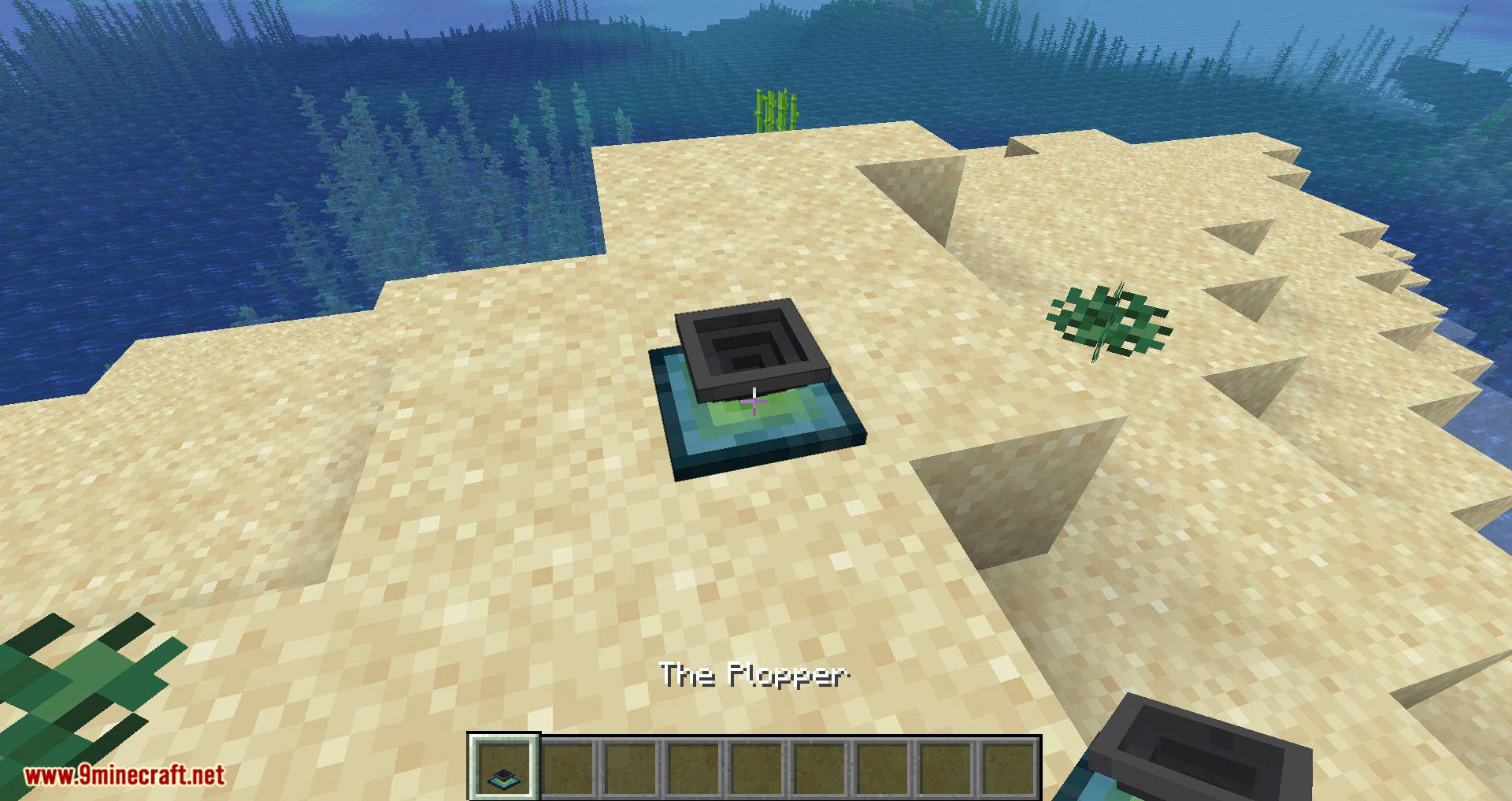
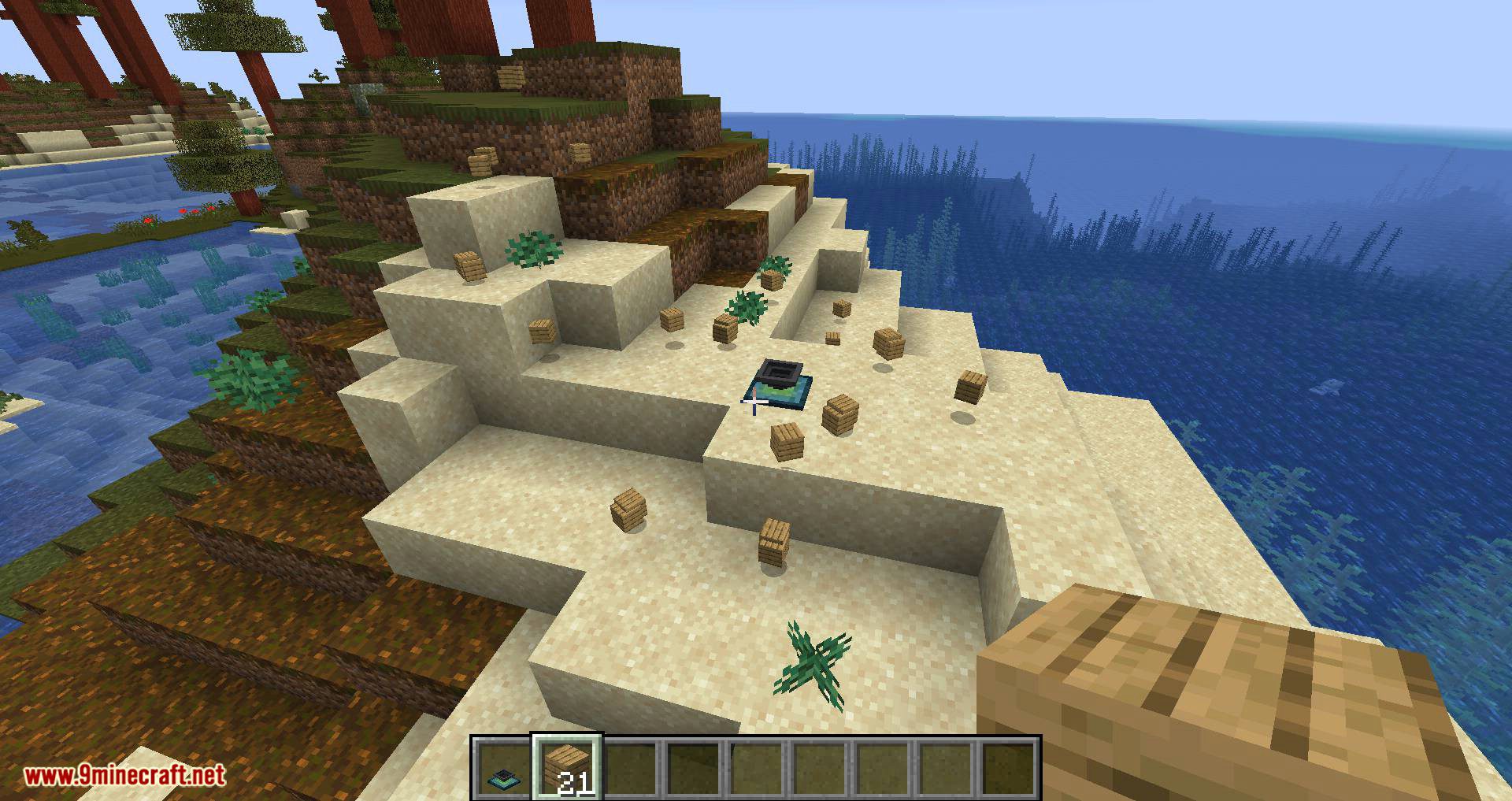
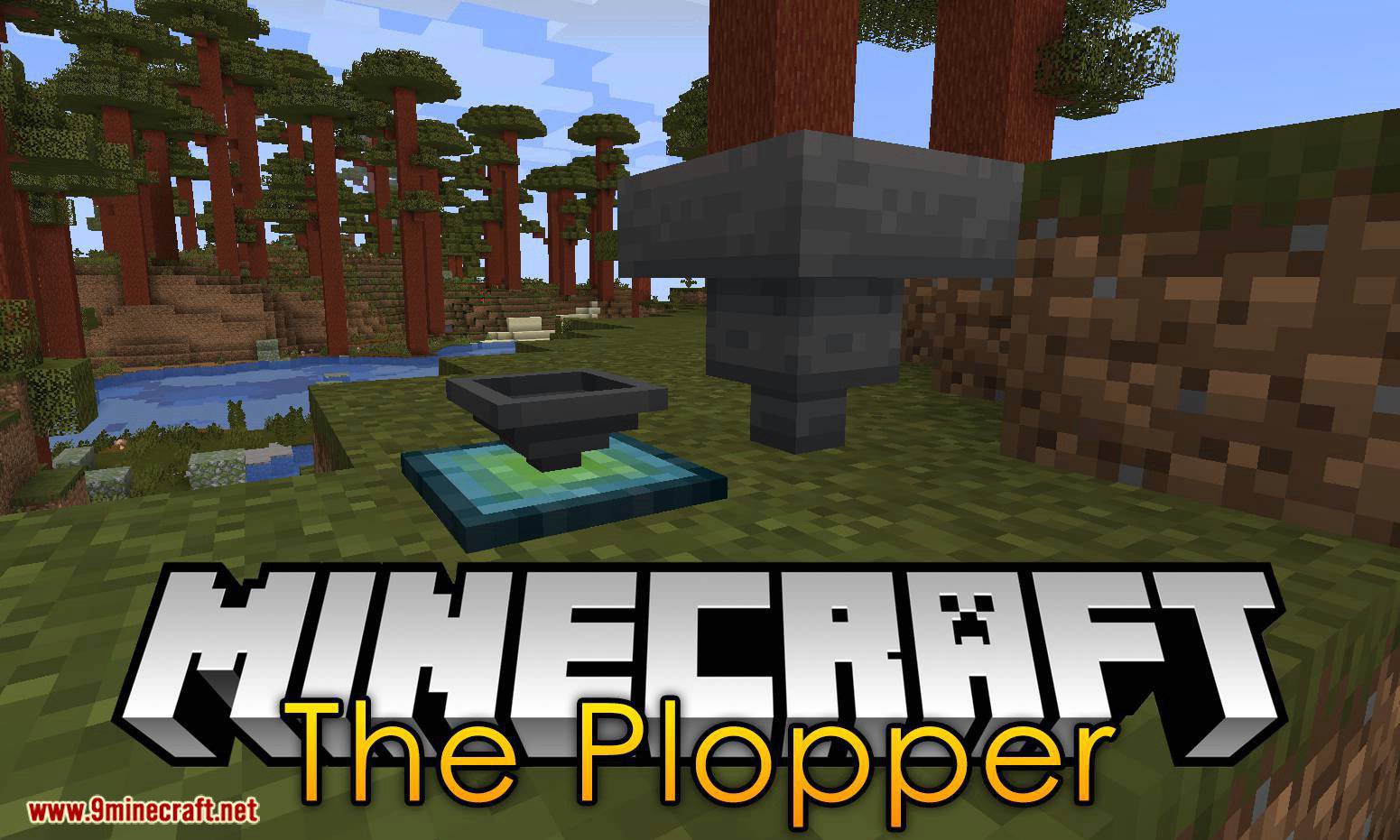
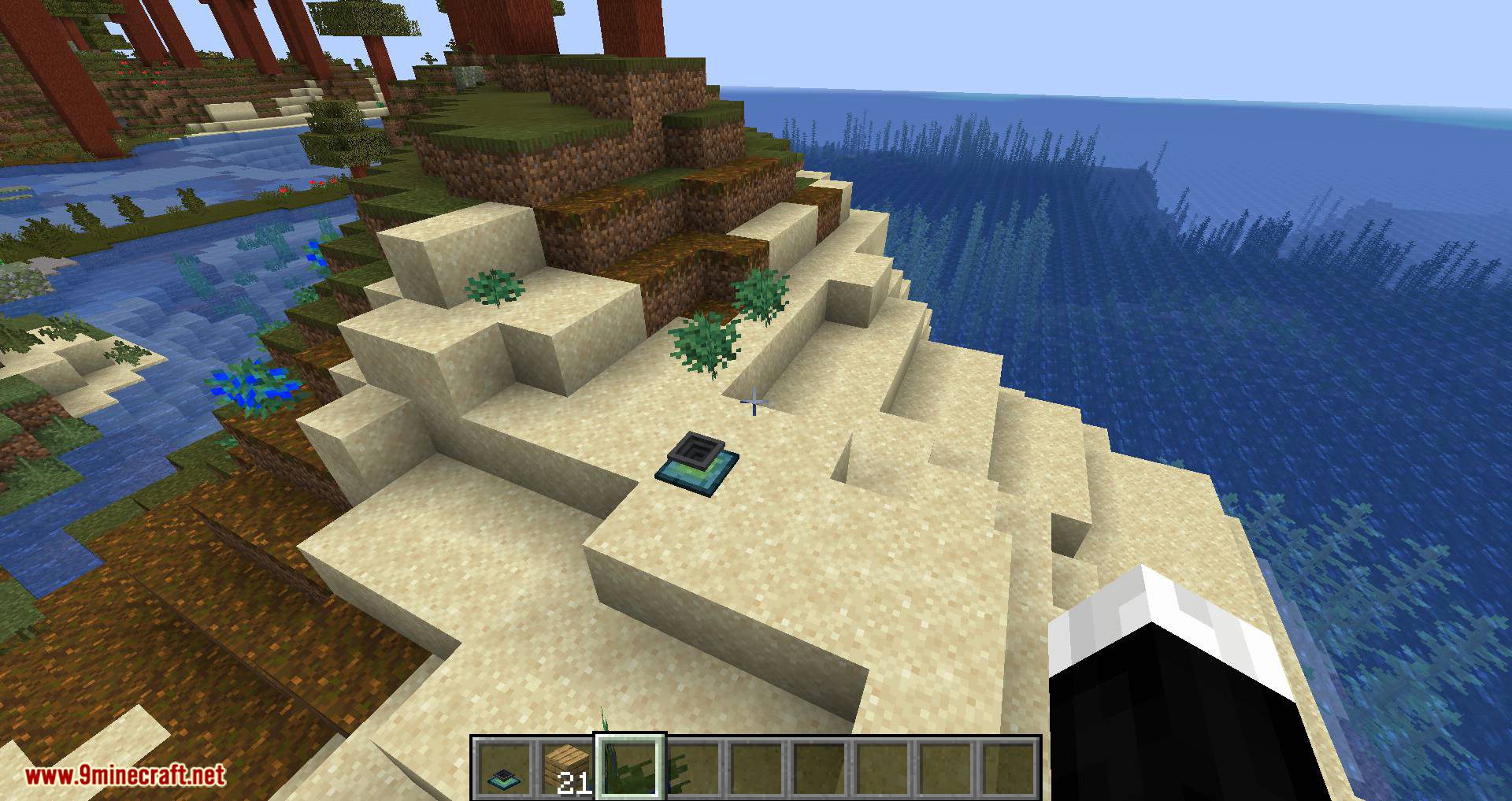
The Plopper Mod is a small mod that adds a block called The Plopper to Minecraft. This block automatically picks up items around it (default radius is 3 blocks, but this can be adjusted in the config). With this mod, you can build advanced farms or other creations where complex item collection mechanisms are needed.
Features:
It will do so at a set range, which is 2 by default, but can be changed by adding upgrades. Each upgrade will add 2 blocks to the range, with a maximum of 16 blocks in total (7 upgrades). The range affects all directions (north, south, east, west, up, and down) and is cubical. Here’s an image showing a cross-section of the plopper’s range (white is default, black is fully upgraded):
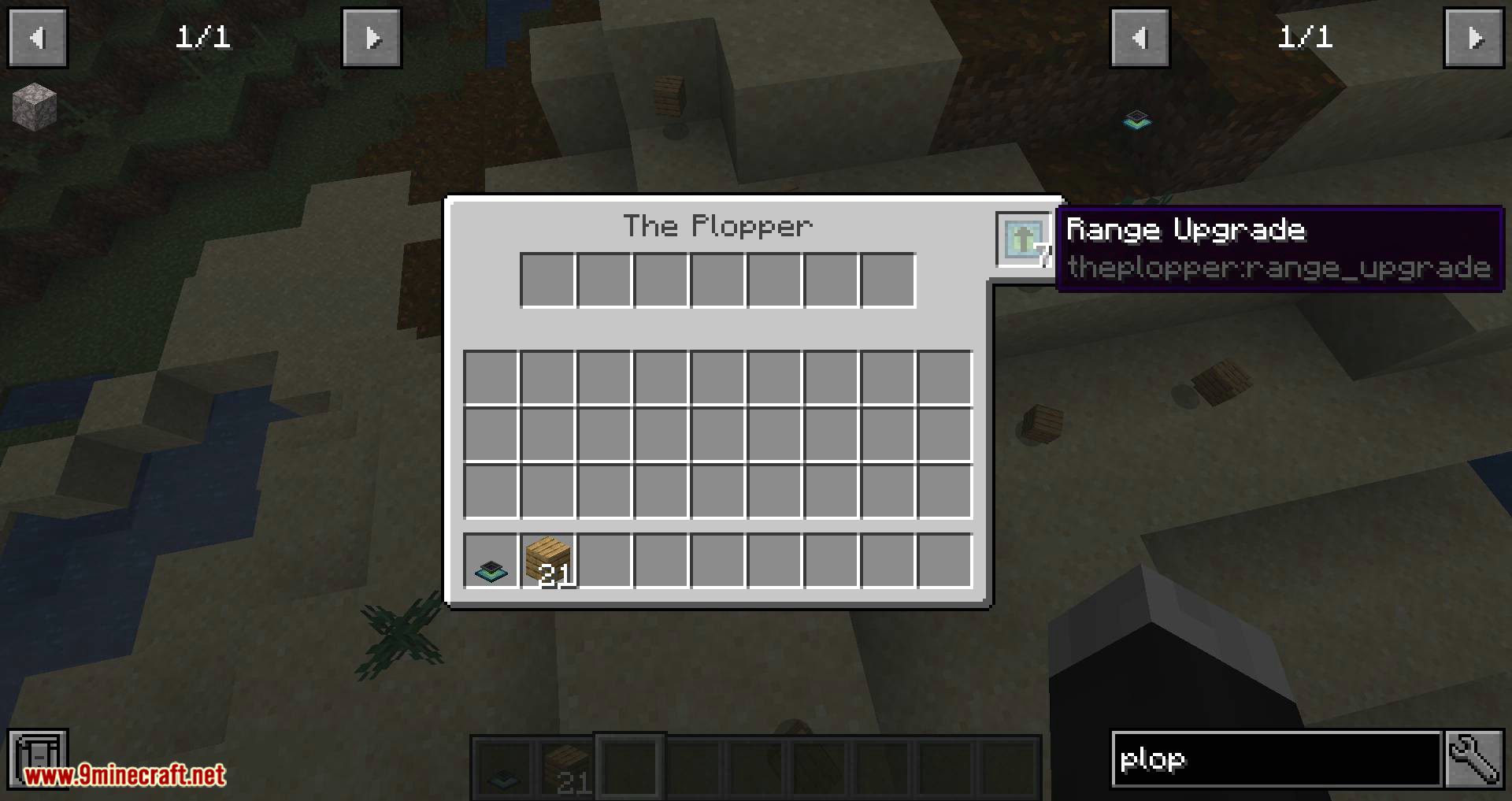
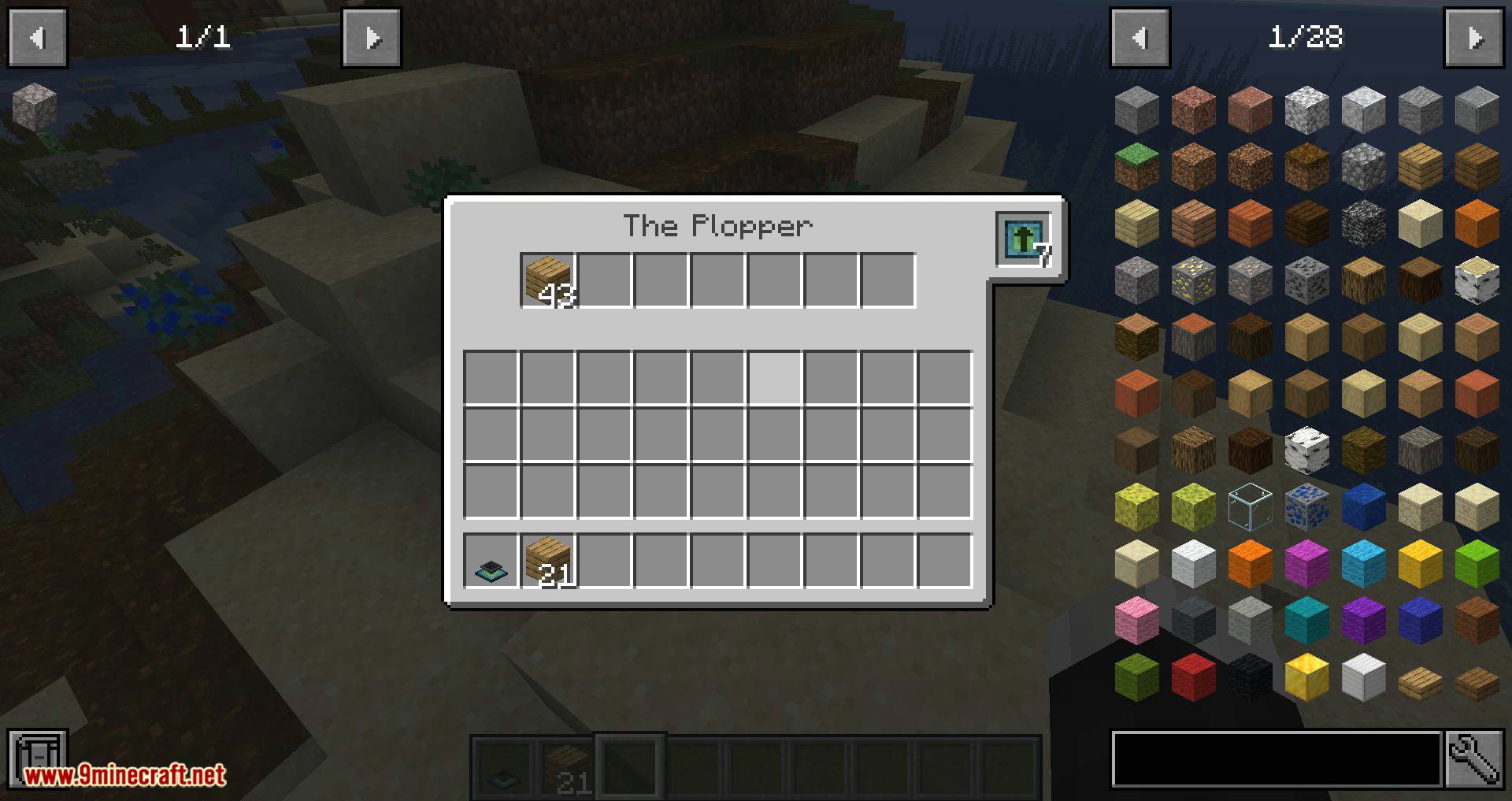
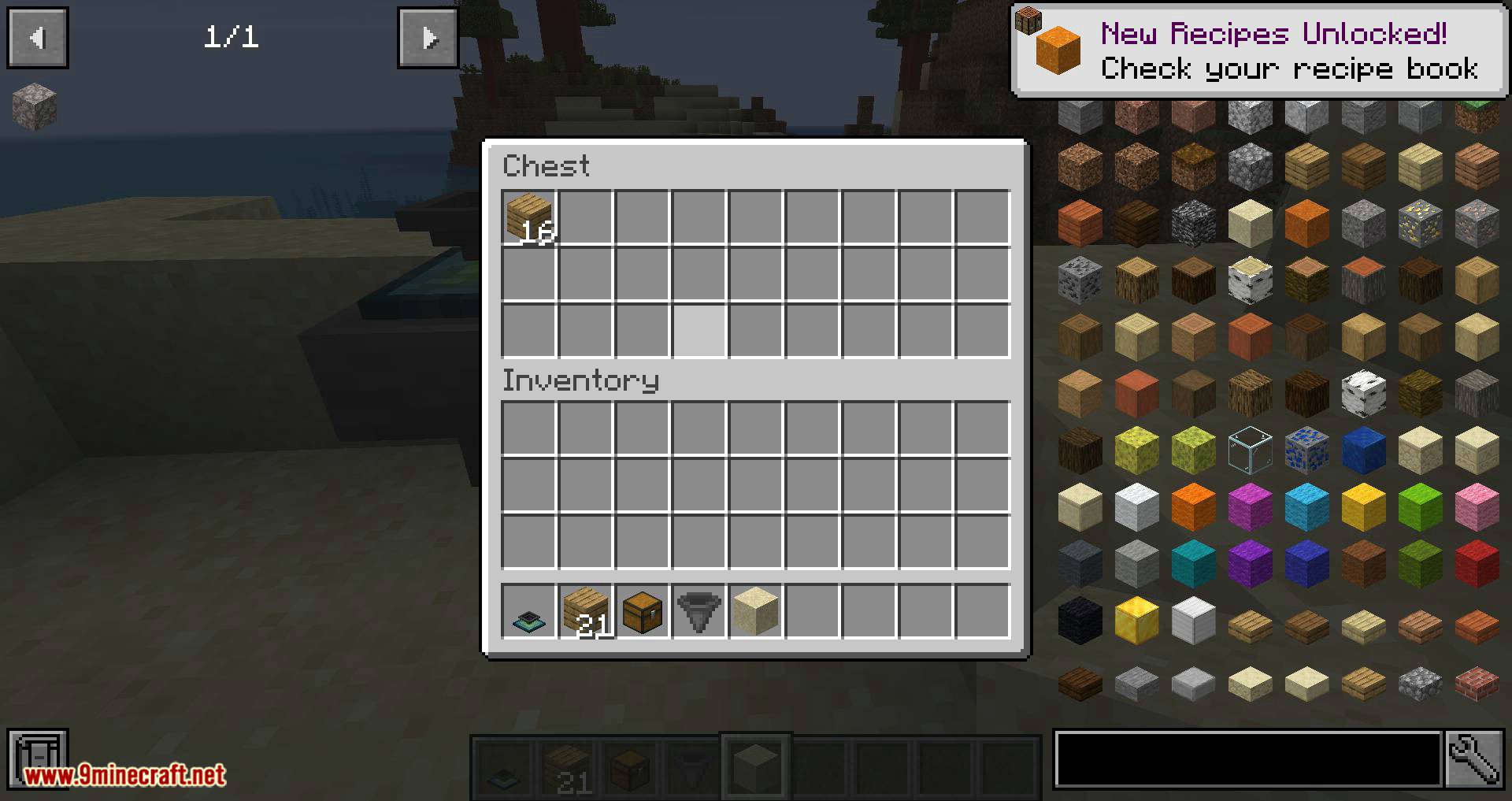
You can access the picked up items by right-clicking the block, or piping items out of the bottom. But do note, that you can only pull items out of the plopper, and not put any into it. It’s not supposed to be a storage solution
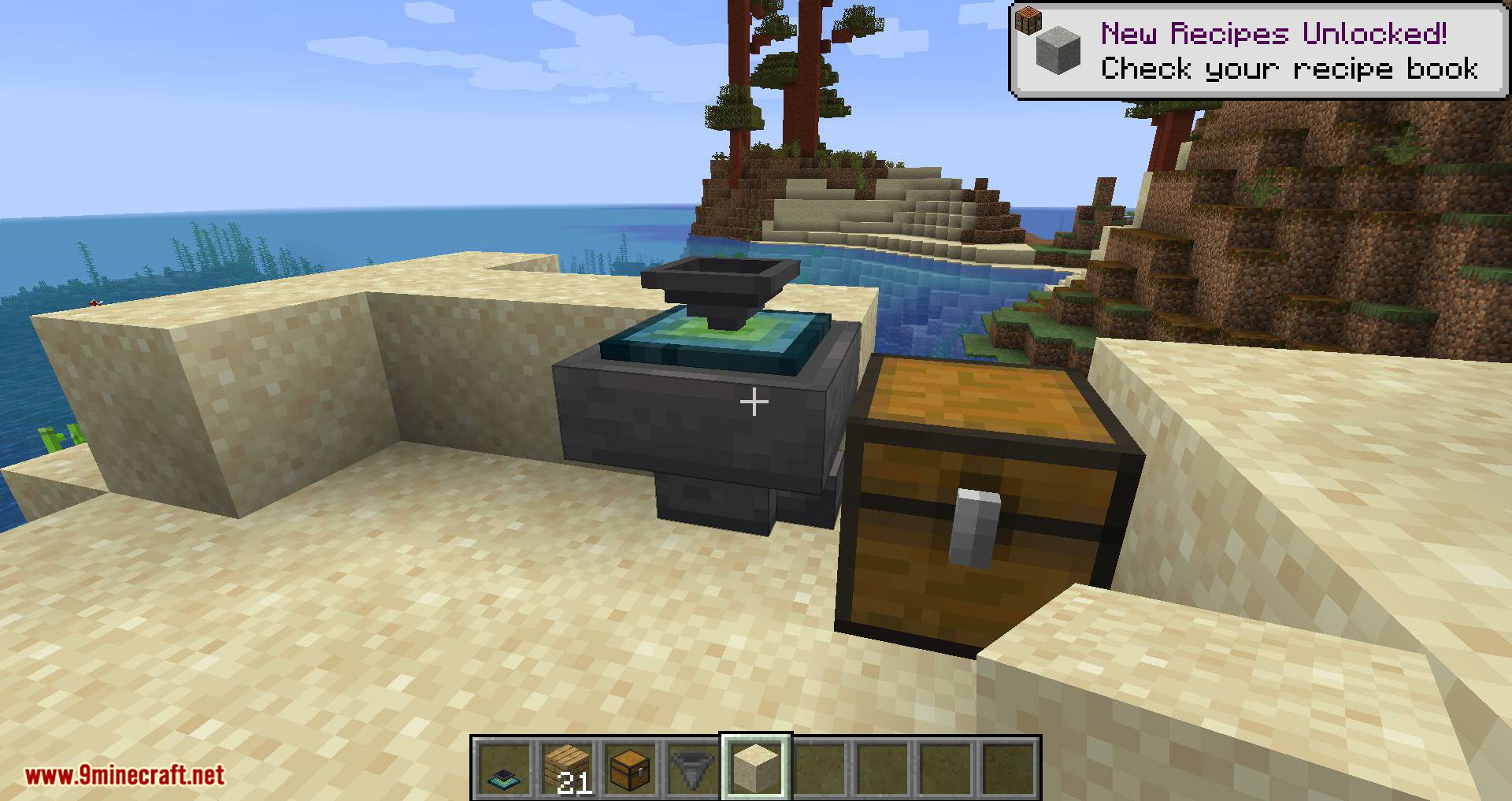
Like previously mentioned, the plopper works with pipes (in this example, Itemducts from Thermal Expansion)! By default, you can only extract from the bottom of the block, but that’s toggleable as well. (The lever is not required for the plopper)
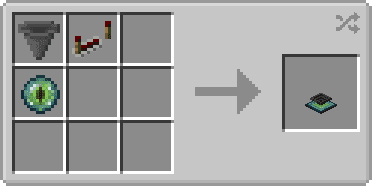
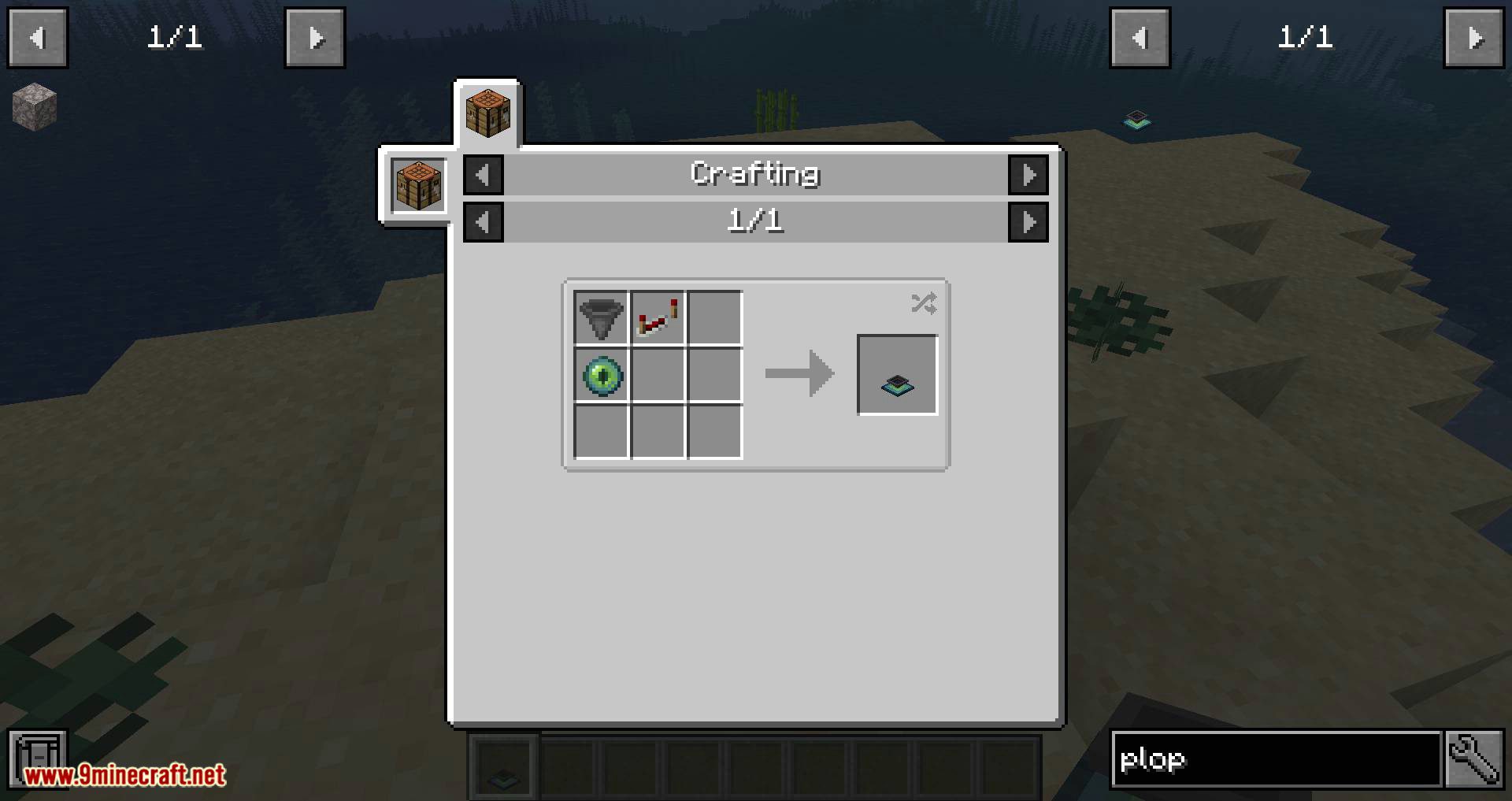
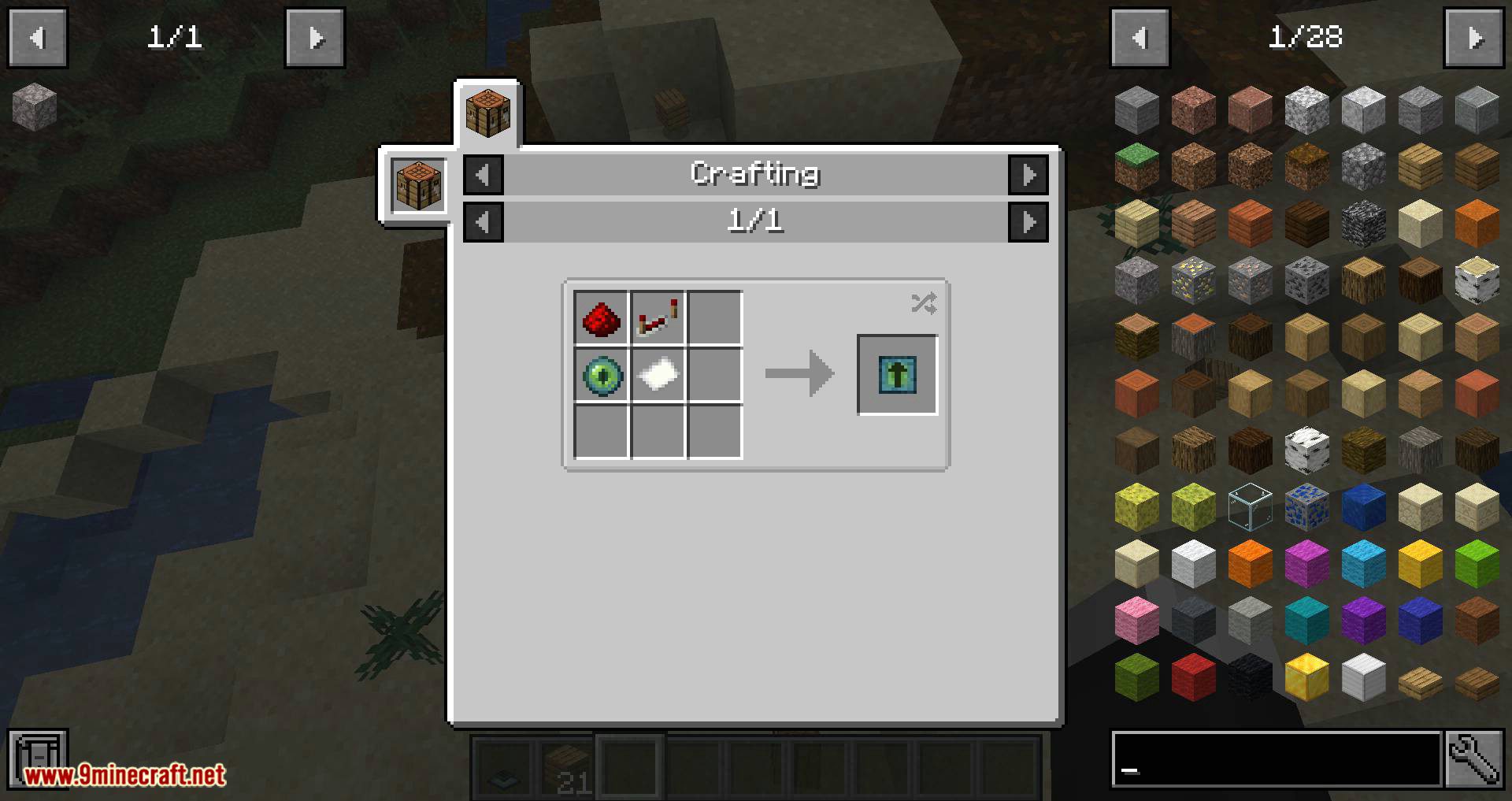
The Plopper is crafted like shown (shapeless):
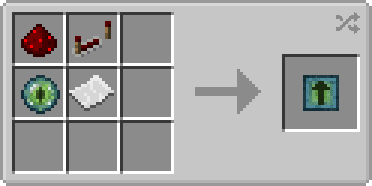
The Range Upgrade is crafted like shown (shapeless):
Configuration:
- bypassOutputSide – If set to true, the plopper will output items to e.g. pipes at all sides instead of just the bottom (Default: false)
- displayParticles – Whether particles should show up every time the plopper picks up an item (Default: true)
- playSound – Whether a sound should be played when an item gets picked up by the plopper (Default: true)
Screenshots:
The Plopper Mod Download Links
- Edition: Minecraft Java
- File type: .jar
- Minecraft version listed: 1.20.1
- How to install: Install the matching mod loader (Forge, Fabric or NeoForge) for your Minecraft version. → Download the .jar. → Put it in the .minecraft/mods folder and launch that loader profile.
- Where to get it: In MC Java Mods, or directly above on this page.
Install steps are the general flow for this file type — How to install Minecraft Java mods & modpacks walks through it step by step.
- Downloads as 2725.mcaddon
- Download size: 265 KB
- Download link checked 25 Sept 2026 — working
- Mirrored on our own servers — the download does not depend on the original host
These come from our own check of the pack file, not from the source page.