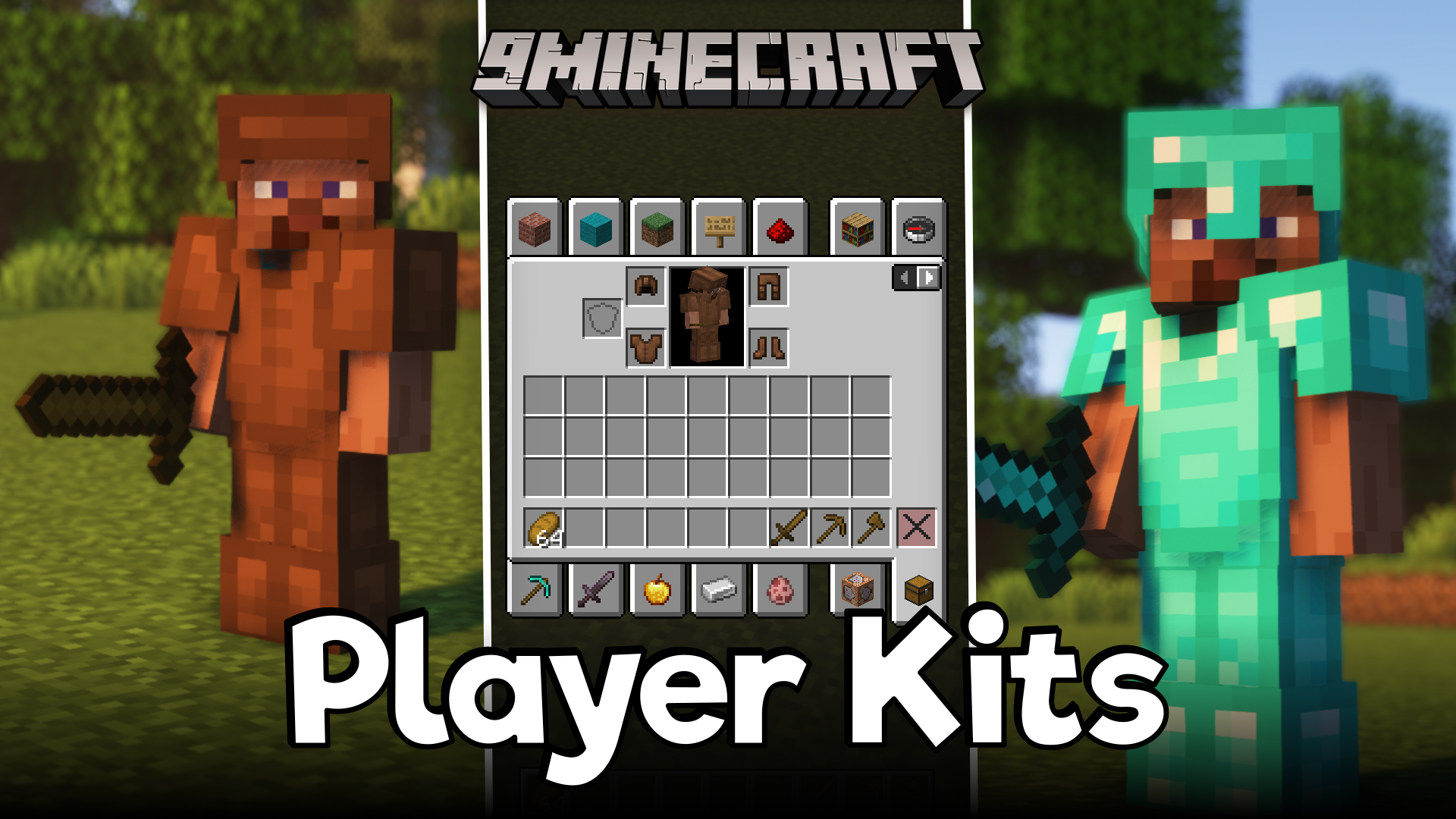
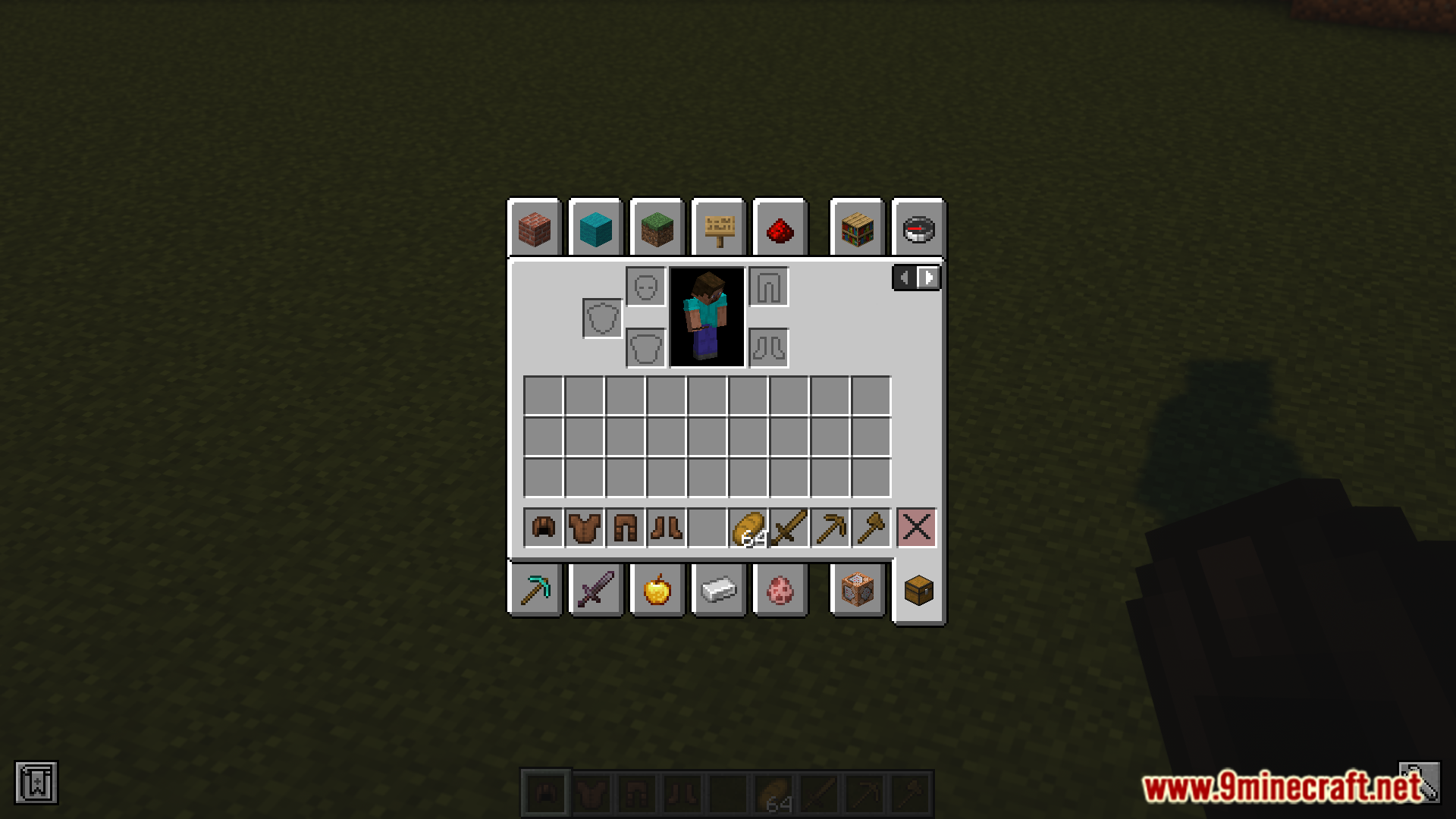
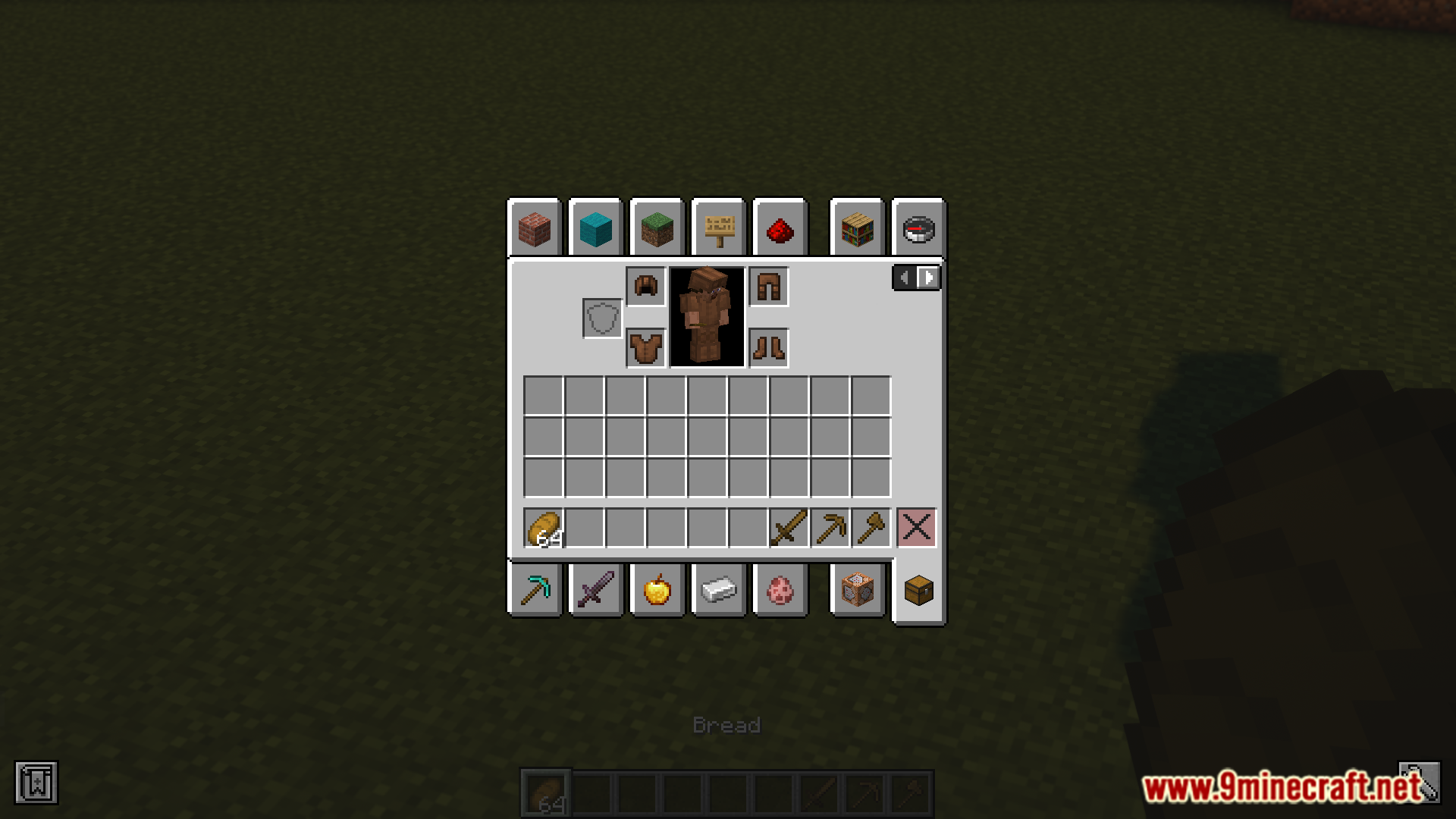
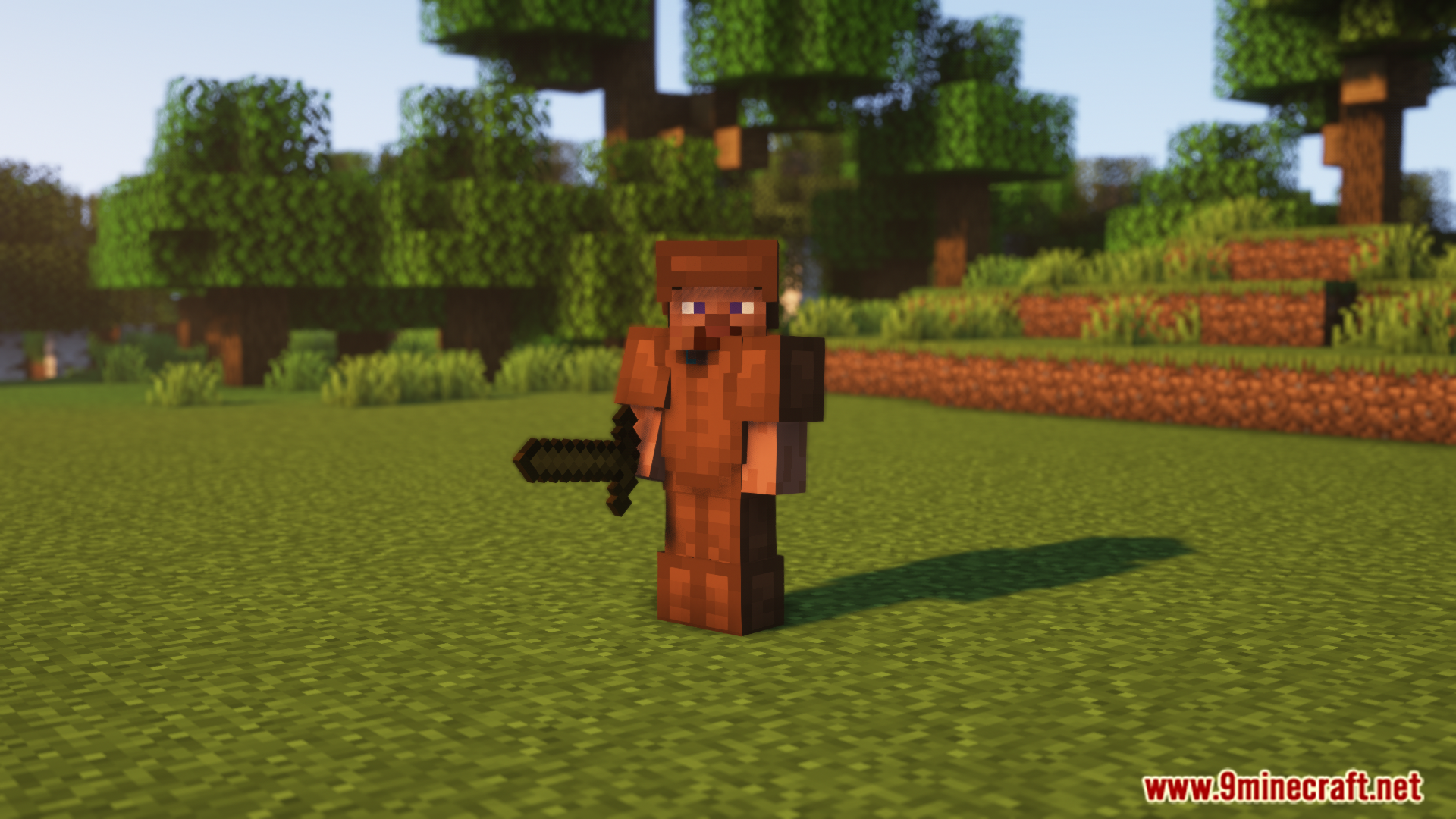
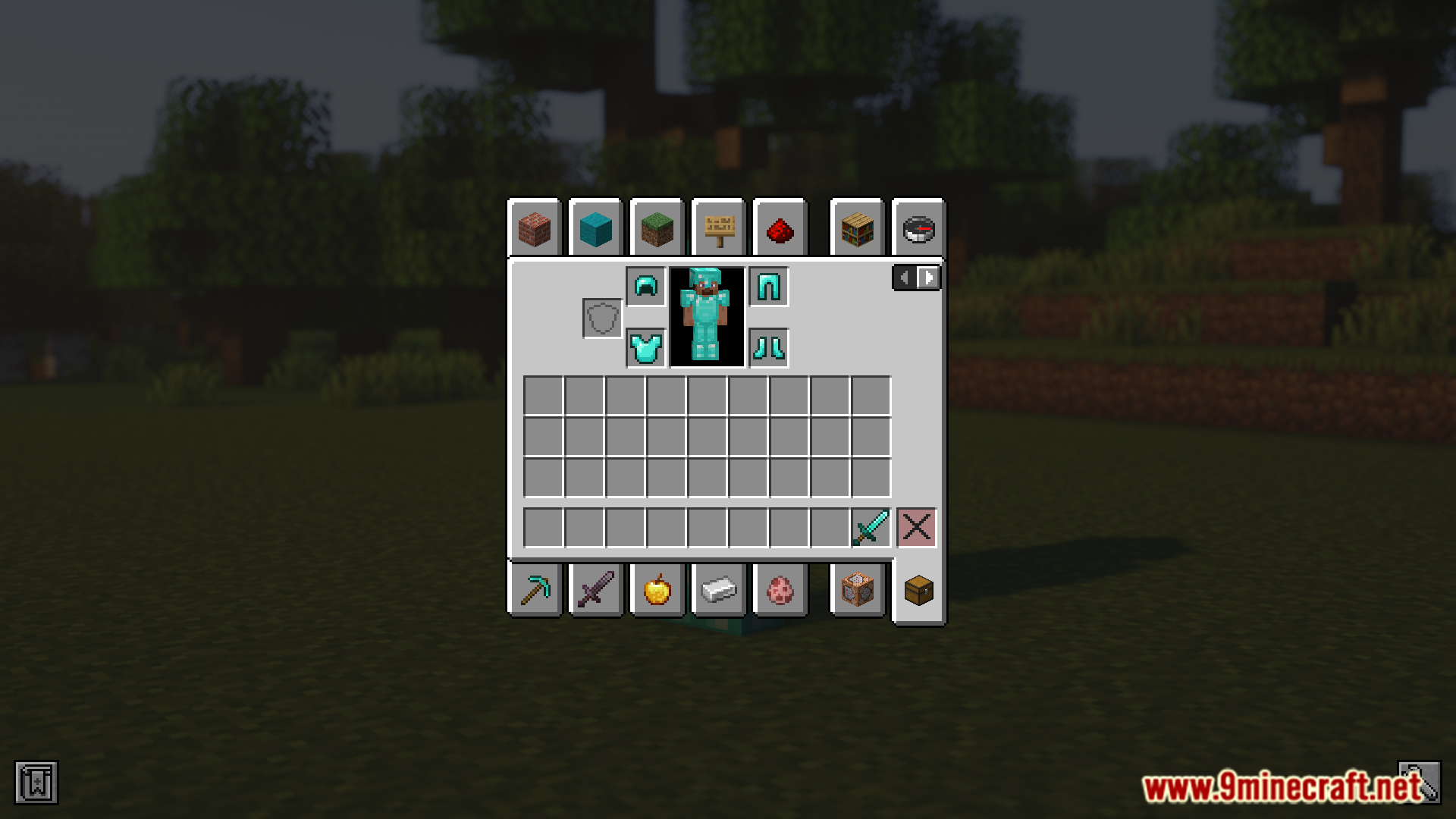
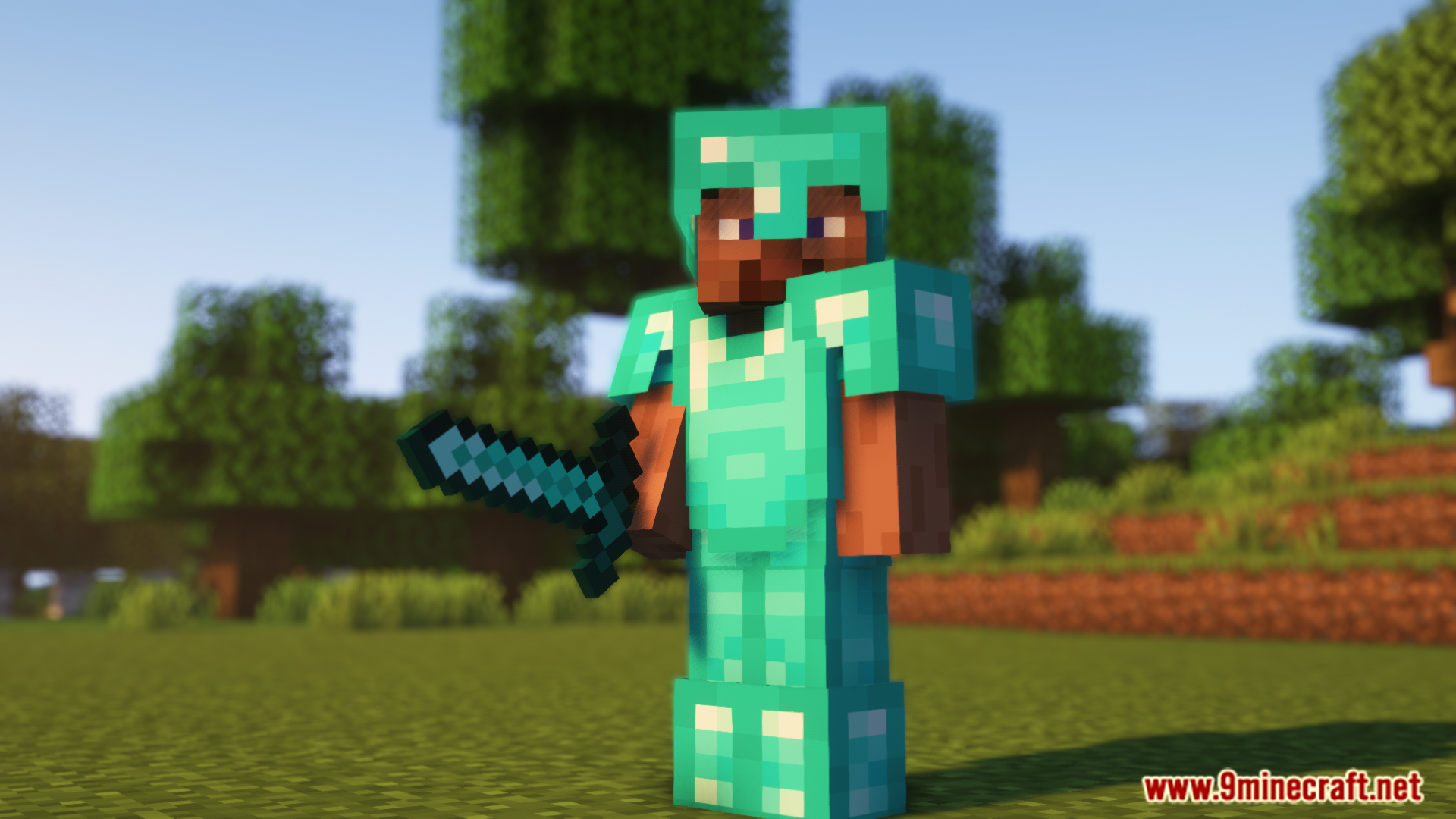
Player Kits Mod allows you to save and share inventory kits. This mod is meant for the creative game. Builders can utilize this mod to easily load in block palettes. If a build has different portions requiring different sets of blocks, manually changing the inventory every time can be tiresome. Builders can utilize this mod to create and save block sets initially, and then load them in whenever required using simple commands. Saved inventories can also be shared with other players.
Features:
- Save full inventories (hotbar, armor, and more).
- Preview kits before using them.
- Easy kit management: create, list, or remove with simple commands.
- Persistent storage across game restarts.
How to use it?
- Save a kit: /kit store
- Equip a kit: /kit equip
- View kit: /kit view
- List kits: /kit list
- Remove kit: /kit remove
Screenshots:
Player Kits Mod Download Links
Quick facts
- Edition: Minecraft Java
- File type: .jar
- Minecraft version listed: 1.20.1
- How to install: Install the matching mod loader (Forge, Fabric or NeoForge) for your Minecraft version. → Download the .jar. → Put it in the .minecraft/mods folder and launch that loader profile.
- Where to get it: In MC Java Mods, or directly above on this page.
Install steps are the general flow for this file type — How to install Minecraft Java mods & modpacks walks through it step by step.
Verified by MCModsHub
- Downloads as 27262.mcaddon
- Download size: 76 KB
- Download link checked 24 Sept 2026 — working
- Mirrored on our own servers — the download does not depend on the original host
These come from our own check of the pack file, not from the source page.