ModsJava
Carbon Config Mod (26.1.2, 1.20.1) – Simplify Mod Settings
Java mod listed for Minecraft 1.20. Downloads from the MC Java Mods app on Android.
⬇ Download
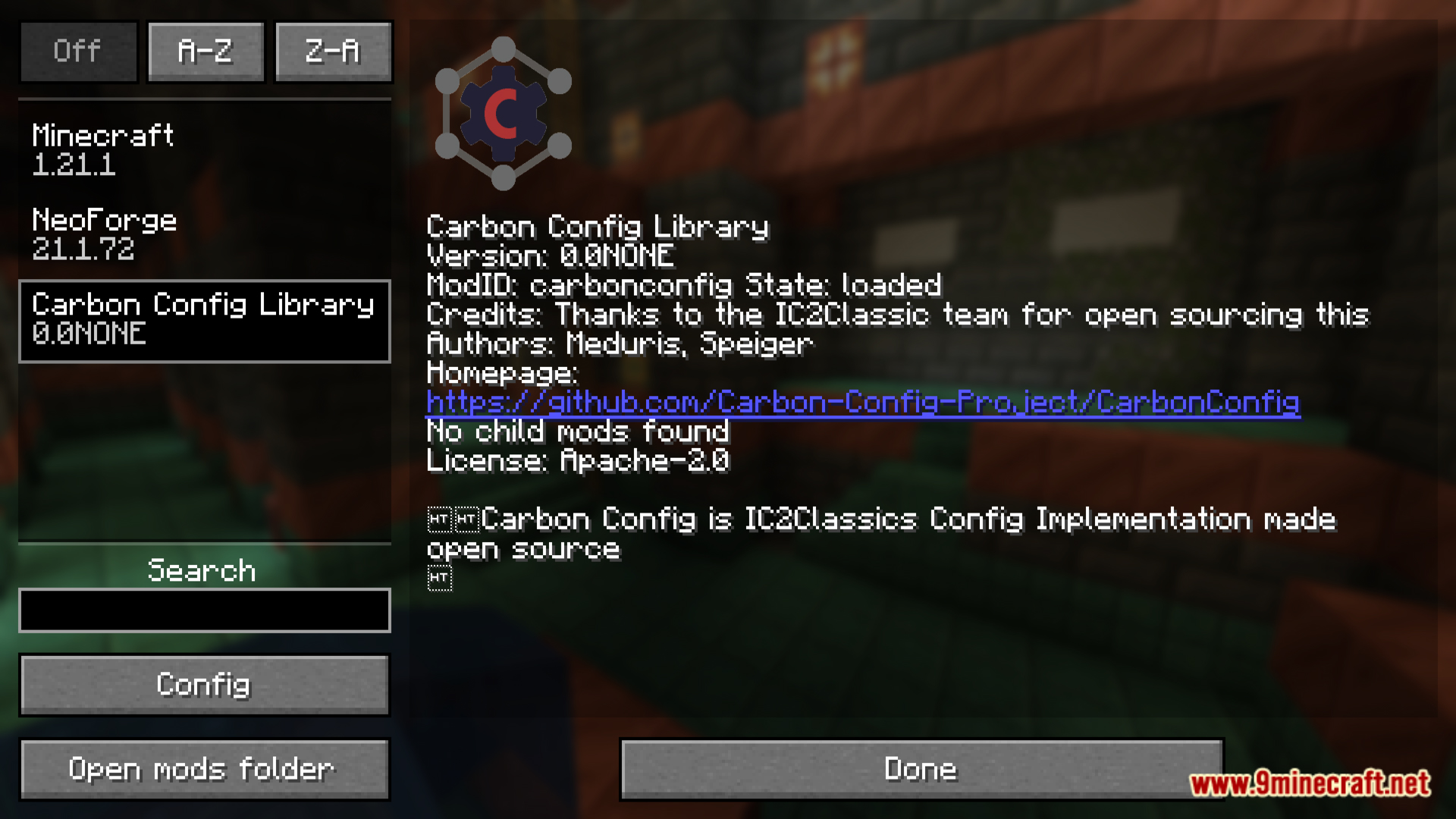
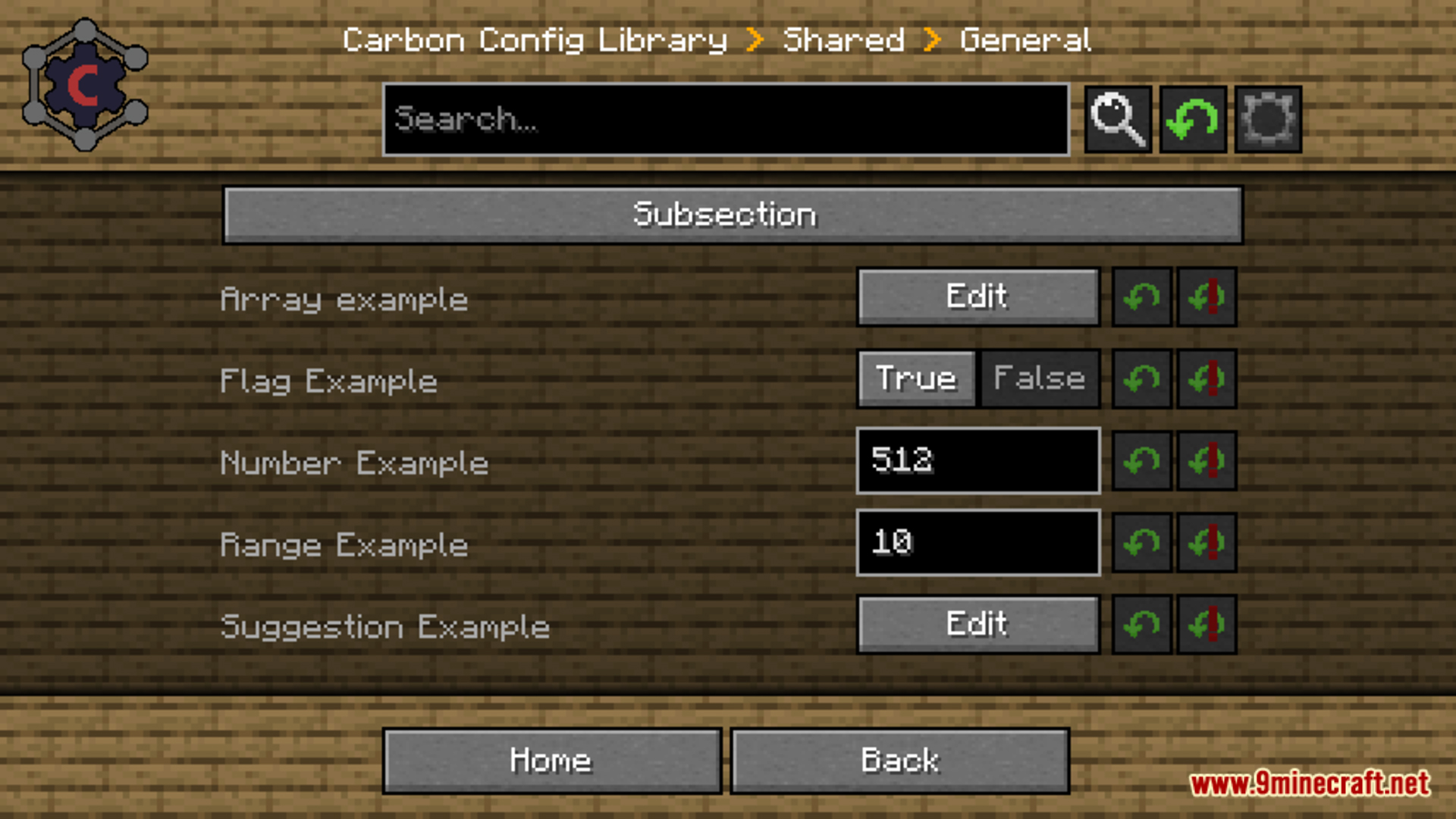
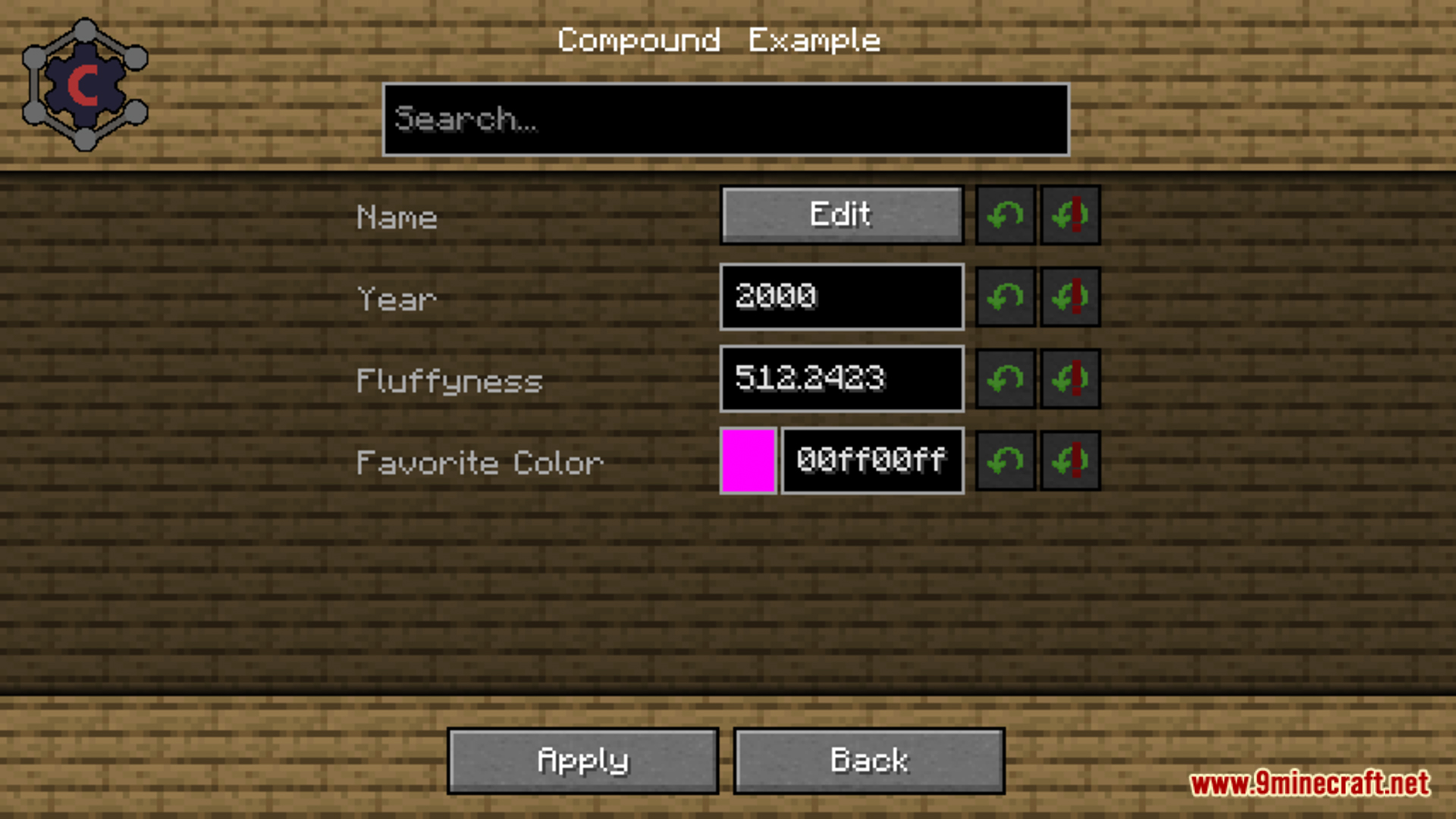
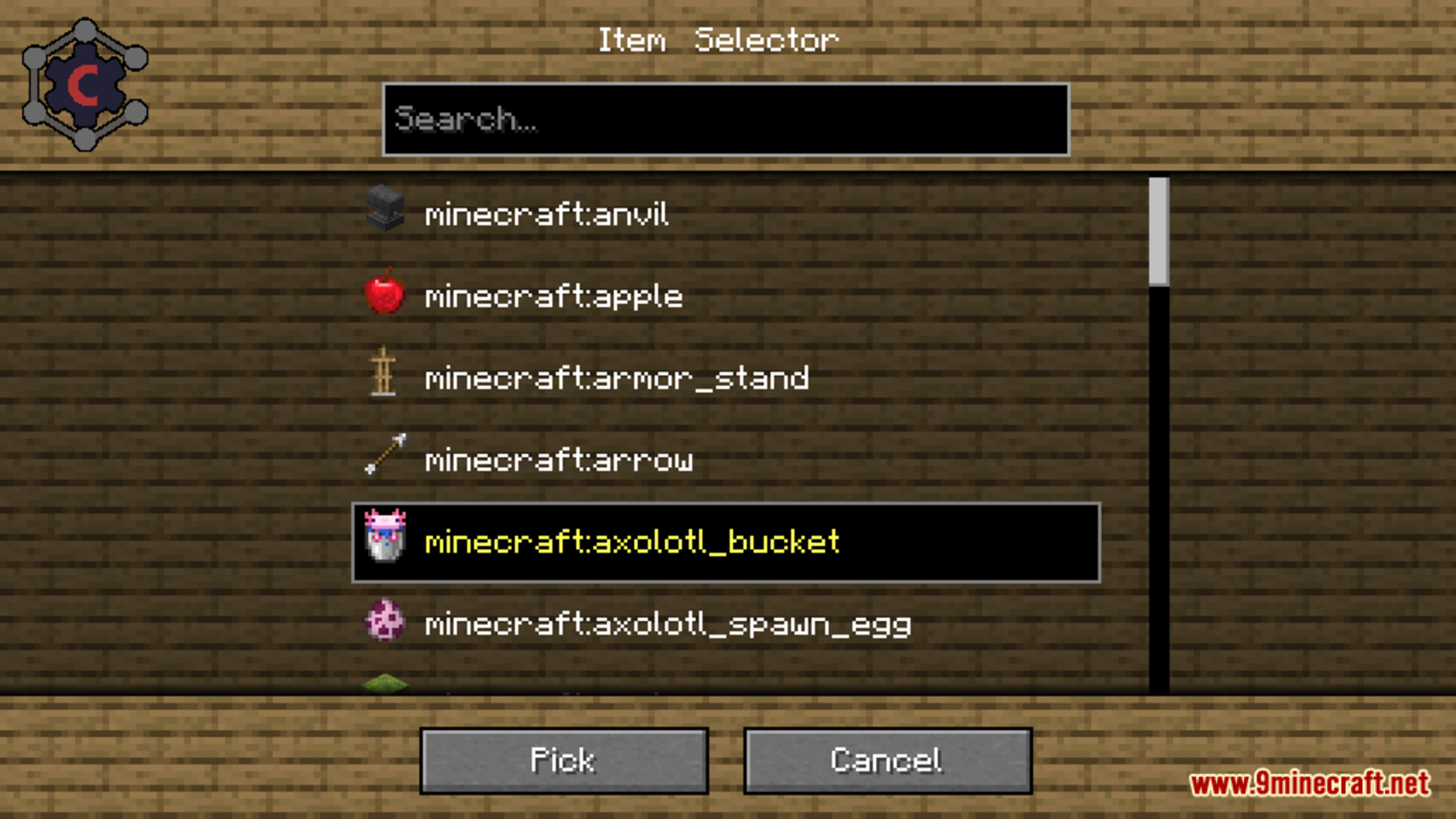
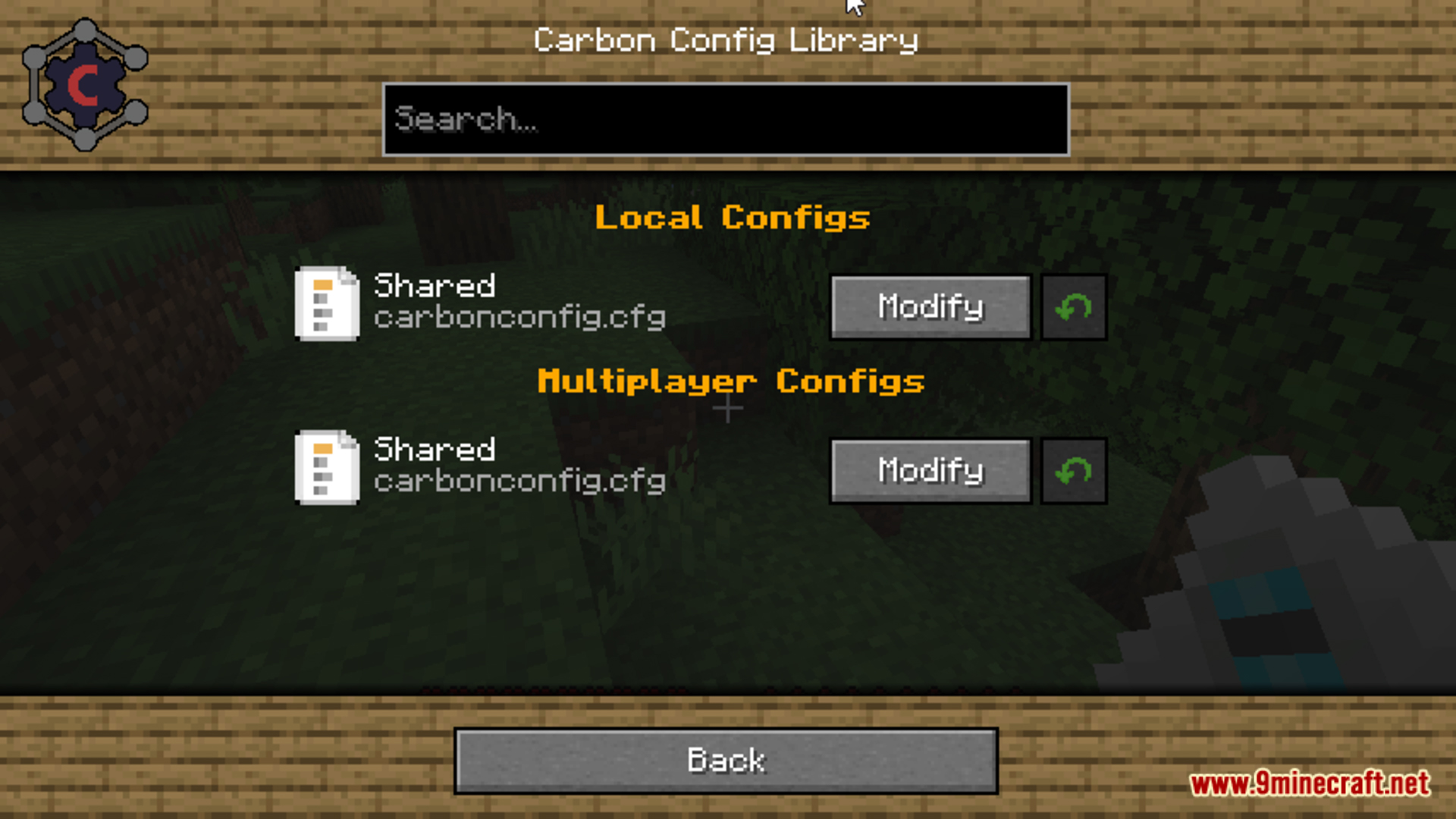
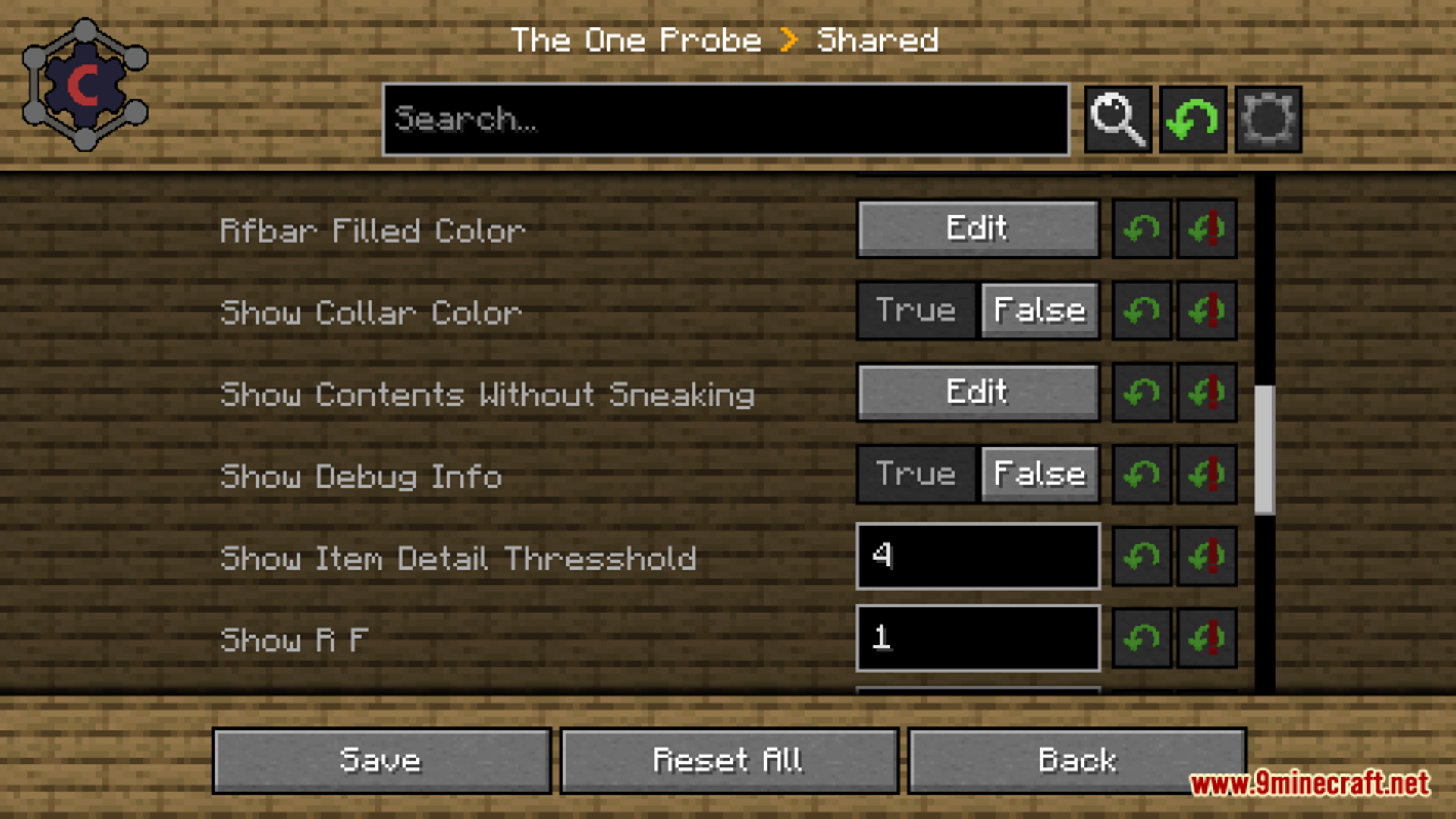
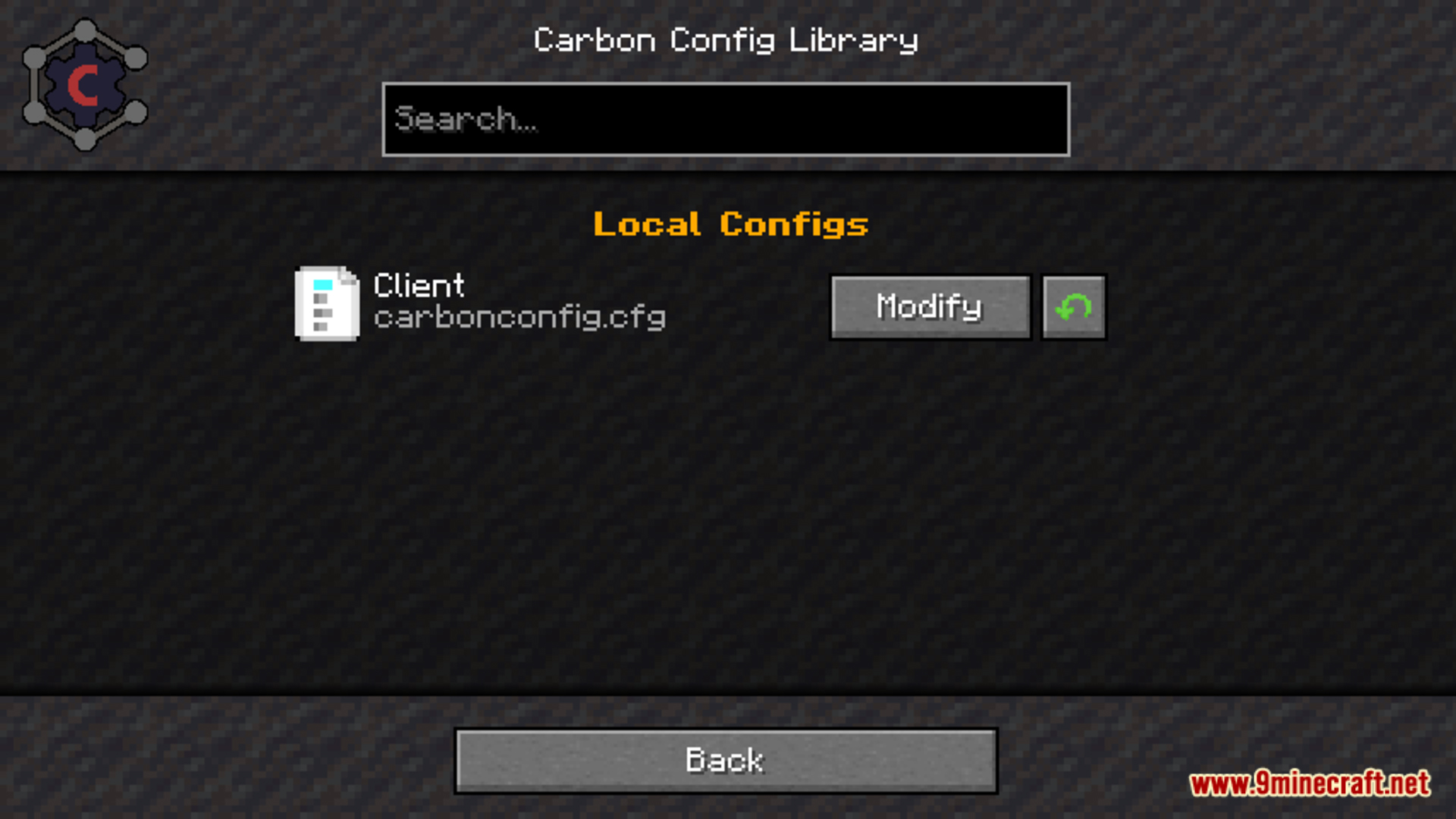
Carbon Config Mod is a Minecraft mod designed to simplify configuration management for mod developers. It provides an easy-to-use framework for creating and managing config files, making it convenient for both developers and players to customize mod settings. By using Carbon Config, mod developers can efficiently implement user-friendly configuration options without much hassle, enhancing the overall modding experience.
Features:
- Compounds:
- Data can be visualized through Compounds instead of raw Strings, providing a clearer and more structured representation.
- Suggestions:
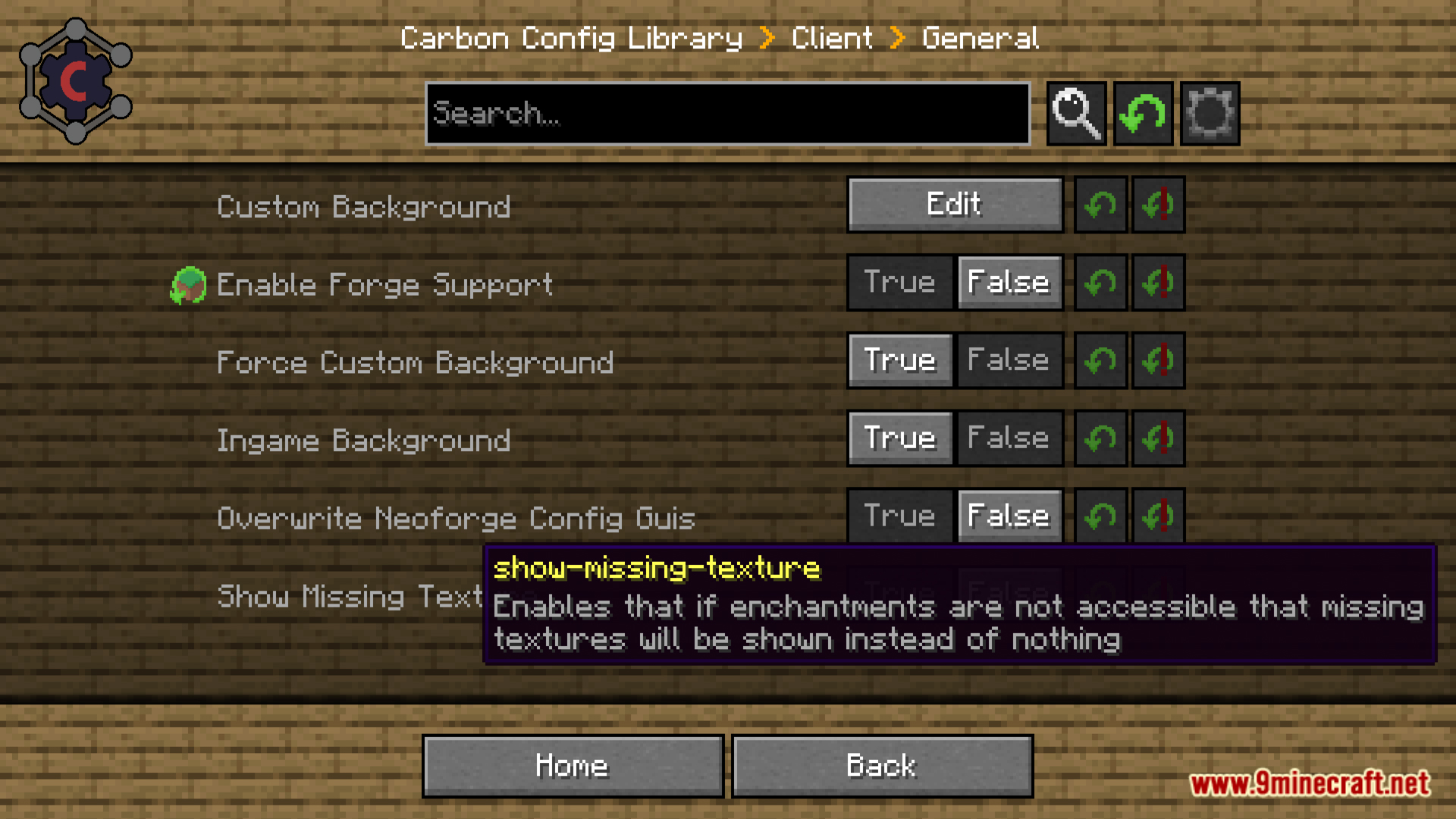
- Offers helpful suggestions in the form of default values to improve the overall user experience and make configuration smoother.
- Multiplayer Support:
- Allows editing of any server-sided configuration, not limited to “server-only” configs.
- Client to Server Configs:
- Each player can maintain their own settings in multiplayer mode, easily distinguished and managed separately.
- Late Loading Configs:
- Supports delayed registration-if configuration entries are registered later, they will still be parsed correctly when available.
- Registry Visualization:
- Provides visual representations for various elements such as Items, Blocks, Fluids, Potions, Enchantments, and Colors directly in the GUI.
- Background Skin System:
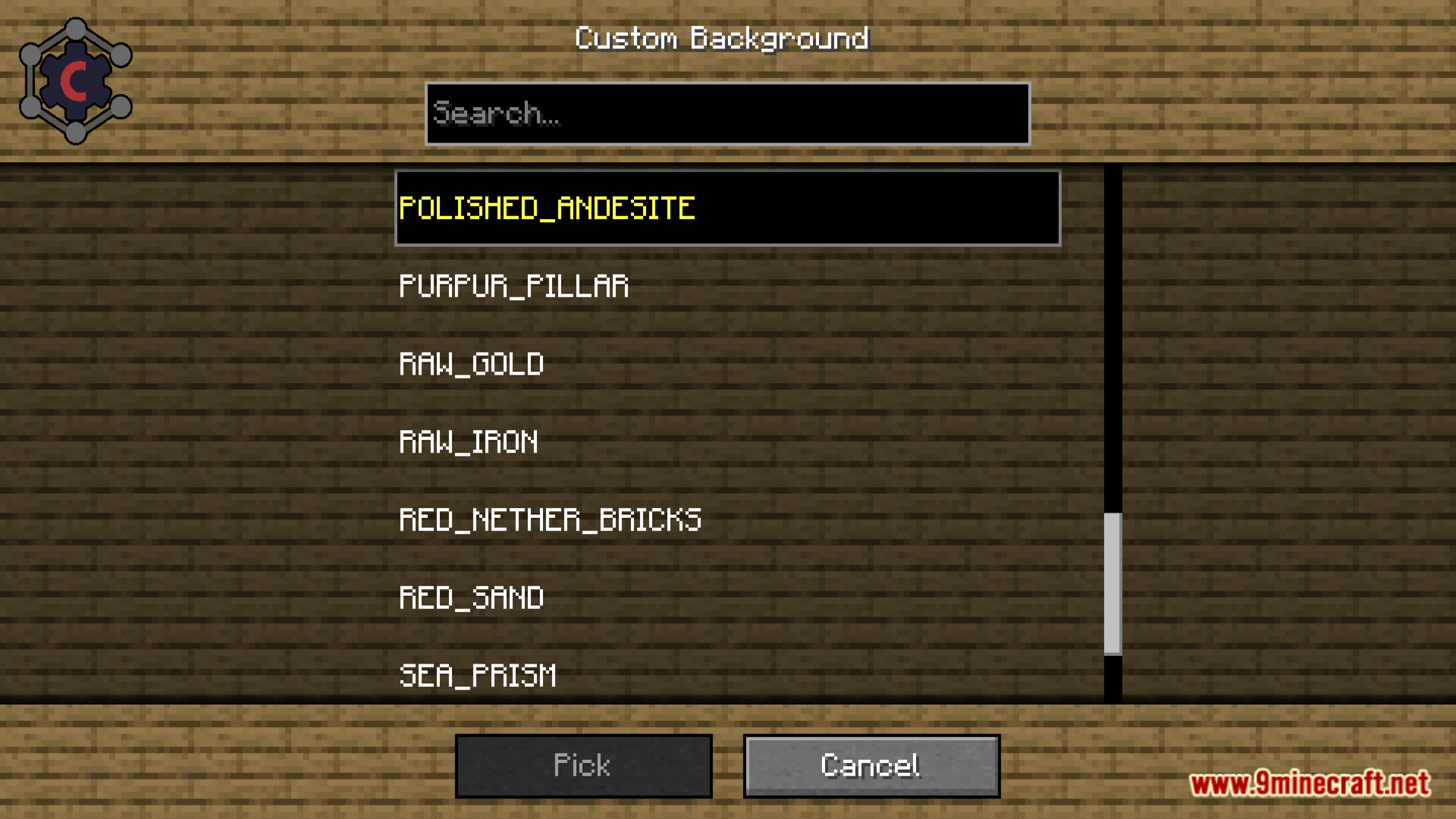
- Don’t like the current background? Easily switch to one of the curated background options available to suit your preference.
- Minecraft Gamerule Support:
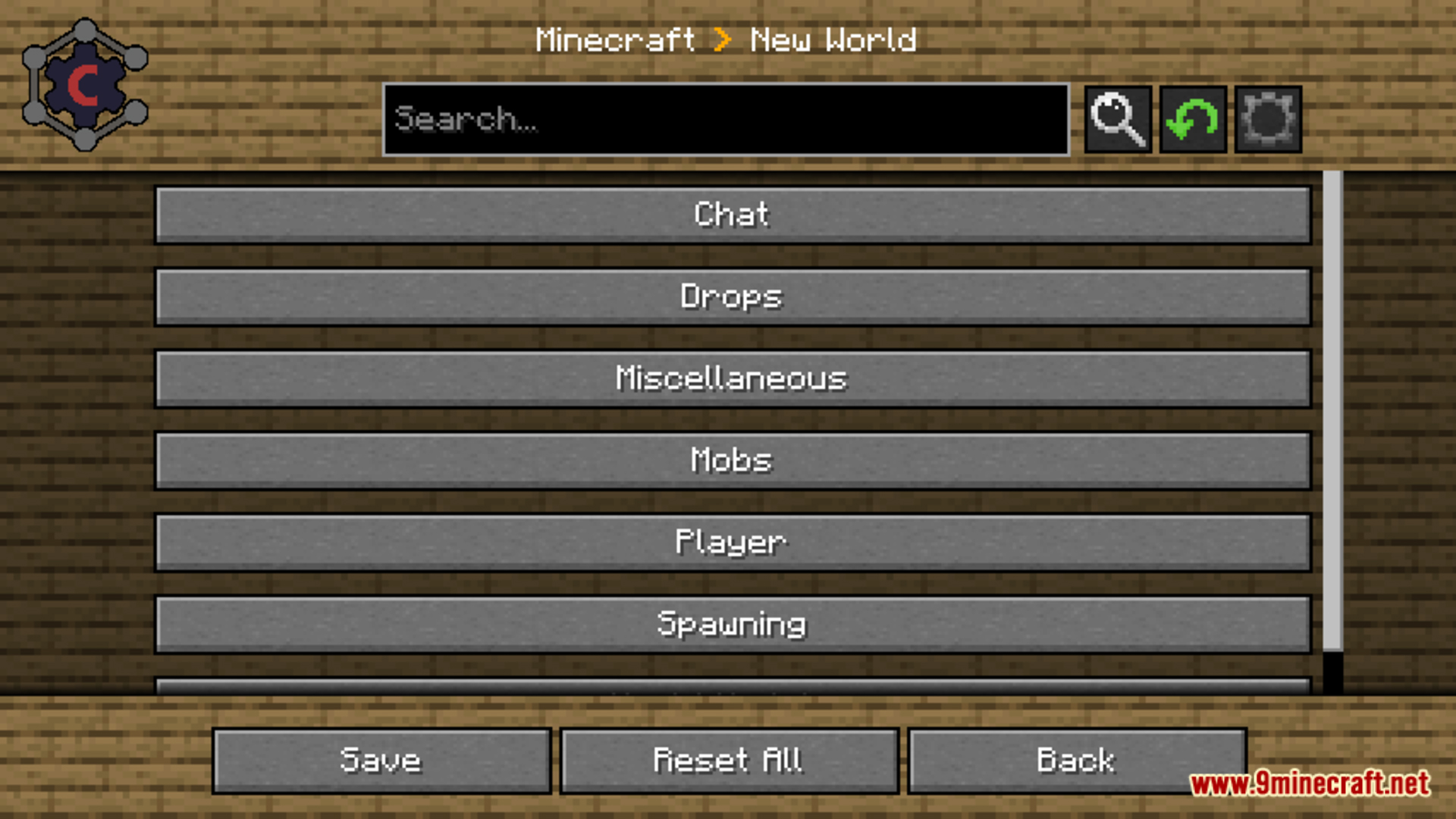
- Enables editing of game rules for your current world, server, or other existing worlds without needing to open them-adding extra utility to the Fabric version.
Screenshots:
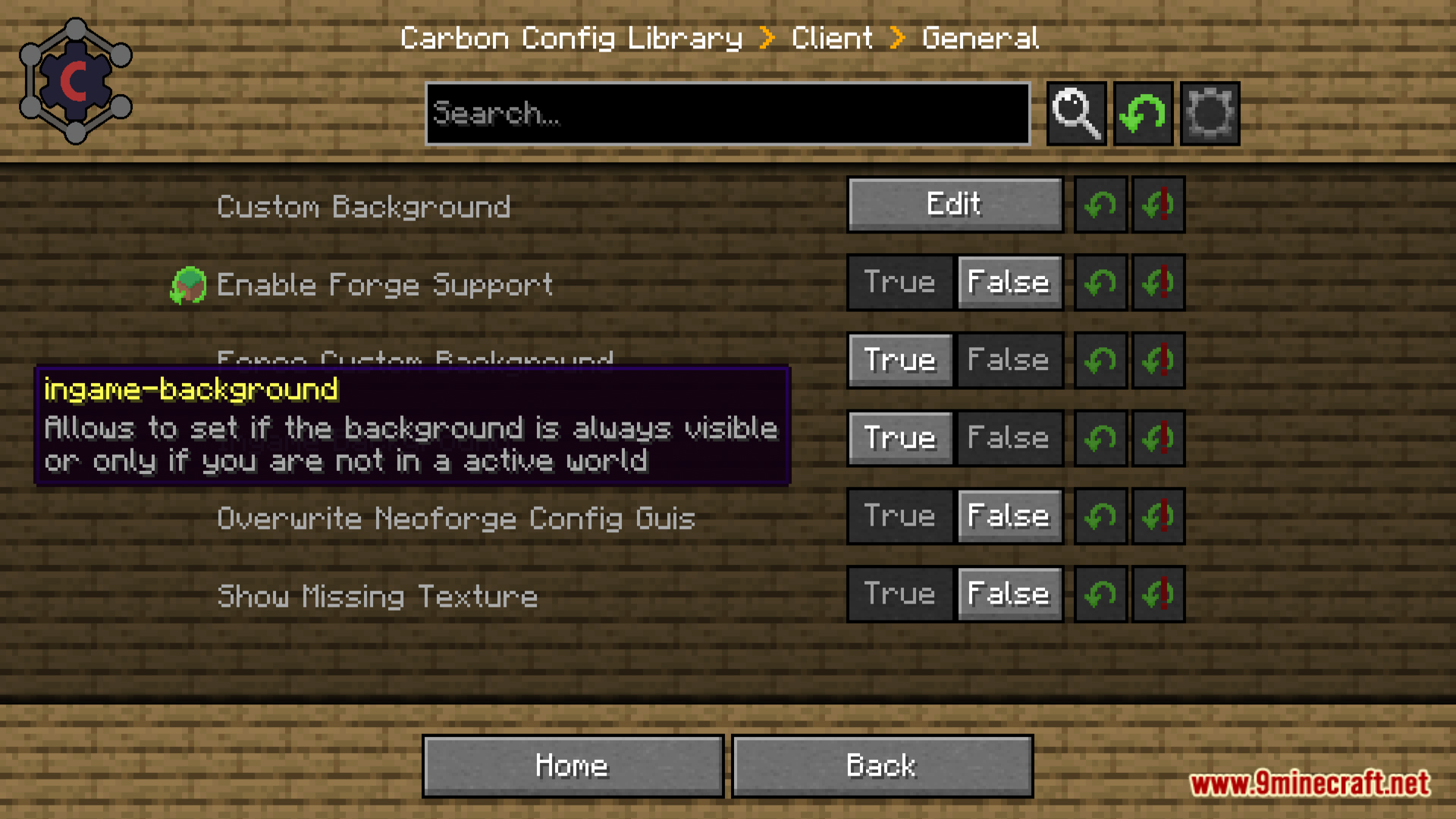
Carbon Config Mod Download Links
Quick facts
- Edition: Minecraft Java
- File type: .jar
- Minecraft version listed: 1.20.1
- How to install: Install the matching mod loader (Forge, Fabric or NeoForge) for your Minecraft version. → Download the .jar. → Put it in the .minecraft/mods folder and launch that loader profile.
- Where to get it: In MC Java Mods, or directly above on this page.
Install steps are the general flow for this file type — How to install Minecraft Java mods & modpacks walks through it step by step.
File checked by MCModsHub
- Downloads as 27275.mcaddon
- Download size: 1.2 MB
- Download link checked 24 Sept 2026 — working
- Mirrored on our own servers — the download does not depend on the original host
These come from our own check of the pack file, not from the source page.