
Consistent Shift
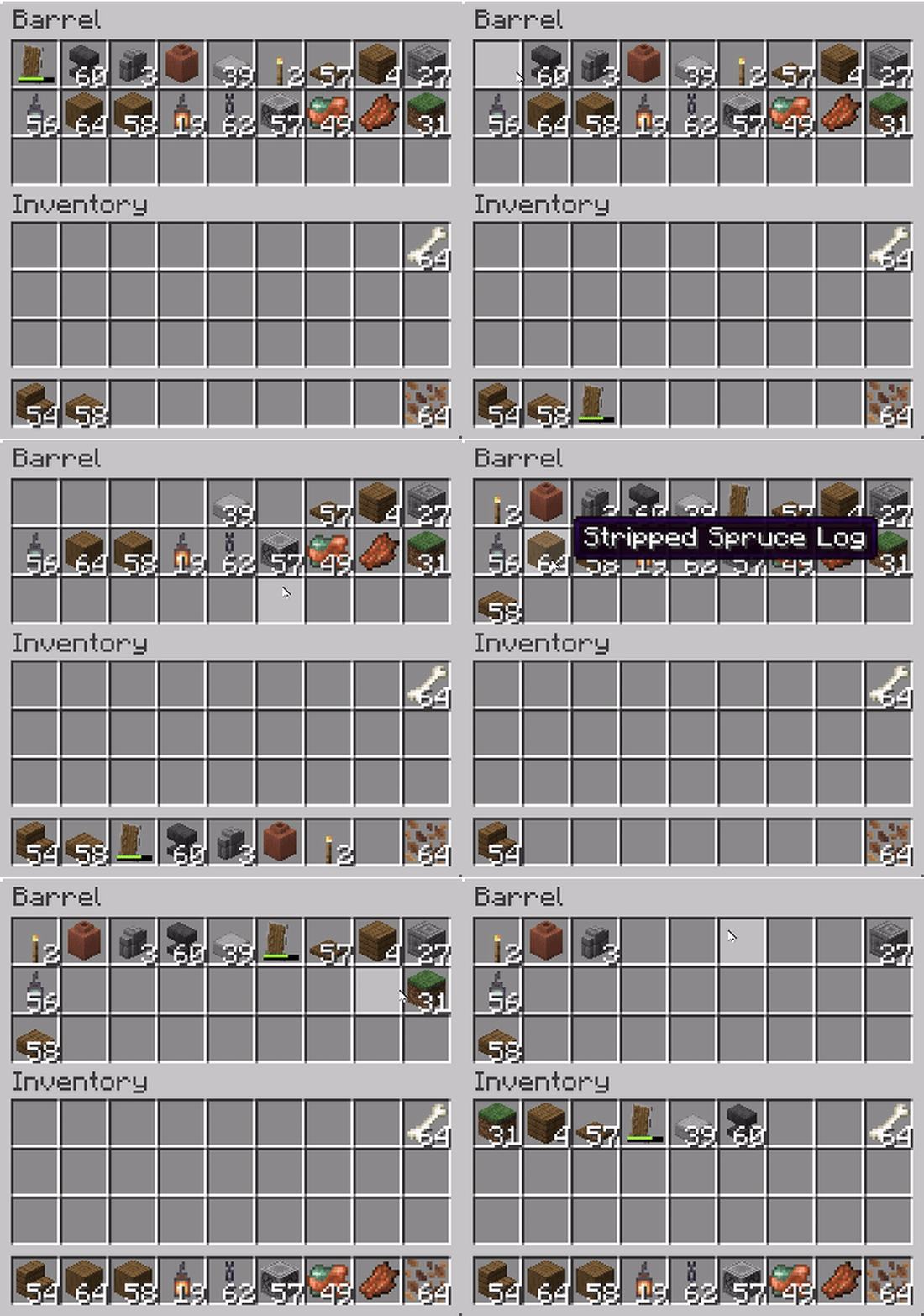
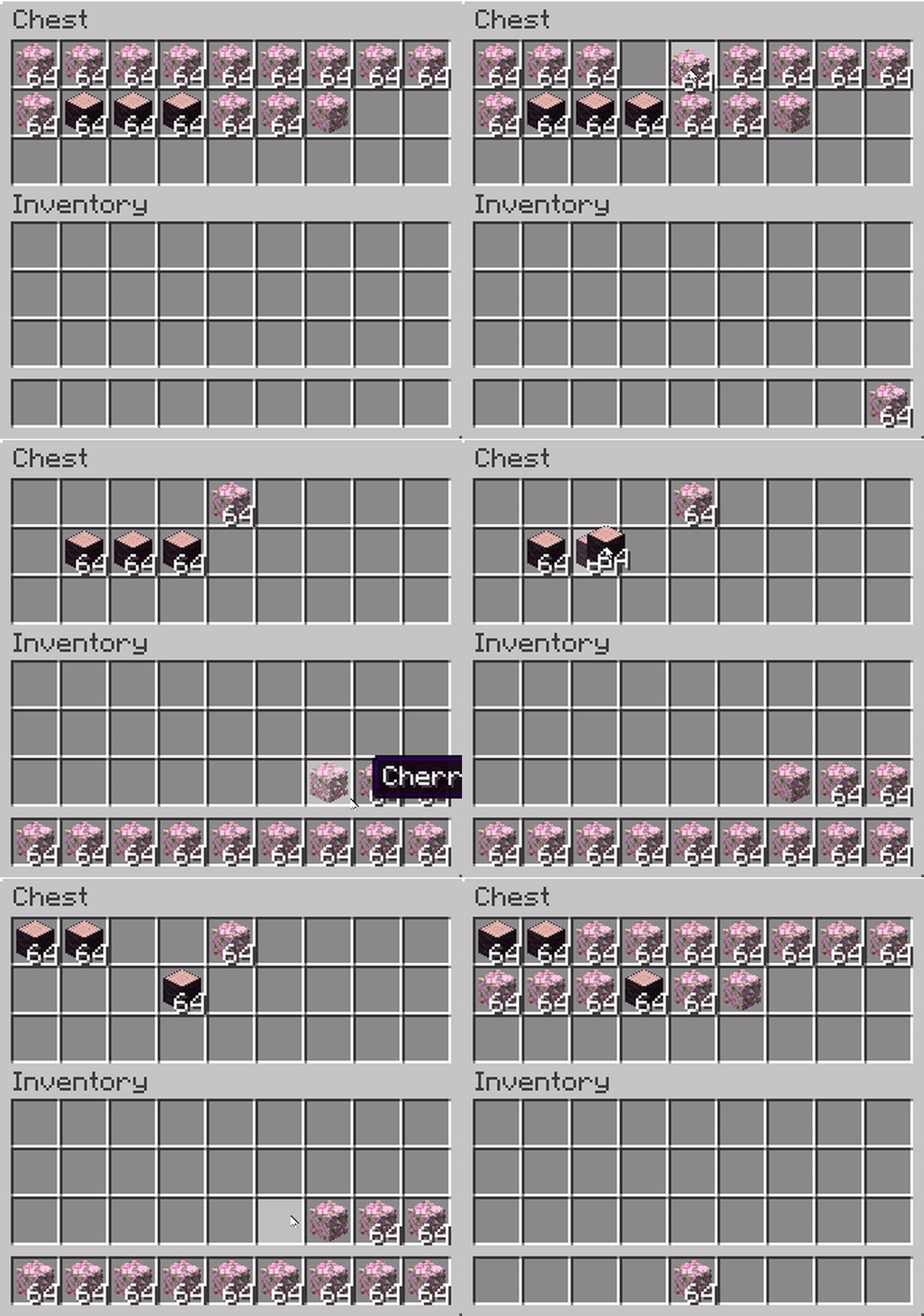
Makes Shift+Click behavior consistent: items from any container are moved left to right, just like in the player's inventory.
⬇ Download on Modrinth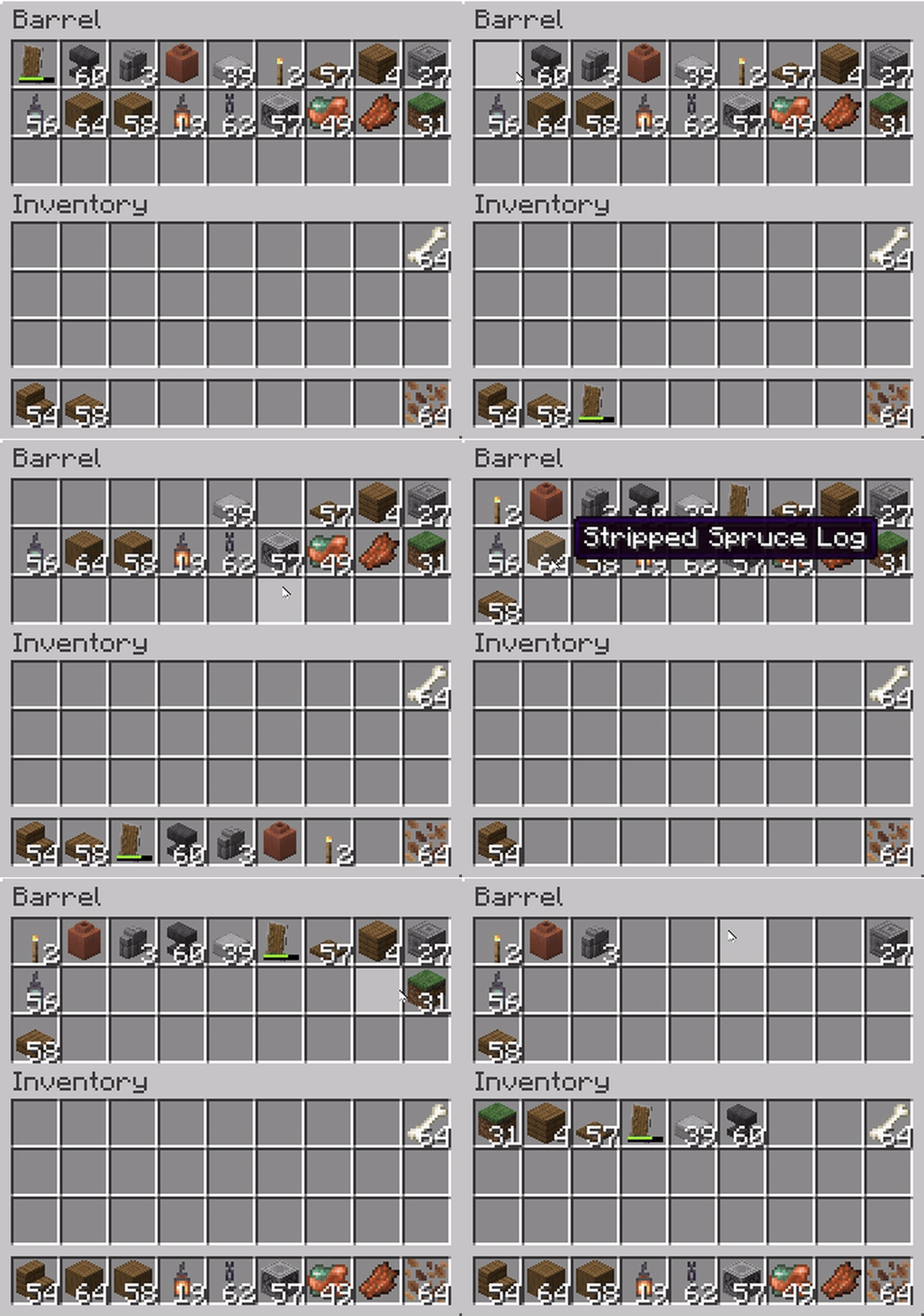

|


|
💬 Description
Makes Shift+Click behavior consistent: items from any container are moved left to right, just like in the player's inventory. Works for chests, furnaces, crafting tables, and all containers.
🔹 GIF Showcase
⚠️ Known Issue
Currently, when using Shift + double-click (Pickup All) in a container, vanilla logic is still applied.
Instead of following the mod’s rule (left → right, starting with hotbar), items are placed right → left across the inventory.
Here’s the difference:
Expected (Consistent Shift):
[Hotbar 1] → [Hotbar 2] → … → [Hotbar 9] → [Main Inventory Left → Right]

Vanilla (current bug):
[Hotbar 9] → [Hotbar 8] → … → [Hotbar 1] → [Main Inventory Right → Left]
🤝 Contributing
If you know how to fix the Pickup All bug (or have ideas for improvements), feel free to open an issue or a pull request on the GitHub project page.
Community contributions are very welcome!
- Edition: Minecraft Java
- File type: .jar
- Minecraft version listed: 1.21.8
- How to install: Install the matching mod loader (Forge, Fabric or NeoForge) for your Minecraft version. → Download the .jar. → Put it in the .minecraft/mods folder and launch that loader profile.
- Where to get it: Opens on Modrinth — not every file is mirrored on our own servers.
Install steps are the general flow for this file type — How to install Minecraft Java mods & modpacks walks through it step by step.
- Ships as ConsistentShift-1.0.1+1.21.8.jar — drop this file into the mods folder
- Download size: 79 KB
- Download link checked 31 Aug 2026 — working
These come from our own check of the pack file, not from the source page.