
MCDoctor.ai
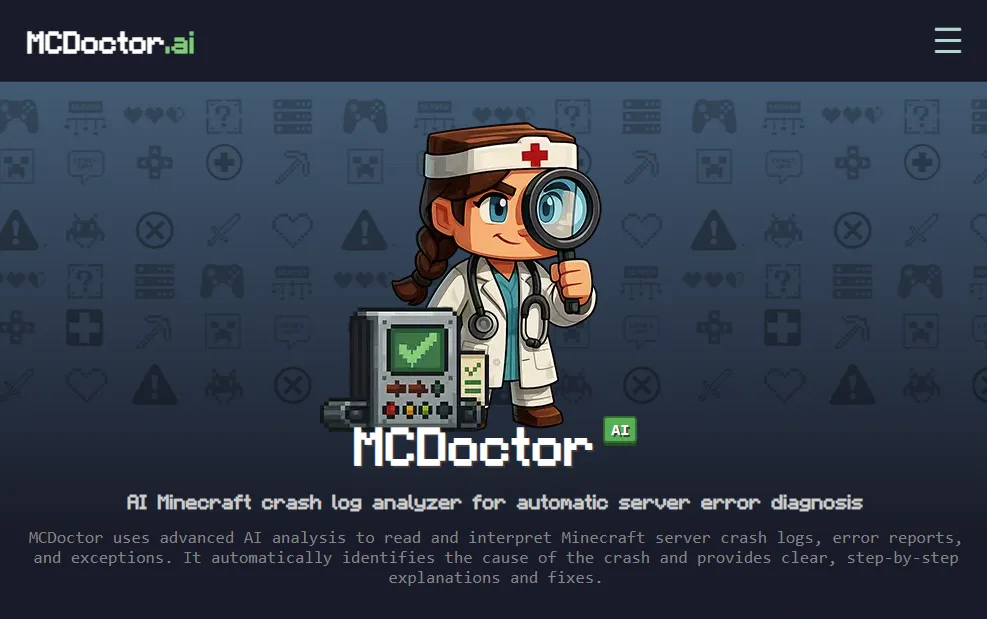
An intelligent Minecraft log analyzer that instantly detects crash causes, mod conflicts, and server issues using AI.
I don't know my version or loader
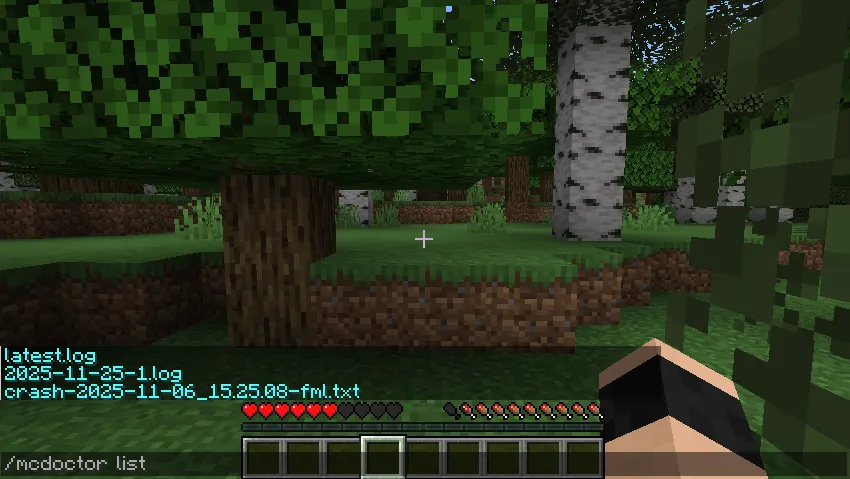
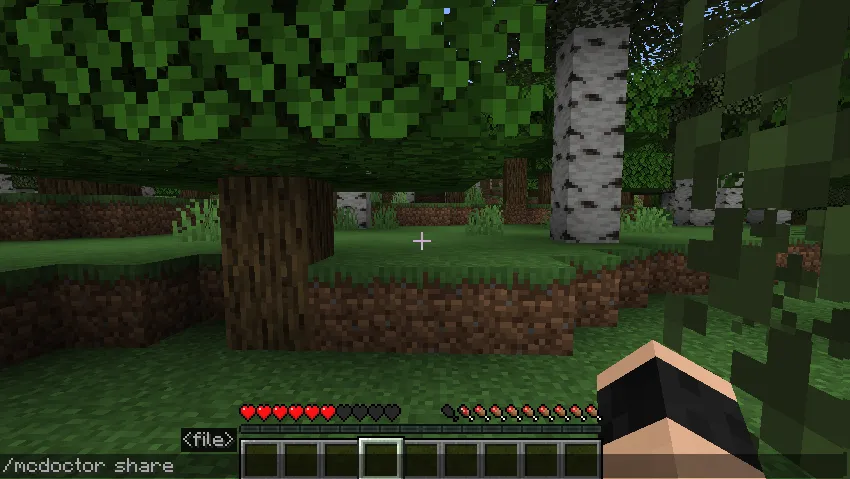
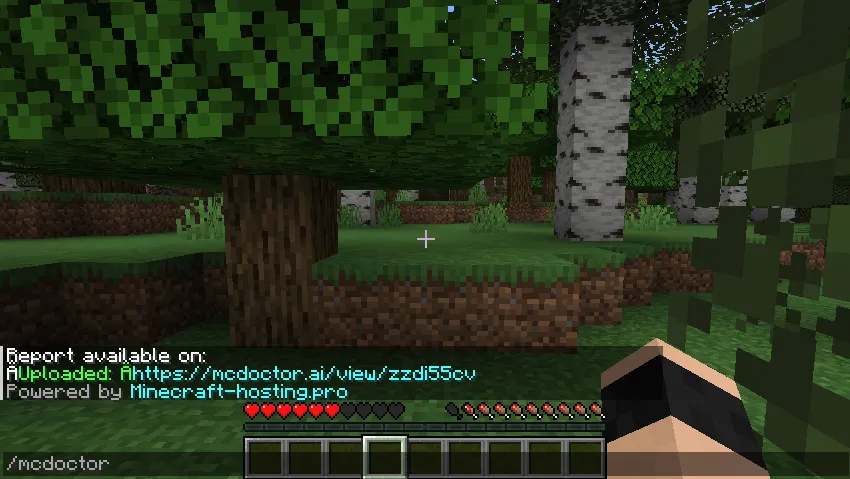

Upload your Minecraft logs to MCDoctor.ai with a single command to analyze them instantly using AI.
MCDoctor.ai automatically detects your latest log or crash-report and generates a clear, beginner-friendly explanation of what went wrong and how to fix it, no more reading thousands of lines or searching for solutions for hours.
It is also possible to export and analyze older log files, for example after a crash or server failure.
About MCDoctor.ai
MCDoctor.ai helps you quickly analyze Minecraft client and server logs using advanced AI models. It identifies crash causes, mod conflicts, version mismatches, configuration errors, and common server issues. Instead of reading long logs manually, MCDoctor.ai provides:
a human-readable explanation the exact cause of the crash recommended fixes additional notes and context
No account needed, no configuration required, just install the mod and use the command.
Commands
The mod provides the following commands:
/mcdoctor Upload latest.log instantly and get an analysis link.
/mcdoctor list List logs & crashlogs files on your server.
/mcdoctor advanced Run the analysis in Advanced mode (5 tokens) — uses a deeper AI model for complex modpacks, mixin conflicts, and rare bugs. Requires a McDoctor account with tokens.
/mcdoctor share Upload and analyse a specific crash-report or debug.log file.
/mcdoctor apikey set Link your McDoctor account to unlock advanced mode and larger uploads.
/mcdoctor apikey show Display the API key currently linked to this server (masked for security).
/mcdoctor apikey clear Remove the API key from the server — analyses will fall back to the free guest tier.
/mcdoctor status Show your account status: token balance, free analyses remaining today, account tier (free / paid / enterprise), and connection health to McDoctor.ai.
Permissions
Commands are not available to regular players by default. You can grant access by giving the appropriate permission nodes.
mcdoctor is required for all other MCDoctor commands Permission nodes are used on plugin servers Modded servers use the vanilla permission level system
Powered by https://minecraft-hosting.pro
- Edition: Minecraft Java
- File type: .jar
- Minecraft versions listed: 1.21, 1.21.1, 1.21.2
- How to install: Install the matching mod loader (Forge, Fabric or NeoForge) for your Minecraft version. → Download the .jar. → Put it in the .minecraft/mods folder and launch that loader profile.
- Where to get it: Opens on Modrinth — not every file is mirrored on our own servers.
Install steps are the general flow for this file type — How to install Minecraft Java mods & modpacks walks through it step by step.
- Ships as mcdoctor_fabric-1.21_2.0.jar — drop this file into the mods folder
- Download size: 38 KB
- Download link checked 31 Aug 2026 — working
These come from our own check of the pack file, not from the source page.