
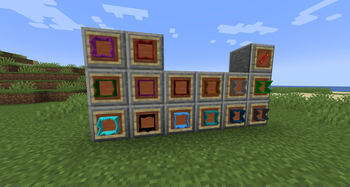
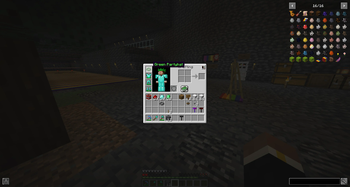
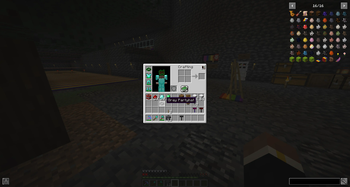
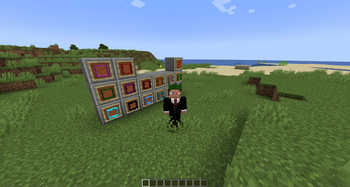
Unveiling the magic and exclusivity of rare items! Inspired by the iconic rarity of Runescape partyhats, the Minecraft Rares Mod introduces an assortment of prestigious items. These treasures are not to be mined, crafted, or stumbled upon in your world. Their allure lies in their rarity: they can only be granted by the benevolent or sometimes mischievous server admins.
Spawning Party Crackers:
Permanent Party Cracker: To give yourself a Party Cracker, use the following command:
/give @p rares:party_cracker
Temporary Party Cracker: To give yourself a Temporary Party Cracker, use the following command:
/give @p rares:temporary_party_cracker
Spawning Specific Party Hats:
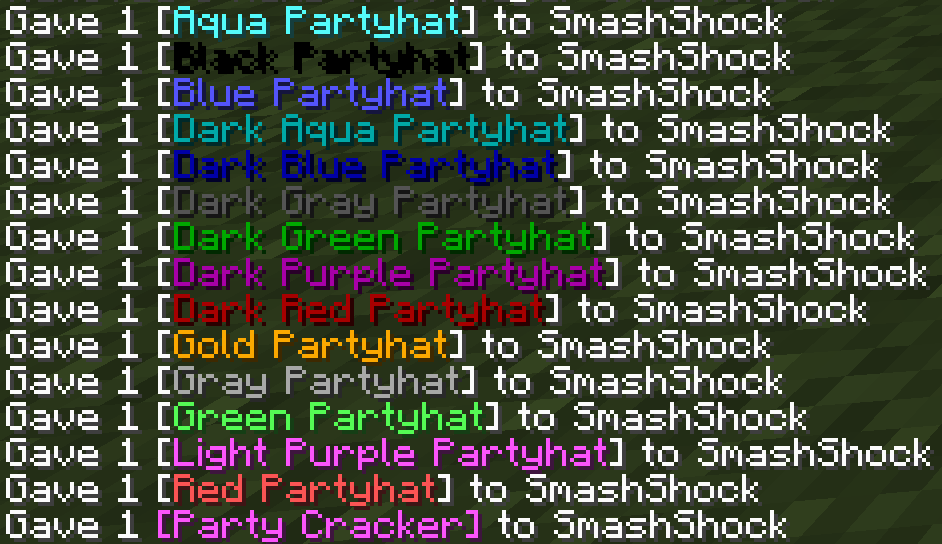
If you wish to spawn a specific color of party hat, use the following command, replacing COLOR with the desired color:
/give @p rares:COLOR_partyhat
For example, to give yourself a blue party hat:
/give @p rares:blue_partyhat
Temporary Party Hats:
For temporary versions of the hats, prepend temporary_ to the color:
/give @p rares:temporary_COLOR_partyhat
For instance, to get a temporary blue party hat:
/give @p rares:temporary_blue_partyhat
Removing Temporary Items:
If you're an admin and wish to remove temporary hats and crackers from all players' inventories, use the following command:
/cleartemporaryitems
This command will clear out any temporary party hats and crackers.
Available Party Hat Colors & Rarities
| Available Colors | Color Names | Rarities |
|---|---|---|
| Gold | gold |
Extremely Rare |
| Black | black |
Ultra Rare |
| Dark Gray | dark_gray |
Ultra Rare |
| Gray | gray |
Ultra Rare |
| Blue | blue |
Very Rare |
| Dark Blue | dark_blue |
Very Rare |
| White | white |
Rare |
| Red | red |
Uncommon |
| Dark Red | dark_red |
Uncommon |
| Green | green |
Common |
| Dark Green | dark_green |
Common |
| Yellow | yellow |
Common |
| Light Purple | light_purple |
Standard |
| Dark Purple | dark_purple |
Standard |
| Aqua | aqua |
Standard |
| Dark Aqua | dark_aqua |
Standard |
- Edition: Minecraft Java
- File type: .jar
- Minecraft version listed: 1.20.1
- How to install: Install the matching mod loader (Forge, Fabric or NeoForge) for your Minecraft version. → Download the .jar. → Put it in the .minecraft/mods folder and launch that loader profile.
- Where to get it: Opens on Modrinth — not every file is mirrored on our own servers.
Install steps are the general flow for this file type — How to install Minecraft Java mods & modpacks walks through it step by step.
- Ships as Rares-0.1.3-1.20.1.jar — drop this file into the mods folder
- Download size: 252 KB
- Download link checked 31 Aug 2026 — working
These come from our own check of the pack file, not from the source page.