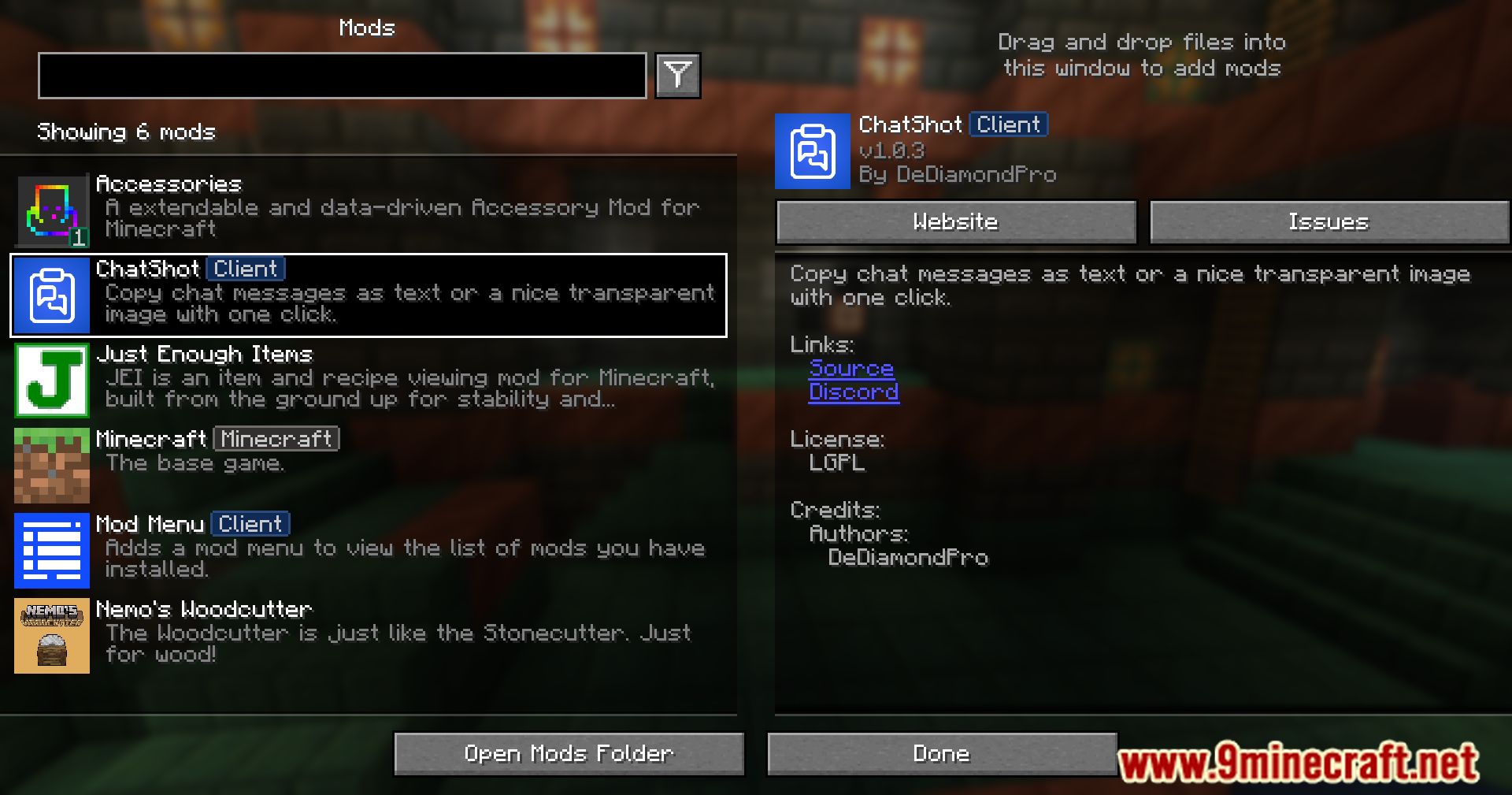
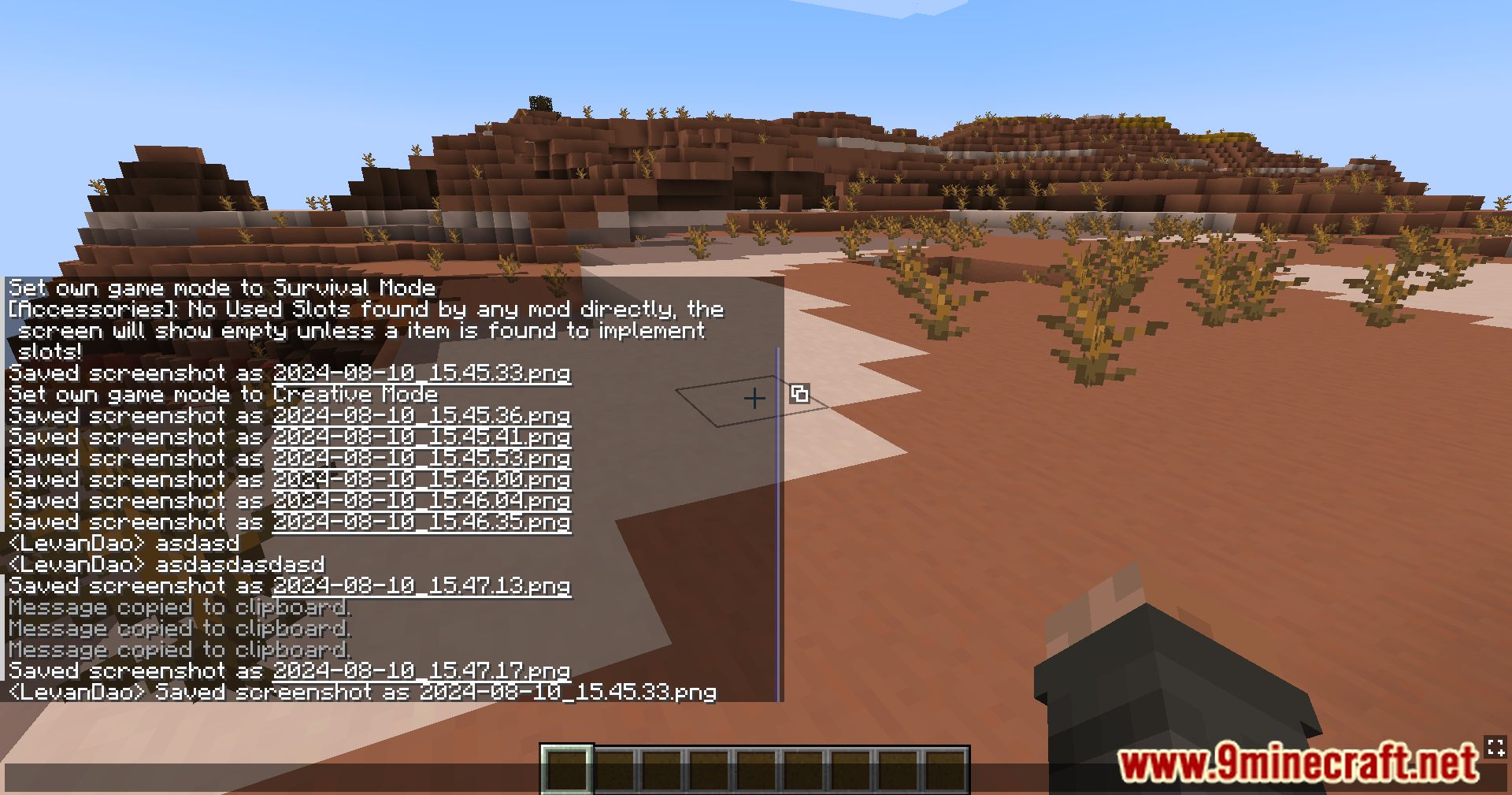
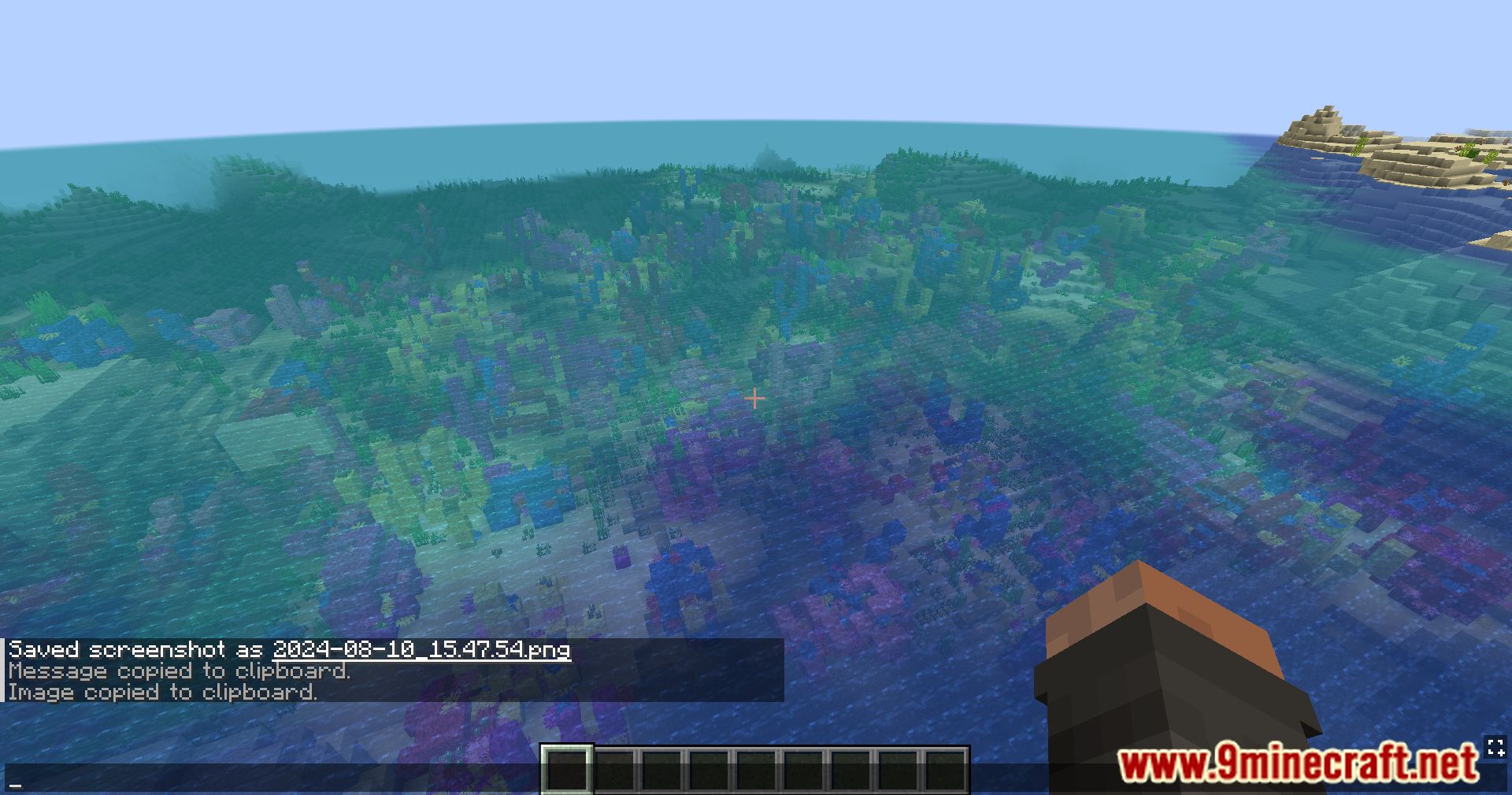
ChatShot Mod simplifies the process of capturing chat messages. Whether you want to copy a chat message as text or save it as a transparent image, this mod has you covered.
Features:
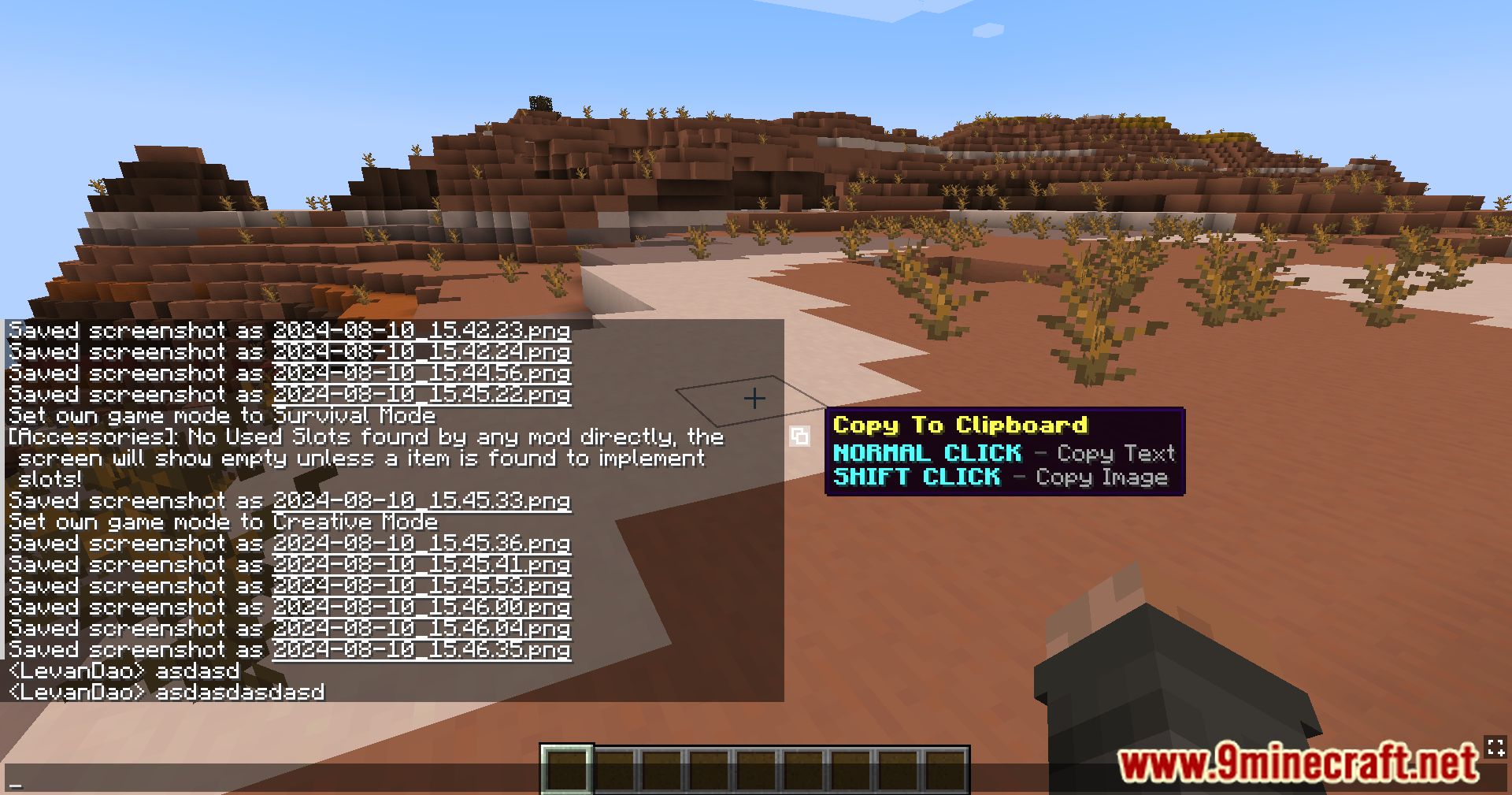
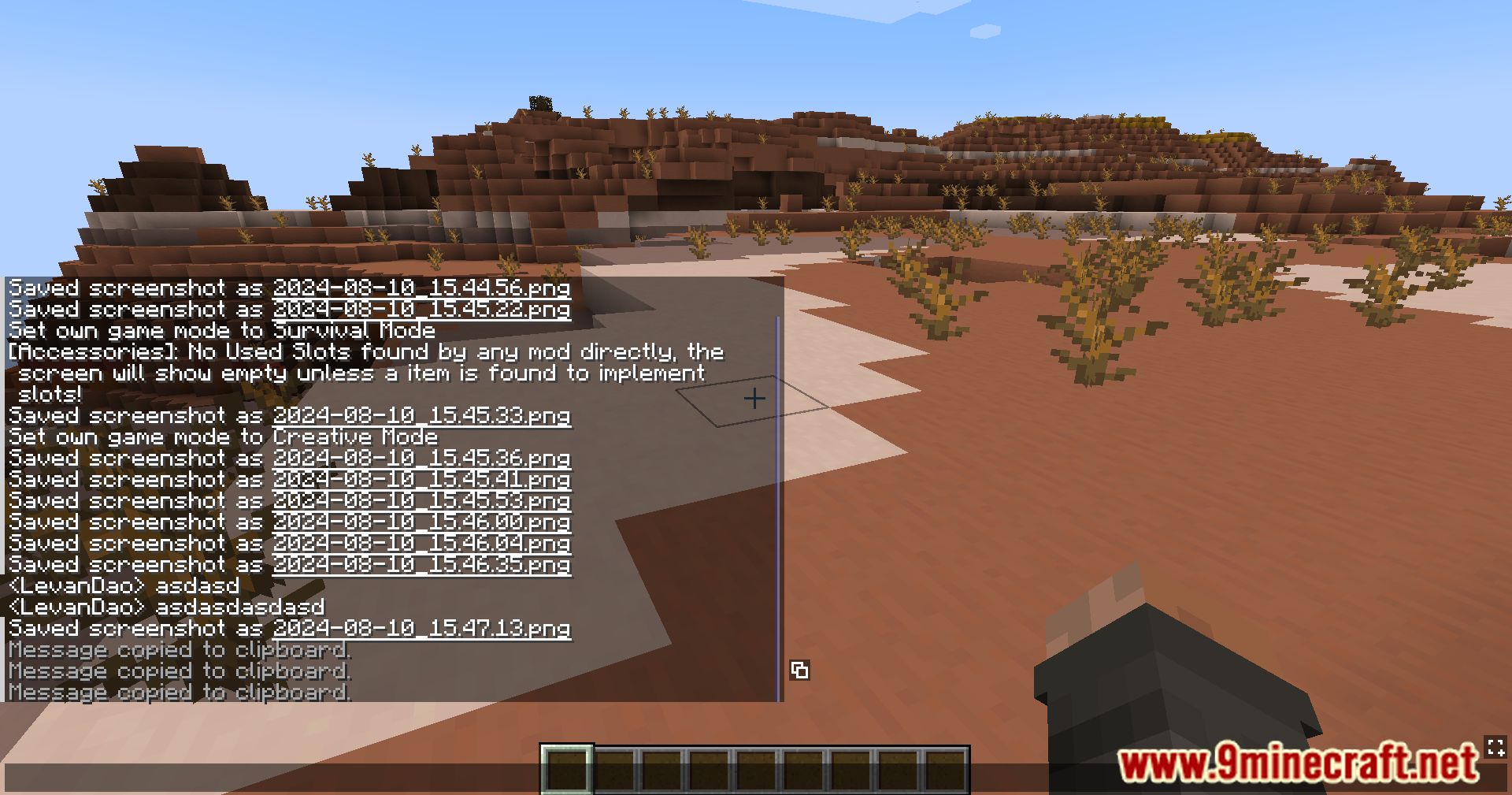
- Copy to Clipboard: Easily copy any chat message as text with a simple click.
- Capture as Image: Save chat messages as transparent images for easy sharing.
- Quick Access: Click the button behind a chat message or the bottom-right button to instantly capture the entire chat.
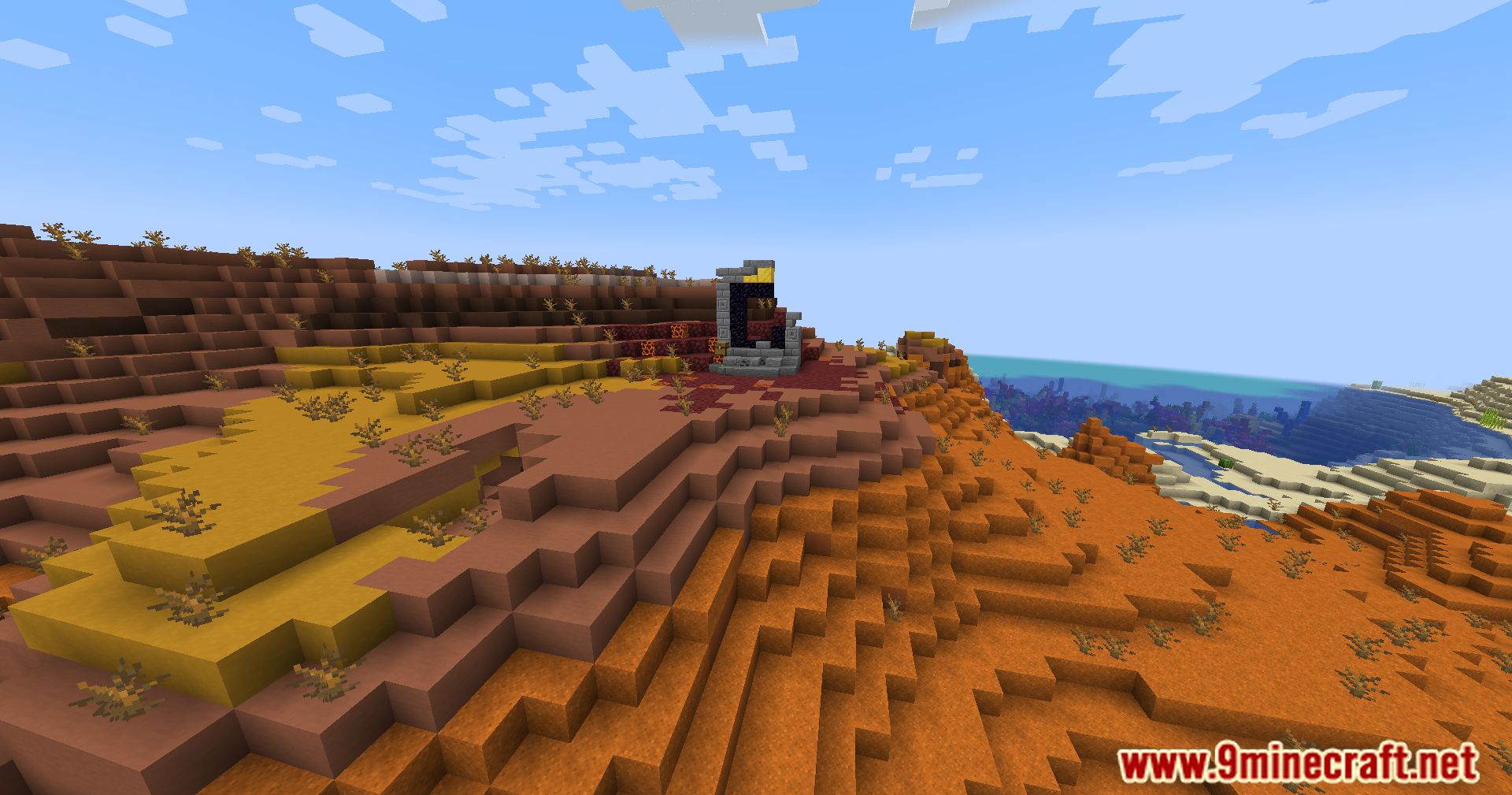
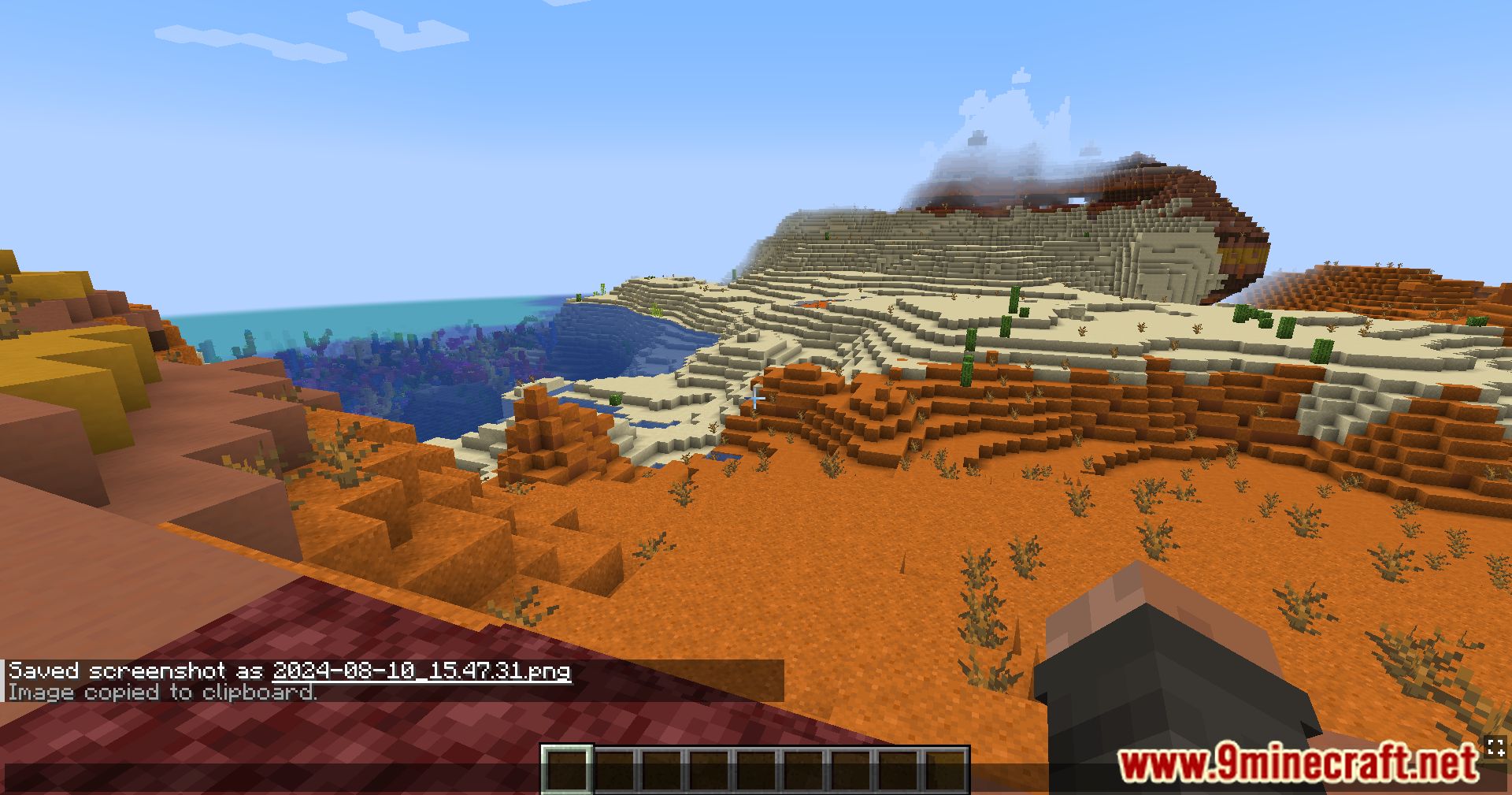
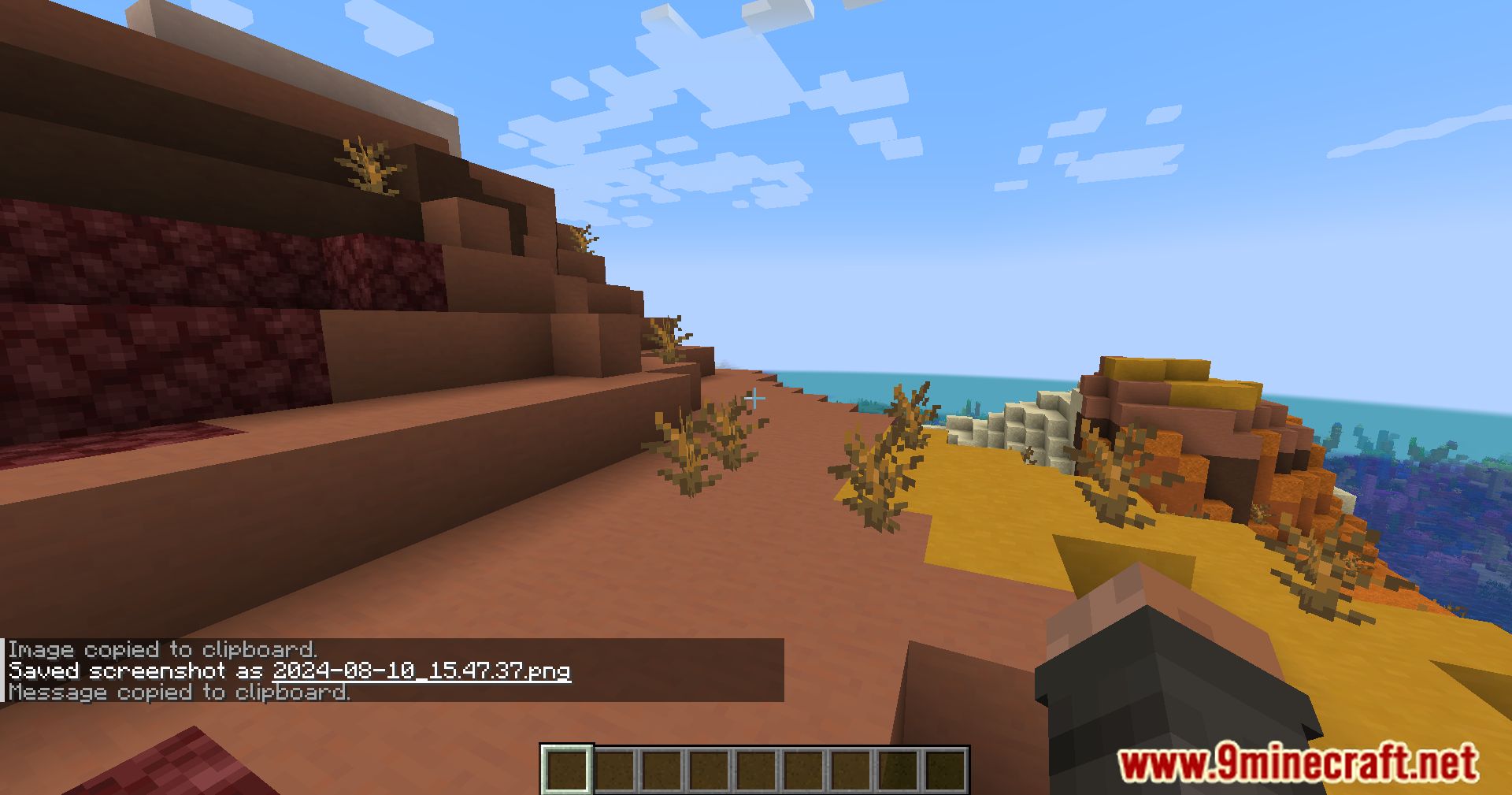
Screenshots:
ChatShot Mod Download Links
Quick facts
- Edition: Minecraft Java
- File type: .jar
- Minecraft version listed: 1.20.1
- How to install: Install the matching mod loader (Forge, Fabric or NeoForge) for your Minecraft version. → Download the .jar. → Put it in the .minecraft/mods folder and launch that loader profile.
- Where to get it: Opens on the file's original source — not every file is mirrored on our own servers.
Install steps are the general flow for this file type — How to install Minecraft Java mods & modpacks walks through it step by step.
ChatShot Mod (26.2, 1.20.1) – Capture And Share Chat Messages is a free Minecraft Java mod. Compatible with Minecraft 1.20.1. Download it and open it directly in the game.