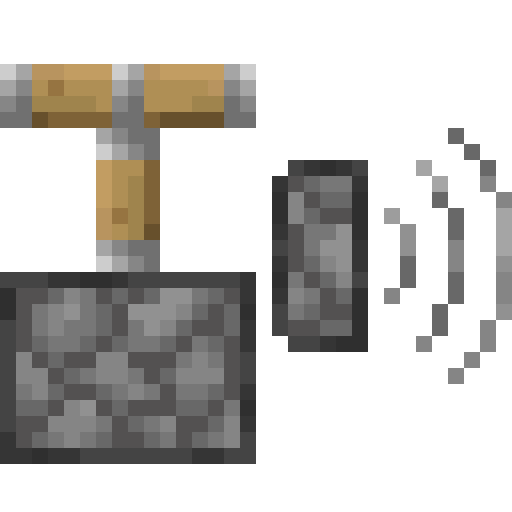
Piston Sound Mod
I don't know my version or loader
Piston Sound Mod
In Minecraft 1.21 Minecraft Pistons can only be heard at a range of 8 blocks instead of the old 16 block range. This mod reverts the distance back to 16 blocks. The mod is client side only.
How the mod works
The mod is made to work in environments where the server doesn't have this mod, which means the server will not send the sound packets itself to players further away than 8 blocks. To fix that, the mod ignores all piston sound packets and uses the packets for rendering which are sent to players further away than 8 blocks. As a result you won't hear it when the server plays the piston extend and retract sounds when they are not produced by a piston.
- Edition: Minecraft Java
- File type: .jar
- Minecraft versions listed: 1.21.5, 1.21.6, 1.21.7
- How to install: Install the matching mod loader (Forge, Fabric or NeoForge) for your Minecraft version. → Download the .jar. → Put it in the .minecraft/mods folder and launch that loader profile.
- Where to get it: Opens on Modrinth — not every file is mirrored on our own servers.
Install steps are the general flow for this file type — see the MC Java Mods guides for the full walkthrough.
- Ships as PistonSoundMod-1.0-1.21.5+.jar — drop this file into the mods folder
- Download size: 6 KB
- Download link checked 31 Aug 2026 — working
These come from our own check of the pack file, not from the source page.