
PathTracker
Java mod listed for Minecraft 1.21. Downloads from the MC Java Mods app on Android.
I don't know my version or loader
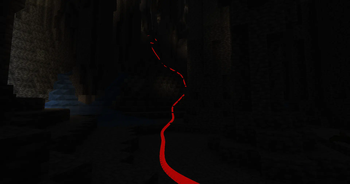
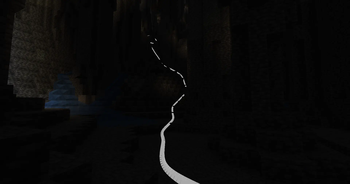
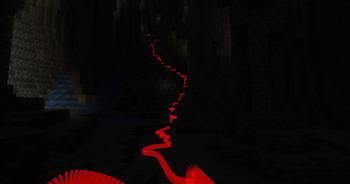
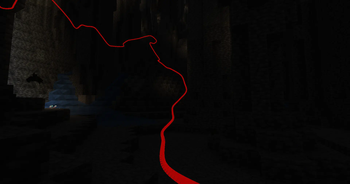
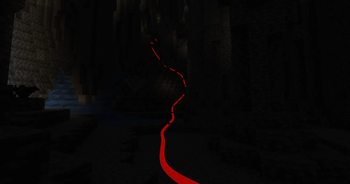
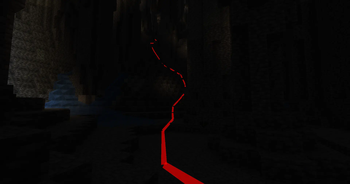
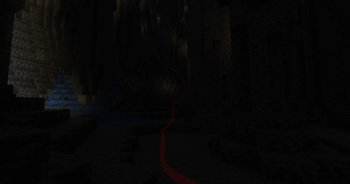
PathTracker is a Minecraft Fabric mod that enhances your exploration experience by visually tracking your movements across different dimensions. It overlays translucent colored lines behind your player, allowing you to see the paths you've taken. Whether you're navigating the Overworld, exploring the Nether, or venturing into the End, PathTracker ensures you never lose your way.
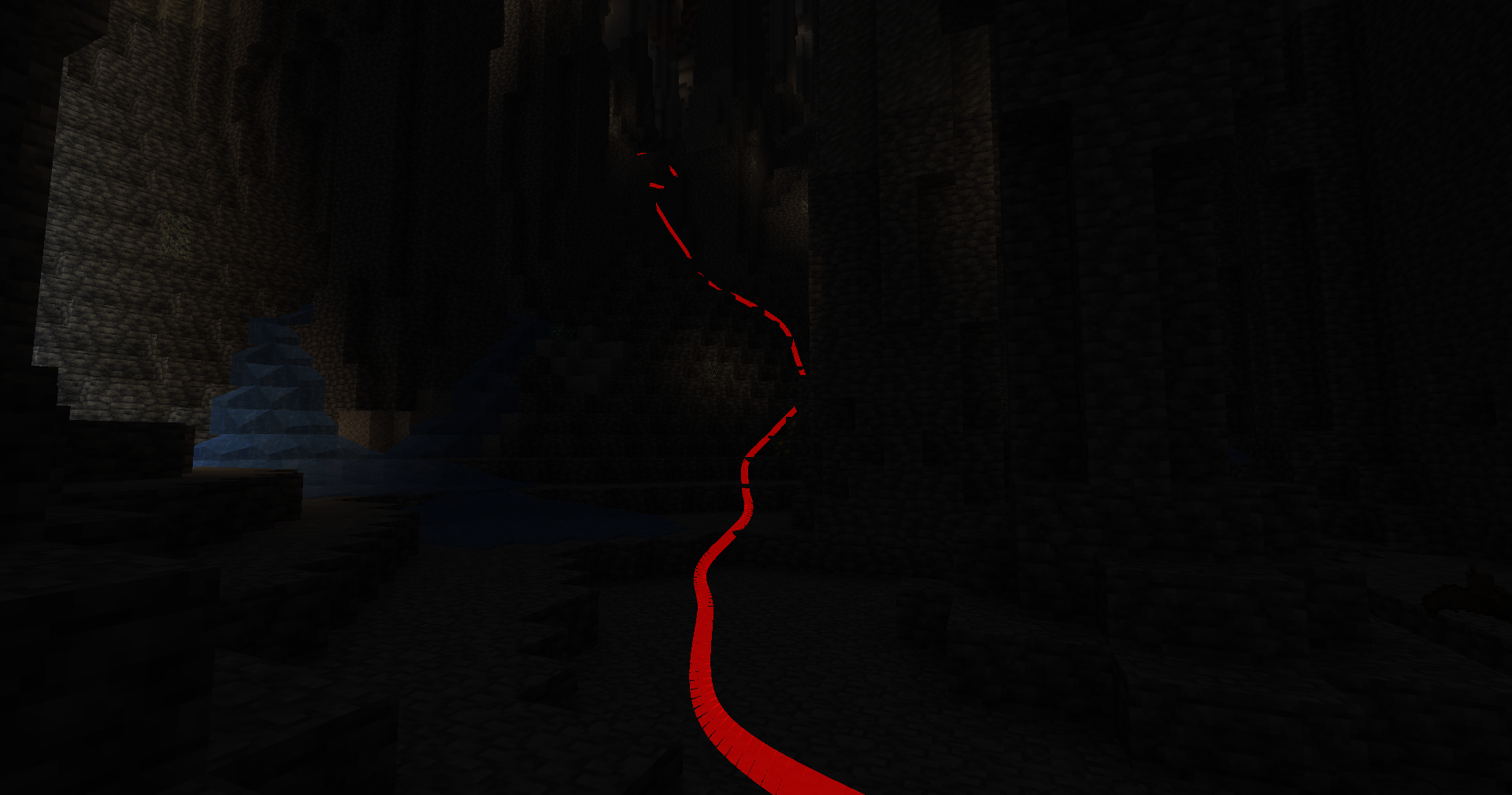
Features
- Multi-Dimension Tracking: Seamlessly track your paths across the Overworld, Nether, and End with separate tracking data for each dimension.
- Multiple Tracking Sessions: Create, list, and switch between multiple tracking sessions to manage different exploration endeavors.
- Customizable Options: Choose your preferred color, subdivision, line thickness and much more!
- Depth Override: Toggle depth testing to control whether tracking lines are rendered behind or on top of opaque blocks.
- Manual Save Command: Save your tracked paths at any time without needing to exit the game.
- Key Bindings: Quickly enable or disable tracking and rendering using customizable key bindings.
Key Bindings
Toggle Tracking
- Key:
K - Function: Enable/disable path tracking.
- Key:
Toggle Rendering
- Key:
L - Function: Show/hide tracking lines.
- Key:
Commands (All prefixed with /pathtracker)
Tracking Control
- Enable Tracking:
/pathtracker track on - Disable Tracking:
/pathtracker track off
- Enable Tracking:
Rendering Control
- Enable Rendering:
/pathtracker render on - Disable Rendering:
/pathtracker render off
- Enable Rendering:
Line Customization
- Set Line Color:
/pathtracker color <hex>- : Hex color code (e.g., FF0000 for red)
- Example:
/pathtracker color 00FF00(Sets lines to green)
- Set Line Color:
Save Path Data
- Manual Save:
/pathtracker save- Saves all tracked paths across dimensions and sessions.
- Manual Save:
Session Management
- List Current Session:
/pathtracker session current - List All Sessions:
/pathtracker session list - Create New Session:
/pathtracker session create <name>- : Name for the new session
- Example:
/pathtracker session create Exploration1
- Switch Session:
/pathtracker session switch <name>- : Existing session name
- Example:
/pathtracker session switch Exploration1
- List Current Session:
Depth Override Control
- Enable Depth Override:
/pathtracker depth on- Lines render on top of all blocks.
- Disable Depth Override:
/pathtracker depth off- Lines respect block depth and can be occluded.
- Enable Depth Override:
Transparency
- Set Transparency:
/pathtracker transparency <value>- : The transparency value (e.g., 1000 for 10%)
- Example:
/pathtracker transparency 1000(Sets transparency to 10%)
- Set Transparency:
Line Mode
- Set Mode:
/pathtracker mode <value>- : The transparency value ("grouped" or "default")
- Example:
/pathtracker mode default(Sets mode to default)
- Set Mode:
Line Thickness
- Set thickness:
/pathtracker thickness <value>- : The transparency value (e.g., 10 for 10% block size)
- Example:
/pathtracker thickness 10(Sets thickness to 10%)
- Set thickness:
Render Distance
- Set the Line Render Distance:
/pathtracker renderdistance <value>- : The renderdistance value (e.g., 256 for 256 blocks)
- Example:
/pathtracker renderdistance 256(Sets render distance to 256 blocks)
- Line Subdivisions
- Set the Line Subdivision count:
/pathtracker subdivisions <value>- : The subdivisions value (e.g., 8 for 8 subdivisions per block)
- Example:
/pathtracker subdivisions 256(Sets subdivisions to 8 per block)
- Edition: Minecraft Java
- File type: .jar
- Minecraft versions listed: 1.21, 1.21.1
- How to install: Install the matching mod loader (Forge, Fabric or NeoForge) for your Minecraft version. → Download the .jar. → Put it in the .minecraft/mods folder and launch that loader profile.
- Where to get it: Opens on Modrinth — not every file is mirrored on our own servers.
Install steps are the general flow for this file type — How to install Minecraft Java mods & modpacks walks through it step by step.
- Ships as pathtracker-2.0.1-1.21-0-1.jar — drop this file into the mods folder
- Download size: 22 KB
- Download link checked 11 Oct 2026 — working
These come from our own check of the pack file, not from the source page.