
Multiple Server Lists Mod (1.20.1) – Server Organization
Java mod listed for Minecraft 1.20. Downloads from the MC Java Mods app on Android.
⬇ Download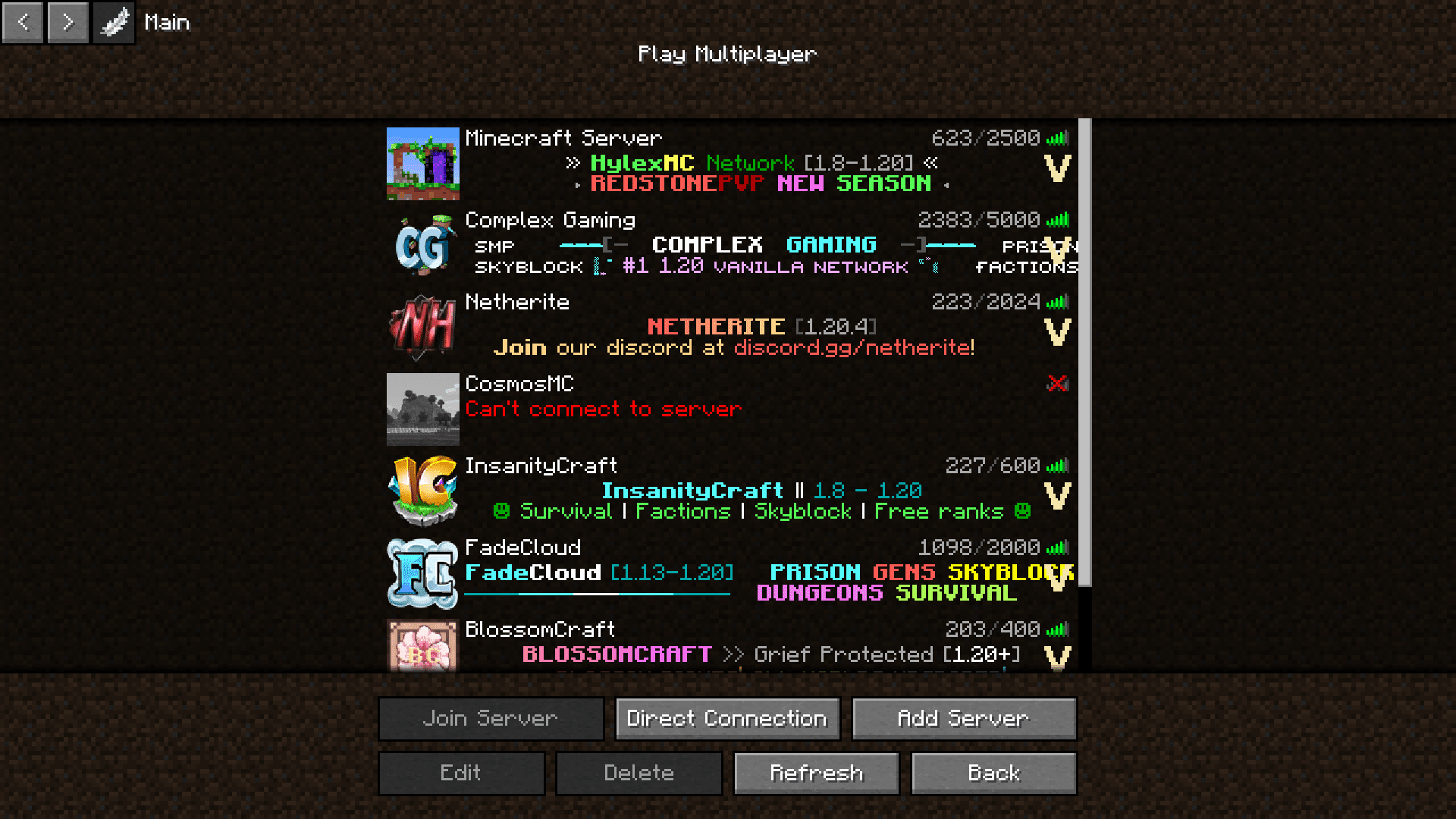
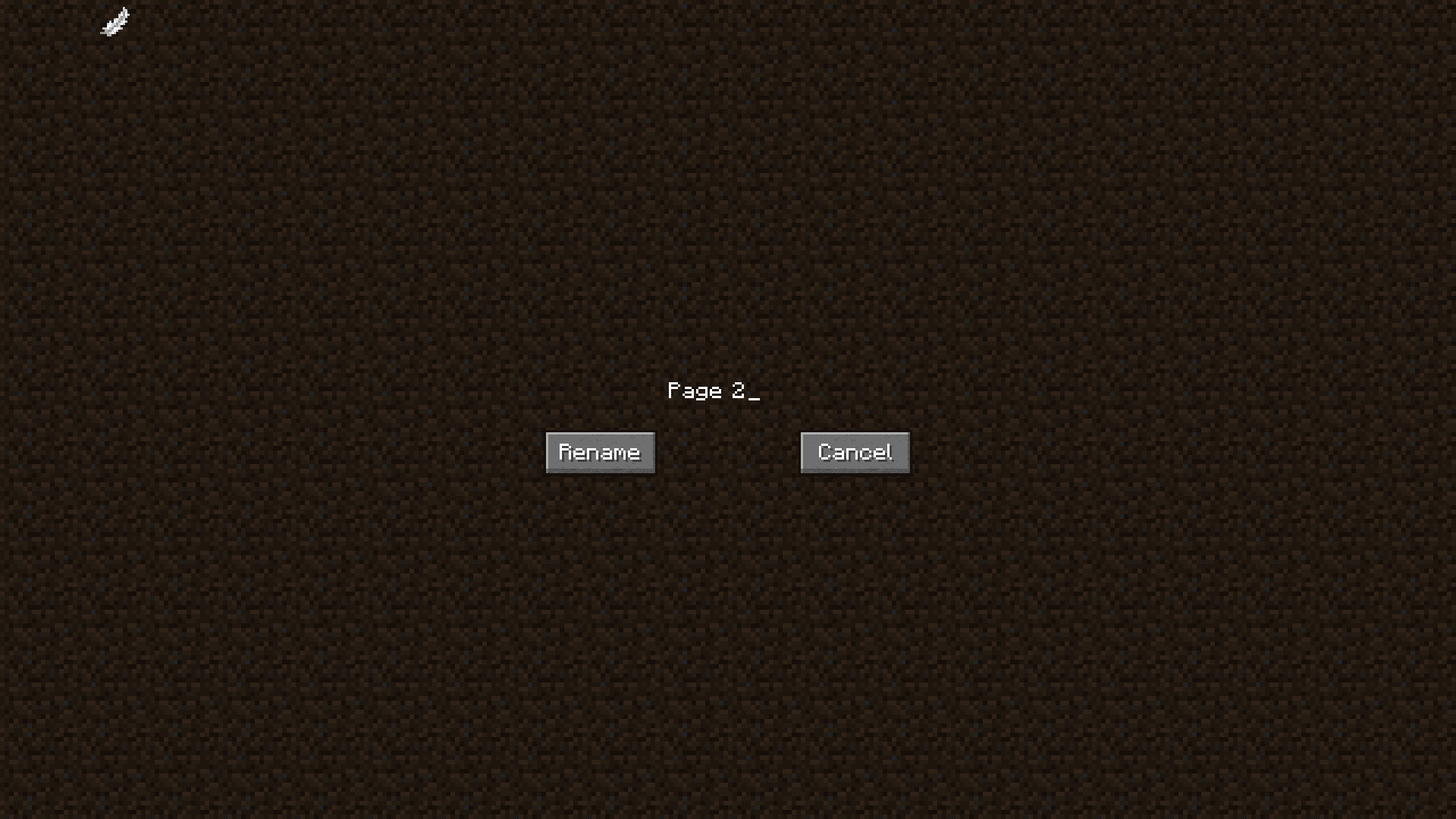
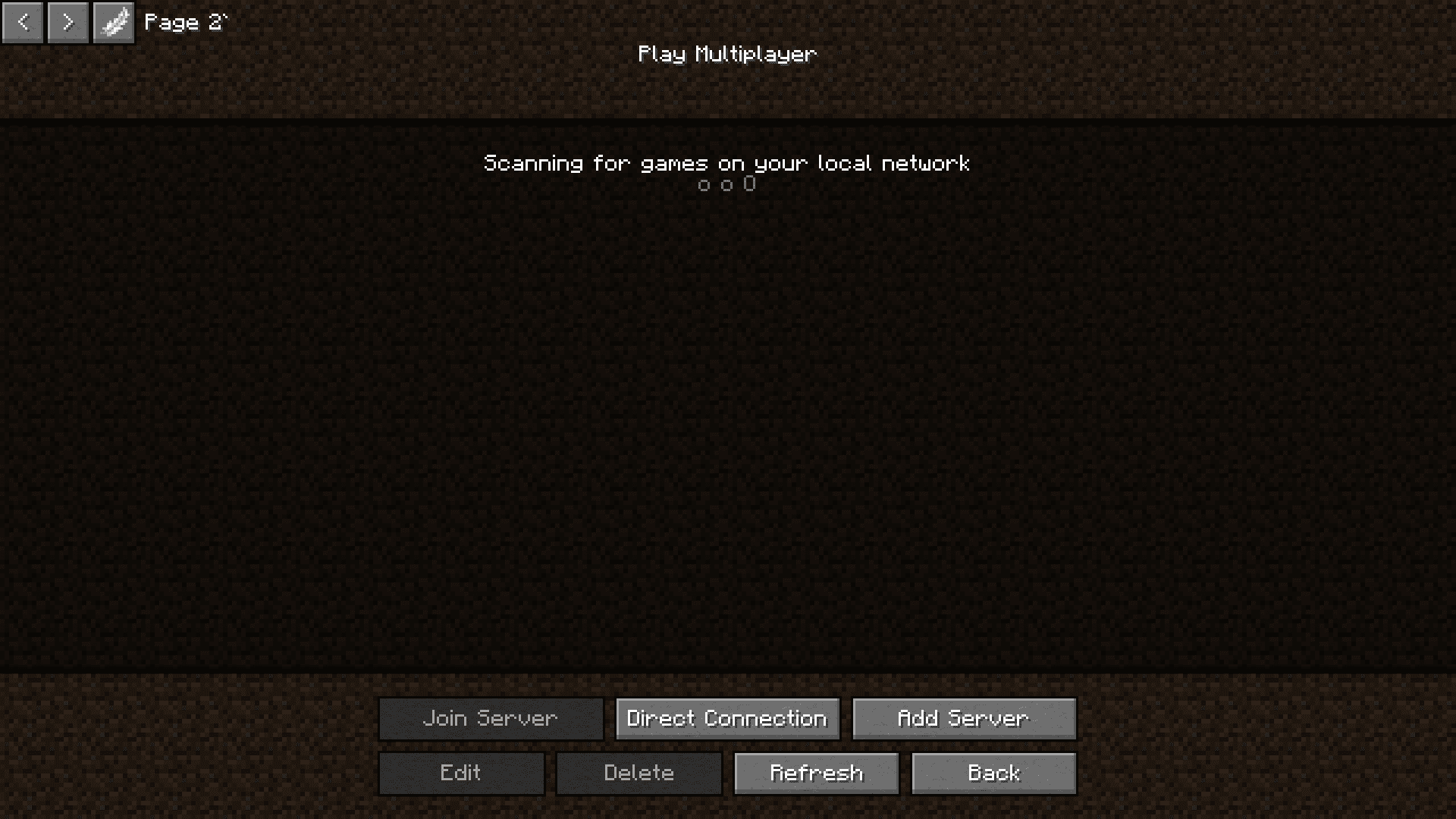
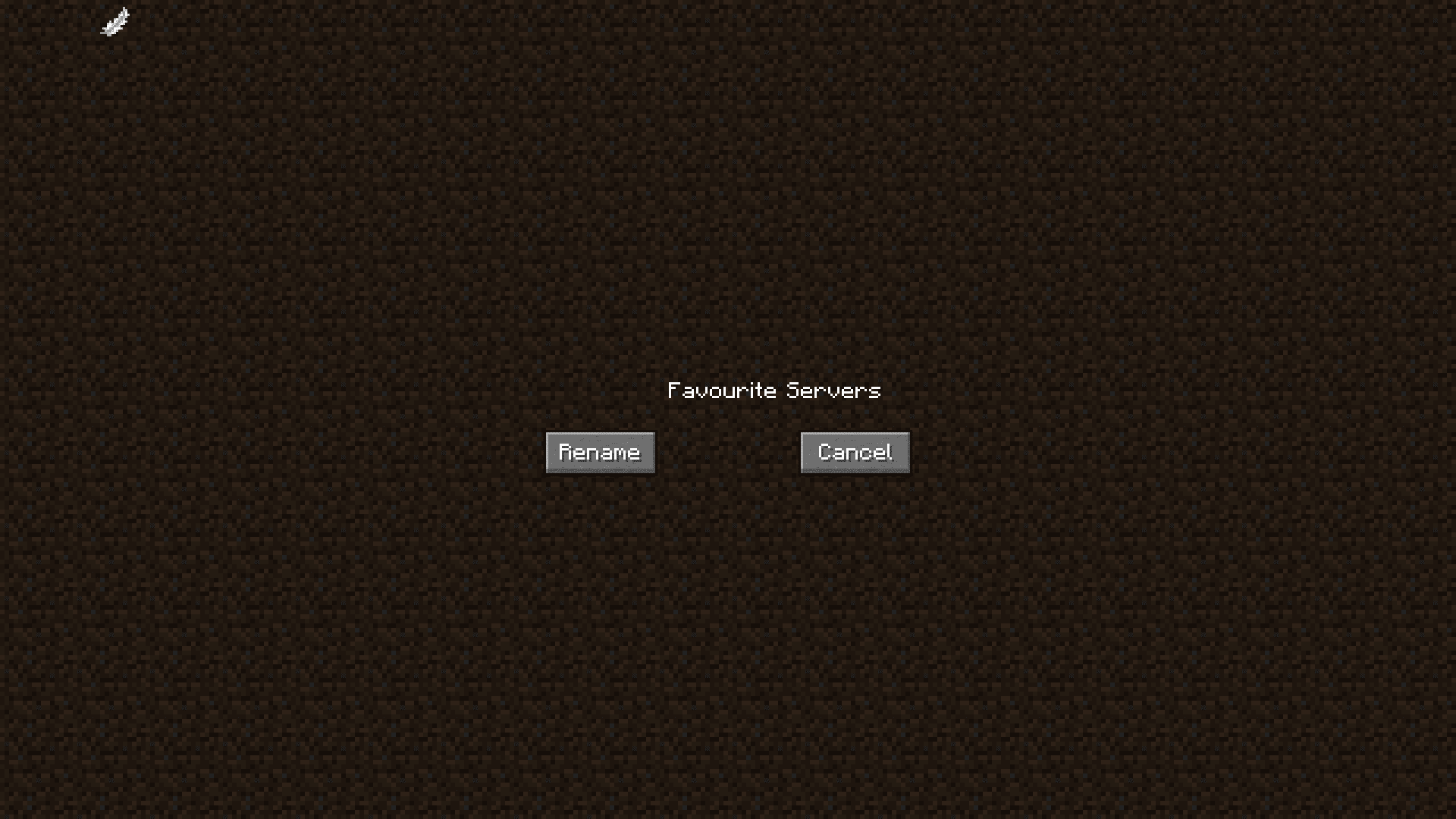
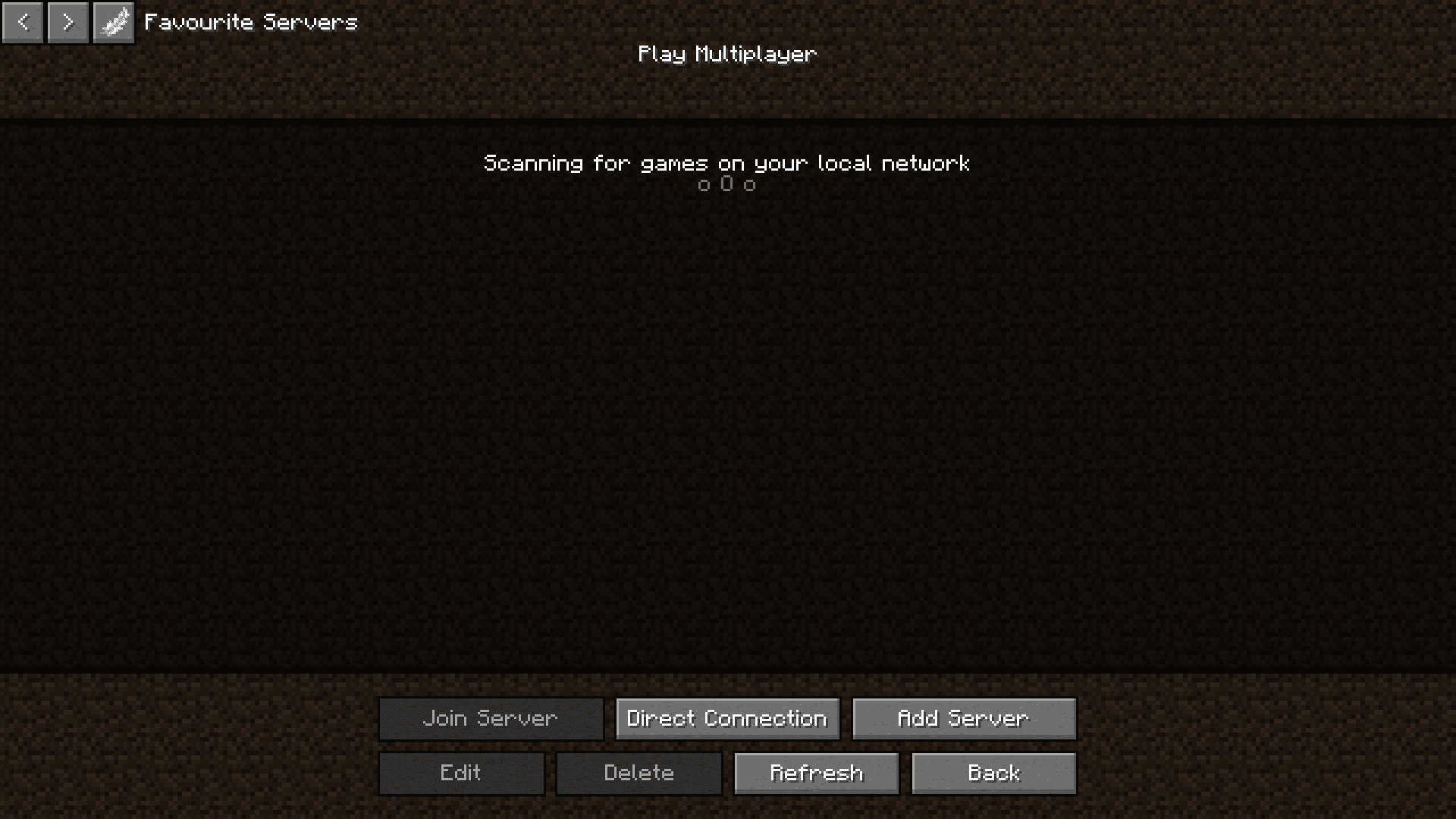
If you have the habit of playing on many different Minecraft servers, you would know how cluttered the server list will be. Each and every server that you have added and played on is listed here and it will be difficult to scroll through them and find the required one. If there was a way to organize the server list, it would be of great convenience. Multiple Server Lists Mod is here with a solution. This mod adds a feature where you can classify the servers in your server list into different tabs. Each tab can be accessed separately so that only your required servers are shown. There can be separate tabs for your favorite servers, popular ones, friend’s servers, etc. The settings to create and edit these server lists can be seen on the top left corner of the server list screen.
Features:
- Adds a feature to group your servers into different tabs.
- Declutters the server list and makes choosing servers a lot more convenient.
Screenshots:
Multiple Server Lists Mod Download Links
- Edition: Minecraft Java
- File type: .jar
- Minecraft version listed: 1.20.1
- How to install: Install the matching mod loader (Forge, Fabric or NeoForge) for your Minecraft version. → Download the .jar. → Put it in the .minecraft/mods folder and launch that loader profile.
- Where to get it: In MC Java Mods, or directly above on this page.
Install steps are the general flow for this file type — How to install Minecraft Java mods & modpacks walks through it step by step.
- Downloads as 2735.mcaddon
- Download size: 133 KB
- Download link checked 25 Sept 2026 — working
- Mirrored on our own servers — the download does not depend on the original host
These come from our own check of the pack file, not from the source page.