
Customize your tooltips!
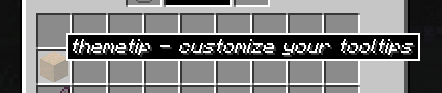
A simple mod that allows you to change the appearance of your tooltips!
After being around in the Modded Minecraft community for a while, I had noticed that there was a lack of mods that allowed the user to change the appearance of their tooltips. There were always mods that added information to the tooltips, or changed the look only for a modpack's brand.
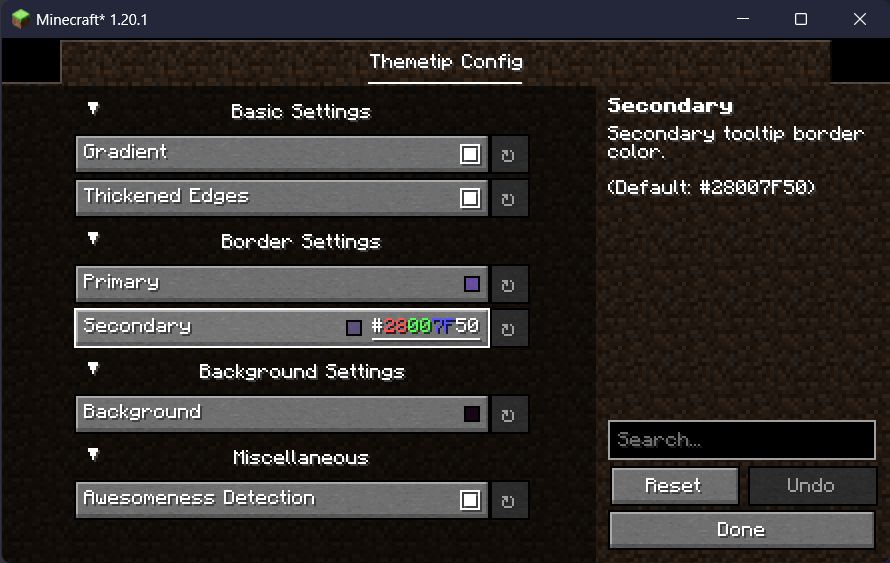
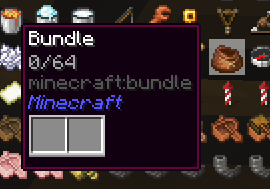
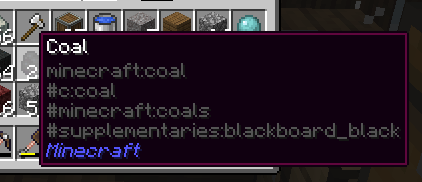
This mod allows easy customization of tooltips, within Minecraft's style. Disable the gradient, remove the edges, and customize it in any way you wish. More features to come soon!


Quick facts
- Edition: Minecraft Java
- File type: .jar
- Minecraft versions listed: 1.20, 1.20.1, 1.20.2
- How to install: Install the matching mod loader (Forge, Fabric or NeoForge) for your Minecraft version. → Download the .jar. → Put it in the .minecraft/mods folder and launch that loader profile.
- Where to get it: Opens on Modrinth — not every file is mirrored on our own servers.
Install steps are the general flow for this file type — How to install Minecraft Java mods & modpacks walks through it step by step.
Verified by MCModsHub
- Ships as themetip-u0.6.jar — drop this file into the mods folder
- Download size: 14 KB
- Download link checked 31 Aug 2026 — working
These come from our own check of the pack file, not from the source page.