ModsJava
Optimal Aim Mod (26.2, 1.20.1) – Renders a Configurable Cube for Aiming
Java mod listed for Minecraft 1.20. Downloads from the MC Java Mods app on Android.
⬇ Download
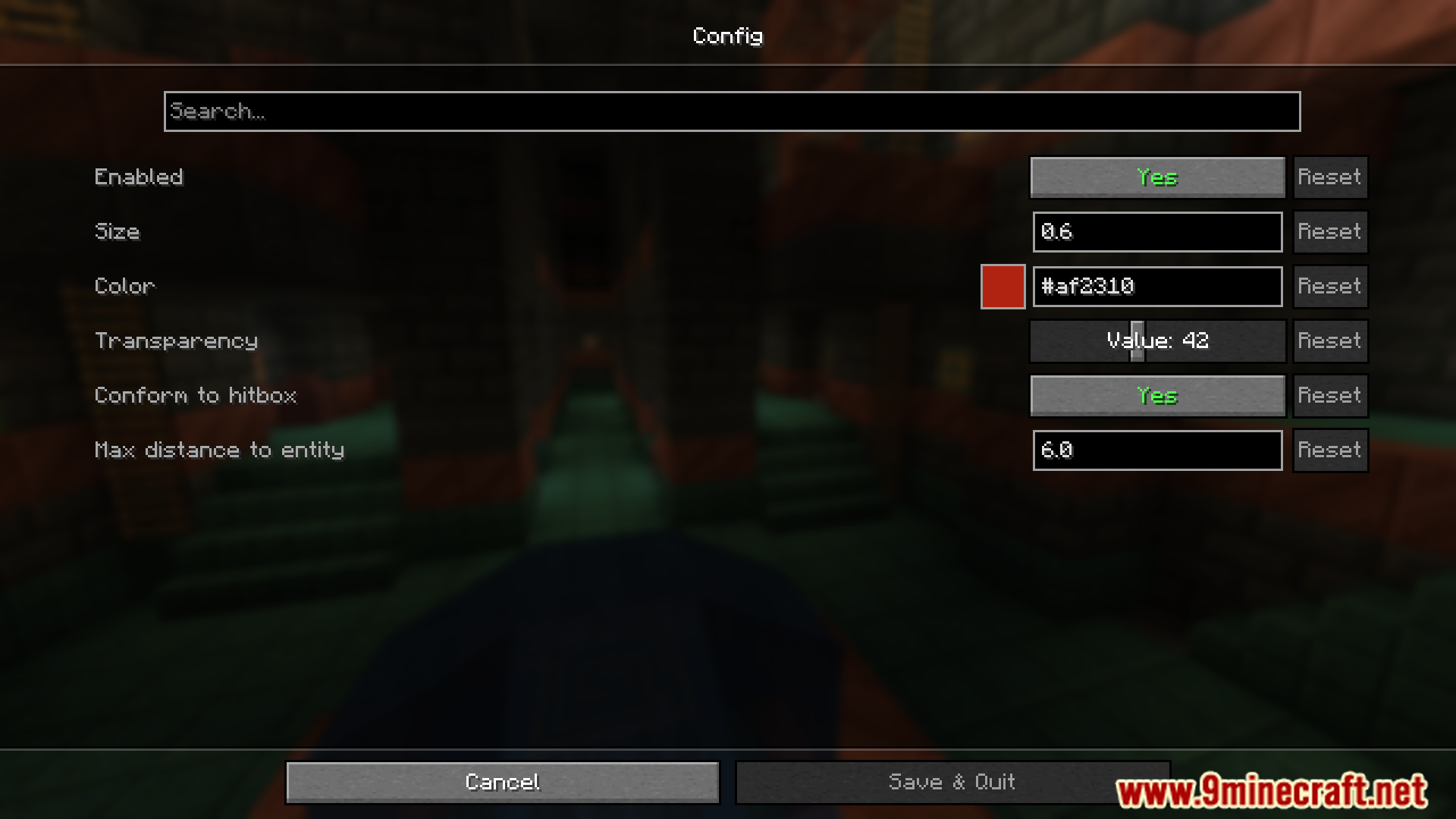
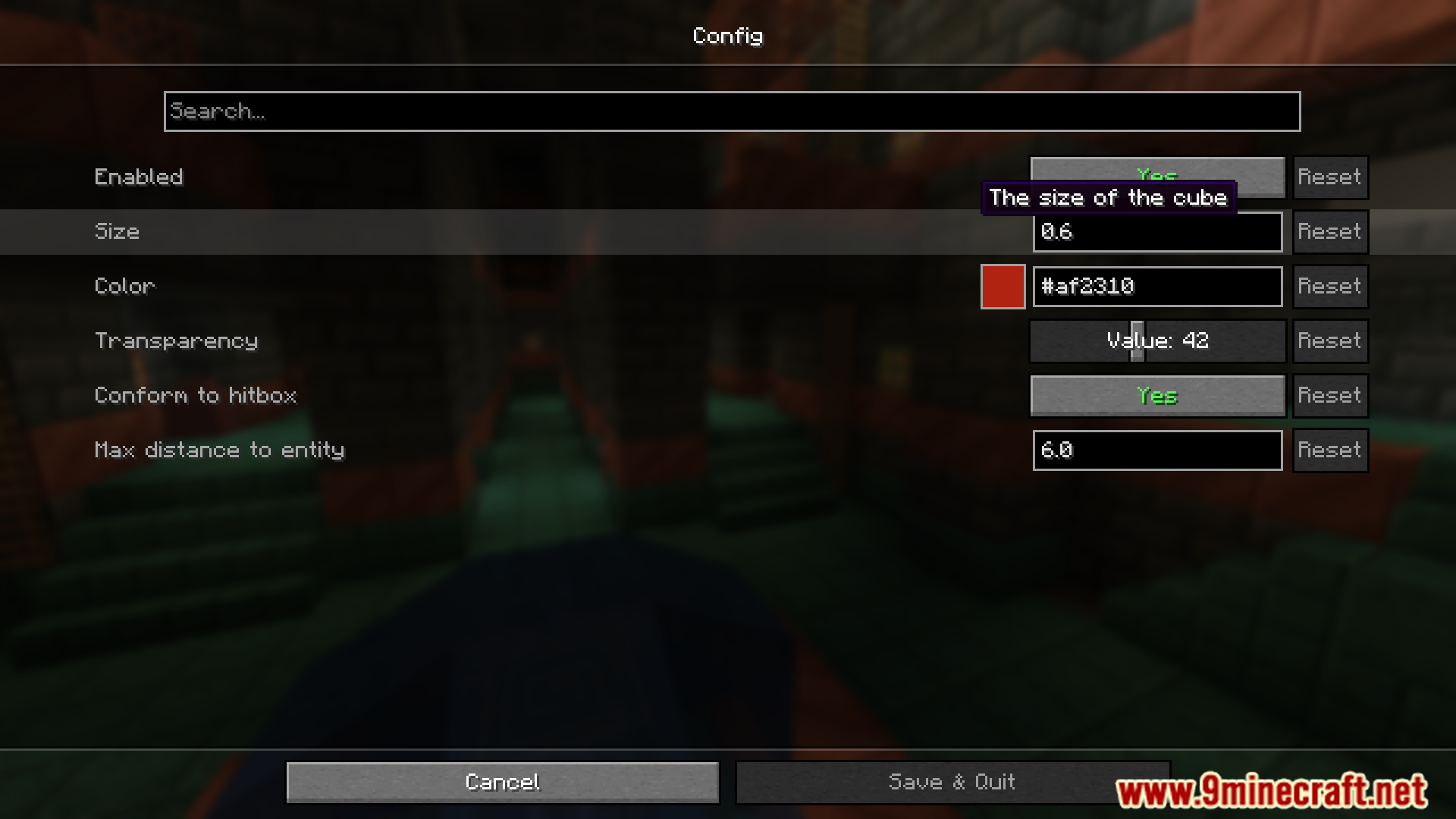
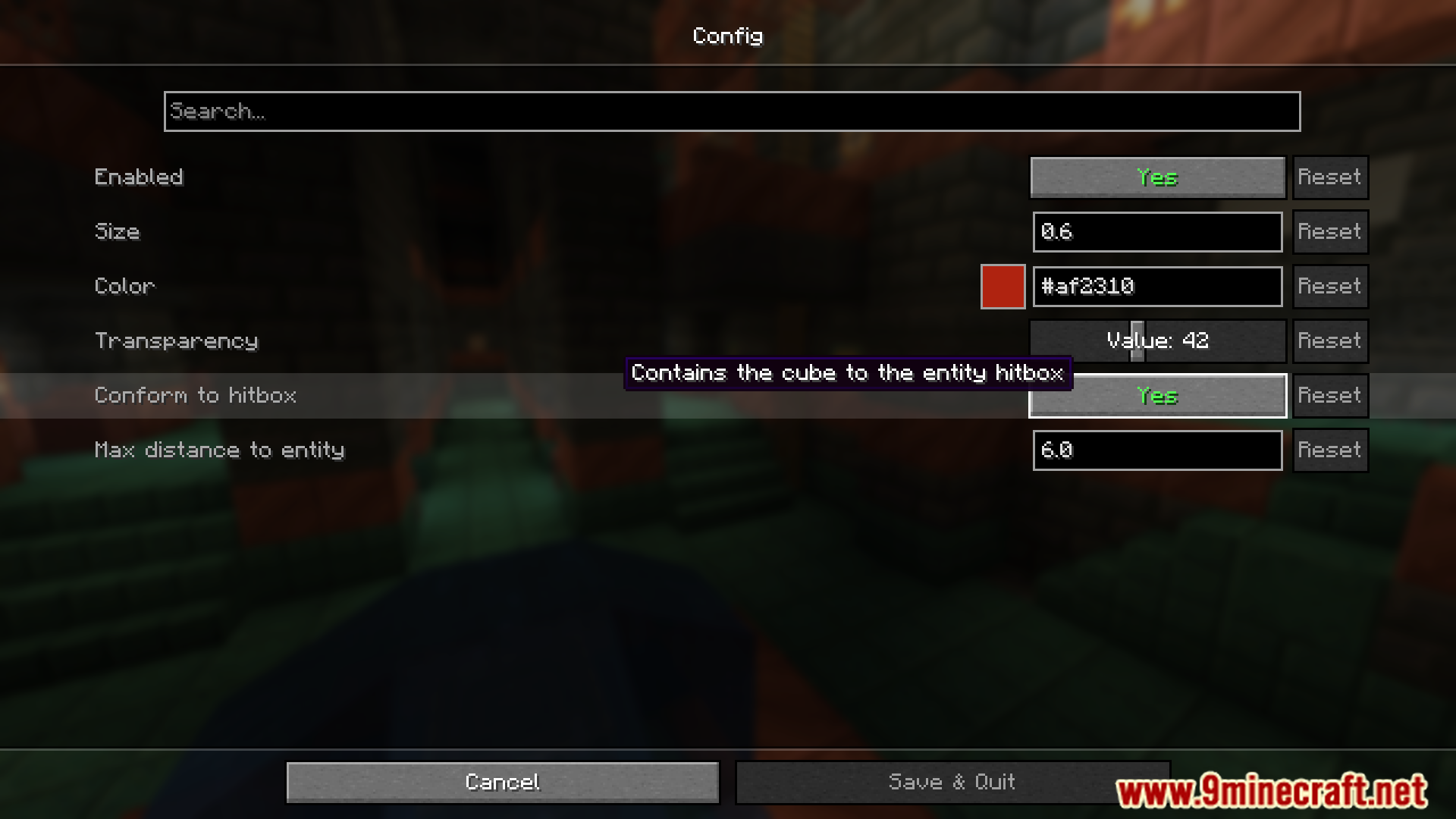
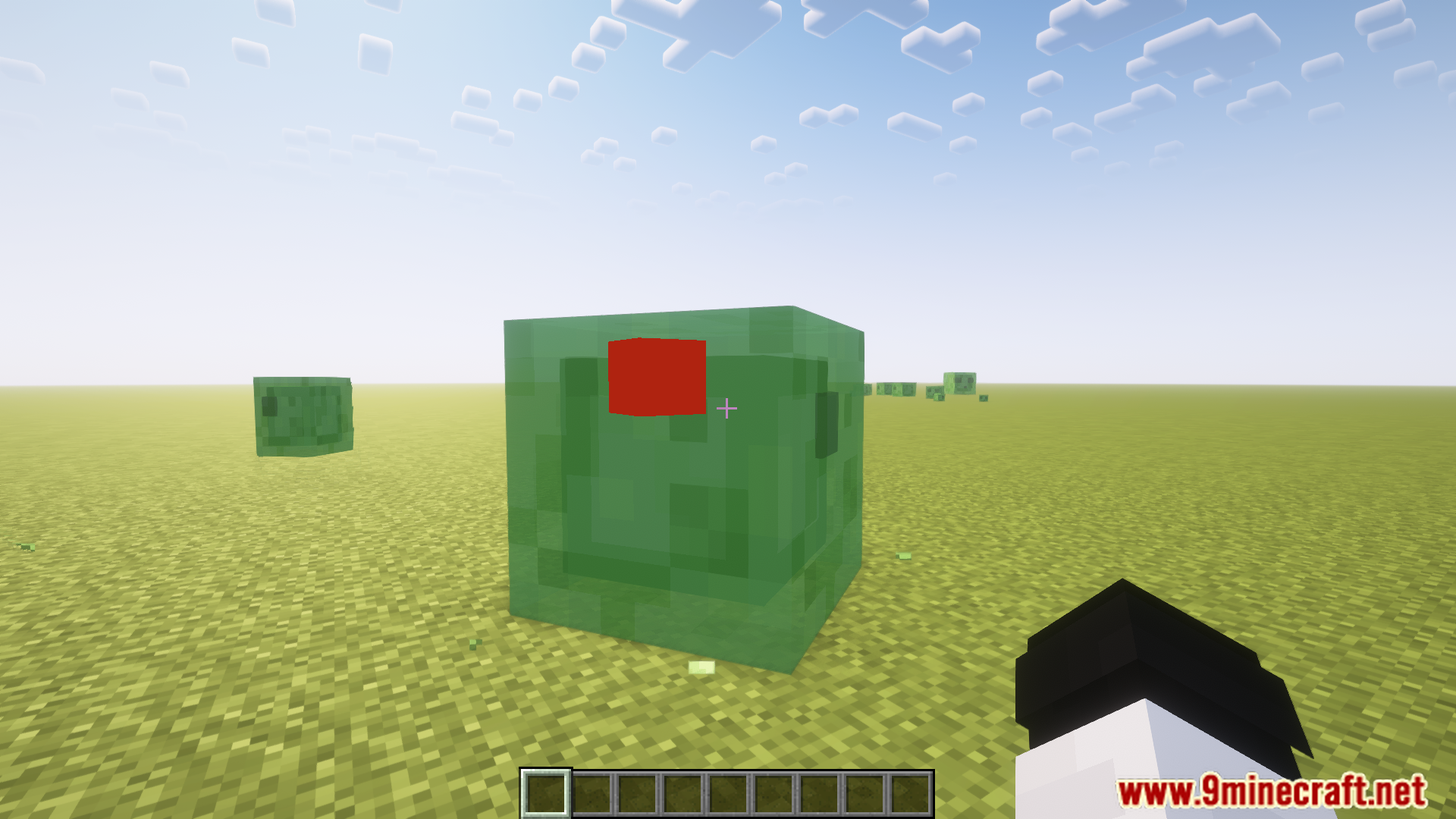
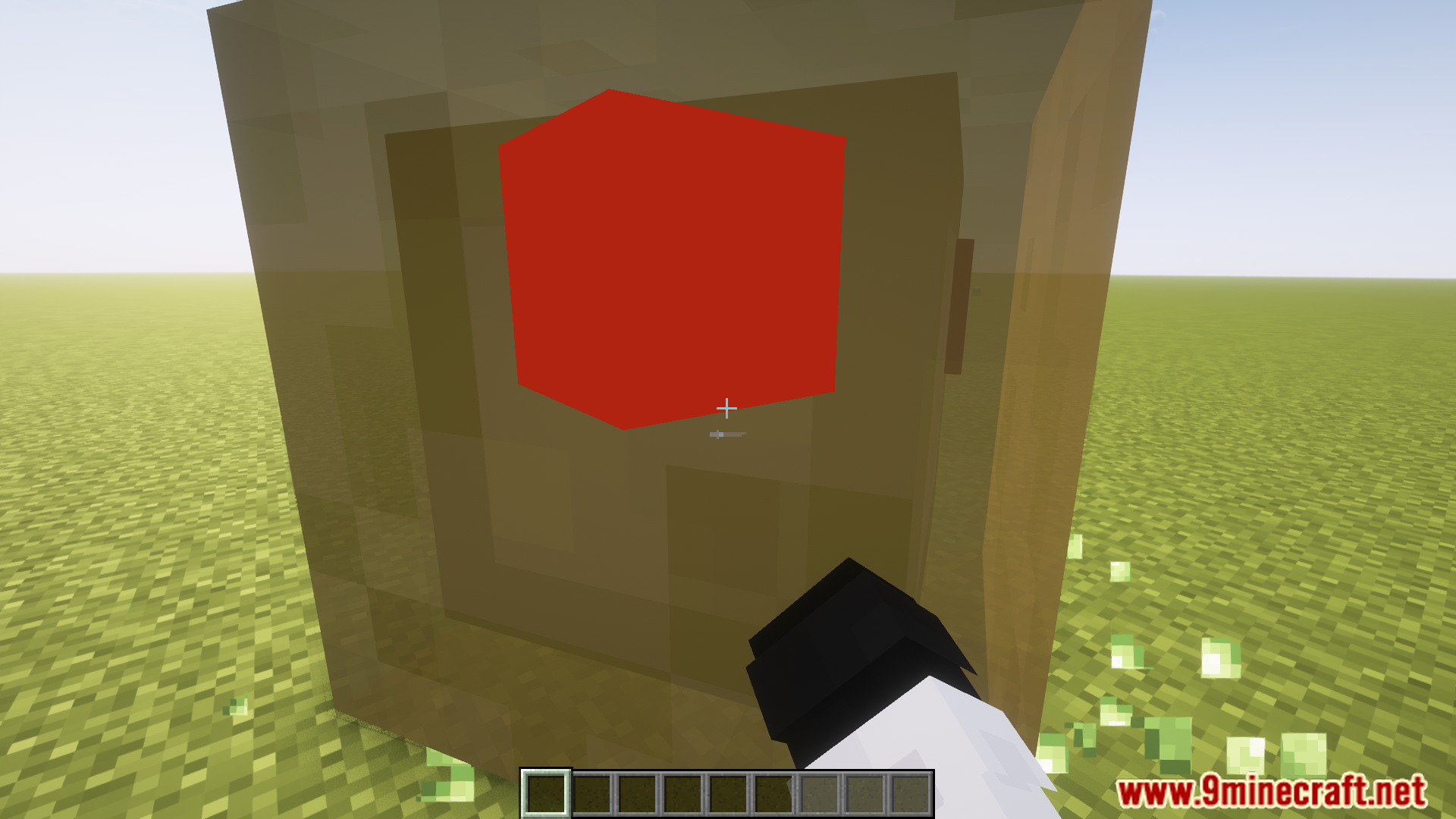
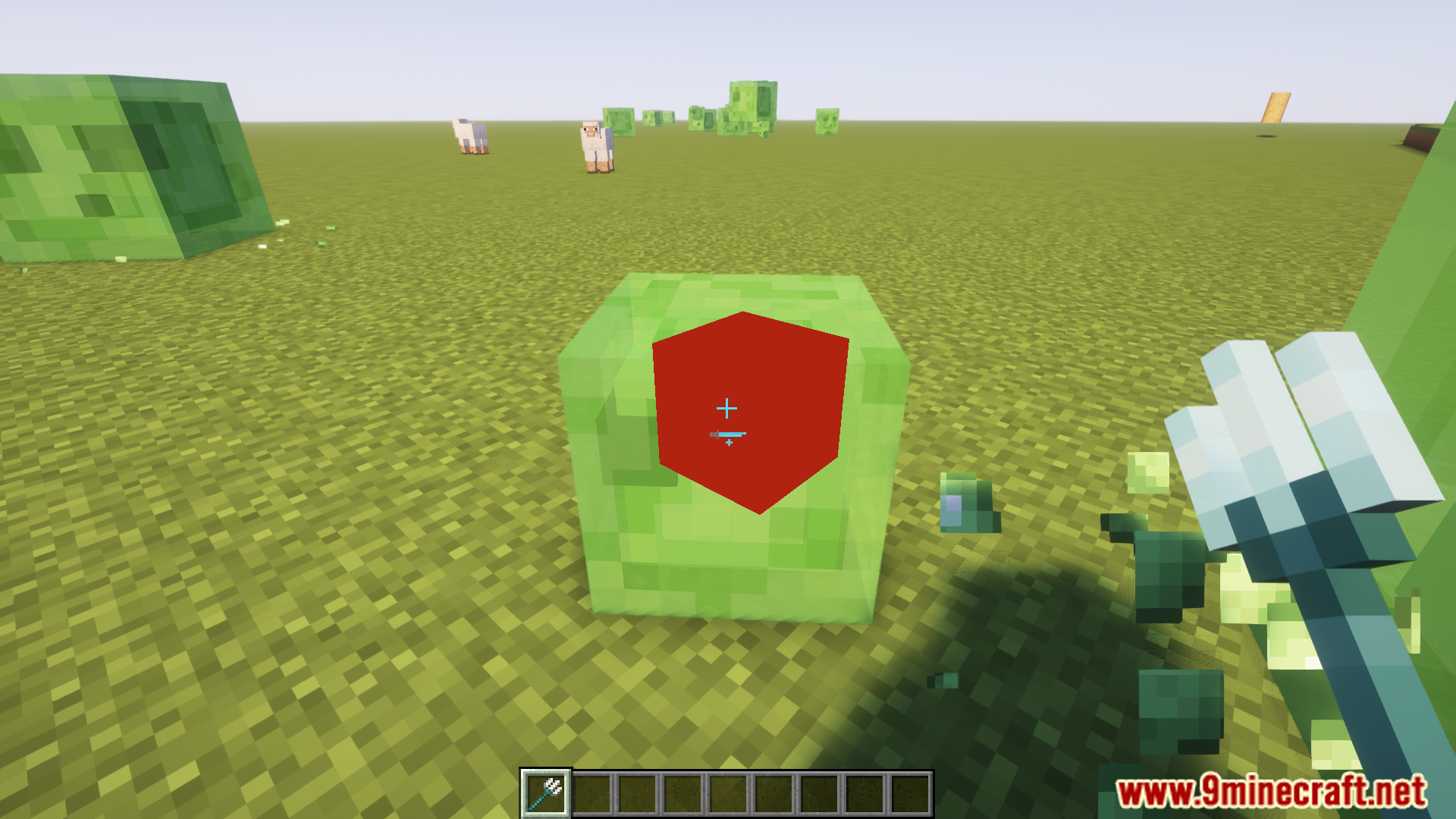
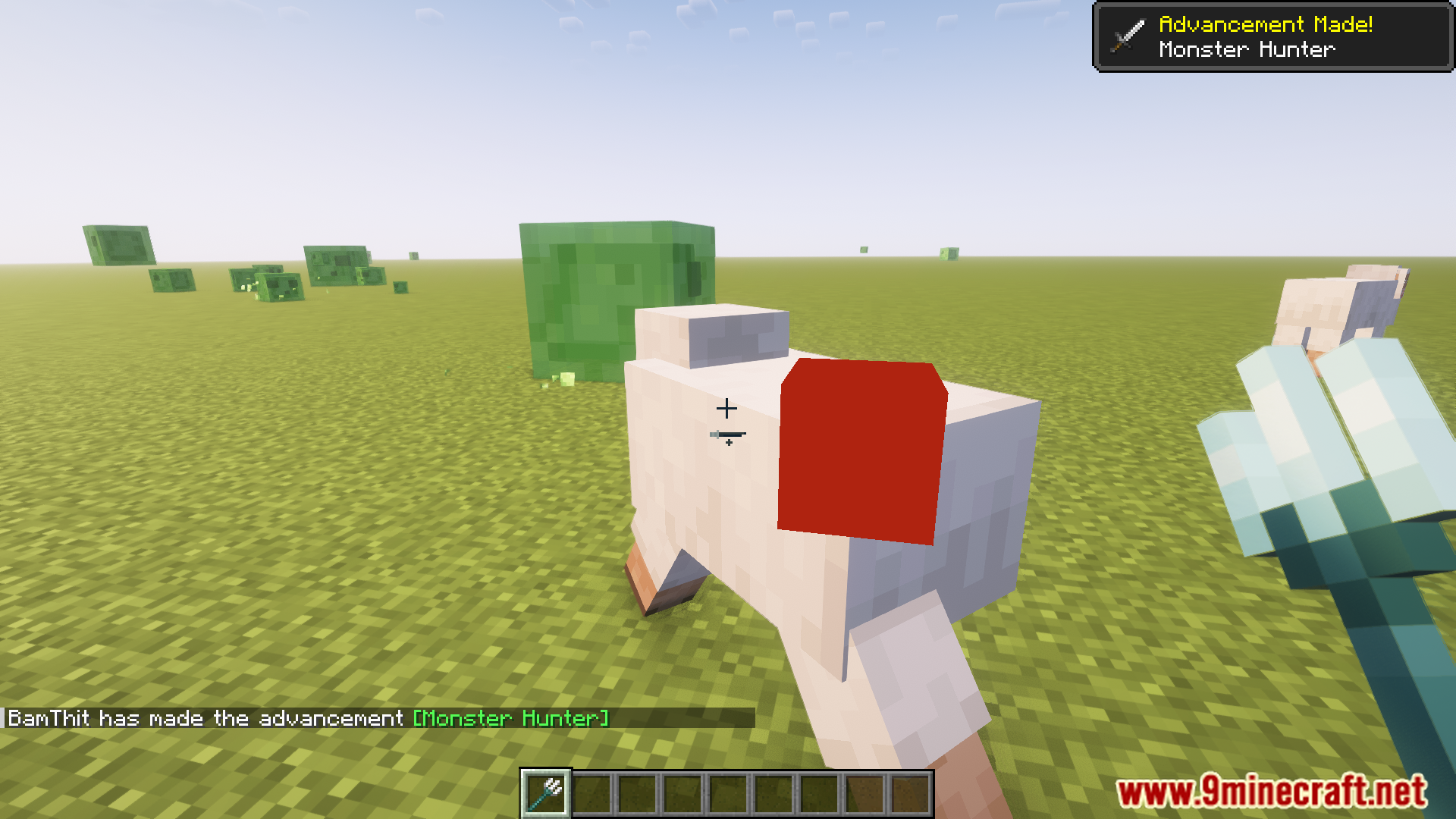
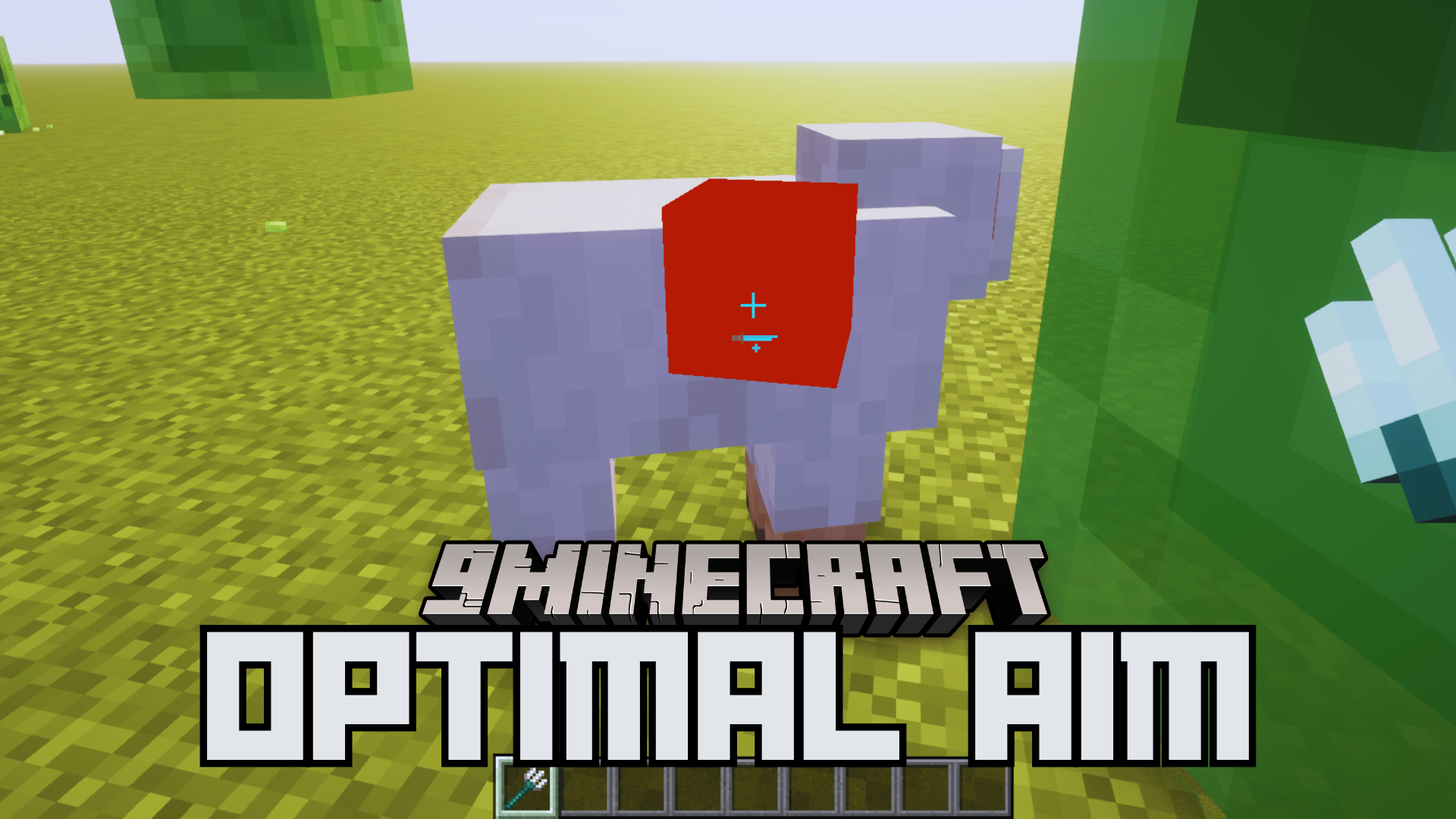
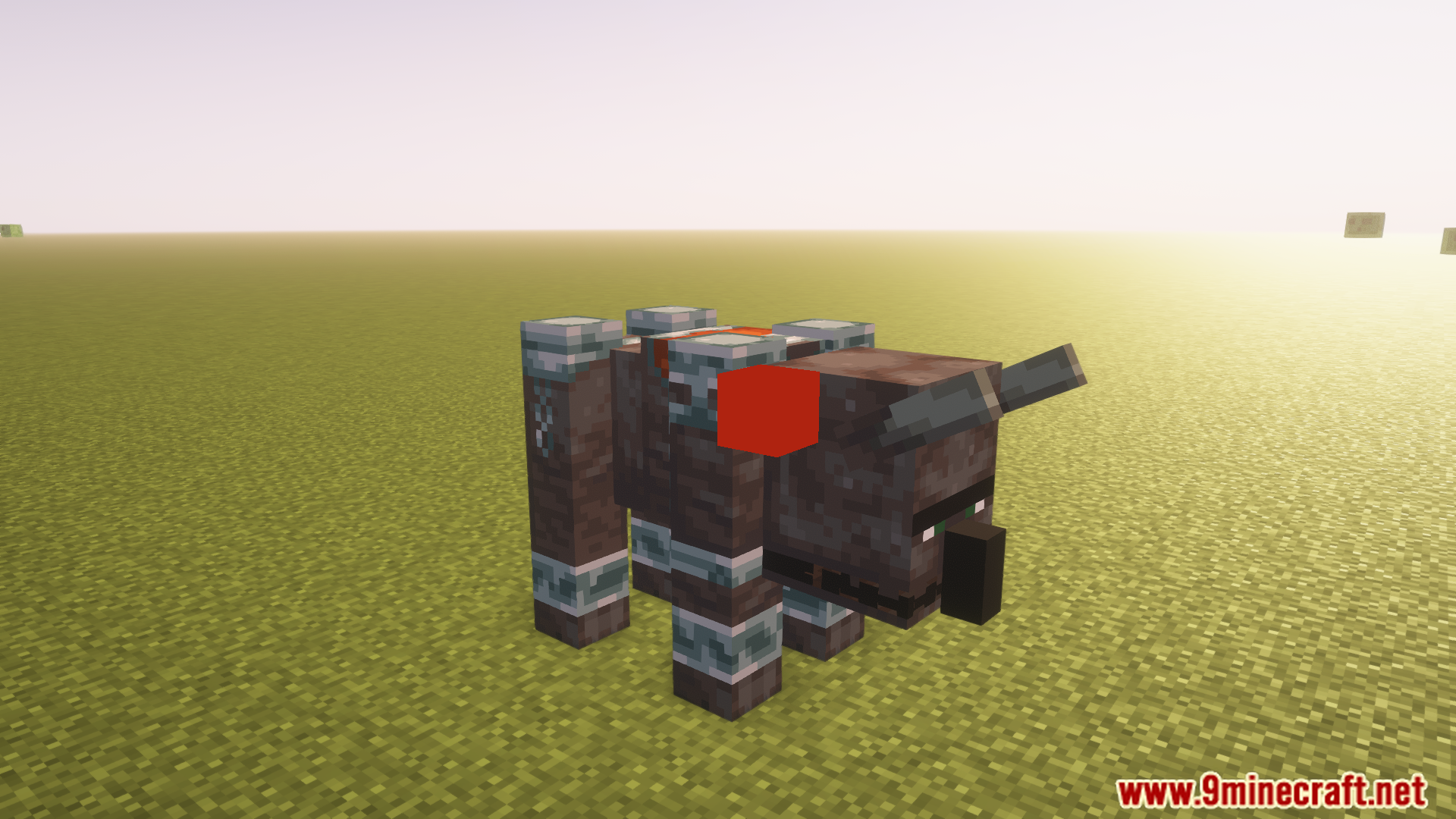
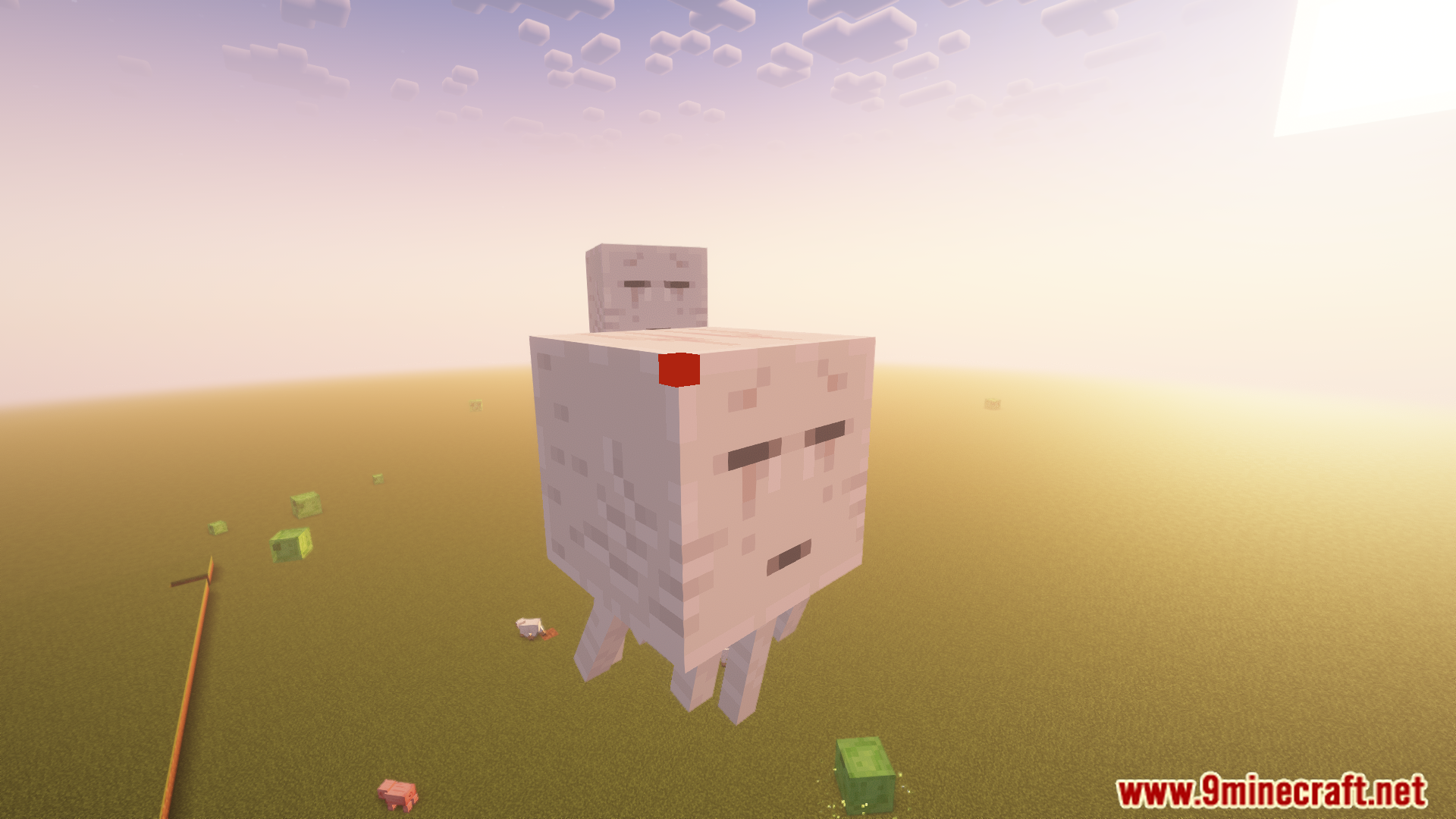
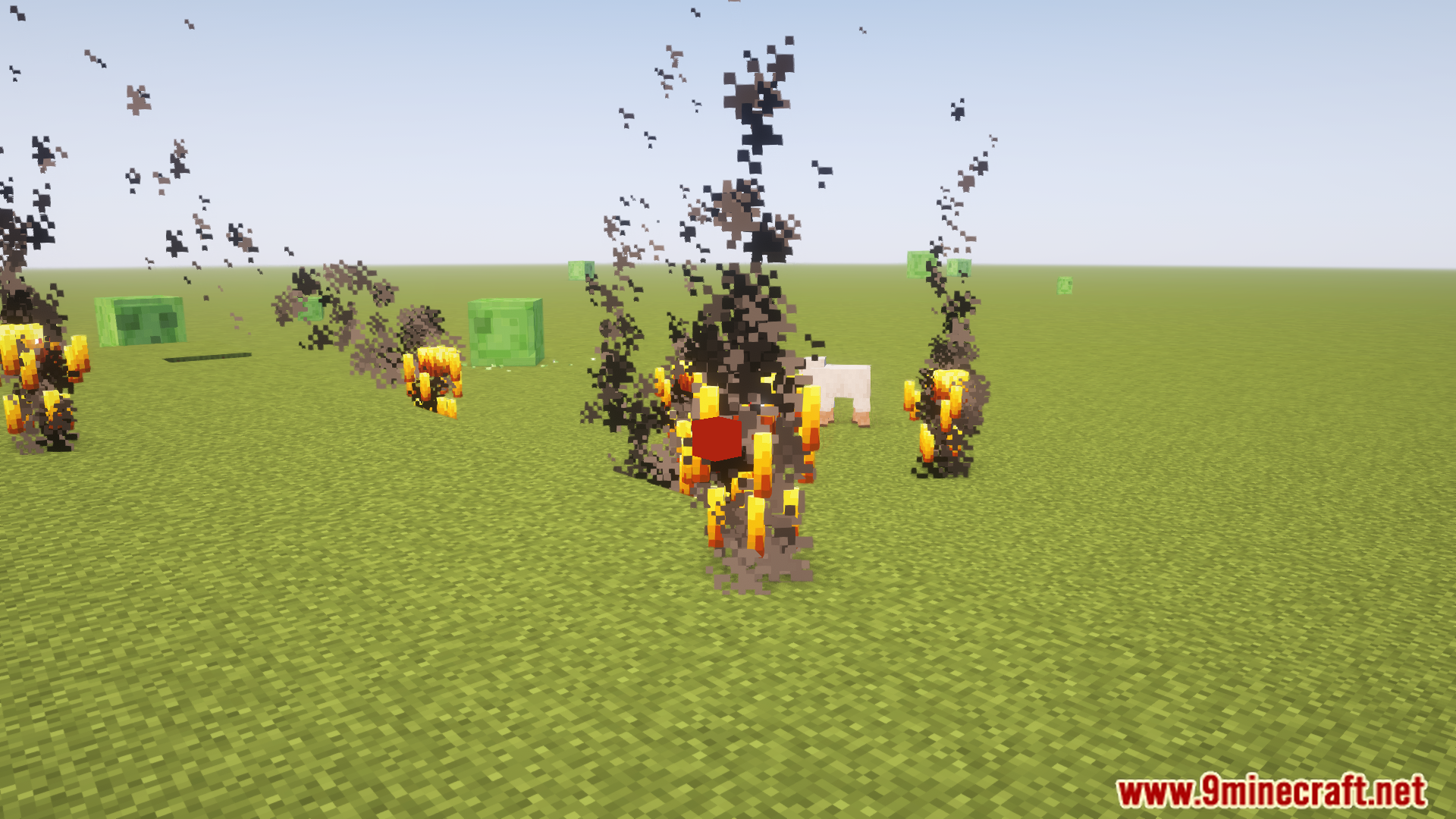
Optimal Aim Mod improves PvP gameplay by optimizing their aim for maximum reach within Minecraft’s combat mechanics. It renders a small, configurable cube to indicate the perfect aiming point, making sure efficient use of the 3-block reach. it is very helpful for improving accuracy and understanding combat spacing.
Features:
- Renders a configurable cube to guide the ideal aiming point for PvP.
- Optimizes crosshair placement to utilize the full 3-block reach.
- Improves accuracy by showing the closest point of an opponent’s hitbox, typically the head.
- Configurable max distance rendering, allowing visualization only when attacks are possible.
- Useful for learning combat spacing and enhancing gameplay efficiency.
Screenshots:
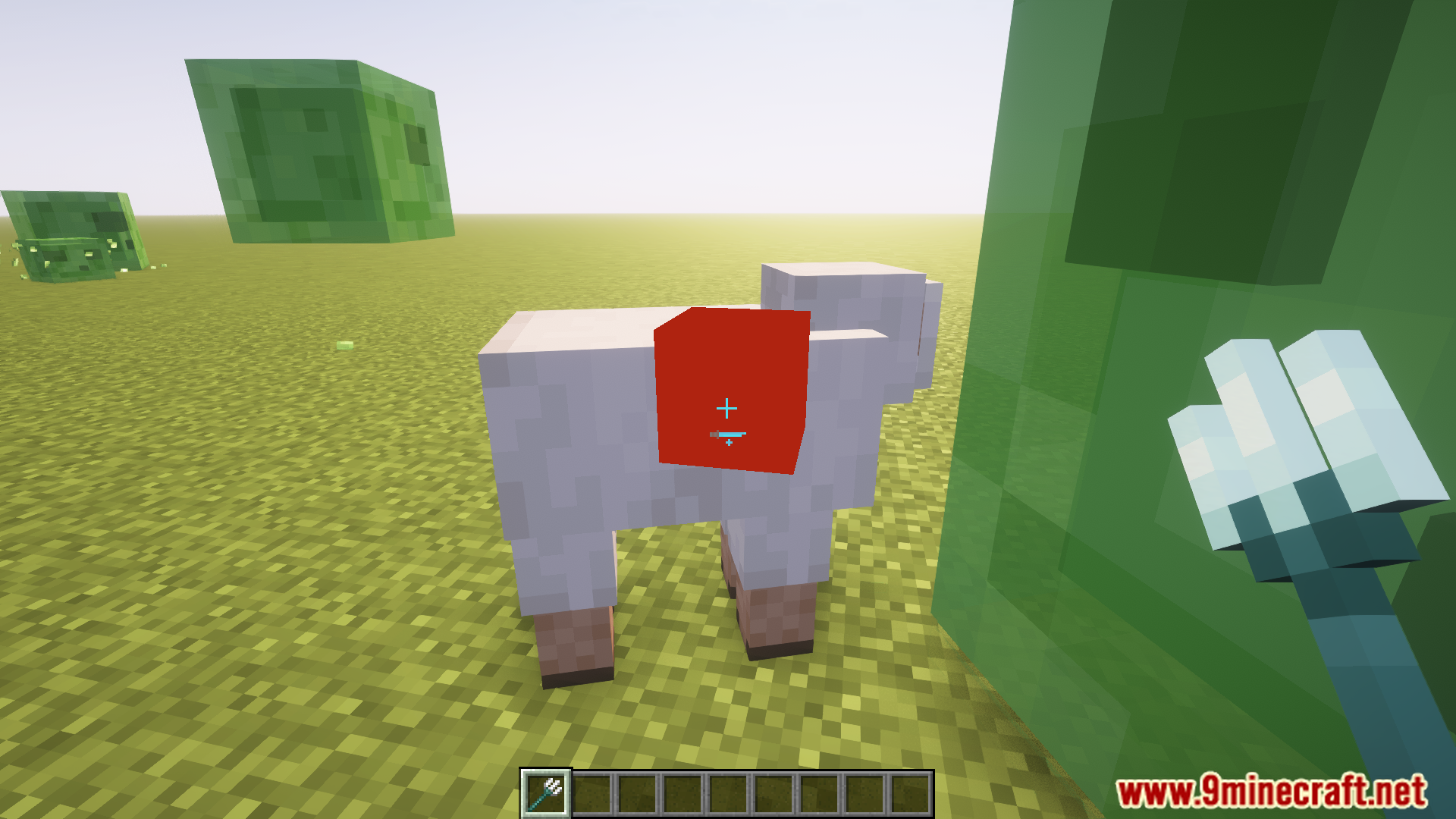
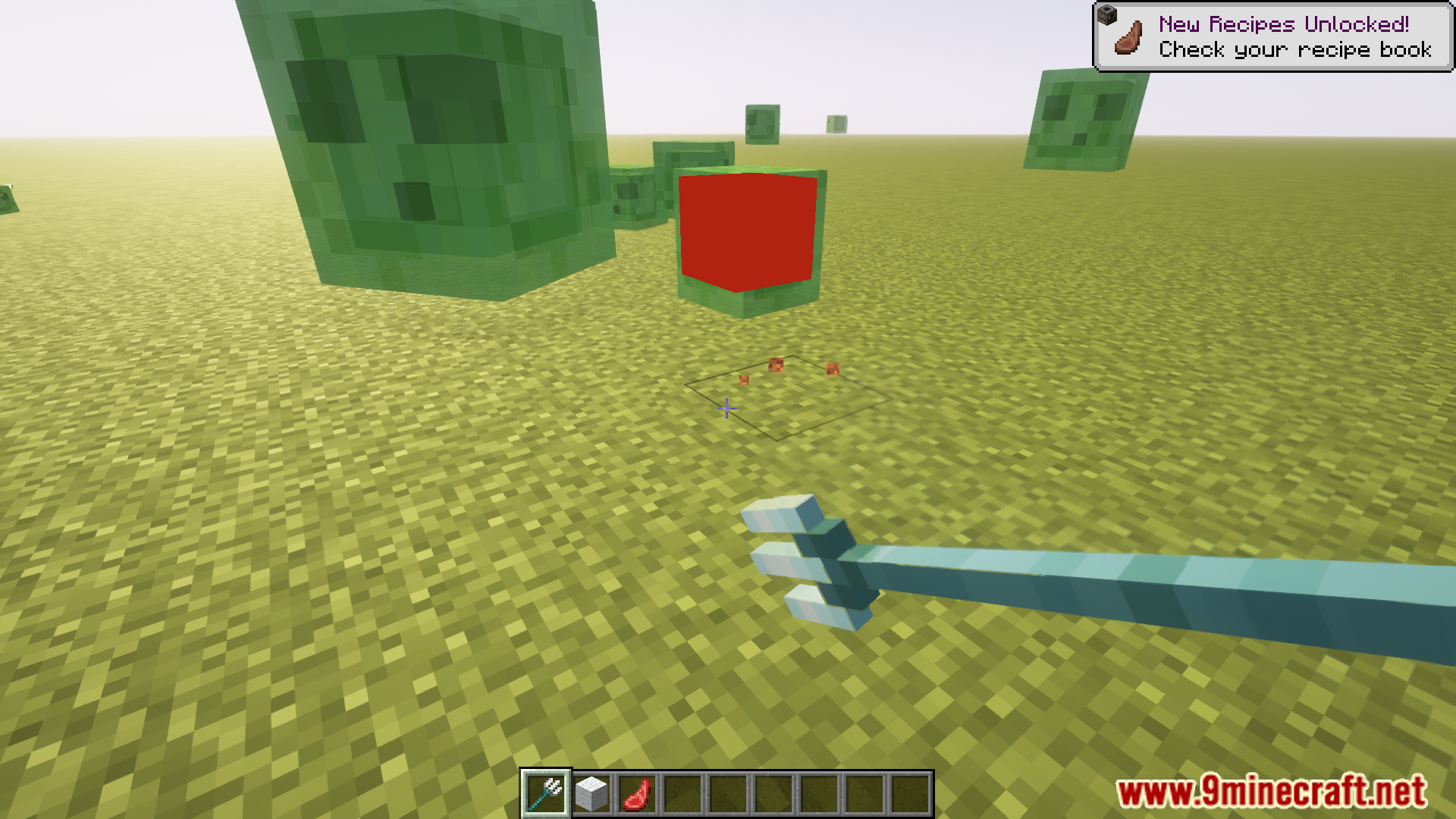
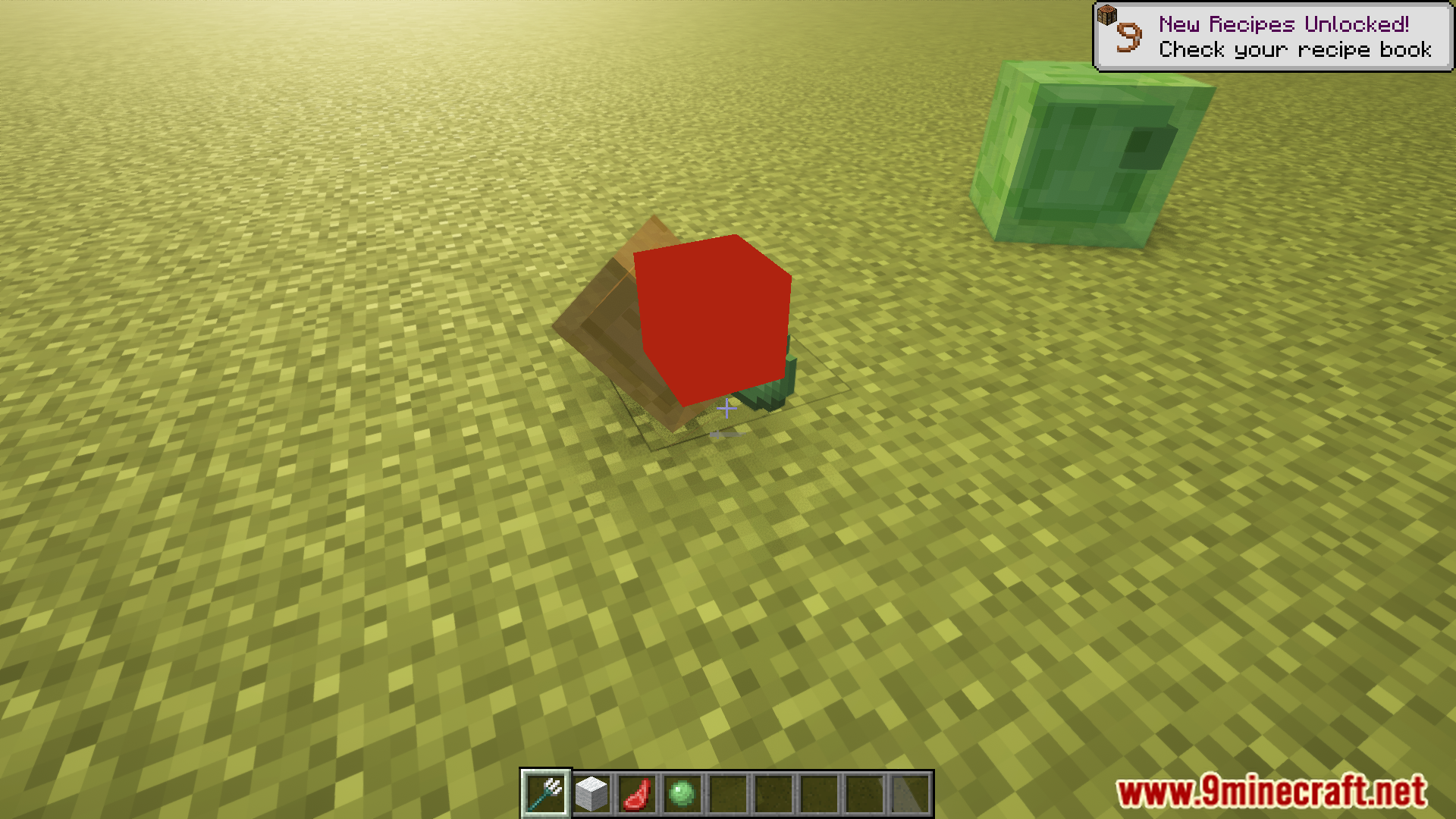
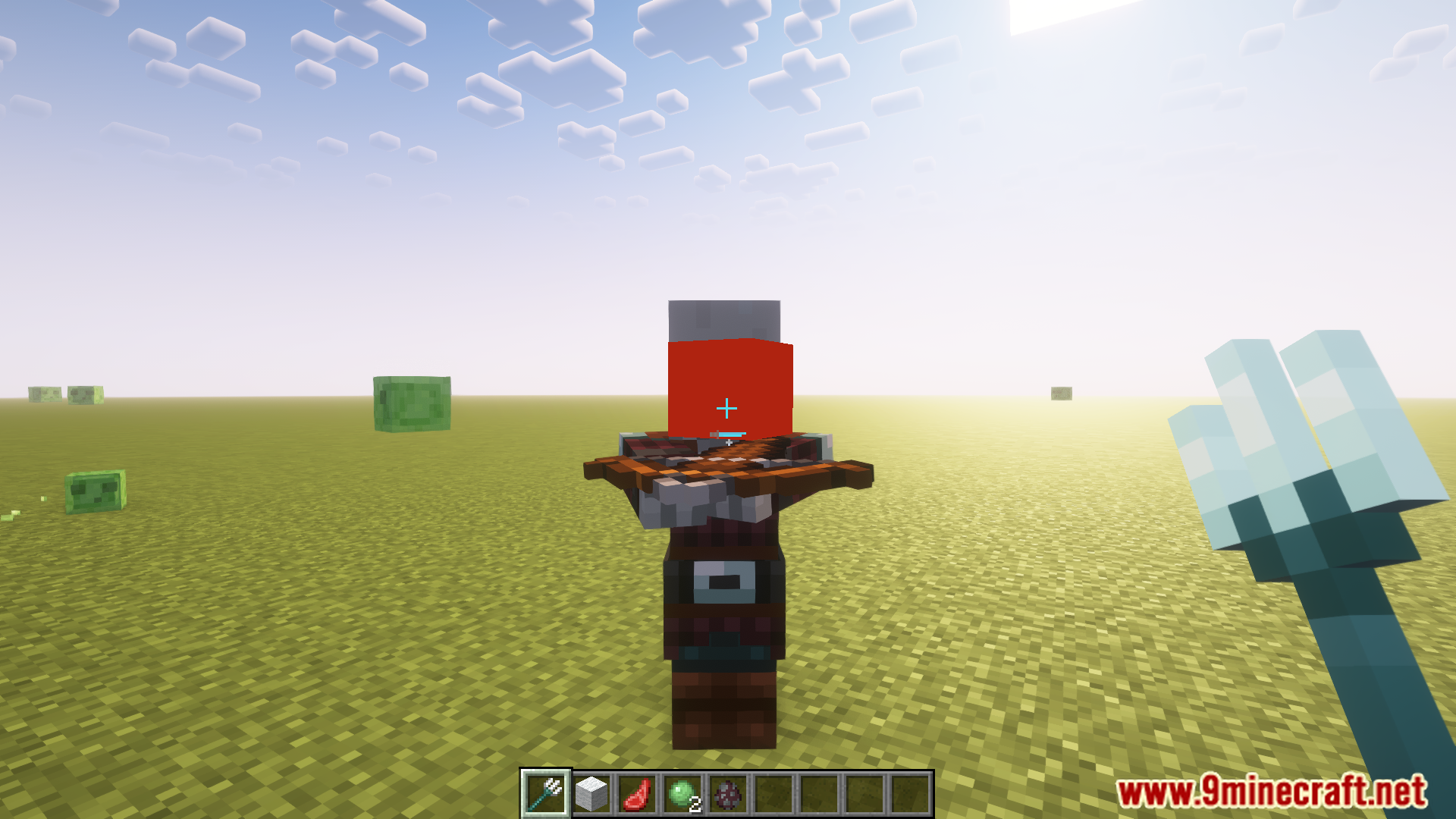
Optimal Aim Mod Download Links
Quick facts
- Edition: Minecraft Java
- File type: .jar
- Minecraft version listed: 1.20.1
- How to install: Install the matching mod loader (Forge, Fabric or NeoForge) for your Minecraft version. → Download the .jar. → Put it in the .minecraft/mods folder and launch that loader profile.
- Where to get it: In MC Java Mods, or directly above on this page.
Install steps are the general flow for this file type — How to install Minecraft Java mods & modpacks walks through it step by step.
File checked by MCModsHub
- Downloads as 27364.mcaddon
- Download size: 142 KB
- Download link checked 24 Sept 2026 — working
- Mirrored on our own servers — the download does not depend on the original host
These come from our own check of the pack file, not from the source page.