ModsJava
Exordium Mod (26.1.2, 1.20.1) – Optimized GUI performance!
Java mod listed for Minecraft 1.20. Downloads from the MC Java Mods app on Android.
⬇ Download
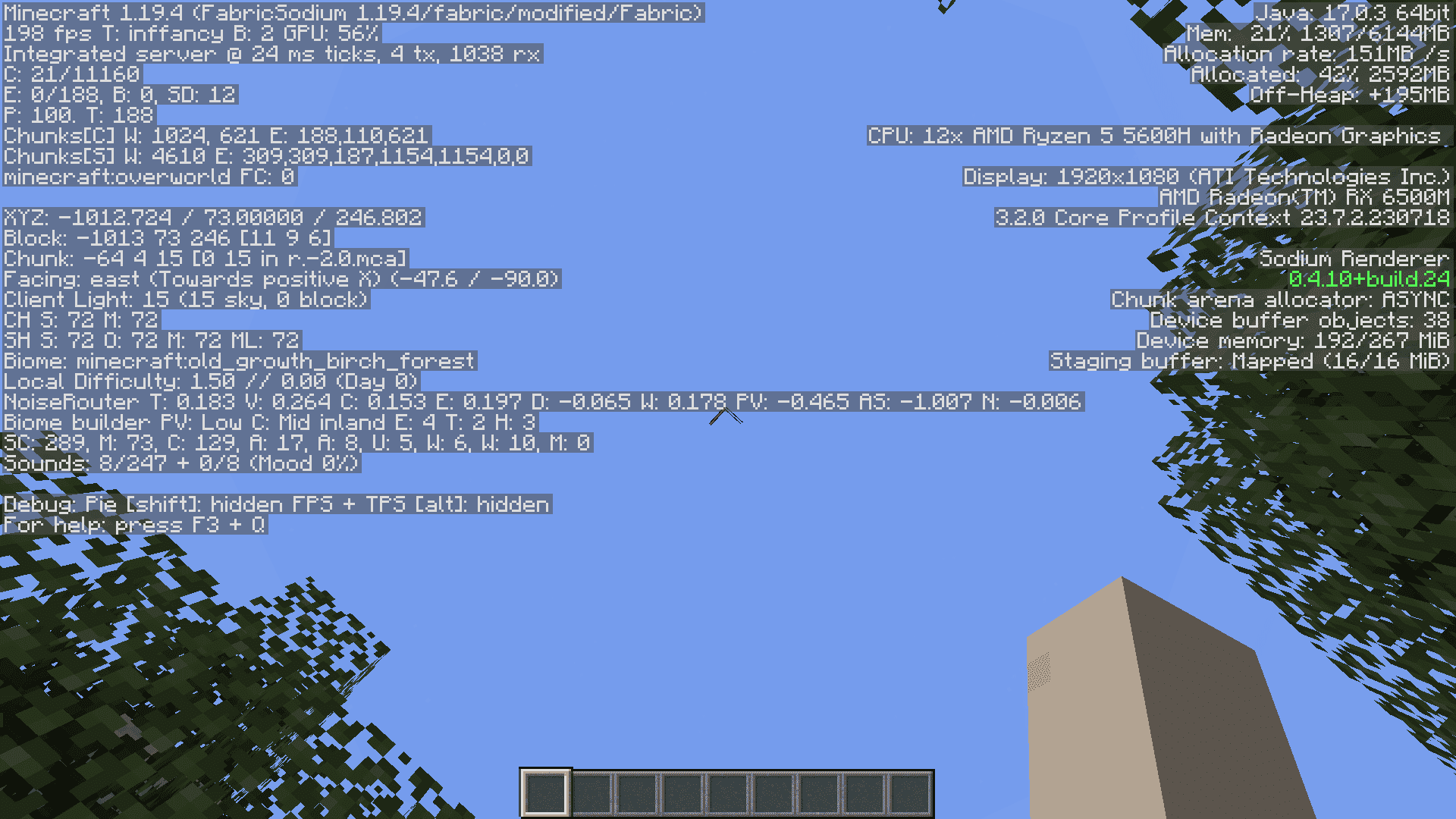
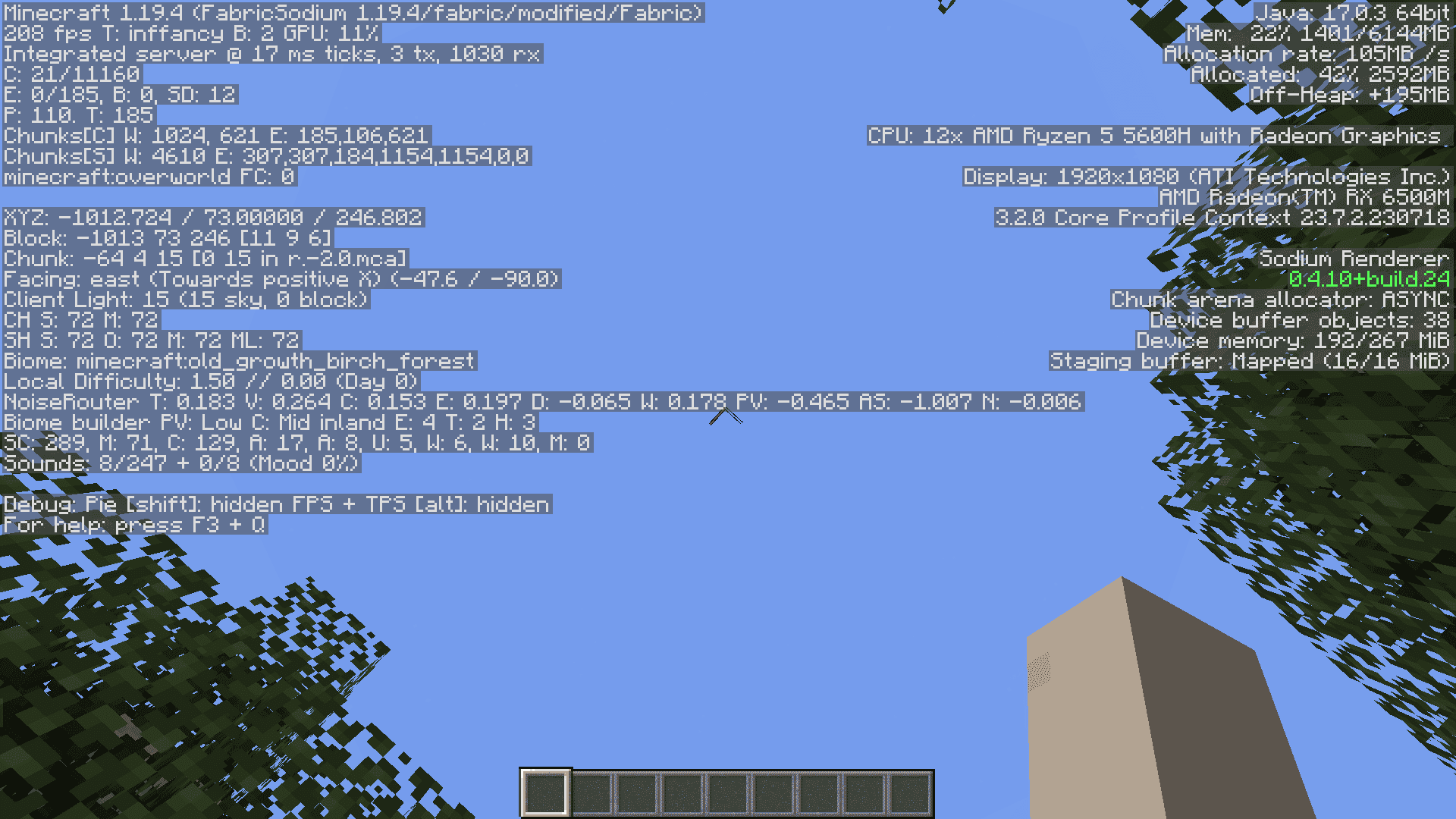
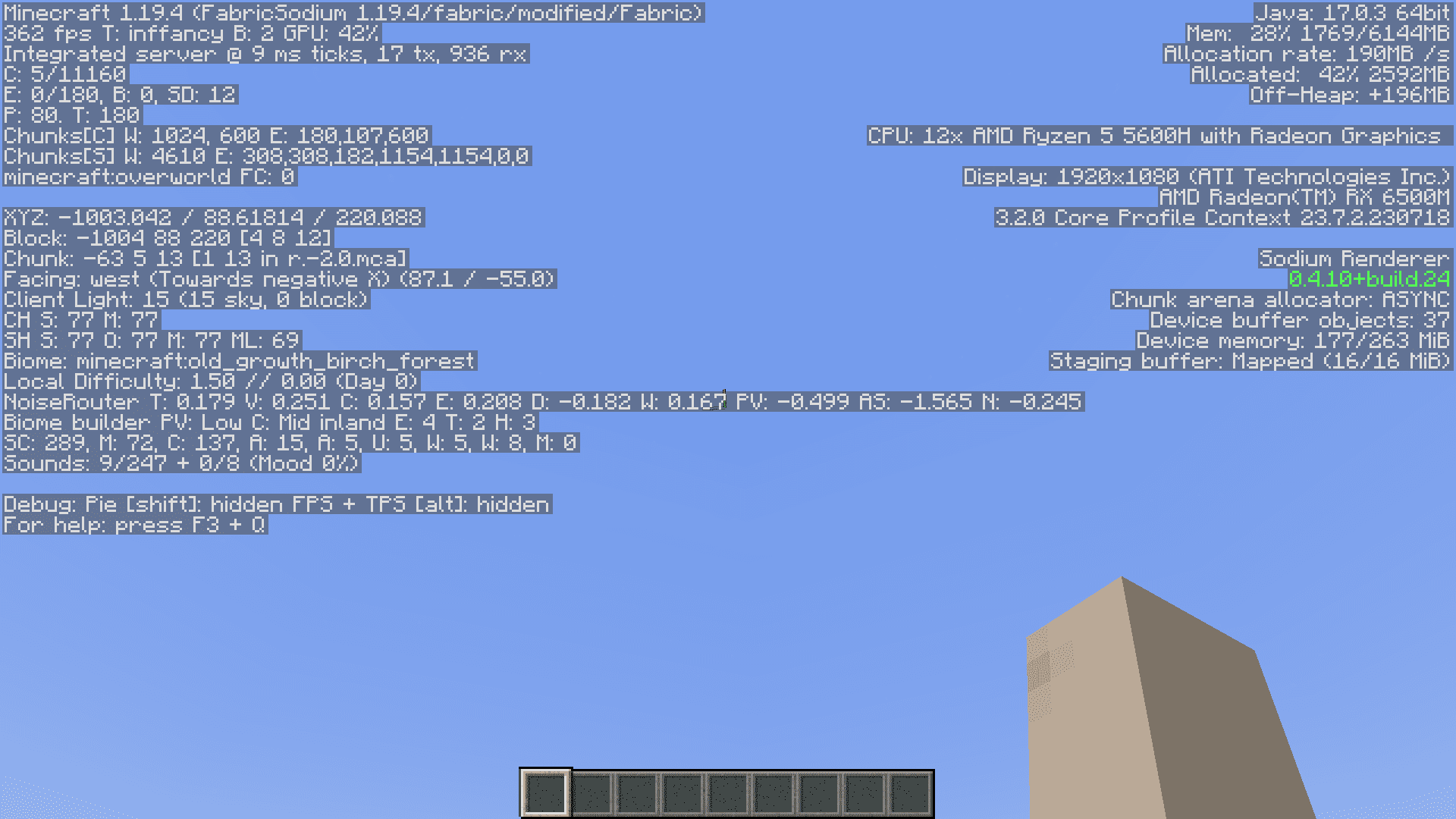
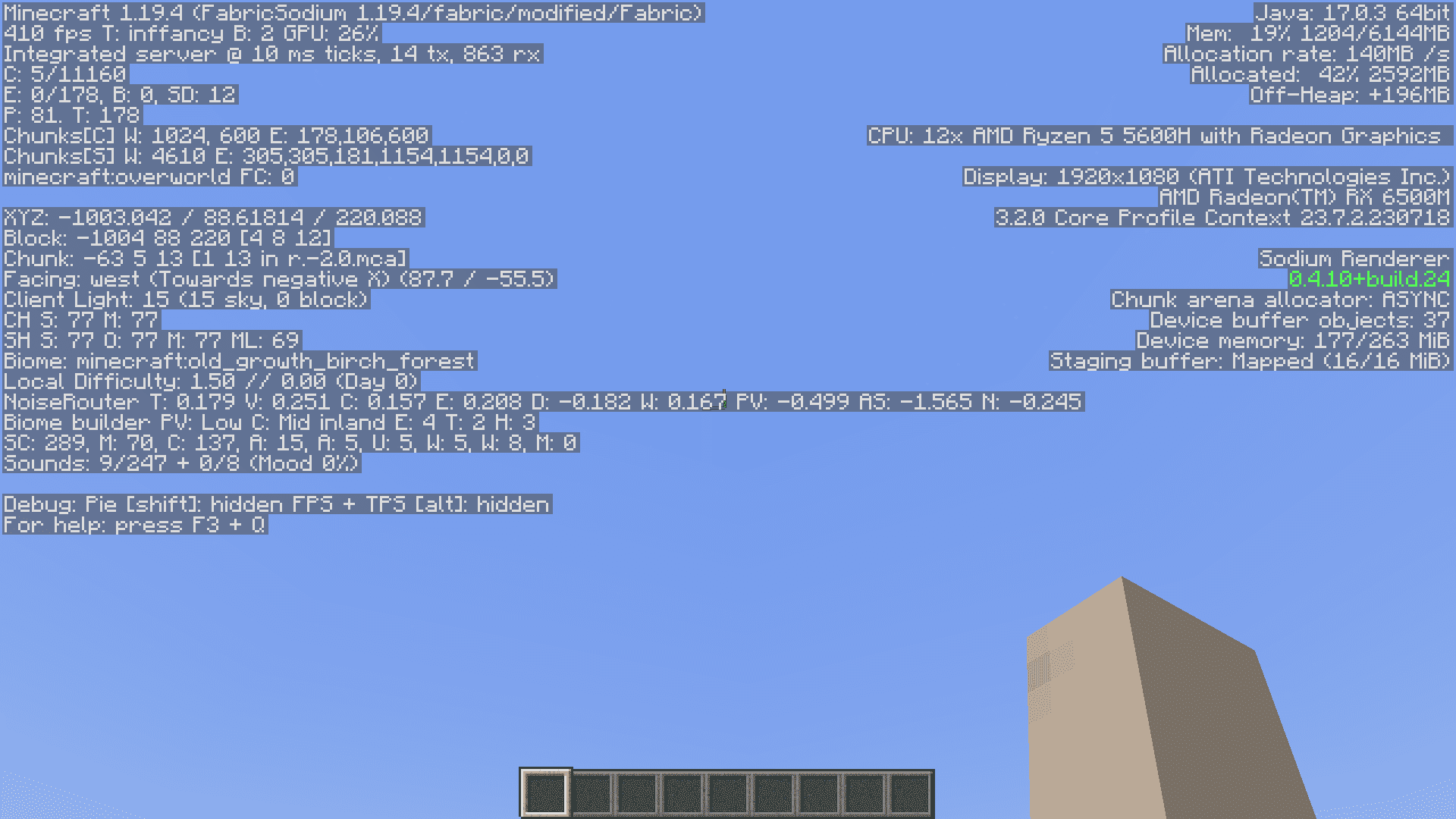
There are dozens of performance enhancement mods for the Fabric modloader. Each one makes some changes to how certain parts of the game are processed in order to increase your frame rate. Exordium Mod is one such performance mod that will give you more frame rates by limiting the frame rates of the GUI elements. This leaves more resources free for the game to use for other important tasks.
Features:
- Dynamic GUI Framerate Control: Exordium allows users to configure the GUI (Graphical User Interface) rendering at a lower, adjustable framerate. This optimization prioritizes the world rendering by allocating CPU and GPU resources where they matter most.
- Efficient GUI Rendering: The mod not only lowers the GUI framerate but also offers settings to accelerate GUI rendering during fade animations. This helps enhance the overall gameplay experience while reducing unnecessary resource usage.
- Customizable Screen Framerate: Exordium provides the flexibility to render screens, including sign text and name-tags, at a lower framerate. This feature minimizes the impact on system resources and optimizes performance, particularly in-game lobbies.
Compatibility and Considerations:
- Exordium is an ongoing project, and users should be aware of potential visual issues and compatibility problems with other mods.
- It affects various vanilla features, including overlays, hotbars, crosshairs, bossbars, debug screens, titles, scoreboards, and chat. These elements may behave differently when the mod is active.
- Exordium has been tested and found to work seamlessly with popular Minecraft optimization mods such as Sodium, Iris, and AppleSkin, among others. However, it is not officially recommended for use with Optifine.
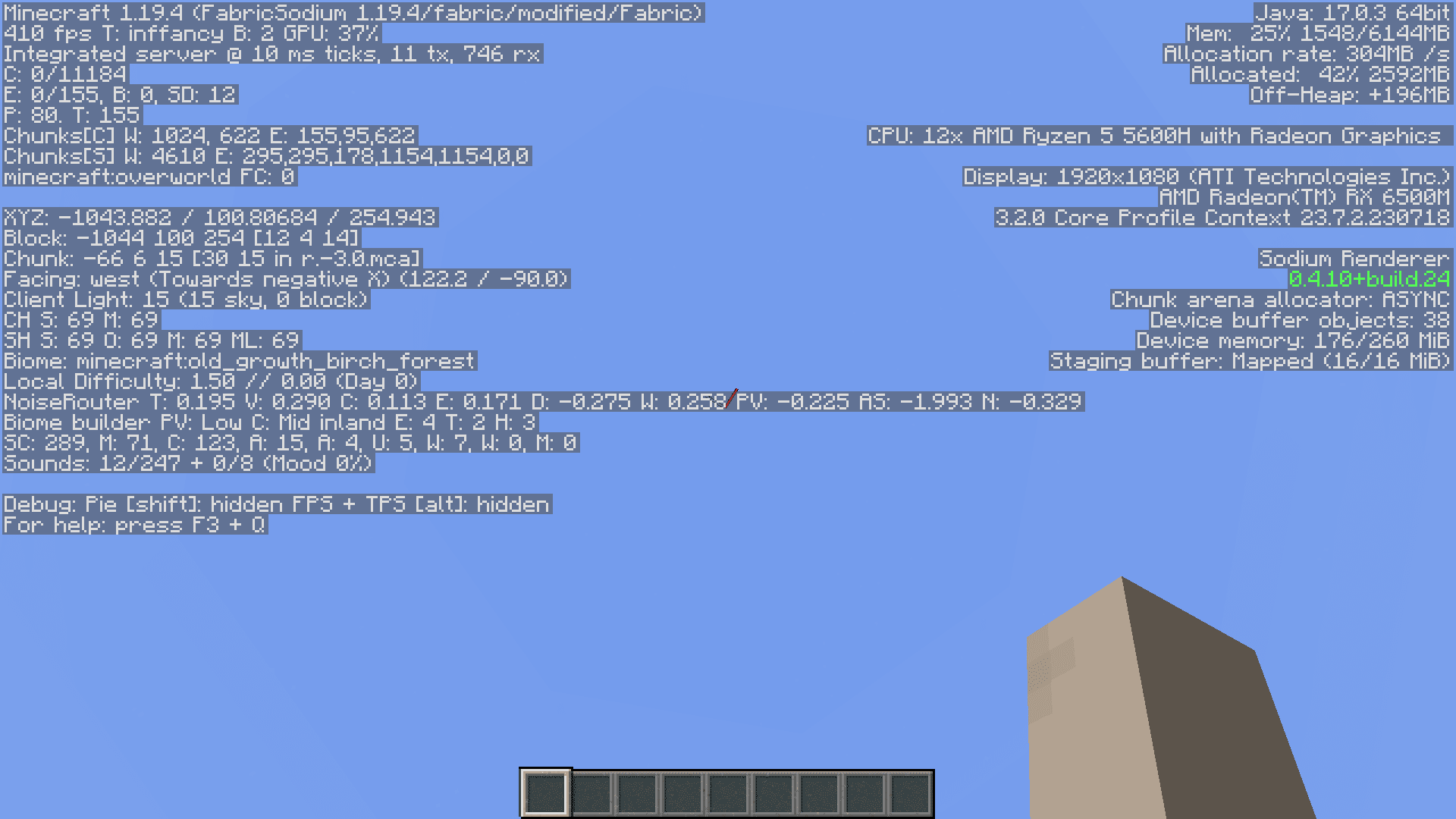
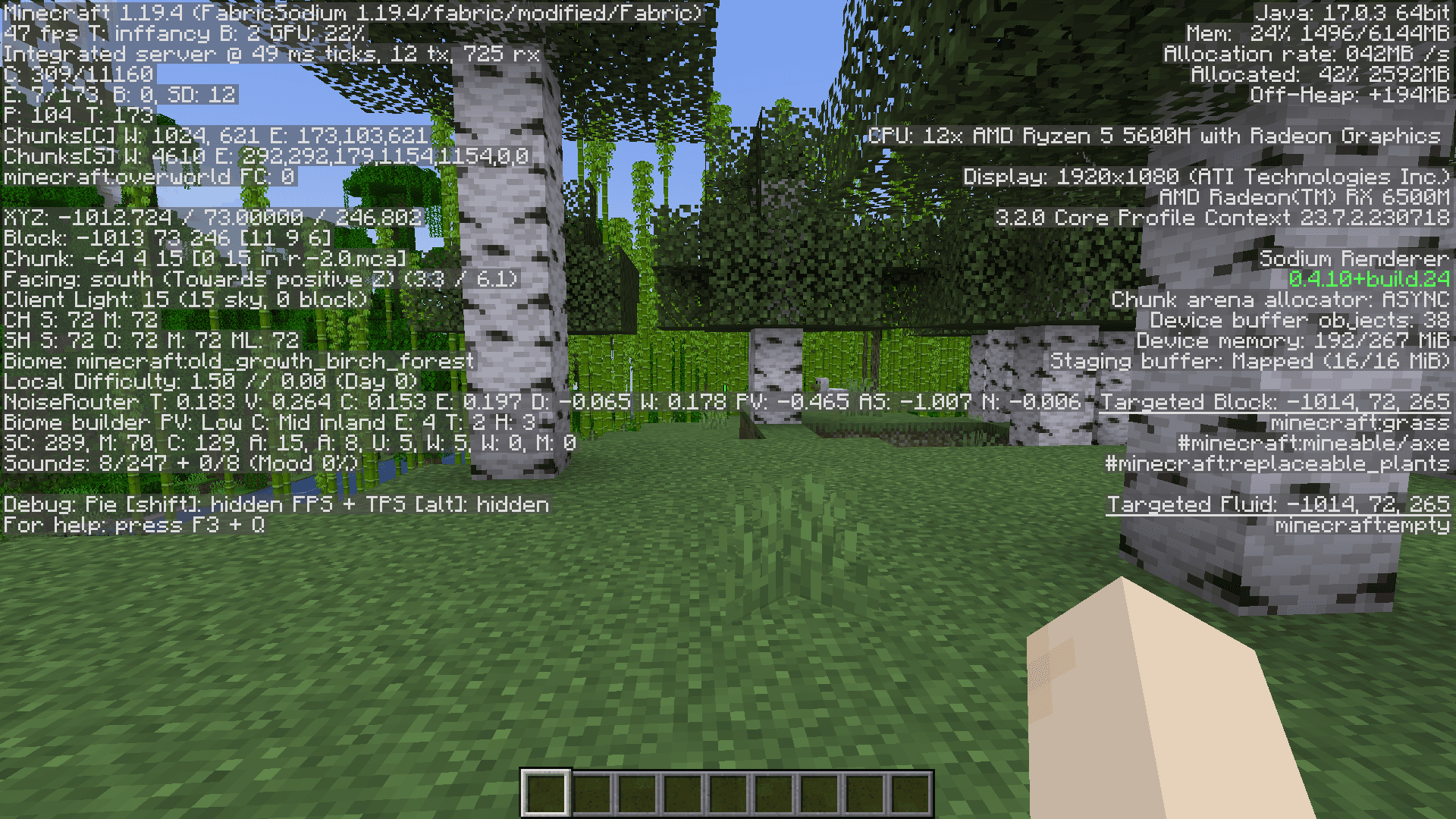
Screenshots:
Exordium Mod Download Links
Quick facts
- Edition: Minecraft Java
- File type: .jar
- Minecraft version listed: 1.20.1
- How to install: Install the matching mod loader (Forge, Fabric or NeoForge) for your Minecraft version. → Download the .jar. → Put it in the .minecraft/mods folder and launch that loader profile.
- Where to get it: In MC Java Mods, or directly above on this page.
Install steps are the general flow for this file type — How to install Minecraft Java mods & modpacks walks through it step by step.
File checked by MCModsHub
- Downloads as 27368.mcaddon
- Download size: 1.5 MB
- Download link checked 10 Oct 2026 — working
- Mirrored on our own servers — the download does not depend on the original host
These come from our own check of the pack file, not from the source page.