ModsJava
Simple Discord Rich Presence Mod (26.2, 1.20.1) – Lightweight Discord Integration
Java mod listed for Minecraft 1.20. Downloads from the MC Java Mods app on Android.
⬇ Download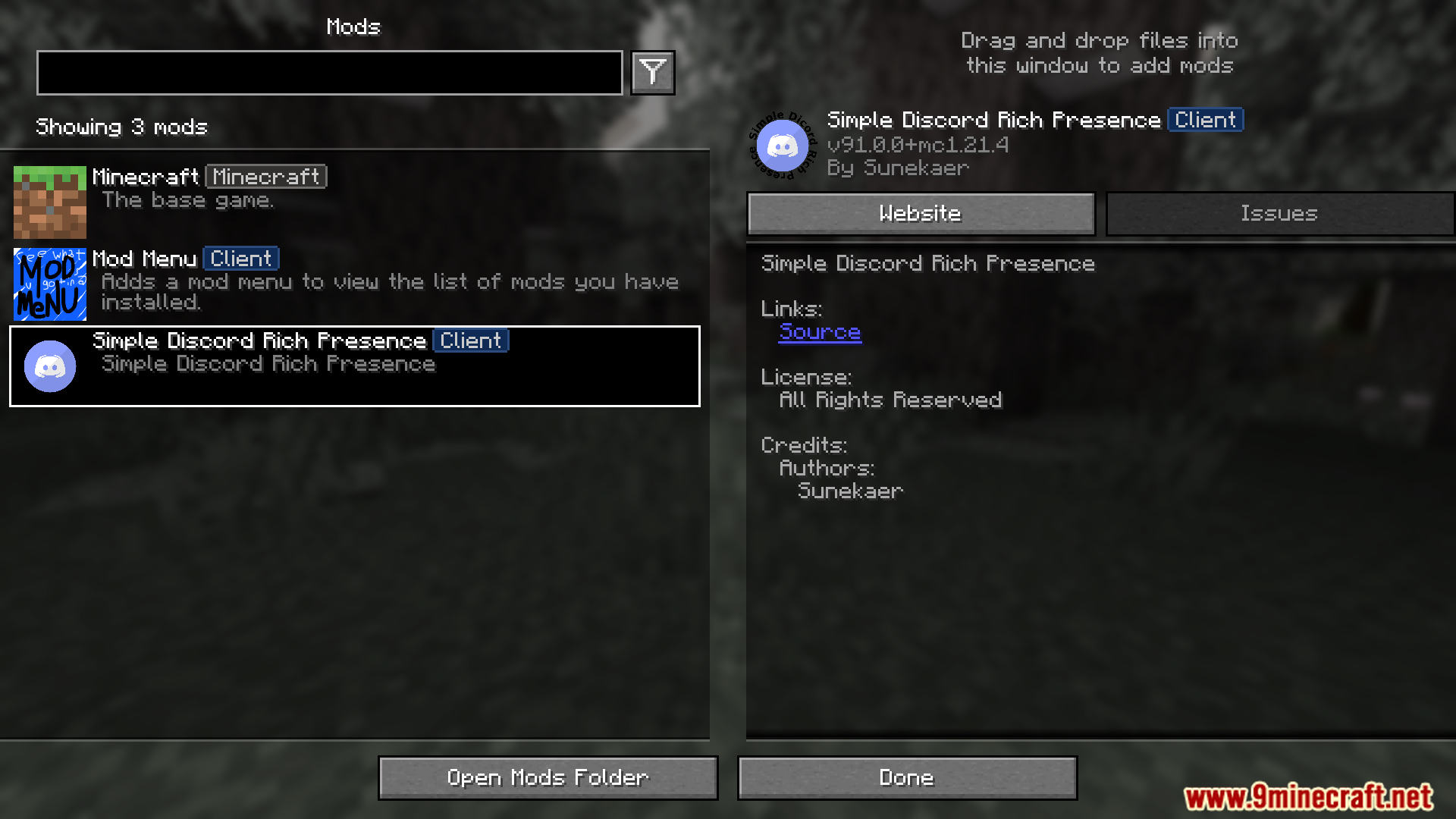
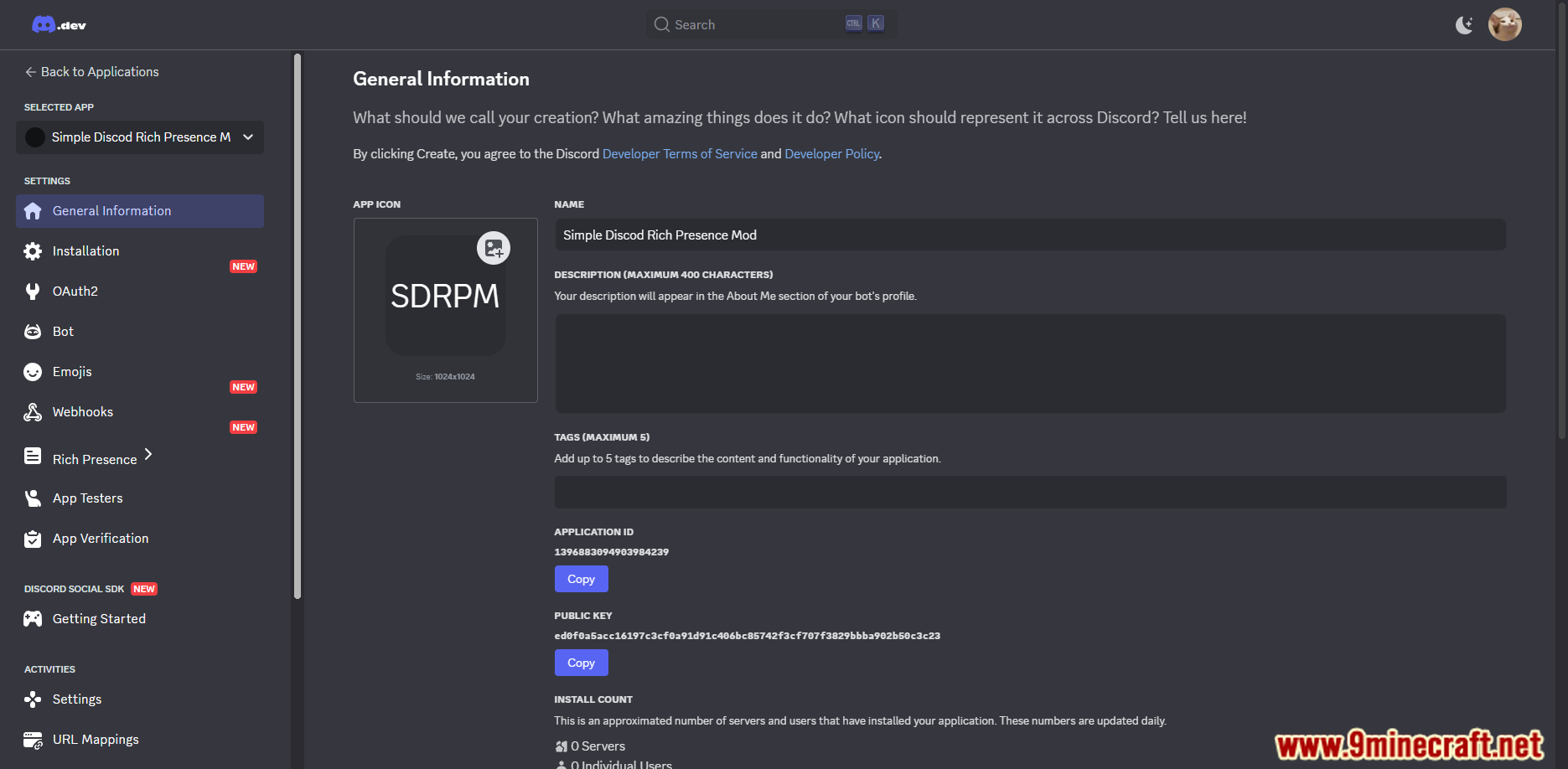
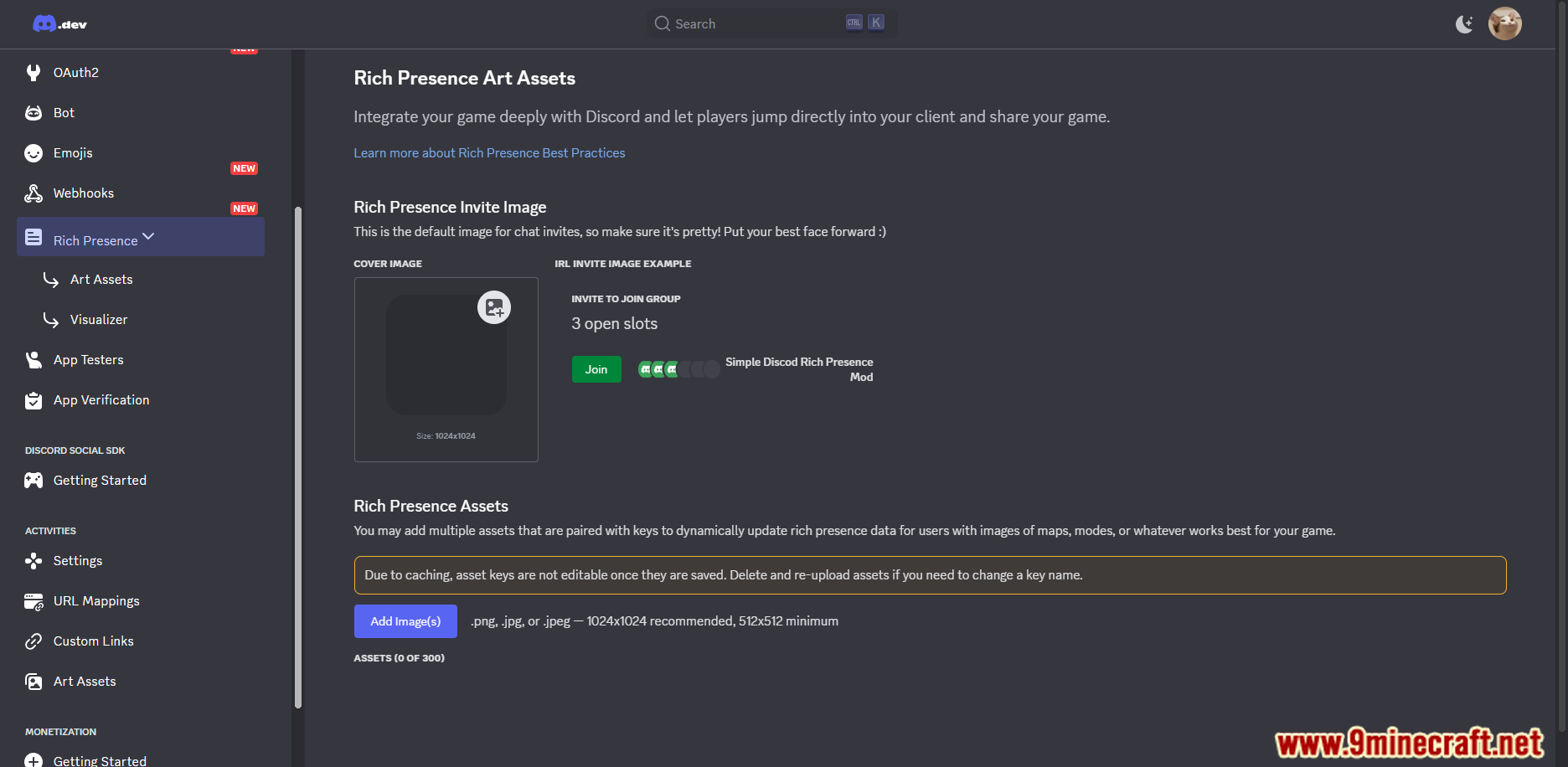
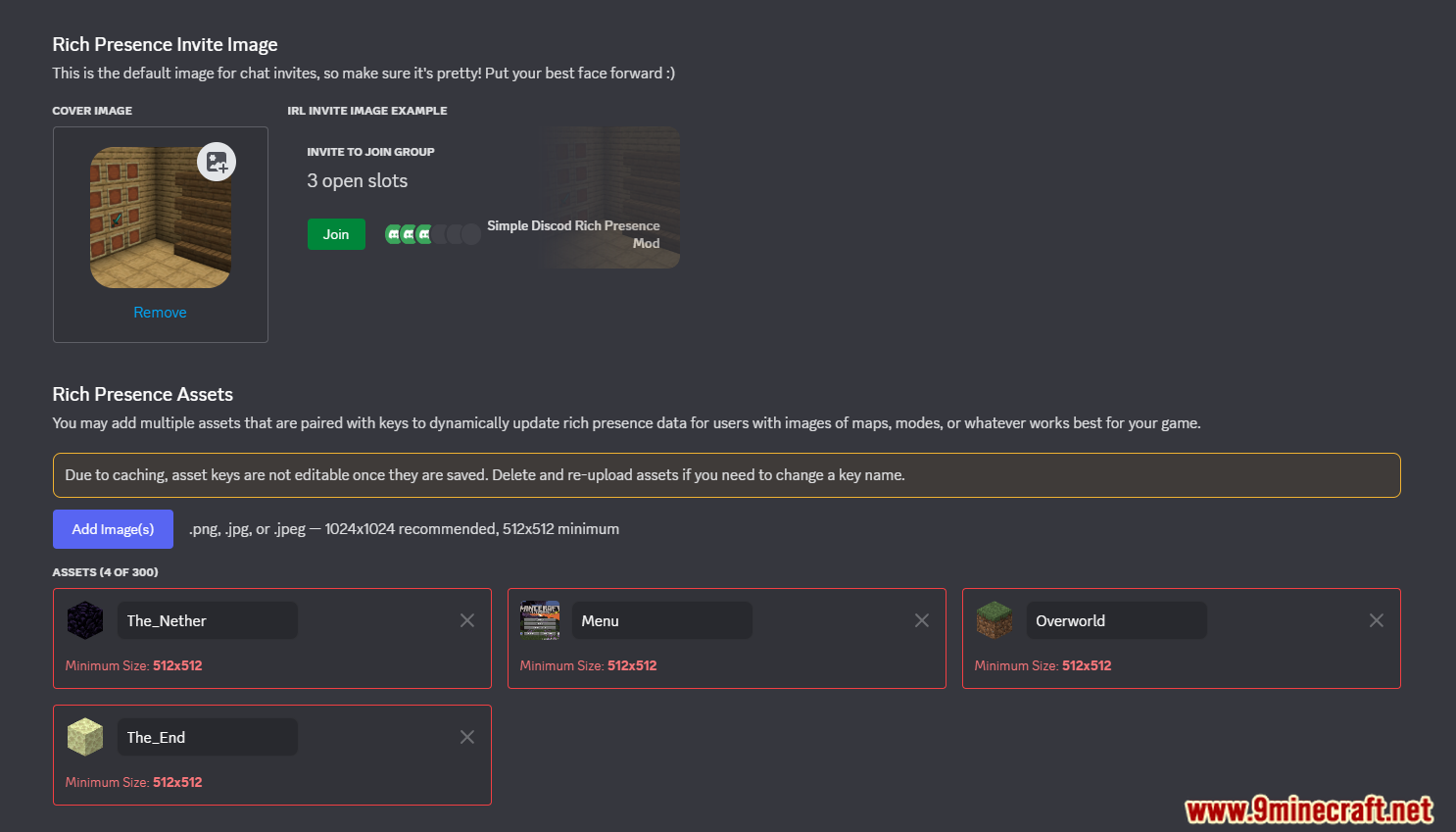
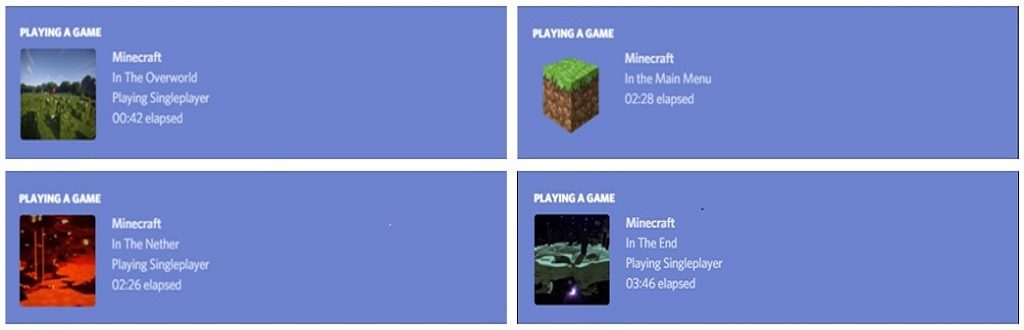
Simple Discord Rich Presence Mod does one job: it tells Discord what you are doing in Minecraft, without the long list of options that heavier presence mods carry. Out of the box it reports whether you are sitting on the main menu, loading, or playing, and which dimension you are in, each with its own icon. The config file is short, and if you want more than the defaults there is a KubeJS hook for setting the status yourself from a script.
Features:
- Shows your current dimension in the Discord status, with a matching image for the overworld, the Nether and the End.
- Detects the main menu and the moment you join a world, so the status changes at the right time.
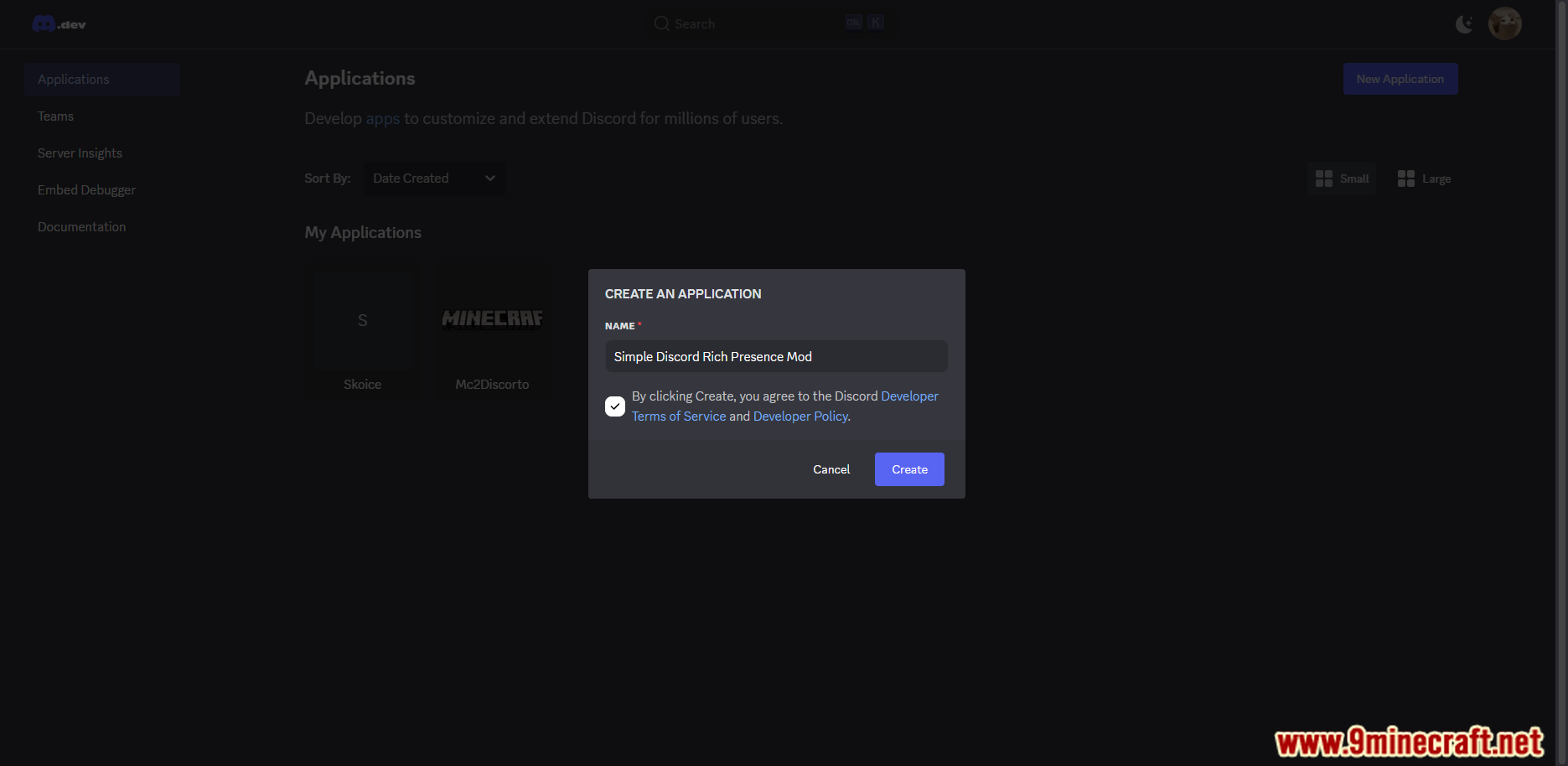
- Ships with a working Discord application, so nothing needs registering before it does something useful.
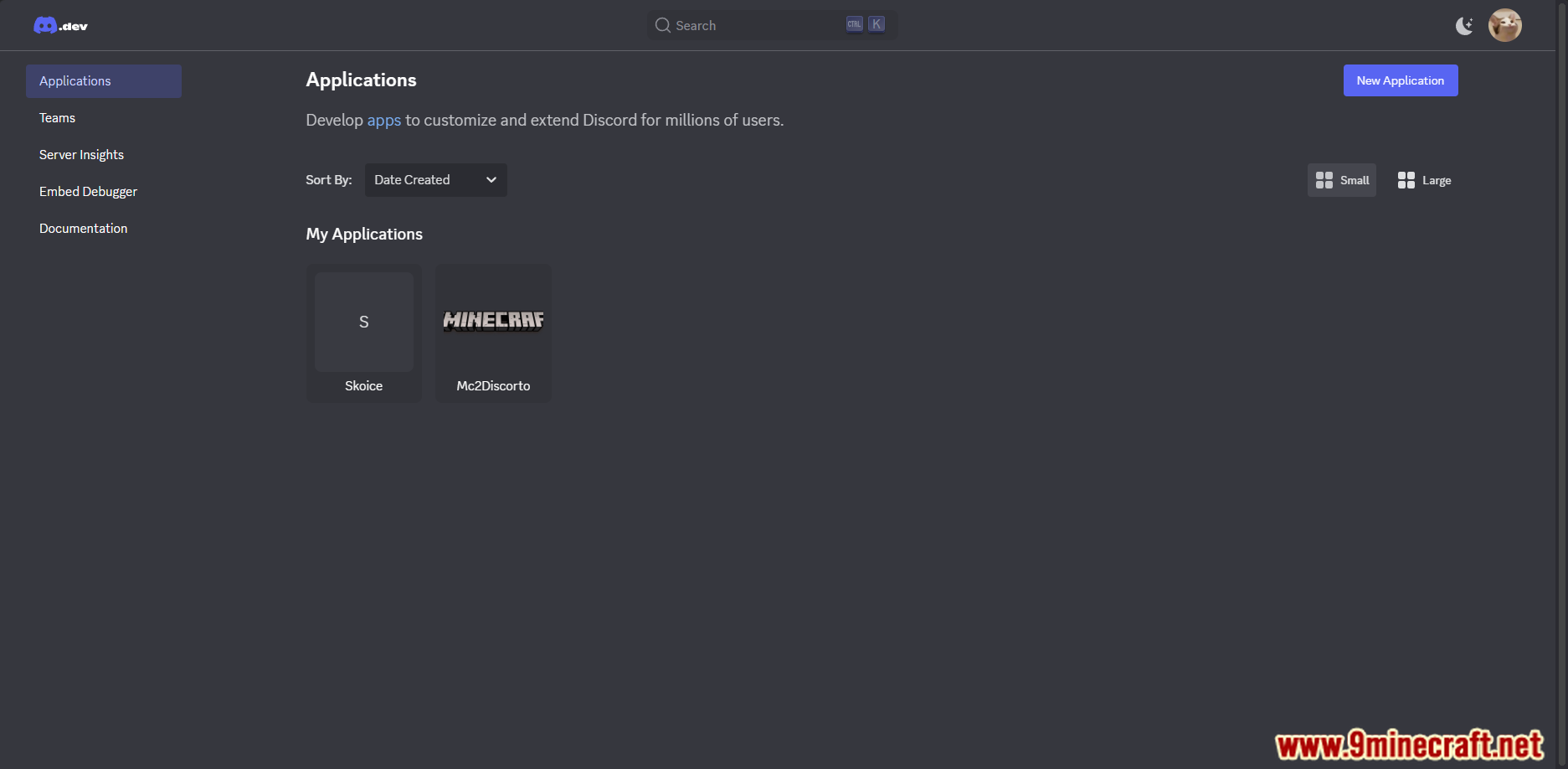
- Your own Discord application ID can be dropped into the config if you would rather use your own art.
- The whole thing can be switched off from the config without removing the jar.
- The built in screen and world join detection can each be turned off on their own.
- KubeJS scripts can set the status text and icon directly through
SDRP.setStateand read it back withSDRP.getCurrentState. - Image keys follow the dimension registry path, so a modded dimension gets its own icon by name.
- Status text and hover text both accept a language key instead of a fixed string, so translations work.
- Builds are available for Fabric, Forge and NeoForge going back to Minecraft 1.14.4.
How to Use:
- Install Fabric, Forge or NeoForge, then drop the jar into
.minecraft/mods. - Leave the Discord desktop client running before you start Minecraft, or the two never connect.
- Launch the game and check your Discord profile. The status should already name the screen or dimension.
- Open the mod’s config file if you want to change anything. Set
enableto false to switch it off. - Put your own application ID into
clientIdif you have made a Discord app with your own artwork. - Add a KubeJS startup script calling
SDRP.setStateif you want the status to follow events the mod does not track by itself.
Screenshot:
Simple Discord Rich Presence Mod Download Links
Quick facts
- Edition: Minecraft Java
- File type: .jar
- Minecraft version listed: 1.20.1
- How to install: Install the matching mod loader (Forge, Fabric or NeoForge) for your Minecraft version. → Download the .jar. → Put it in the .minecraft/mods folder and launch that loader profile.
- Where to get it: In MC Java Mods, or directly above on this page.
Install steps are the general flow for this file type — How to install Minecraft Java mods & modpacks walks through it step by step.
File checked by MCModsHub
- Downloads as 27378.mcaddon
- Download size: 75 KB
- Download link checked 23 Sept 2026 — working
- Mirrored on our own servers — the download does not depend on the original host
These come from our own check of the pack file, not from the source page.