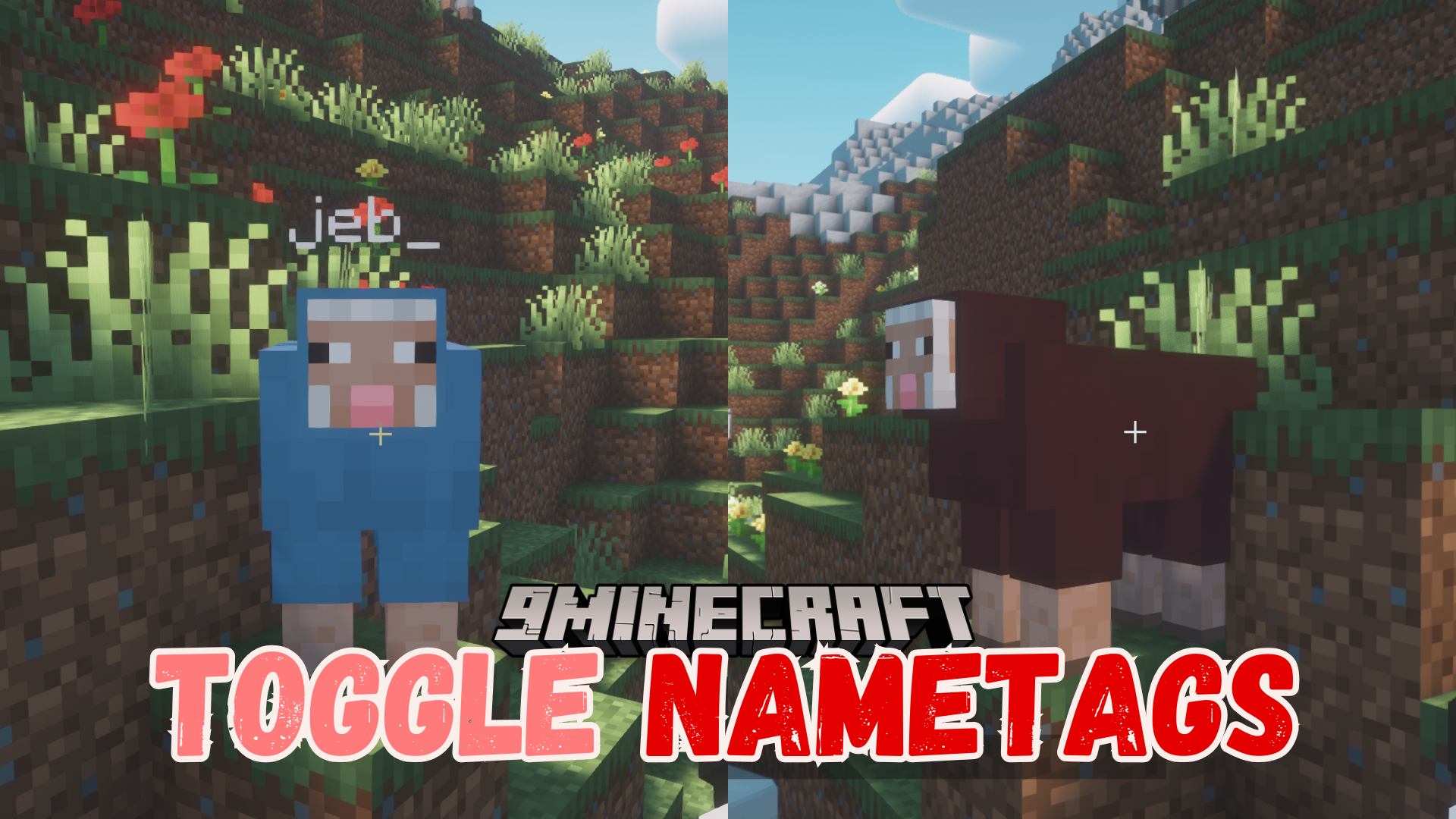
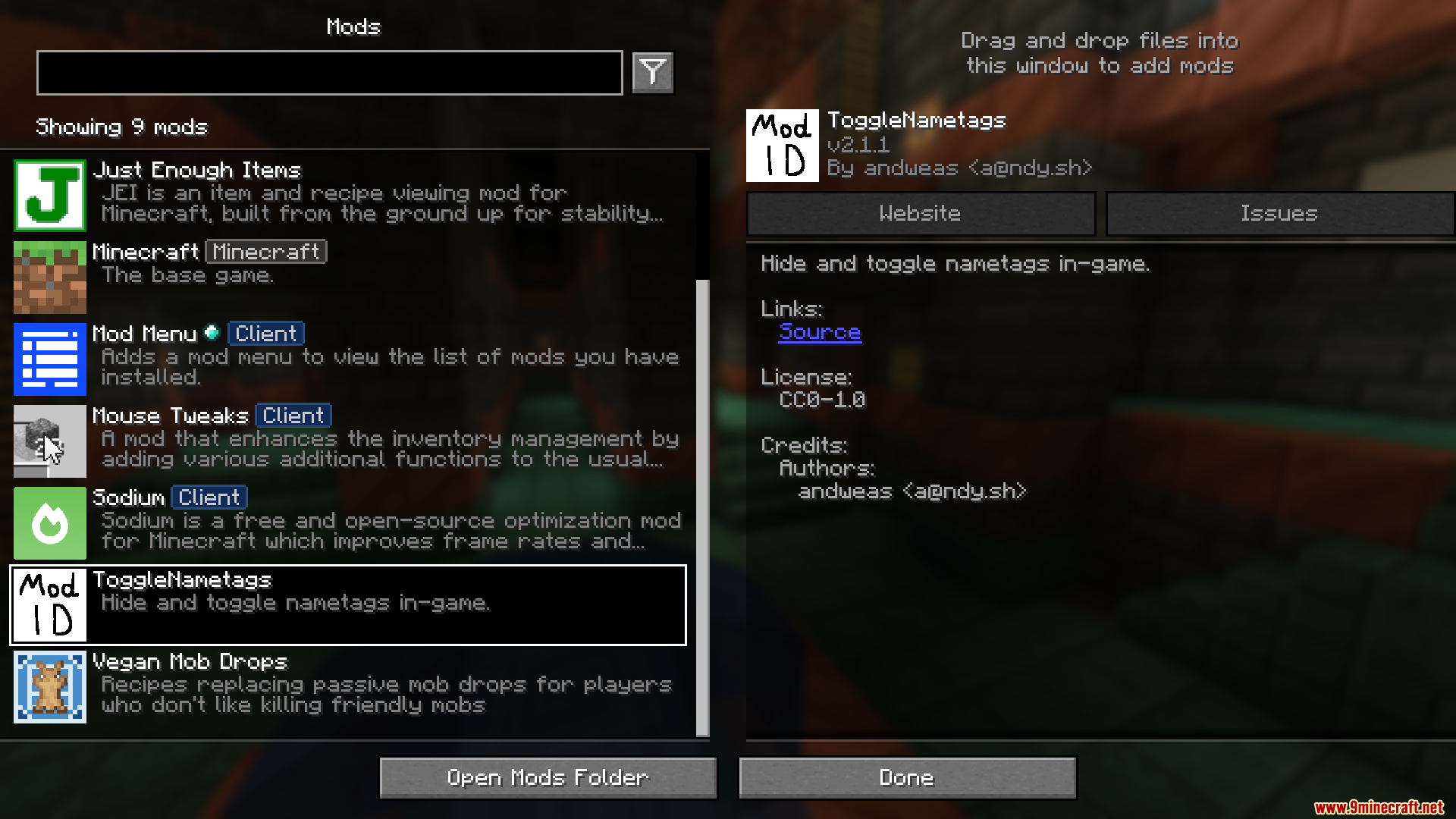
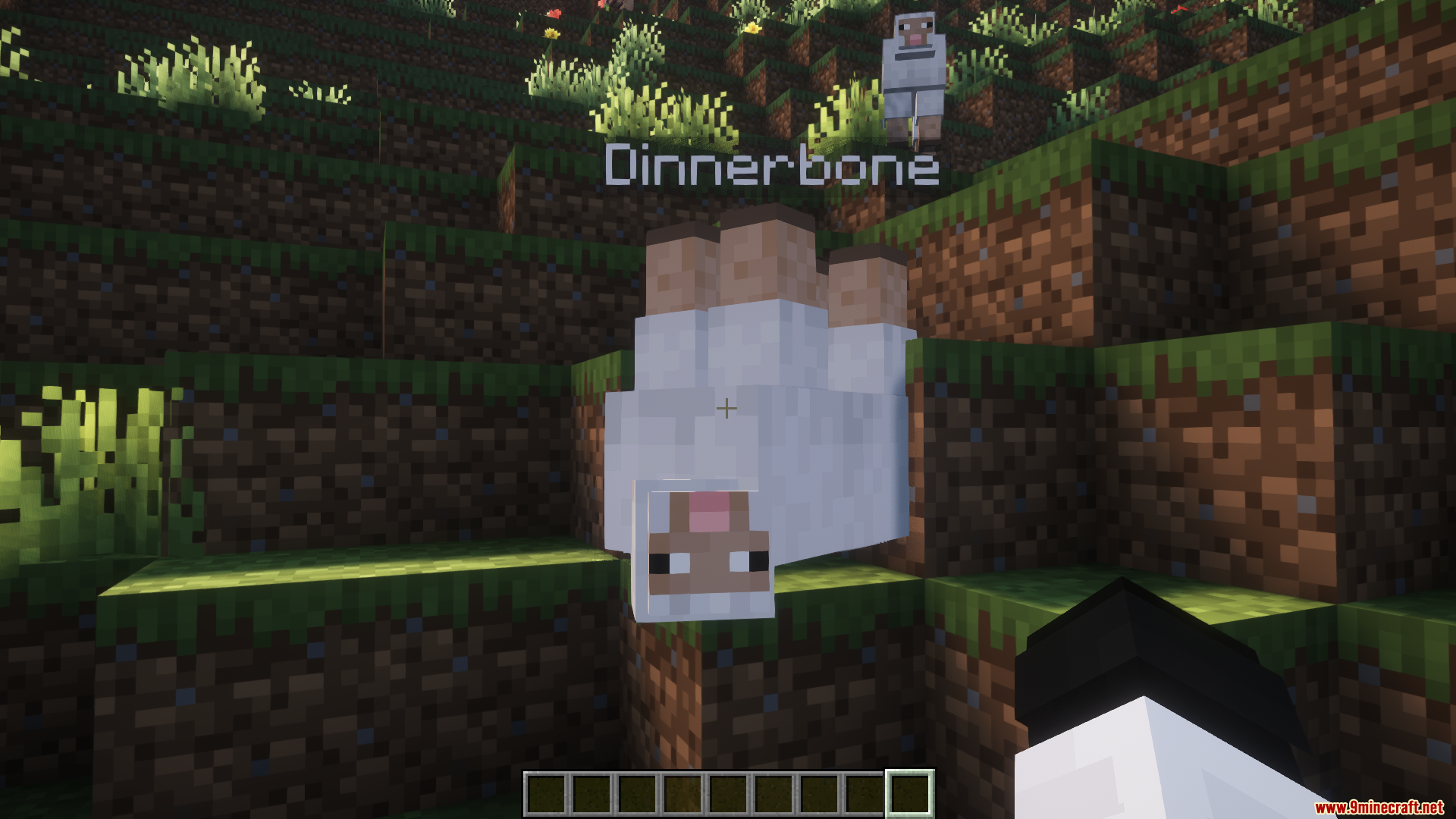
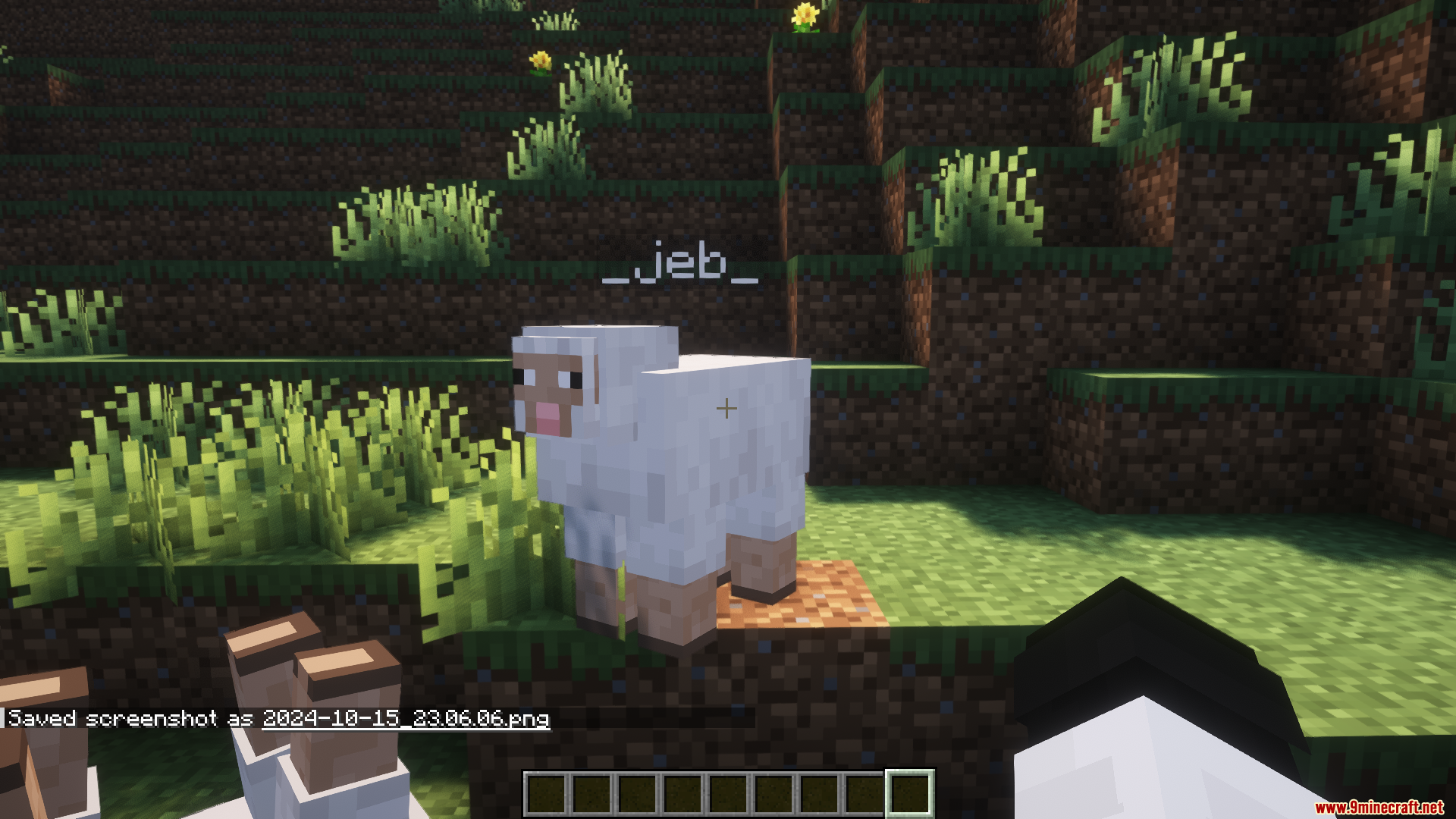
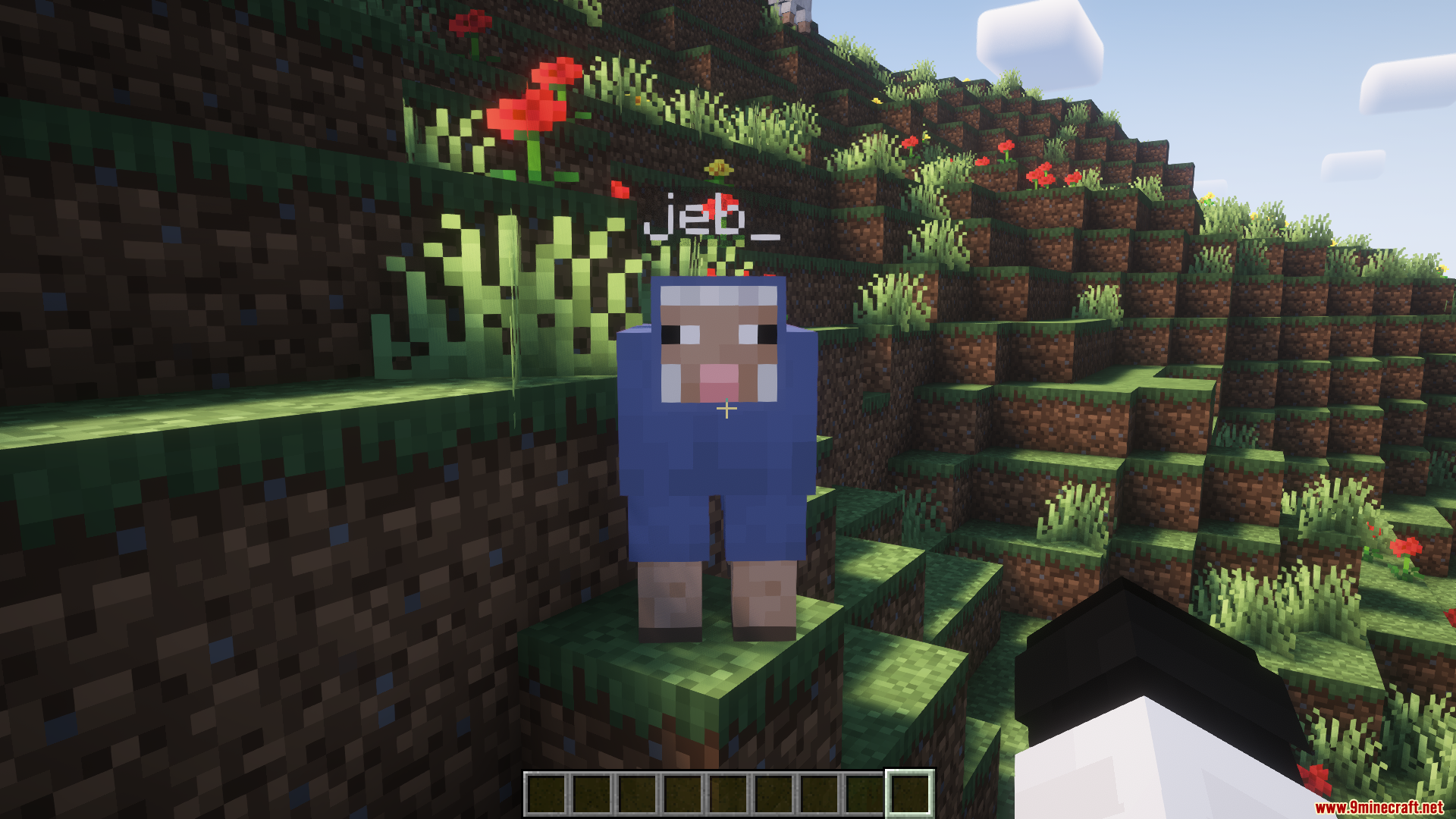
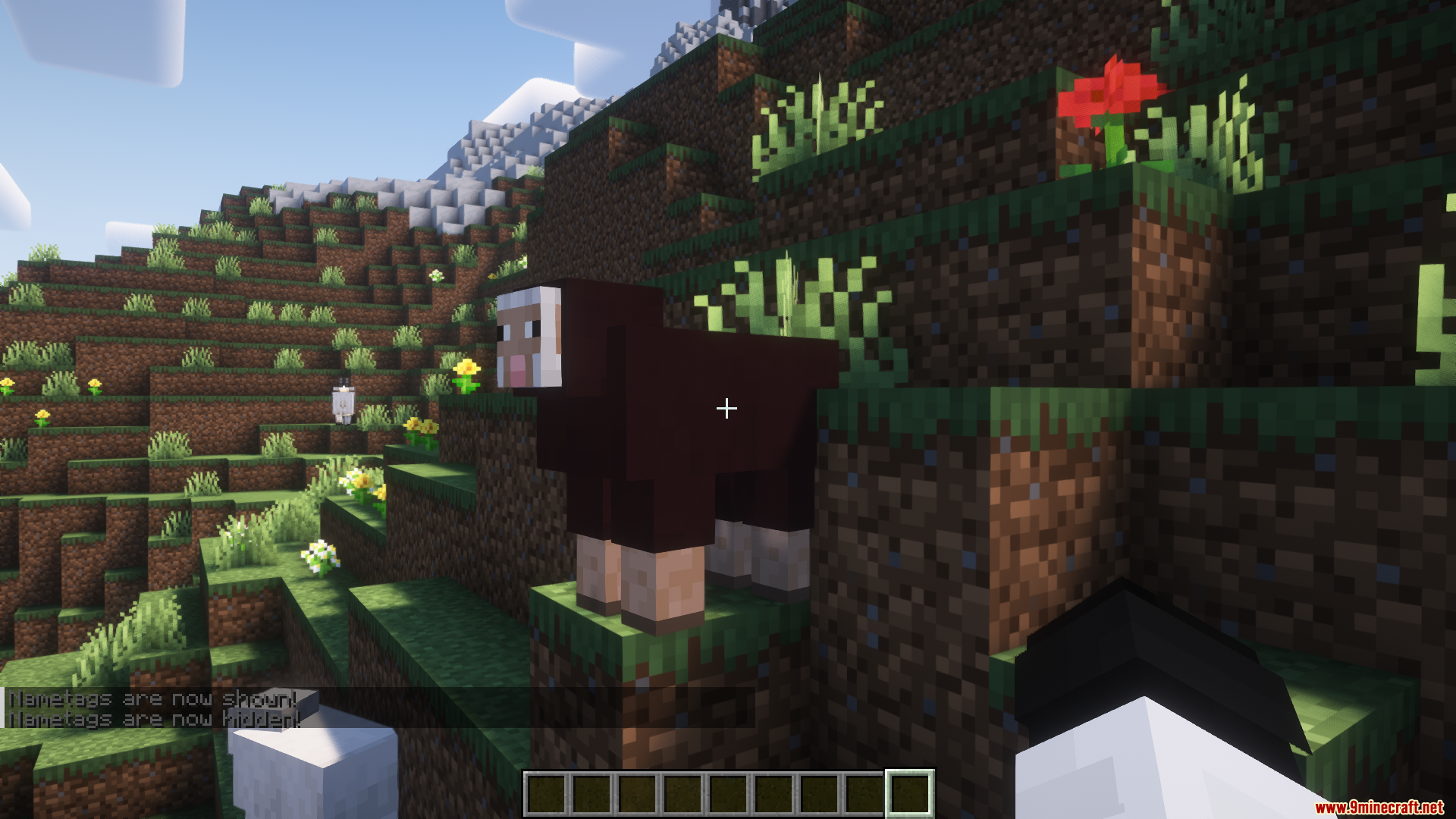
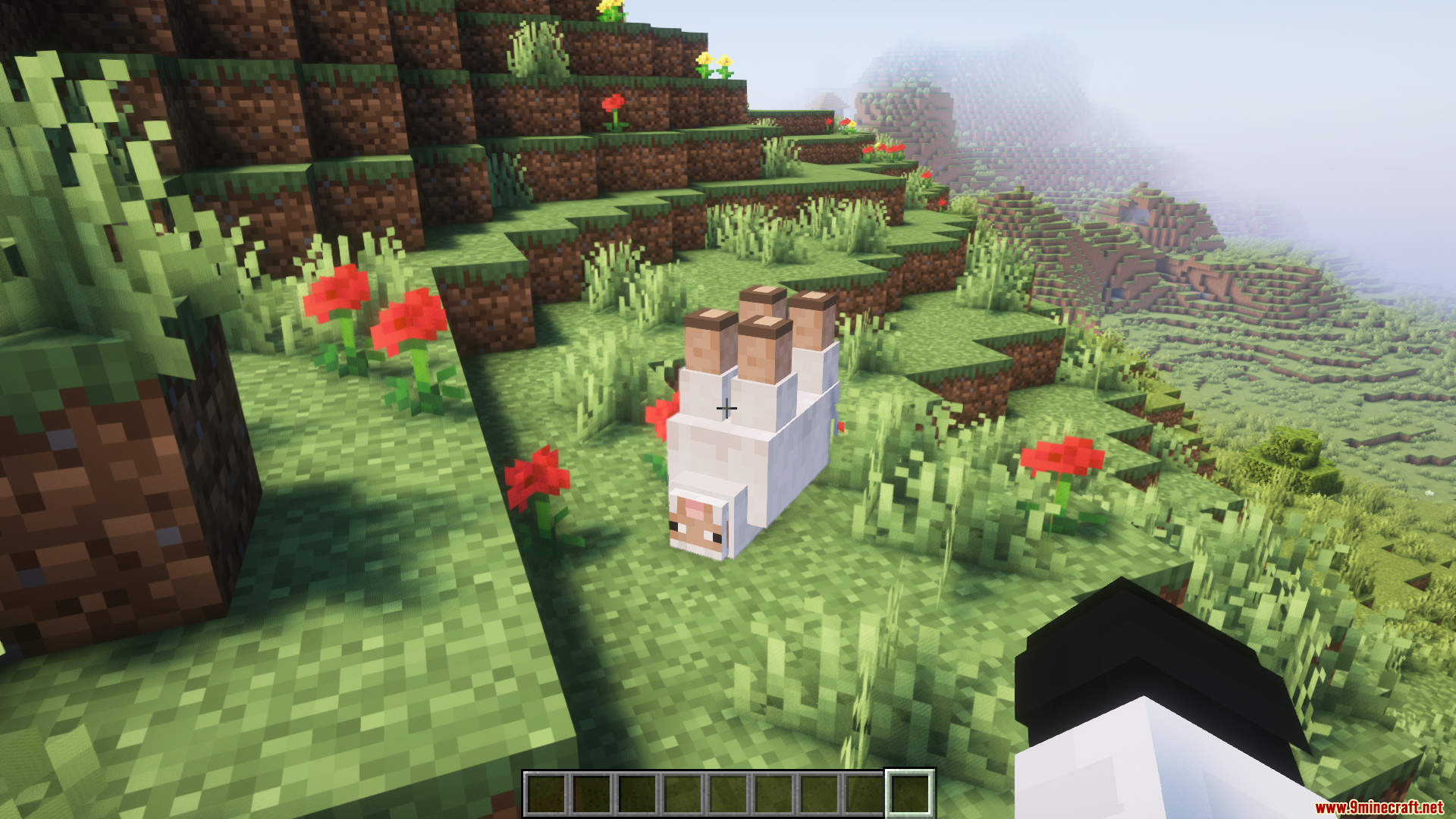
Toggle Nametags Mod can toggle nametags on and off by pressing a keyboard button and changing the keybind if needed. This feature is beneficial when there are many nametags on screen, as it can boost a noticeable FPS. The mod also allows toggling non-player nametags by pressing the equals key and hiding the boss bar with the M key, which can further enhance performance.
Features:
- This mod allows you to toggle entity nametags by pressing the
-button. - You can change this keybind.
- You can also get an FPS boost with this if there’s too many nametags at once.
How to use:
The mod has a good set of functionality which can be configured in your Key Bind settings.
- Toggle Nametags: Press the
-(minus) button and nametags will disappear. - Toggle Other Nametags: Press the
=(equals) button and non-player nametags will disappear. - Toggle Bossbar: Press the
Mbutton to toggle the boss-bar. Helpful to boost FPS on some servers. - Show your own nametag: Press the
]key to display your own nametag. (nice username)
Screenshots:
Toggle Nametags Mod Download Links
- Edition: Minecraft Java
- File type: .jar
- Minecraft version listed: 1.20.1
- How to install: Install the matching mod loader (Forge, Fabric or NeoForge) for your Minecraft version. → Download the .jar. → Put it in the .minecraft/mods folder and launch that loader profile.
- Where to get it: Opens on the file's original source — not every file is mirrored on our own servers.
Install steps are the general flow for this file type — How to install Minecraft Java mods & modpacks walks through it step by step.
Toggle Nametags Mod (26.1.2, 1.20.1) – Toggle All Entity Nametags is a free Minecraft Java mod. Compatible with Minecraft 1.20.1. Download it and open it directly in the game.