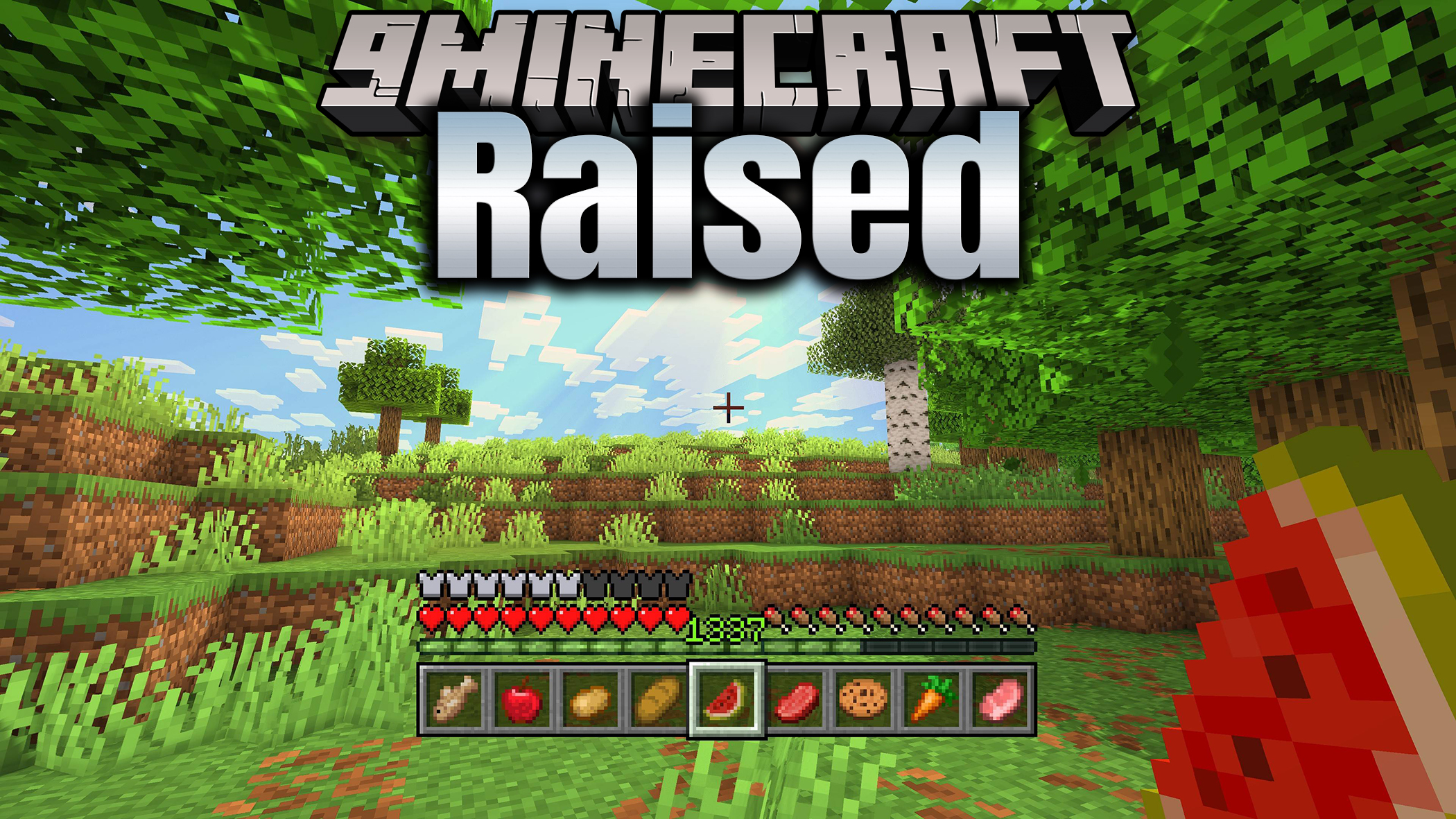
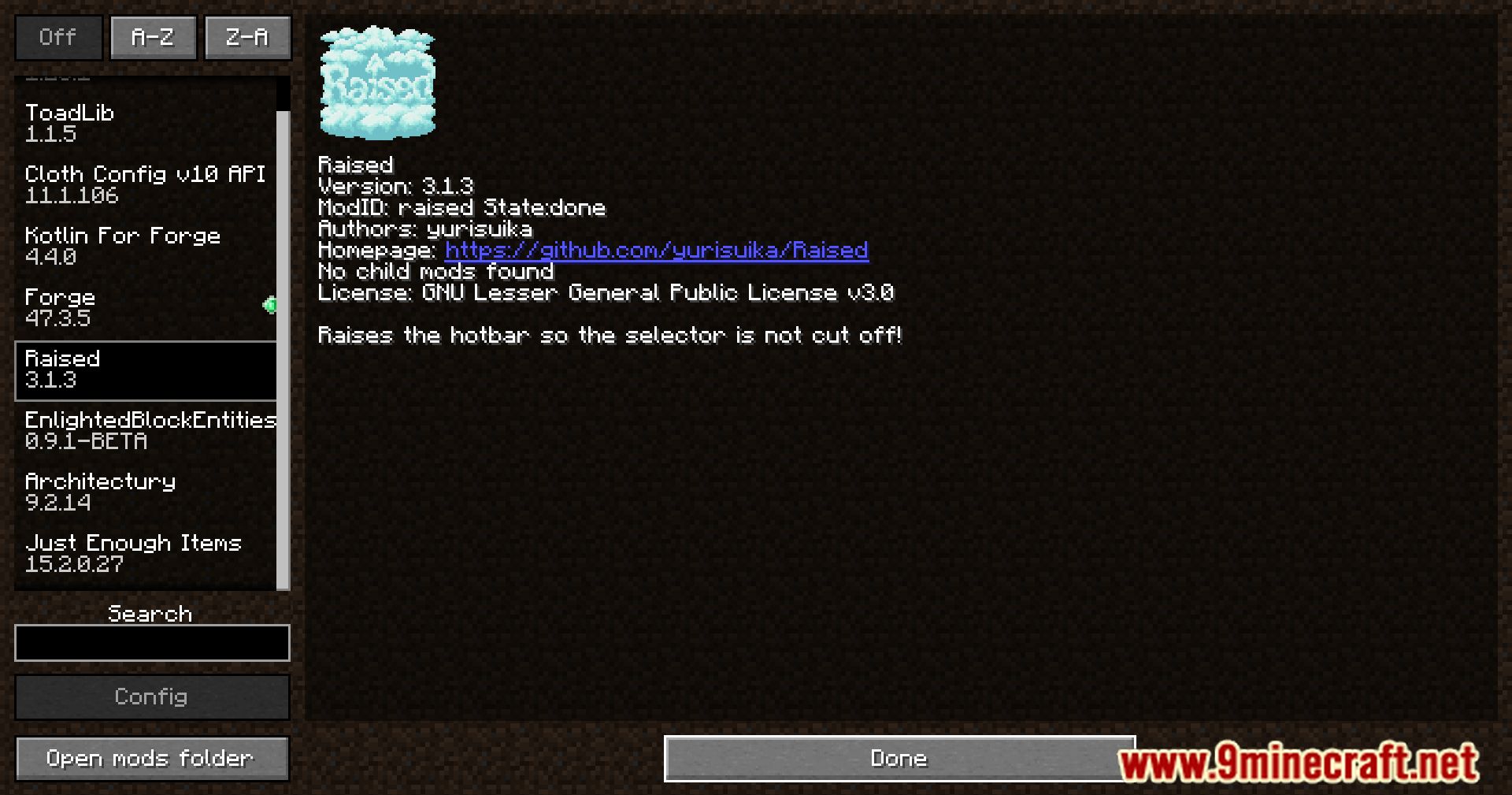
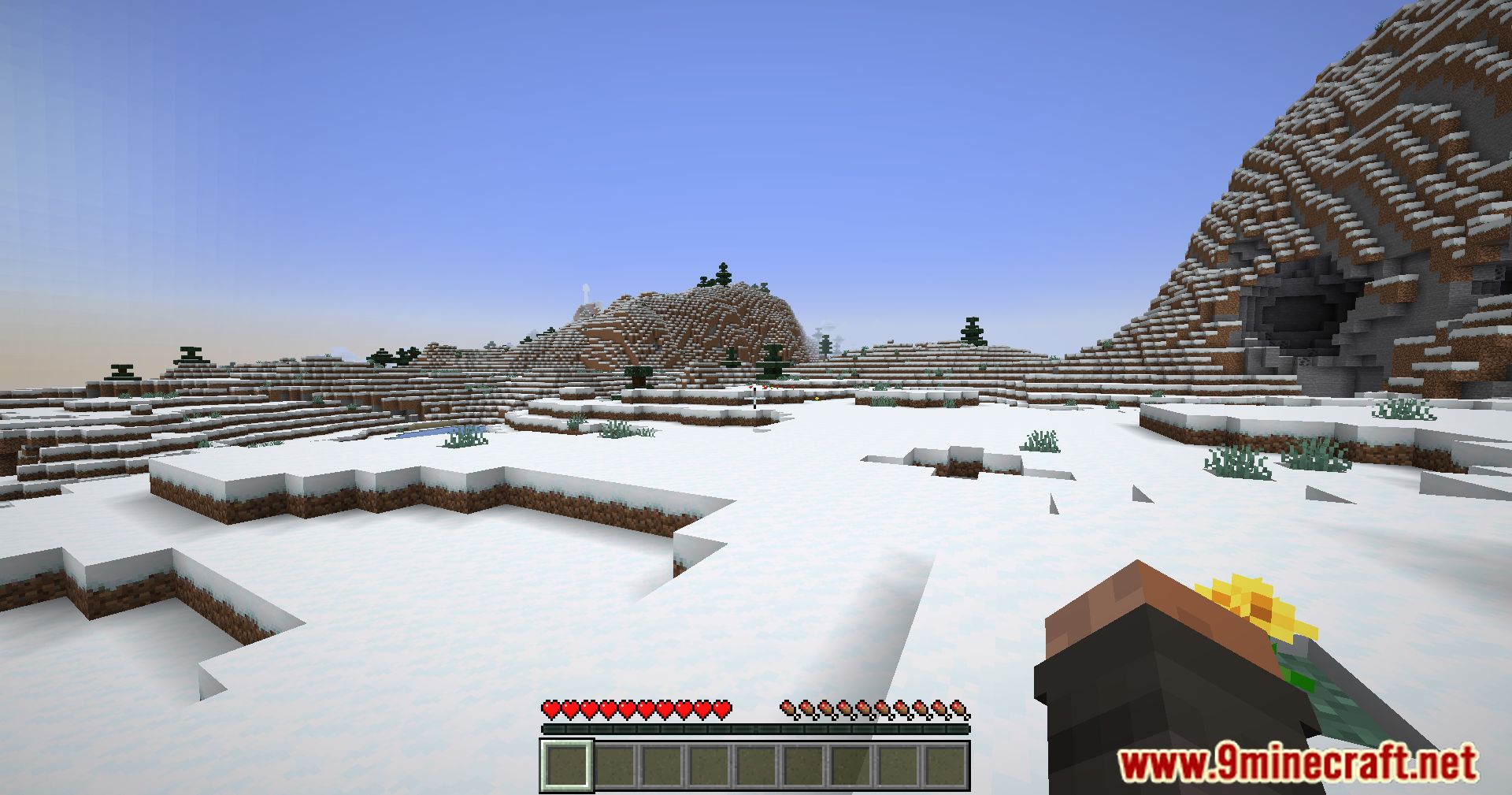
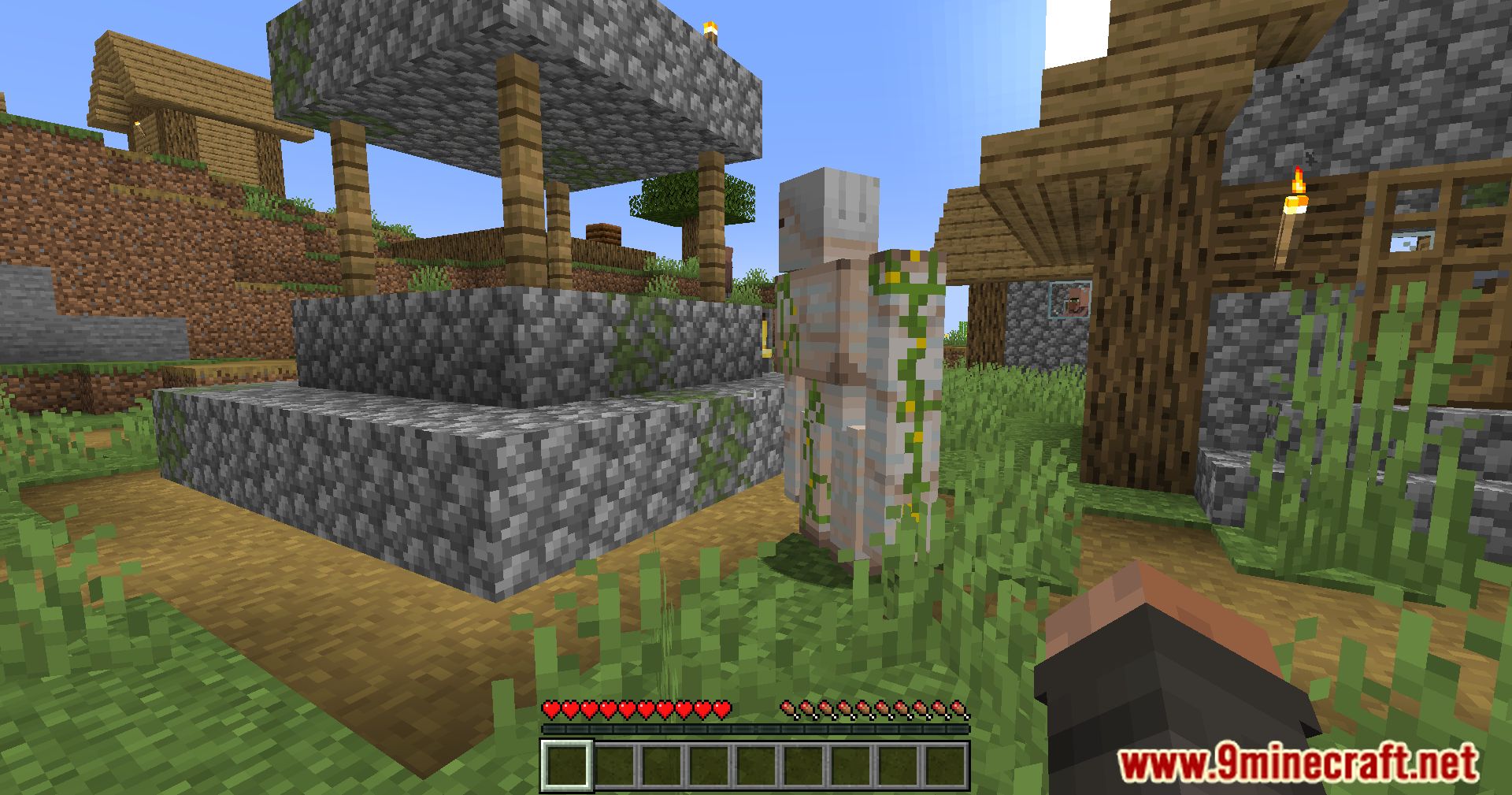
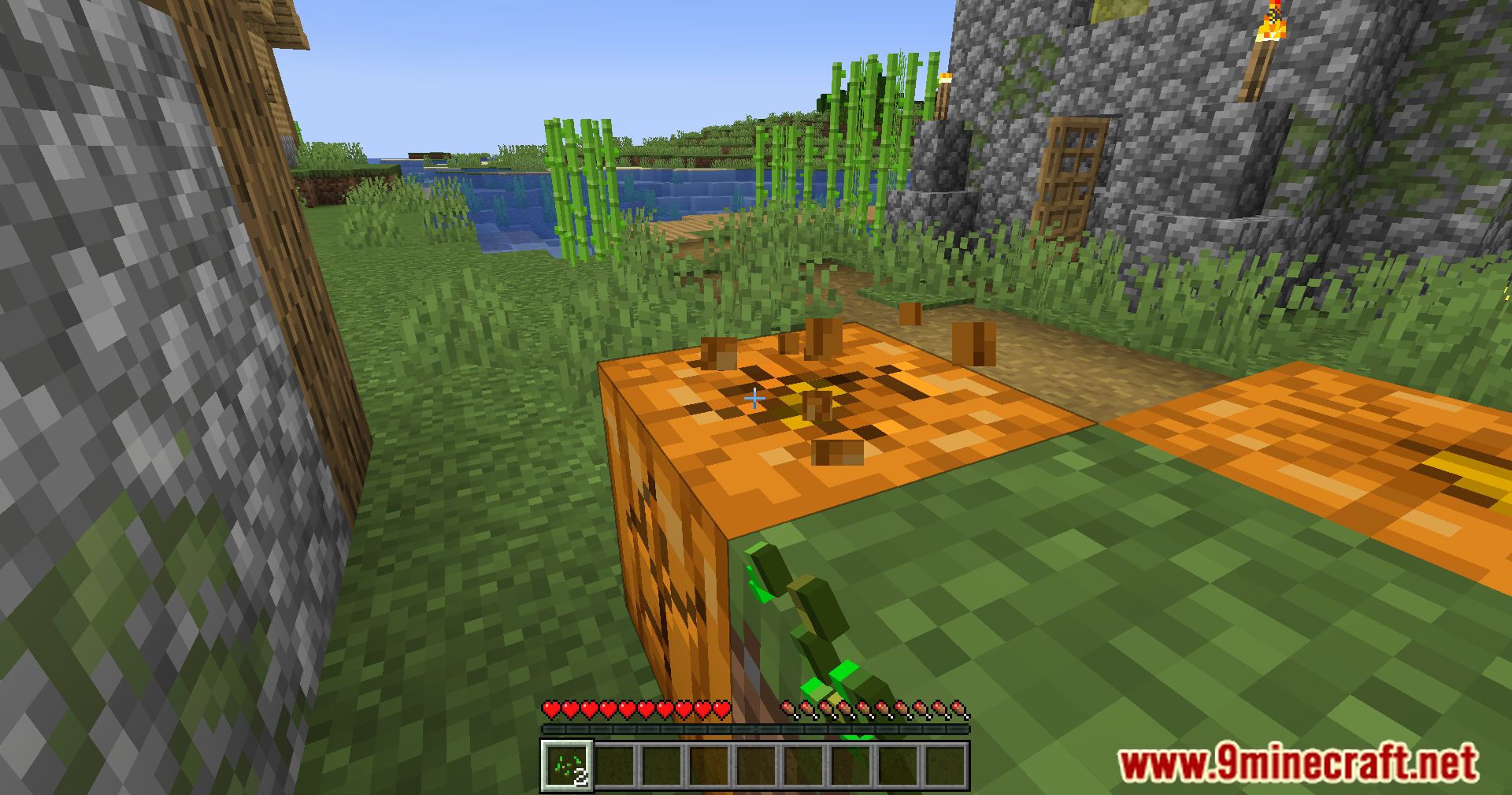
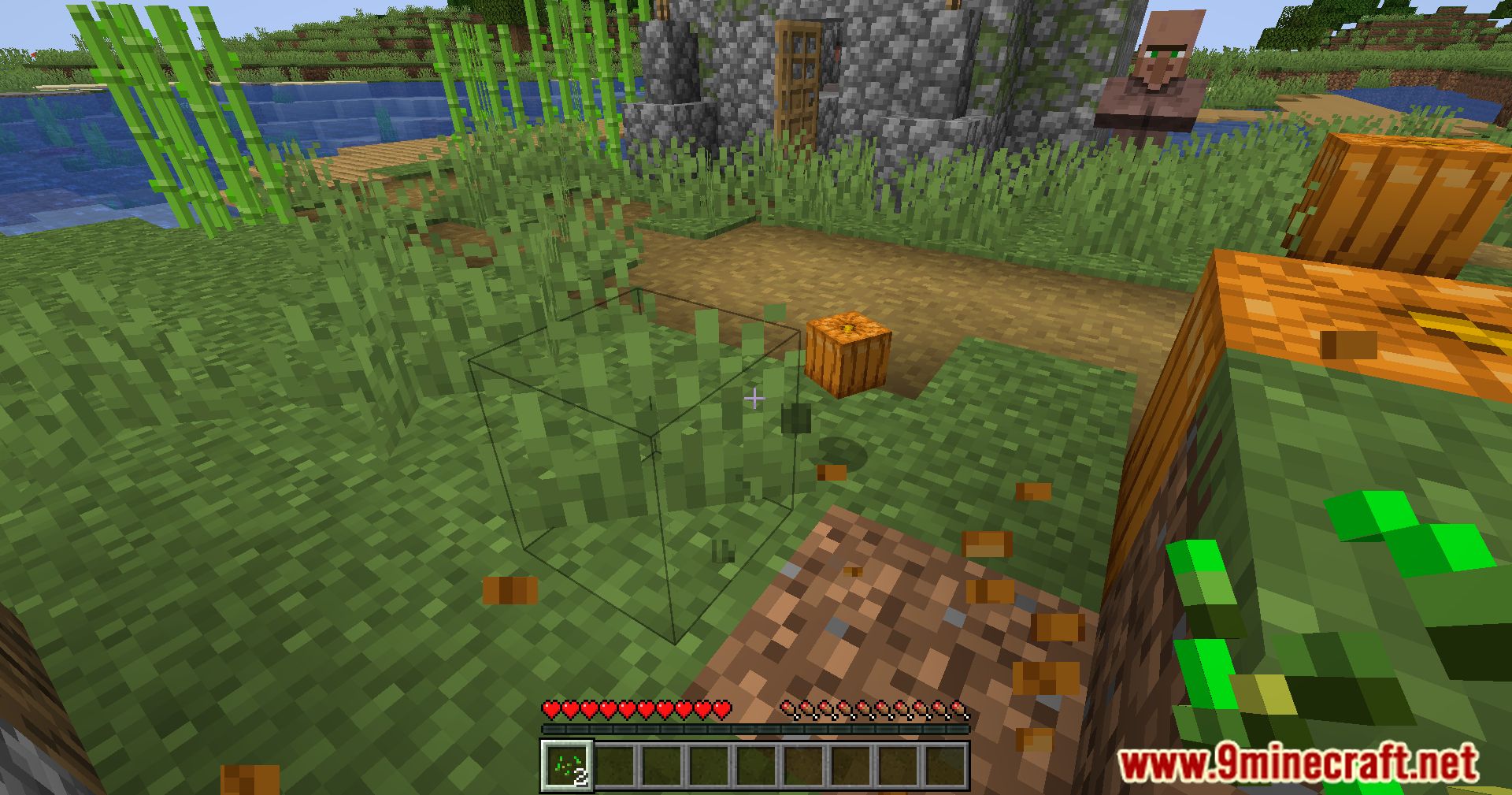
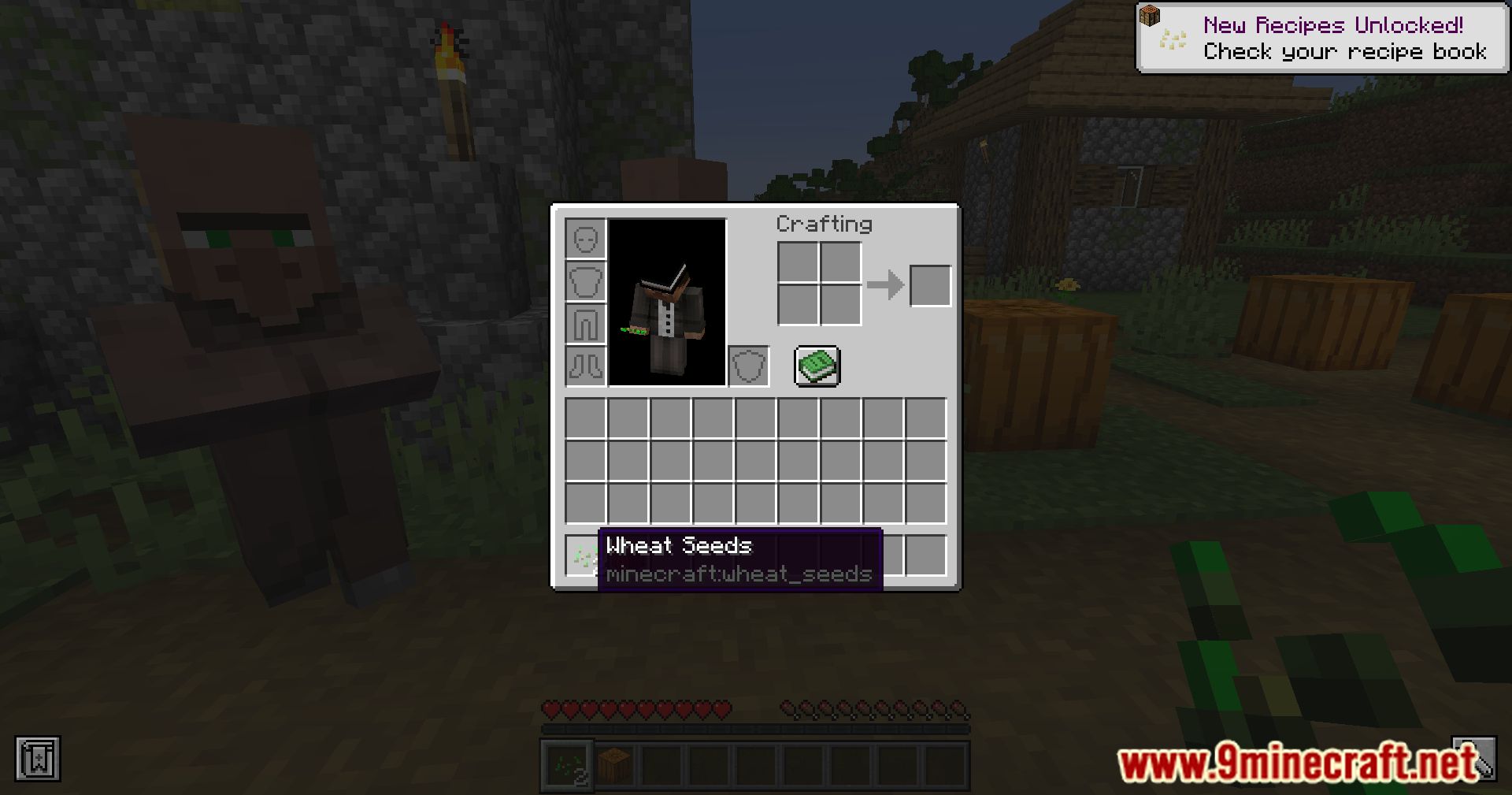
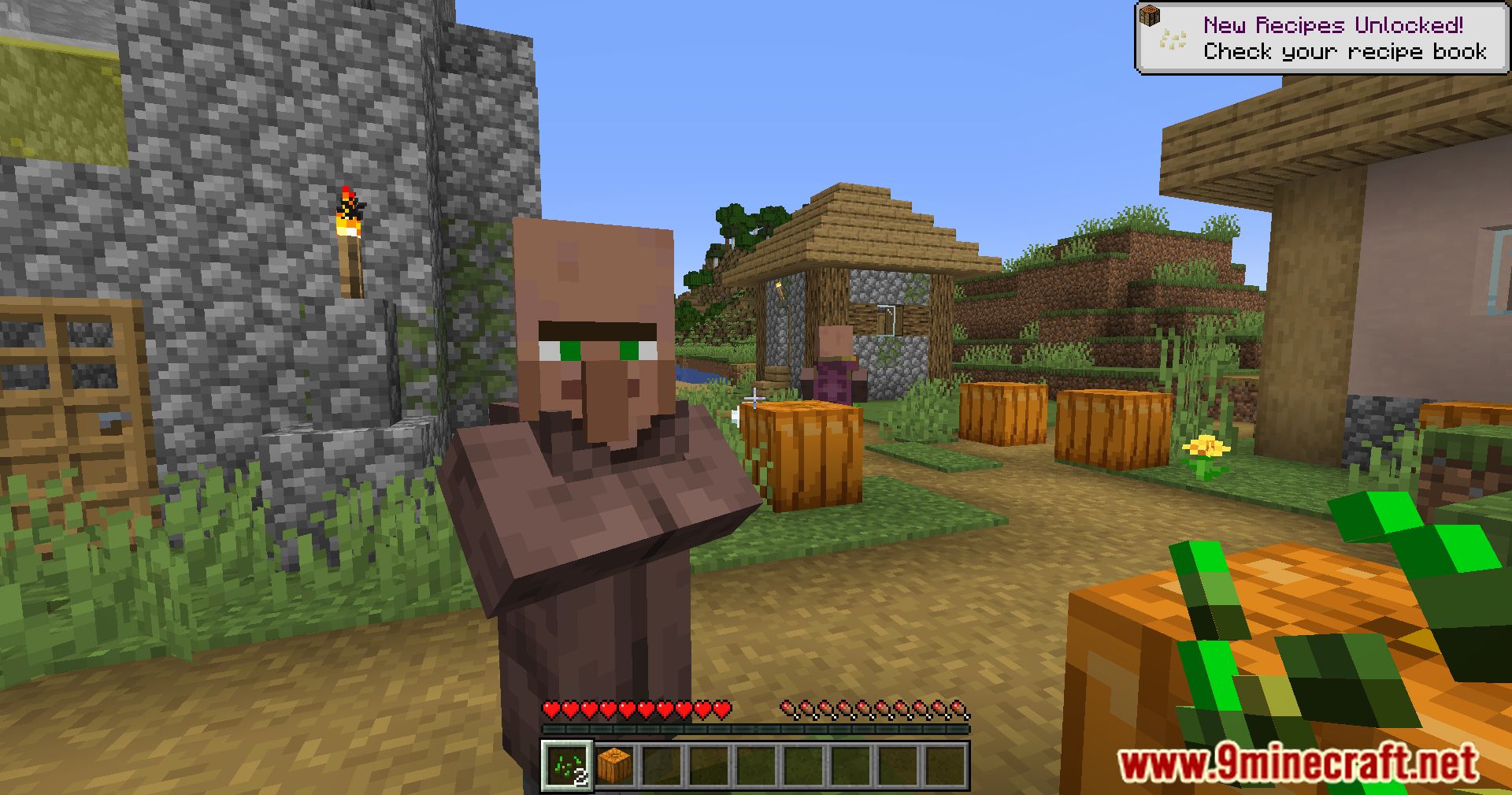
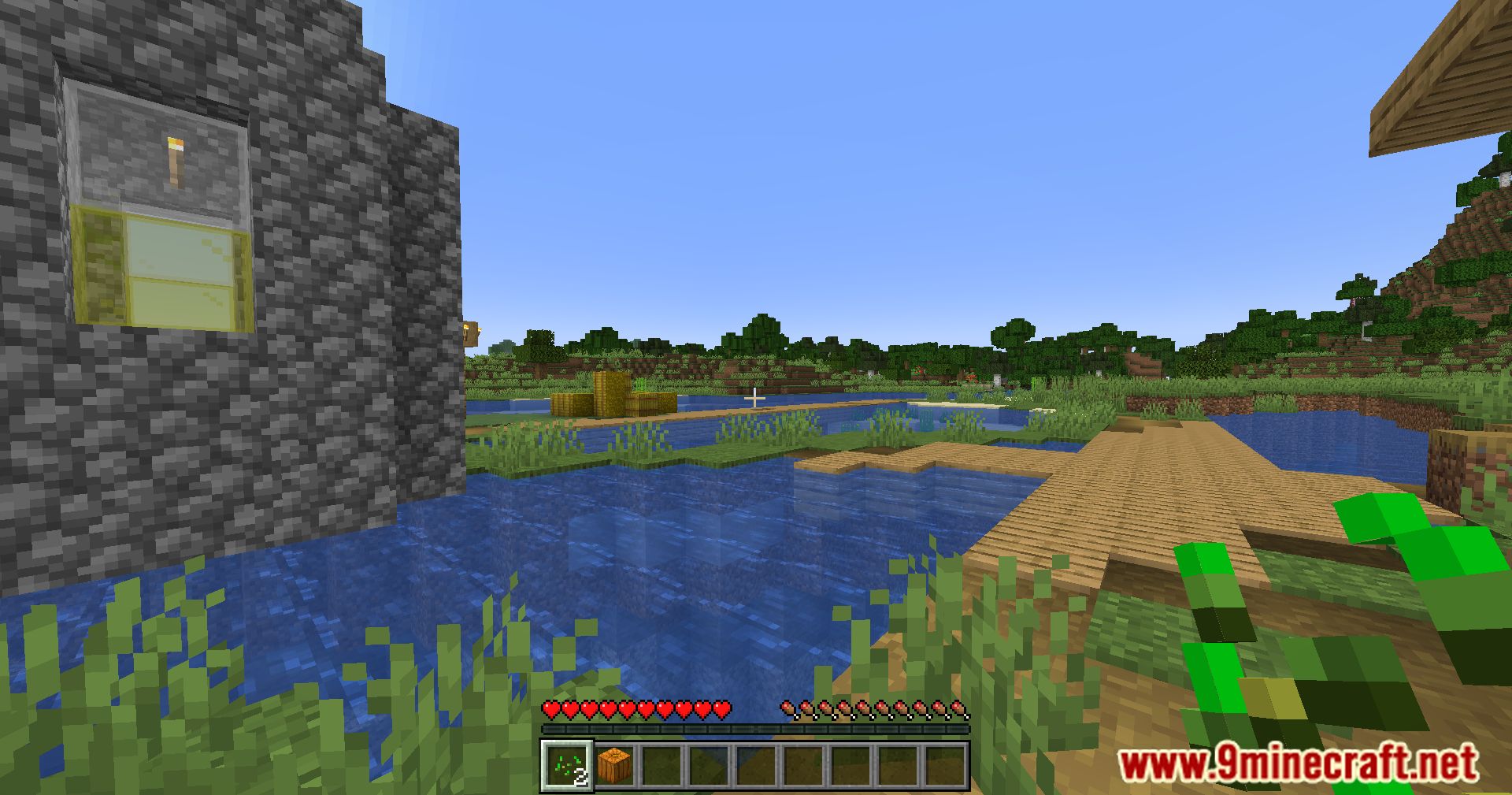
Raised Mod fixes a small bug with the bottom game menu (hotbar). You may have noticed that the menu ‘sits’ on the edge of the screen, and the selected item is indicated by a frame, with the bottom part of the frame cut off by a few pixels. This mod fixes this perfectionist’s nightmare by raising the hotbar slightly upwards. In my personal opinion, this problem is minor. Nevertheless, the mod has been downloaded almost 300,000 times, so perfectionists might find it useful.
Features:
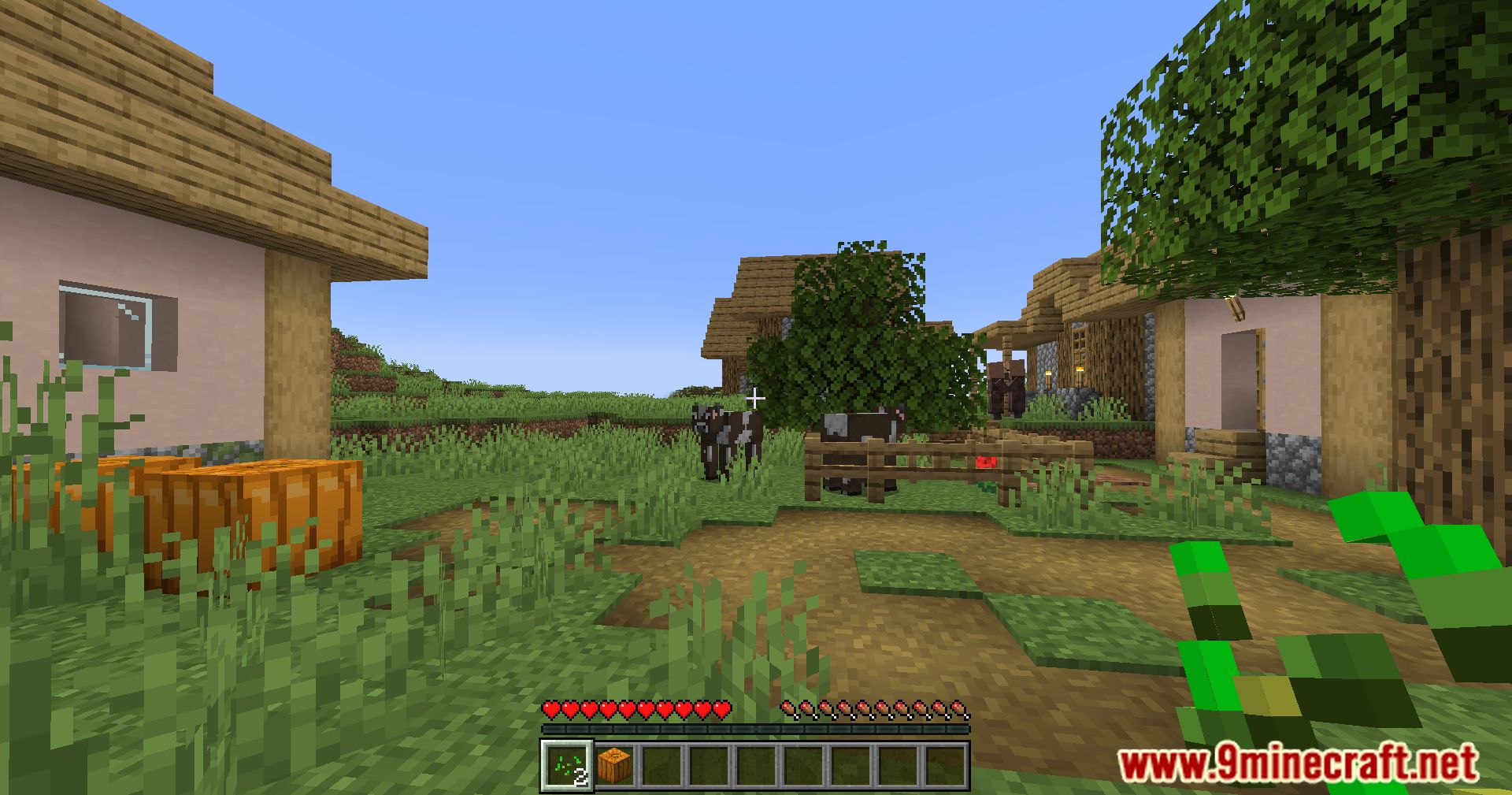
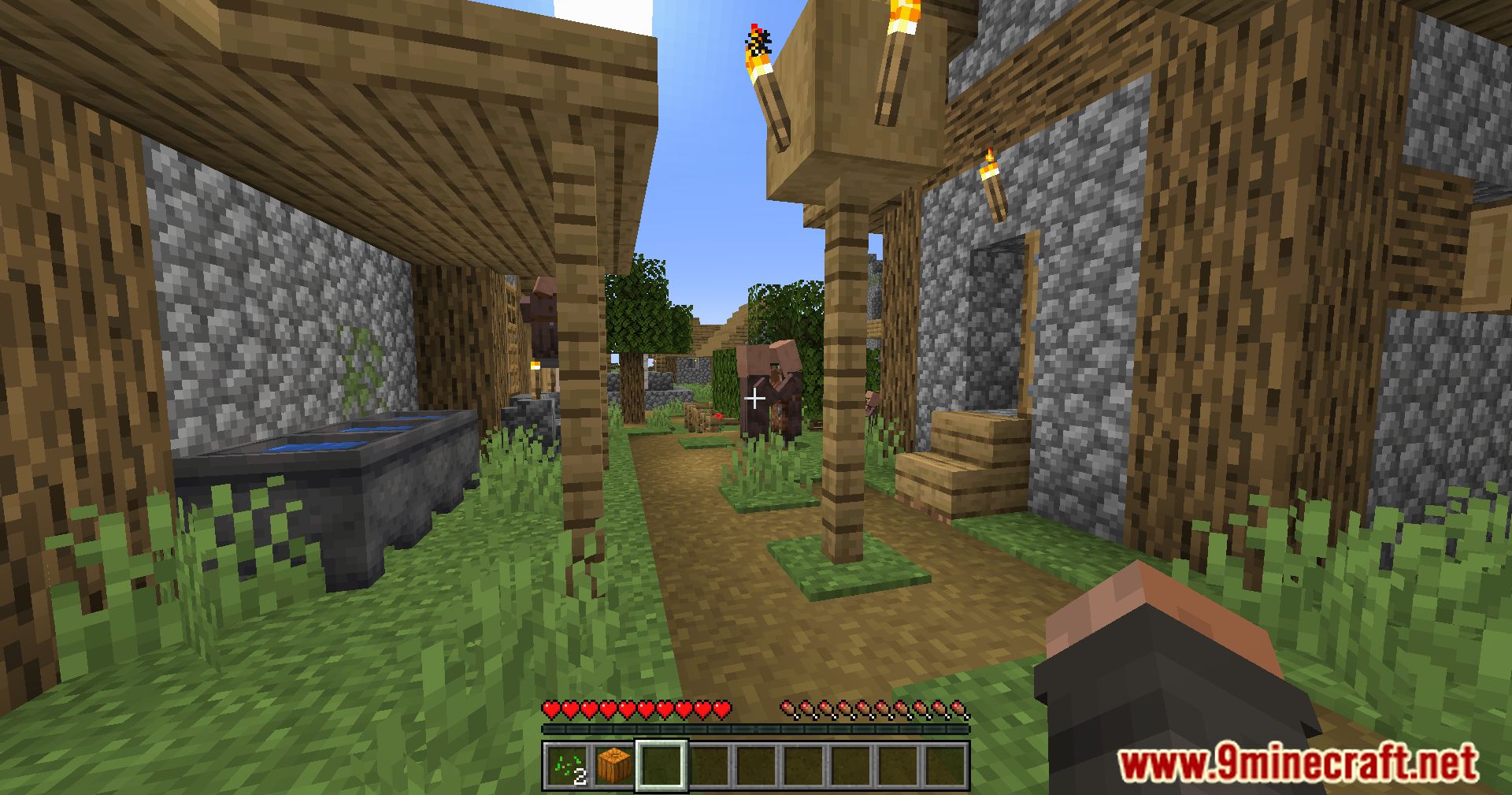
- Raises the hotbar so that the selector texture is not cut off.
- Adds support to move the bossbar, scoreboard sidebar, effects icons, players list, and toasts, in addition to the hotbar, chat, and other mod elements.
- Allows you to move these elements on both the x-axis and y-axis from any cardinal or ordinal direction.
- Provides a GUI and commands to control the configurable options.
Screenshots:
Raised Mod Download Links
Quick facts
- Edition: Minecraft Java
- File type: .jar
- Minecraft version listed: 1.20.1
- How to install: Install the matching mod loader (Forge, Fabric or NeoForge) for your Minecraft version. → Download the .jar. → Put it in the .minecraft/mods folder and launch that loader profile.
- Where to get it: In MC Java Mods, or directly above on this page.
Install steps are the general flow for this file type — How to install Minecraft Java mods & modpacks walks through it step by step.
Verified by MCModsHub
- Downloads as 27396.mcaddon
- Download size: 128 KB
- Download link checked 24 Sept 2026 — working
- Mirrored on our own servers — the download does not depend on the original host
These come from our own check of the pack file, not from the source page.