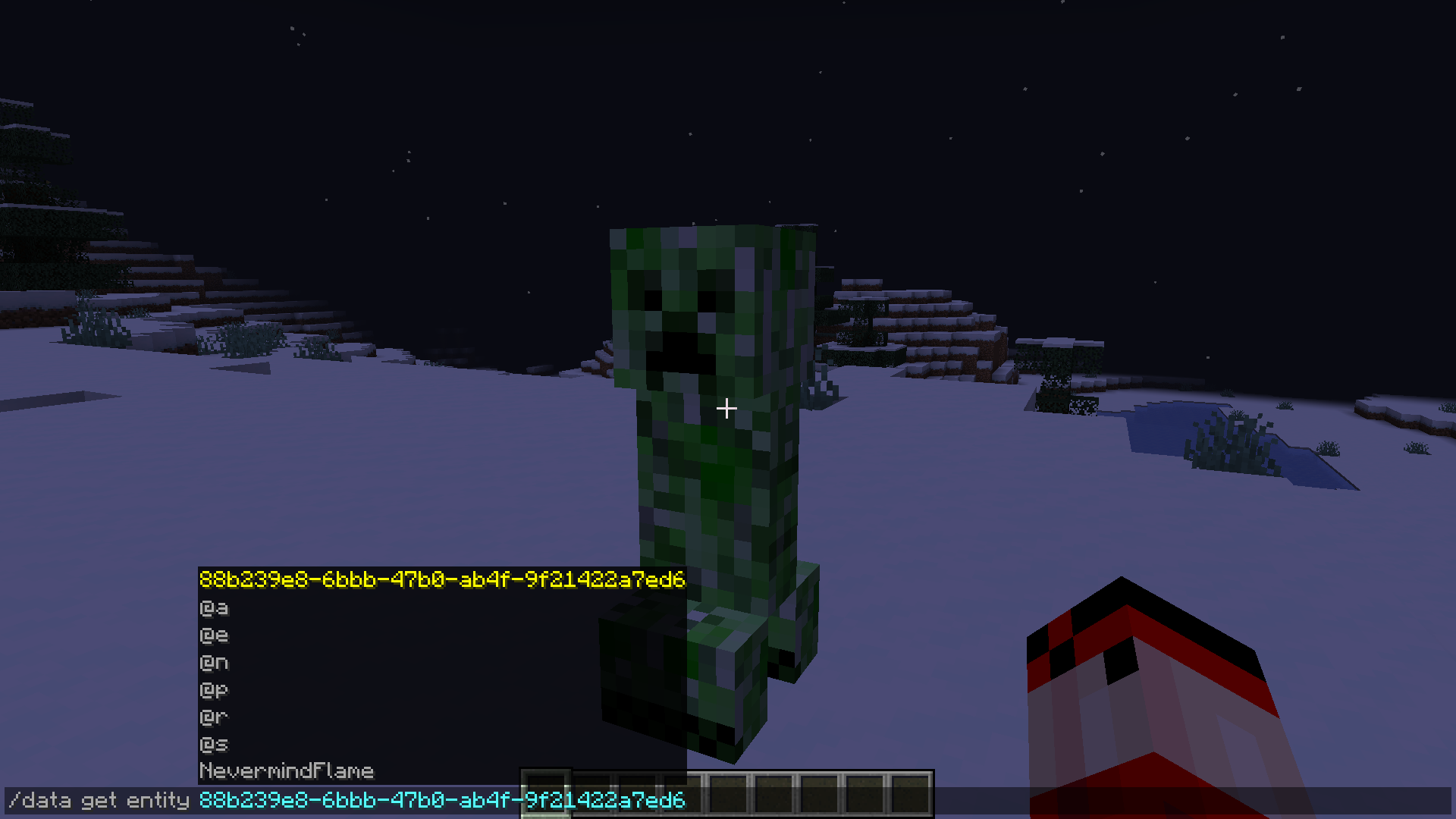
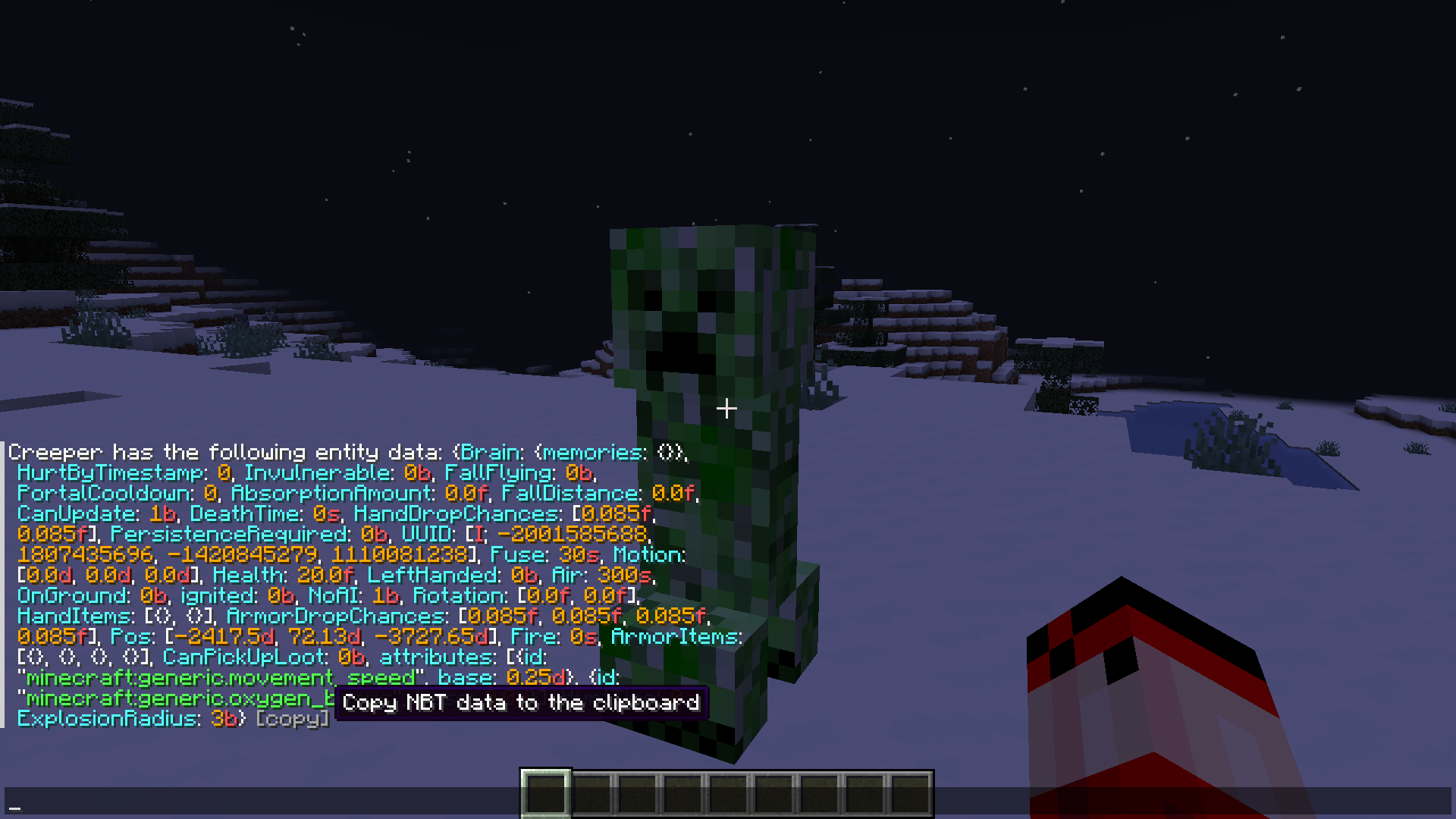
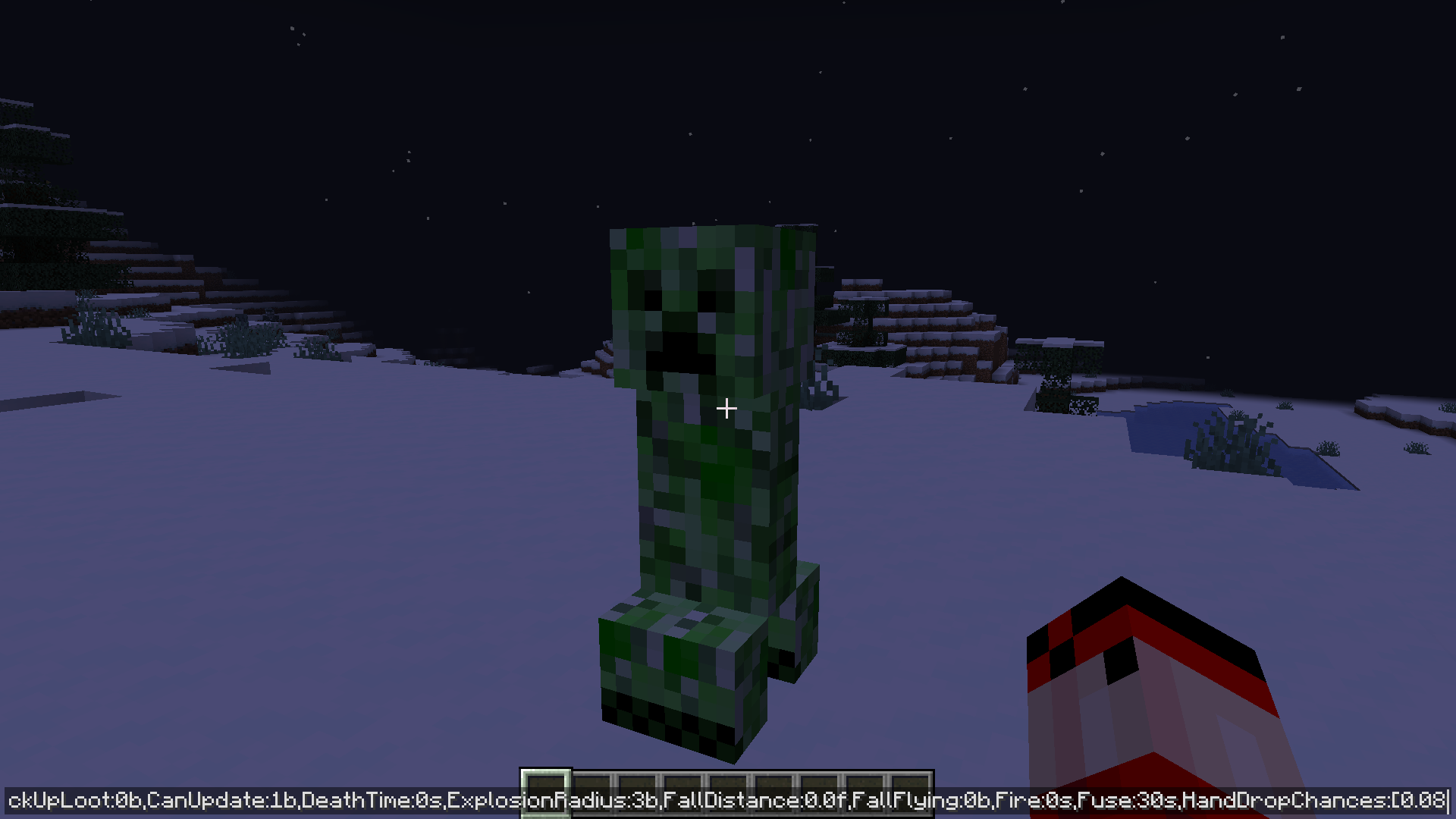
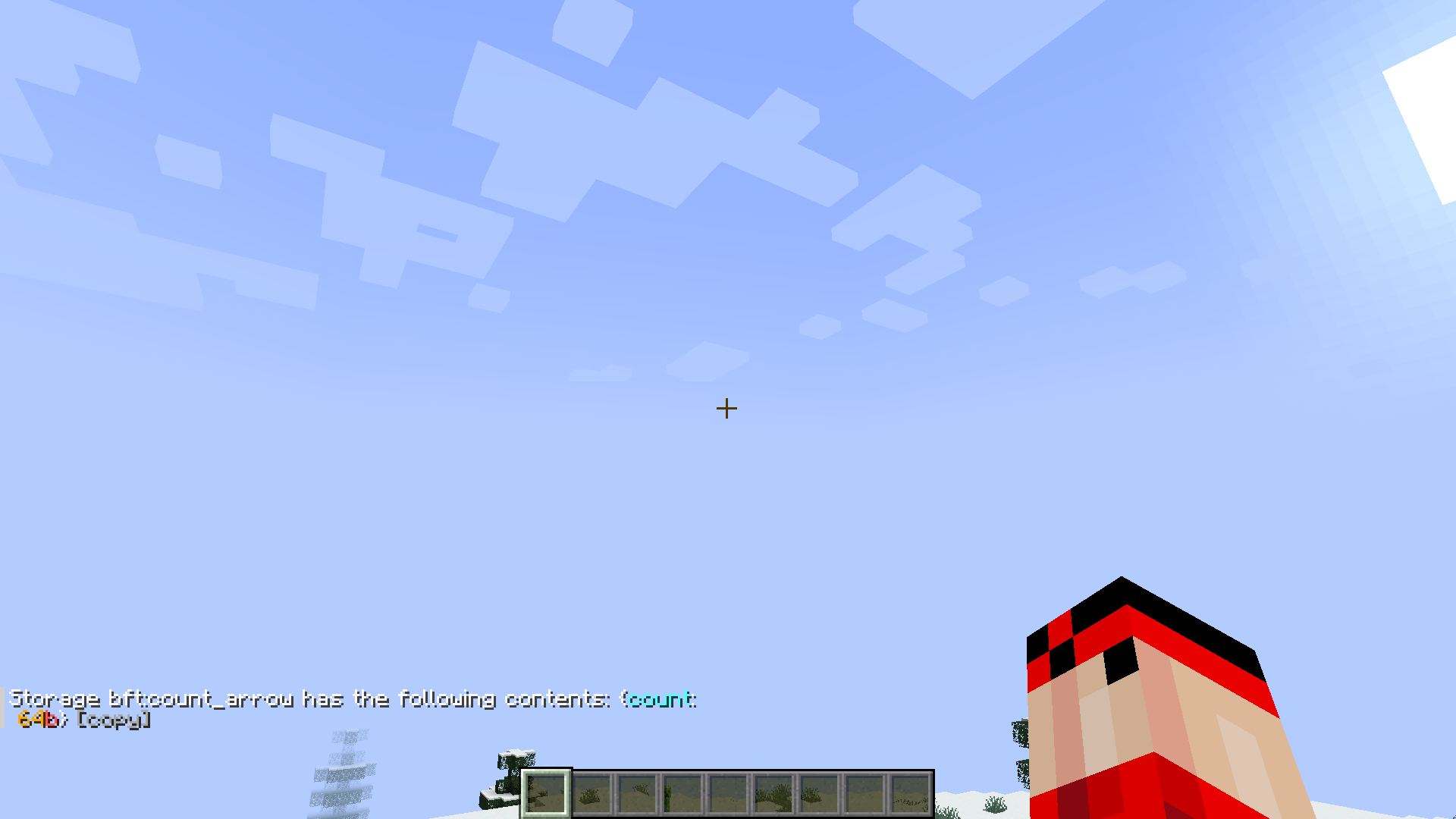
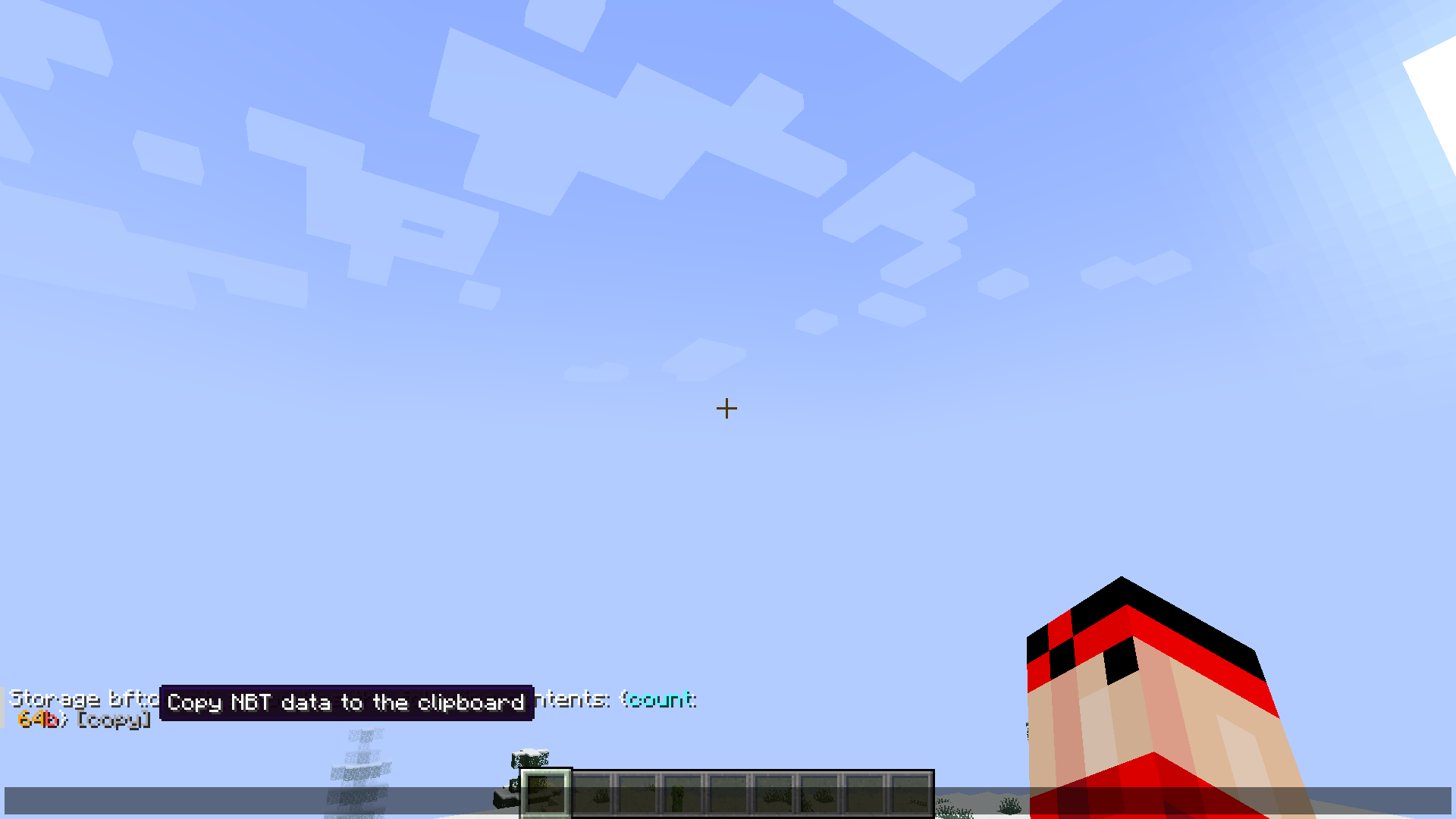
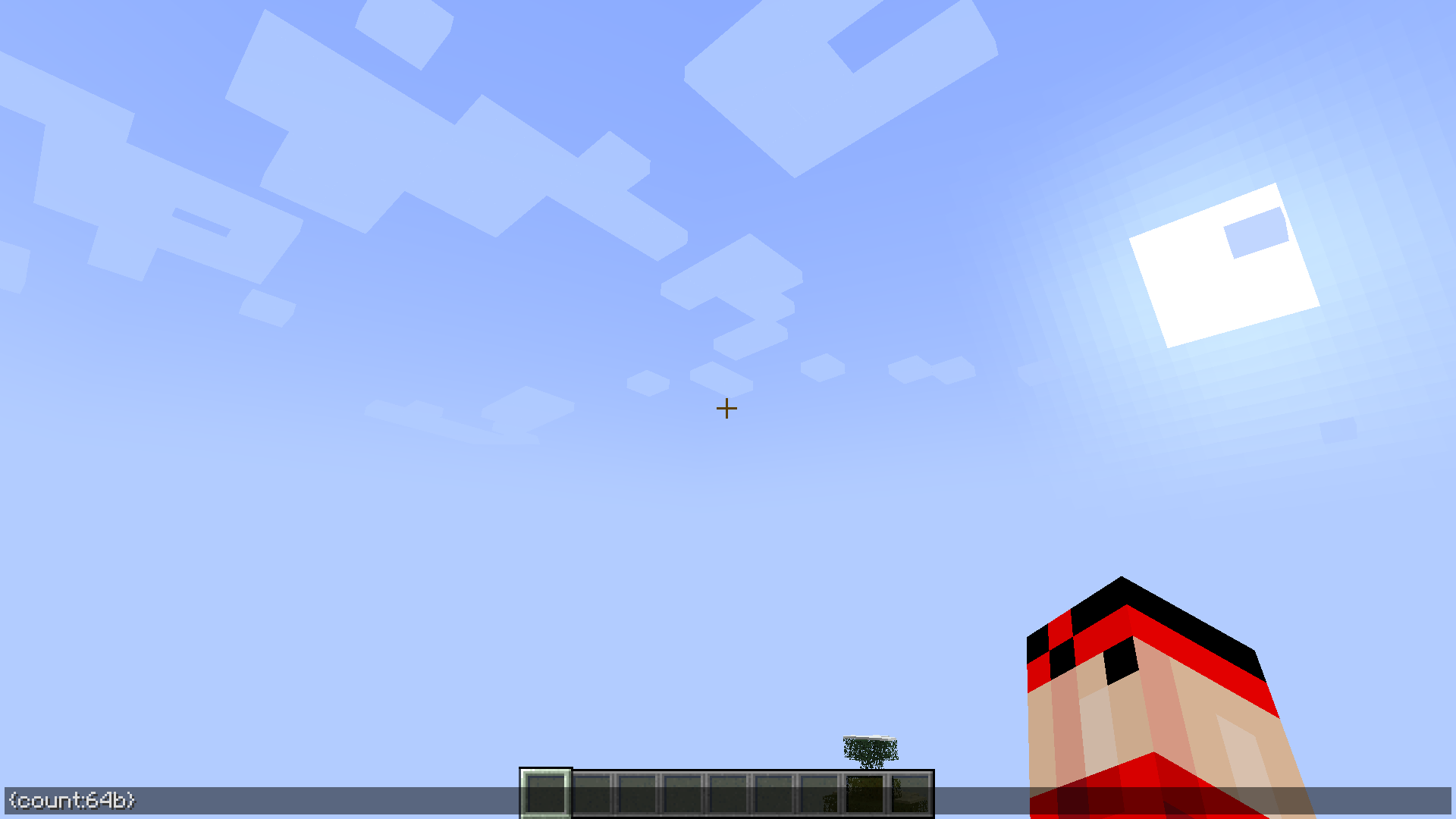
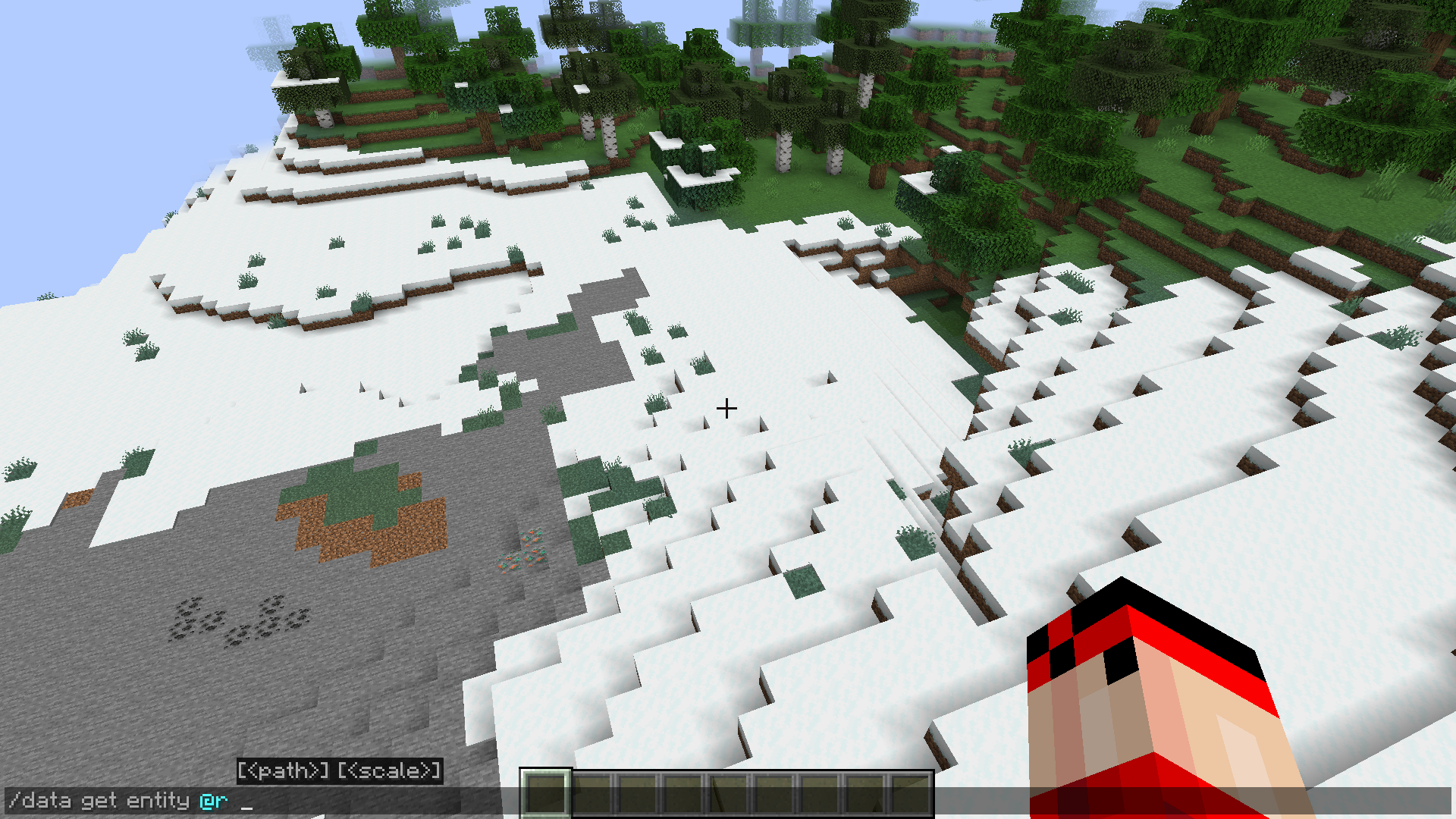
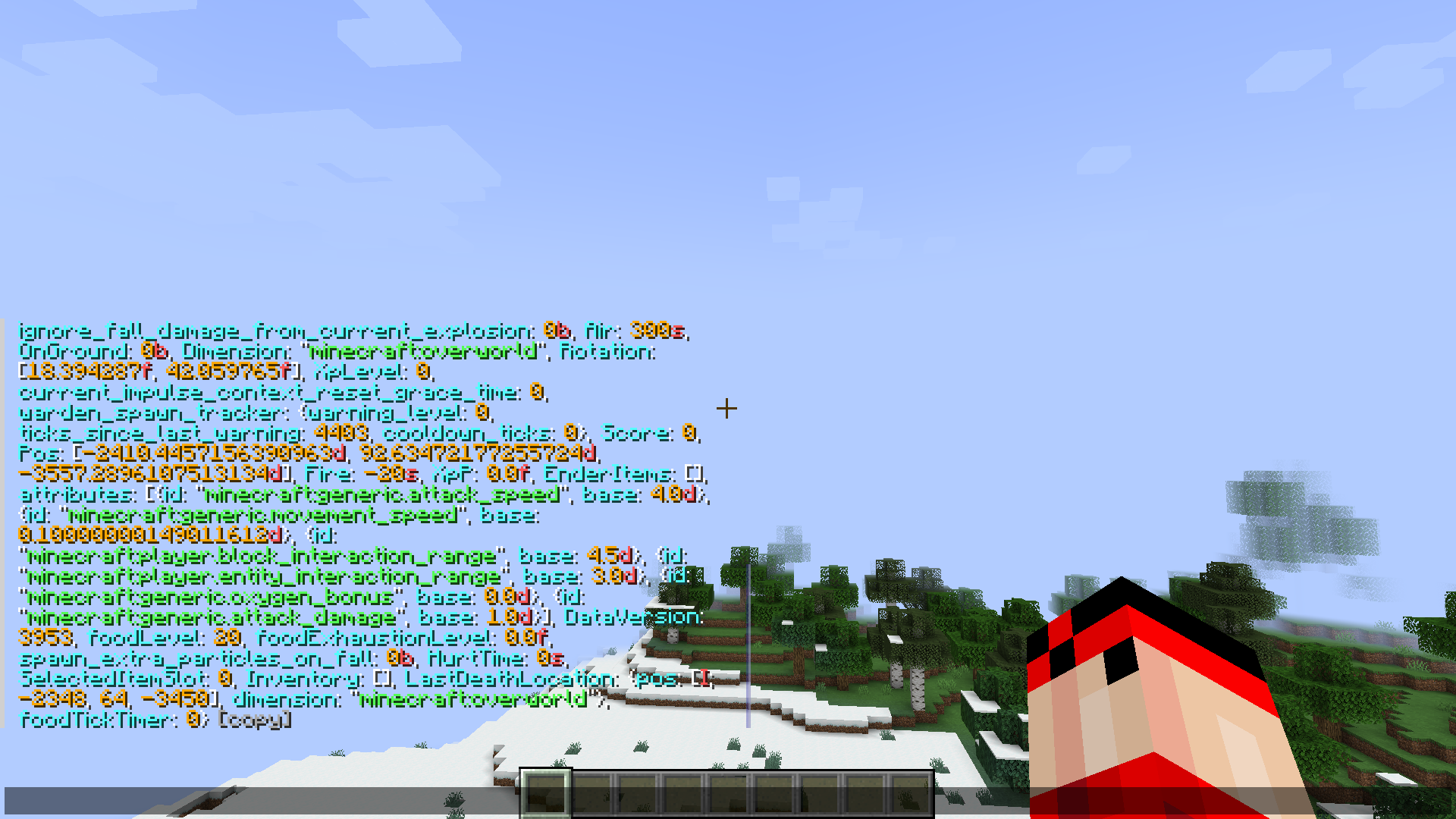
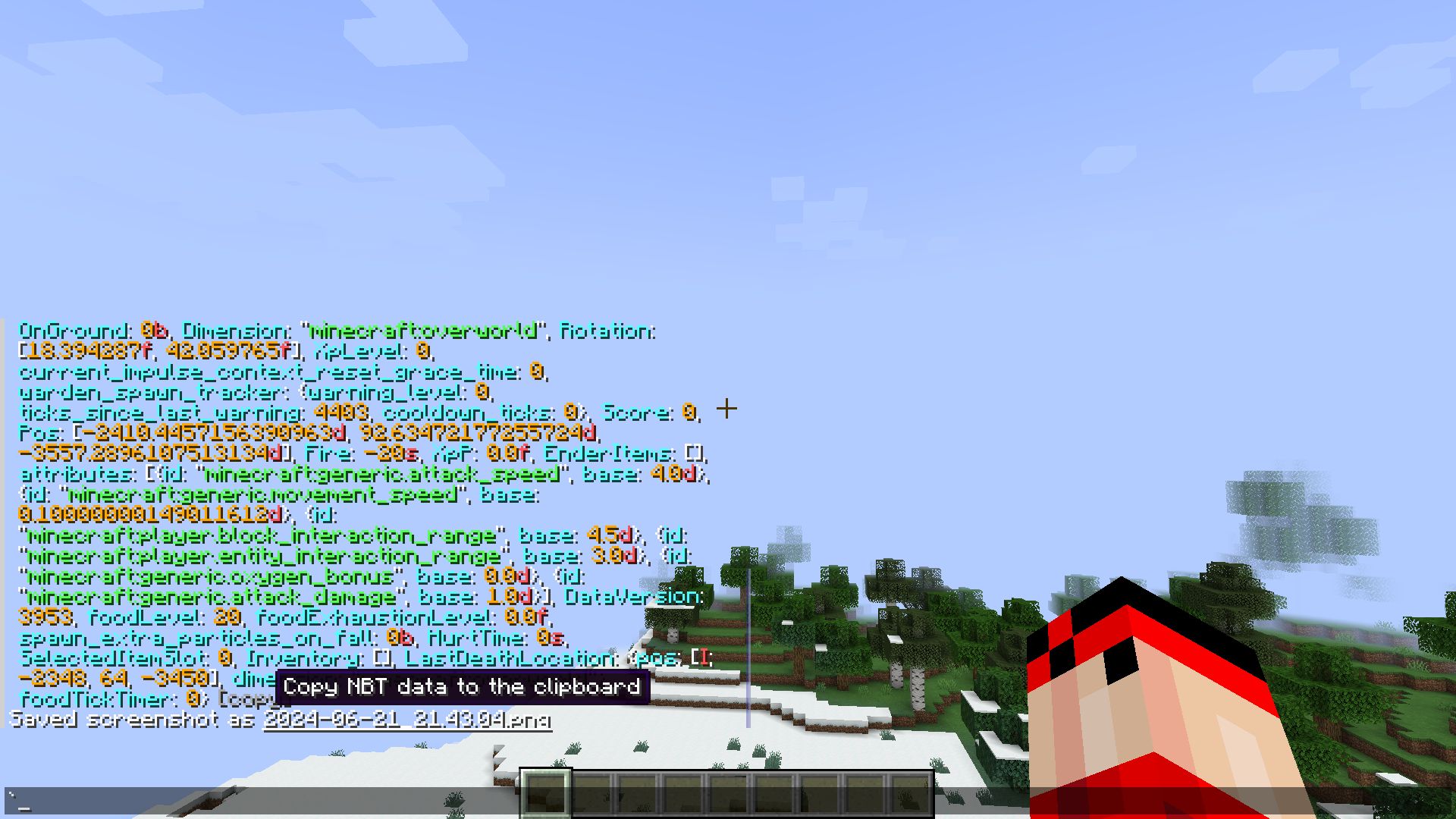
Using the /data get command on servers or /cgetdata in single player world will allow you to view the various non binary tags (or NBT for short) data associated with an entity. This is mostly used by mod developers and technical players for various different purposes. Once the command is executed, the data regarding an entity will show up in the message box. However, if the user decides to edit this data while retaining its format, it is impossible as there is now way to copy this text content from the message box. NBT Copy Mod brings a solution to the problem. This mod allows you to copy the printed data from the message box by clicking on the new COPY button added by this mod. This button appears as text at the end of each individual command output and can be clicked to copy the data.
Features:
- Allows you to copy NBT data from the message box.
- Adds a new copy button.
- Copy button appears as text at the end of the printed data.
Screenshots:
NBT Copy Mod Download Links
- Edition: Minecraft Java
- File type: .jar
- Minecraft version listed: 1.20.1
- How to install: Install the matching mod loader (Forge, Fabric or NeoForge) for your Minecraft version. → Download the .jar. → Put it in the .minecraft/mods folder and launch that loader profile.
- Where to get it: In MC Java Mods, or directly above on this page.
Install steps are the general flow for this file type — How to install Minecraft Java mods & modpacks walks through it step by step.
- Downloads as 27405.mcaddon
- Download size: 8 KB
- Download link checked 25 Sept 2026 — working
- Mirrored on our own servers — the download does not depend on the original host
These come from our own check of the pack file, not from the source page.