
Puzzle Mod (26.2, 1.20.1) – GUI to Unite OptiFine
Java mod listed for Minecraft 1.20. Downloads from the MC Java Mods app on Android.
Puzzle Mod unites optifine replacement mods in a clean & vanilla-style GUI. OptiFine was a big part of Minecraft modding for a long time and has been…
⬇ Download
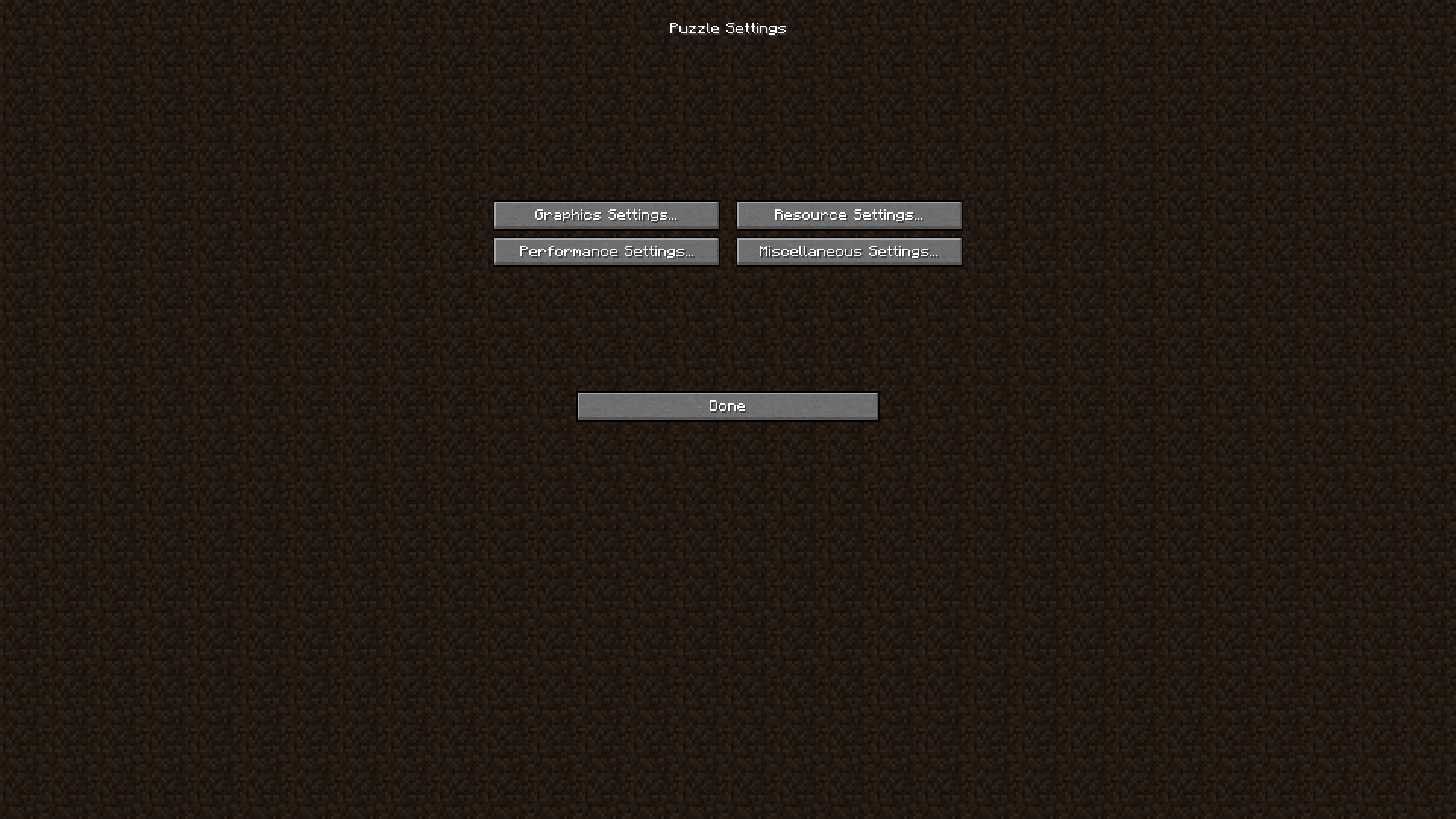
Puzzle Mod unites optifine replacement mods in a clean & vanilla-style GUI. OptiFine was a big part of Minecraft modding for a long time and has been causing errors with mods this entire time, it’s closed source nature making it especially hard to work with as a mod developer. For that reason, a lot of alternatives have been created. But usually they only replicate one specific feature of OptiFine, meaning the user has to install a lot of mods and configure them by searching for the specific mod in ModMenu.
Features:
- Puzzle was created to solve the latter by providing a united config for OptiFine replacement mods, built-in support for the most relevant alternatives and a API for other mods to take advantage of.
- Due to many OptiFine features still having no replacement mod, Puzzle also adds certain OptiFine features on it’s own, like resourcepack-provided splash screens.
Screenshots:
The Puzzle Options
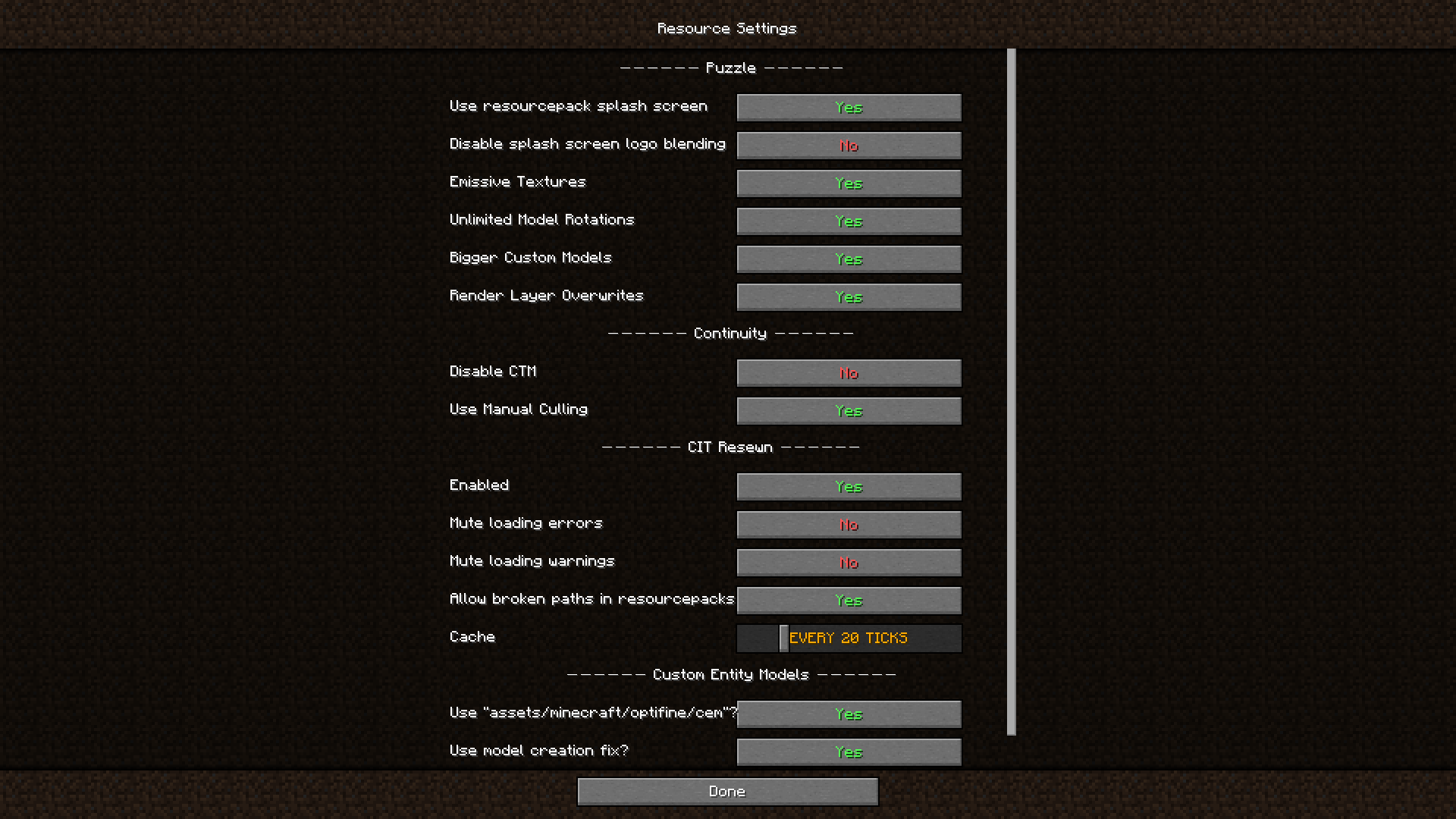
Puzzle Resource Settings Page
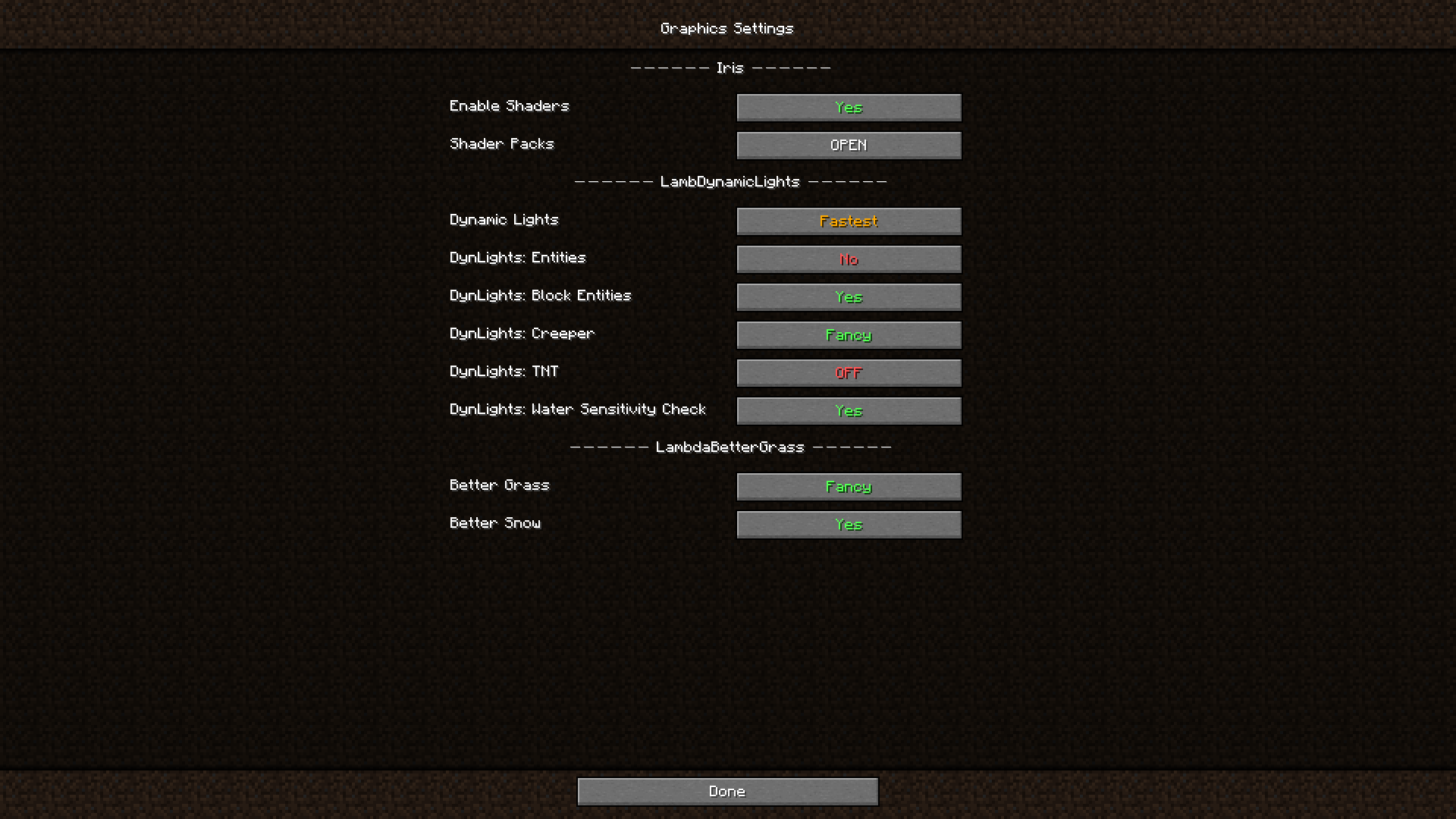
Puzzle Graphics Settings Page
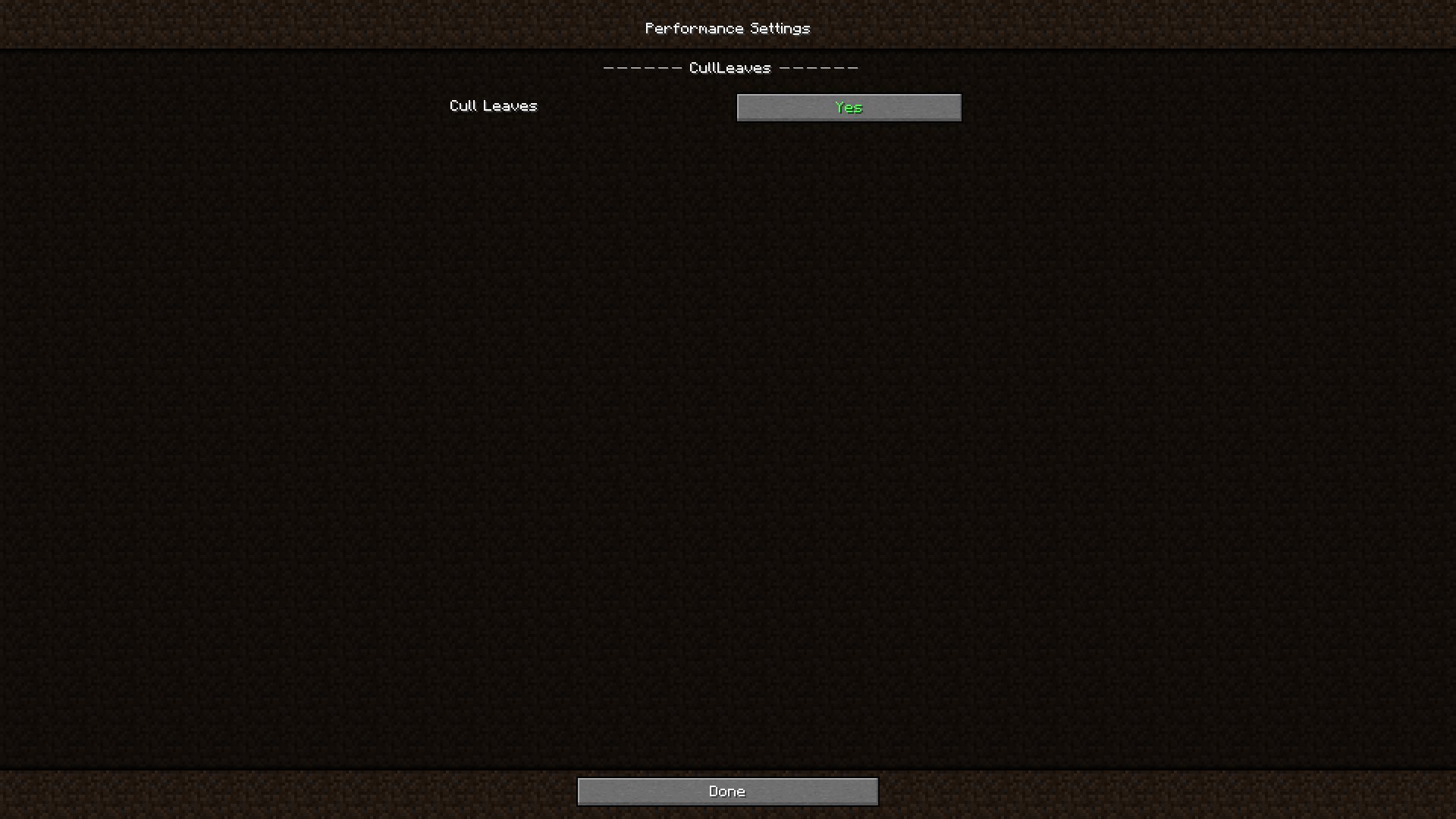
Puzzle Performance Settings Page
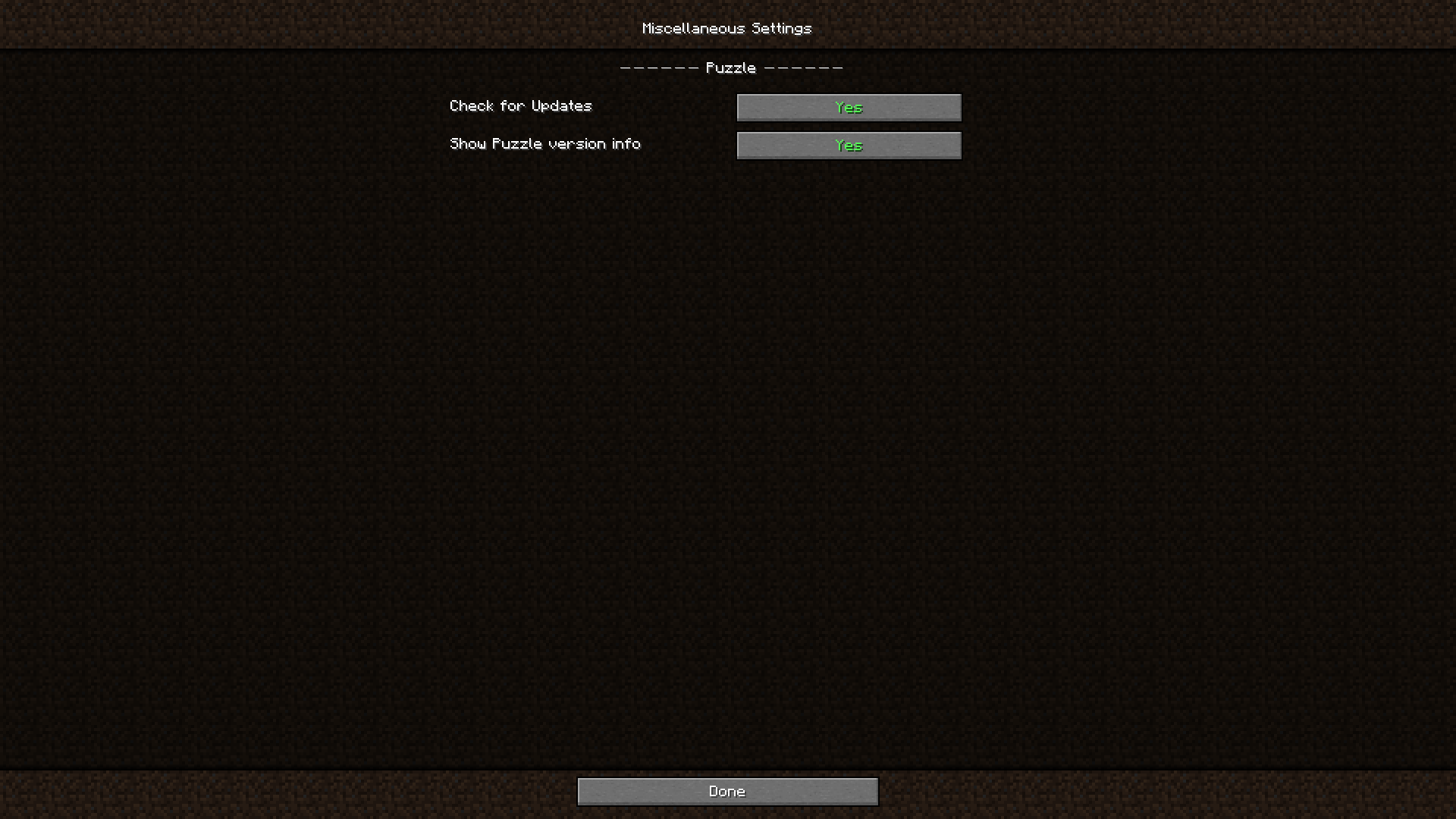
Puzzle Miscellaneous Settings Page
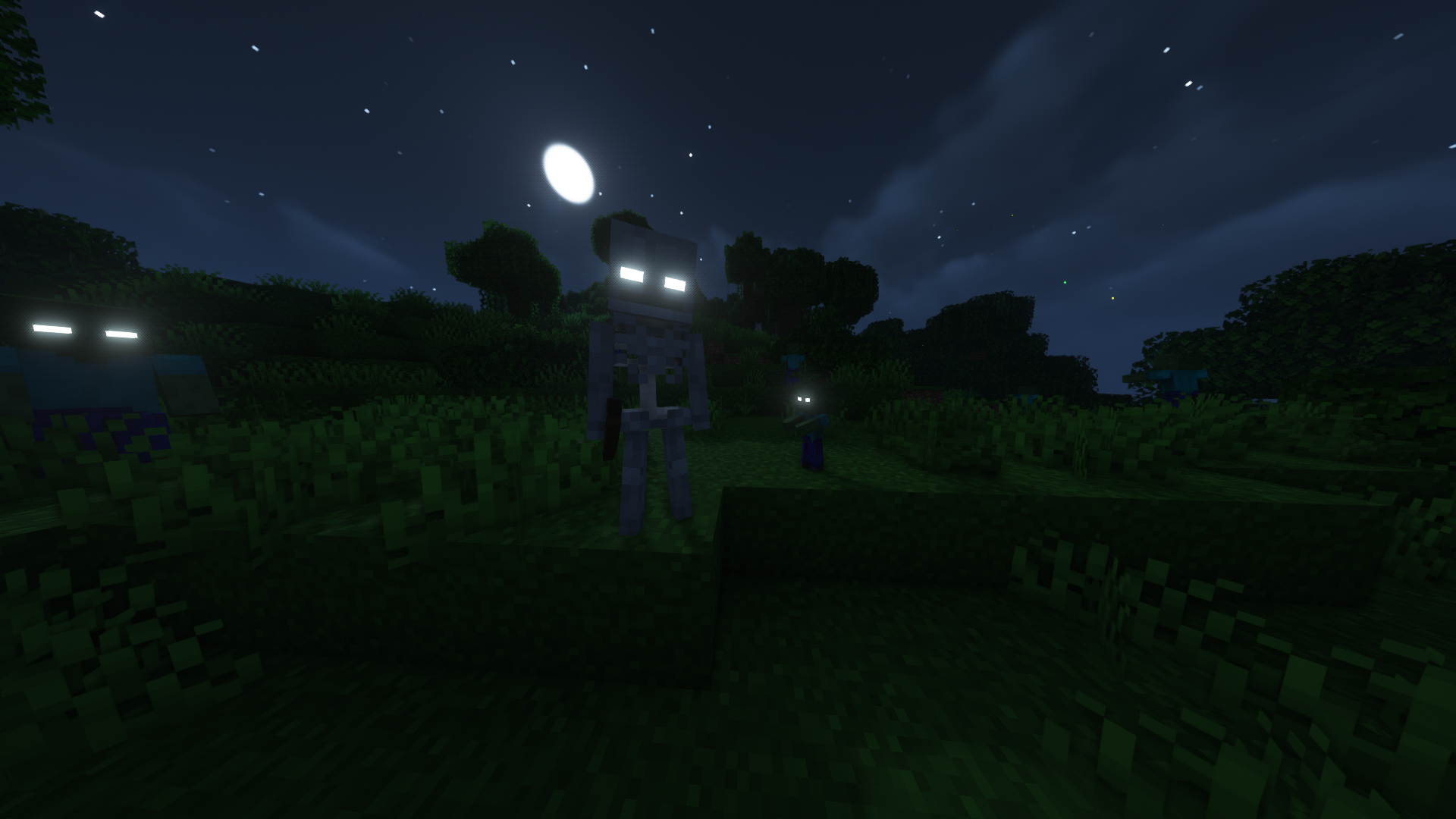
Emissive Mob Textures
Puzzle Mod Download Links
- Edition: Minecraft Java
- File type: .jar
- Minecraft version listed: 1.20.1
- How to install: Install the matching mod loader (Forge, Fabric or NeoForge) for your Minecraft version. → Download the .jar. → Put it in the .minecraft/mods folder and launch that loader profile.
- Where to get it: In MC Java Mods, or directly above on this page.
Install steps are the general flow for this file type — How to install Minecraft Java mods & modpacks walks through it step by step.
- Downloads as 27411.mcaddon
- Download size: 95 KB
- Download link checked 24 Sept 2026 — working
- Mirrored on our own servers — the download does not depend on the original host
These come from our own check of the pack file, not from the source page.