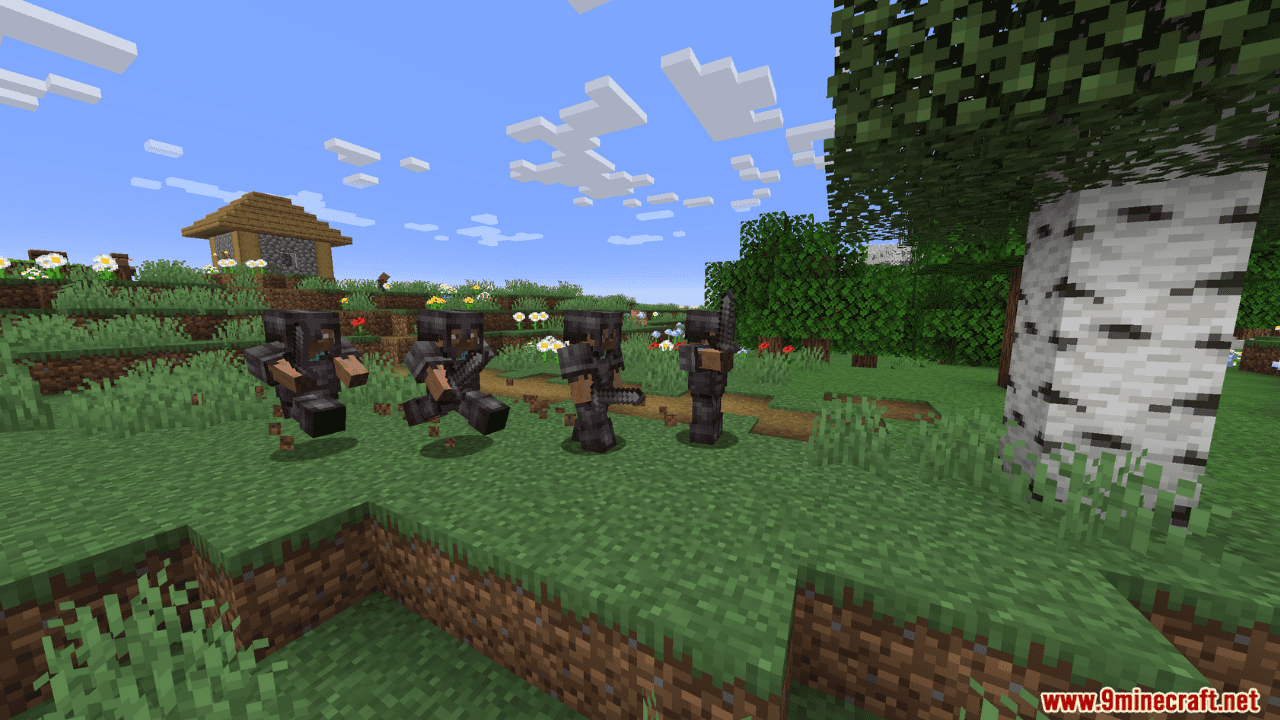
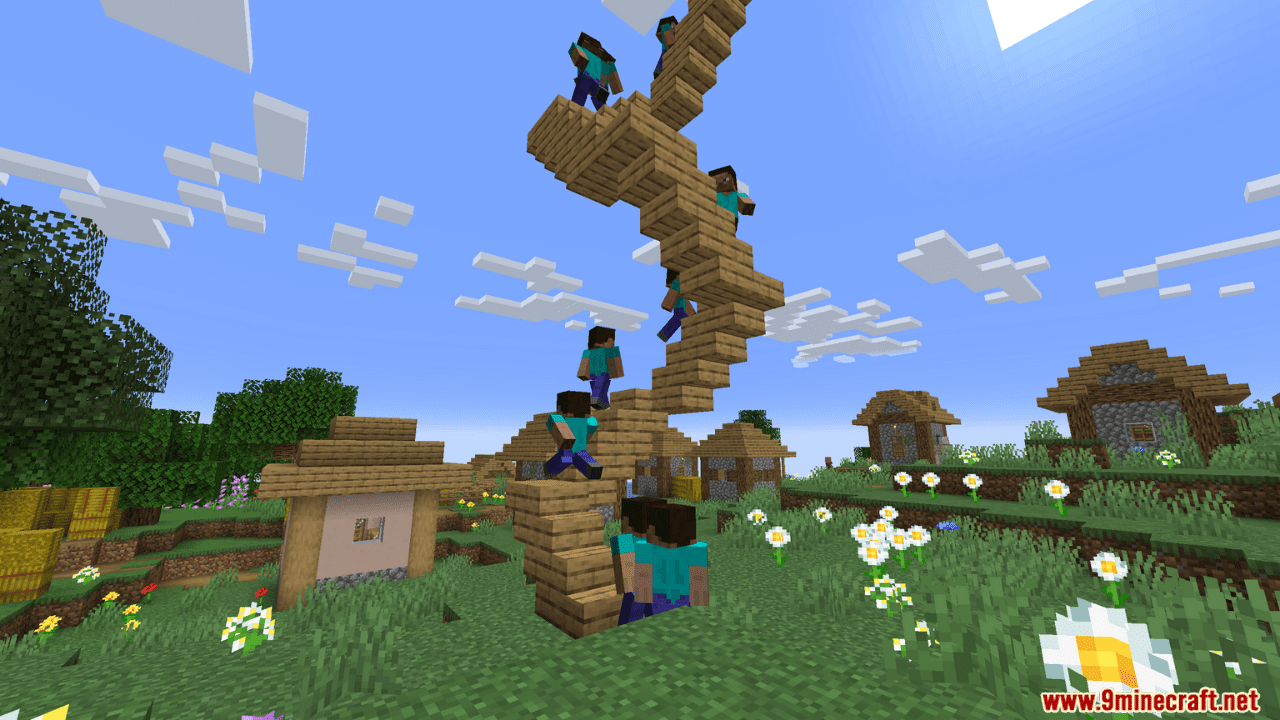
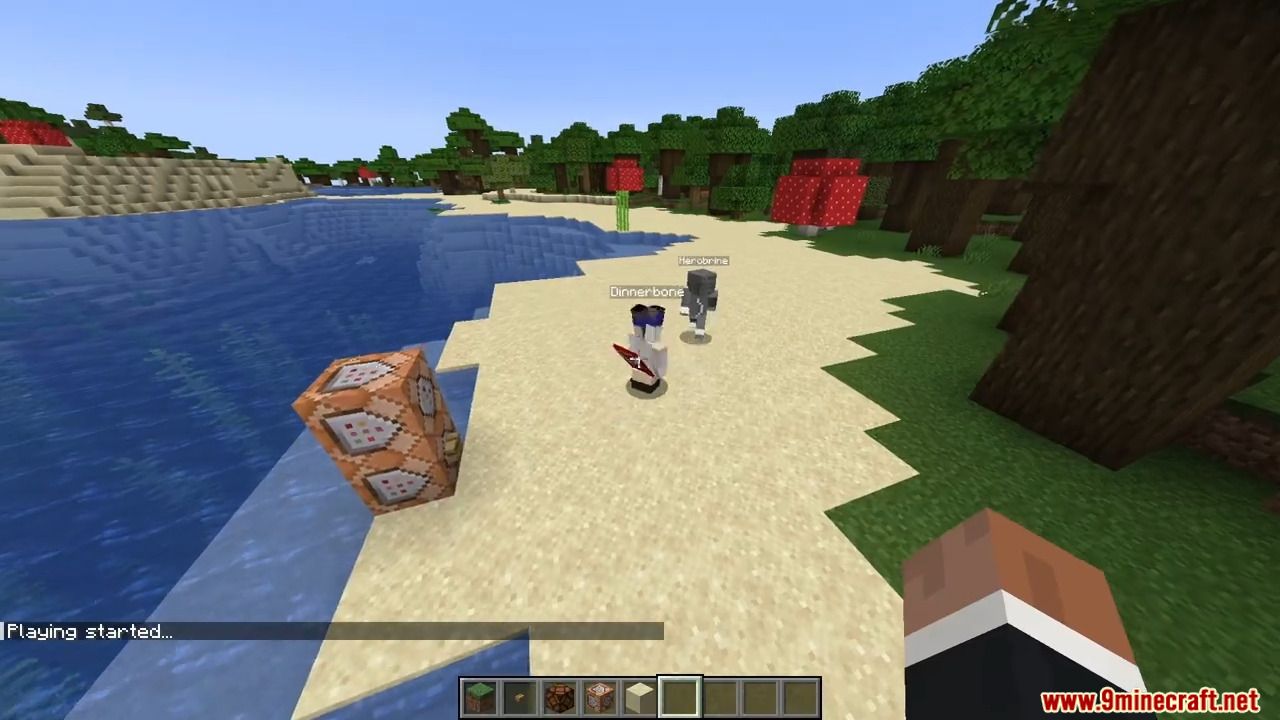
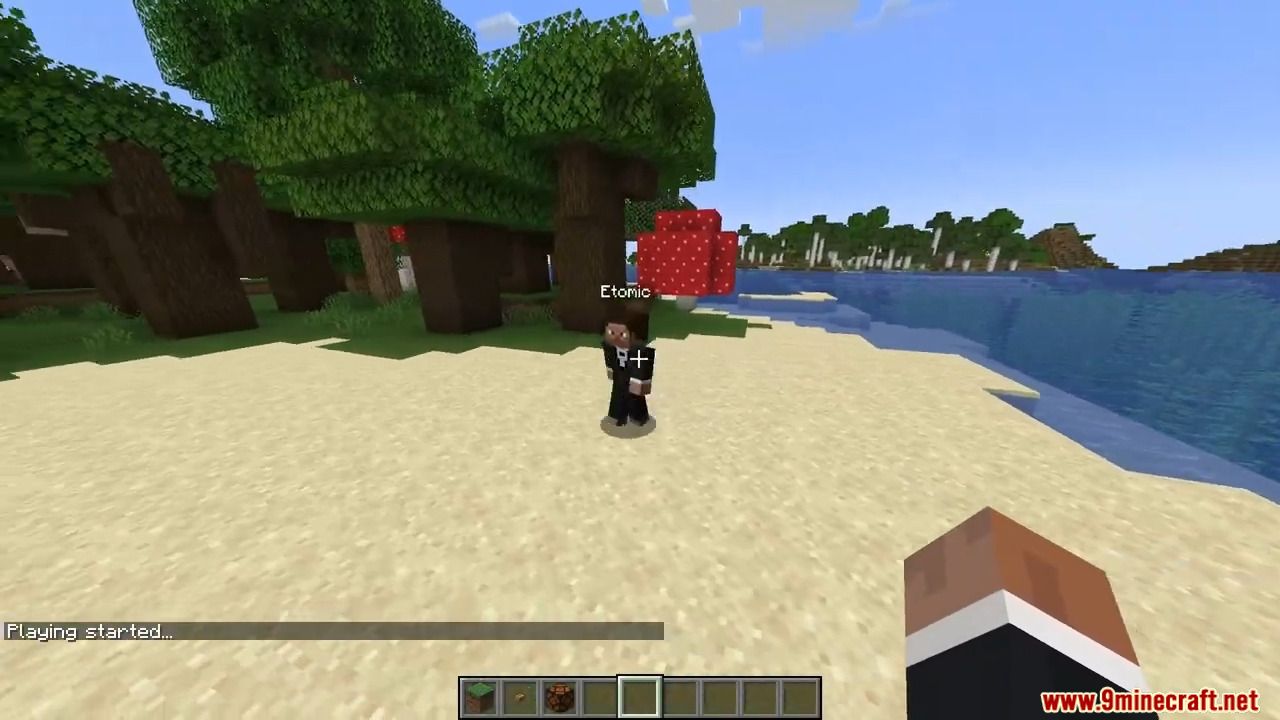
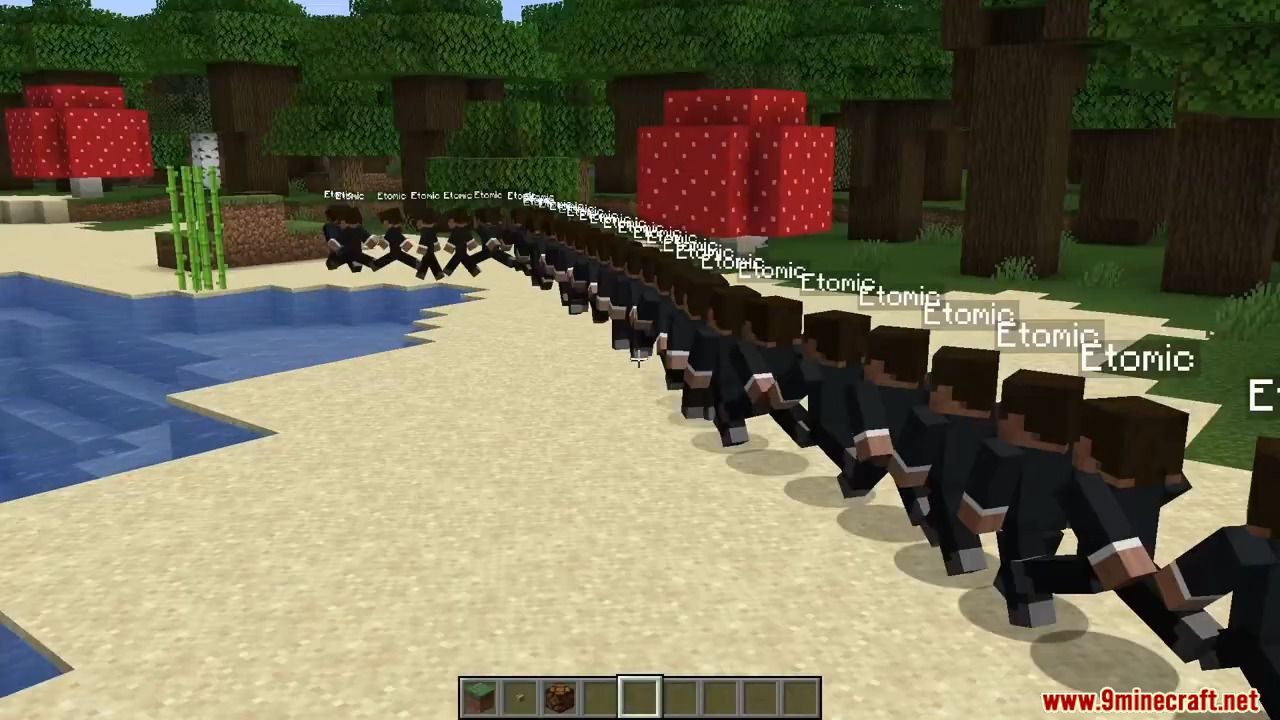
Motion Capture Mod allows you to effortlessly record and replay player movements, covering everything from basic actions like sprinting and jumping to intricate interactions like using items, breaking blocks, and even riding nearby entities. Tailor your scenes with ease, combining recordings and tweaking parameters such as player name and skin. With Motion Capture, your Minecraft world becomes a canvas for endless possibilities, perfect for crafting complex scenes without relying on real players.
Features:
It records:
- Movements
- Sprinting, jumping, swimming, sneaking
- Swinging hands
- Using items
- Items in hands and armor
- States like being on fire, being invisible, or glowing
- Placing, breaking and interacting with blocks
- Nearby entities and riding them
How to Use:
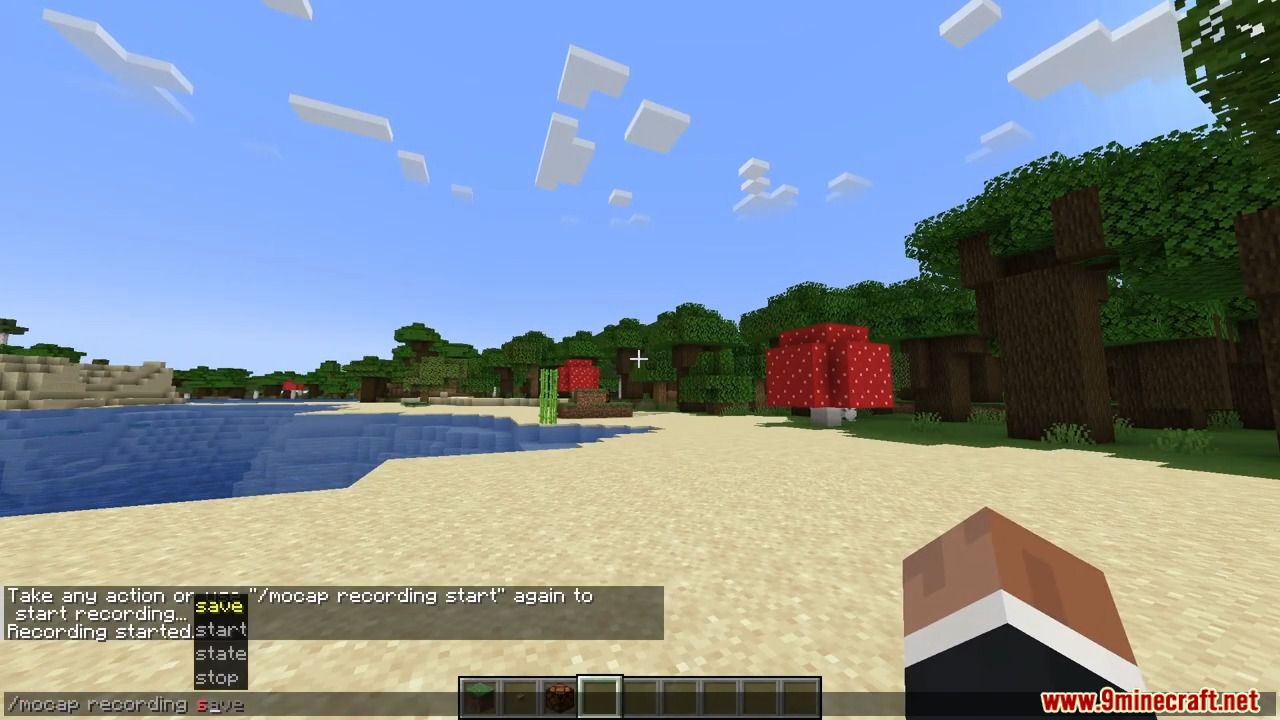
- First, you need to start recording using /mocap recording start. It will record all your movements or movements of a player given as an argument.
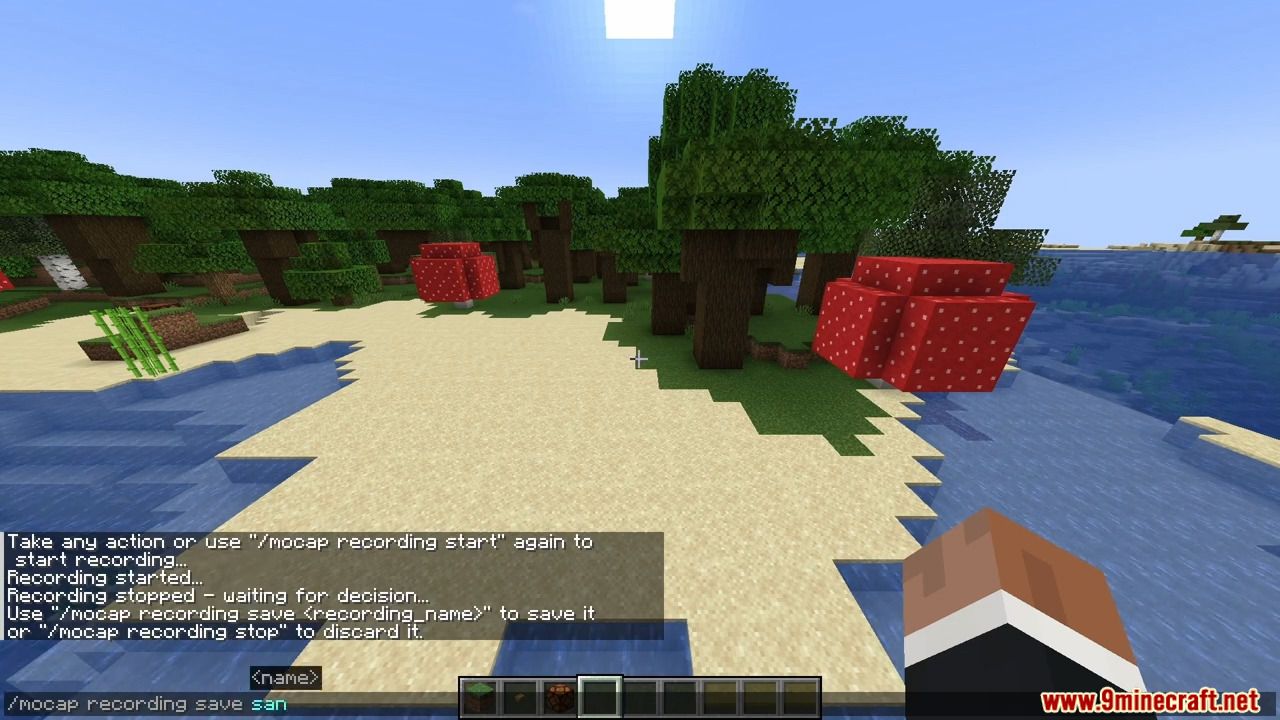
- Then, you can stop recording using /mocap recording stop and save it with /mocap recording save [name].
- Use /mocap playing start [name] (player_name) (mineskin_url) to play recording.
- You can also create scenes to which you can add multiple recordings or other scenes, with parameters like player name, position offset, or start delay.
- To create scene use /mocap scenes add (scene_name). Then, add your recording using /mocap scenes addTo [scene_name] [recording_name] (delay) (x_offset) (y_offset) (z_offset) (player_name) (skin_source_type) (skin_source) (you can skip arguments in round brackets if you want).
- To play scene use /mocap playing start .[scene_name] – you need to put a dot before the scene name.
- By putting a dot before name, when using /mocap scenes addTo […], you can also add scenes to other scenes.
Commands:
- /mocap recording […] – Recording player movements
- /mocap recordings […] – Managing recording files
- /mocap scenes […] – Creating and modifying scenes
- /mocap playing […] – Playing scenes and recordings
- /mocap settings […] – Shows and modifies settings
- /mocap info – Displays information about mod
- /mocap help – Displays help message
Screenshots:
Motion Capture Mod Download Links
Quick facts
- Edition: Minecraft Java
- File type: .jar
- Minecraft version listed: 1.20.1
- How to install: Install the matching mod loader (Forge, Fabric or NeoForge) for your Minecraft version. → Download the .jar. → Put it in the .minecraft/mods folder and launch that loader profile.
- Where to get it: In MC Java Mods, or directly above on this page.
Install steps are the general flow for this file type — How to install Minecraft Java mods & modpacks walks through it step by step.
Verified by MCModsHub
- Downloads as 27425.mcaddon
- Download size: 256 KB
- Download link checked 23 Sept 2026 — working
- Mirrored on our own servers — the download does not depend on the original host
These come from our own check of the pack file, not from the source page.