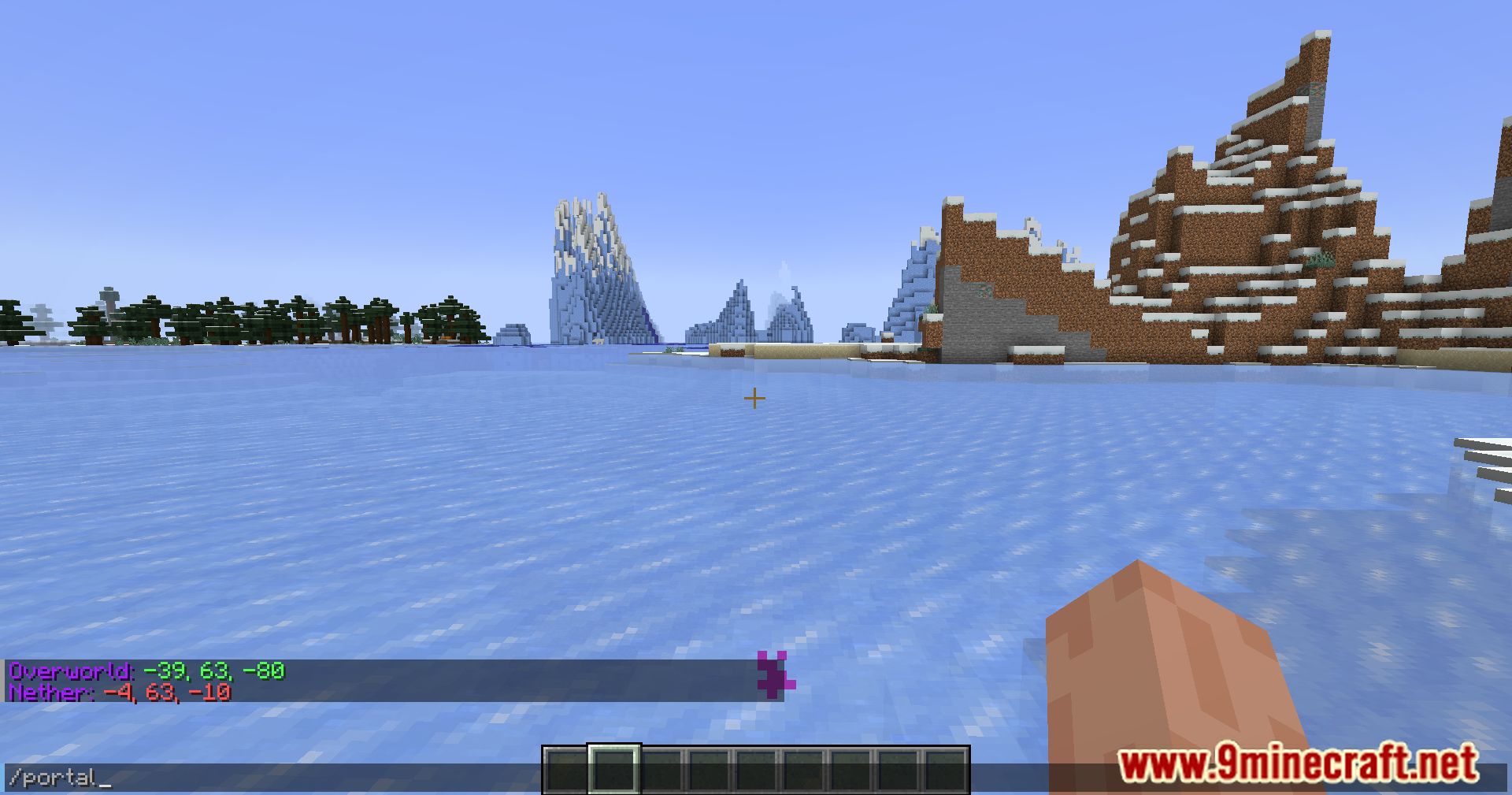
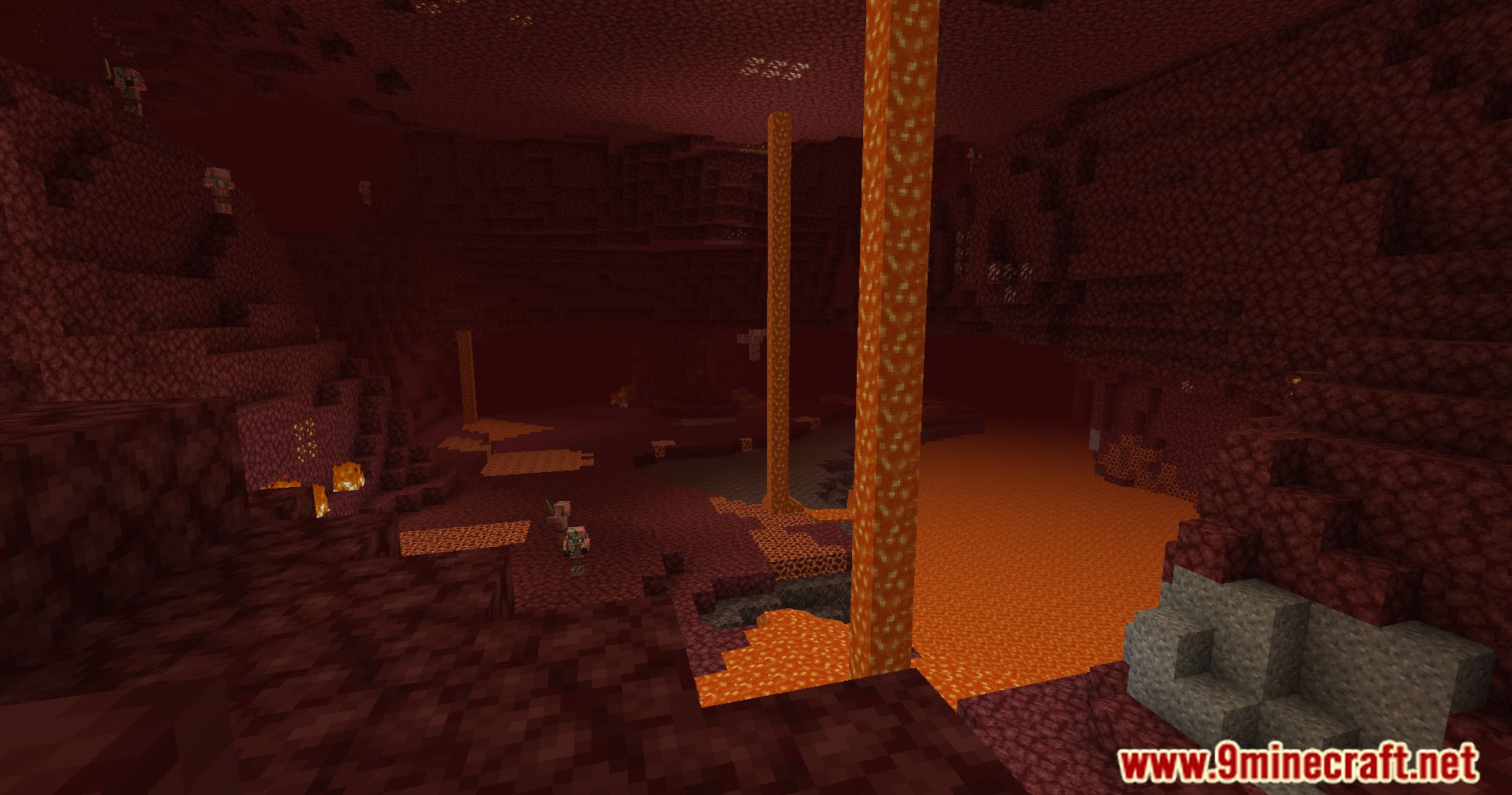
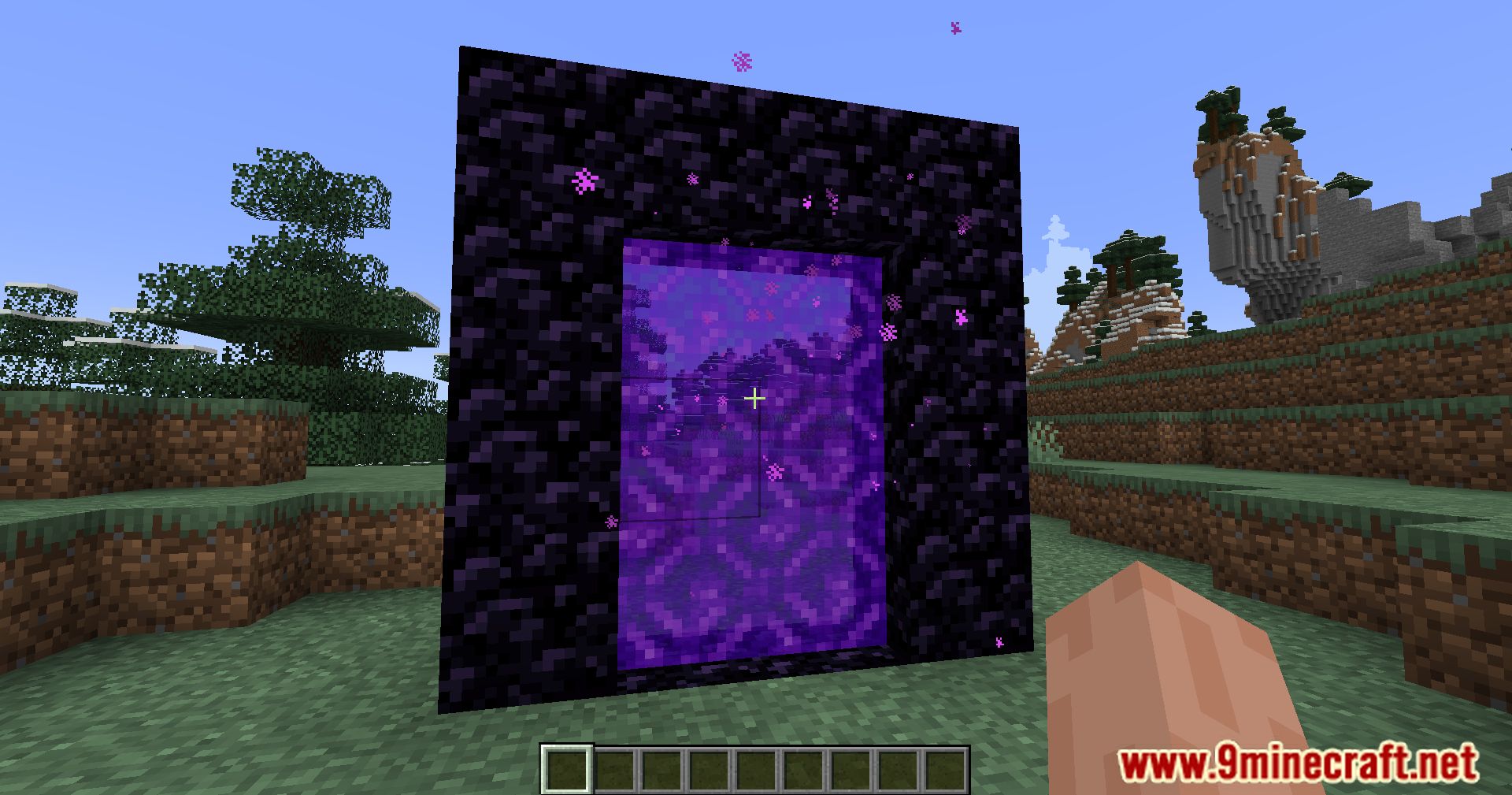
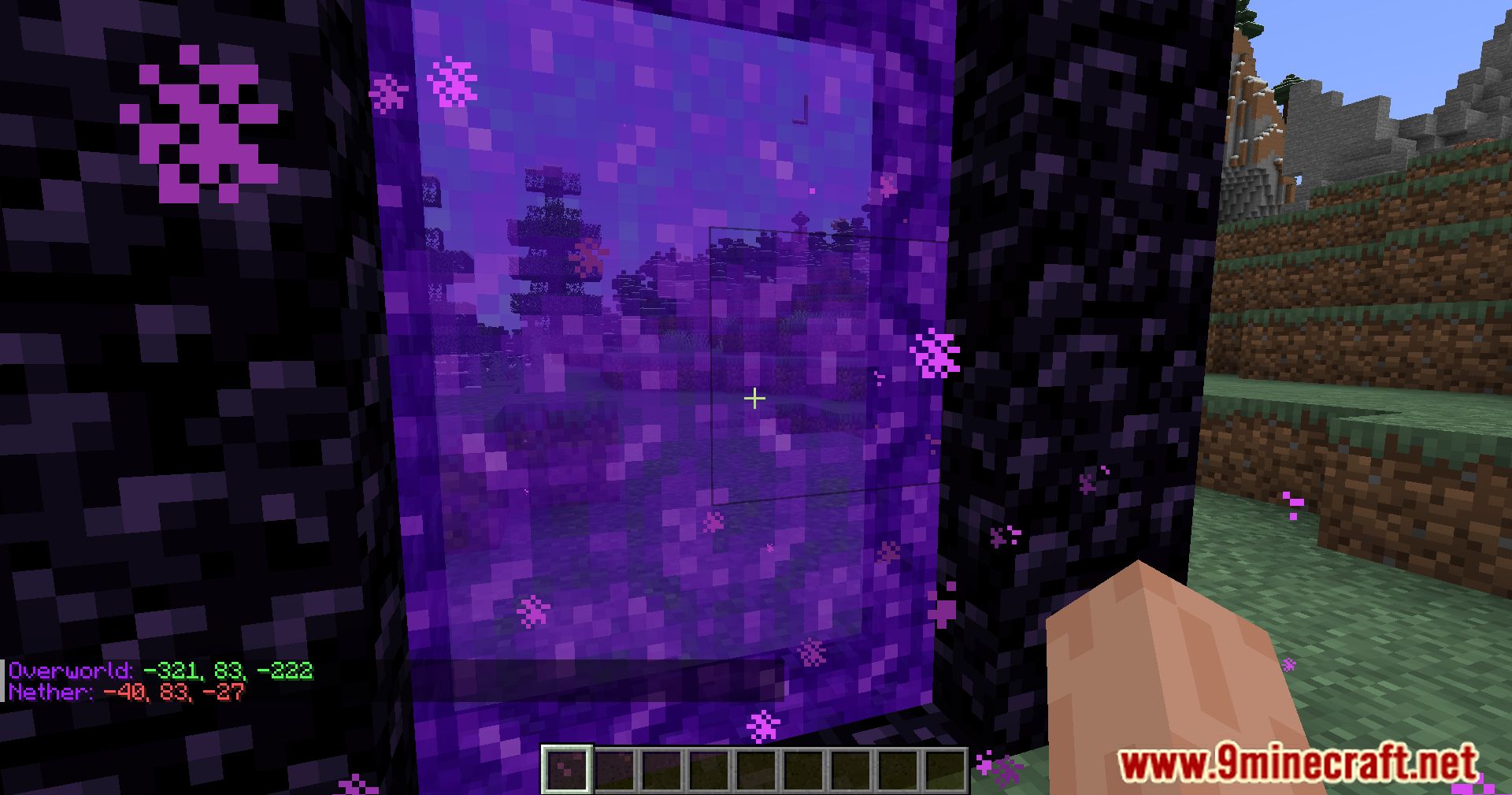
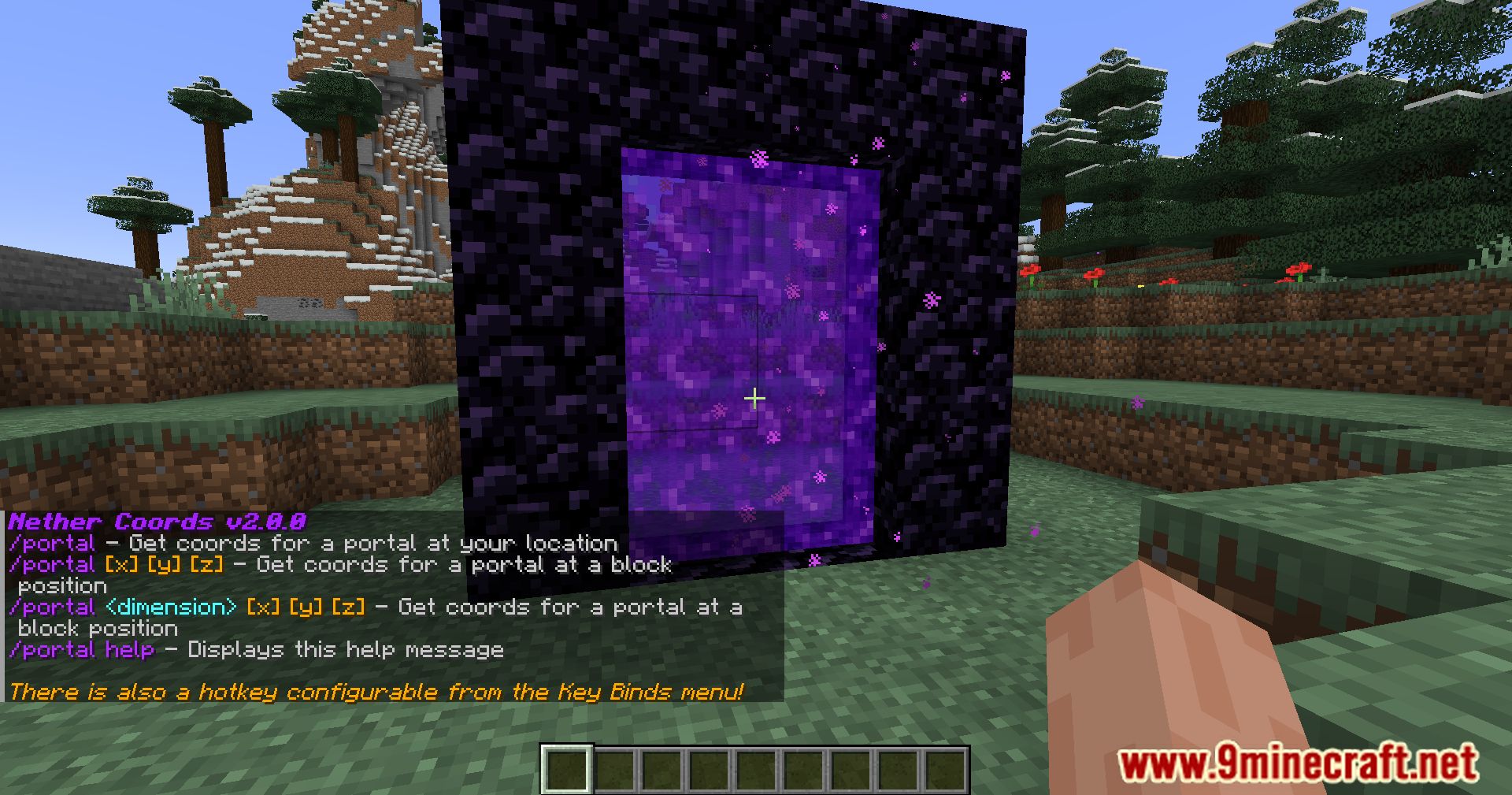
Nether Coords Mod is a mod that adds the /portal command to the game, which determines the coordinates where you will appear when you enter the portal. It’s simple: build a Nether portal, stand inside it, and type /portal to see the coordinates where the portal should be placed.
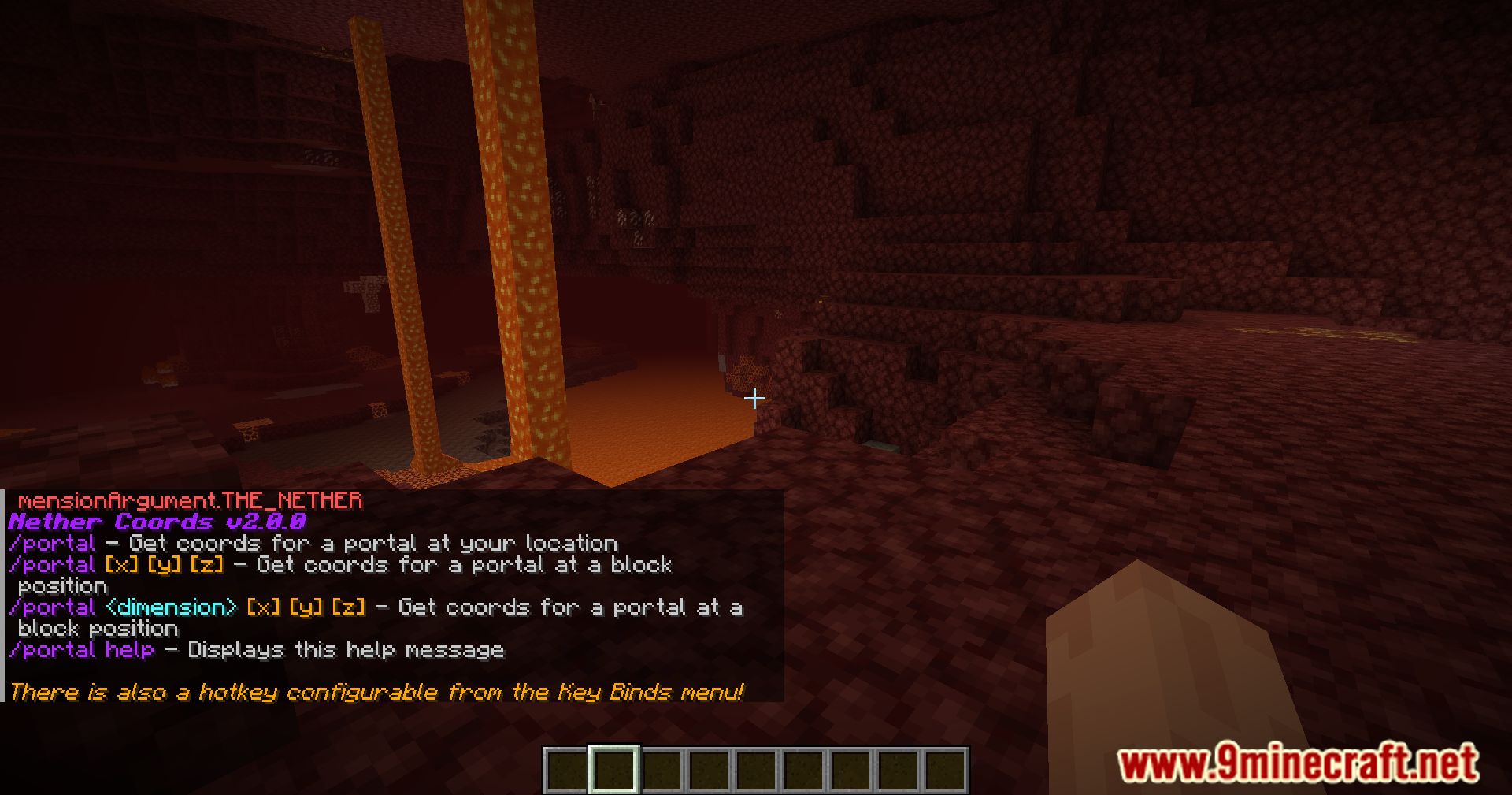
Commands:
/portal– Get the coordinates of the portal where you are standing/portal [x] [y] [z]– Get the coordinates of the portal at the block position/portal help– View the mod help
Features:
- Streamlined Nether navigation with accurate coordinates.
- User-friendly interface for players of all skill levels.
- Customization options to tailor your coordinate display.
- Multiplayer compatibility with no impact on server performance.
- Clear distinction between Overworld and Nether dimensions.
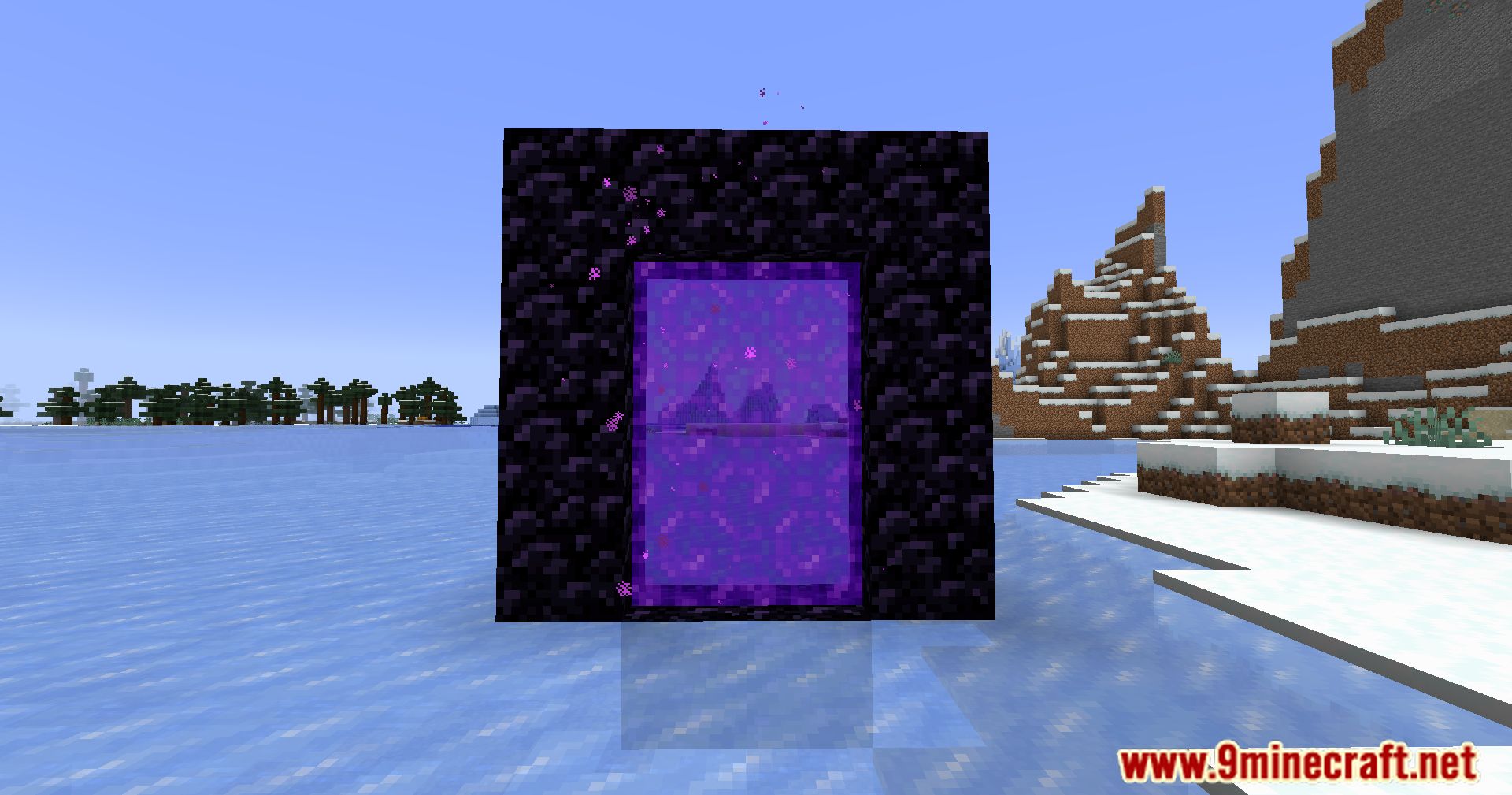
Screenshots:
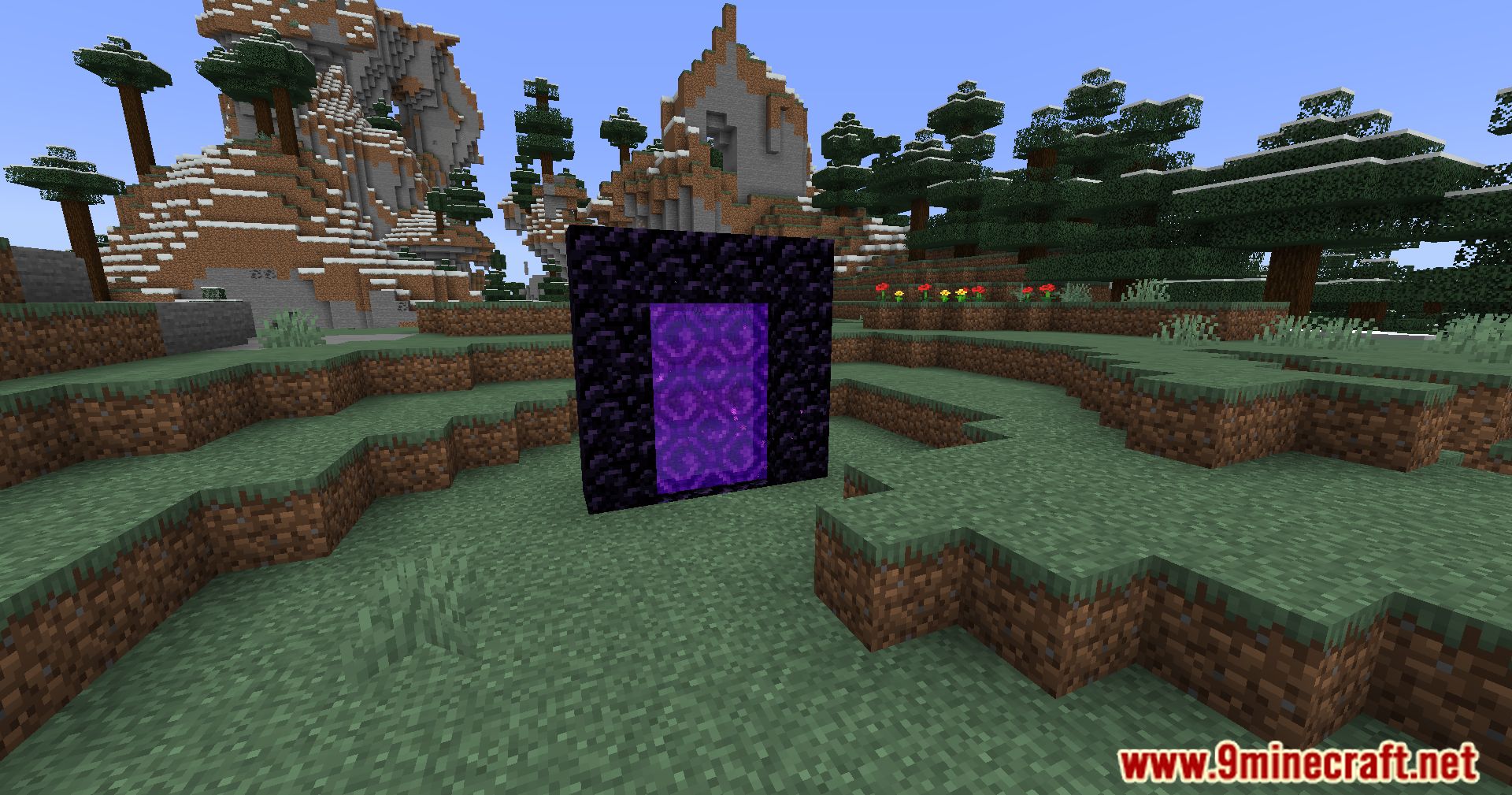
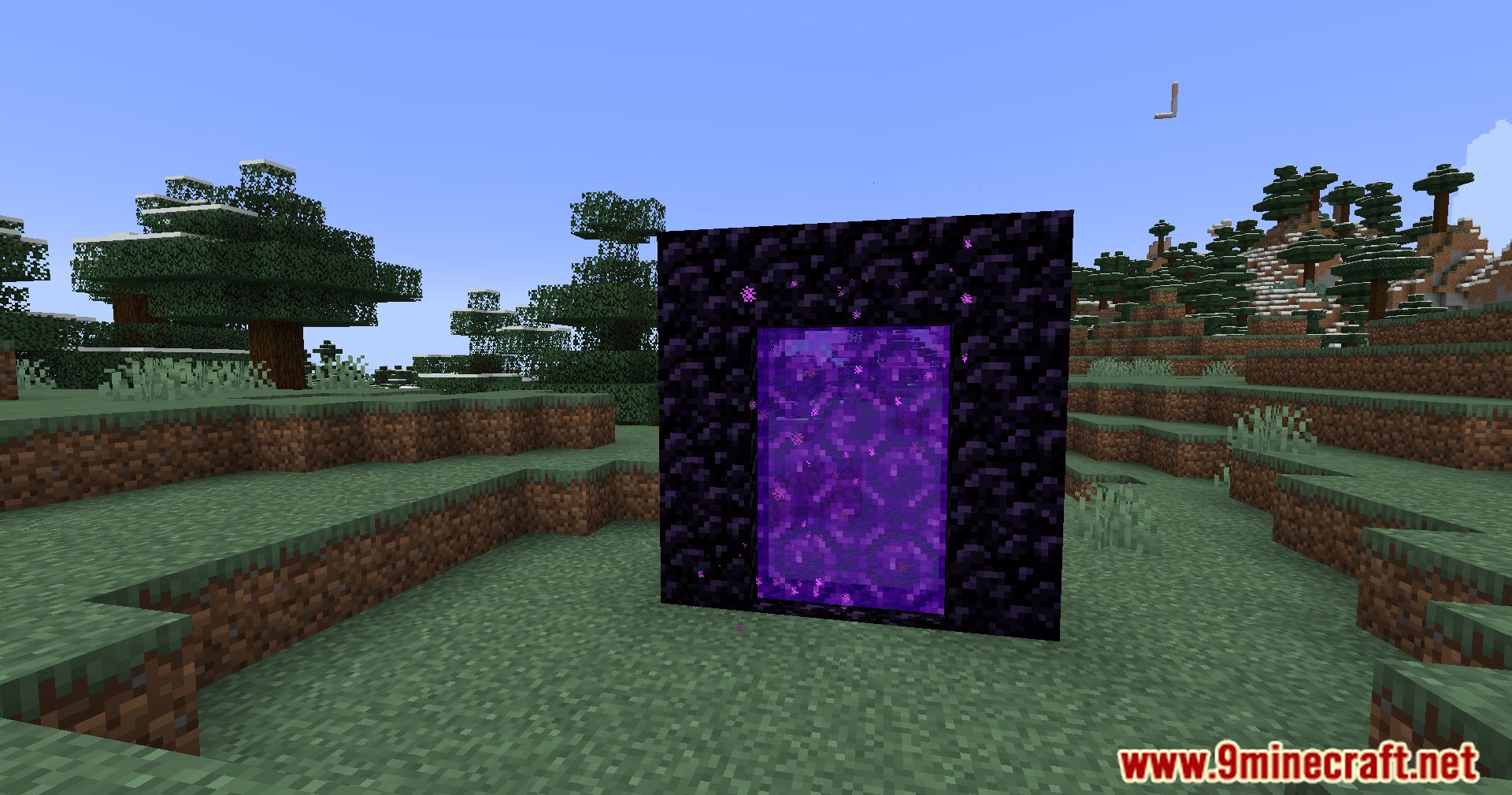
Nether Coords Mod Download Links
Quick facts
- Edition: Minecraft Java
- File type: .jar
- Minecraft version listed: 1.20.1
- How to install: Install the matching mod loader (Forge, Fabric or NeoForge) for your Minecraft version. → Download the .jar. → Put it in the .minecraft/mods folder and launch that loader profile.
- Where to get it: In MC Java Mods, or directly above on this page.
Install steps are the general flow for this file type — How to install Minecraft Java mods & modpacks walks through it step by step.
Verified by MCModsHub
- Downloads as 27427.mcaddon
- Download size: 232 KB
- Download link checked 26 Sept 2026 — working
- Mirrored on our own servers — the download does not depend on the original host
These come from our own check of the pack file, not from the source page.