Home›Java›Mods›Disable Insecure Chat Toast Mod (26.2, 1.20.1) – Removes The Annoying "Insecure Chat"
ModsJava
Disable Insecure Chat Toast Mod (26.2, 1.20.1) – Removes The Annoying "Insecure Chat"
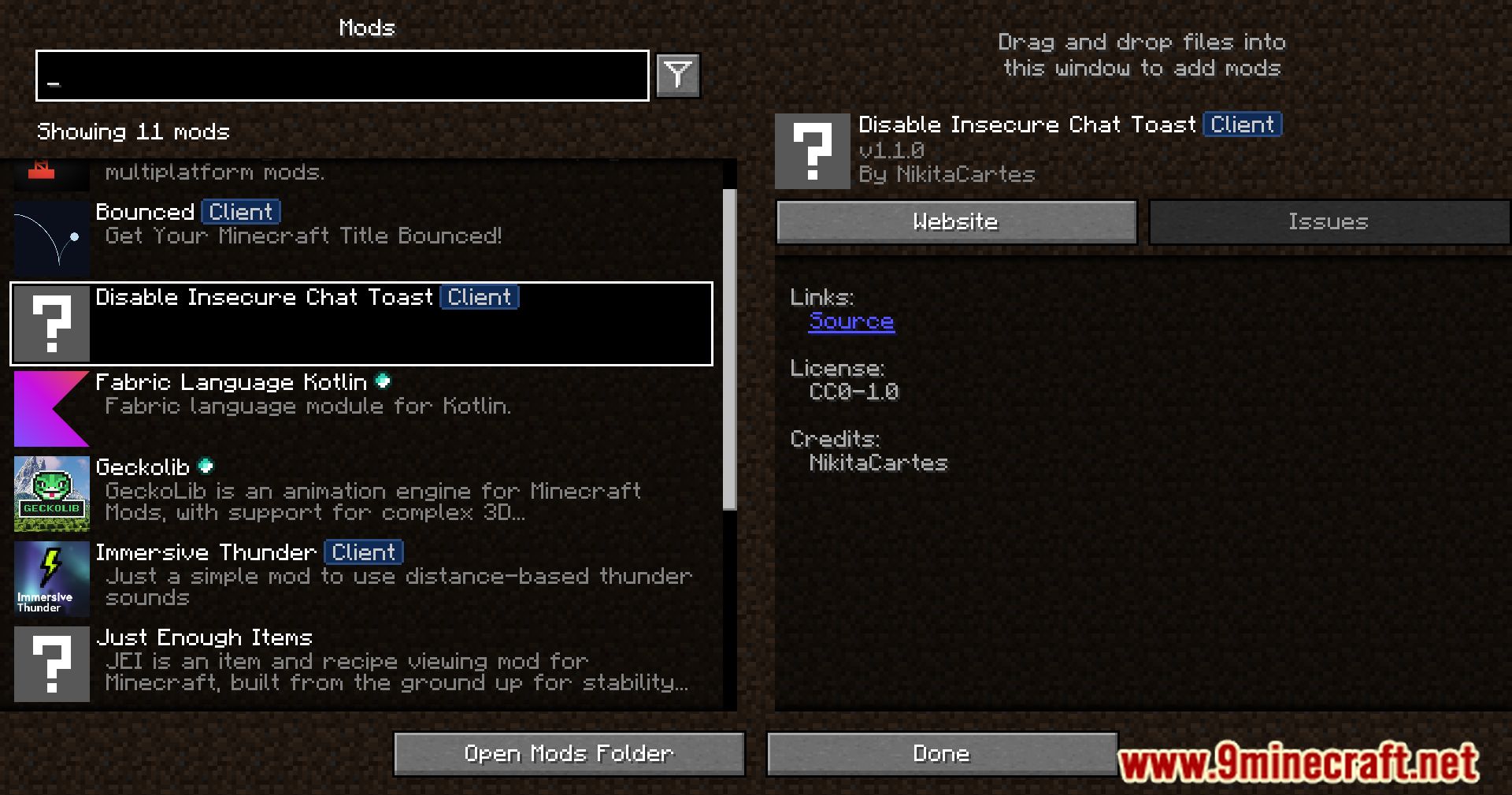





Disable Insecure Chat Toast Mod deletes warning toast about connecting to a server without enforce secure chat.
Features:
- This is a lightweight client-side mod that removes the annoying “Insecure Chat” toast notification in modern Minecraft versions.
- When playing on servers without secure/signed chat, the game normally shows repeated insecure chat warnings.
- This mod simply disables that toast popup, keeping your screen clean and uncluttered.
- It does not change how chat works or block any messages – it only hides the insecure chat warning.
Screenshots:
Disable Insecure Chat Toast Mod Download Links
Quick facts
- Edition: Minecraft Java
- File type: .jar
- Minecraft version listed: 1.20.1
- How to install: Install the matching mod loader (Forge, Fabric or NeoForge) for your Minecraft version. → Download the .jar. → Put it in the .minecraft/mods folder and launch that loader profile.
- Where to get it: In MC Java Mods, or directly above on this page.
Install steps are the general flow for this file type — How to install Minecraft Java mods & modpacks walks through it step by step.
Verified by MCModsHub
- Downloads as 27436.mcaddon
- Download size: 3 KB
- Download link checked 24 Sept 2026 — working
- Mirrored on our own servers — the download does not depend on the original host
These come from our own check of the pack file, not from the source page.