
Controlled Construction
Java mod listed for Minecraft 1.21. Downloads from the MC Java Mods app on Android.
⬇ Download on Modrinth

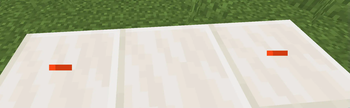

Make building easier through this 1.21.4 mod utilized as a building tool!
[||⋘⋘⋘⋘⋘⋘⋘⋘⋘⋘⋘⋘⋘⋘⋘⋘ Controlled Construction™ ⋙⋙⋙⋙⋙⋙⋙⋙⋙⋙⋙⋙⋙⋙⋙⋙||]
Current Additions to the Mod!:
Forced Block Rotation:
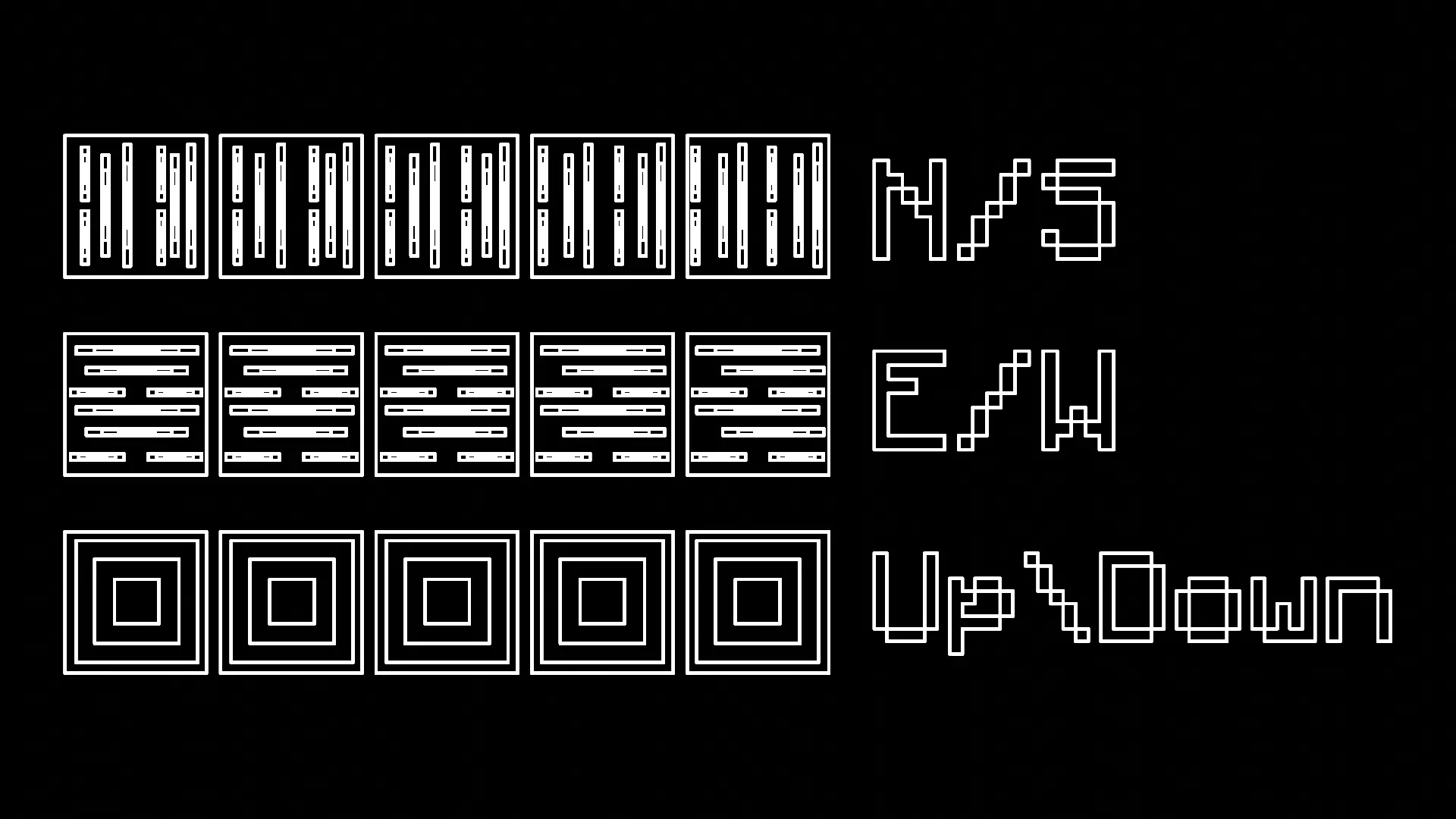
SpoilerYou have the ability to press R to forcibly rotate every block you place, making it much easier to work with directional blocks like logs.
- There are four modes: Force Direction Off, Up/Down, North/South, and East/West
Measuring Tool:
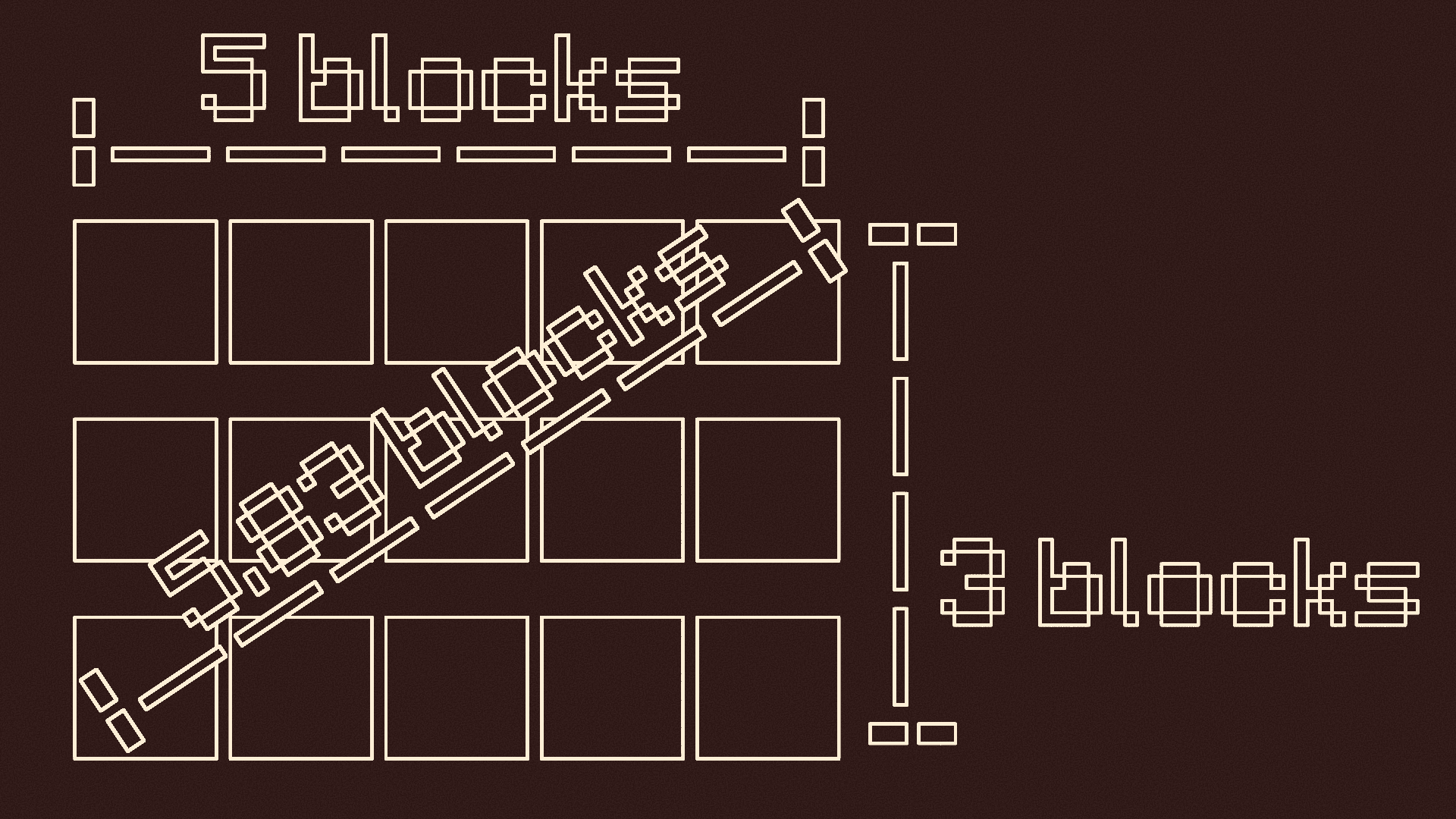
SpoilerYou can press and hold V to measure distances
- When you first press it, it records the location you are looking at
-- It tells you the location, gives you a visual particle cue, and makes a cow bell sound
- Look at where you want to stop measuring and let go of V
-- There should be another visual particle cue and cow bell sound
- It will tell you the height, length, width, vertical diagonal length, and horizontal diagonal length of the measurement
Pointer:
SpoilerPress G to use the pointer
- Press G to turn it on if it is off
- This will put colored particles at any block you look at
- Press G again if it is on to turn it off

Y-Lock:
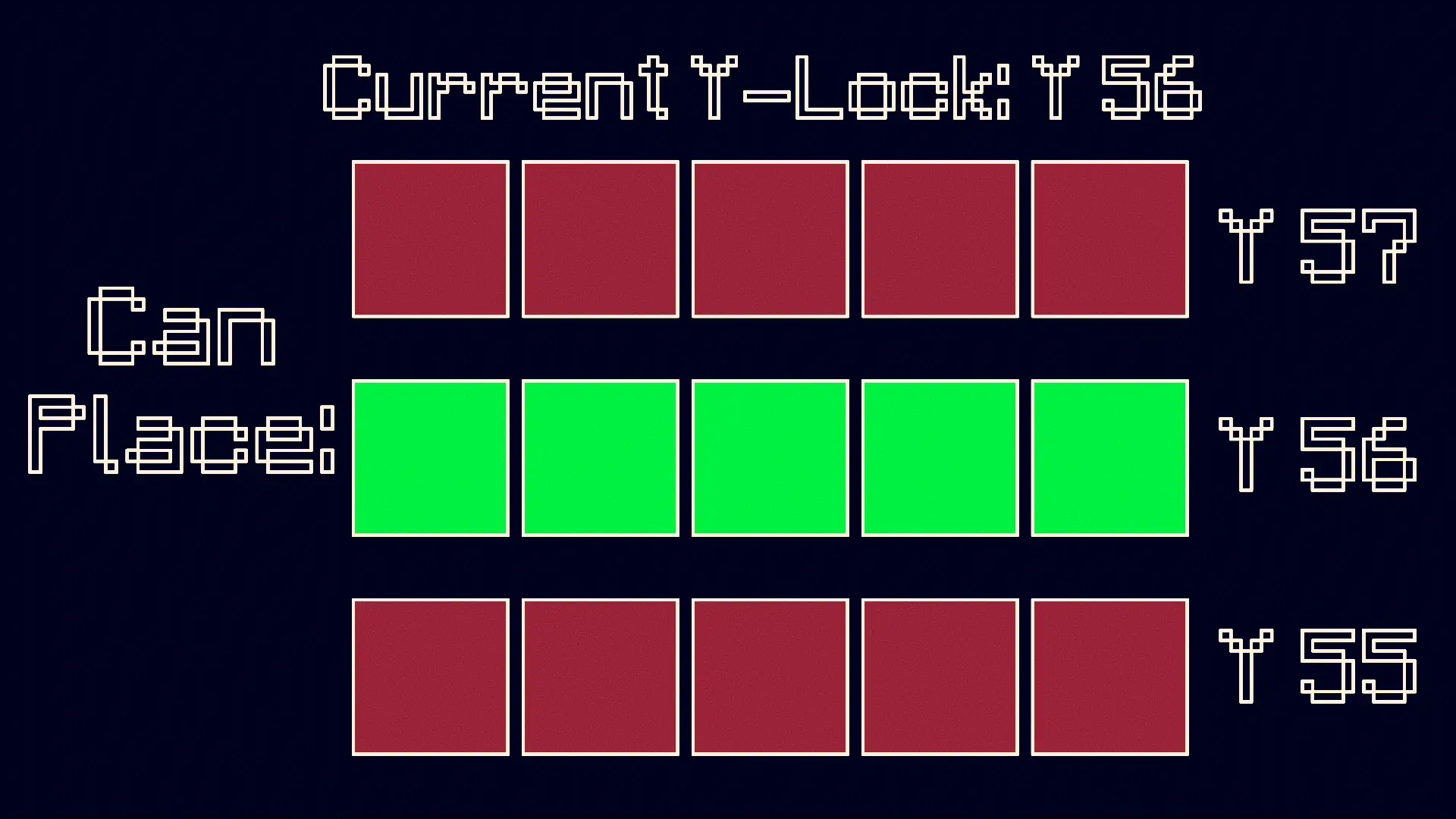
SpoilerPress Y to turn on the Y-Lock. At the time of pressing it, the y location of the block below you is recorded. While the Y-Lock is on, you can only place blocks on that y level. Press Y again to turn it off.
KEEP IN MIND: This mod is made for BUILDERS, although it can be used for others purposes if need be.
- Edition: Minecraft Java
- File type: .jar
- Minecraft version listed: 1.21.1
- How to install: Install the matching mod loader (Forge, Fabric or NeoForge) for your Minecraft version. → Download the .jar. → Put it in the .minecraft/mods folder and launch that loader profile.
- Where to get it: Opens on Modrinth — not every file is mirrored on our own servers.
Install steps are the general flow for this file type — How to install Minecraft Java mods & modpacks walks through it step by step.
- Ships as Controlled Construction V.1.1.3 - NeoForge 1.21.1.jar — drop this file into the mods folder
- Download size: 1.7 MB
- Download link checked 1 Nov 2026 — working
These come from our own check of the pack file, not from the source page.