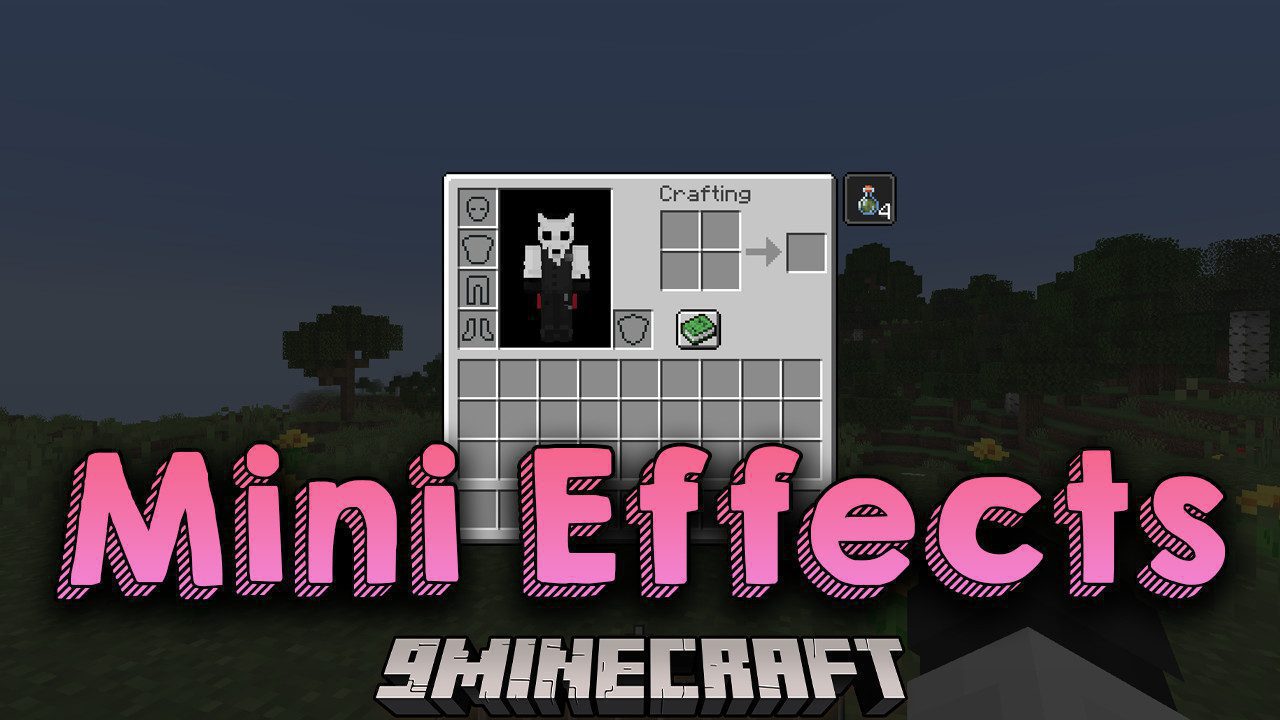
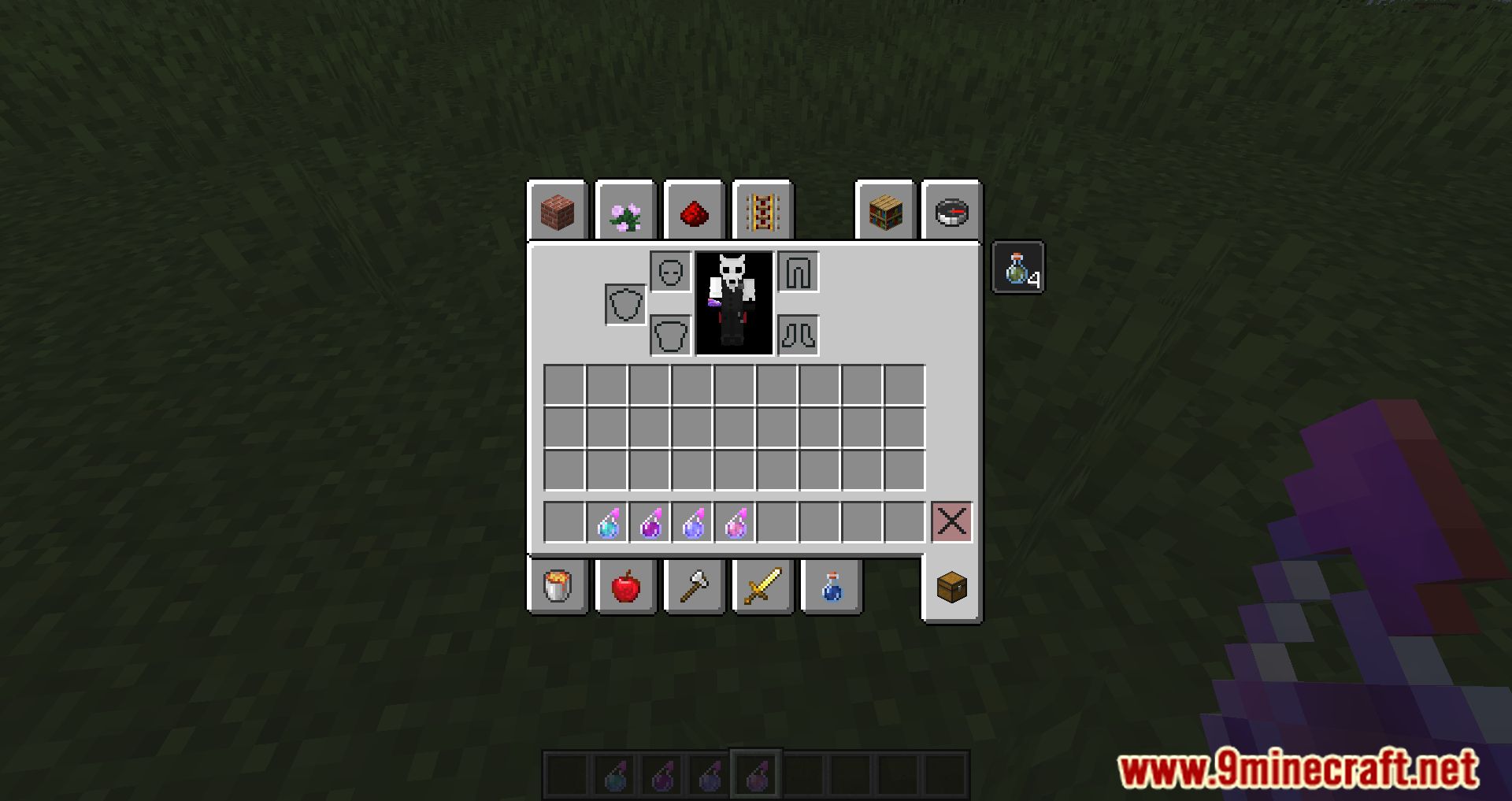
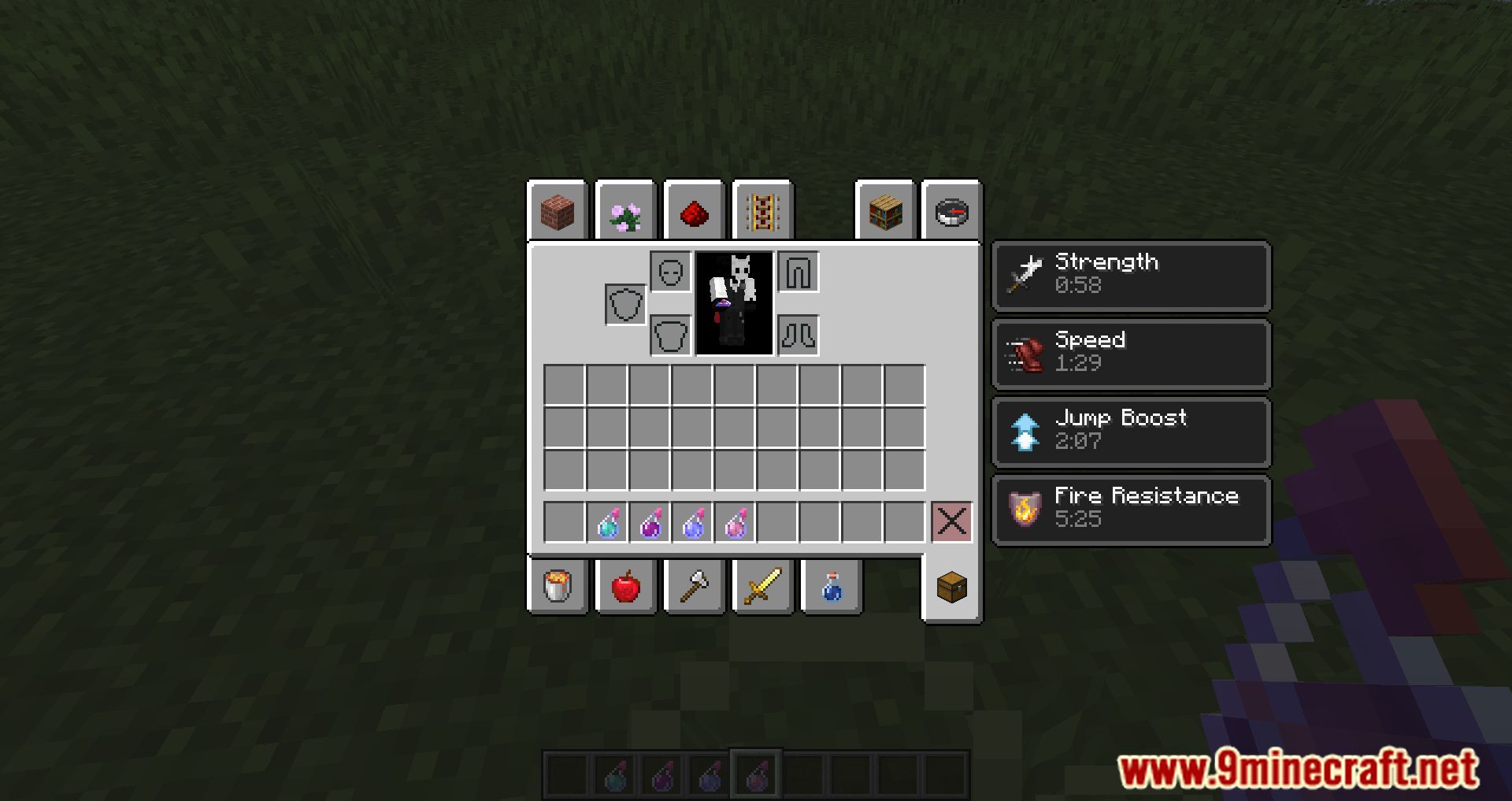
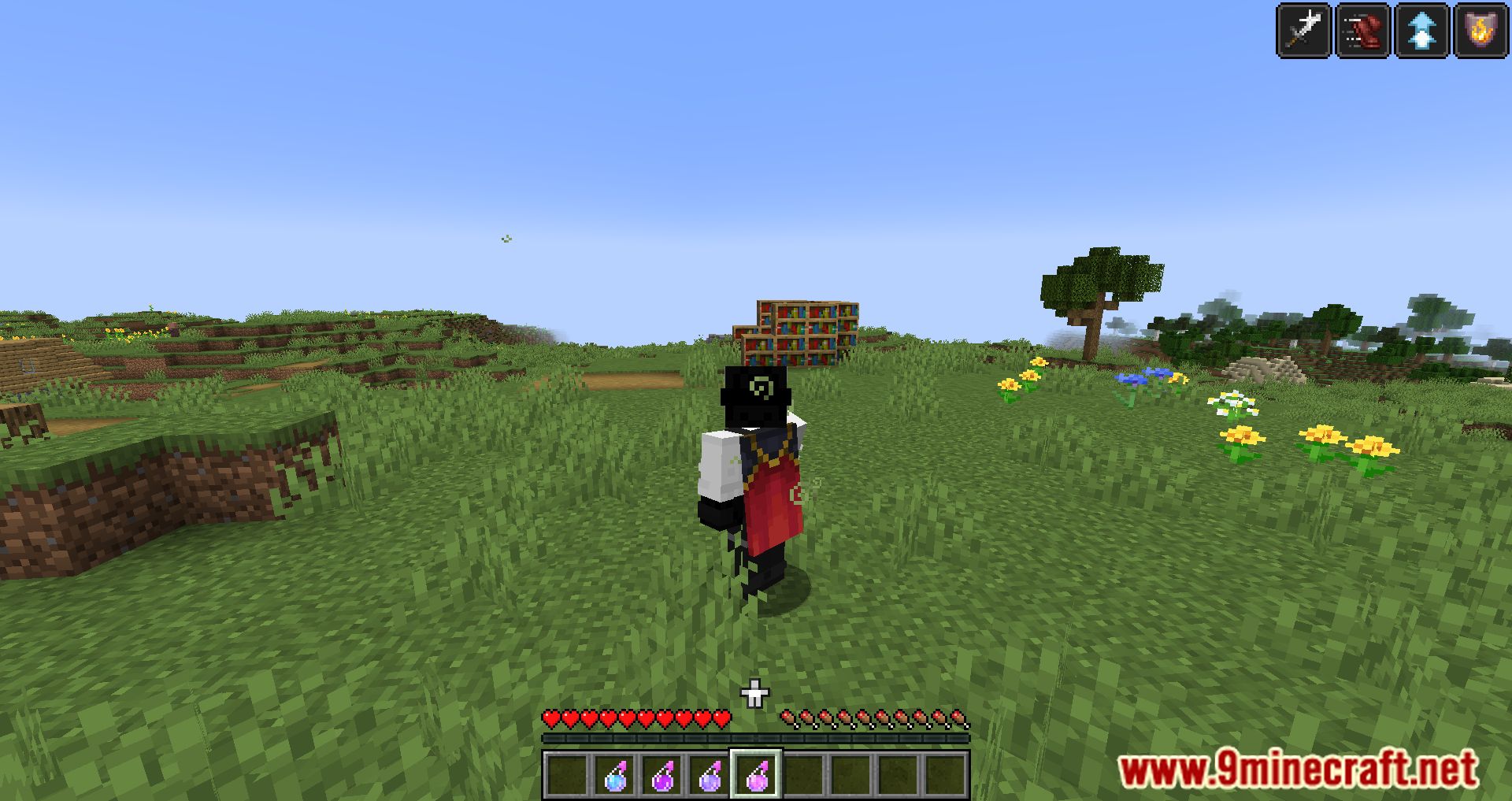
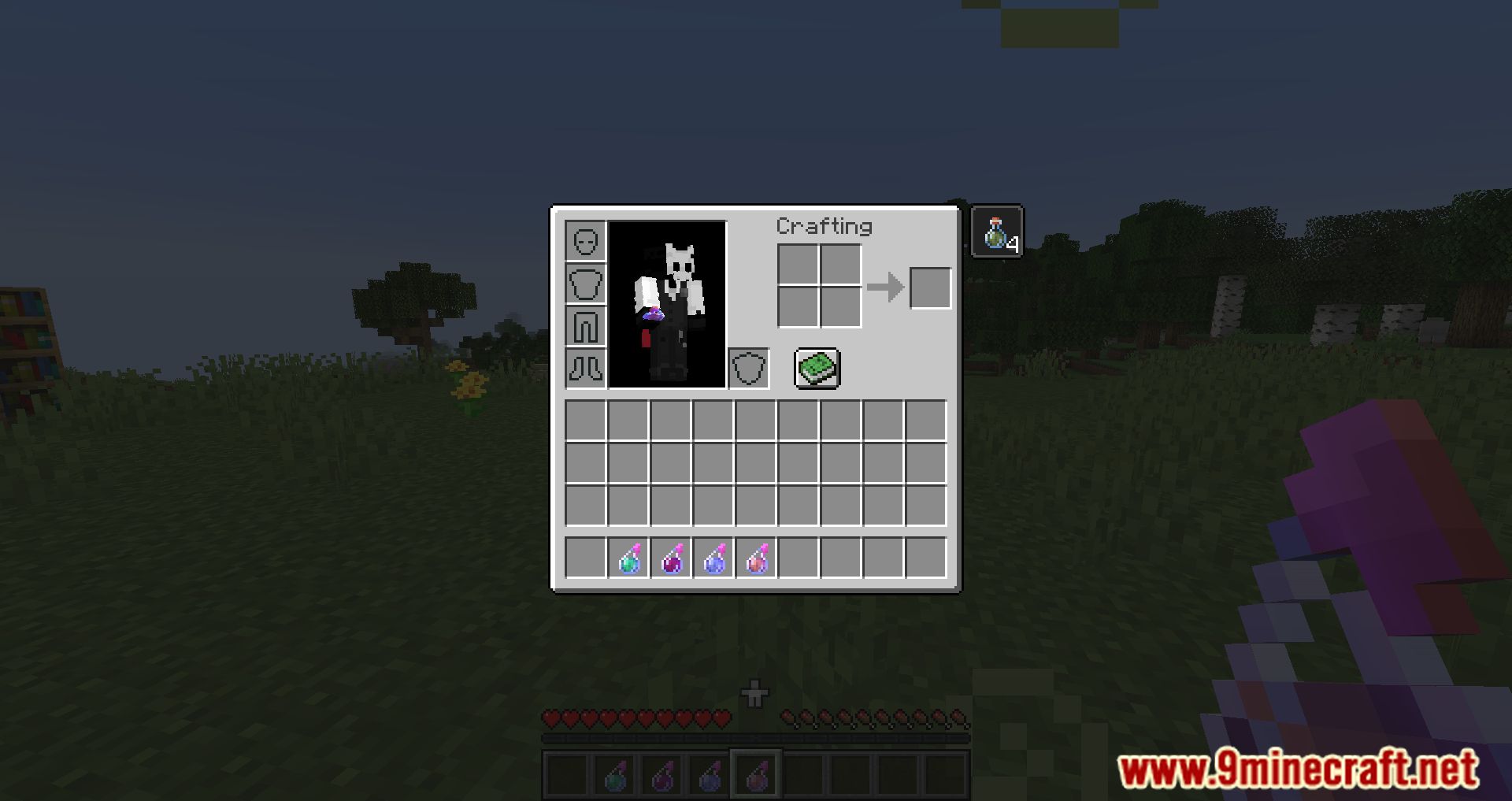
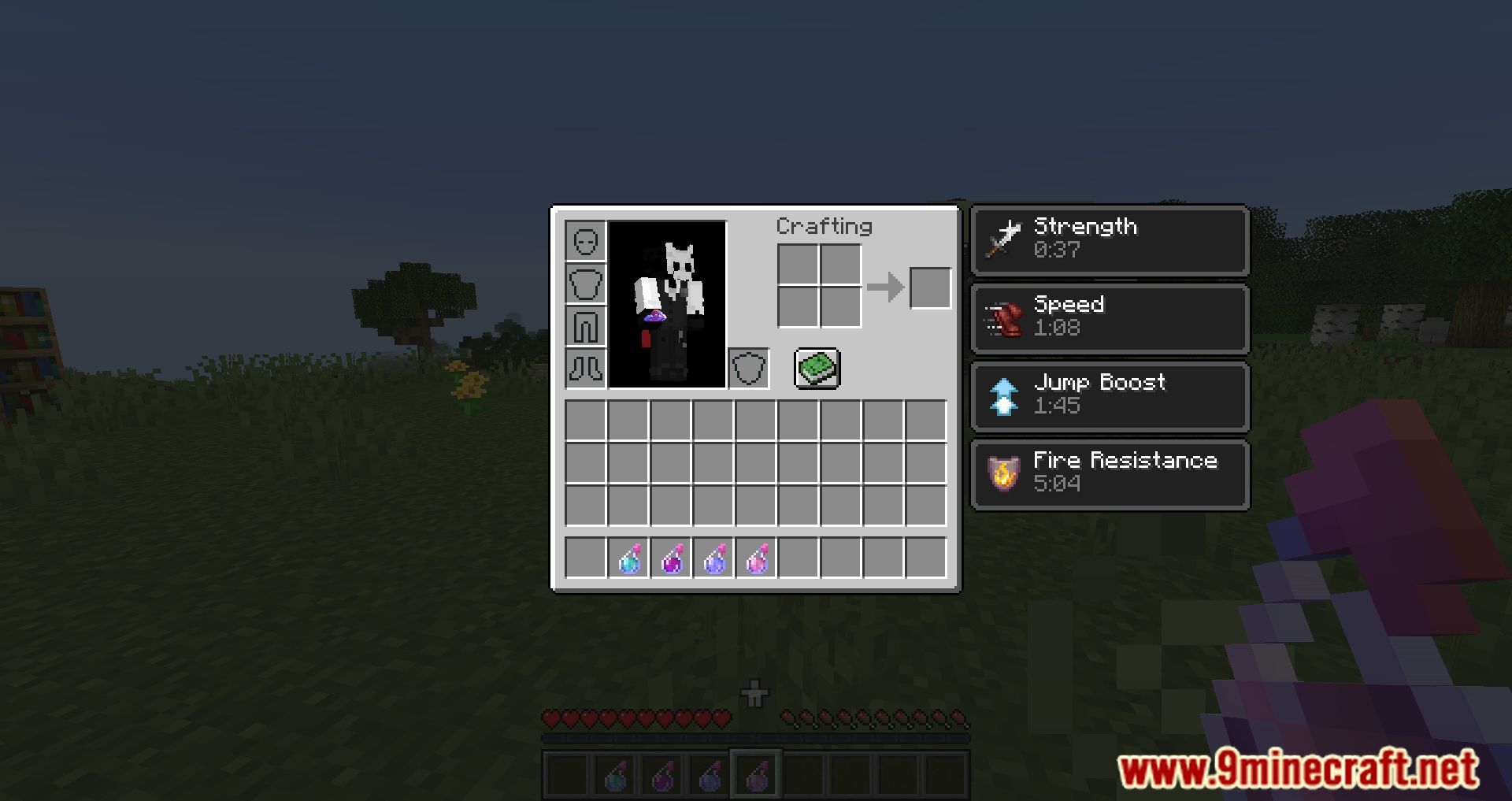
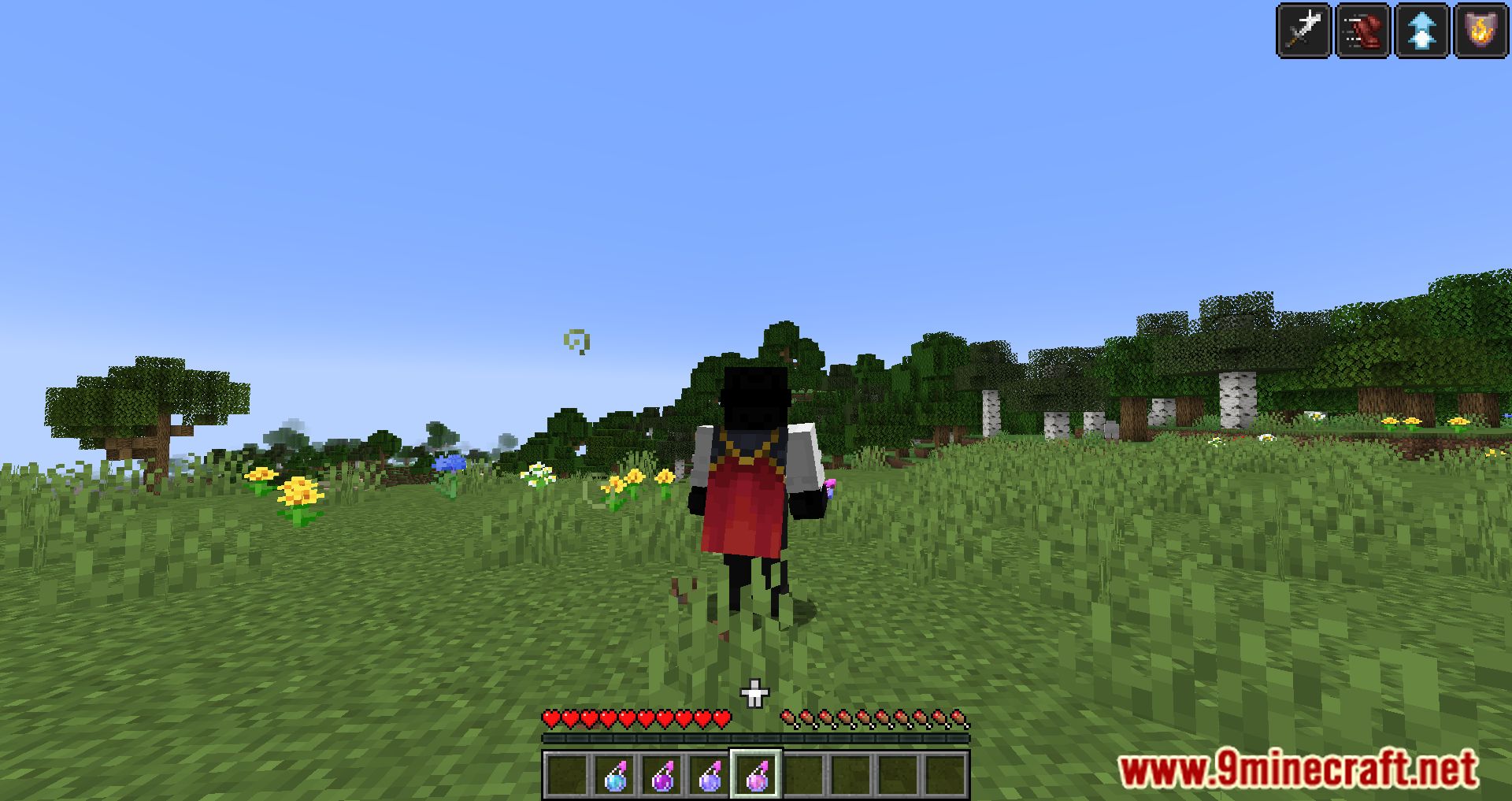
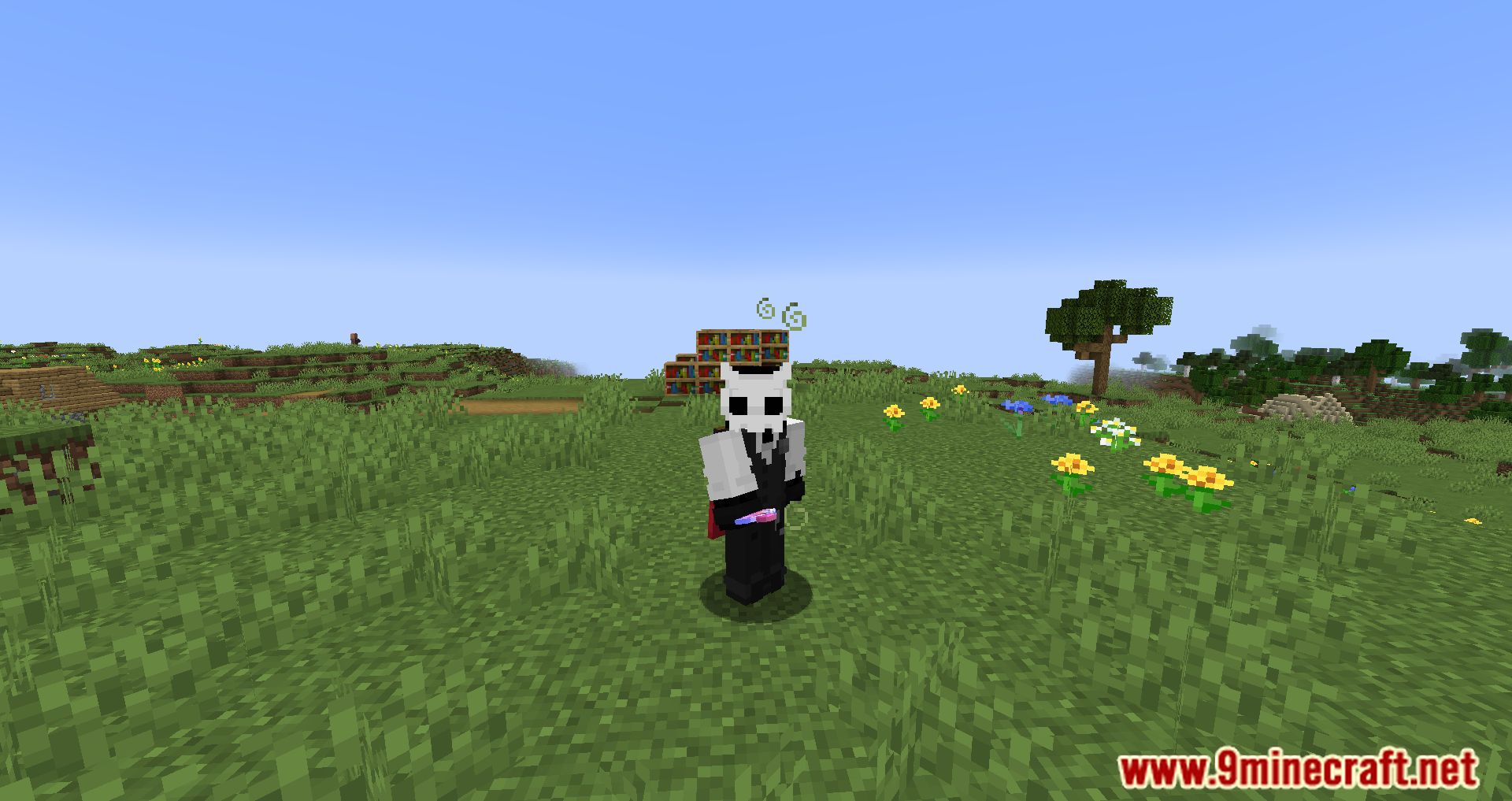
Mini Effects Mod is a simple tweak that reduces the size of effect icons on the inventory screen. If you’re bothered by an infinite buff taking up too much space on the screen, this modification can help you.
Features:
- Reduces the size of effect icons on the inventory screen, making it less intrusive and more visually appealing.
- Allows players to show or hide the effects view in the inventory screen for better customization.
- With additional configuration (using the Kiwi library), players can move the effects display to the left side of the screen.
Screenshots:
Mini Effects Mod Download Links
Quick facts
- Edition: Minecraft Java
- File type: .jar
- Minecraft version listed: 1.20.1
- How to install: Install the matching mod loader (Forge, Fabric or NeoForge) for your Minecraft version. → Download the .jar. → Put it in the .minecraft/mods folder and launch that loader profile.
- Where to get it: In MC Java Mods, or directly above on this page.
Install steps are the general flow for this file type — How to install Minecraft Java mods & modpacks walks through it step by step.
Verified by MCModsHub
- Downloads as 27462.mcaddon
- Download size: 2 KB
- Download link checked 24 Sept 2026 — working
- Mirrored on our own servers — the download does not depend on the original host
These come from our own check of the pack file, not from the source page.