


Zoomax
Zoom all the way to the Max.
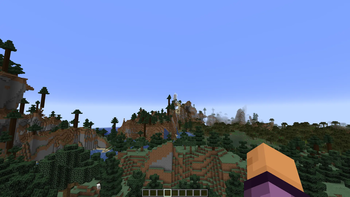
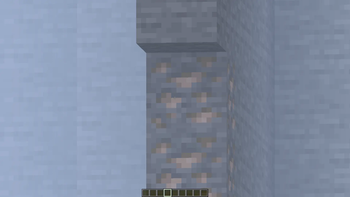
Zoomax adds a smooth and responsive zoom feature to Minecraft with smart controls and fluid transitions. Designed for players who want a seamless and natural zoom experience.
Features
Dynamic Zoom
- Hold C to activate zoom mode
- Scroll while holding C to zoom in or out smoothly
- Release C to return to normal view
Smart Zoom Lock
- Press Y while zooming to lock the current zoom level
- Locked zoom stays active until unlocked
- Press Y again to reset to normal view
Intelligent Scroll Behavior
- When zooming: mouse wheel adjusts zoom level
- When locked: mouse wheel switches hotbar items
- Prevents accidental zoom changes during gameplay
Controls
| Key | Action |
|---|---|
| C (Hold) | Activate zoom mode |
| Y (Press) | Lock or unlock zoom |
Configuration
- Key bindings customizable under "Zoomax" in Controls settings
License
This project is licensed under ARR.
Quick facts
- Edition: Minecraft Java
- File type: .jar
- Minecraft version listed: 26.2
- How to install: Install the matching mod loader (Forge, Fabric or NeoForge) for your Minecraft version. → Download the .jar. → Put it in the .minecraft/mods folder and launch that loader profile.
- Where to get it: Opens on Modrinth — not every file is mirrored on our own servers.
Install steps are the general flow for this file type — How to install Minecraft Java mods & modpacks walks through it step by step.
Verified by MCModsHub
- Ships as zoomax-1.0.0.jar — drop this file into the mods folder
- Download size: 76 KB
- Download link checked 31 Aug 2026 — working
These come from our own check of the pack file, not from the source page.