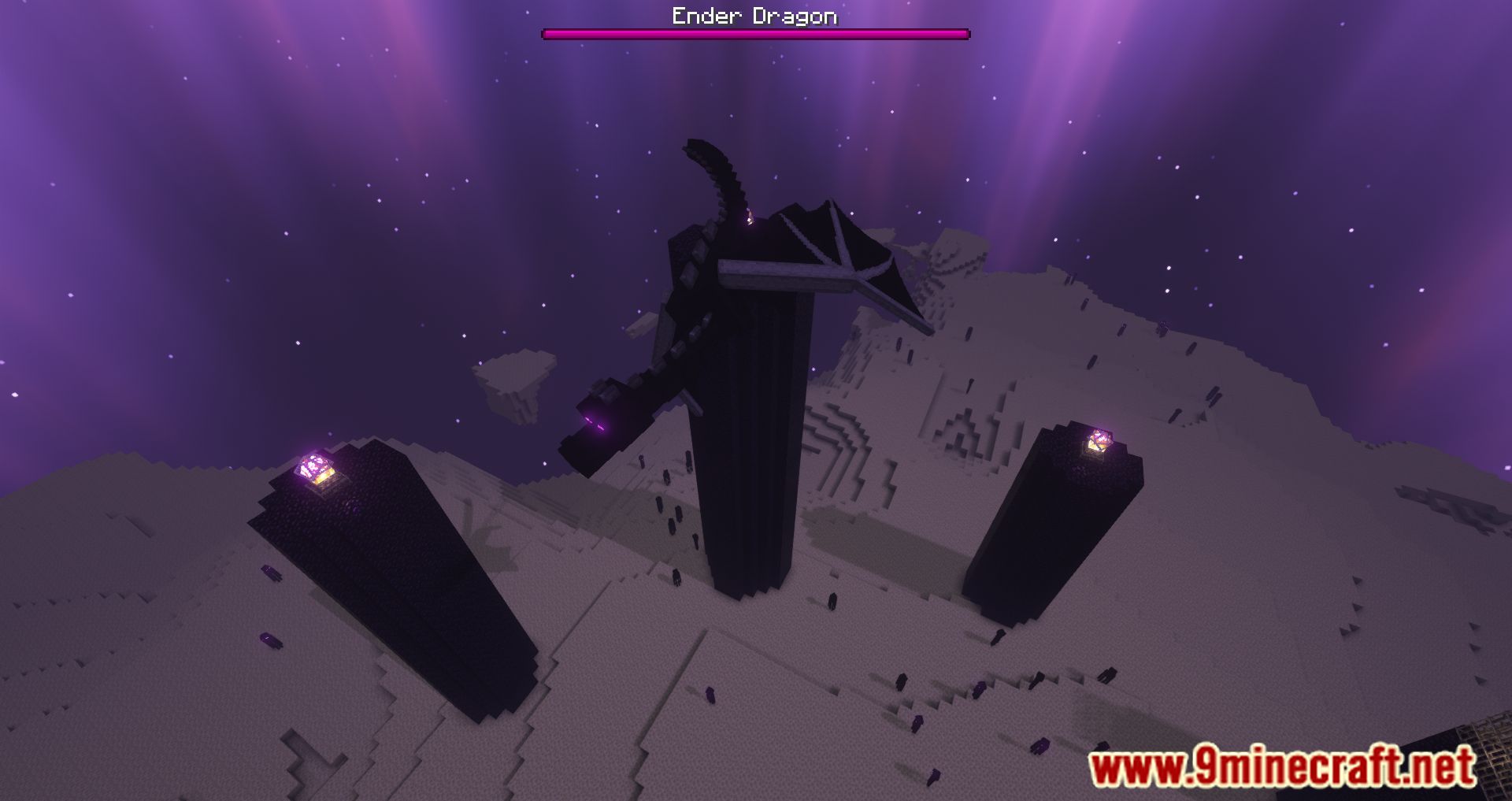
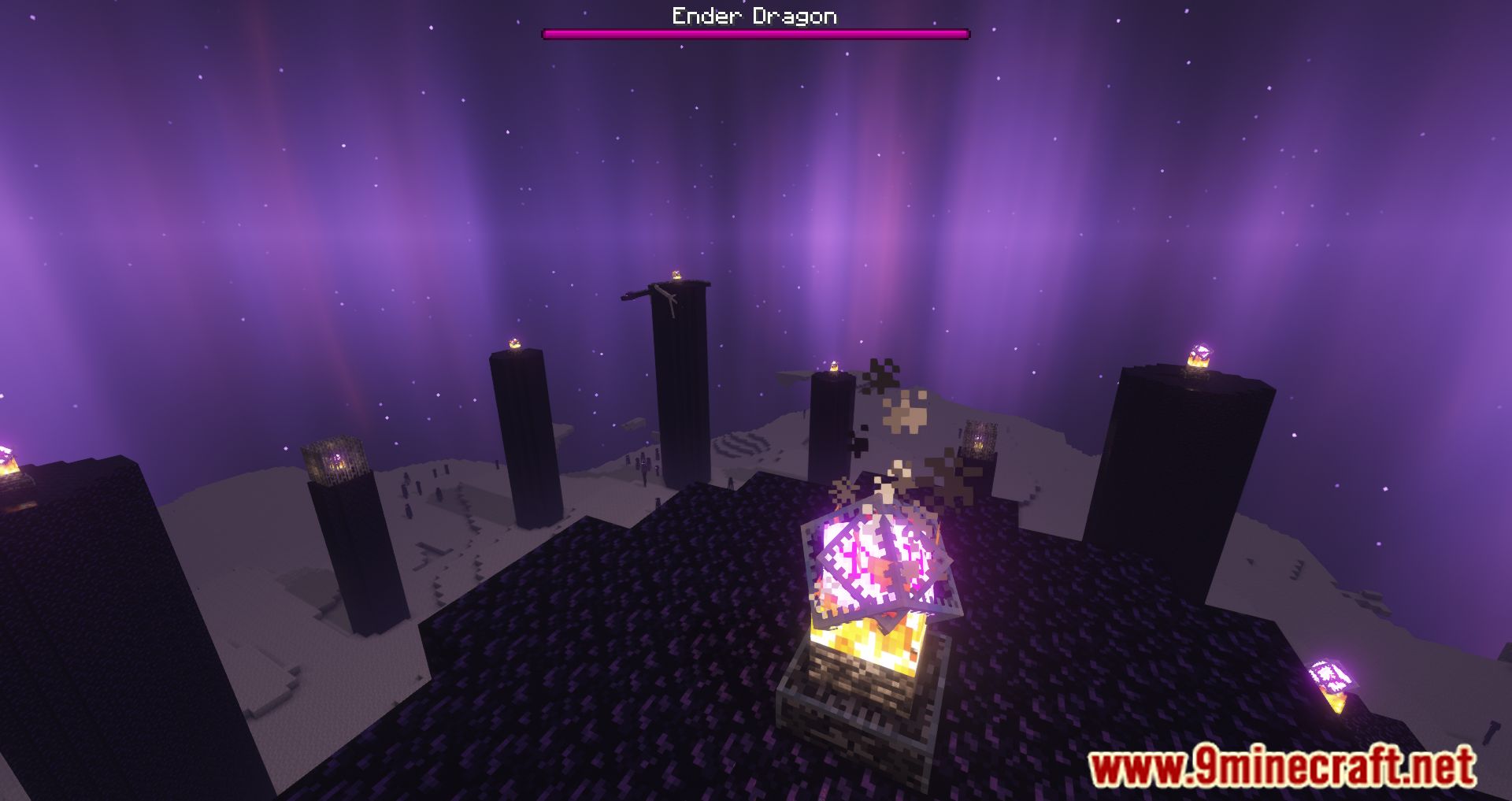
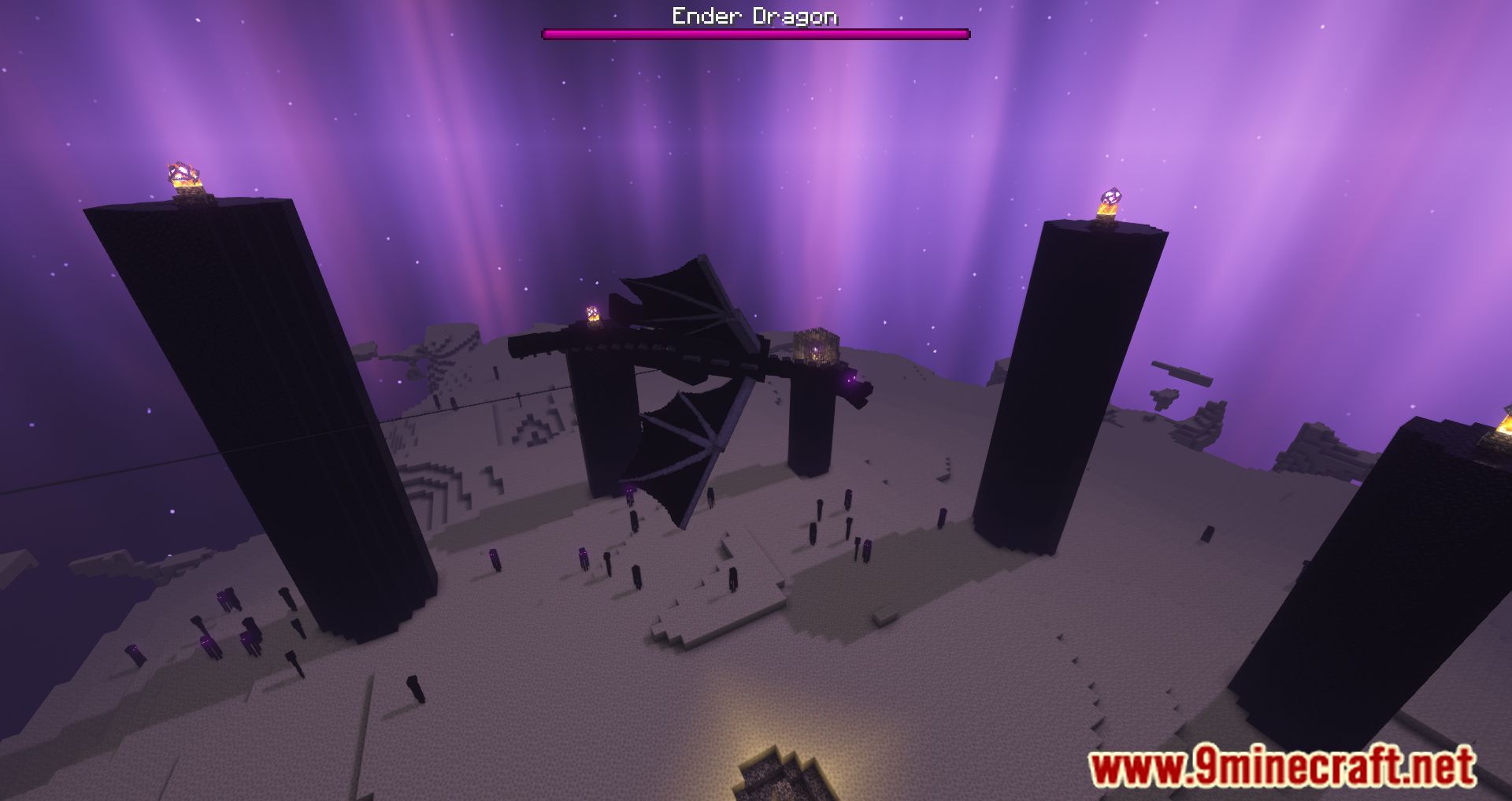
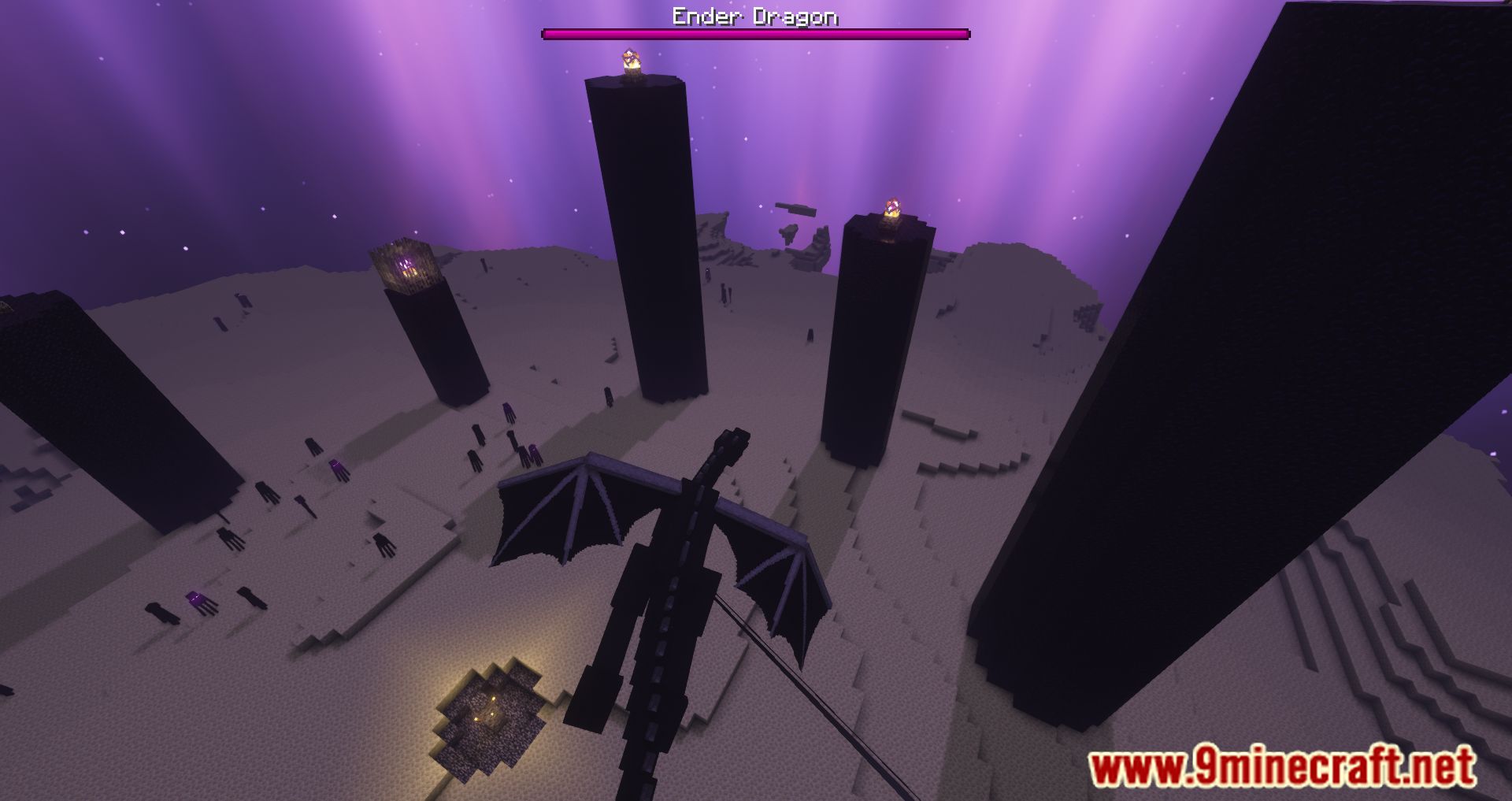
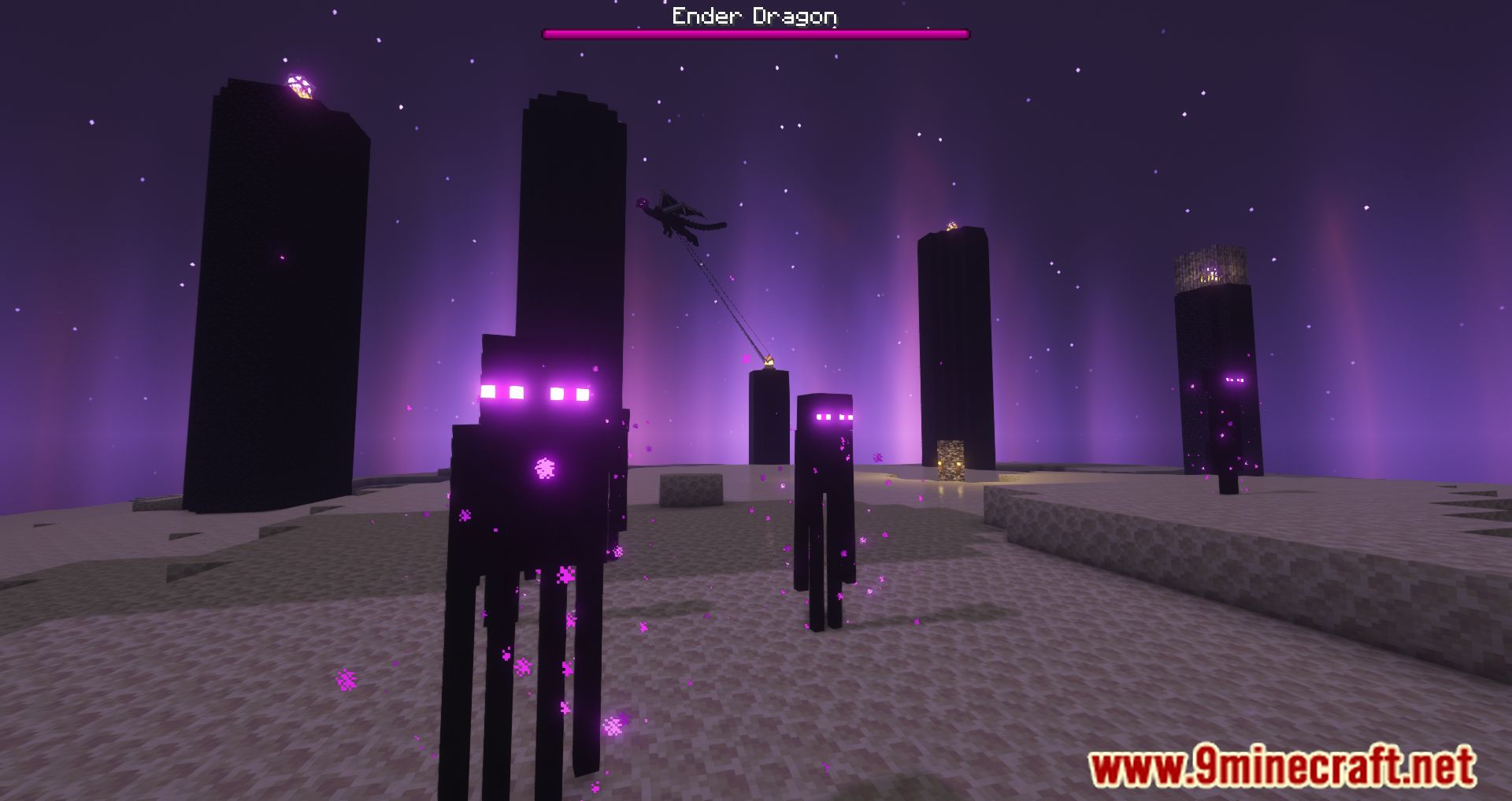

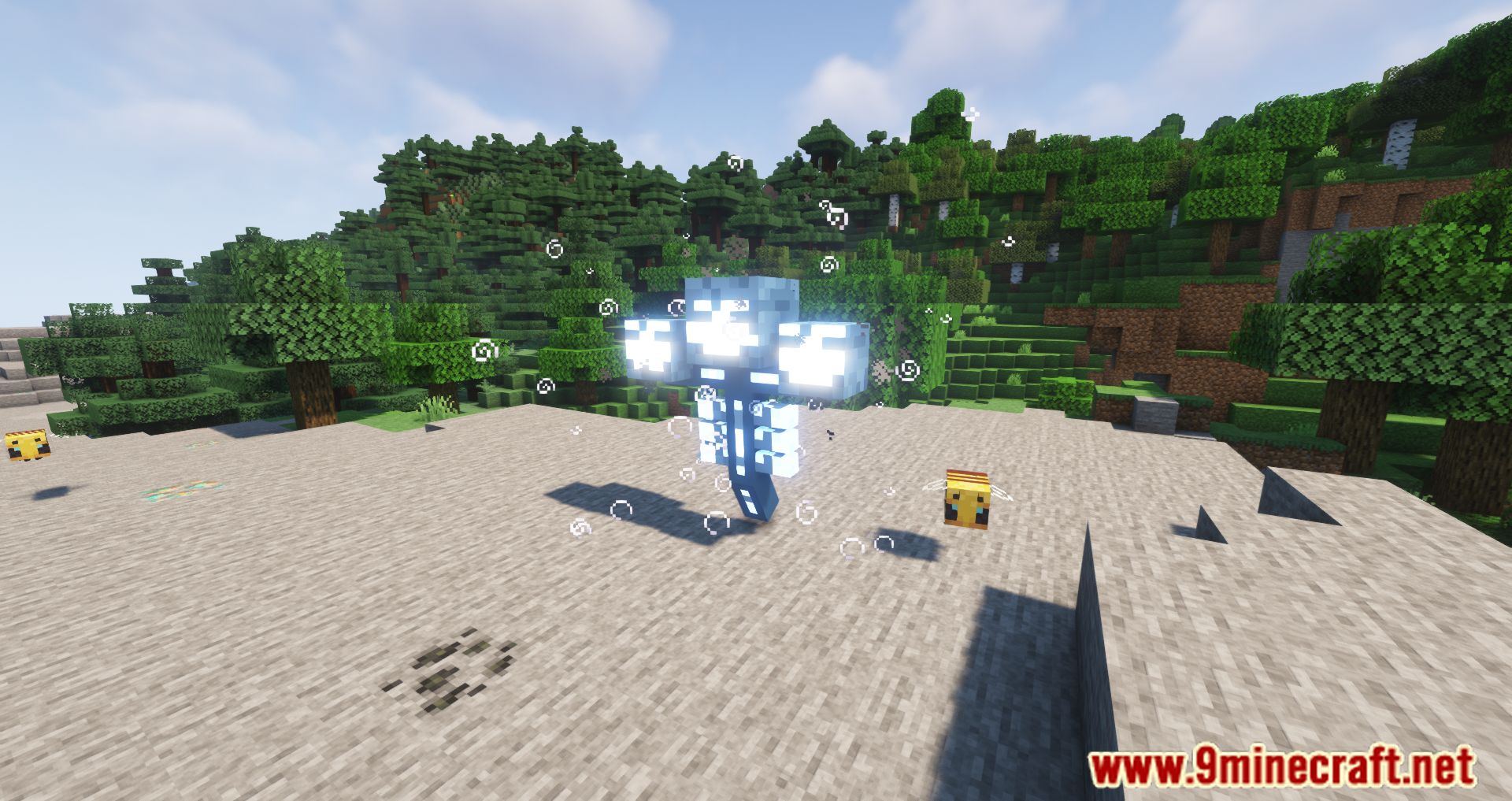

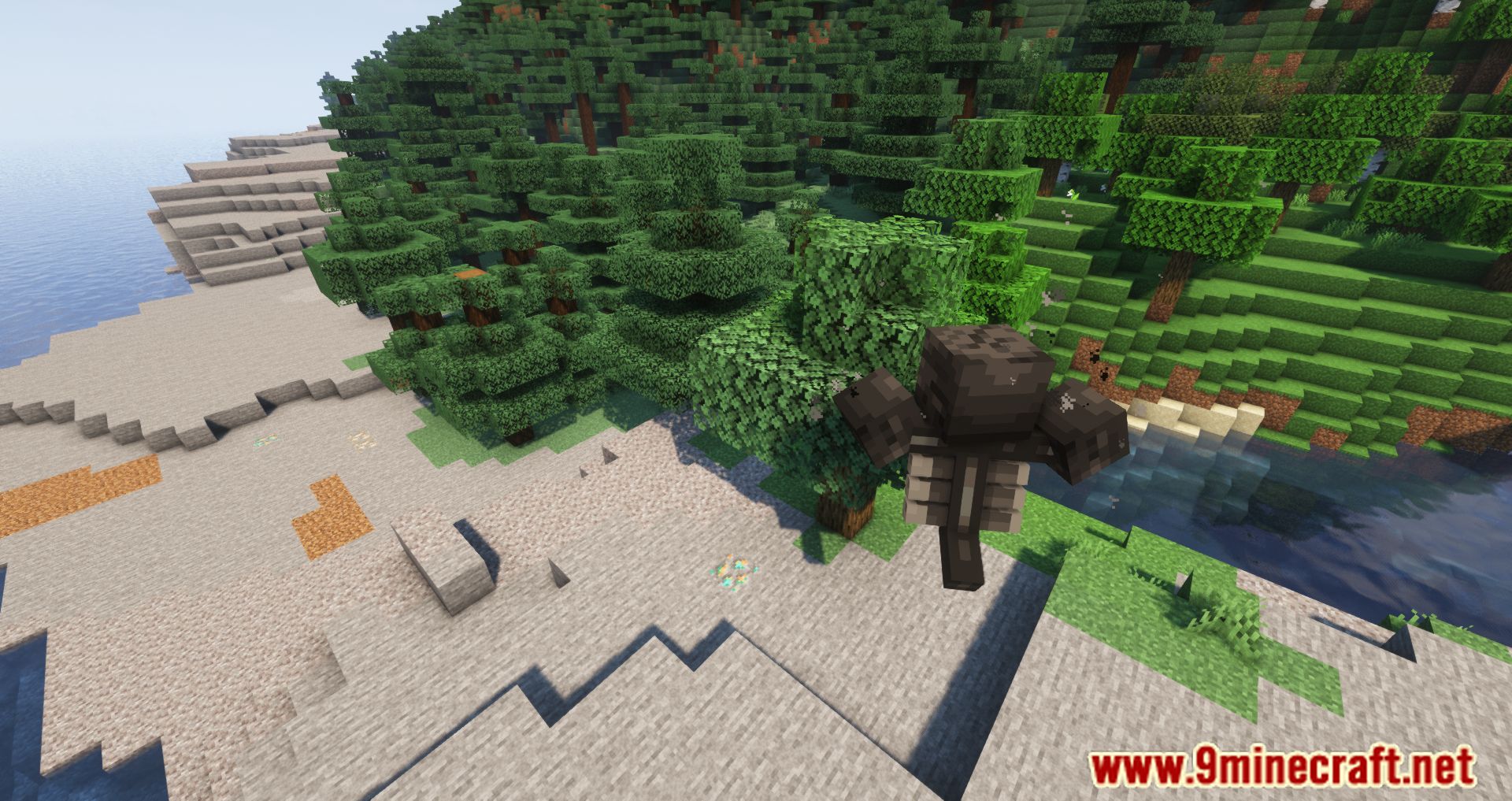
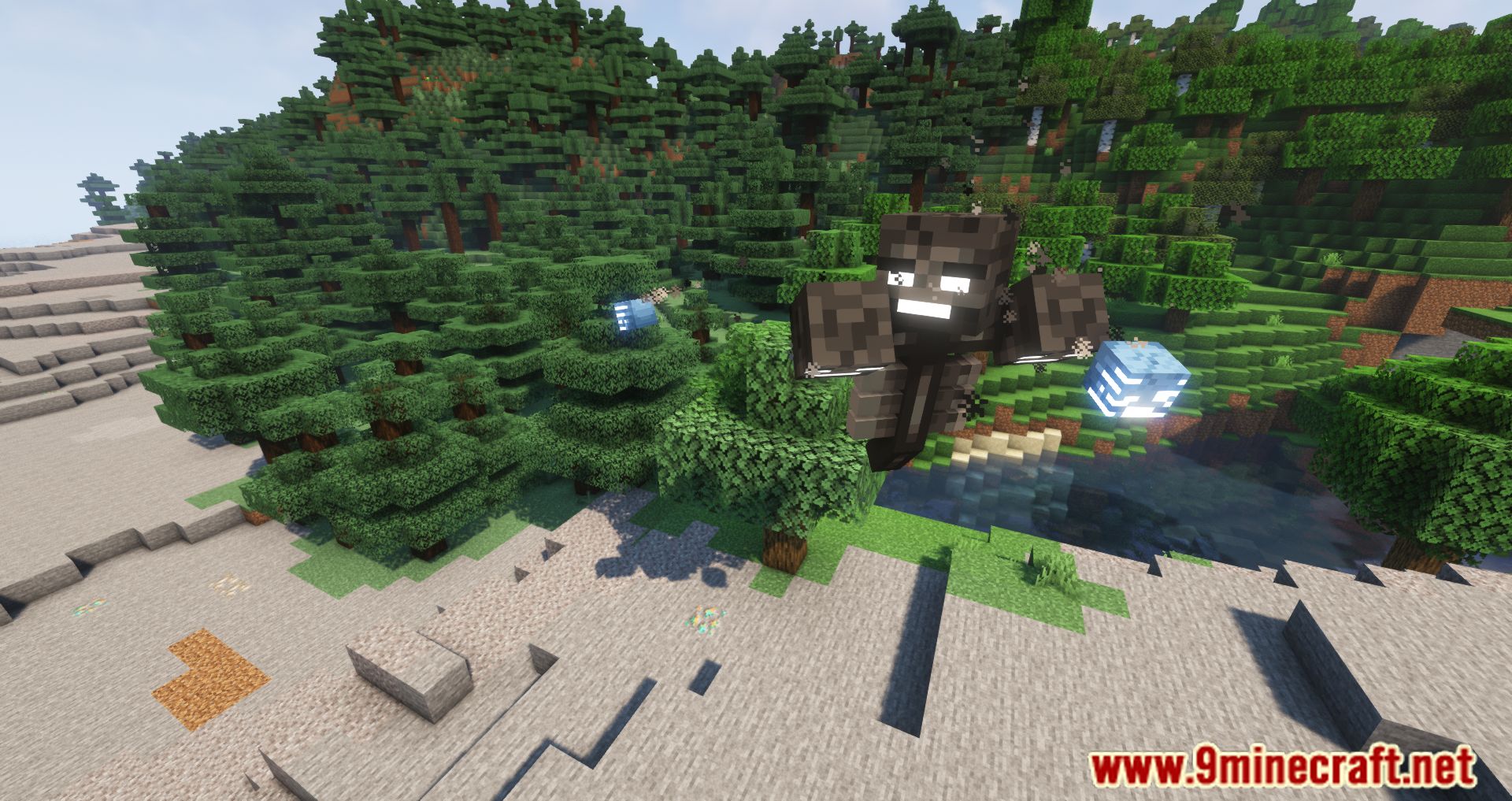
Mute Mod allows players to freely configure the sound settings on a much deeper level. While the sound in Minecraft has always been pleasant, it is rather annoying when it comes to the sound effect of the wither and the ender dragon as they are way too loud compared to the rest of the game. With Mute Mod, these two entities will not only be muted by default, but also players would be able to change and tweak the other sounds within the game. Therefore, players are going to have a much more pleasant experience as they can choose what not to listen to within Minecraft. For example, players can choose to mute the sound of mining completely as they have heard it too many times. Once the annoying sounds are diminished, the world of Minecraft will become a much more pleasant environment for players to sink in.
Features:
- Players can choose to mute any sound effects in the game.
Screenshots:
Mute Mod Download Links
- Edition: Minecraft Java
- File type: .jar
- Minecraft version listed: 1.20.1
- How to install: Install the matching mod loader (Forge, Fabric or NeoForge) for your Minecraft version. → Download the .jar. → Put it in the .minecraft/mods folder and launch that loader profile.
- Where to get it: In MC Java Mods, or directly above on this page.
Install steps are the general flow for this file type — How to install Minecraft Java mods & modpacks walks through it step by step.
- Downloads as 27464.mcaddon
- Download size: 3 KB
- Download link checked 24 Sept 2026 — working
- Mirrored on our own servers — the download does not depend on the original host
These come from our own check of the pack file, not from the source page.