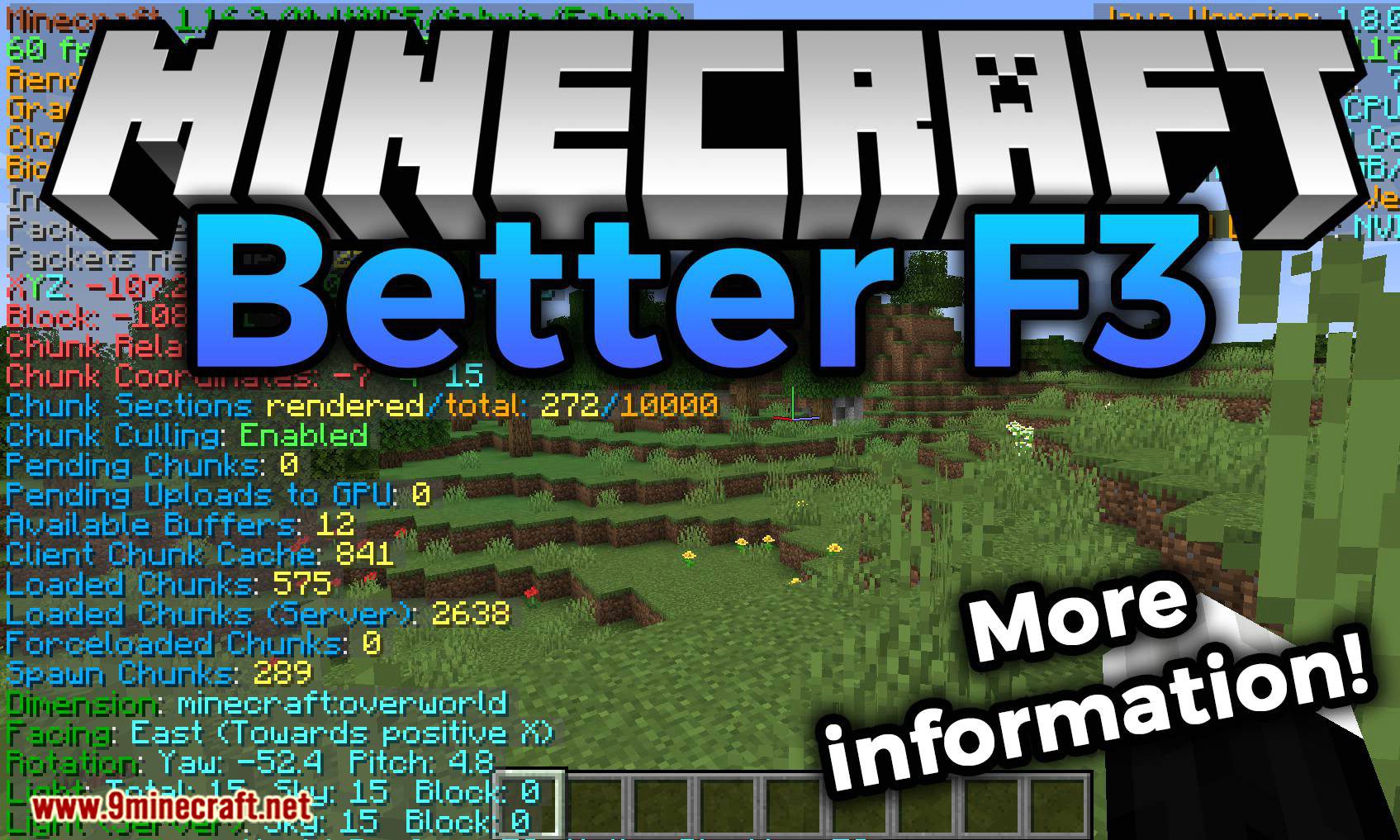
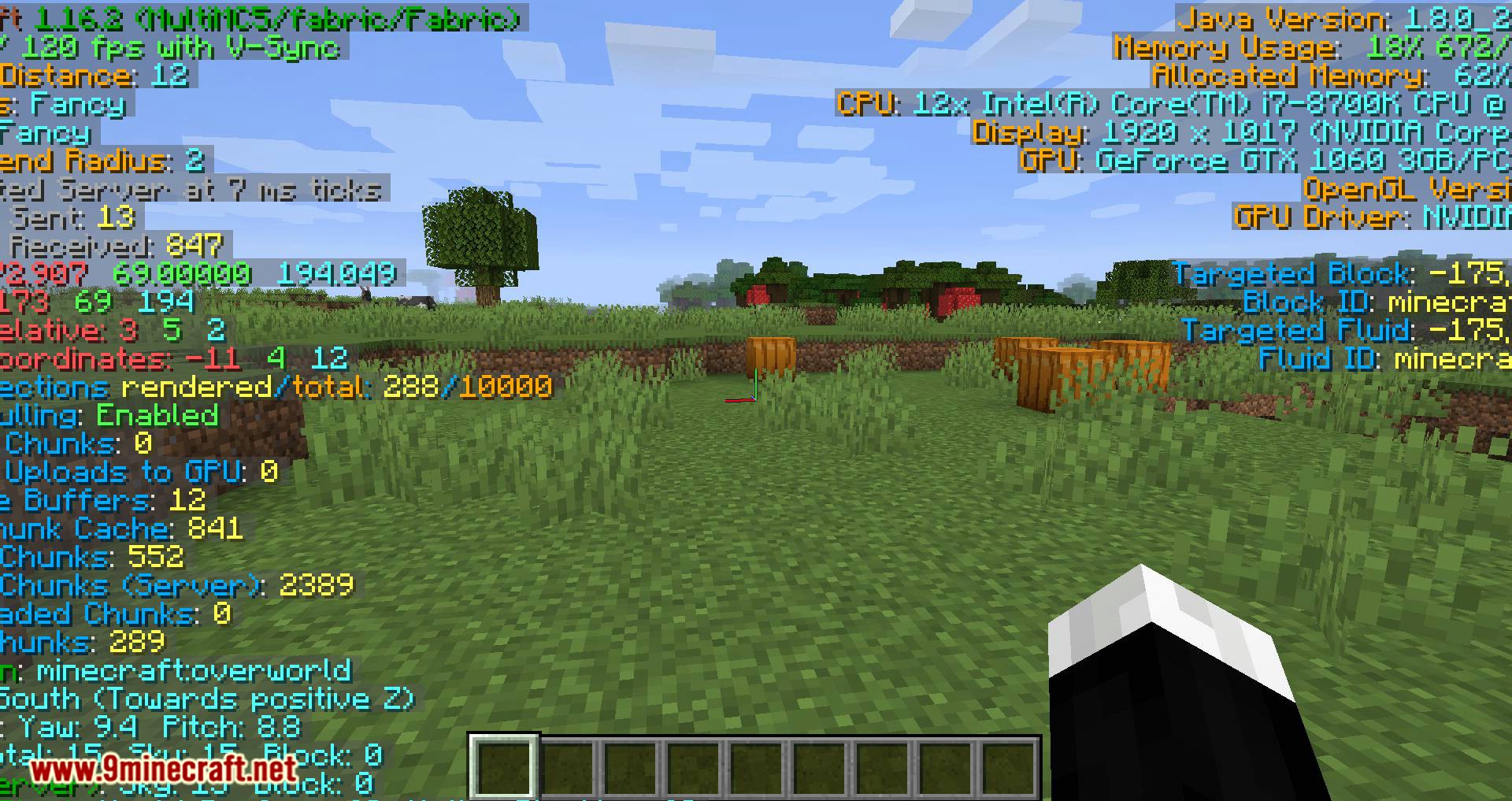
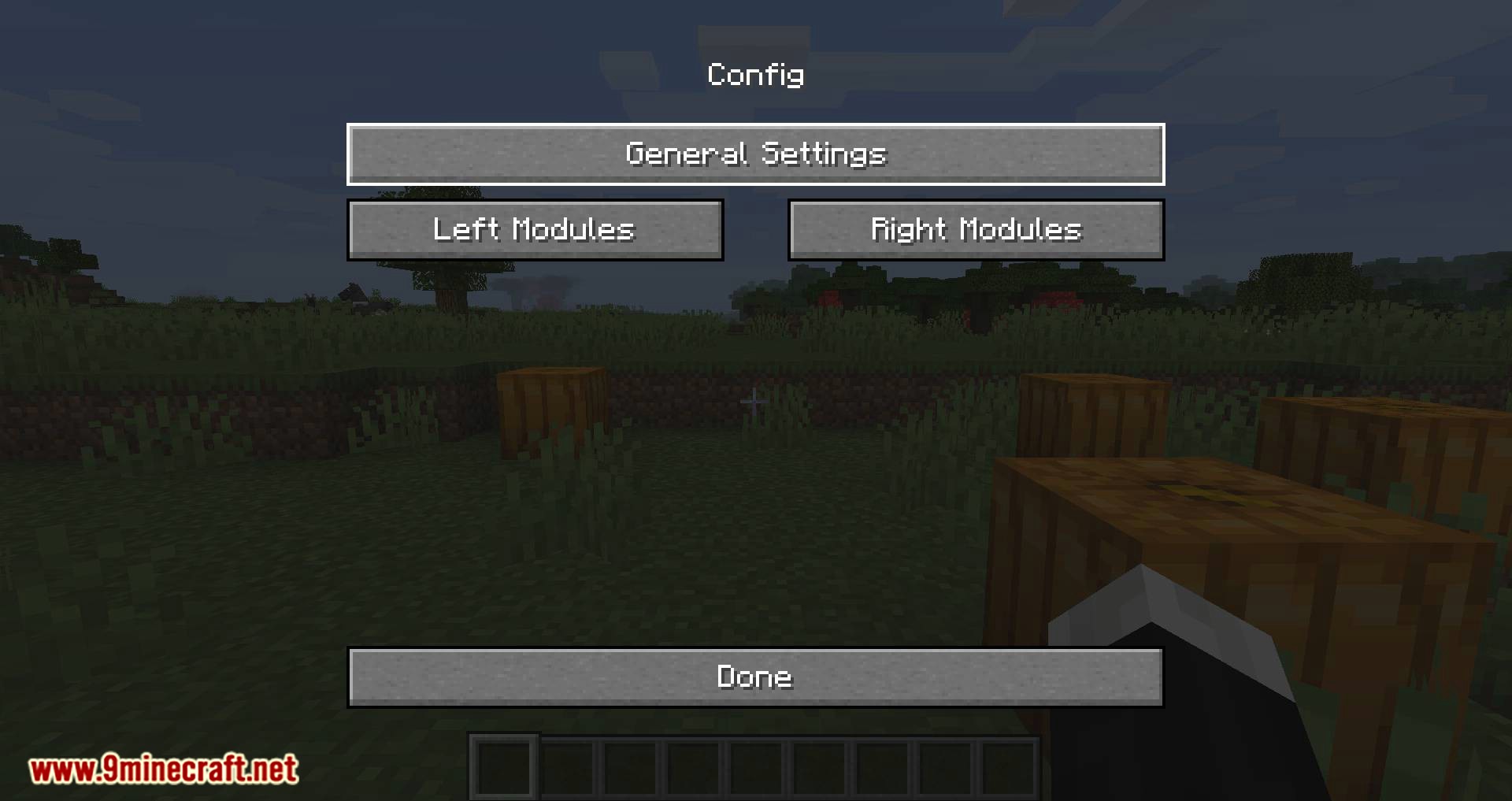
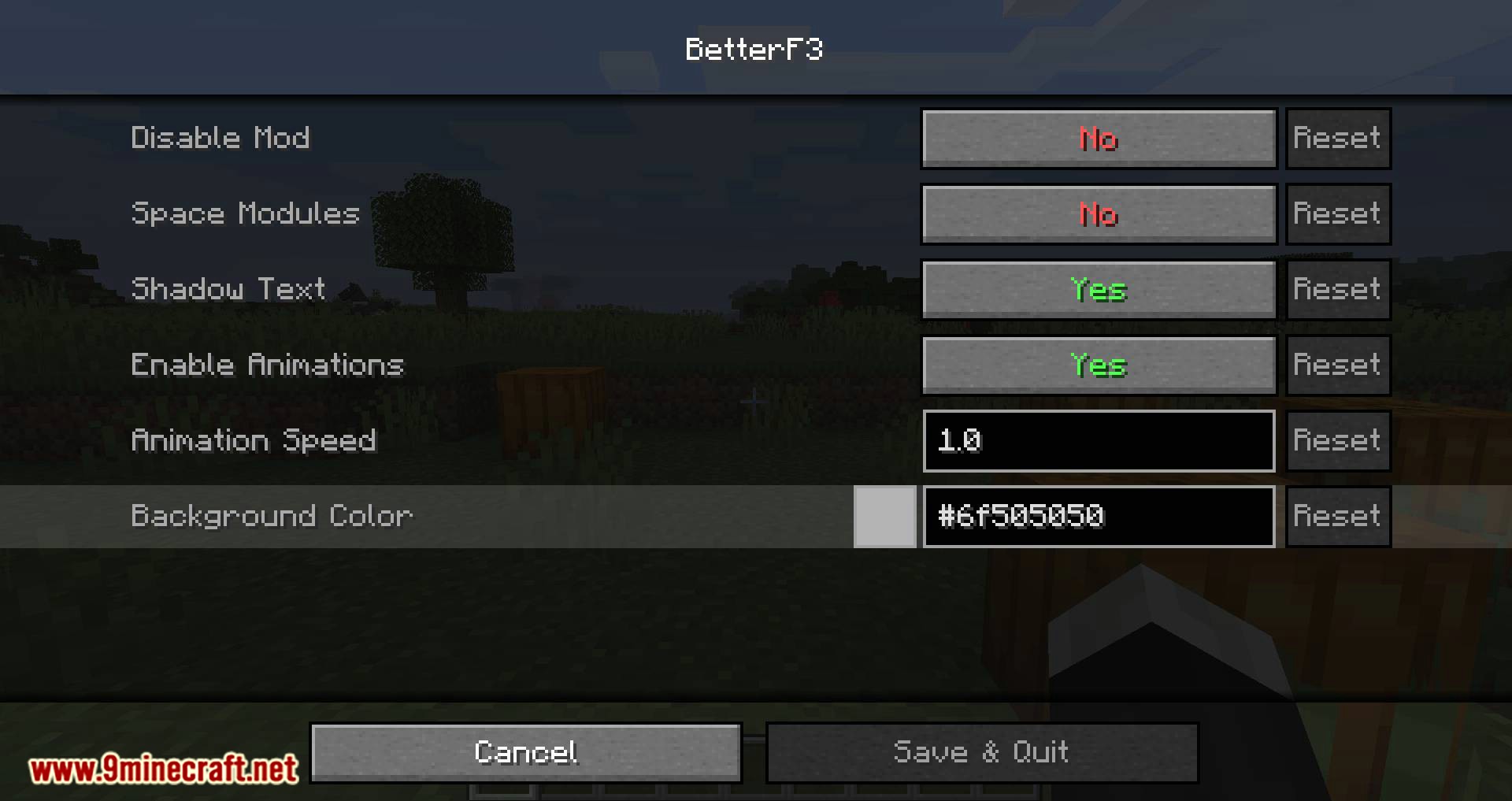
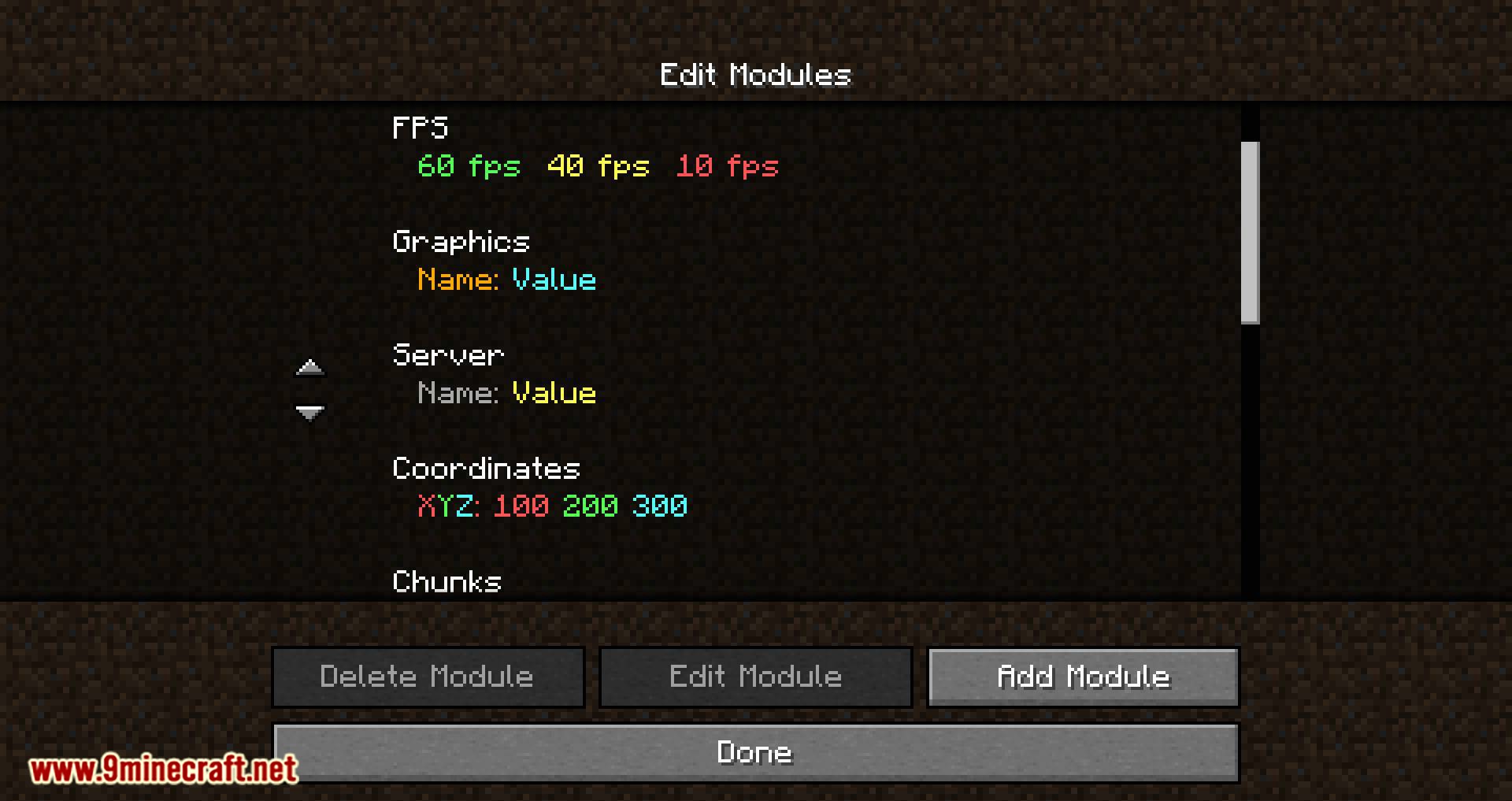
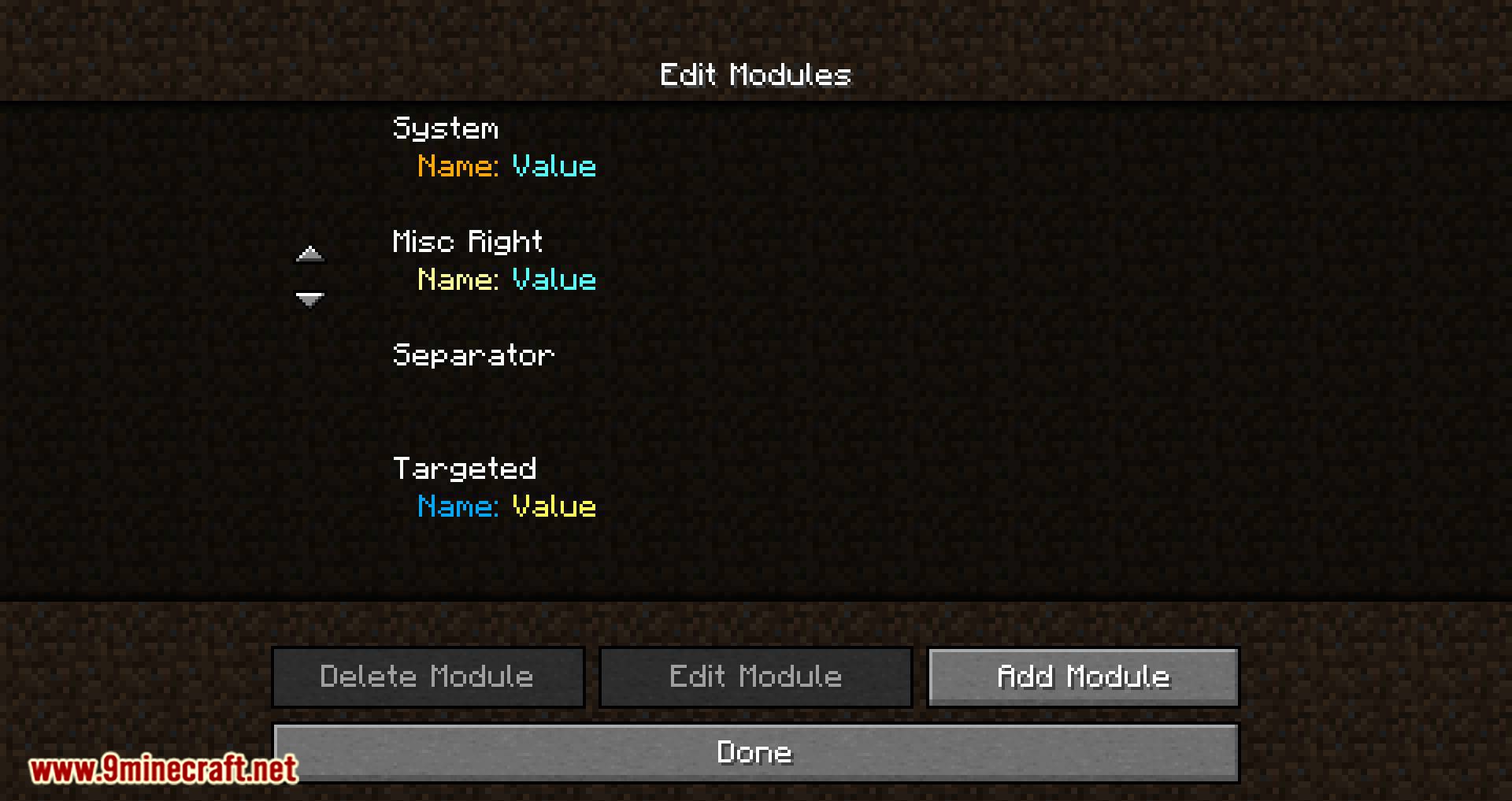
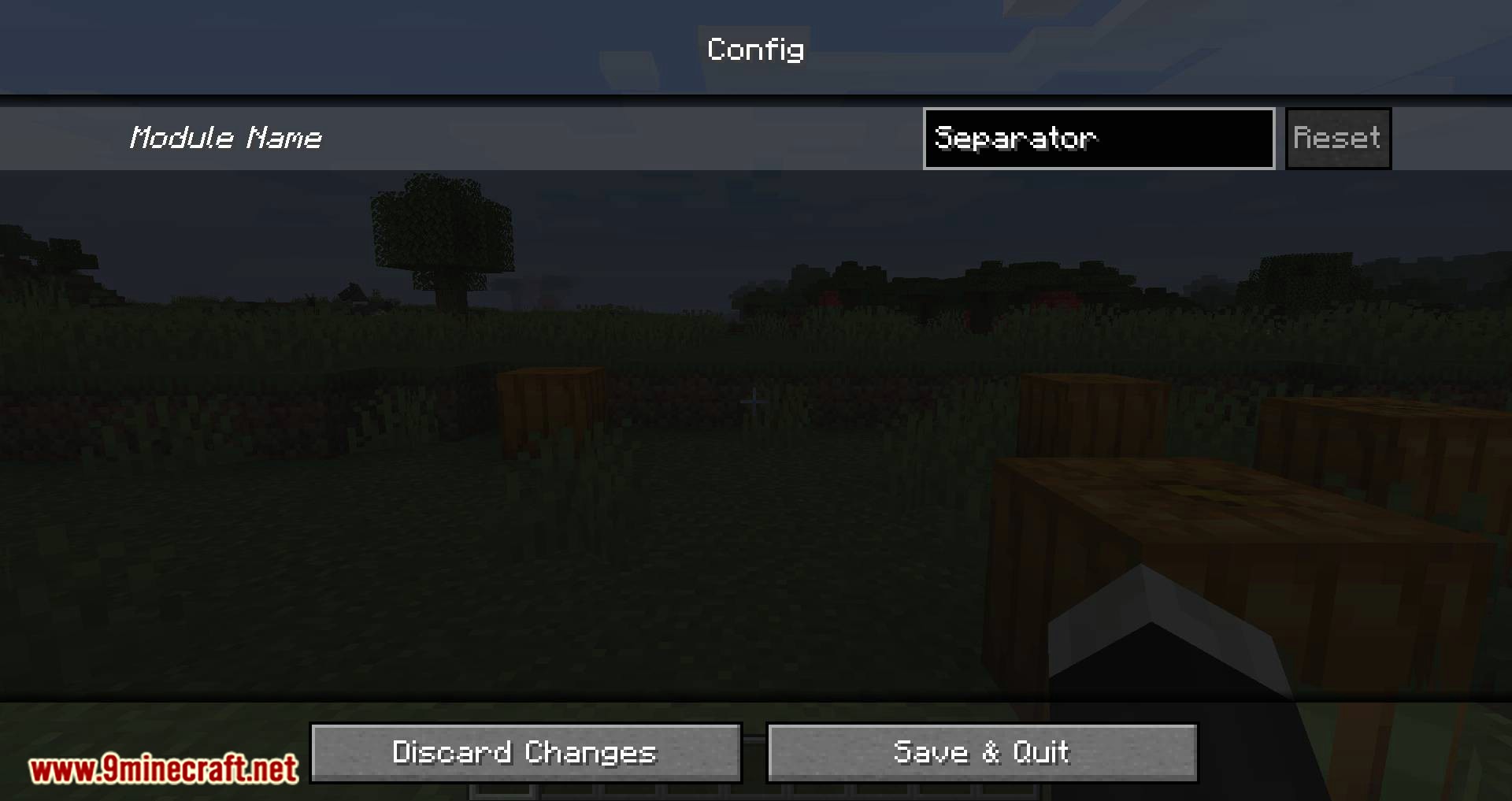
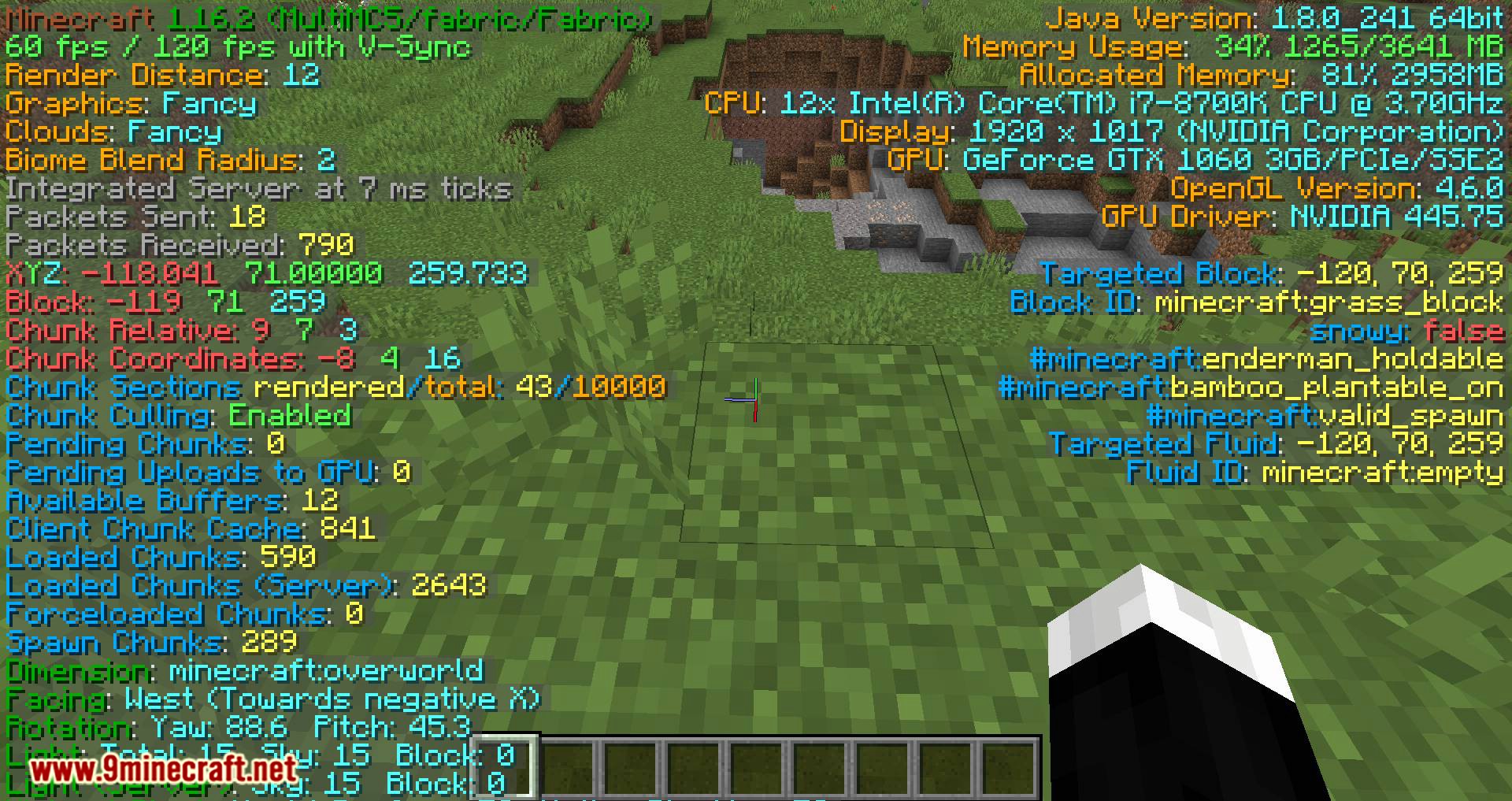
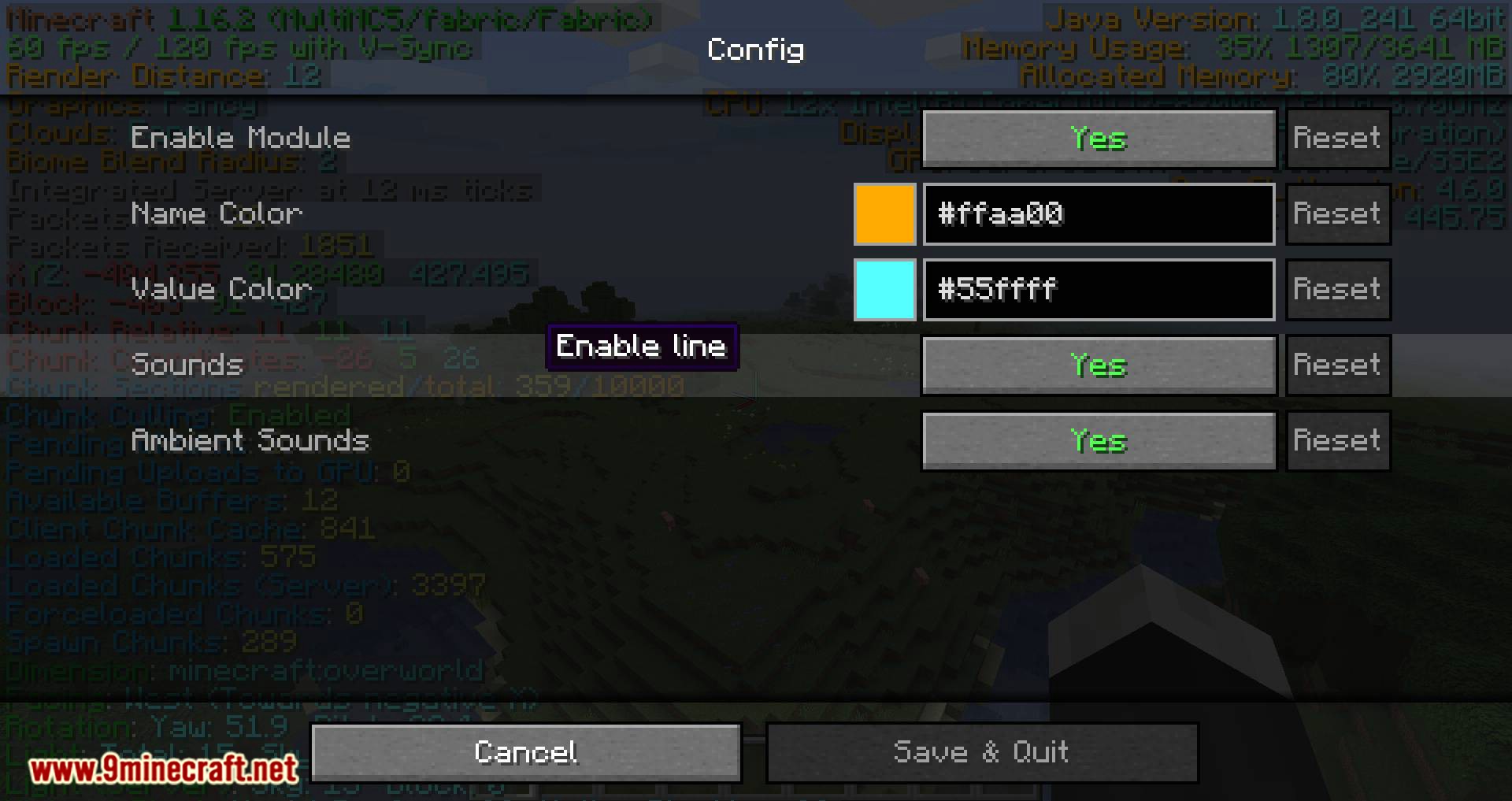
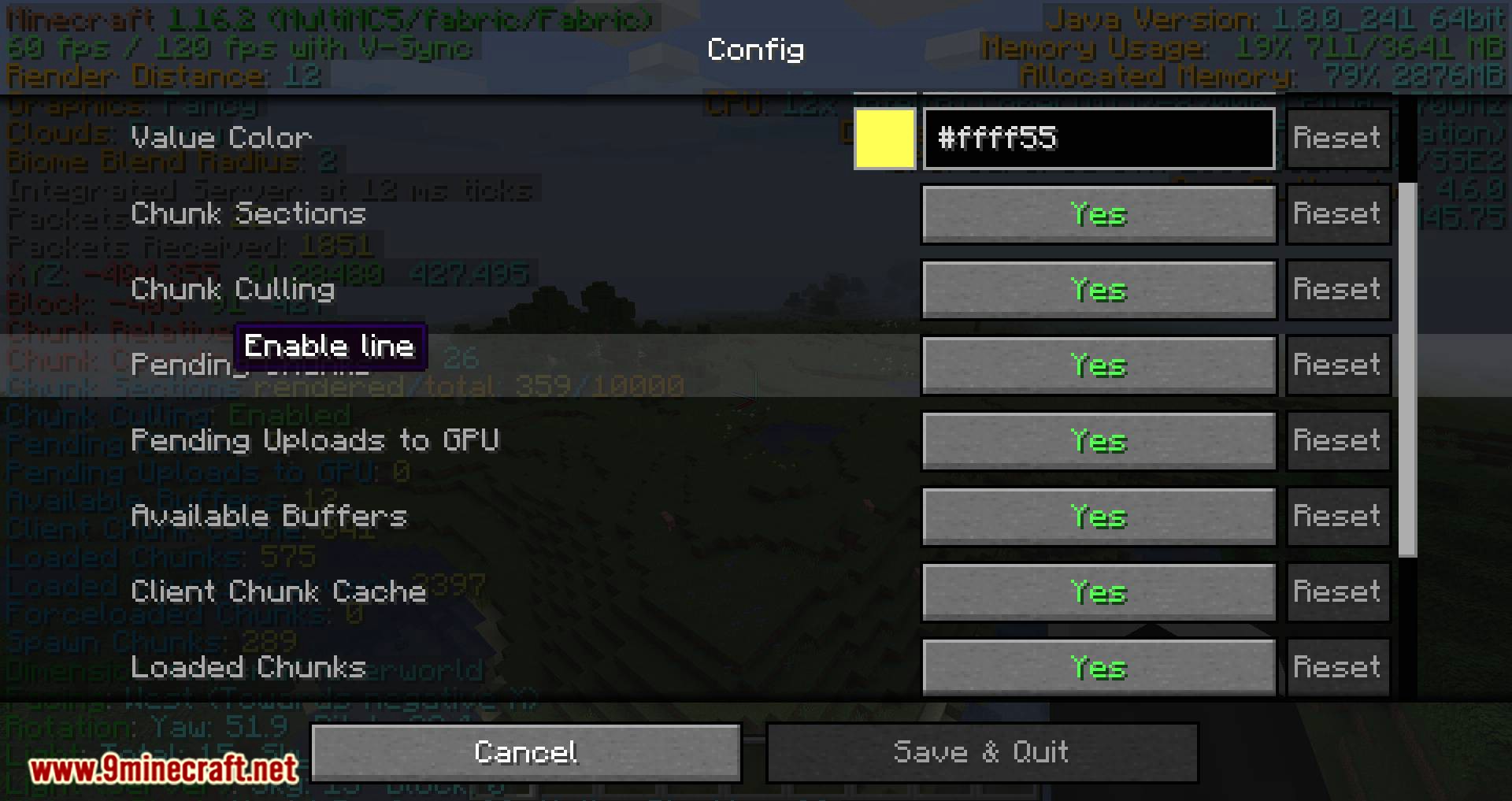
BetterF3 Mod is a mod aimed at improving the visual aspect of the information that appears when we press the “F3” key. The idea is to maintain the existing information while enhancing the appearance to improve usability and accessibility. This mod will replace the HUD (heads-up display) of the Minecraft debug window. This new HUD aims to improve the readability of the information. Additionally, its appearance can be highly customizable by the players. By pressing the “F3” key plus the “M” key, we can edit the “F3” menu. This will allow us to adapt the debug window to our needs, whether it’s changing colors, the position of elements, adding more spaces, etc.
Features:
Each line is part of a Module, you can:
- Change the colors of each module
- Change the position of each module
- Add and delete modules, as well as add spacings between them
- Disable individual lines of a module, or disable the whole module
- Add a shadow to the text rendered (Activated by default)
- Change the color of the background behind all lines
- Animations for opening/closing (with configurable speeds)
Screenshots:
For Minecraft 1.19
- Edition: Minecraft Java
- File type: .jar
- Minecraft version listed: 1.20.1
- How to install: Install the matching mod loader (Forge, Fabric or NeoForge) for your Minecraft version. → Download the .jar. → Put it in the .minecraft/mods folder and launch that loader profile.
- Where to get it: In MC Java Mods, or directly above on this page.
Install steps are the general flow for this file type — How to install Minecraft Java mods & modpacks walks through it step by step.
- Downloads as 27465.mcaddon
- Download size: 702 KB
- Download link checked 23 Sept 2026 — working
- Mirrored on our own servers — the download does not depend on the original host
These come from our own check of the pack file, not from the source page.