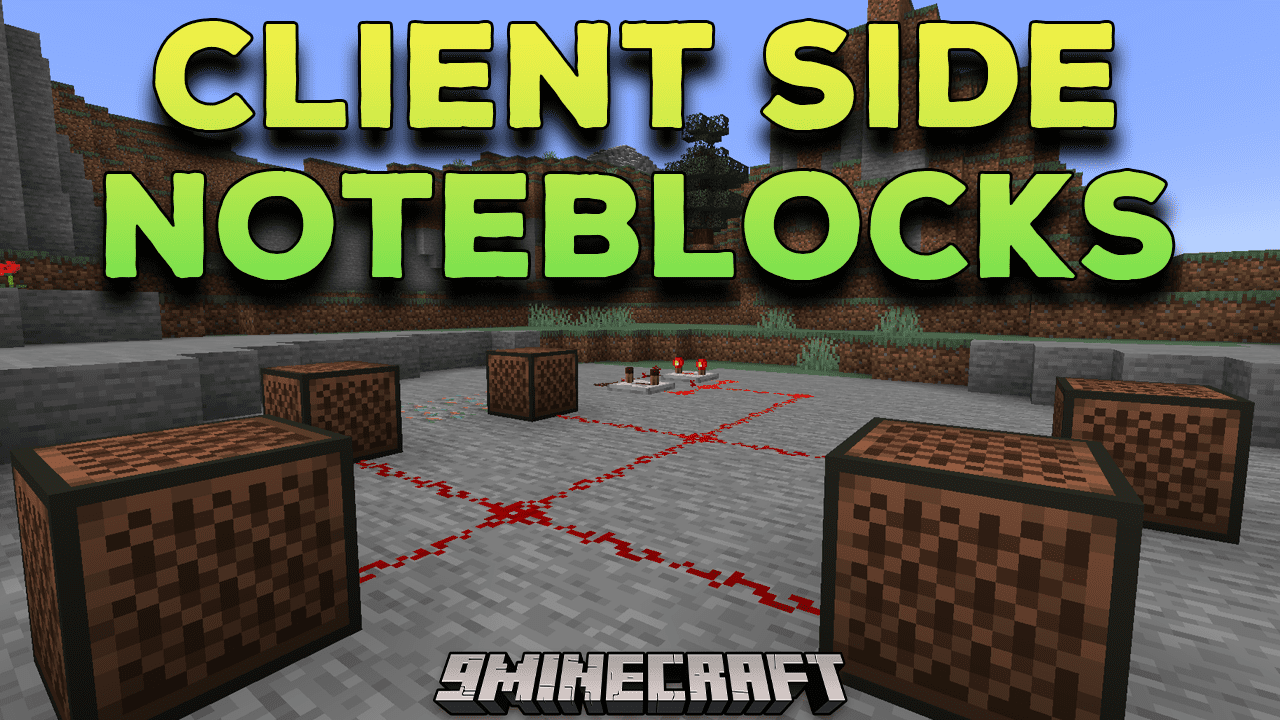
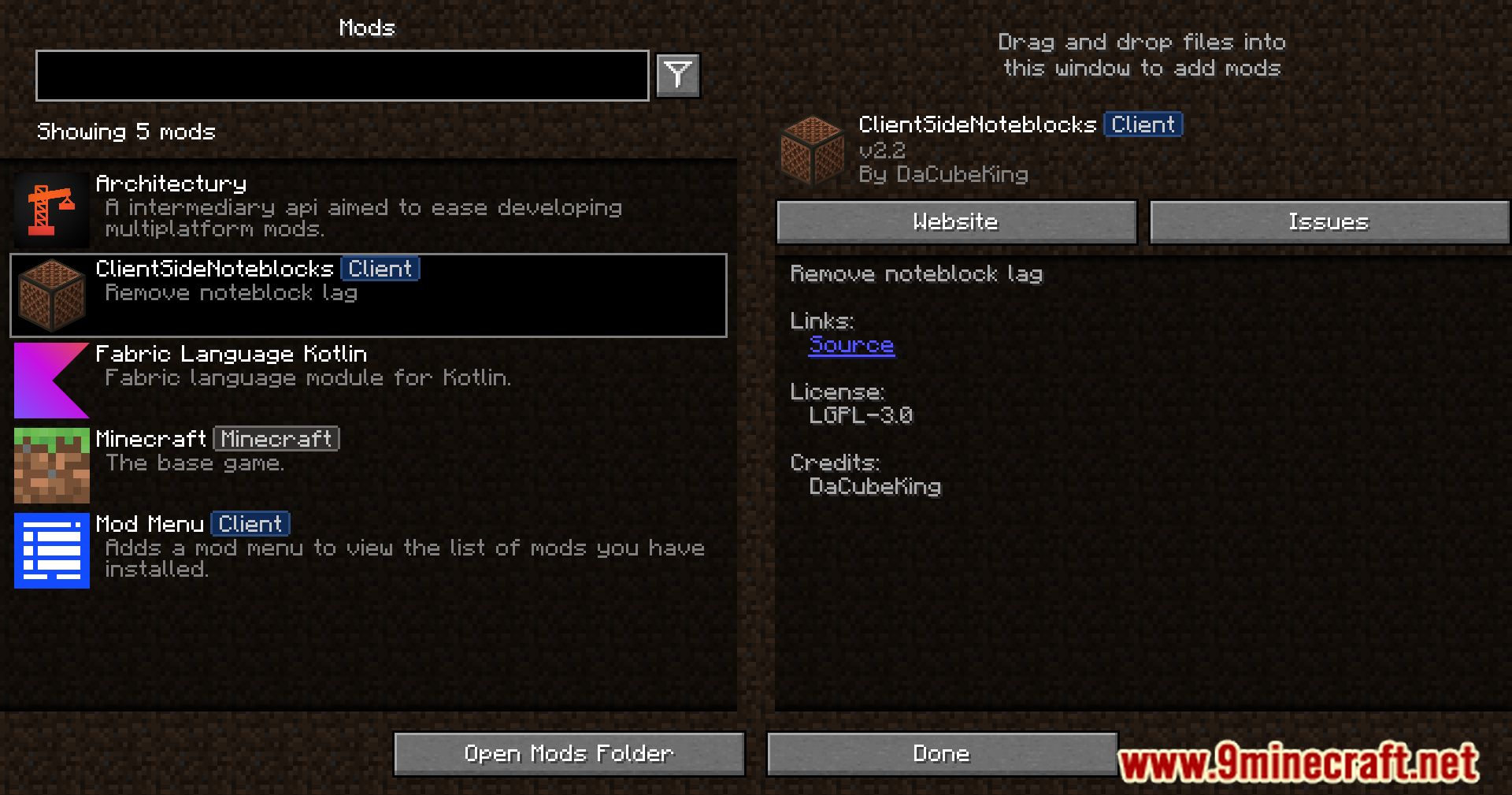
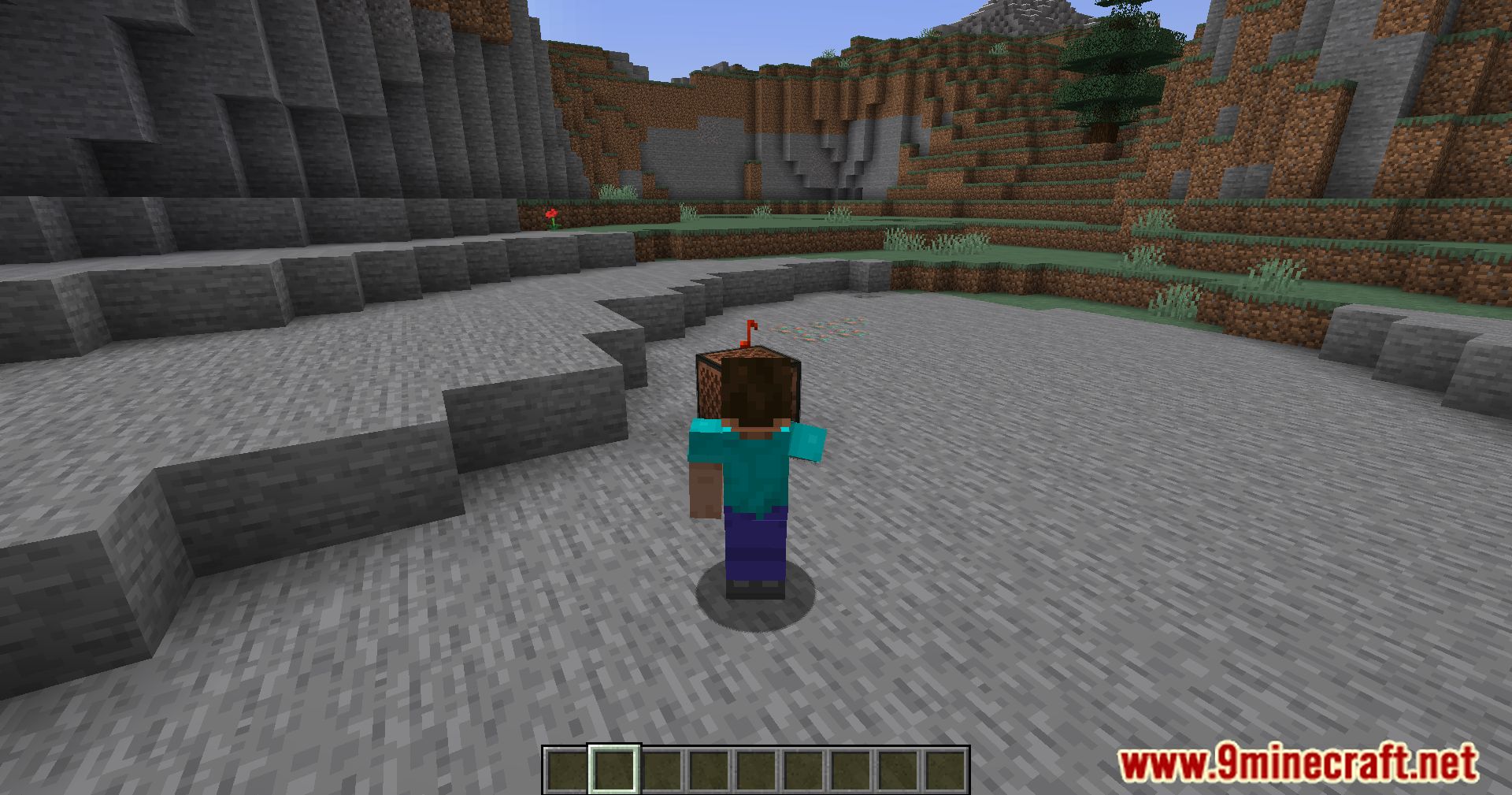
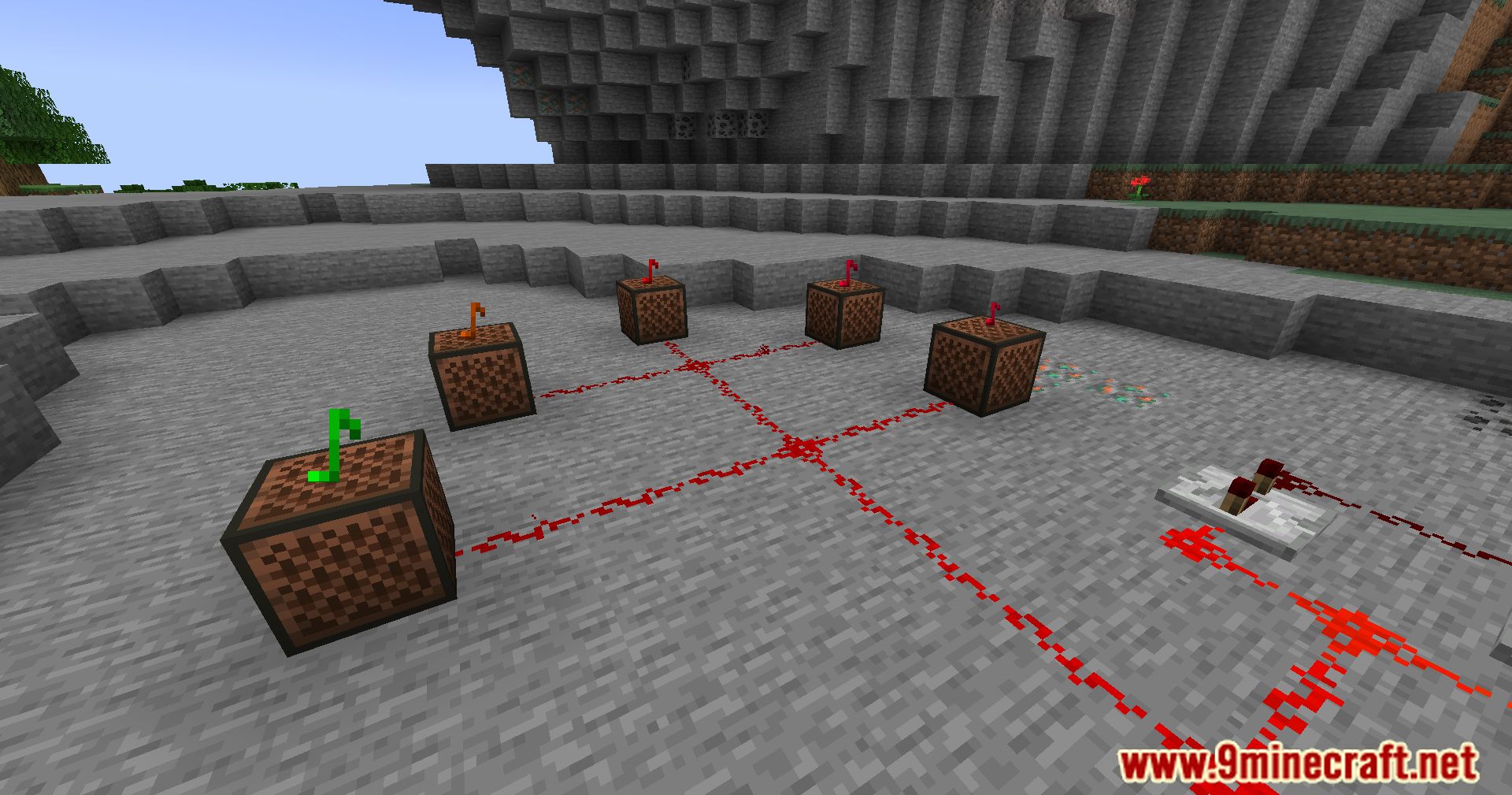
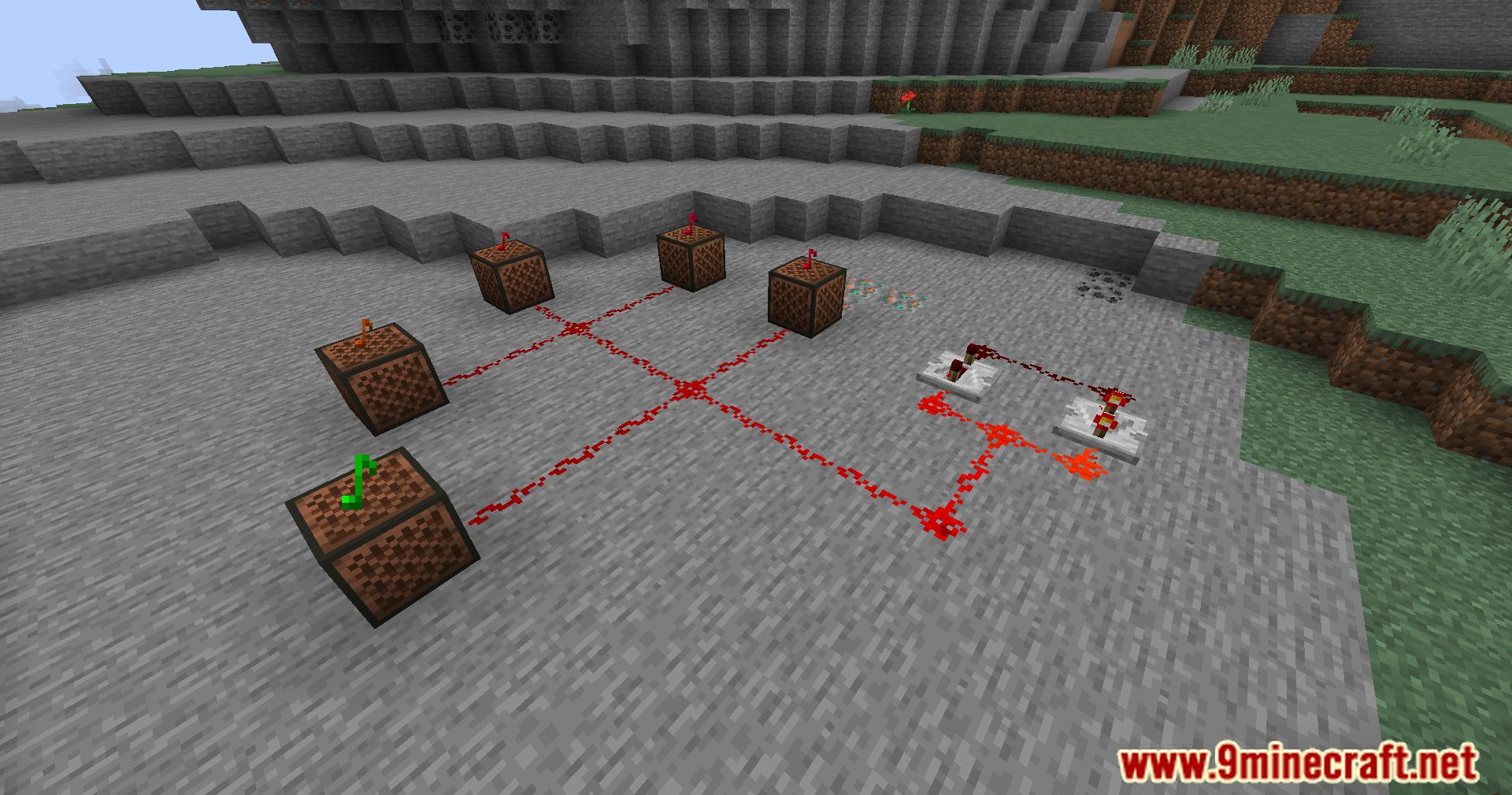
Client Side Noteblocks Mod is a Minecraft mod that eliminates lag when playing note blocks, especially on multiplayer servers. It’s perfect for musicians, redstone engineers, and anyone who wants smoother sound playback without server delay.
Features:
- Instant Sound Playback:
- Normally, clicking a note block sends a packet to the server, which then tells your client to play the sound-causing lag.
- This mod bypasses the server and plays the sound directly on the client, making music snappy and responsive.
- Lag Reduction:
- Greatly improves note block performance in singleplayer and multiplayer.
- Especially useful for high-ping players or redstone music builds.
- Sound Filtering:
- Prevents duplicate sounds from the server.
- Blocks note block break sounds for cleaner playback.
- Texture Pack Support:
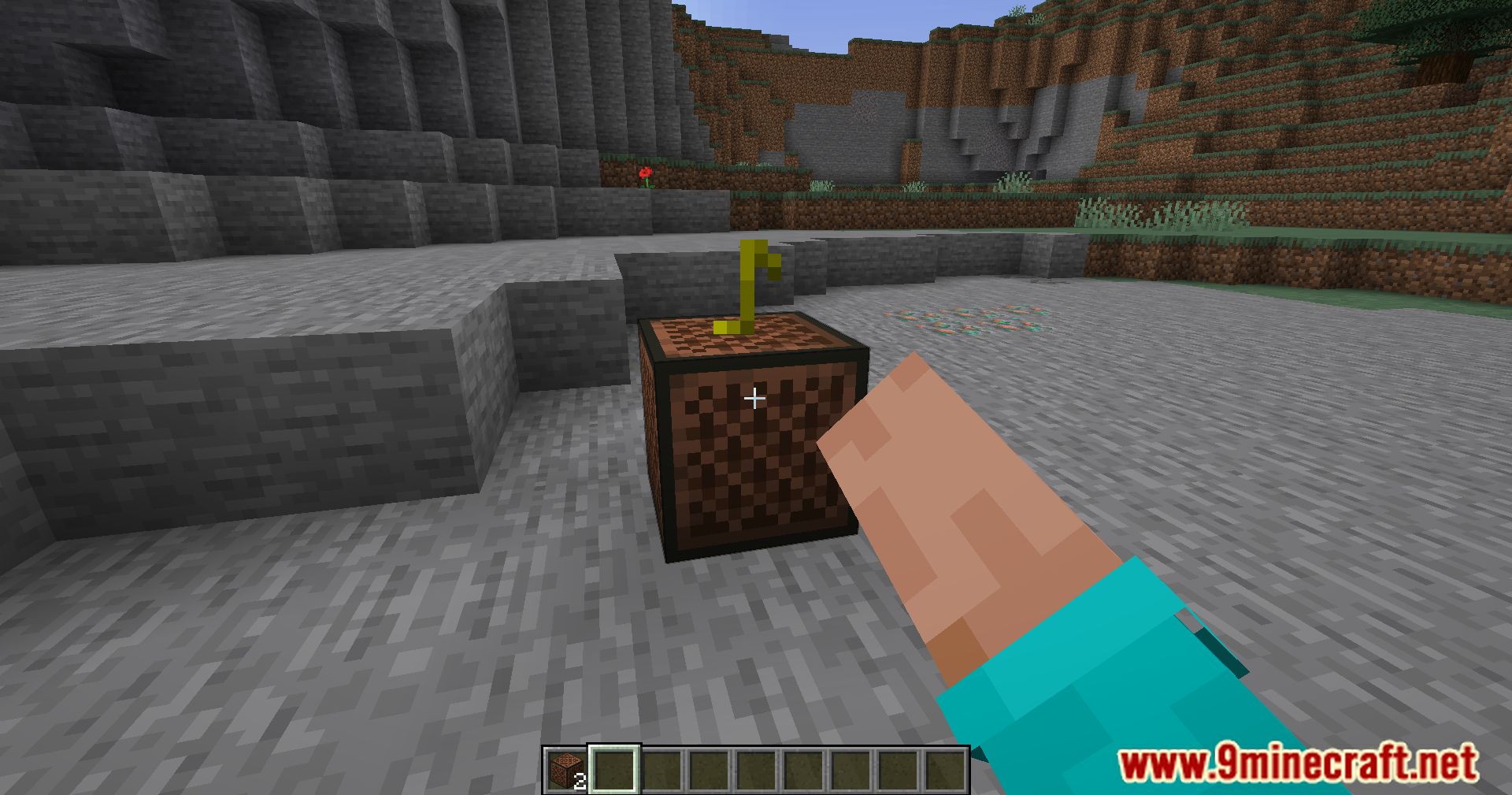
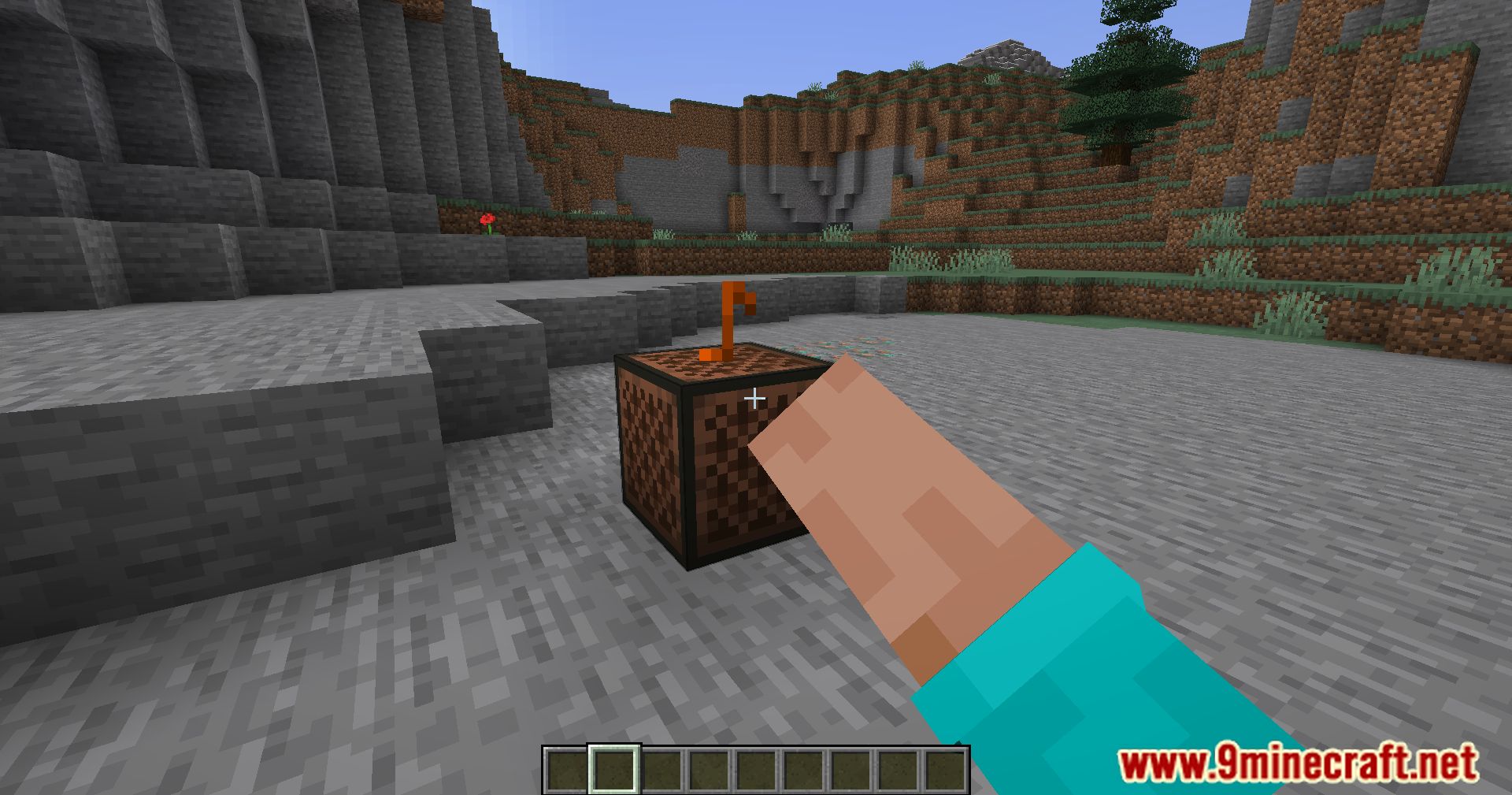
- Allows use of resource packs to display the current note visually.
Screenshots:
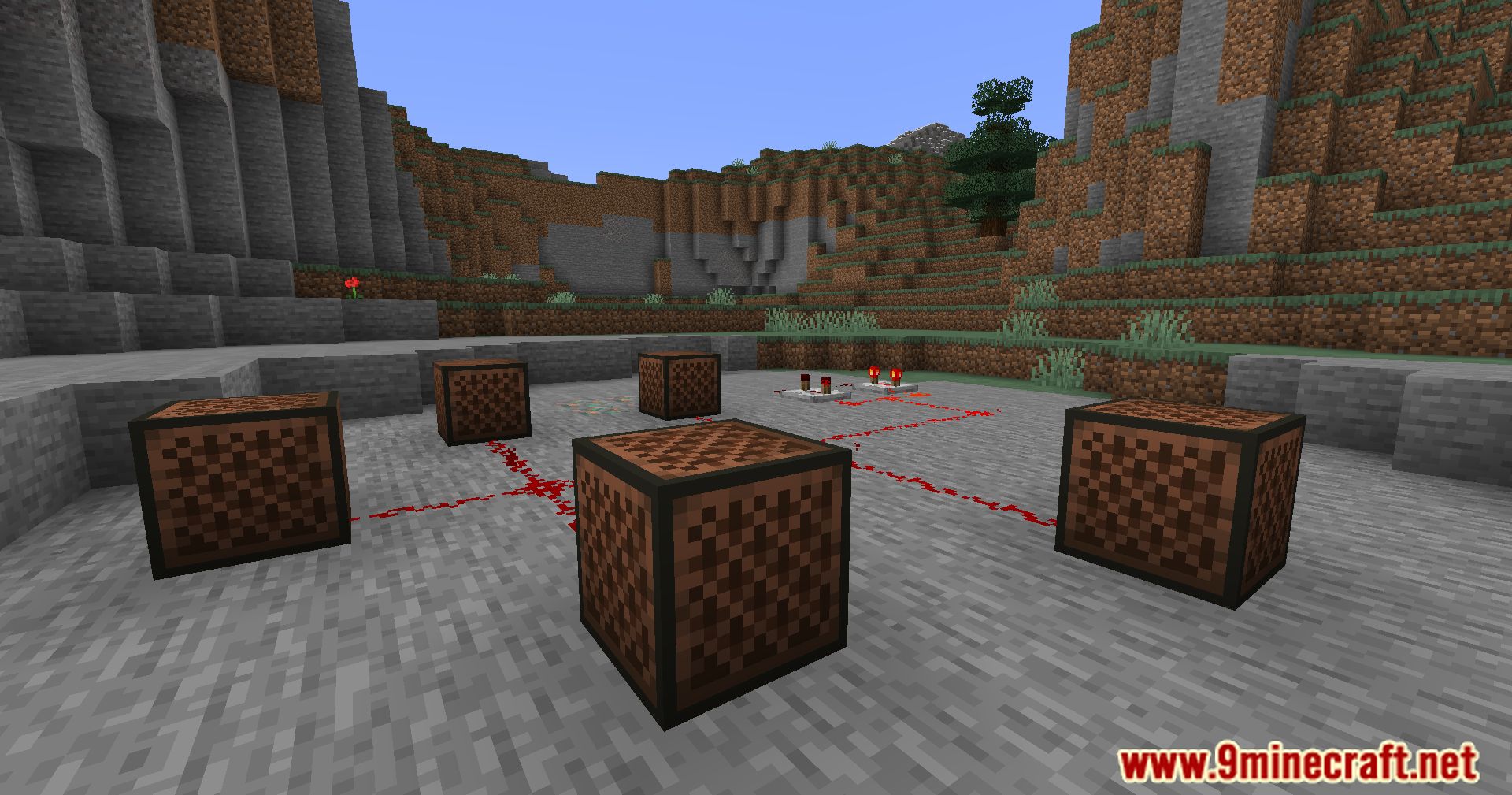
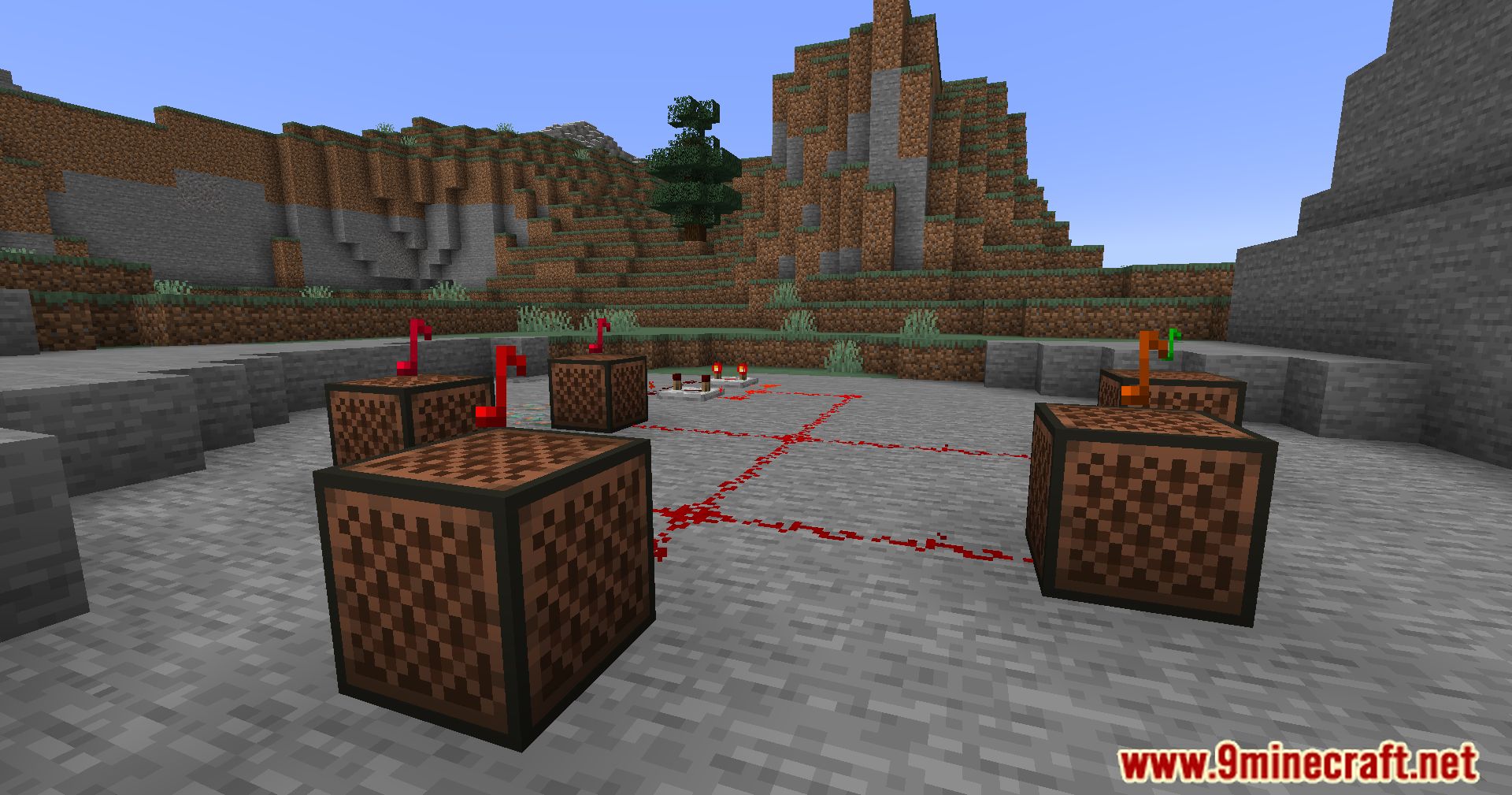
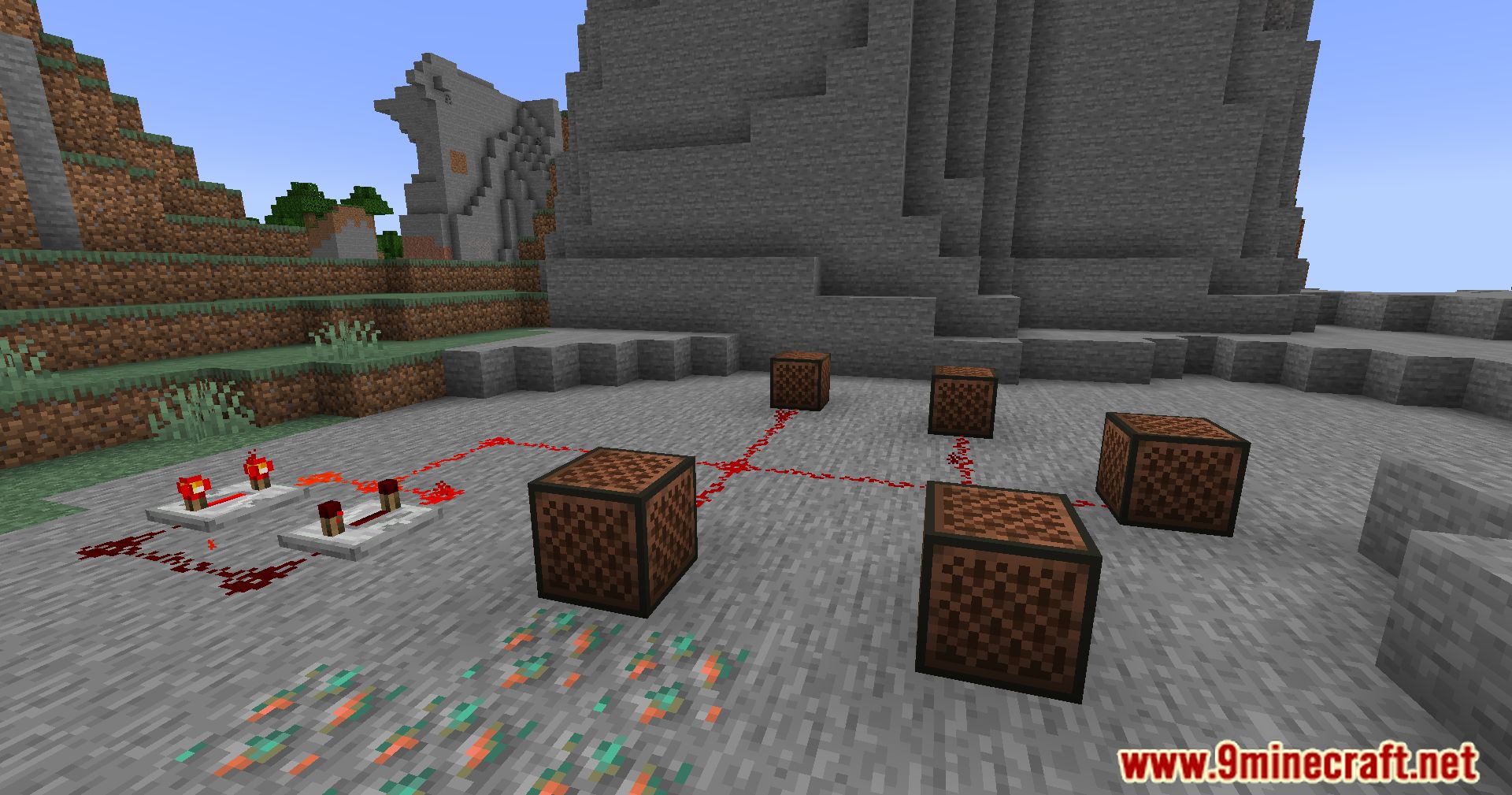
Client Side Noteblocks Mod Download Links
Quick facts
- Edition: Minecraft Java
- File type: .jar
- Minecraft version listed: 1.20.1
- How to install: Install the matching mod loader (Forge, Fabric or NeoForge) for your Minecraft version. → Download the .jar. → Put it in the .minecraft/mods folder and launch that loader profile.
- Where to get it: In MC Java Mods, or directly above on this page.
Install steps are the general flow for this file type — How to install Minecraft Java mods & modpacks walks through it step by step.
Verified by MCModsHub
- Downloads as 2748.mcaddon
- Download size: 1.3 MB
- Download link checked 22 Sept 2026 — working
- Mirrored on our own servers — the download does not depend on the original host
These come from our own check of the pack file, not from the source page.