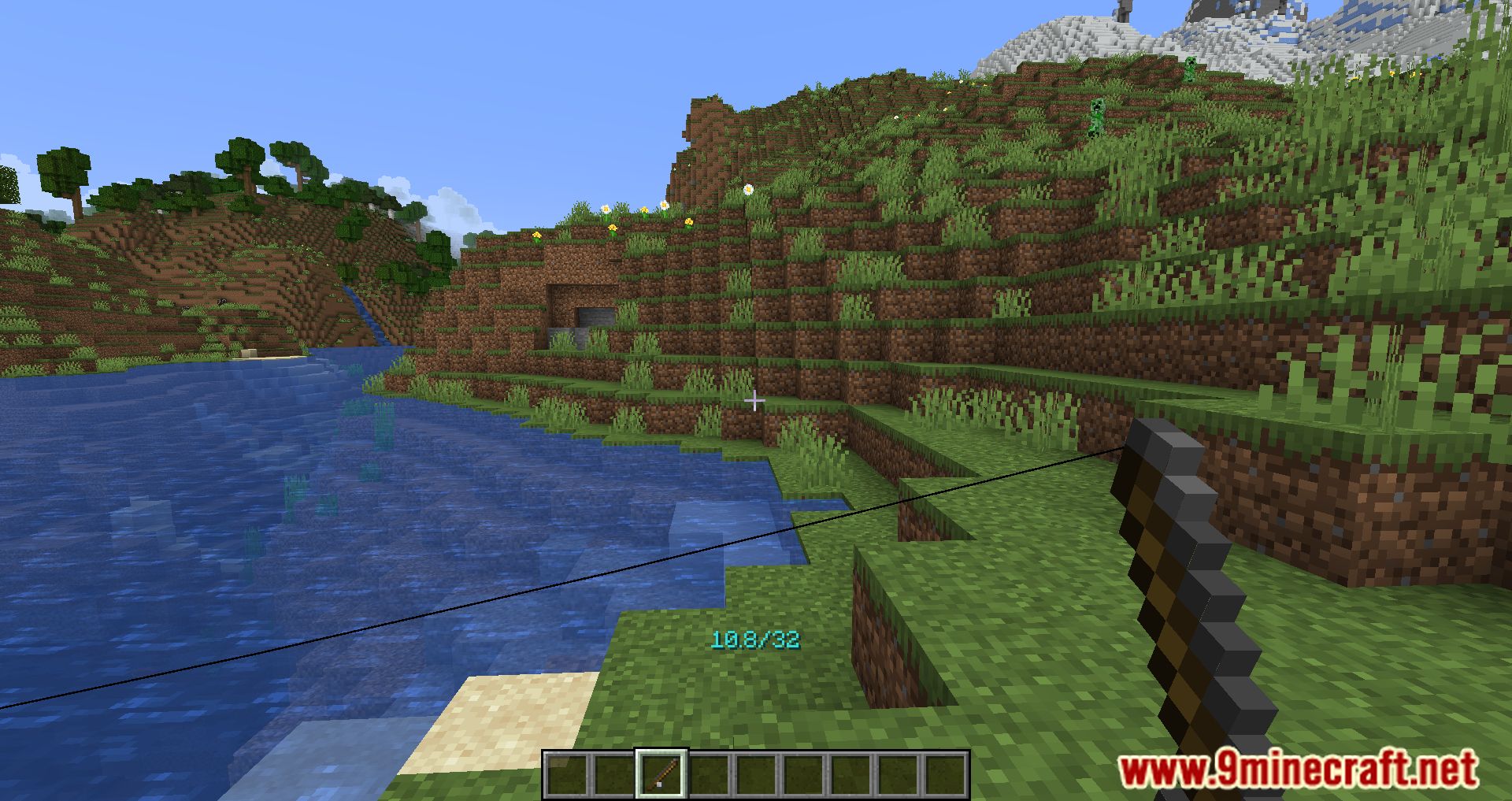
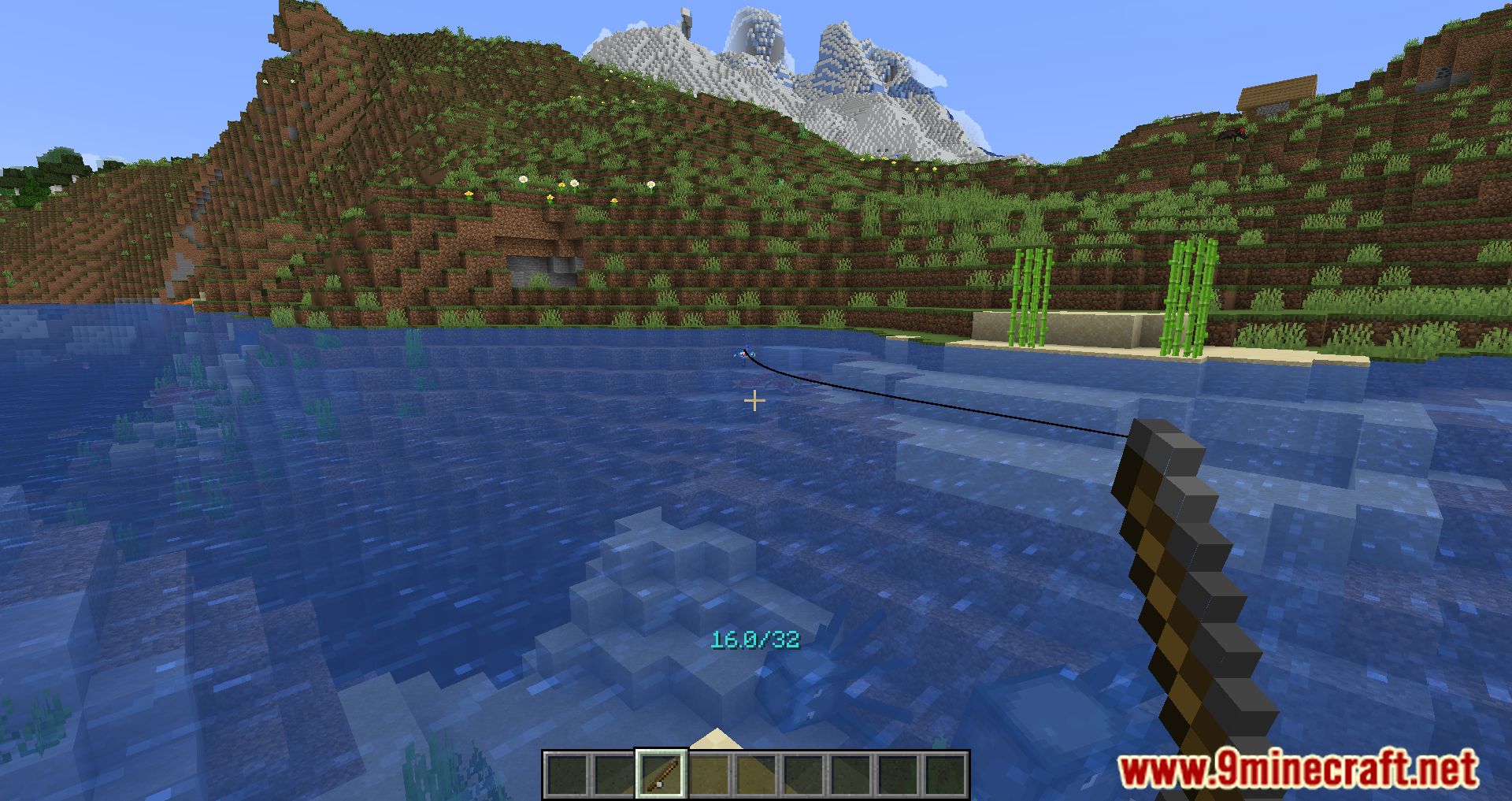
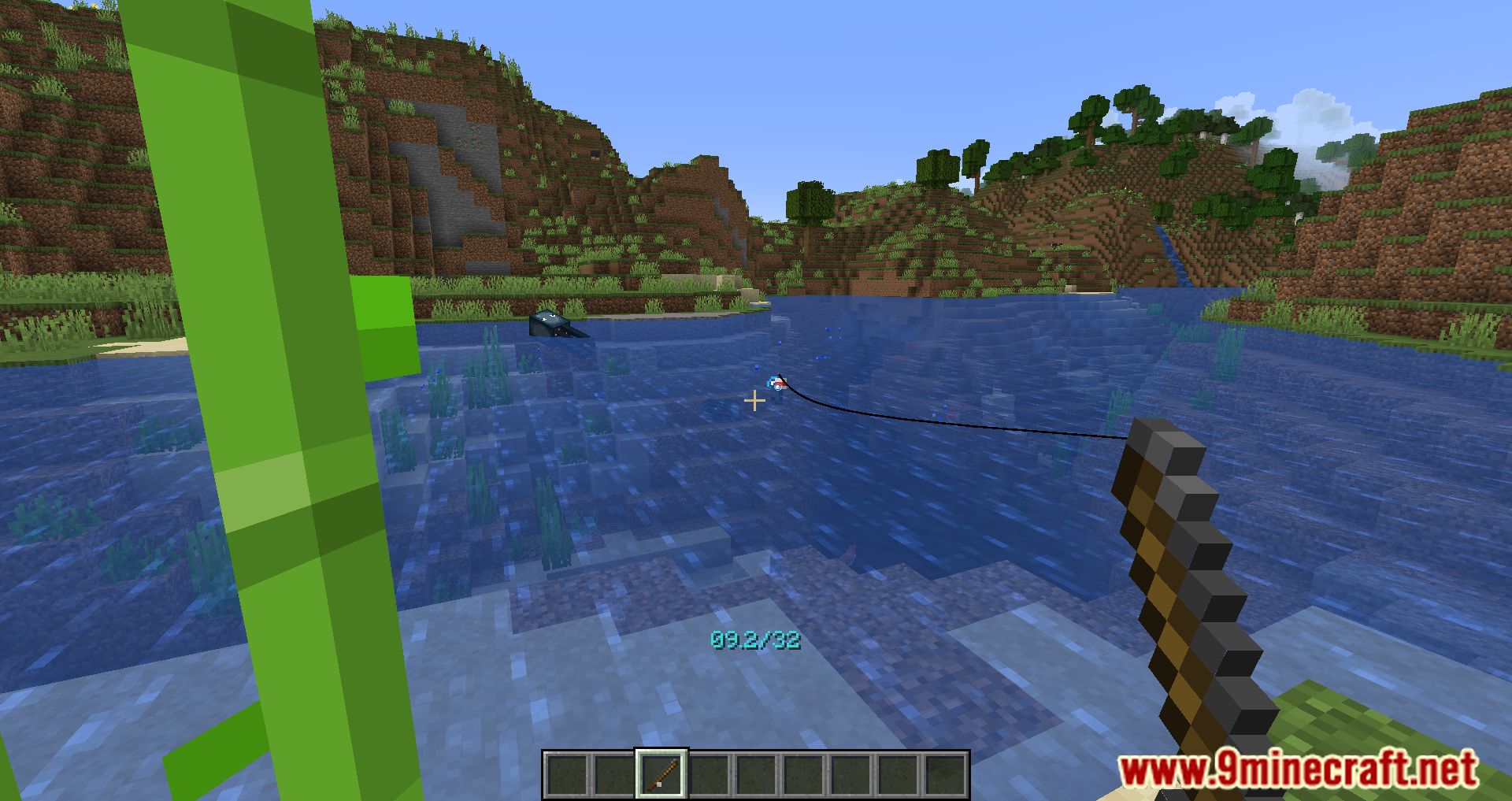
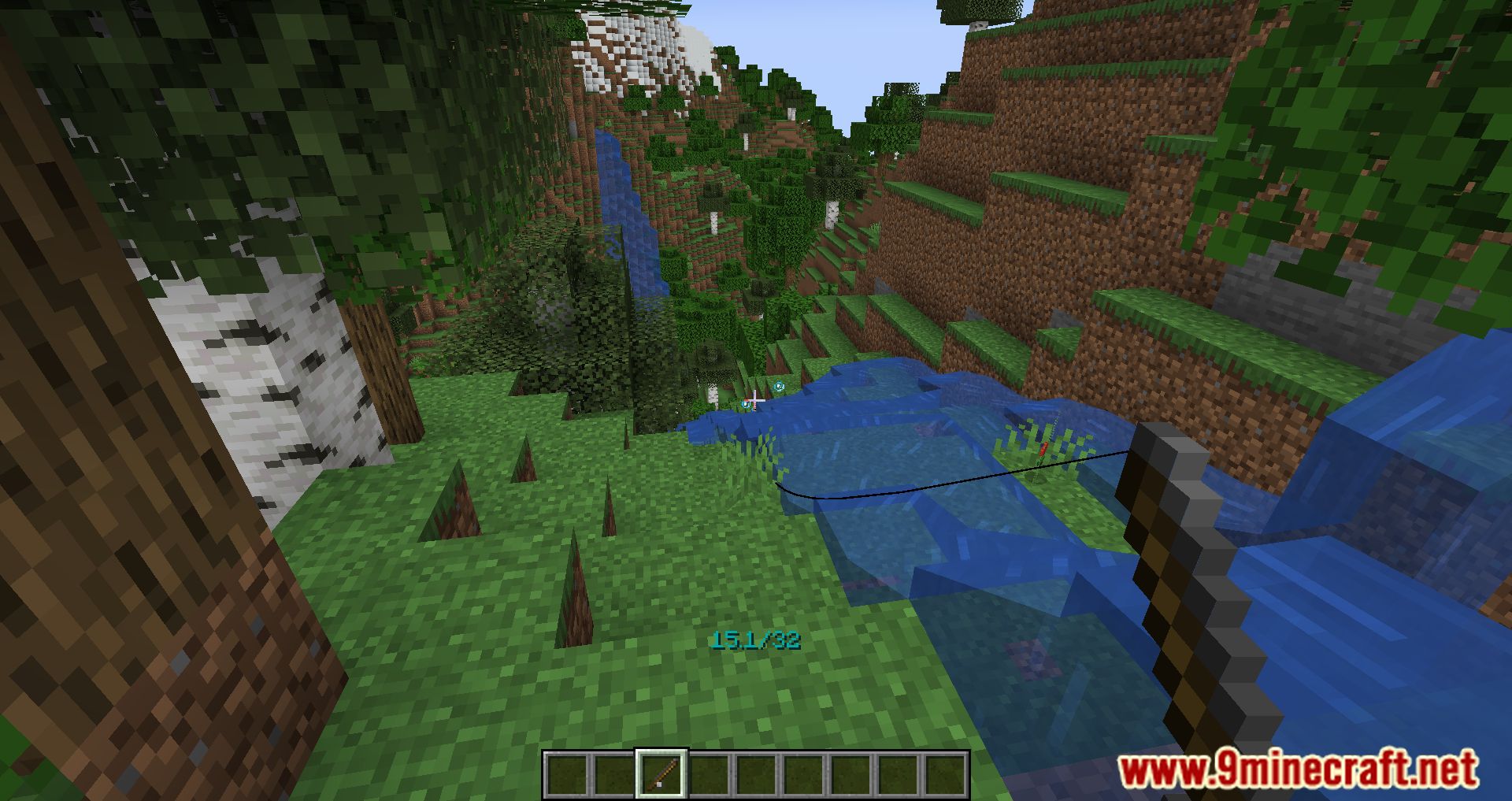
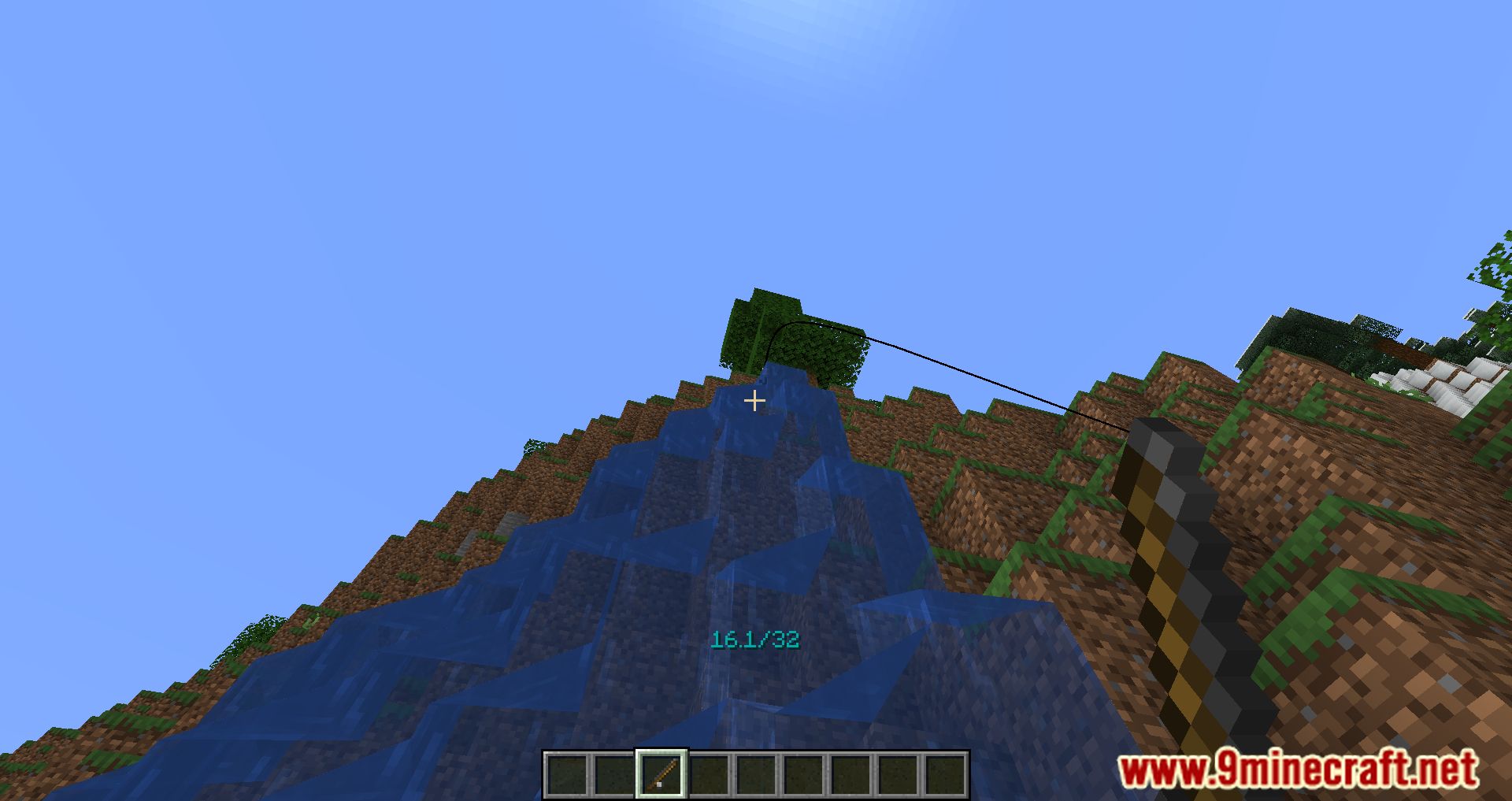
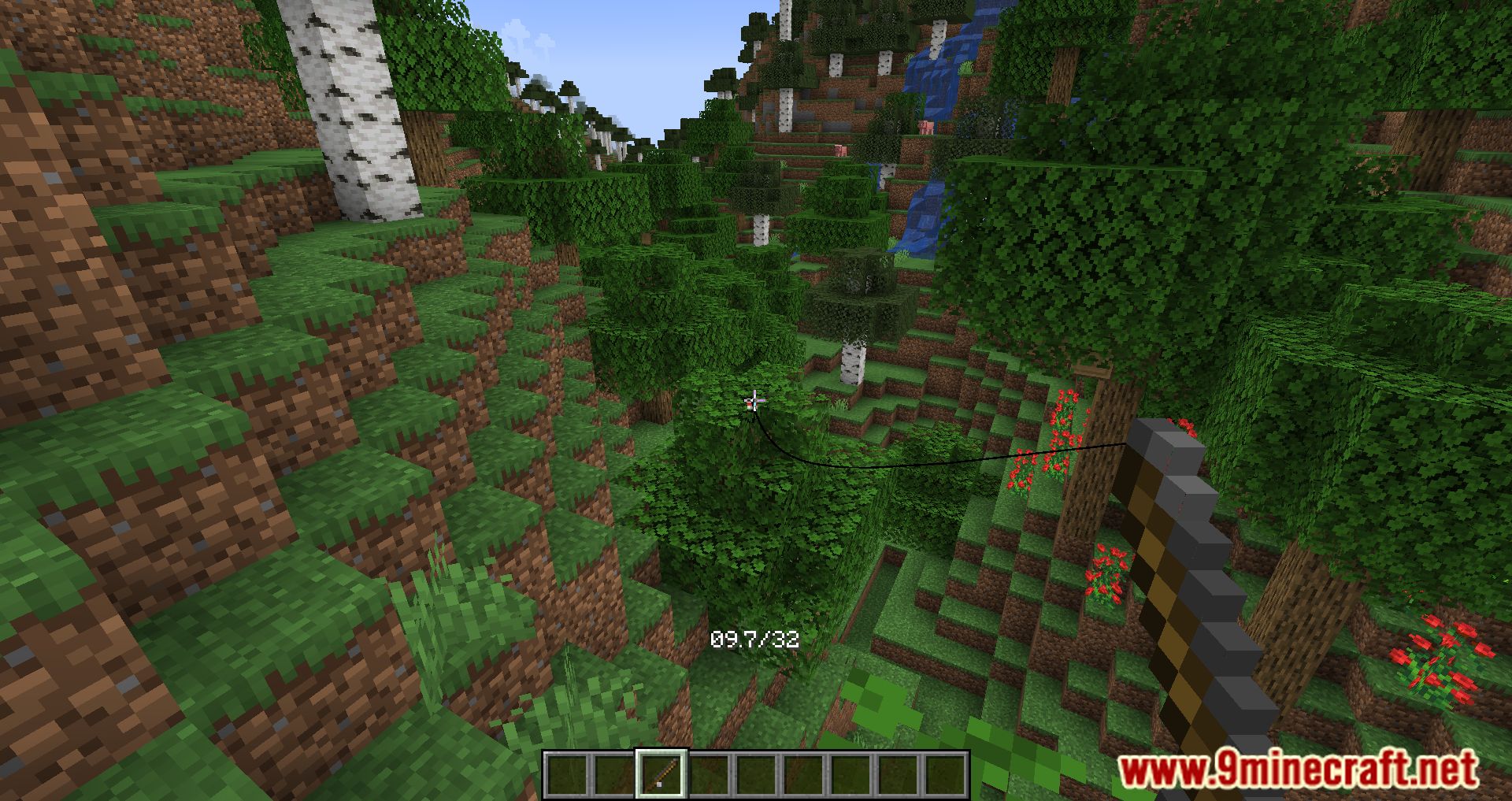
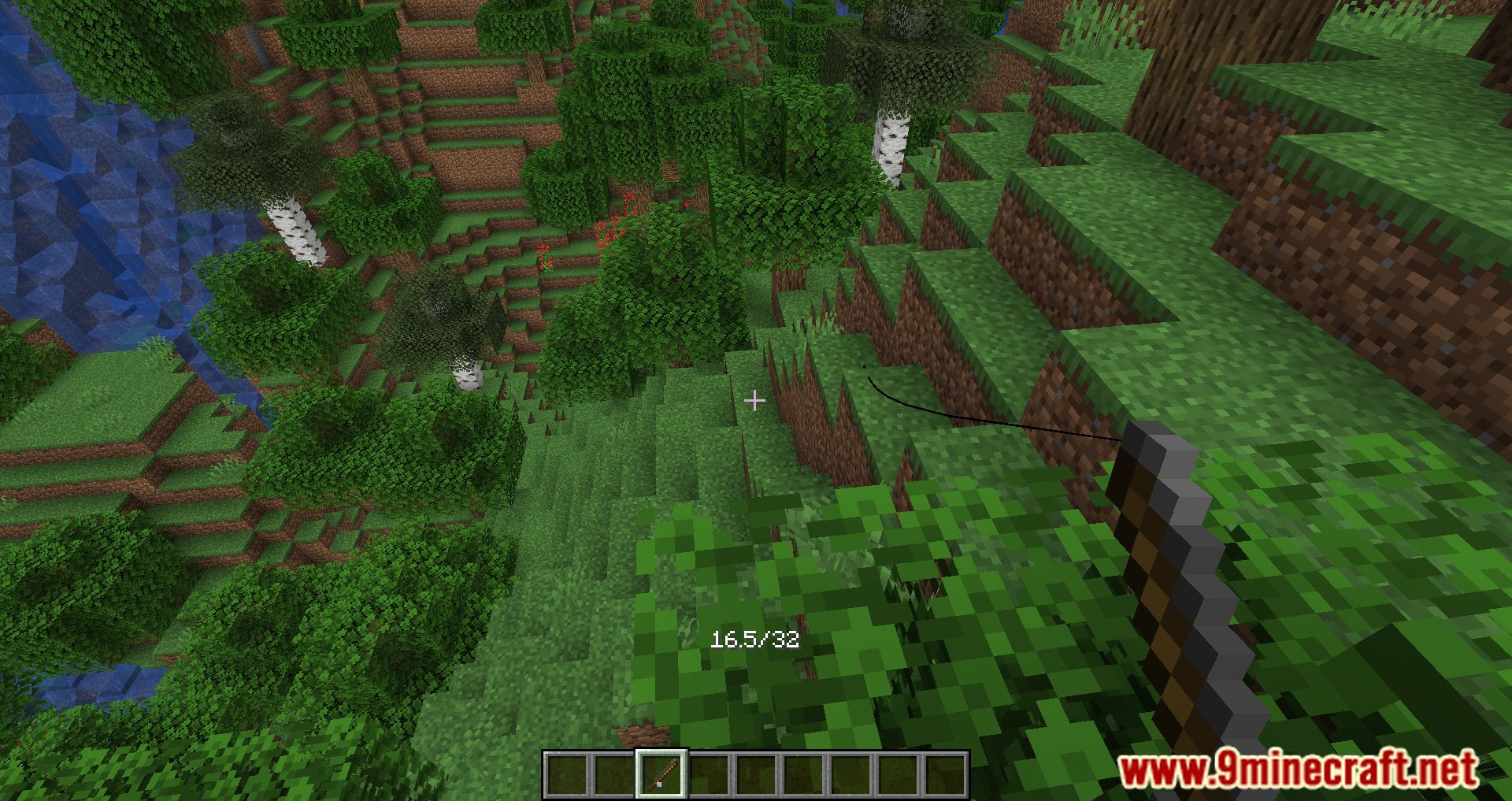
After installing Fishing Ruler Mod, when using a fishing rod, an indicator will appear showing how far the hook has been cast and how far you can move away from it without breaking the line.
Features:
- Adds an indicator above the hotbar when using a fishing rod showing the current length of the line.
- Since the distance you can pull entities is proportional to the length of the line, this means you can easily maximise how far you fling something.
- More usefully, the color of the text can tell you information about fishing – like whether the water source is large enough to fish up treasure, or changing color for a second whenever a fish bites your hook so you know when to reel in.
- If you ever forget what a color means you can use /fishingruler:help to display the above message in-game.
Screenshots:
Fishing Ruler Mod Download Links
Quick facts
- Edition: Minecraft Java
- File type: .jar
- Minecraft version listed: 1.20.1
- How to install: Install the matching mod loader (Forge, Fabric or NeoForge) for your Minecraft version. → Download the .jar. → Put it in the .minecraft/mods folder and launch that loader profile.
- Where to get it: In MC Java Mods, or directly above on this page.
Install steps are the general flow for this file type — How to install Minecraft Java mods & modpacks walks through it step by step.
Verified by MCModsHub
- Downloads as 2749.mcaddon
- Download size: 20 KB
- Download link checked 23 Sept 2026 — working
- Mirrored on our own servers — the download does not depend on the original host
These come from our own check of the pack file, not from the source page.