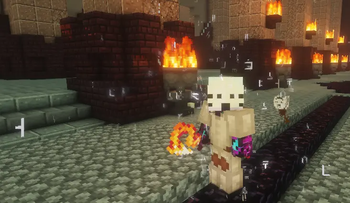
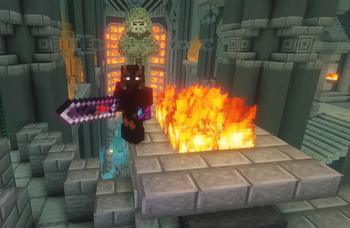
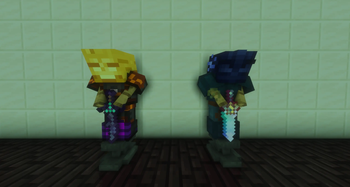
FurfSky DyeFix is a small, simple mod preventing FurfSky Reborn's custom item textures from overriding SkyBlock dye cosmetics.
It works by checking item name / lore for the ✿ Symbol, and if found, it makes the item keep vanilla textures.
FurfSky DyeFix works fully automatic, not needing any further configuration upon adding, and applies globally, to everyones Armor, not just yours. The Mod itself is client-side and lightweight, so it wont have an impact on your frames. This Mod is deigned for Hypixel Skyblock players, that like custom textures, but also the cosmetics in the game itself, and dont just want to use one of them.
It is compatible with modern versions of Minecraft (1.21.1 and above) and requires fabric to work (aswell as FurfSky and Firmament, but thats self explanatory).
This project is not affiliated with Hypixel, Firmament or FurfSky Reborn.
- Edition: Minecraft Java
- File type: .jar
- Minecraft versions listed: 1.21, 1.21.1, 1.21.2
- How to install: Install the matching mod loader (Forge, Fabric or NeoForge) for your Minecraft version. → Download the .jar. → Put it in the .minecraft/mods folder and launch that loader profile.
- Where to get it: Opens on Modrinth — not every file is mirrored on our own servers.
Install steps are the general flow for this file type — How to install Minecraft Java mods & modpacks walks through it step by step.
- Ships as furfskydyefix-1.0.0.jar — drop this file into the mods folder
- Download size: 8 KB
- Download link checked 31 Aug 2026 — working
These come from our own check of the pack file, not from the source page.