
Note: Due to the new changes in Minecraft Rendering pipeline, F3Nope is no longer supported in favour of minecraft's native F3 menu changes.
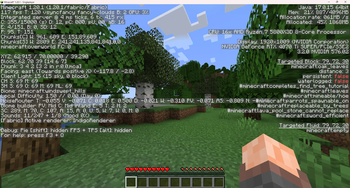
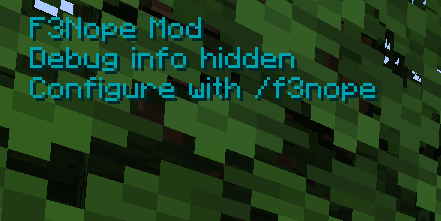
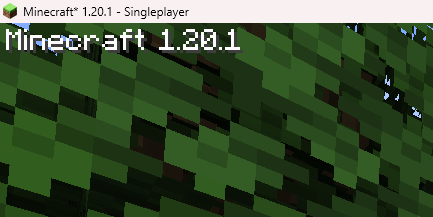
F3Nope is a lightweight Fabric mod that lets you completely customize — or remove — the Minecraft debug overlay.
- Hide Vanilla Debug Info – Strip away all default F3 information
- Custom Text Display – Show your own text instead of debug data
- Fully Configurable – Toggle features and edit text via commands or config
- Placeholder System - Add Variable that autofill time, date, version and more
- Live Editing – Change settings in-game without restarting
You can configure everything with a config file or by using in-game commands, below are a few examples.
/f3nope text add hello world
/f3nope text add "MC %mc_version% | FPS: %fps%"
/f3nope toggle hideVanillaDebug true
/f3nope position 100 100
/f3nope color 0a36b2
Quick facts
- Edition: Minecraft Java
- File type: .jar
- Minecraft version listed: 1.21.4
- How to install: Install the matching mod loader (Forge, Fabric or NeoForge) for your Minecraft version. → Download the .jar. → Put it in the .minecraft/mods folder and launch that loader profile.
- Where to get it: Opens on Modrinth — not every file is mirrored on our own servers.
Install steps are the general flow for this file type — How to install Minecraft Java mods & modpacks walks through it step by step.
Verified by MCModsHub
- Ships as f3nope-1.21.4-1.1.0.jar — drop this file into the mods folder
- Download size: 34 KB
- Download link checked 31 Aug 2026 — working
These come from our own check of the pack file, not from the source page.