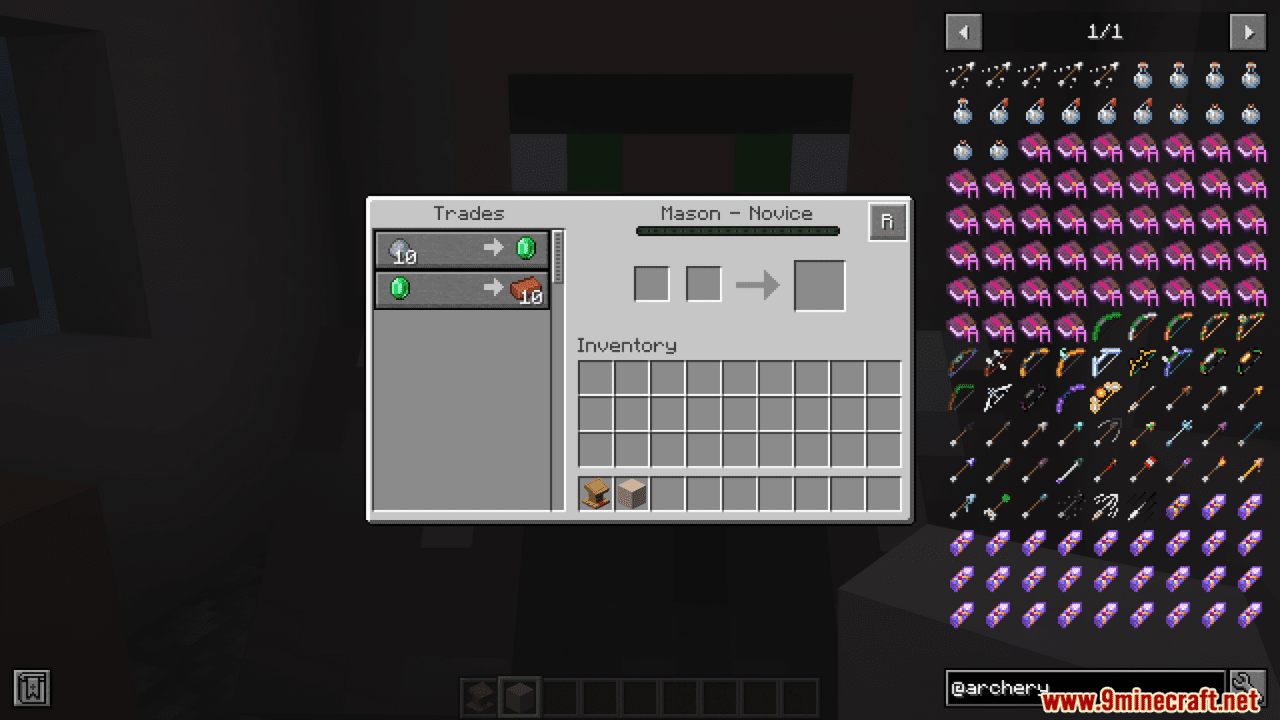
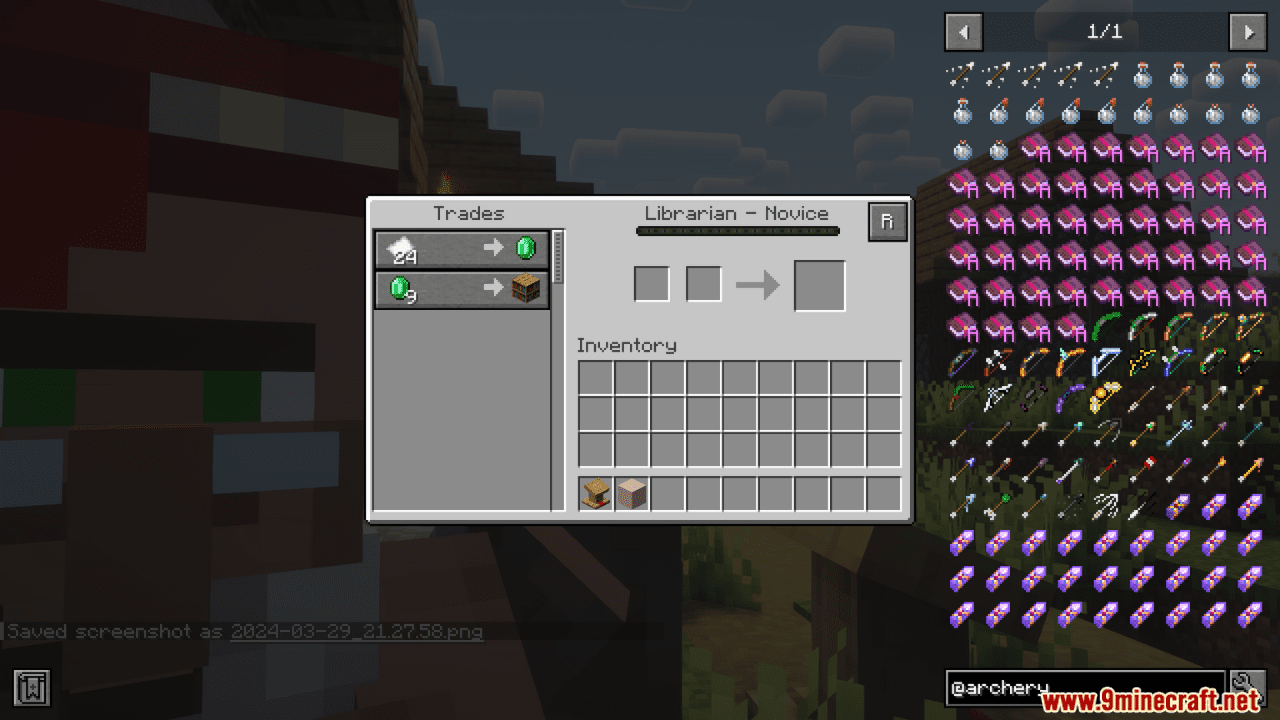
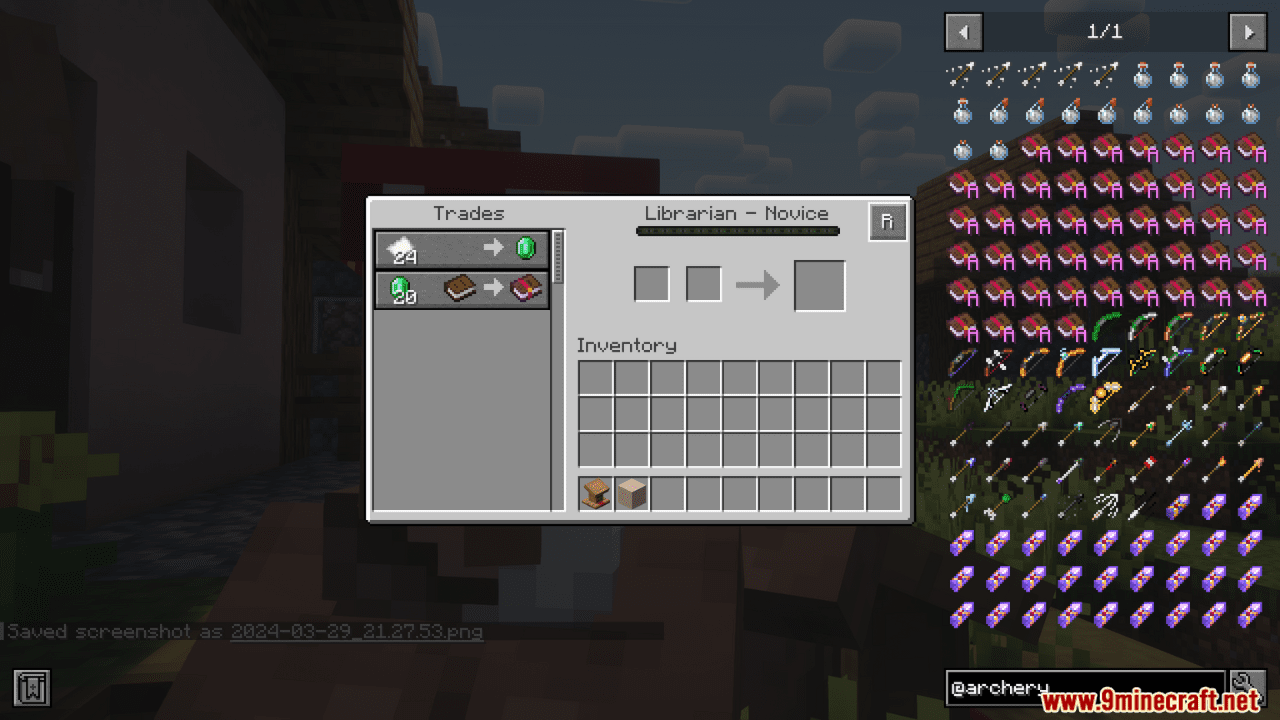
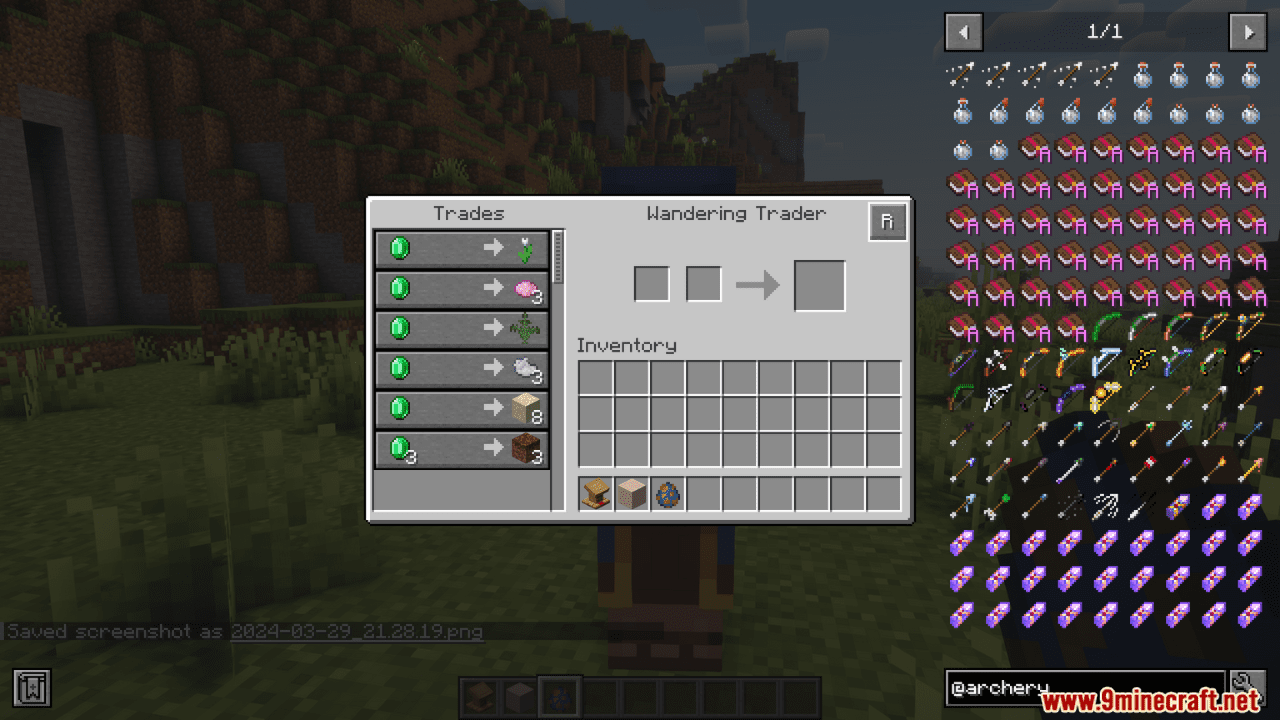
Trade Refresh Mod simplifies the villager trading process by adding a convenient refresh button to the trading menu, allowing players to instantly reset the trades of an un-traded villager with a single click. This eliminates the need to break and replace a villager’s workstation manually-a repetitive task in vanilla Minecraft-saving time and effort, especially for players optimizing trades in trading halls.
Features:
- One-click refresh button in the trading menu for quick trade updates.
- Equivalent to breaking and placing the workstation again, but with added convenience.
- Option to bind refresh function to a key for faster access.
- Streamlines trading process and saves valuable time for players.
Screenshots:
Trade Refresh Mod Download Links
Quick facts
- Edition: Minecraft Java
- File type: .jar
- Minecraft version listed: 1.20.1
- How to install: Install the matching mod loader (Forge, Fabric or NeoForge) for your Minecraft version. → Download the .jar. → Put it in the .minecraft/mods folder and launch that loader profile.
- Where to get it: Opens on the file's original source — not every file is mirrored on our own servers.
Install steps are the general flow for this file type — How to install Minecraft Java mods & modpacks walks through it step by step.
Trade Refresh Mod (26.1.2, 1.20.1) – Refresh Button in The Trading Menu is a free Minecraft Java mod. Compatible with Minecraft 1.20.1. Download it and open it directly in the game.