Otter Lib Mod (26.1.2, 1.20.1) – Simple Library Mod
Java mod listed for Minecraft 1.20. Downloads from the MC Java Mods app on Android.
⬇ Download

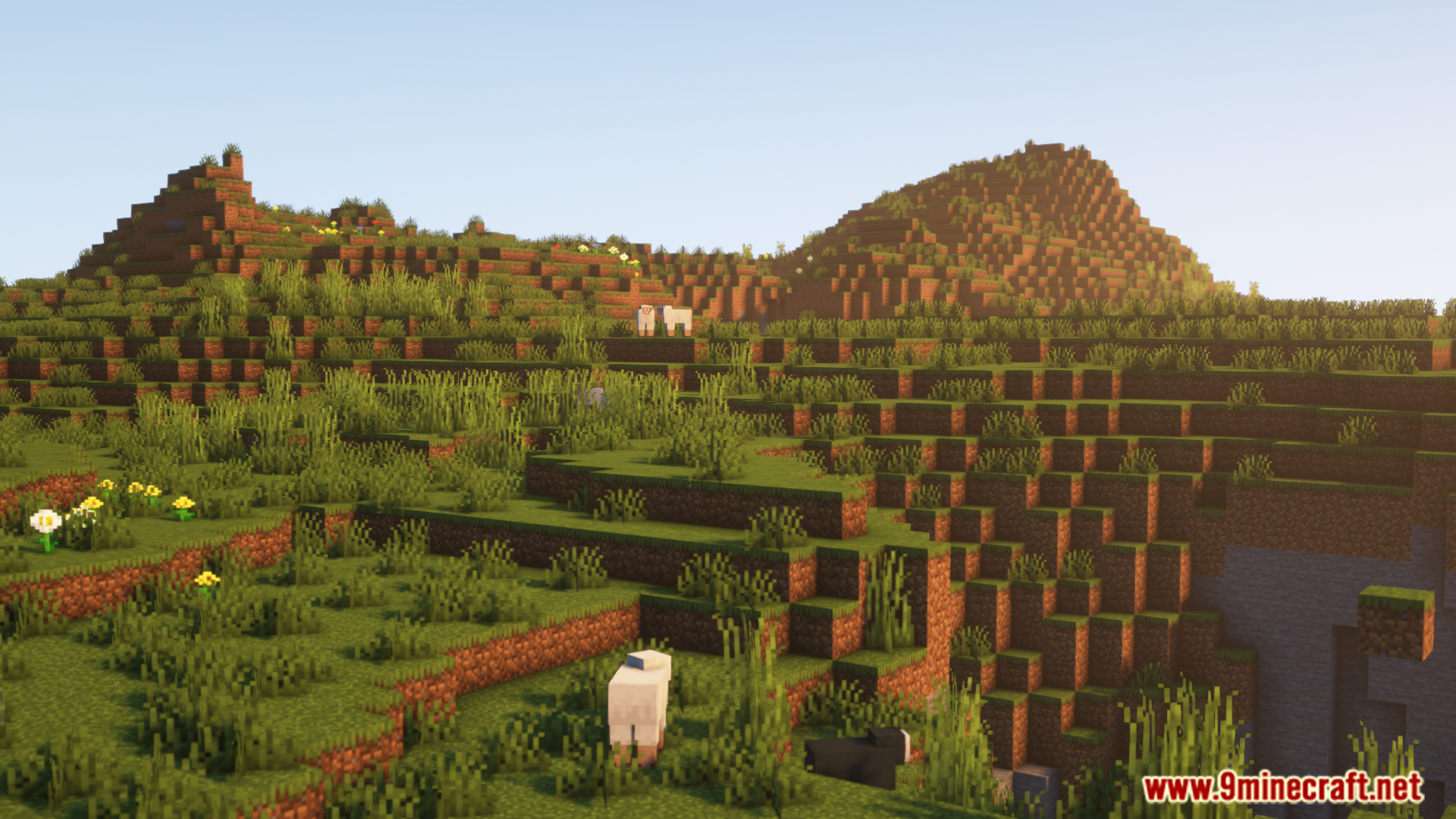
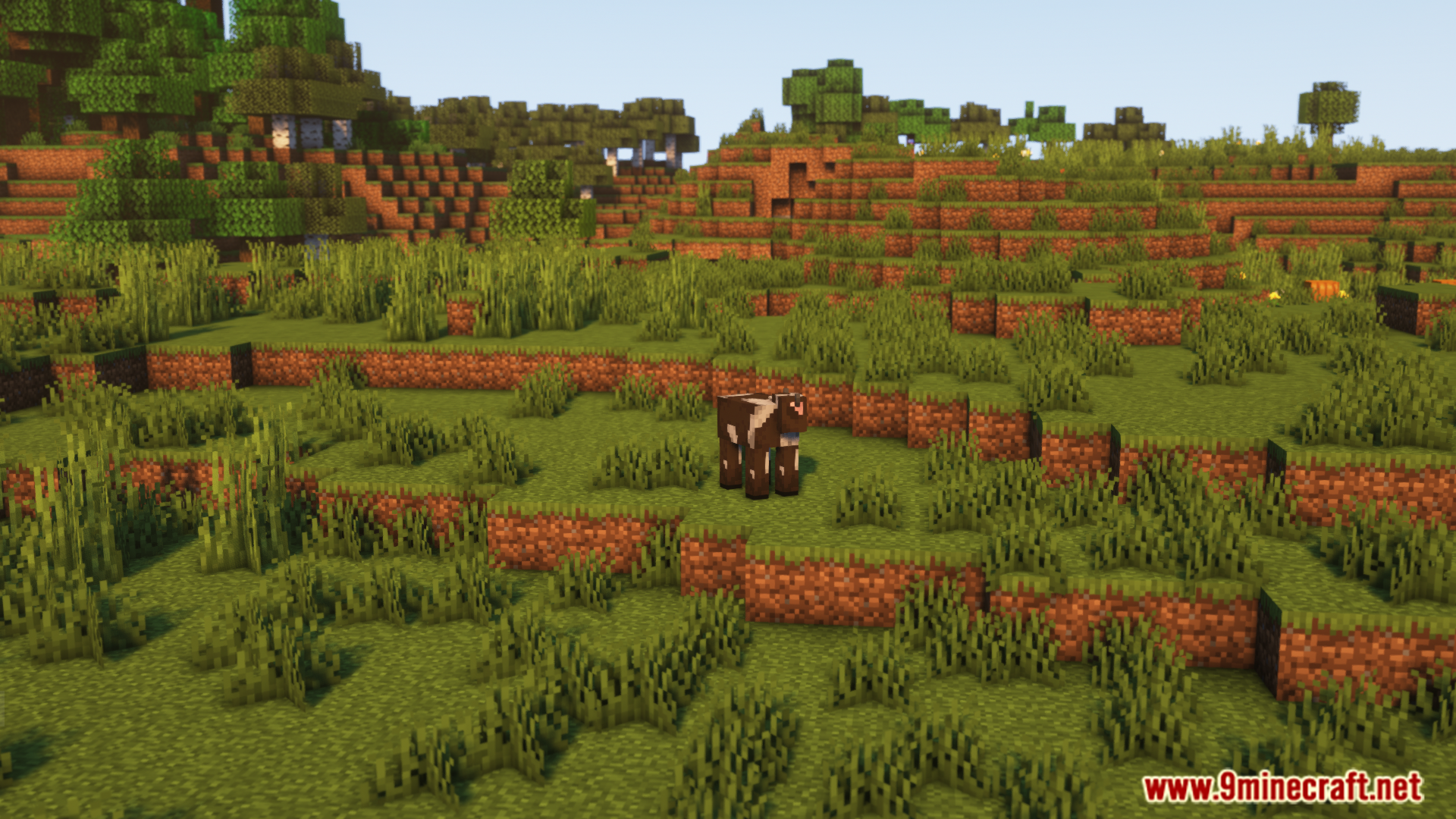
Otter Lib Mod, as the name suggests, is a library mod that mod developers can make use of. The mod by itself does not add any new content into the game, but it facilitates an environment that makes it easy for developers to create their mods. As a player, you only need to have this mod installed if another mod requires it as a dependency.
Features:
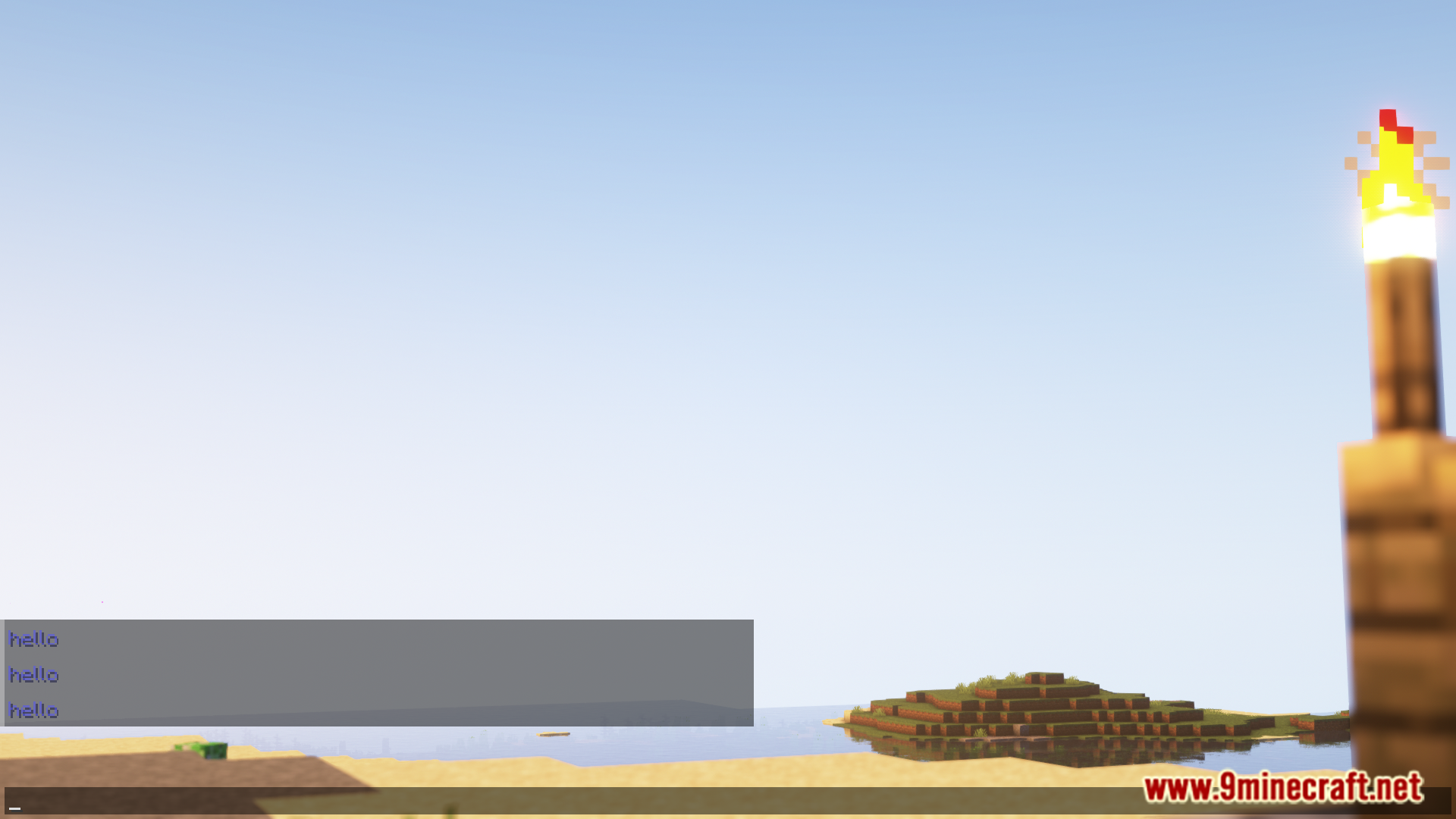
- Includes chat builder for styled messages.
- Provides a custom language/localization system.
- Offers robust config file saving, loading, and updating.
- Includes a customizable config screen for mods.
You can add it as a dependency in your build.gradle file:
repositories {
maven {
name “oth3rMavenSnapshots”
url “https://maven.oth3r.one/snapshots”
}}
Screenshots:
Otter Lib Mod Download Links
- Edition: Minecraft Java
- File type: .jar
- Minecraft version listed: 1.20.1
- How to install: Install the matching mod loader (Forge, Fabric or NeoForge) for your Minecraft version. → Download the .jar. → Put it in the .minecraft/mods folder and launch that loader profile.
- Where to get it: In MC Java Mods, or directly above on this page.
Install steps are the general flow for this file type — How to install Minecraft Java mods & modpacks walks through it step by step.
- Downloads as 27541.mcaddon
- Download size: 1.3 MB
- Download link checked 22 Sept 2026 — working
- Mirrored on our own servers — the download does not depend on the original host
These come from our own check of the pack file, not from the source page.