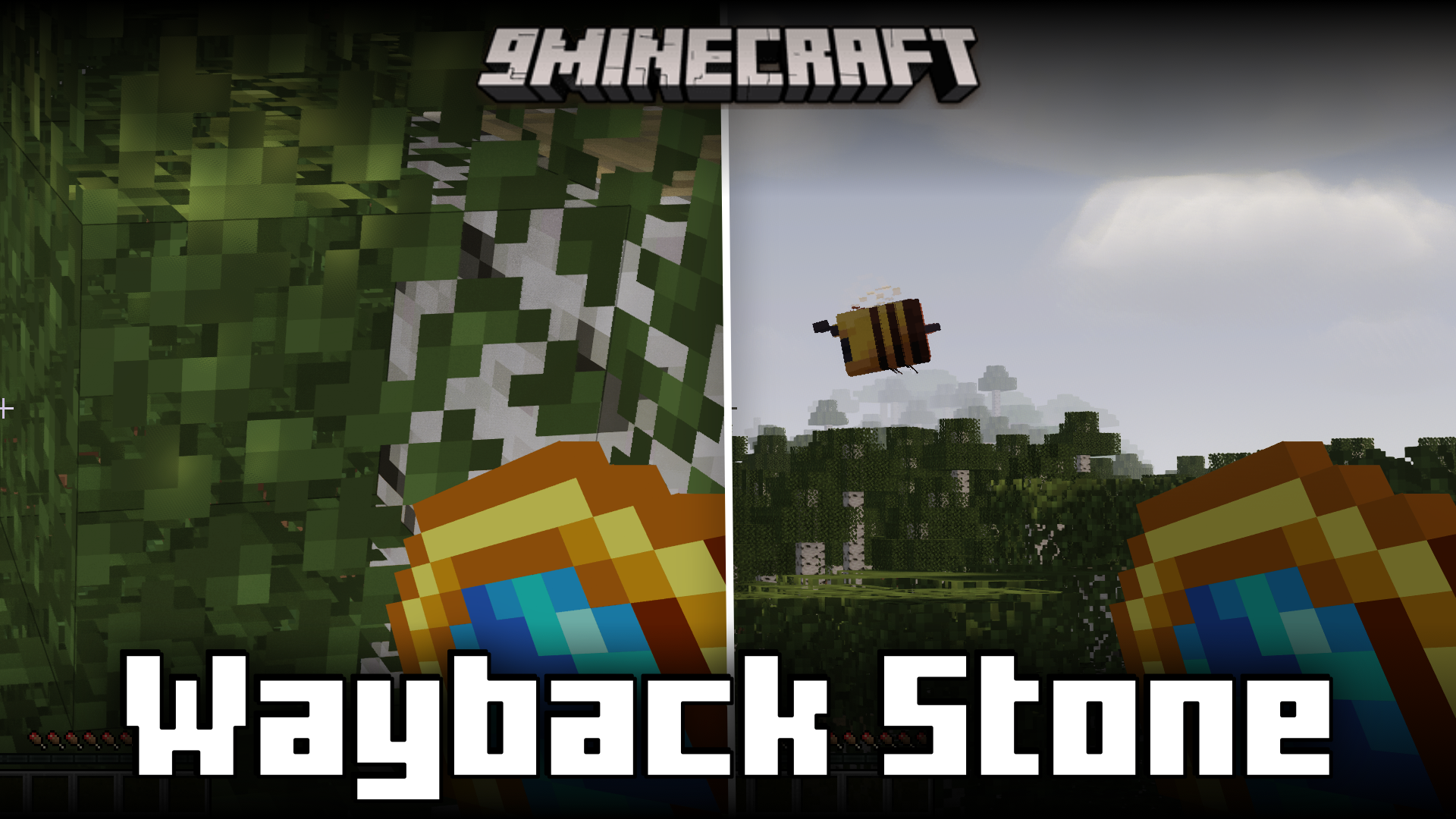

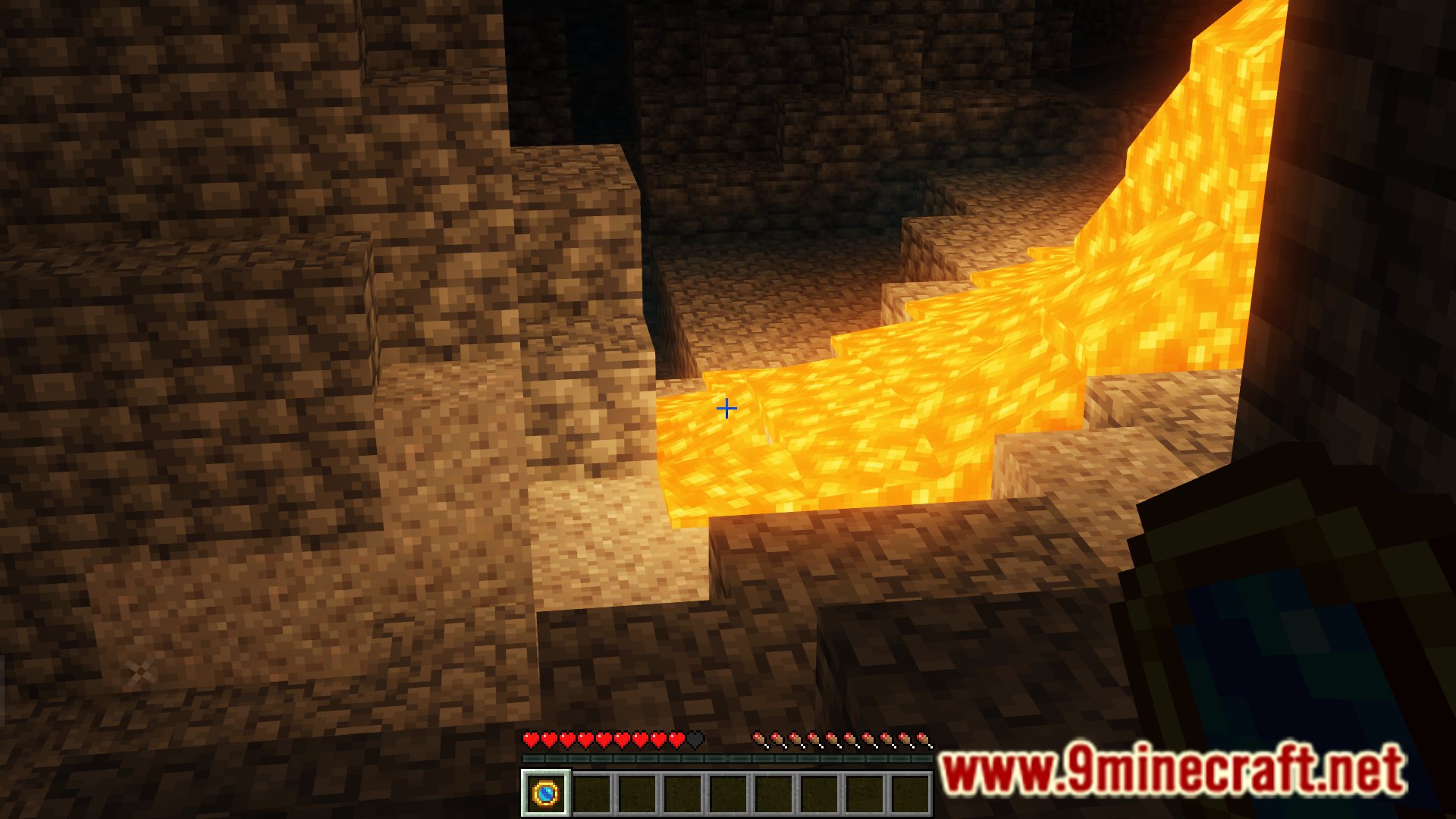
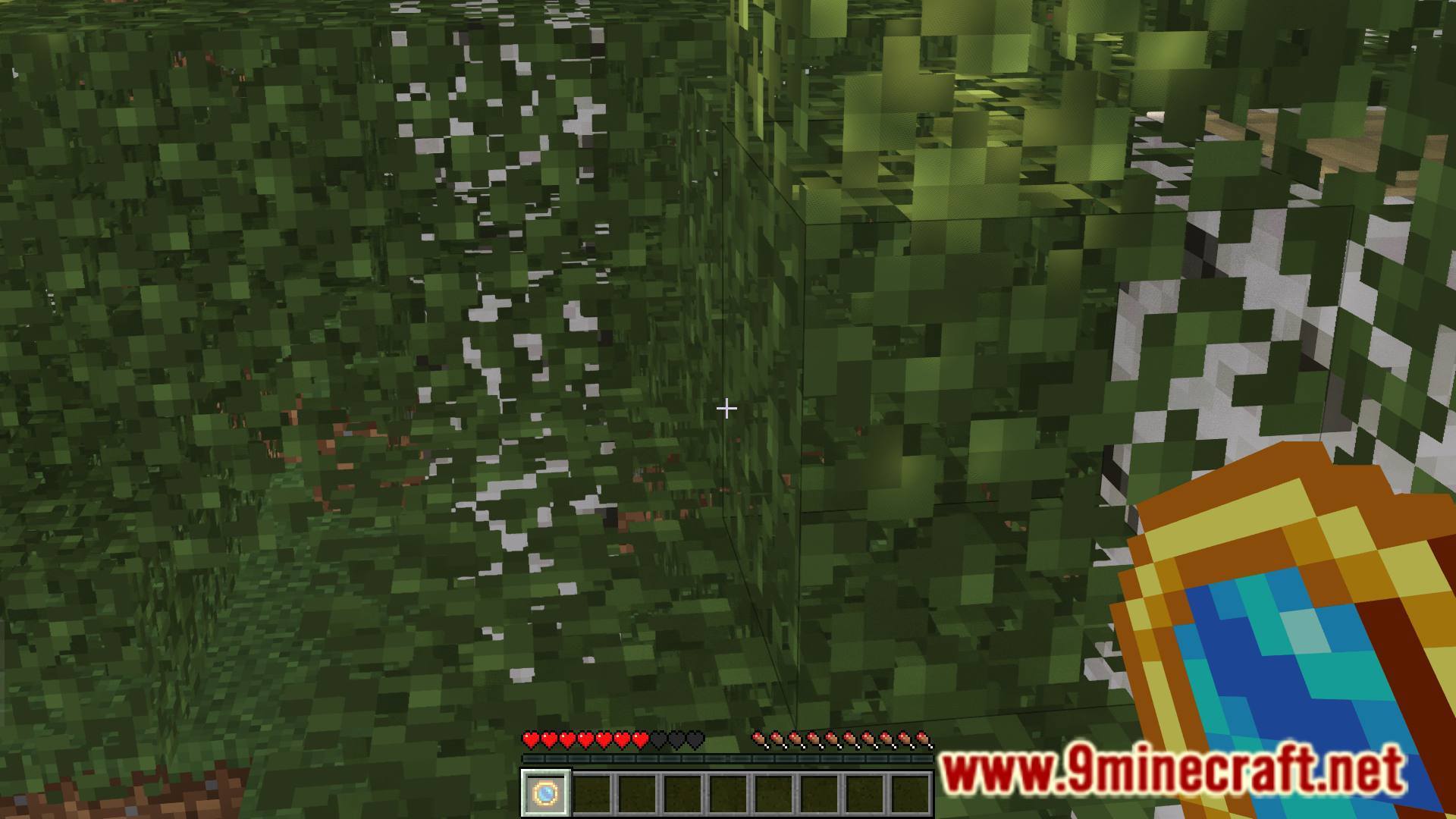
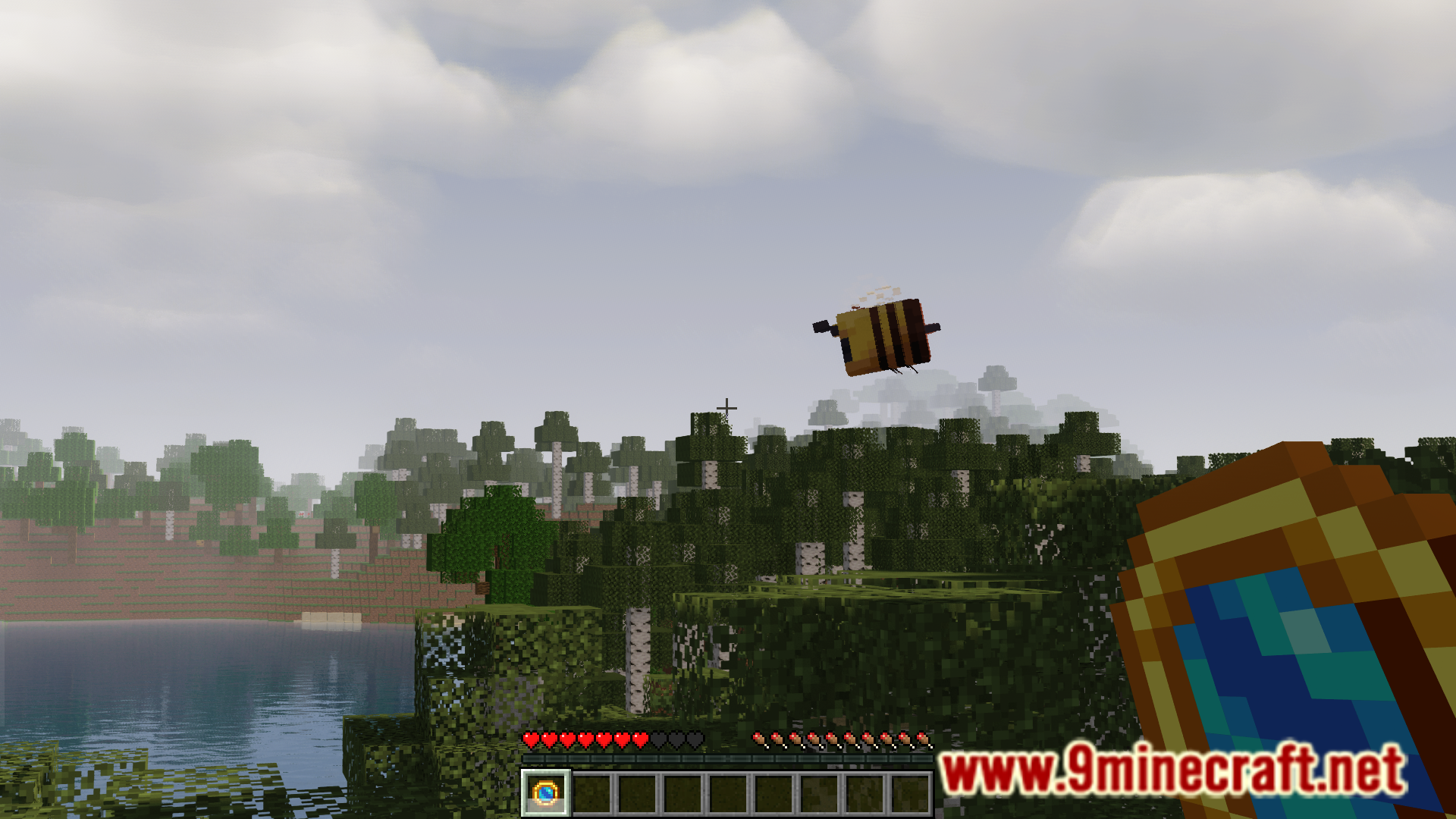
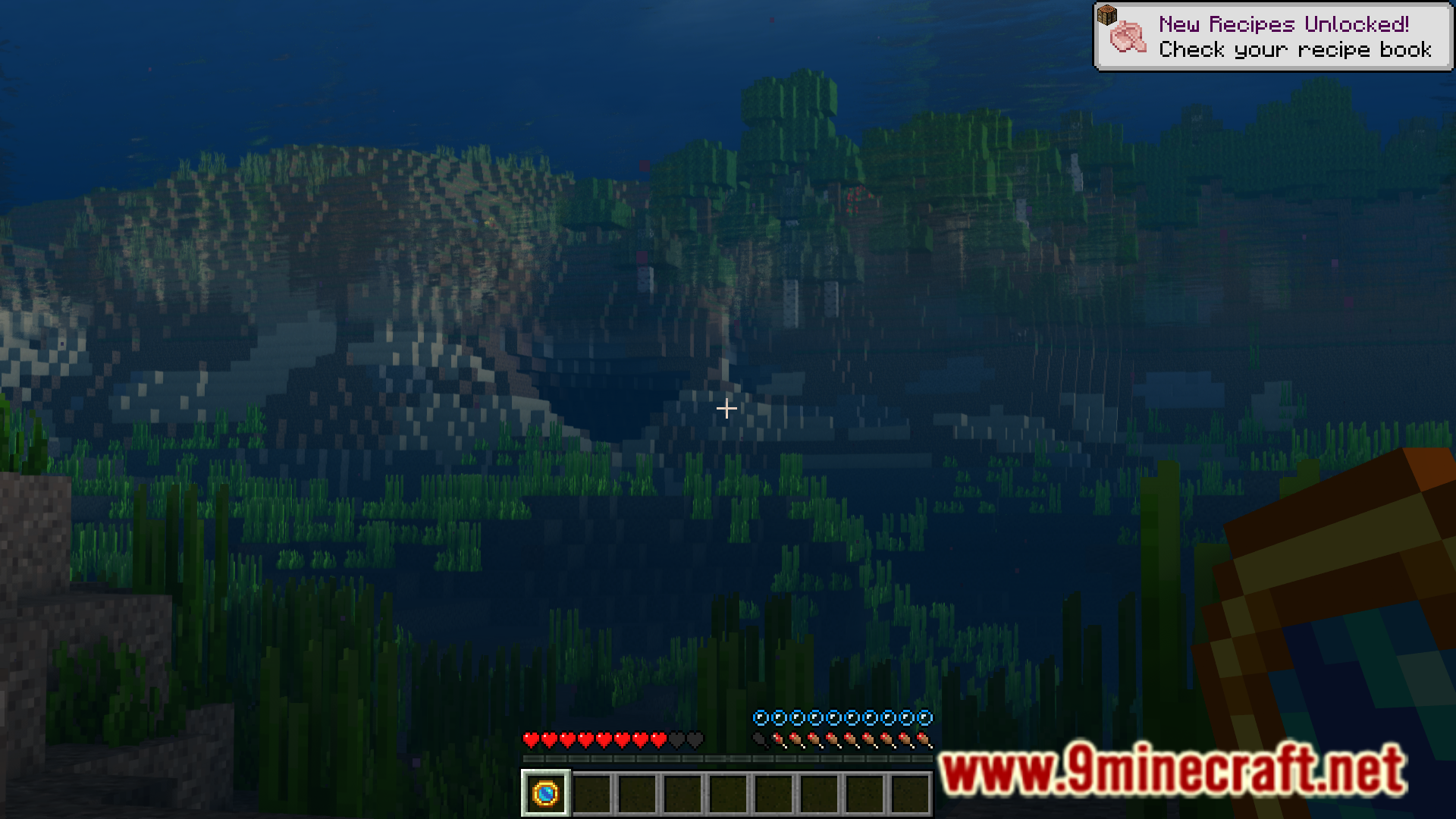
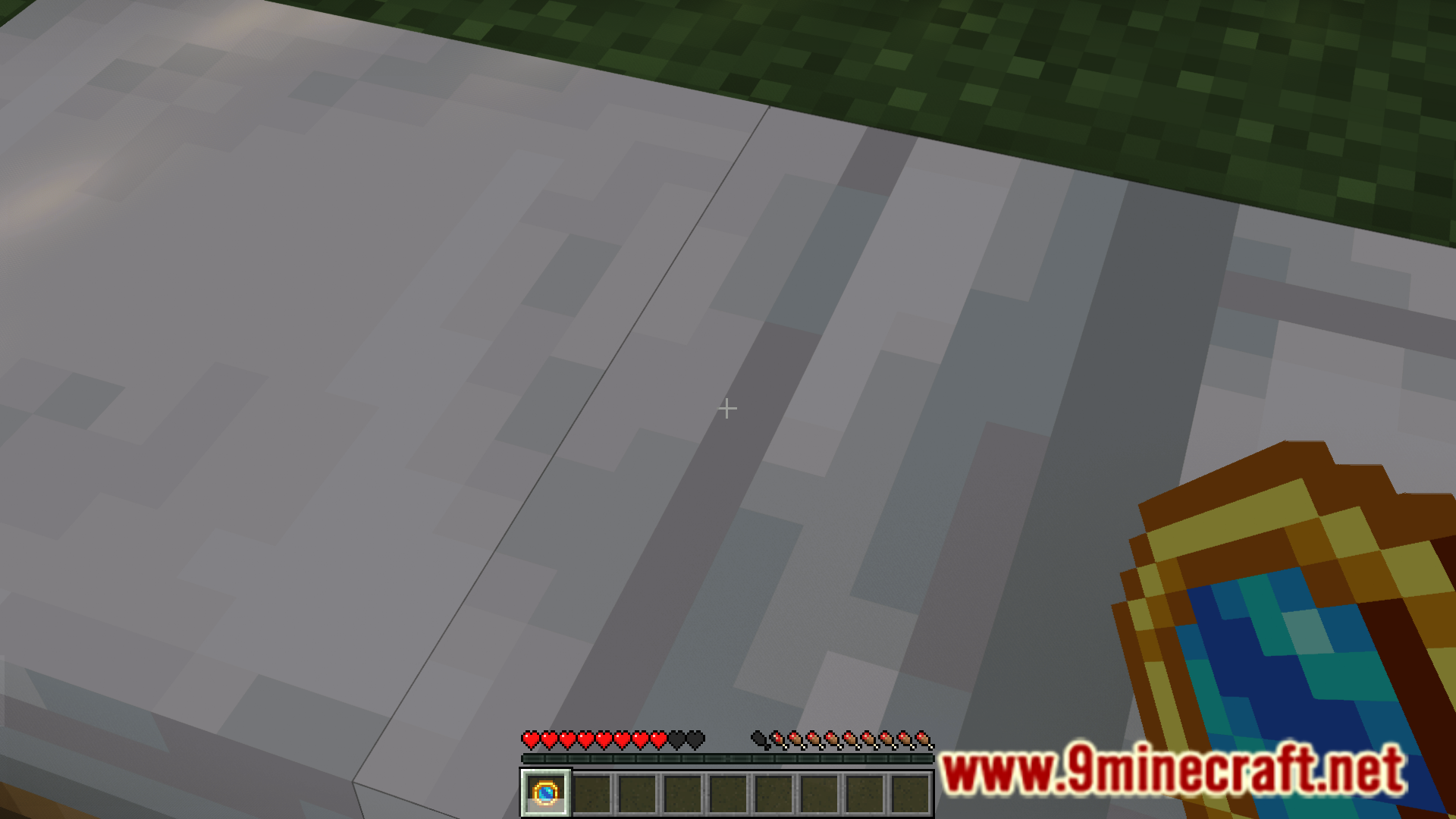
Ever wandered deep into your world, far from your home, and got lost? Unless you know the coordinates to your base, backtracking your path back would be difficult. In this case, the only way to get back home would be to unalive the player and respawn. But this means you will lose all the valuable items in your inventory. Worry no more, as the Wayback Stone mod is here with the solution. Wayback Stone Mod introduces a new item called the “wayback stone” into the game. Whenever you find yourself lost, simply hold the stone and right click to teleport to your respawn point or world spawn.
Features:
- Adds a “wayback stone” that you can use to teleport to your base.
- Greatly helpful if you travel far away and lose your way.
- You can get teleported to your bed, respawn anchor or the world spawn.
Crafting Recipes:
Screenshots:
Wayback Stone Mod Download Links
- Edition: Minecraft Java
- File type: .jar
- Minecraft version listed: 1.20.1
- How to install: Install the matching mod loader (Forge, Fabric or NeoForge) for your Minecraft version. → Download the .jar. → Put it in the .minecraft/mods folder and launch that loader profile.
- Where to get it: In MC Java Mods, or directly above on this page.
Install steps are the general flow for this file type — How to install Minecraft Java mods & modpacks walks through it step by step.
- Downloads as 27543.mcaddon
- Download size: 19 KB
- Download link checked 24 Sept 2026 — working
- Mirrored on our own servers — the download does not depend on the original host
These come from our own check of the pack file, not from the source page.