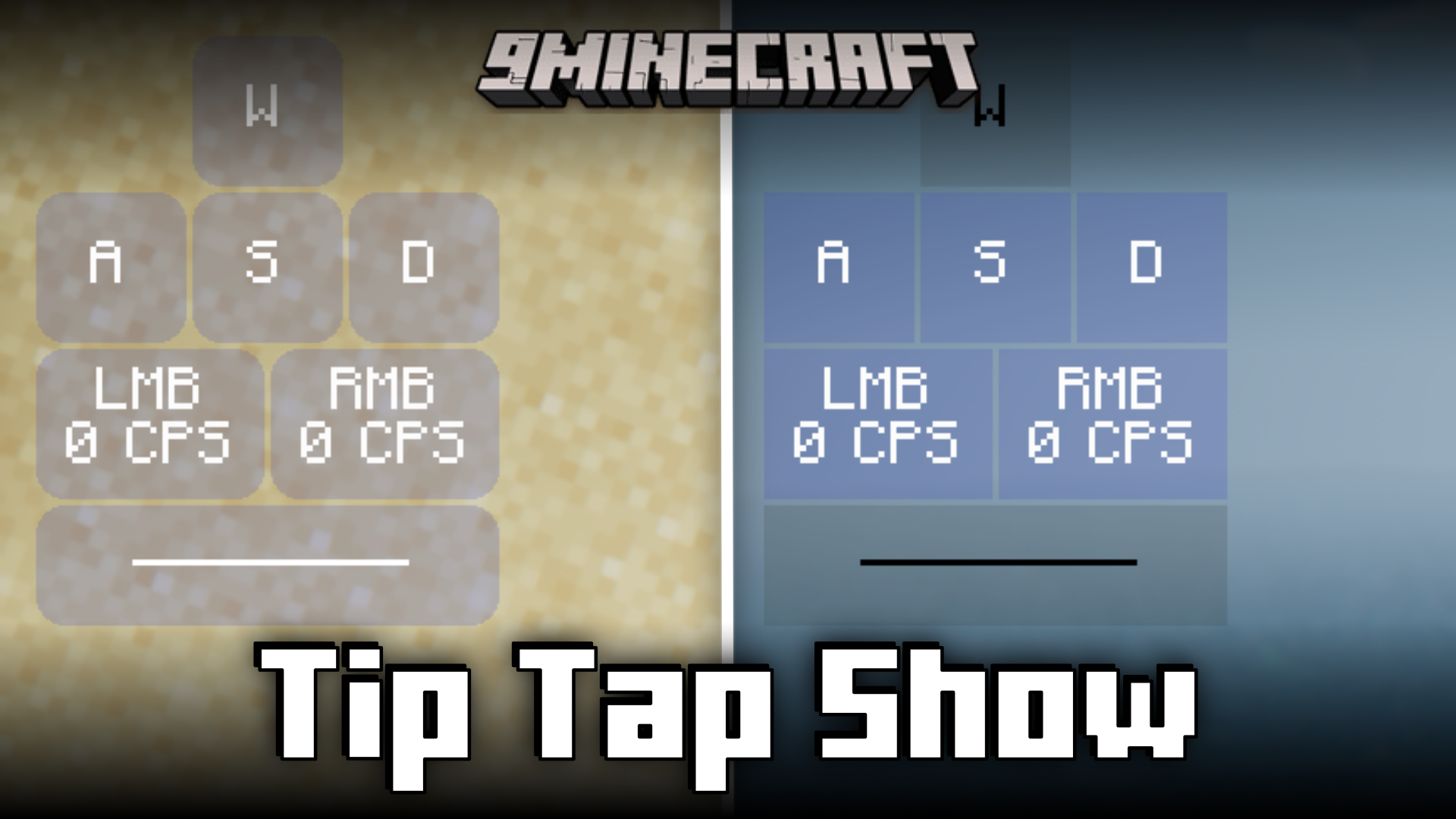
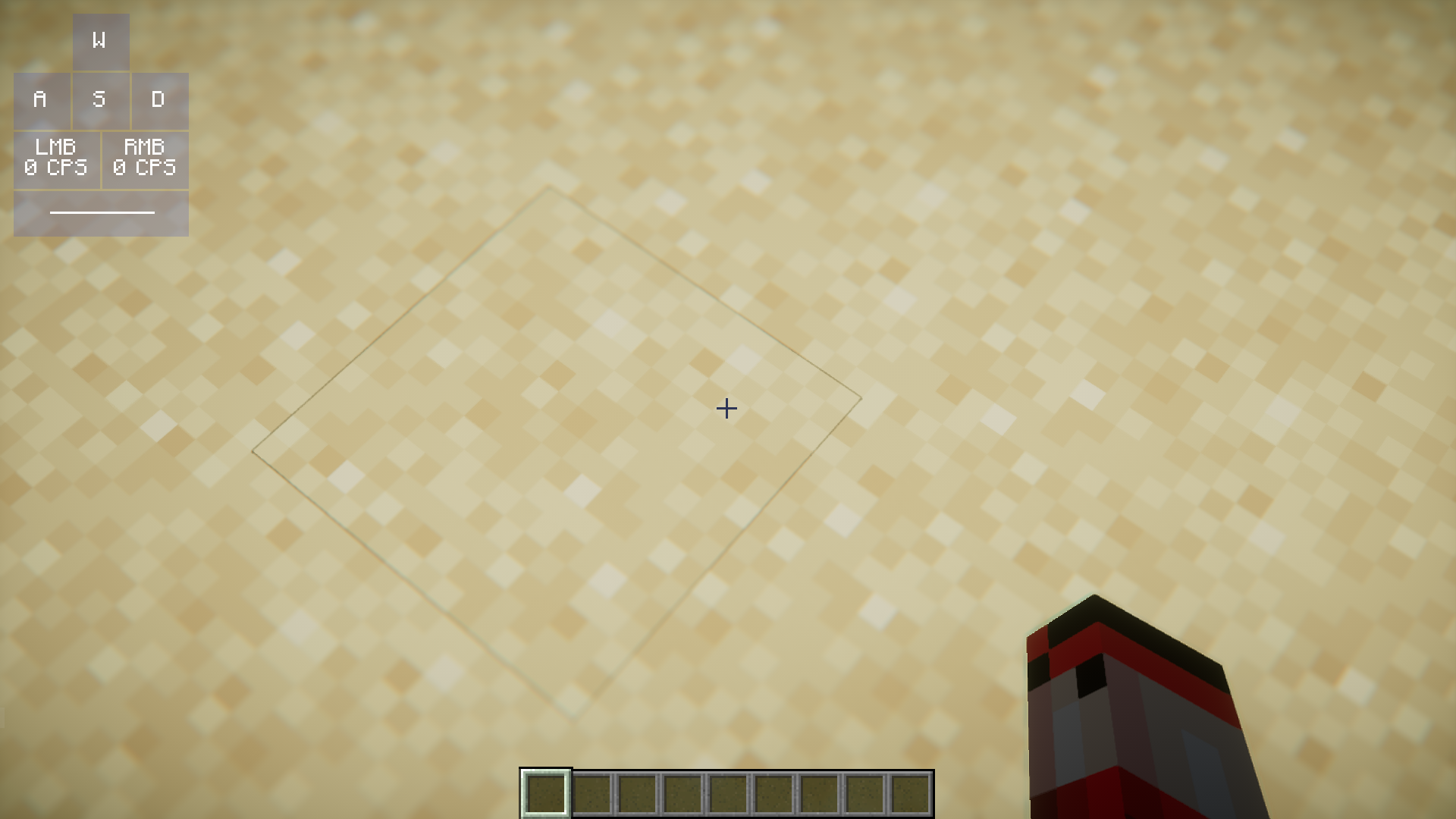
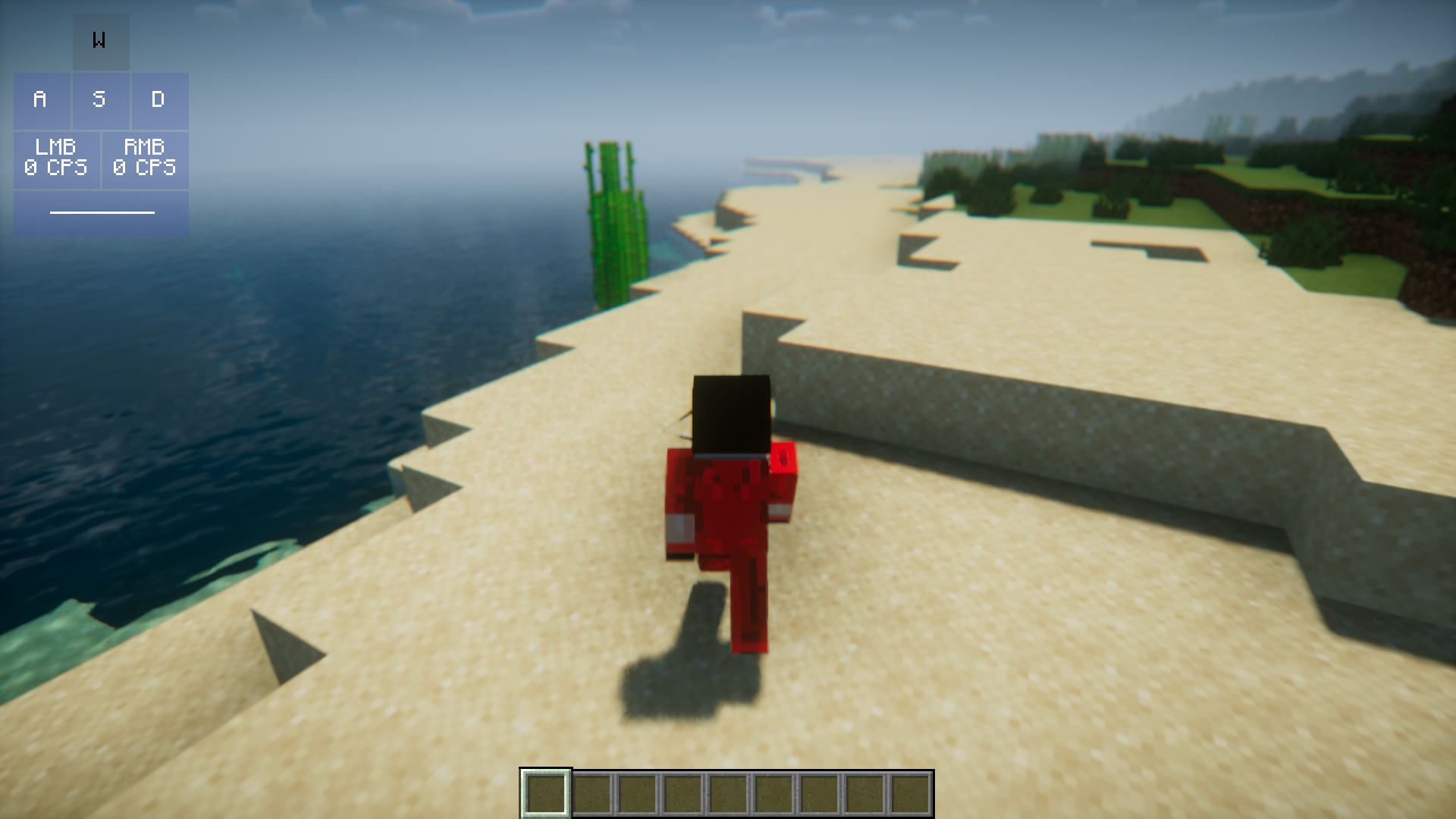
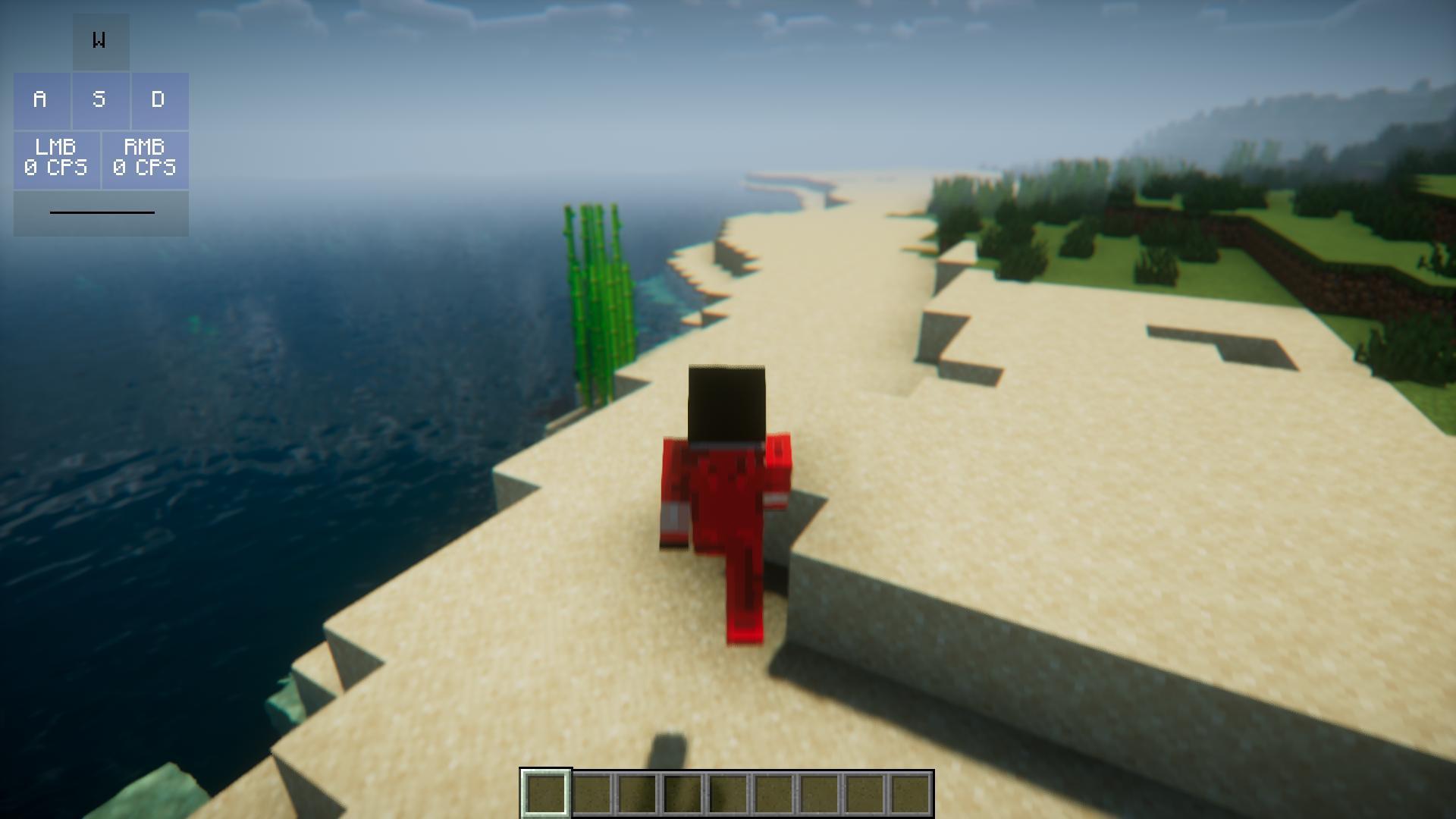
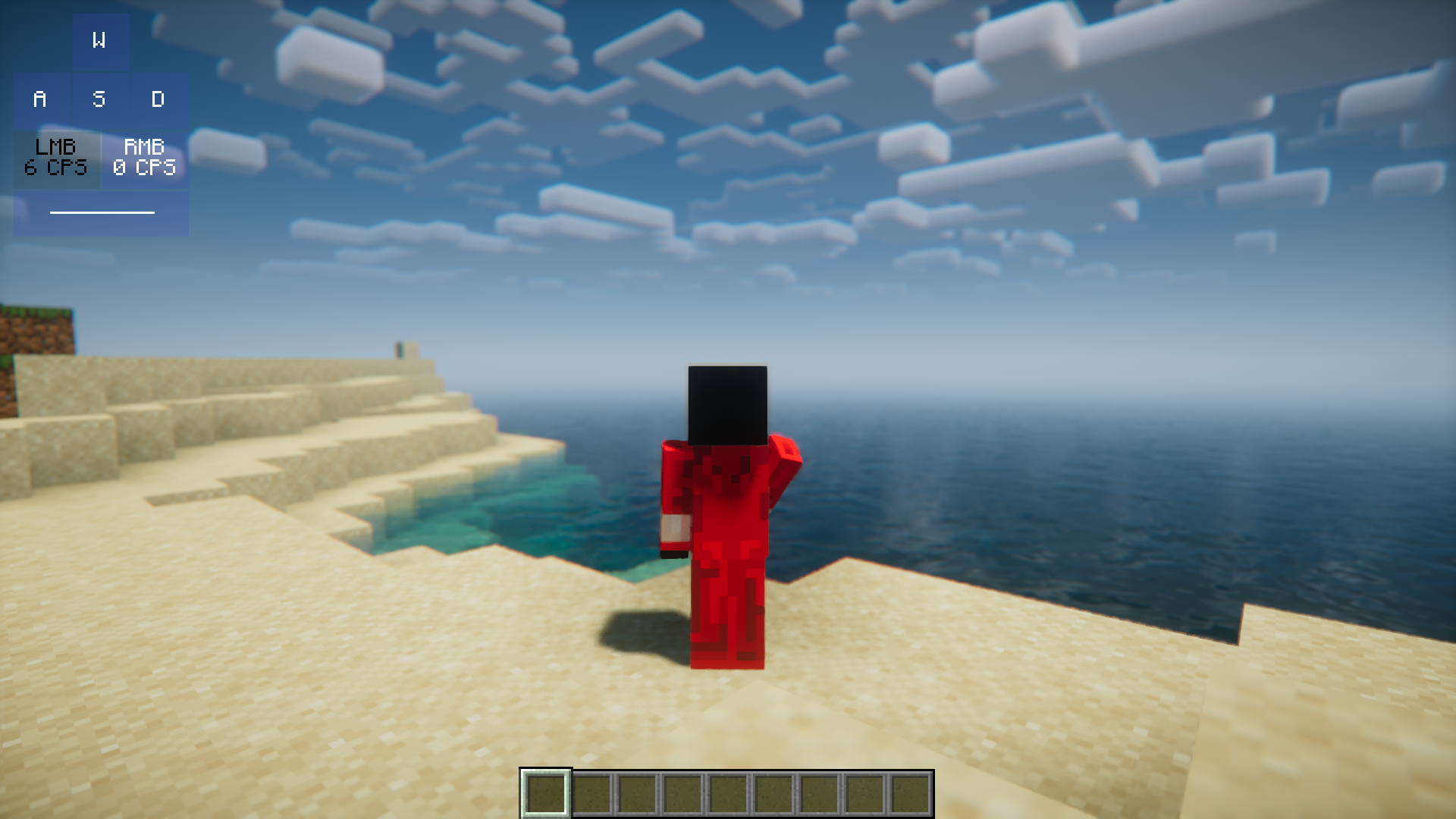
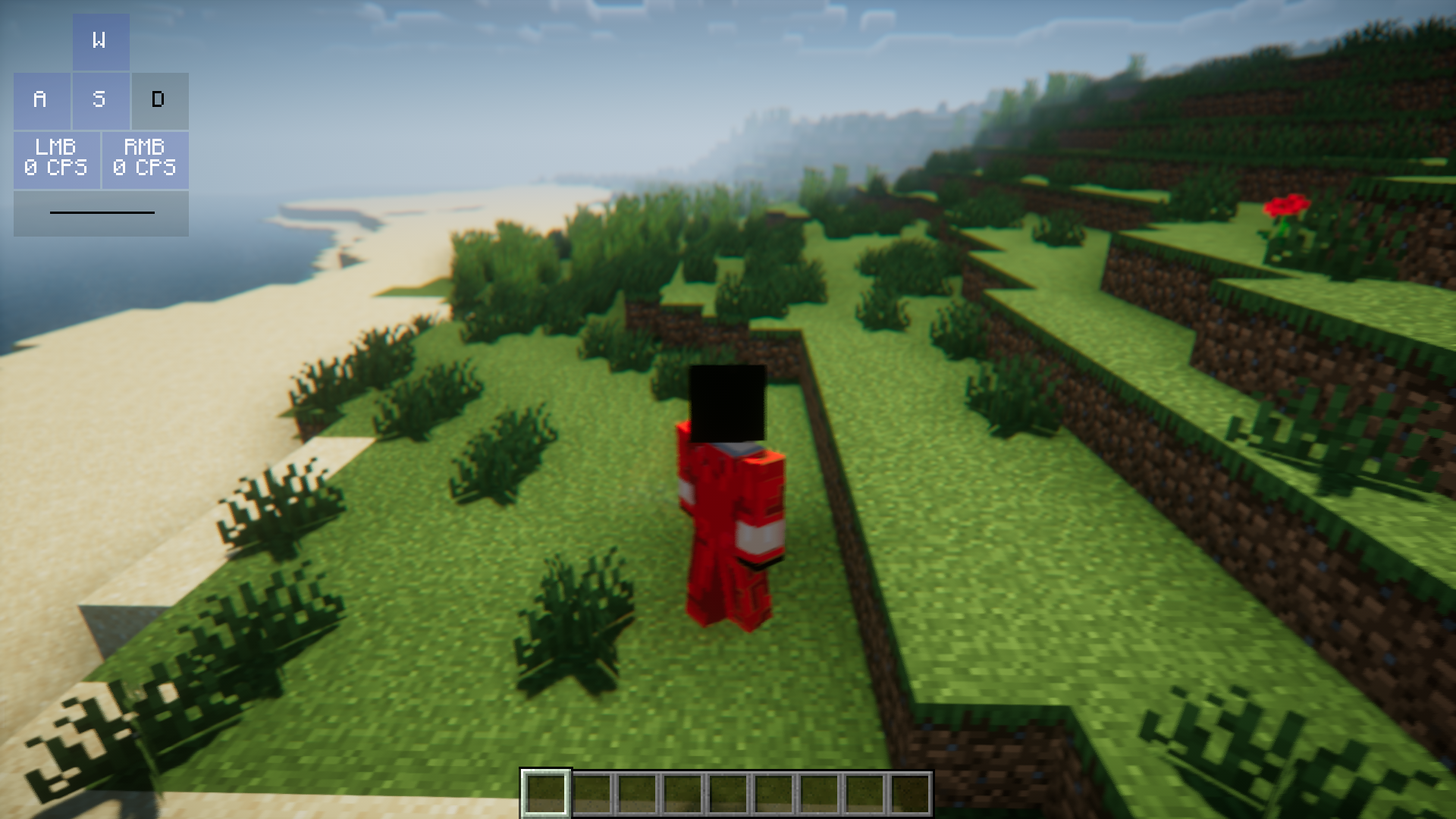
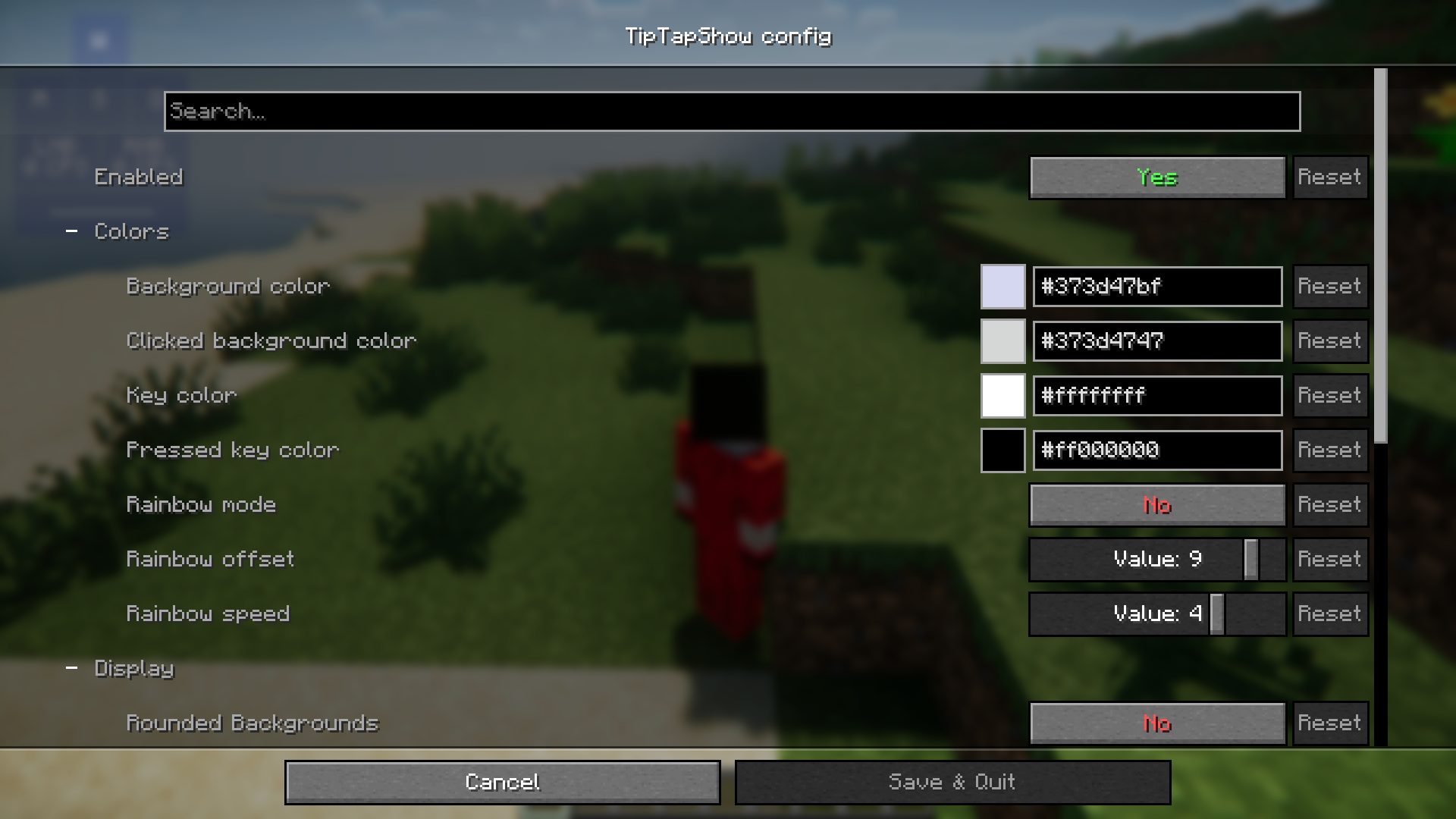
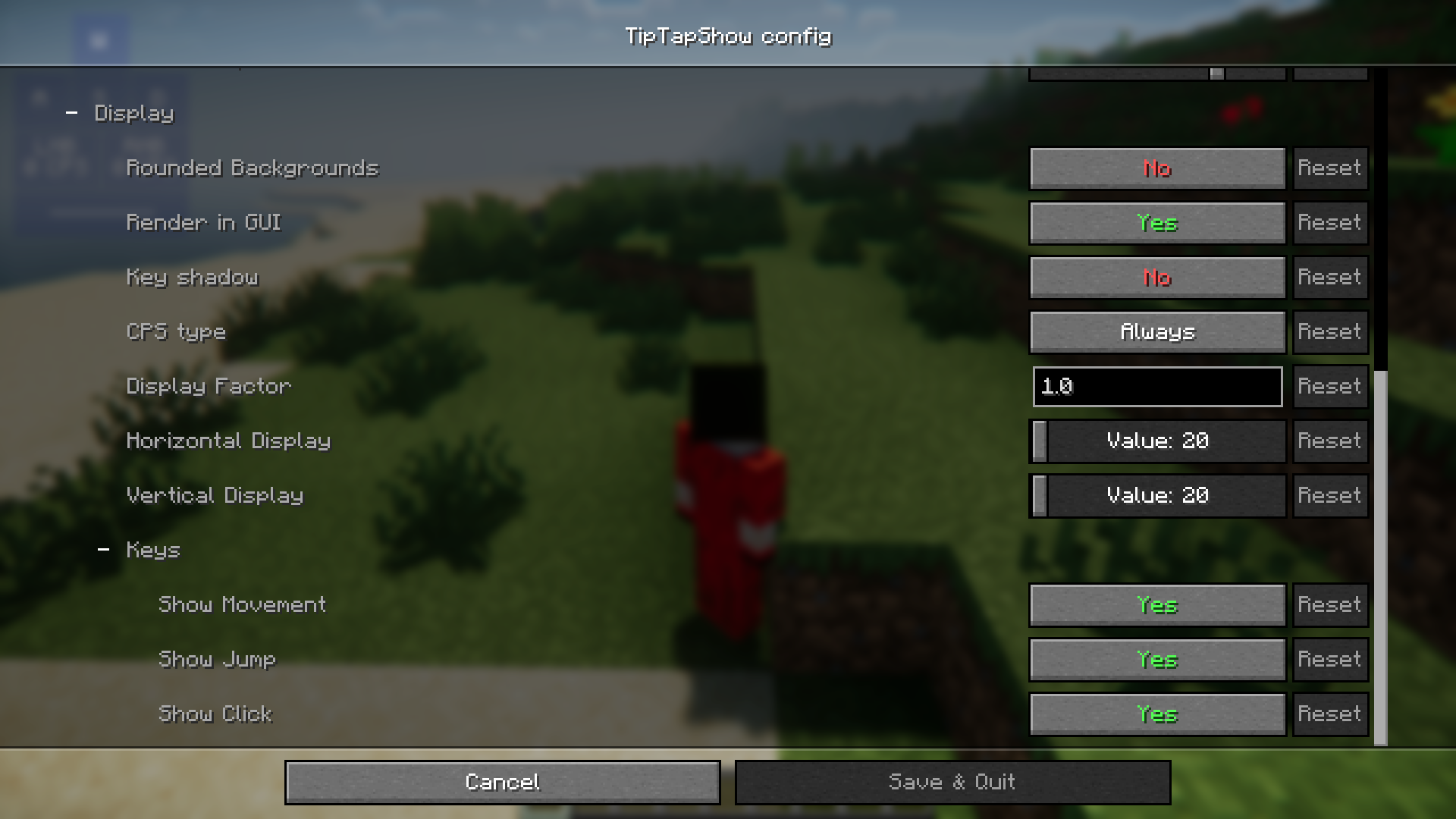
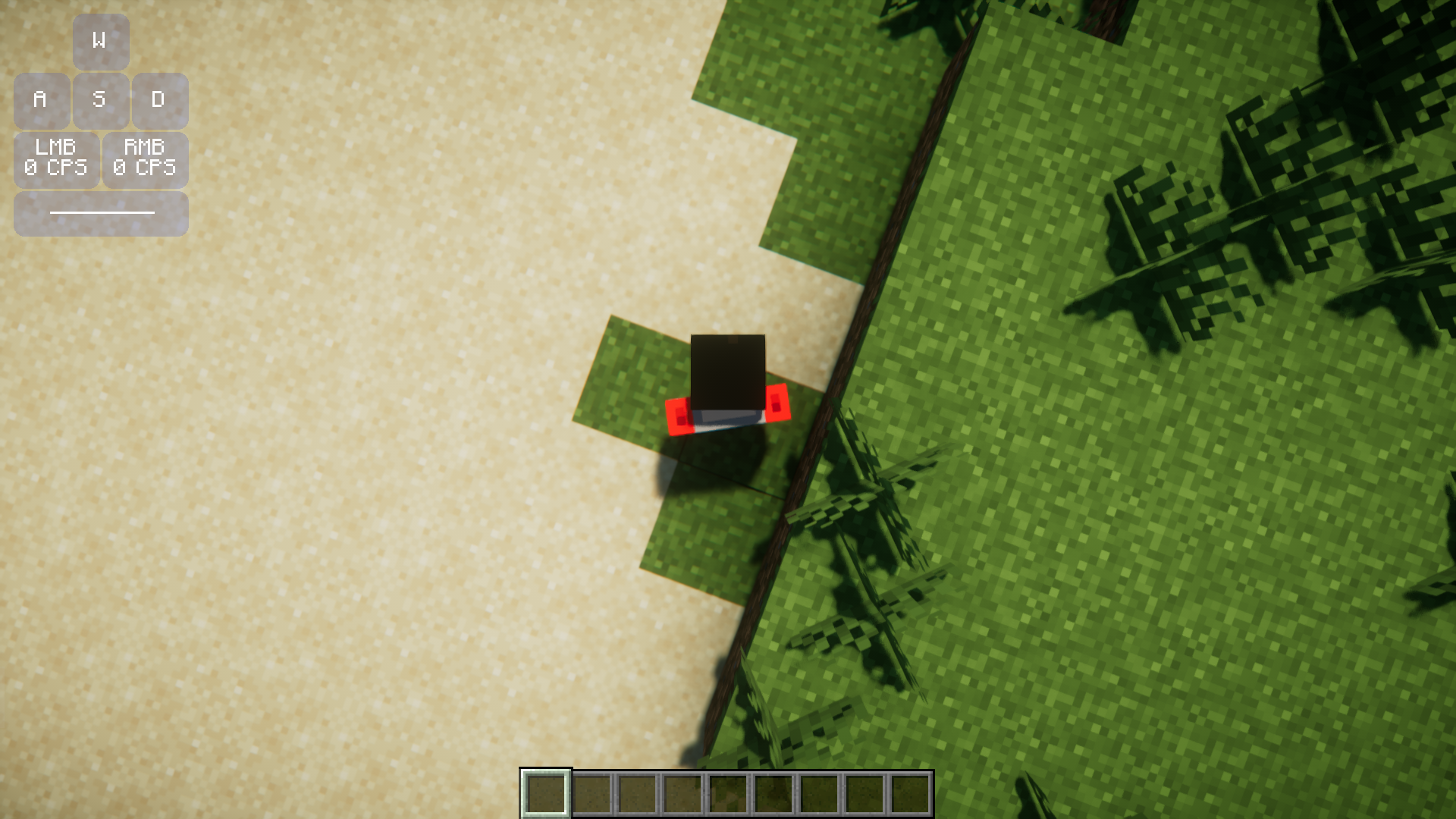
Many Minecraft streamers who are into PvP and speedrunning use special overlays that will display the keyboard and mouse buttons that he presses in real time. This is done so that the viewers will get a much clearer idea of how the streamer plays the game. But sometimes, using external overlays can cause certain inconveniences. Some of them are buggy and others might require players to exit the game to customize them. Tip Tap Show Mod is here to make using keystroke overlays a lot more convenient by introducing an in-built one into the game. This overlay appears within the game window itself and can be configured in-game using the settings provided.
Features:
- Adds an in-game keystroke overlay.
- Streamers can use this to display their keystrokes in real time.
- The overlay can be configured in-game.
Screenshots:
Tip Tap Show Mod Download Links
- Edition: Minecraft Java
- File type: .jar
- Minecraft version listed: 1.20.1
- How to install: Install the matching mod loader (Forge, Fabric or NeoForge) for your Minecraft version. → Download the .jar. → Put it in the .minecraft/mods folder and launch that loader profile.
- Where to get it: In MC Java Mods, or directly above on this page.
Install steps are the general flow for this file type — How to install Minecraft Java mods & modpacks walks through it step by step.
- Downloads as 27544.mcaddon
- Download size: 52 KB
- Download link checked 23 Sept 2026 — working
- Mirrored on our own servers — the download does not depend on the original host
These come from our own check of the pack file, not from the source page.