
Allay Overhaul Mod
A comprehensive Minecraft mod that enhances the Allay entity with customization options and new features.
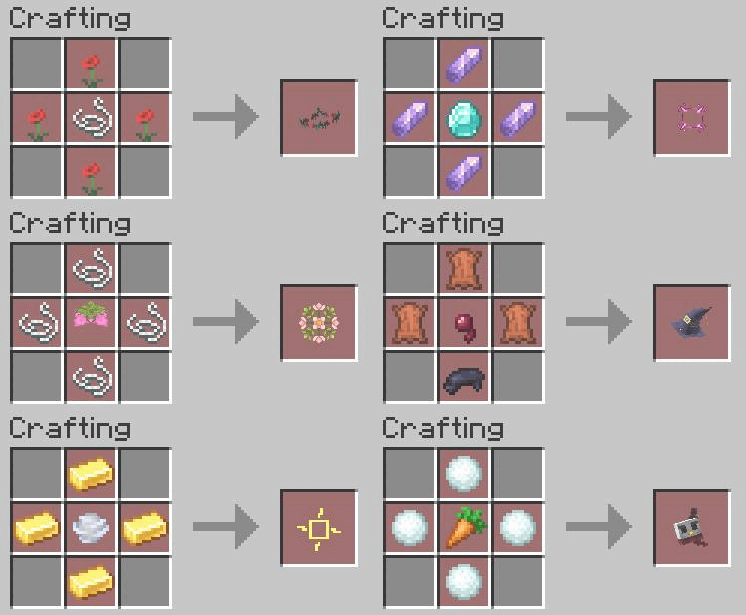
Recipe
See Gallery
Features
How to transform Allay color
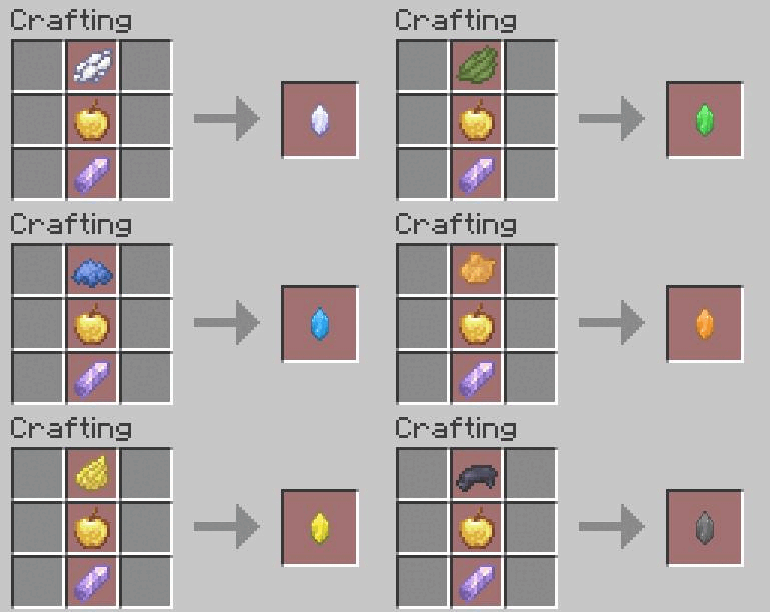
- Give it a colored shard.
- Throw a regeneration potion on the Allay.
Colored Allays
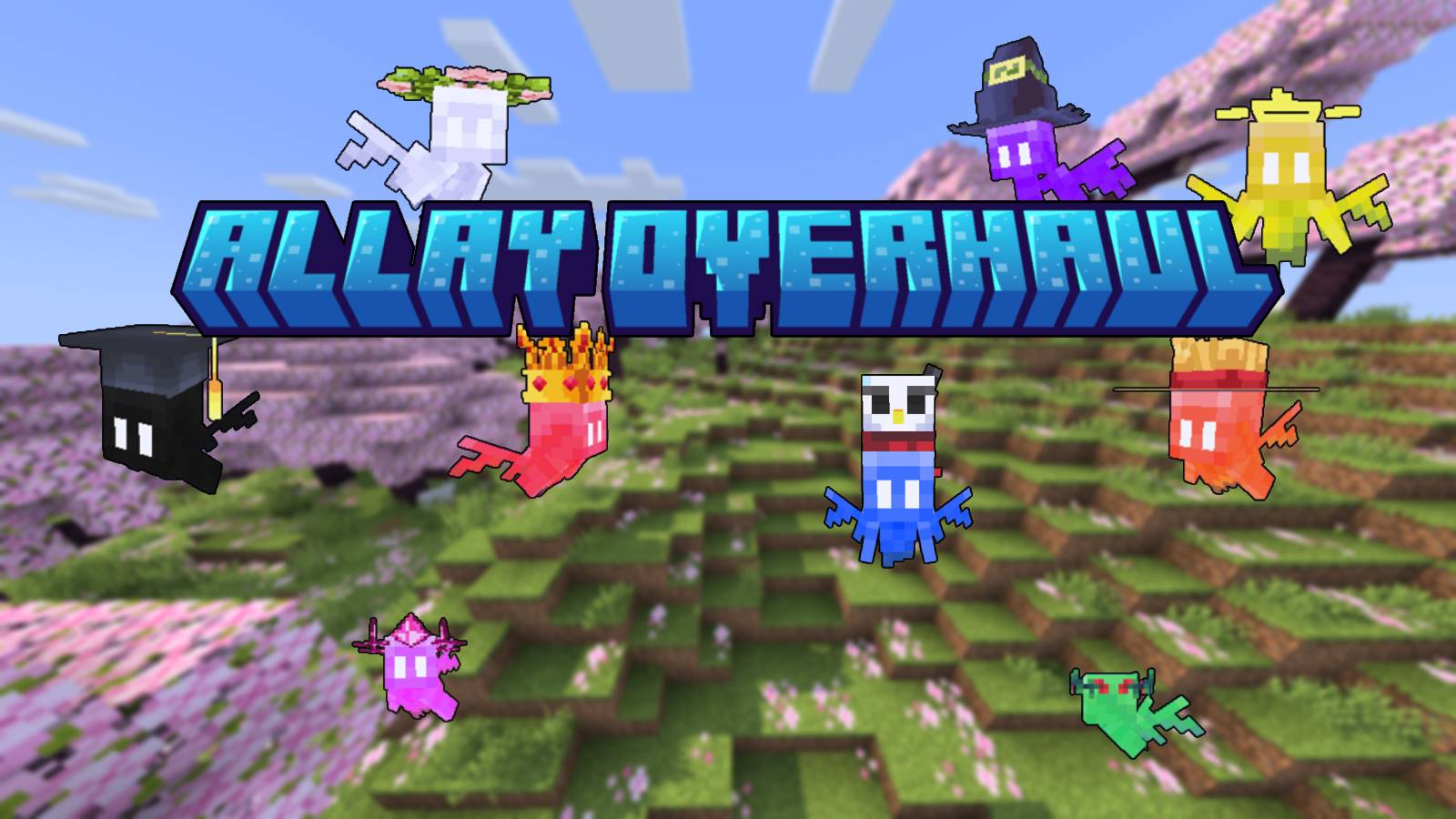
Transform your Allay into 9 different vibrant colors using special shards. Each colored Allay provides unique status effects to nearby players when holding a Nether Star:
- Red - Health Boost
- Blue - Water Breathing
- Green - Regeneration
- Yellow - Speed
- Purple - Slow Falling
- Orange - Fire Resistance
- Pink - Jump Boost
- Black - Night Vision
- White - Resistance
Allay Bottle
Capture and transport your Allay using a custom bottle item. The bottle preserves:
- The Allay's color
- Custom name
- Held items
- Equipped hat
Simply use the bottle on an Allay to store it, then place it back in the world whenever you need. Allay Hats Dress up your Allay with 9 adorable hat options! Equip hats by right-clicking the Allay with a hat item, and remove them by sneaking and right-clicking with an empty hand. Hats are preserved when storing the Allay in a bottle and will drop upon the Allay's death.
- Edition: Minecraft Java
- File type: .jar
- Minecraft version listed: 1.21.8
- How to install: Install the matching mod loader (Forge, Fabric or NeoForge) for your Minecraft version. → Download the .jar. → Put it in the .minecraft/mods folder and launch that loader profile.
- Where to get it: Opens on Modrinth — not every file is mirrored on our own servers.
Install steps are the general flow for this file type — How to install Minecraft Java mods & modpacks walks through it step by step.
- Ships as Allay-Overhaul-Fabric-1.21.8.jar — drop this file into the mods folder
- Download size: 233 KB
- Download link checked 31 Aug 2026 — working
These come from our own check of the pack file, not from the source page.