
ModsJava
OpenBoatUtils Mod (1.21.11, 1.20.1) – Turn Minecraft Into a Kart Racer
Java mod listed for Minecraft 1.20–1.21. Downloads from the MC Java Mods app on Android.
⬇ Download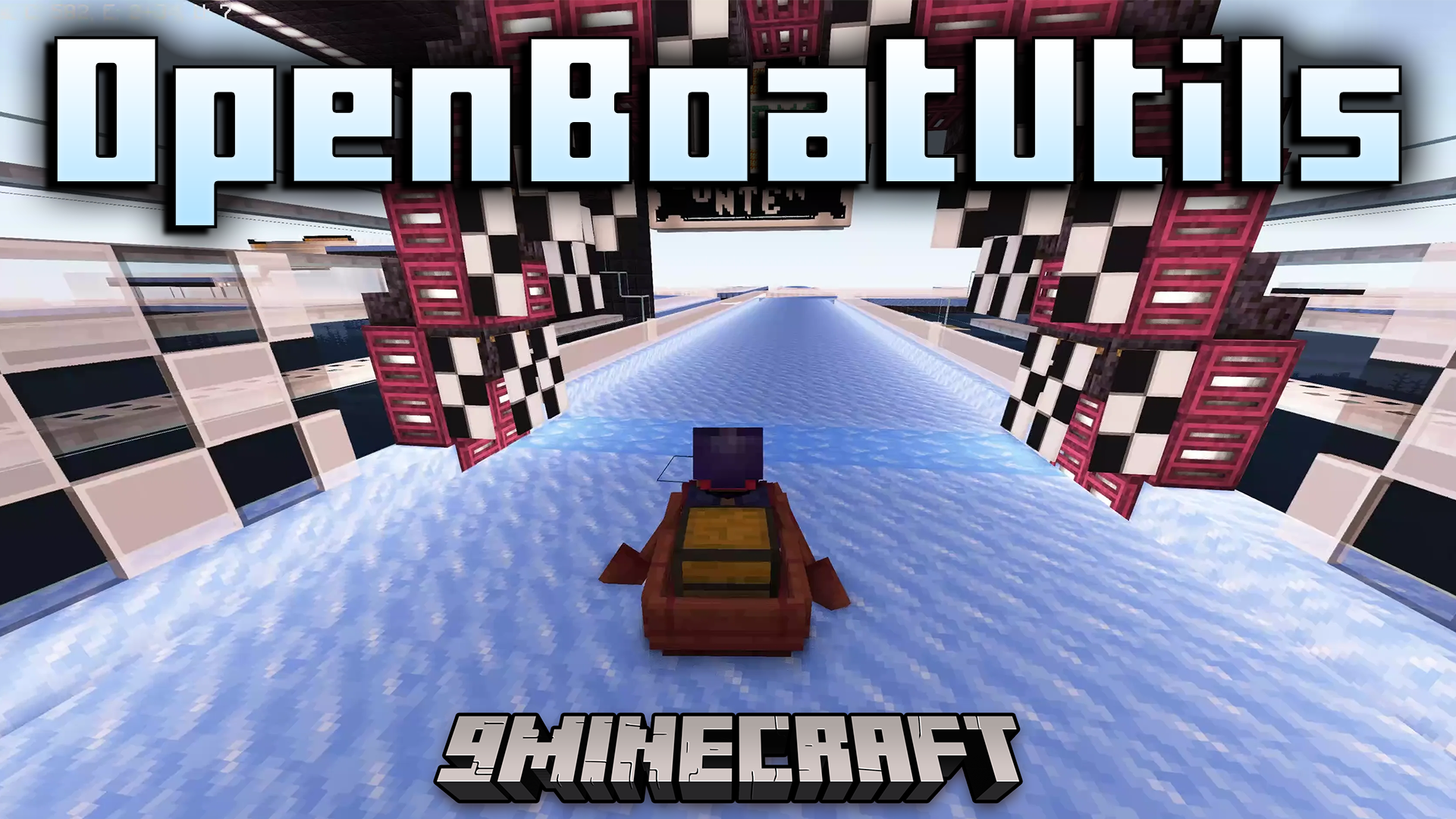
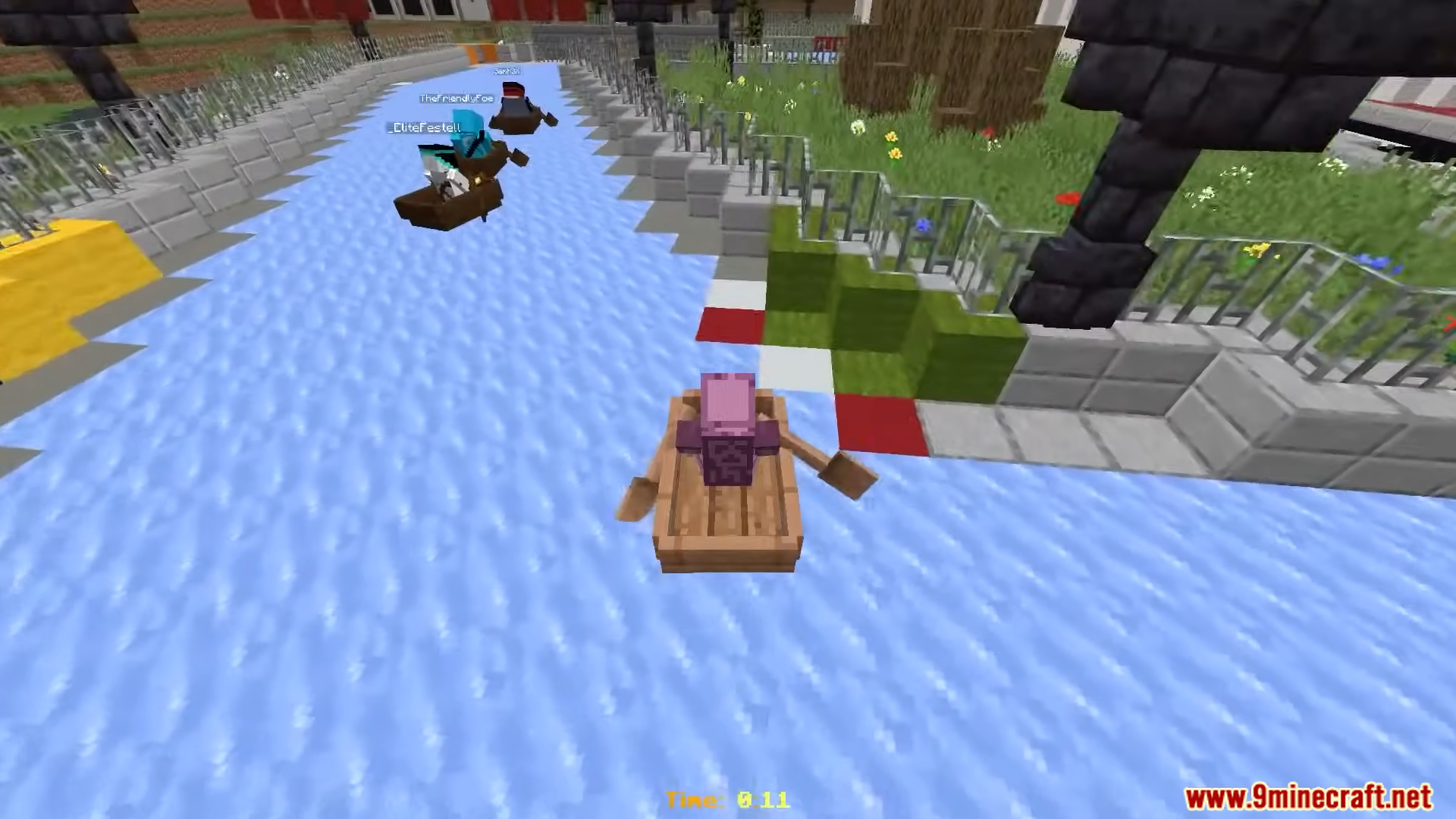
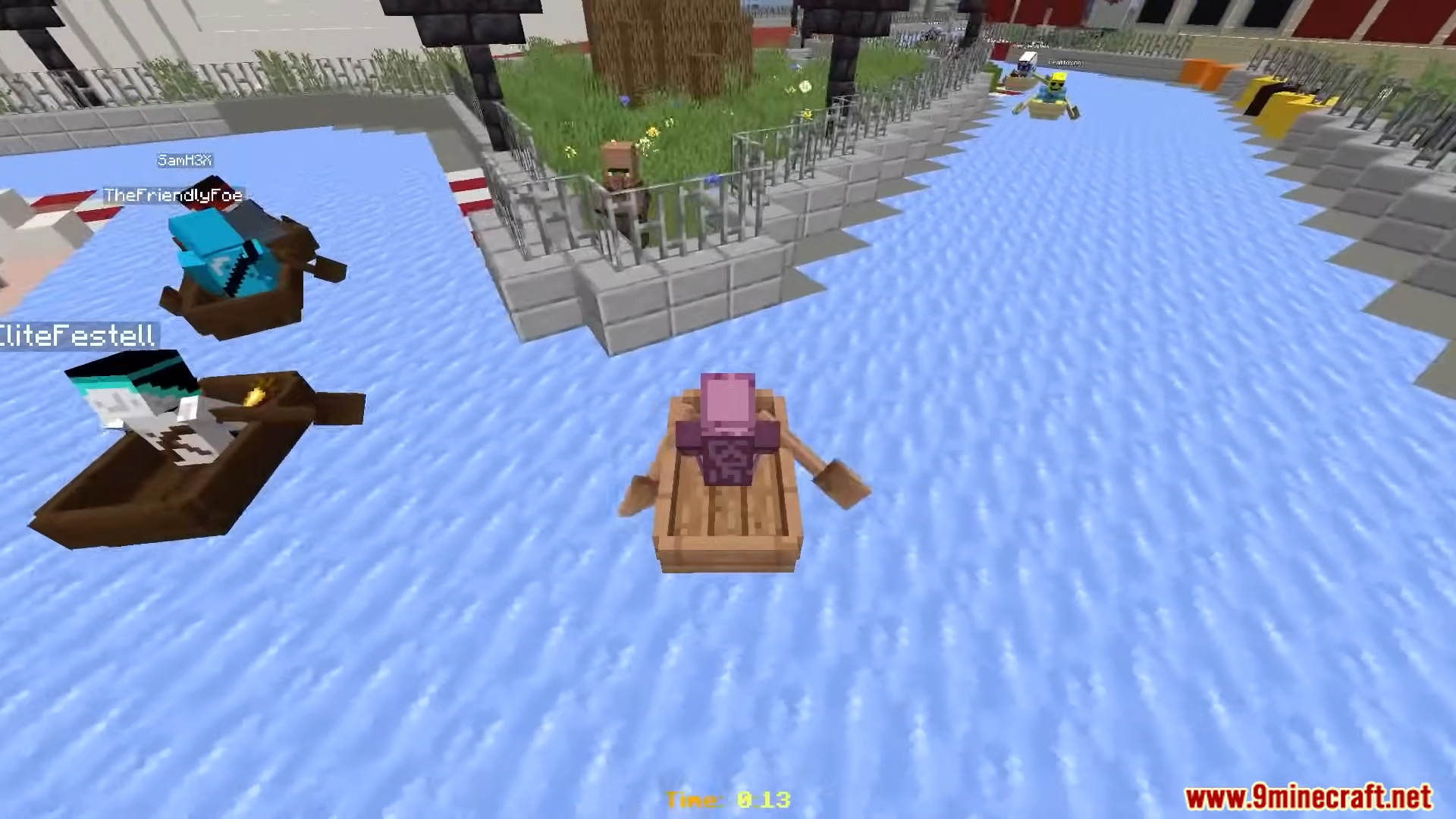
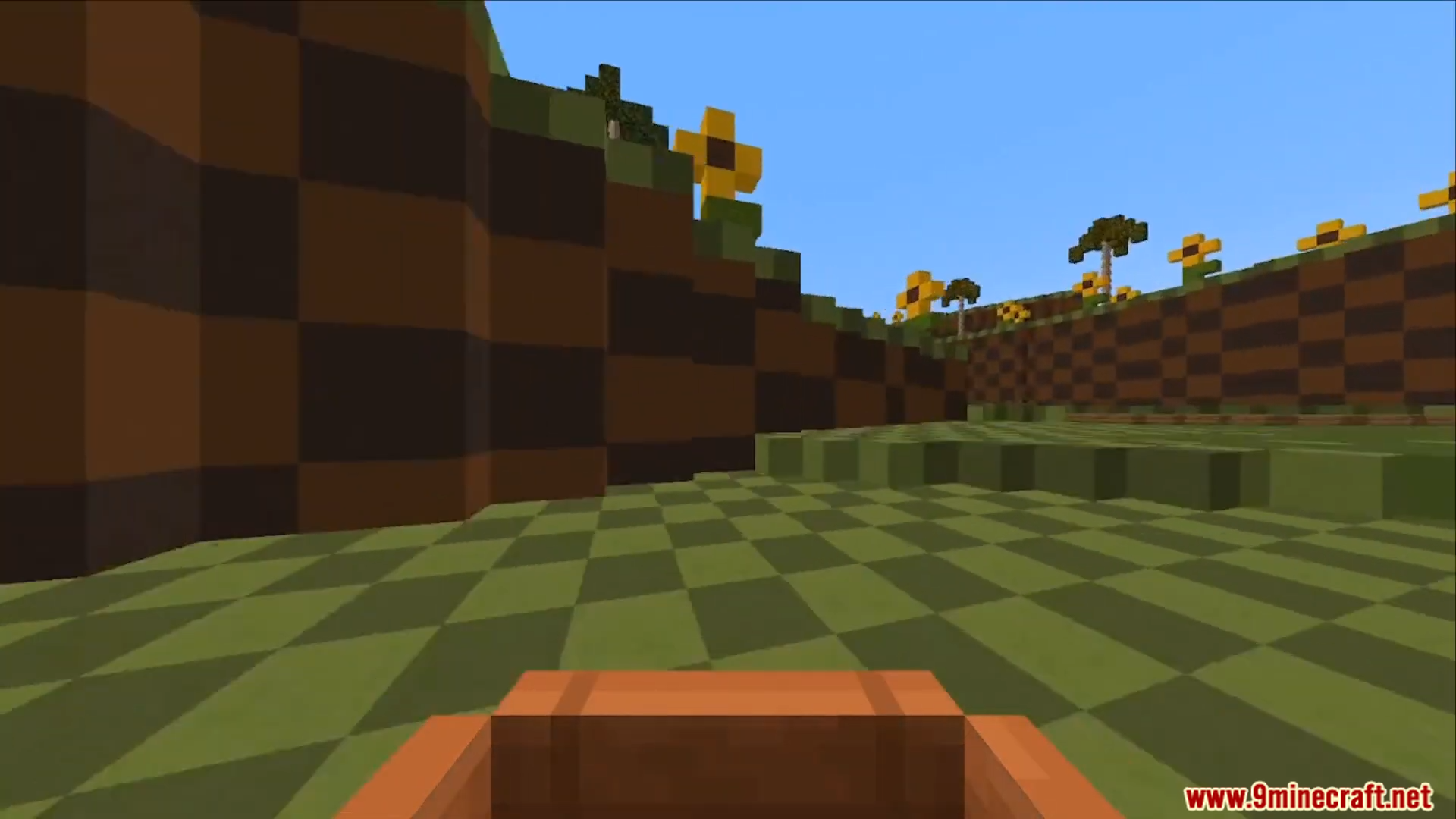
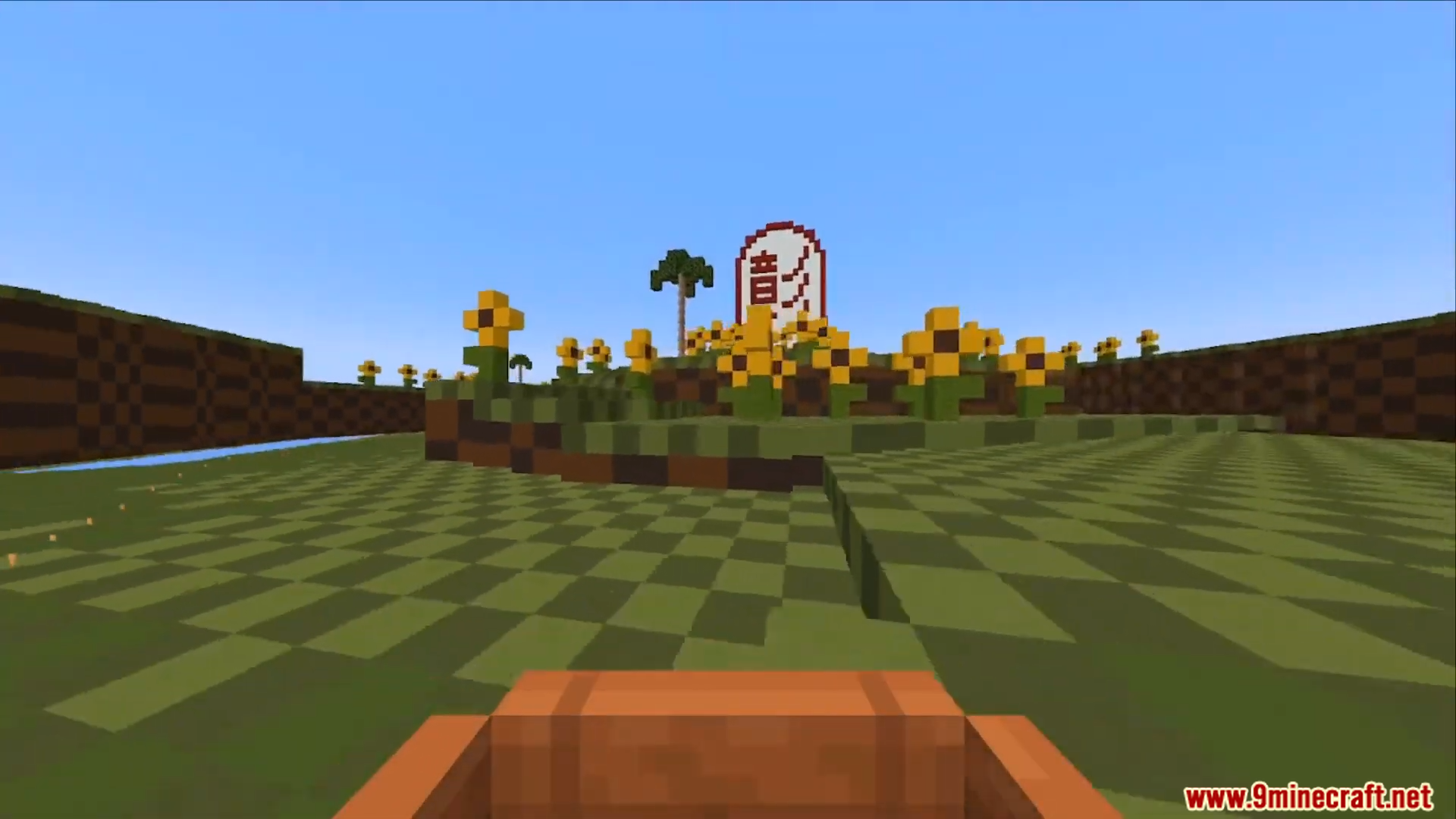
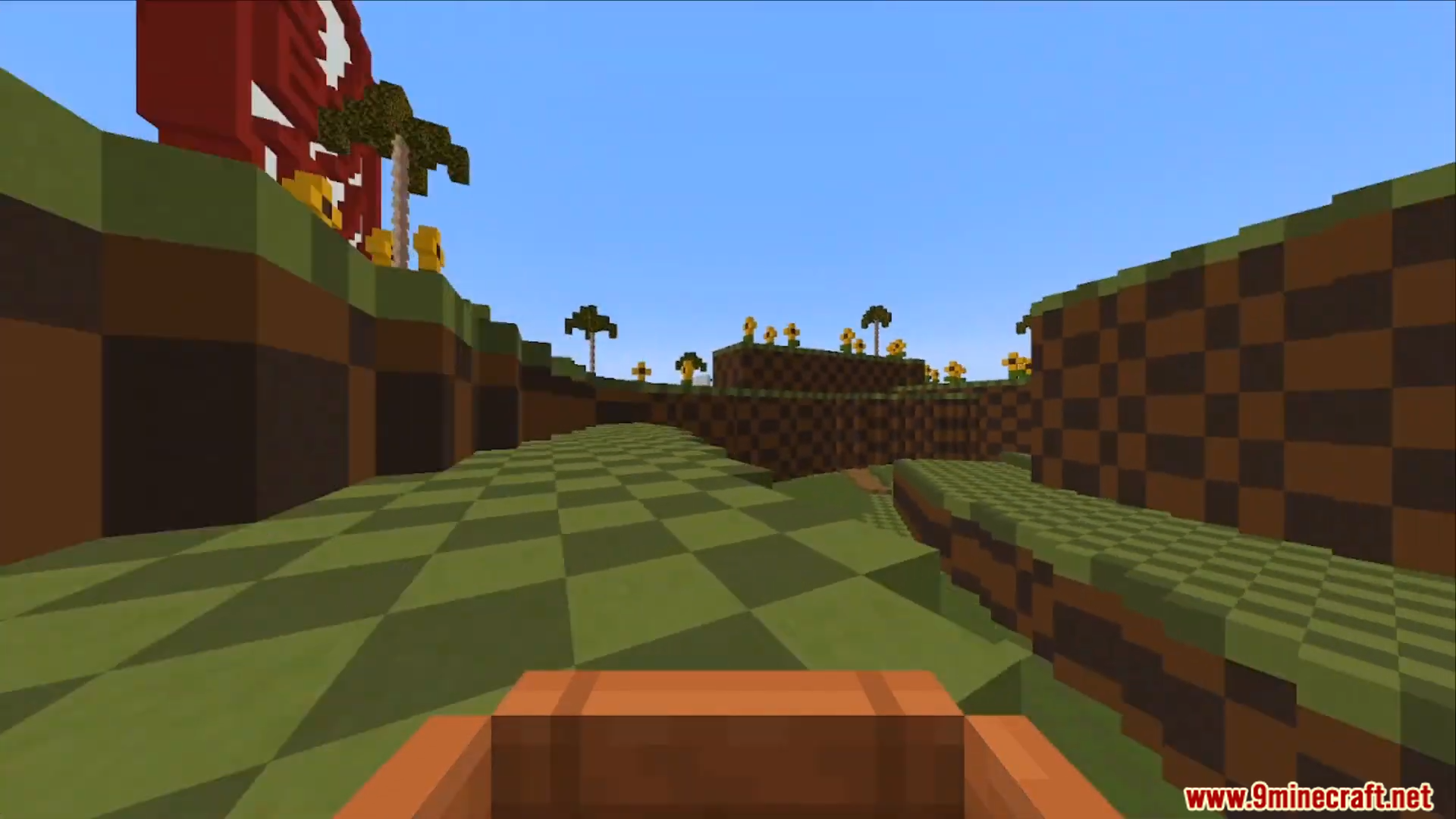
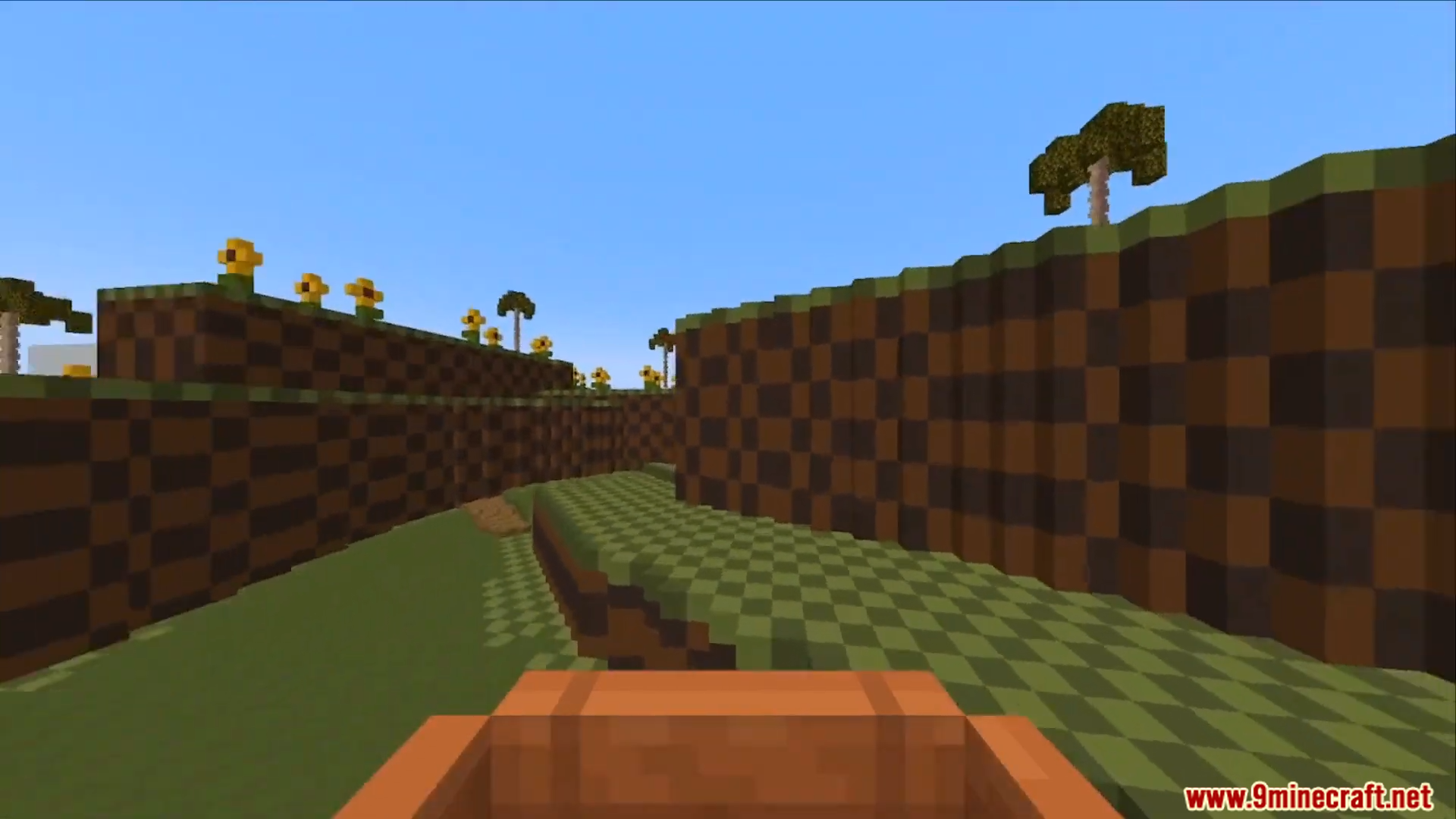
OpenBoatUtils Mod gives other mods and server plugins the tools to change how boats move and feel. This allows for custom boat physics, making things like boat racing on special ice tracks possible. You can also use commands in singleplayer to try out different boat settings for yourself.
Features:
- Change almost everything about how boats move and feel.
- This mod is a tool that lets other mods add new kinds of boats.
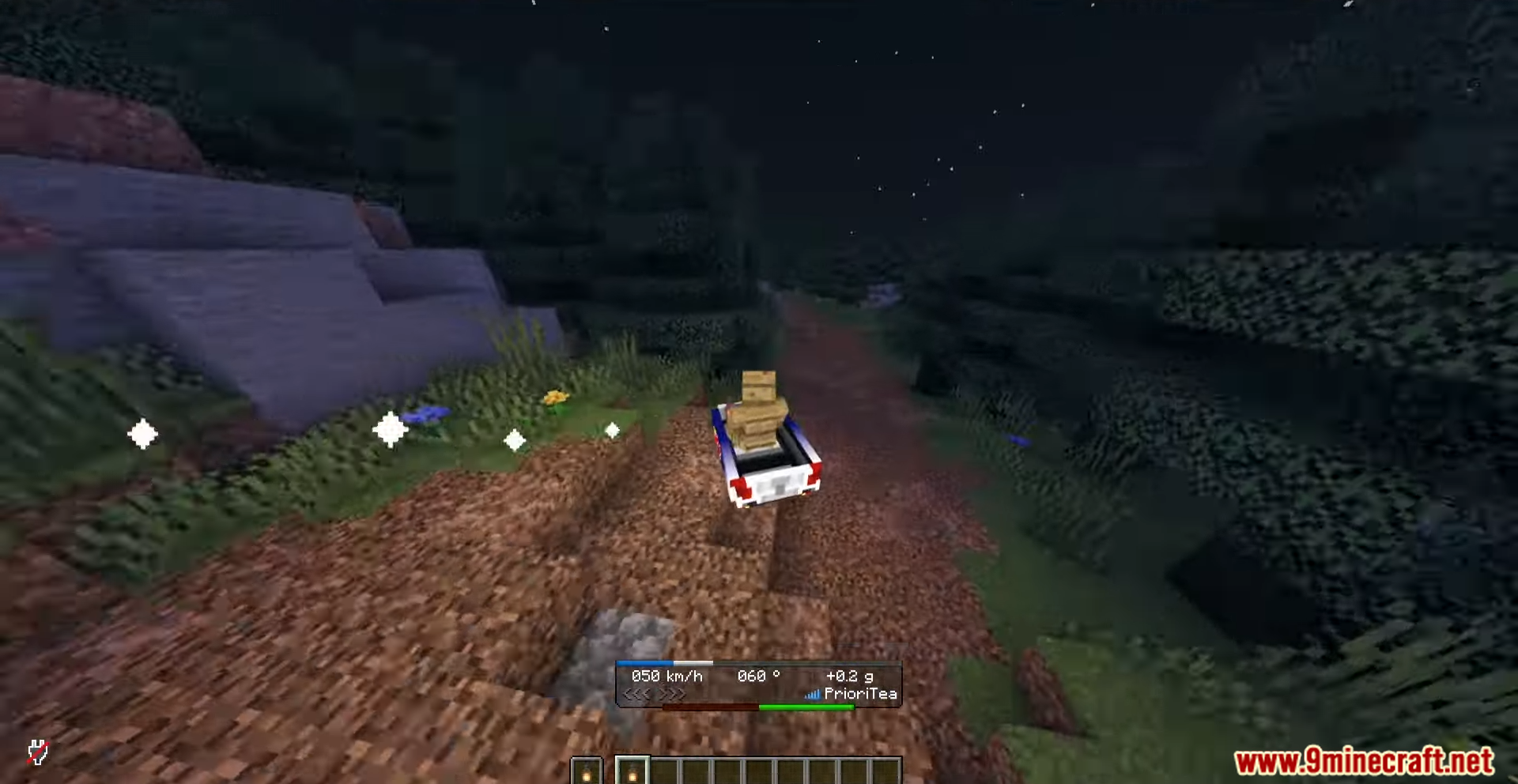
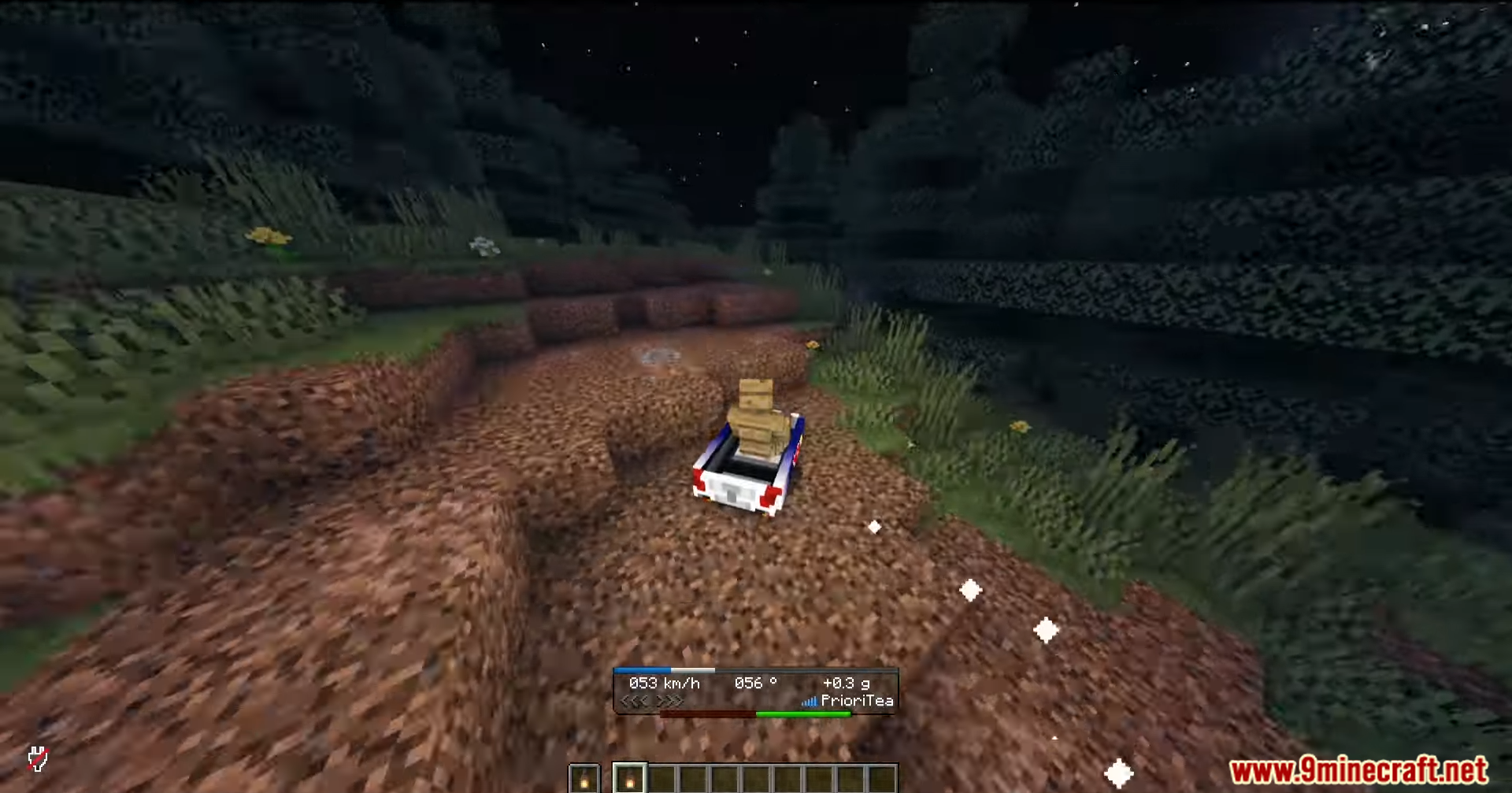
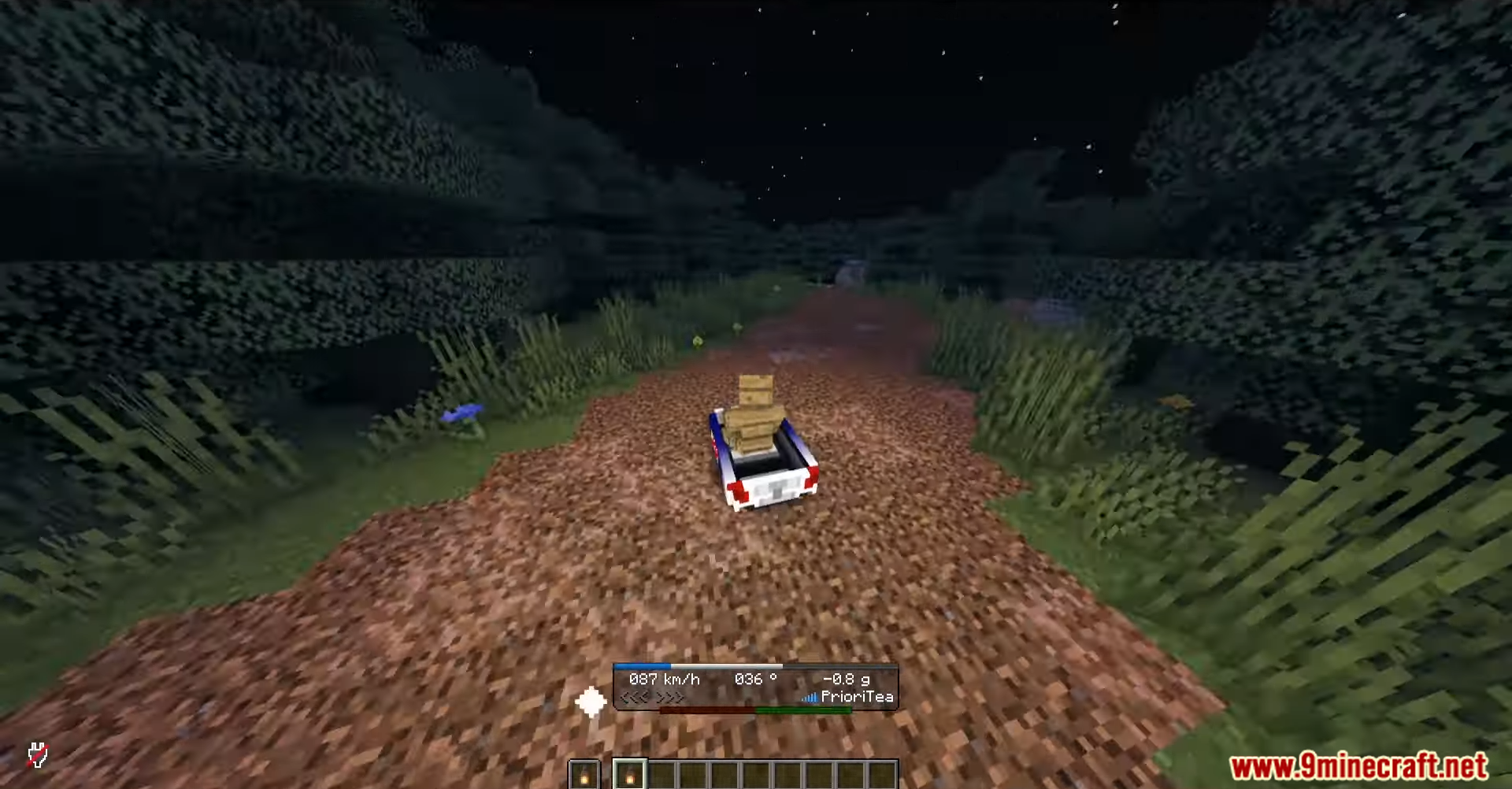
- Boats can have custom shapes and models, even looking like cars.
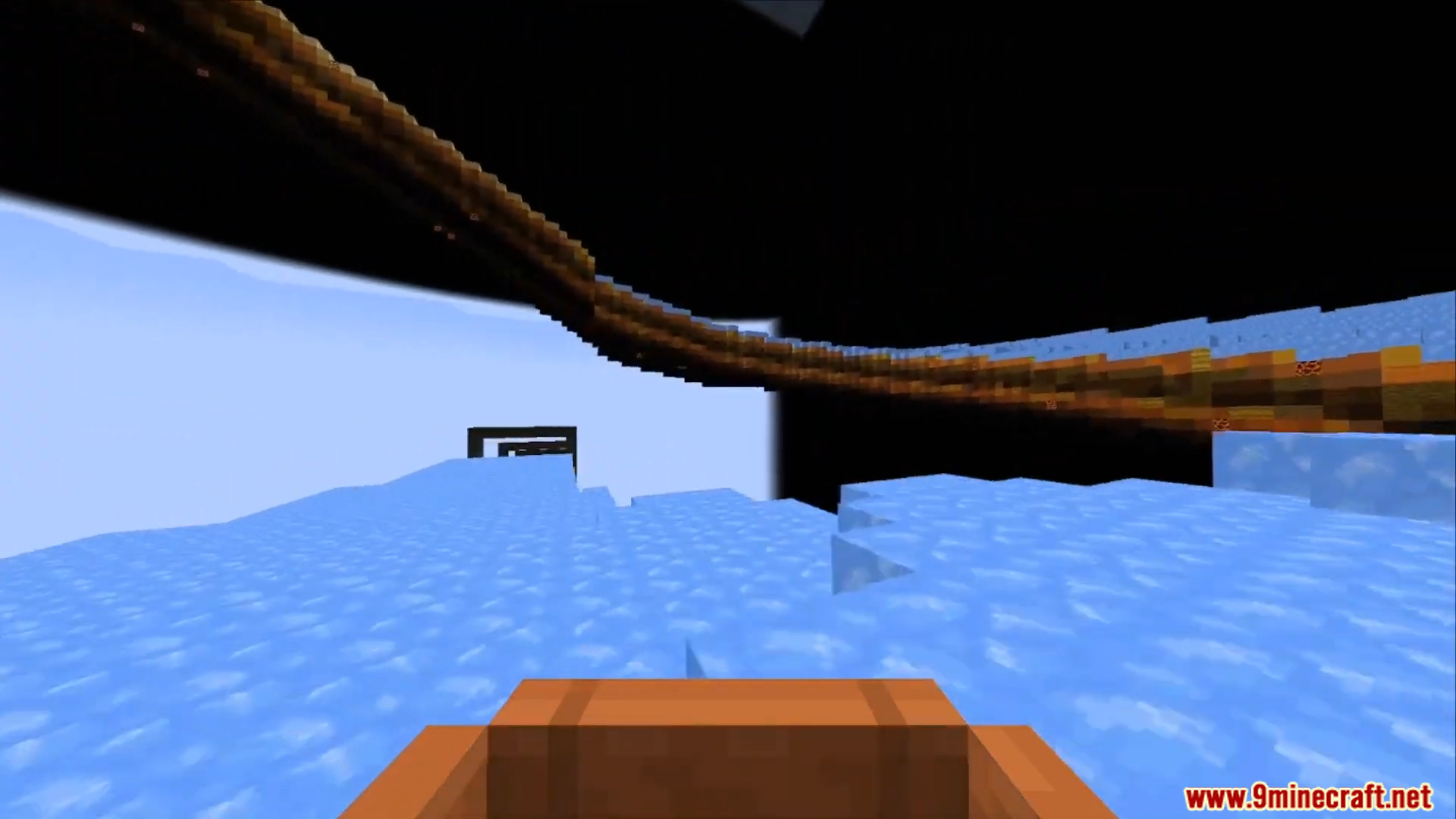
- Build custom race tracks on ice or other blocks with unique physics.
- Adds a speedometer to see your boat’s speed on screen.
- Gives you full control over boat physics with in-game commands.
Commands:
/reset– Puts all boat settings back to default./defaultslipperiness [number]– Sets how slippery all blocks are for boats./blockslipperiness [number] [blocks]– Makes only certain blocks slippery./aircontrol [true/false]– Lets you steer the boat while it is in the air./waterelevation [true/false]– Turns the boat’s bobbing motion in water on or off./falldamage [true/false]– Decides if your boat takes damage from long falls./jumpforce [number]– Changes how high a boat can jump./boatmode [mode]– Switches how the boat moves between different styles./boatgravity [number]– Adjusts how strongly gravity pulls the boat down./setyawaccel [number]– Changes how quickly the boat can turn left or right./setforwardaccel [number]– Sets how fast the boat speeds up when going forward./setbackwardaccel [number]– Sets how fast the boat speeds up when going backward./setturnforwardaccel [number]– Changes the boat’s speed while turning./allowaccelstacking [true/false]– Turns on or off if speed boosts can add up.
Screenshots:
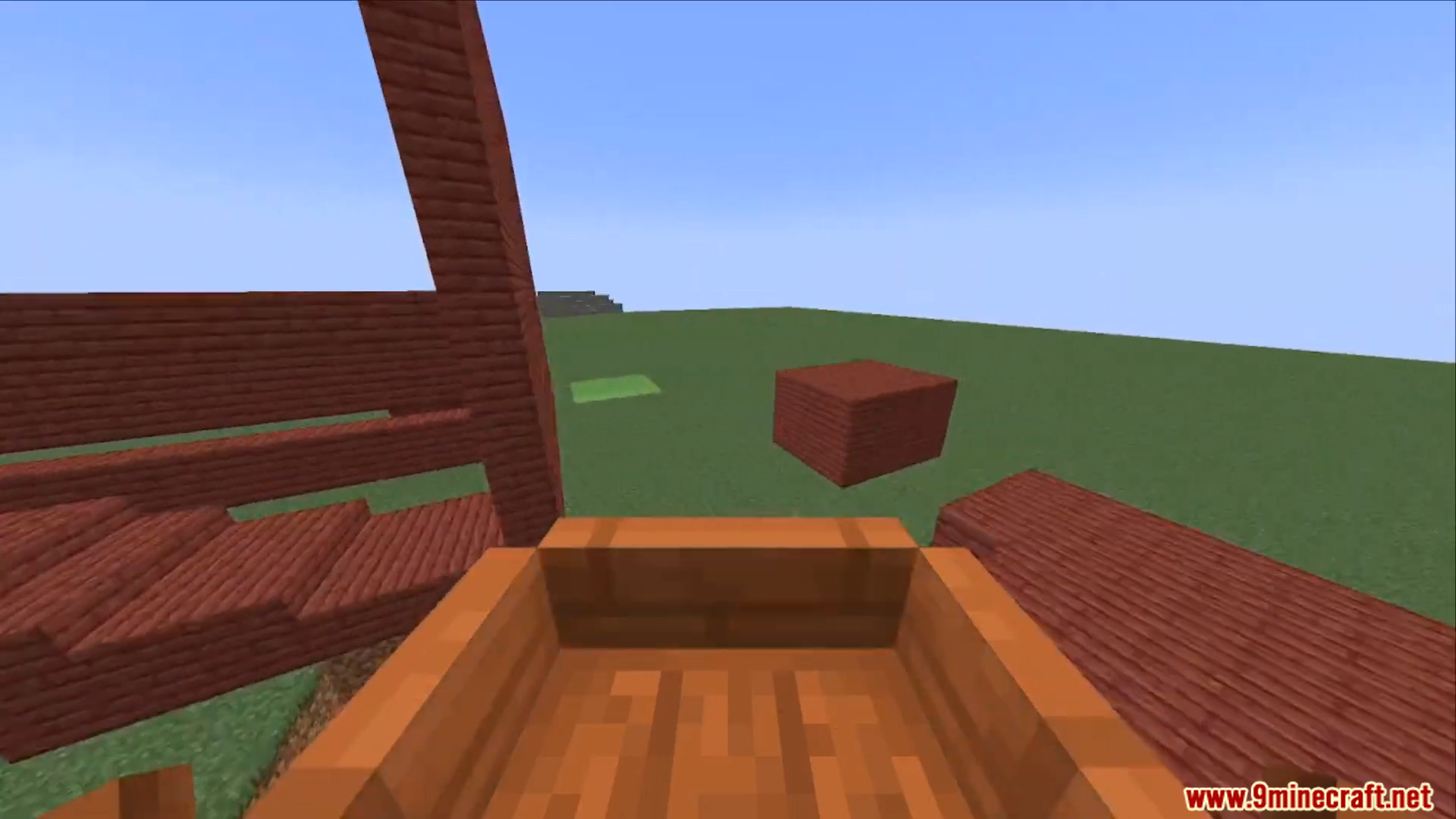
OpenBoatUtils Mod Download Links
Quick facts
- Edition: Minecraft Java
- File type: .jar
- Minecraft versions listed: 1.21.11, 1.20.1
- How to install: Install the matching mod loader (Forge, Fabric or NeoForge) for your Minecraft version. → Download the .jar. → Put it in the .minecraft/mods folder and launch that loader profile.
- Where to get it: In MC Java Mods, or directly above on this page.
Install steps are the general flow for this file type — How to install Minecraft Java mods & modpacks walks through it step by step.
File checked by MCModsHub
- Downloads as 2756.mcaddon
- Download size: 426 KB
- Download link checked 25 Sept 2026 — working
- Mirrored on our own servers — the download does not depend on the original host
These come from our own check of the pack file, not from the source page.