
Minedows 98
I don't know my version or loader
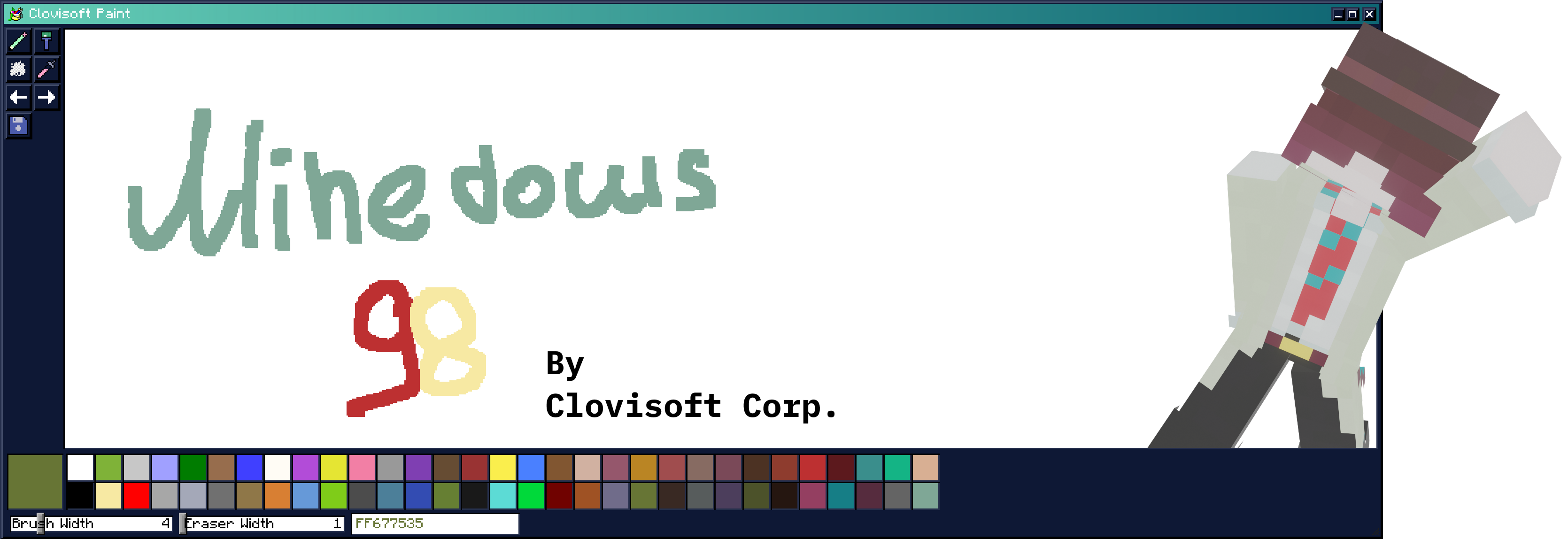
Introducing Minedows 98! Feel like you're back in the old days with the modern video game Minecraft. You can do anything you want with windows, your surroundings, and even create!
Let's take a closer look at the features.
This is your desktop:
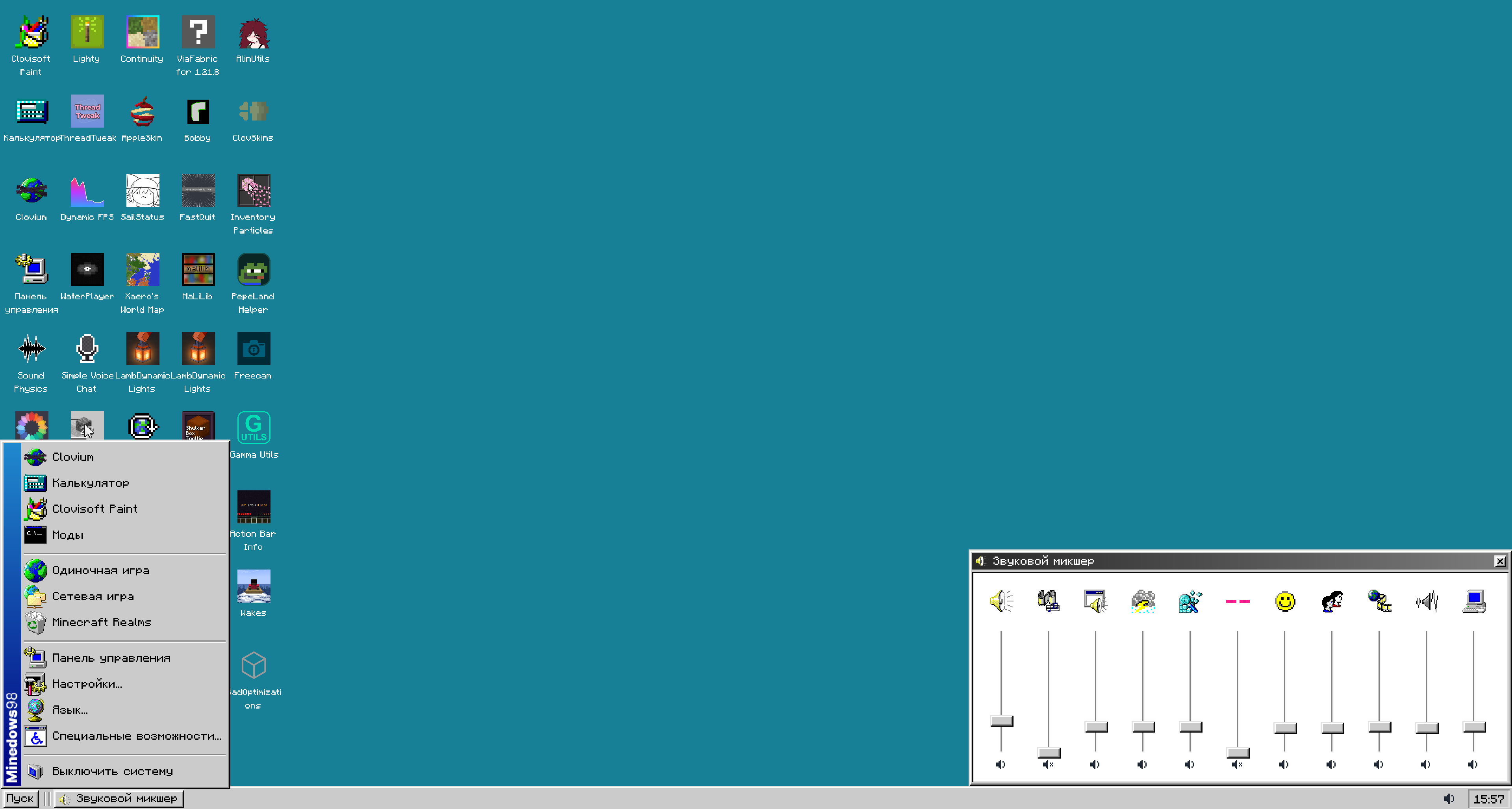
You can customize the shortcuts, wallpapers, and color palette of your environment.
Now let's take a look at a couple of programs that come with the “Operating System.”
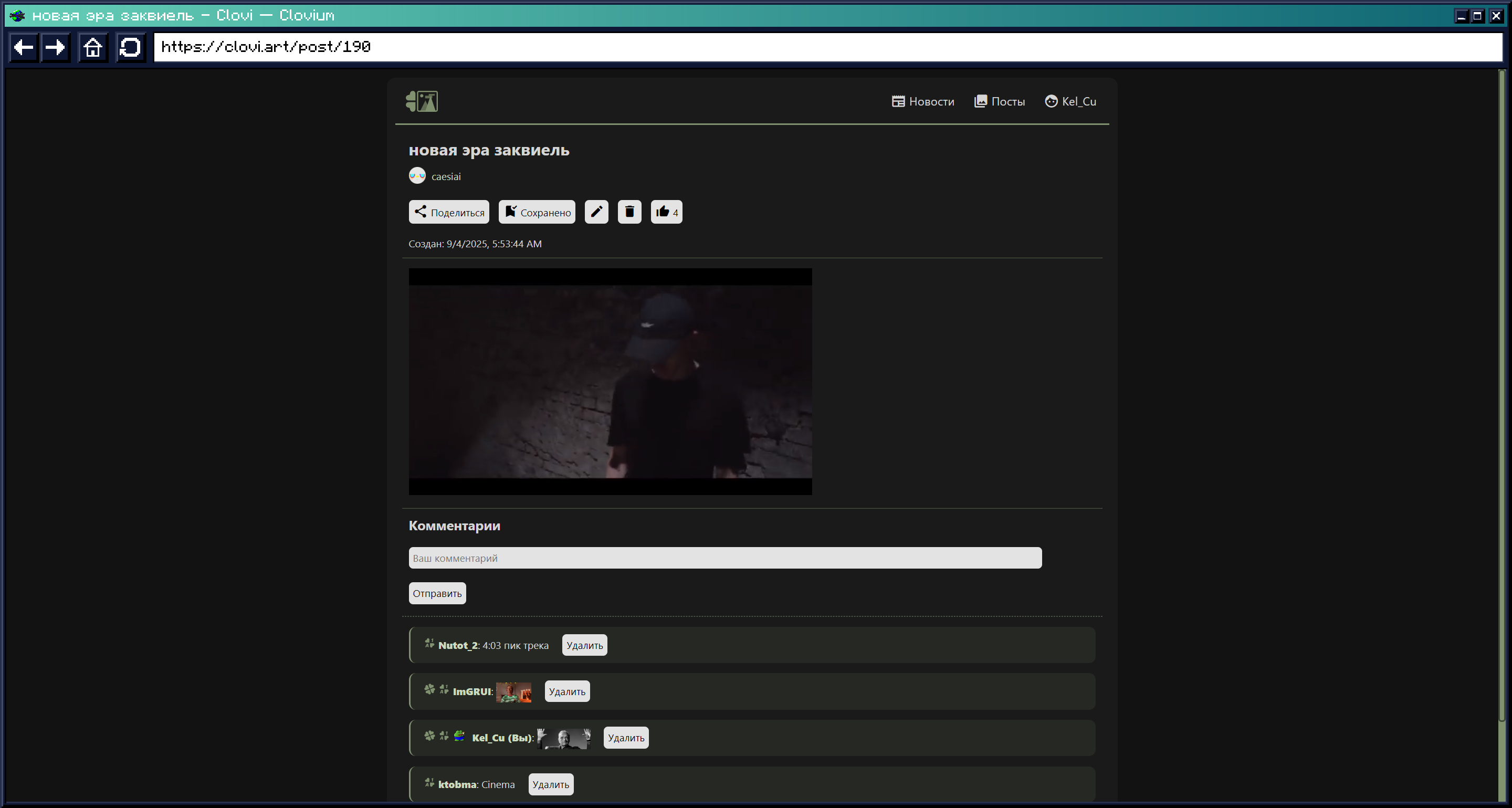
Clovium
Here you can go anywhere on the World Wide Web, except vk.ru
Important: in order for the browser to work and be available, you need to install MCEF for 1.21.8 and above!
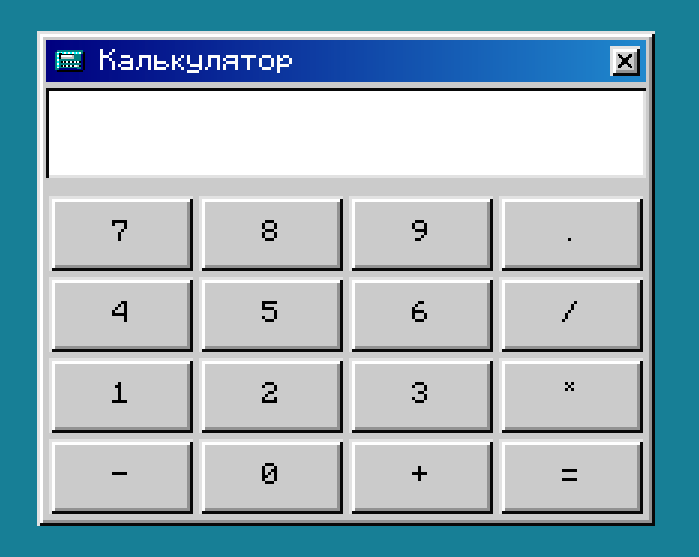
Calculator
A simple calculator where you can calculate your diamonds on your favorite server.
Clovisoft Paint
You got it right, we made our own version of Microsoft Paint 1998 in Minecraft, where you can draw anything you want!
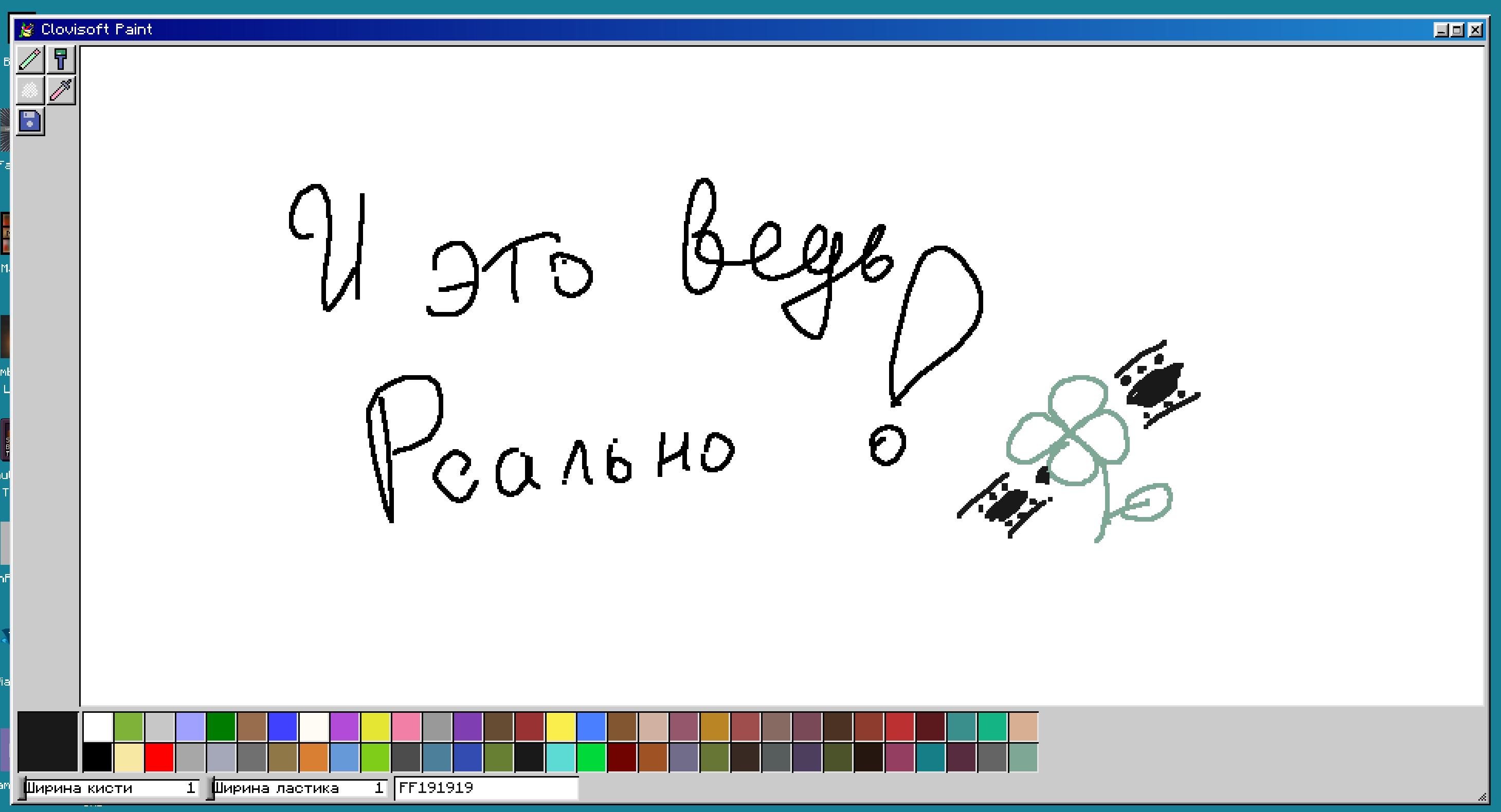
Now that we've discussed the apps, let's talk about
Customization
You can set any wallpaper you like, for example: Perlin Noise with its colors, a boring solid color, or a familiar panorama. But that's not all! You can set your own wallpaper using your images in the world machine. As mentioned earlier, you can customize the color palette of your theme or use ready-made ones in the “system.” Here is an example of a desktop in the “Urban environment” style:

Now that you're interested, we look forward to seeing you in the Minedows 98 family!
With love,
Clovisoft Corp.!
- Edition: Minecraft Java
- File type: .jar
- Minecraft versions listed: 1.21.6, 1.21.7, 1.21.8
- How to install: Install the matching mod loader (Forge, Fabric or NeoForge) for your Minecraft version. → Download the .jar. → Put it in the .minecraft/mods folder and launch that loader profile.
- Where to get it: Opens on Modrinth — not every file is mirrored on our own servers.
Install steps are the general flow for this file type — How to install Minecraft Java mods & modpacks walks through it step by step.
- Ships as Minedows 98-1.0.0-beta.7-true+mc1.21.8.jar — drop this file into the mods folder
- Download size: 11.5 MB
- Download link checked 31 Aug 2026 — working
These come from our own check of the pack file, not from the source page.