ModsJava
Borderless Fullscreen Mod (26.2, 1.20.1) – Replaces Minecraft’s Default Fullscreen
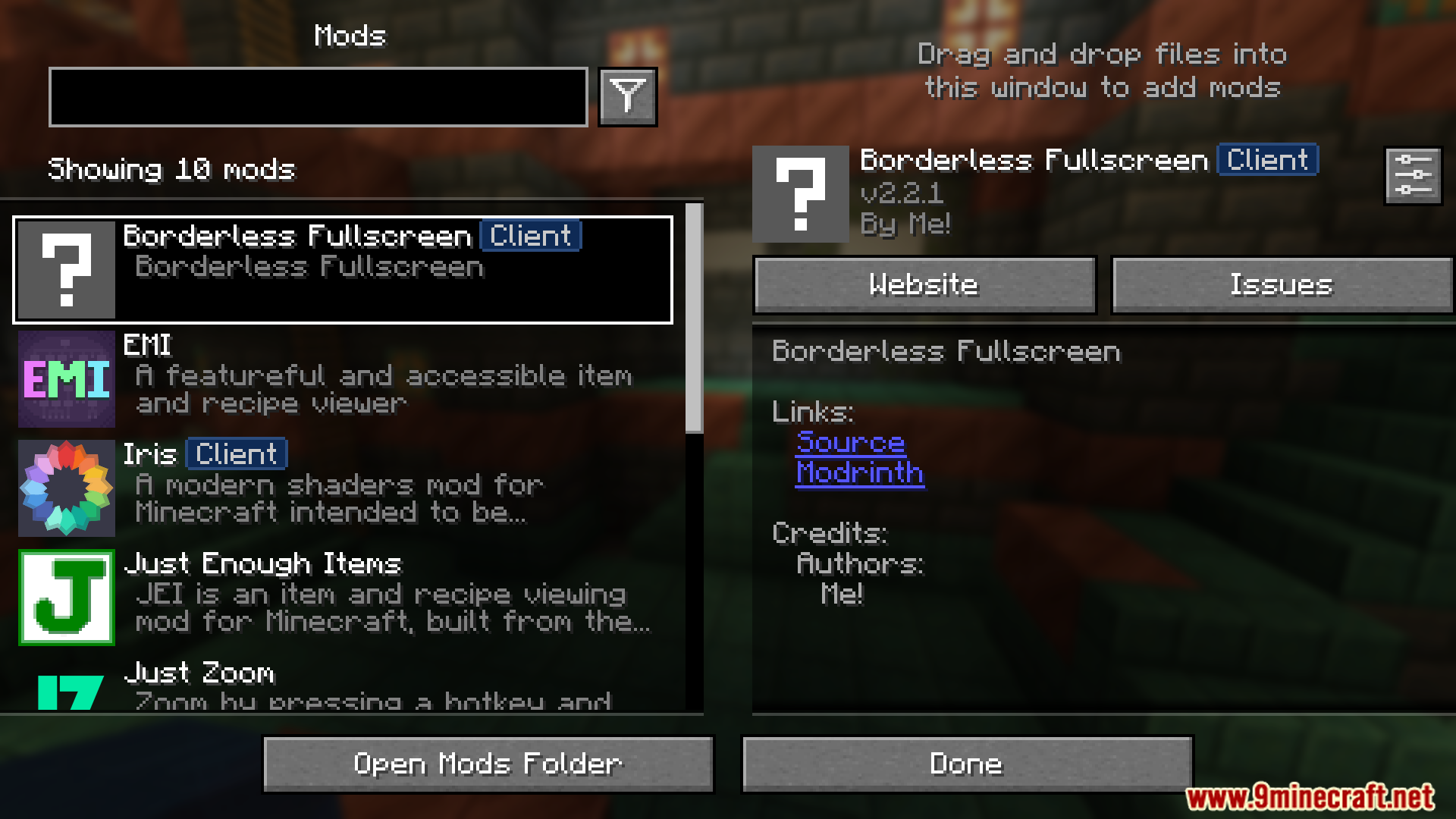
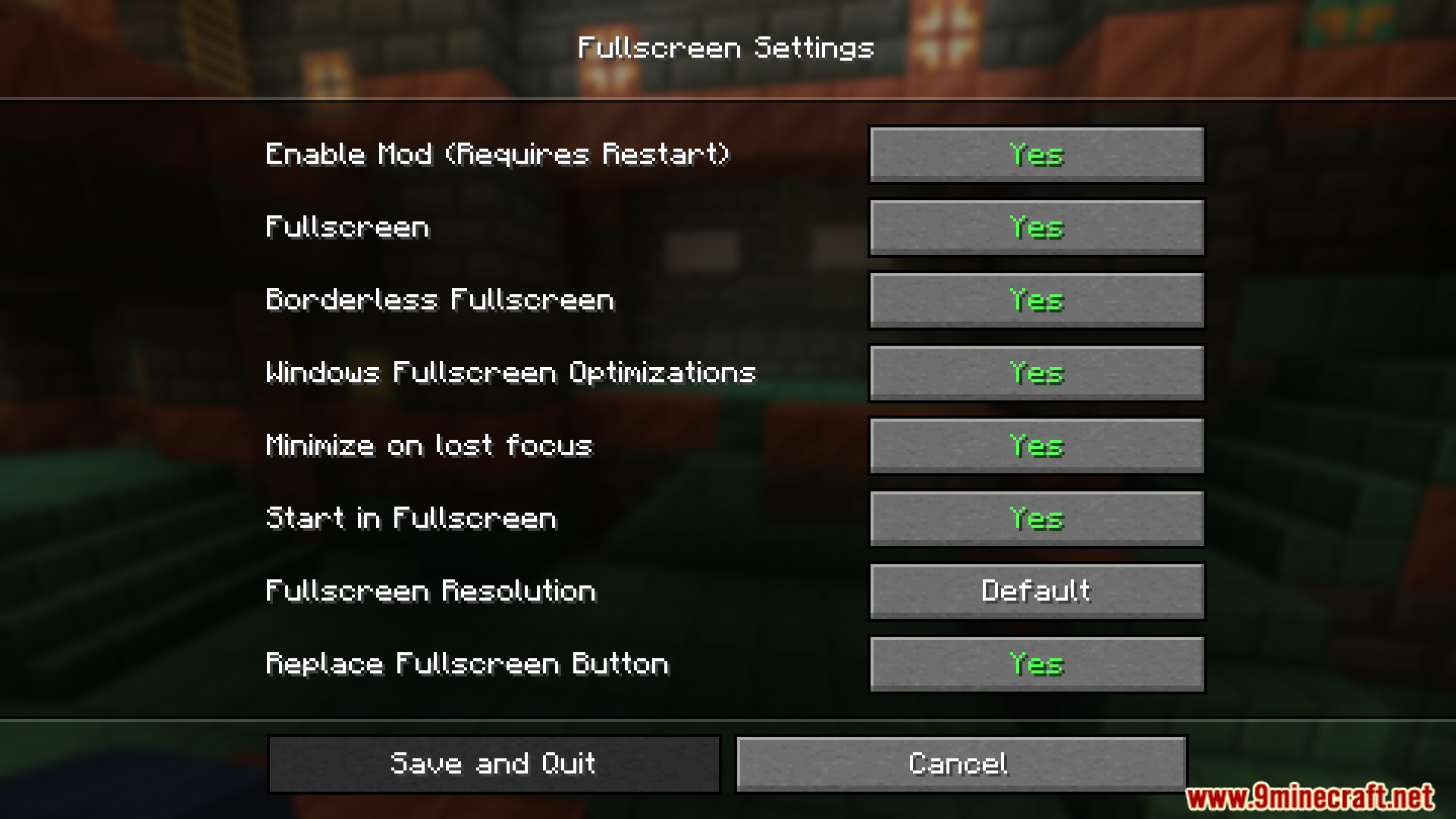
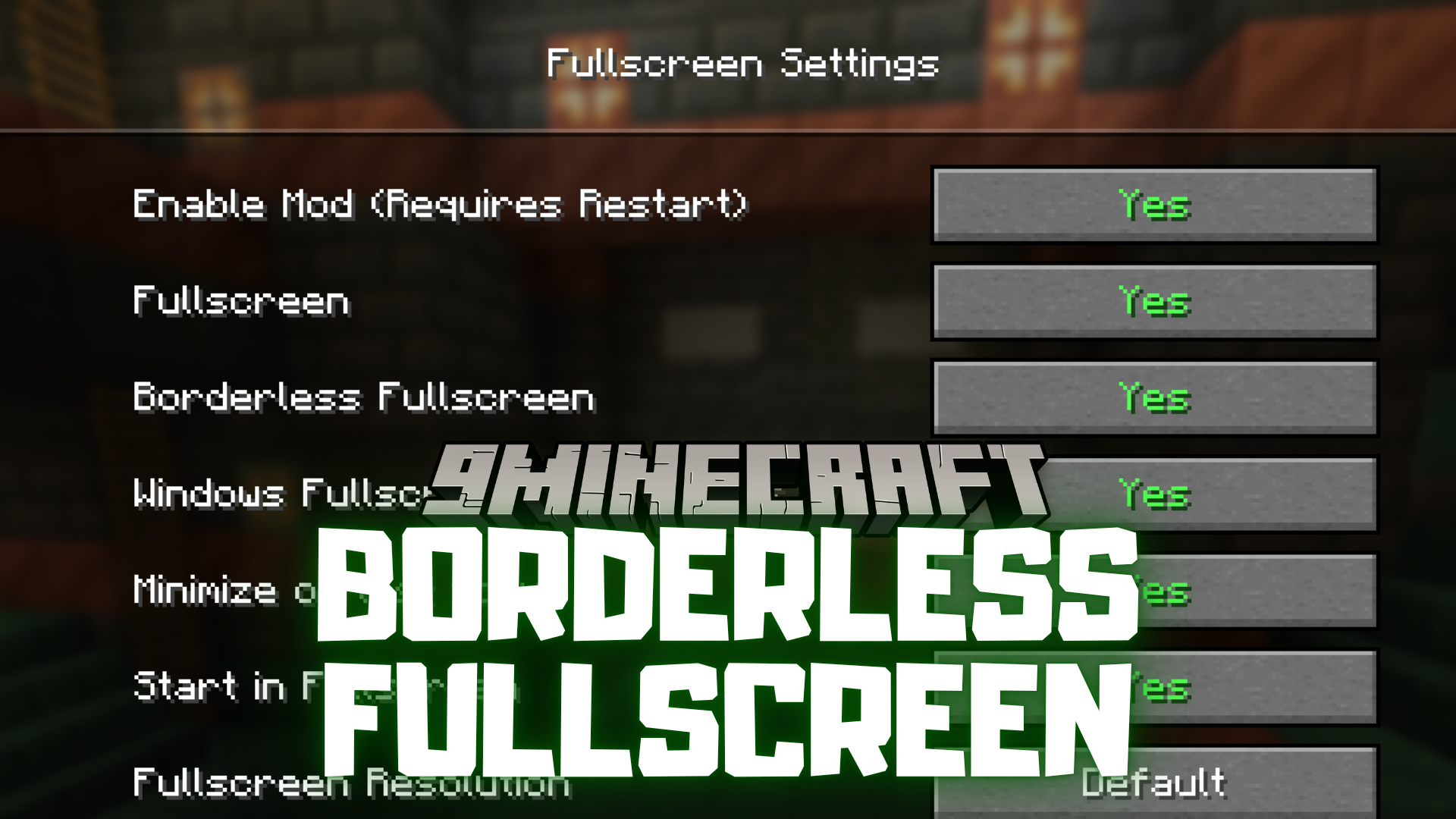
Borderless Fullscreen Mod replaces Minecraft’s default fullscreen mode with a custom version that gives more flexibility and control over how the game appears on screen.
Features:
- Replaces the default fullscreen with a custom version.
- Removes window borders for a cleaner look.
- Helps with smoother transitions between apps.
- Useful for multi-monitor setups.
- Adds more control over screen display settings.
Screenshots:
Borderless Fullscreen Mod Download Links
Quick facts
- Edition: Minecraft Java
- File type: .jar
- Minecraft version listed: 1.20.1
- How to install: Install the matching mod loader (Forge, Fabric or NeoForge) for your Minecraft version. → Download the .jar. → Put it in the .minecraft/mods folder and launch that loader profile.
- Where to get it: In MC Java Mods, or directly above on this page.
Install steps are the general flow for this file type — How to install Minecraft Java mods & modpacks walks through it step by step.
Verified by MCModsHub
- Downloads as 27569.mcaddon
- Download size: 186 KB
- Download link checked 22 Sept 2026 — working
- Mirrored on our own servers — the download does not depend on the original host
These come from our own check of the pack file, not from the source page.