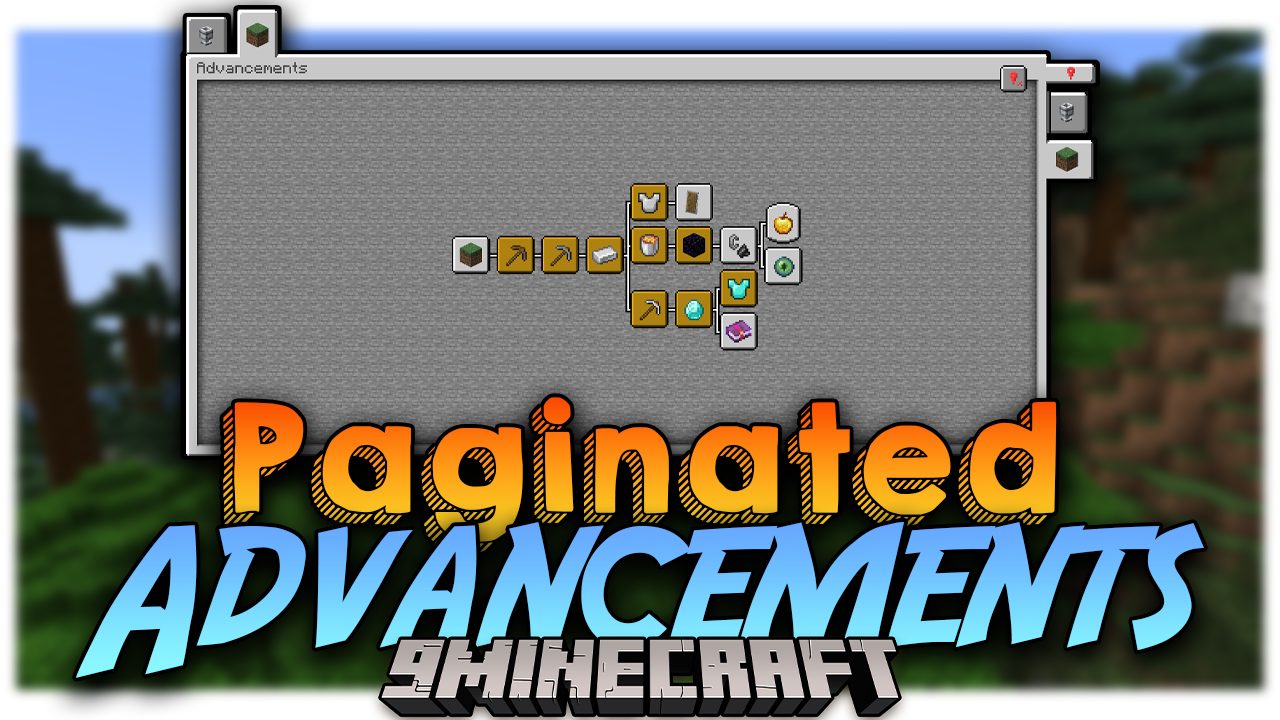
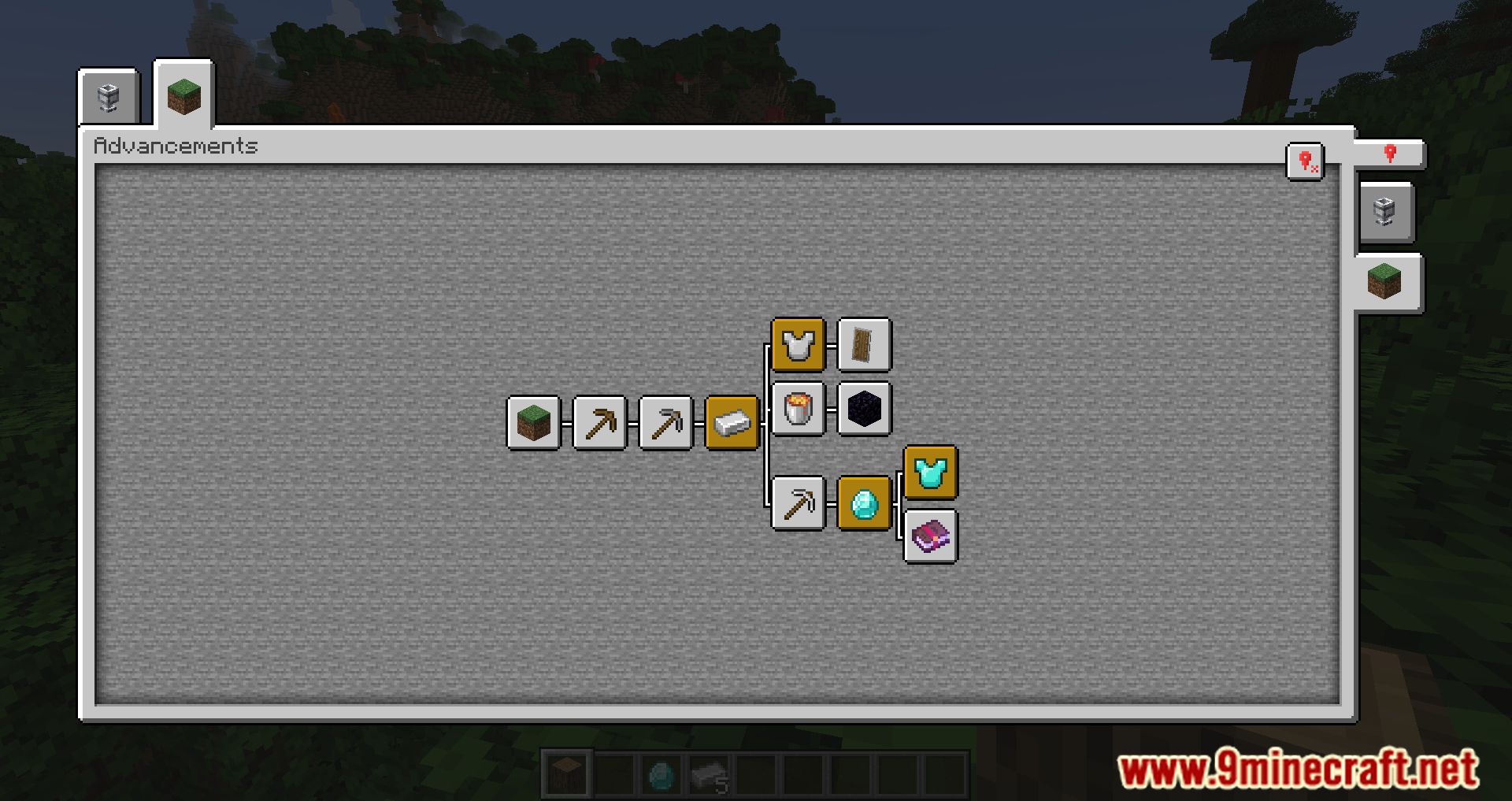
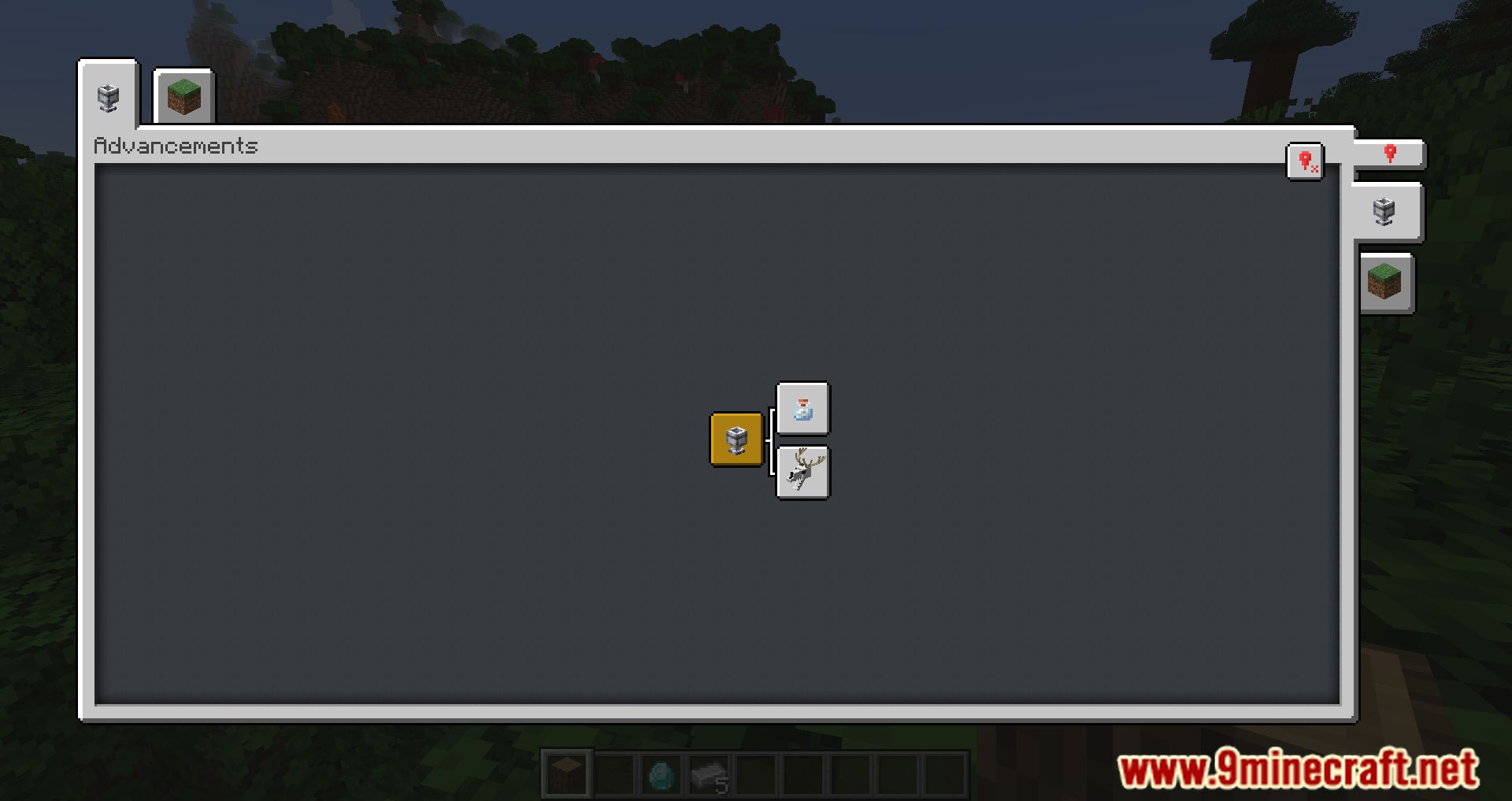
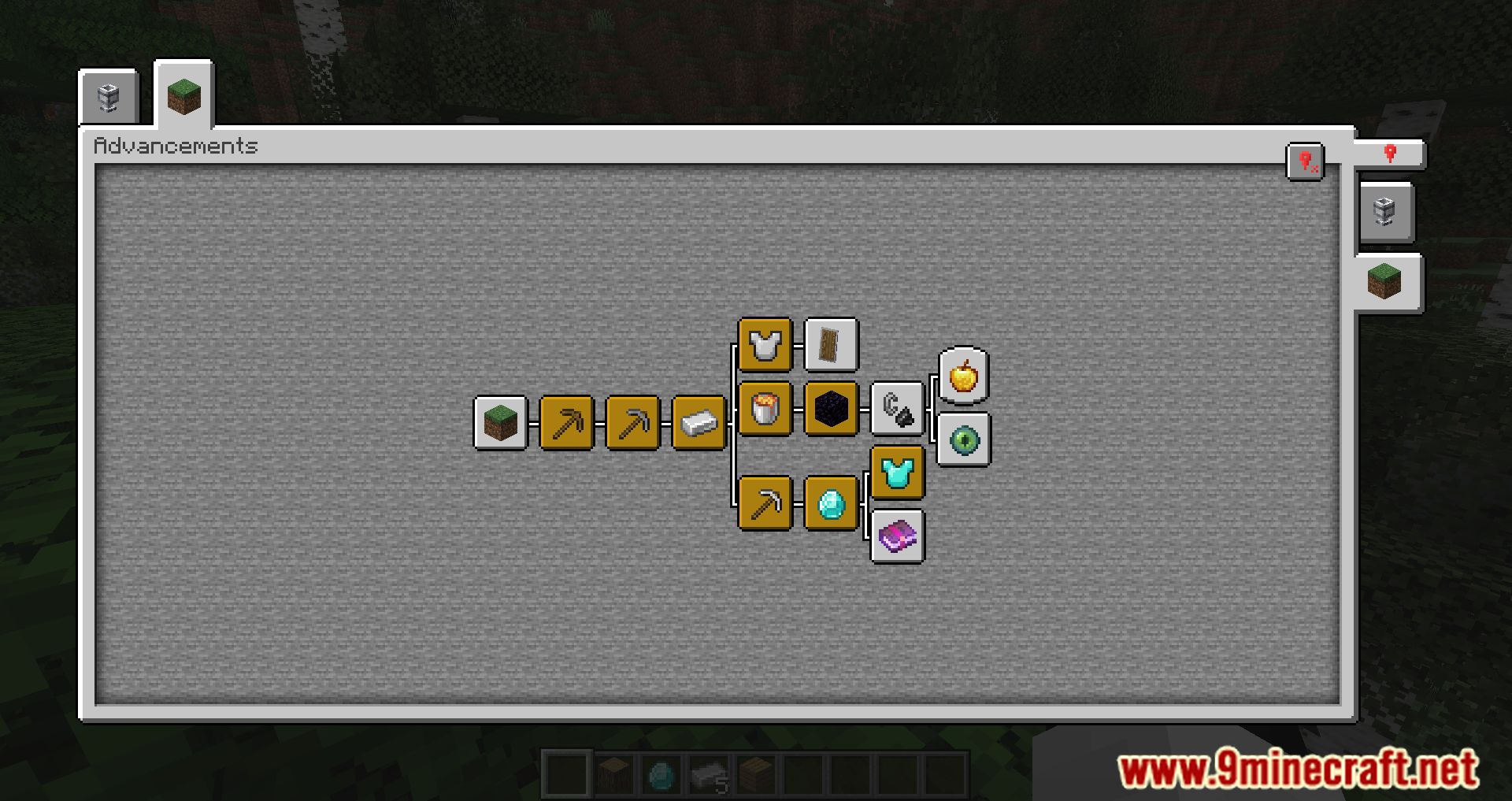
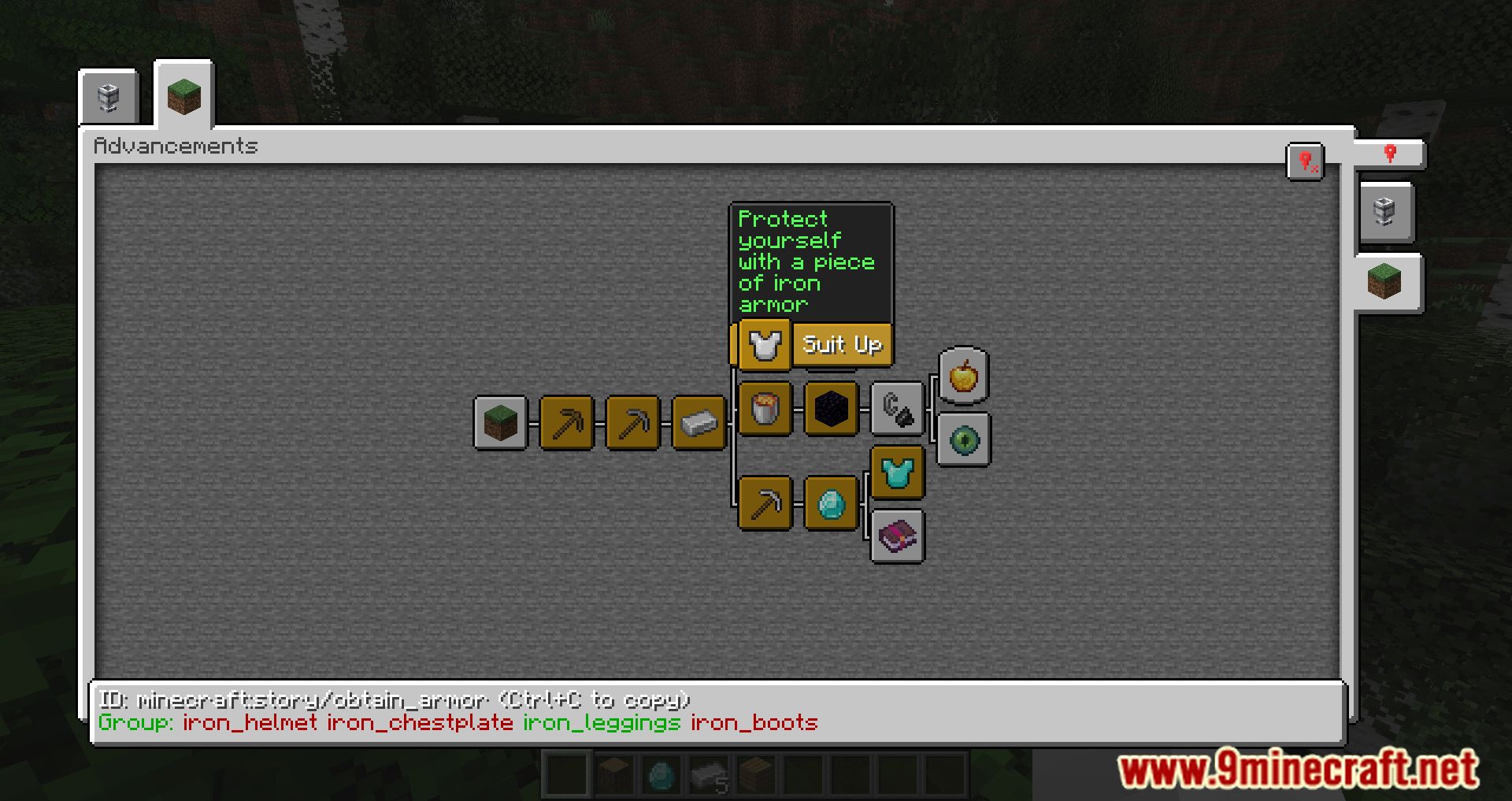
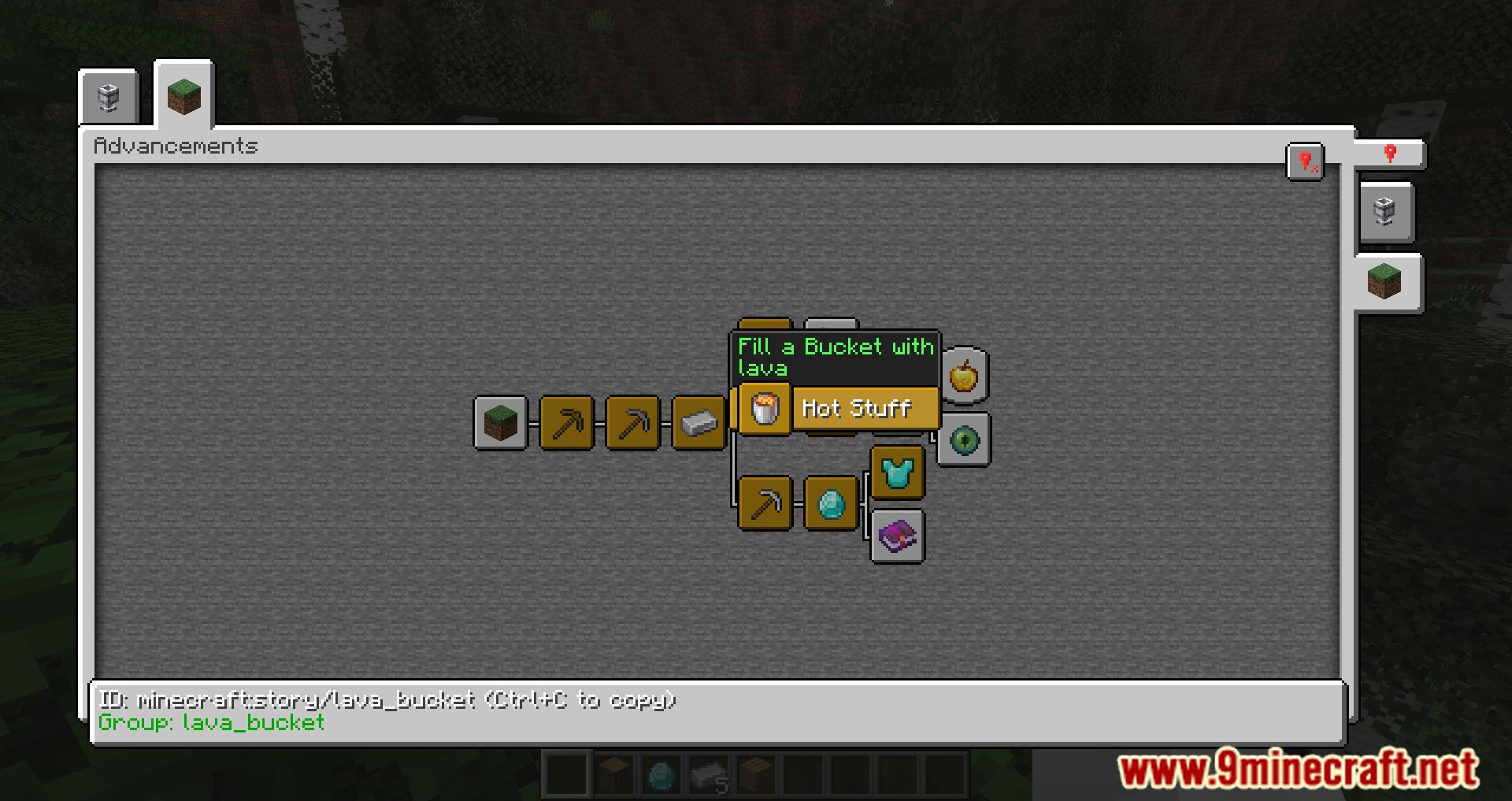
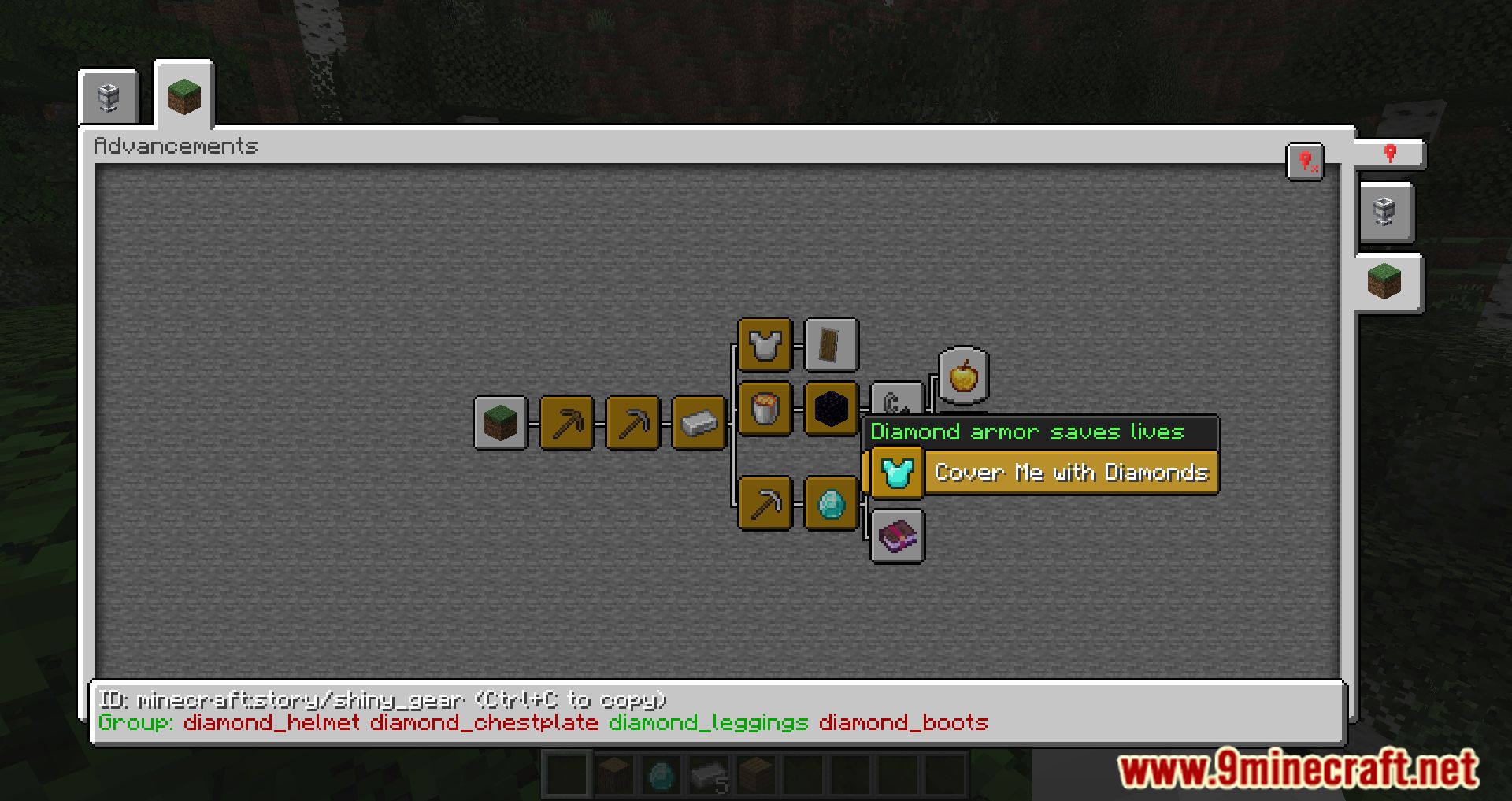
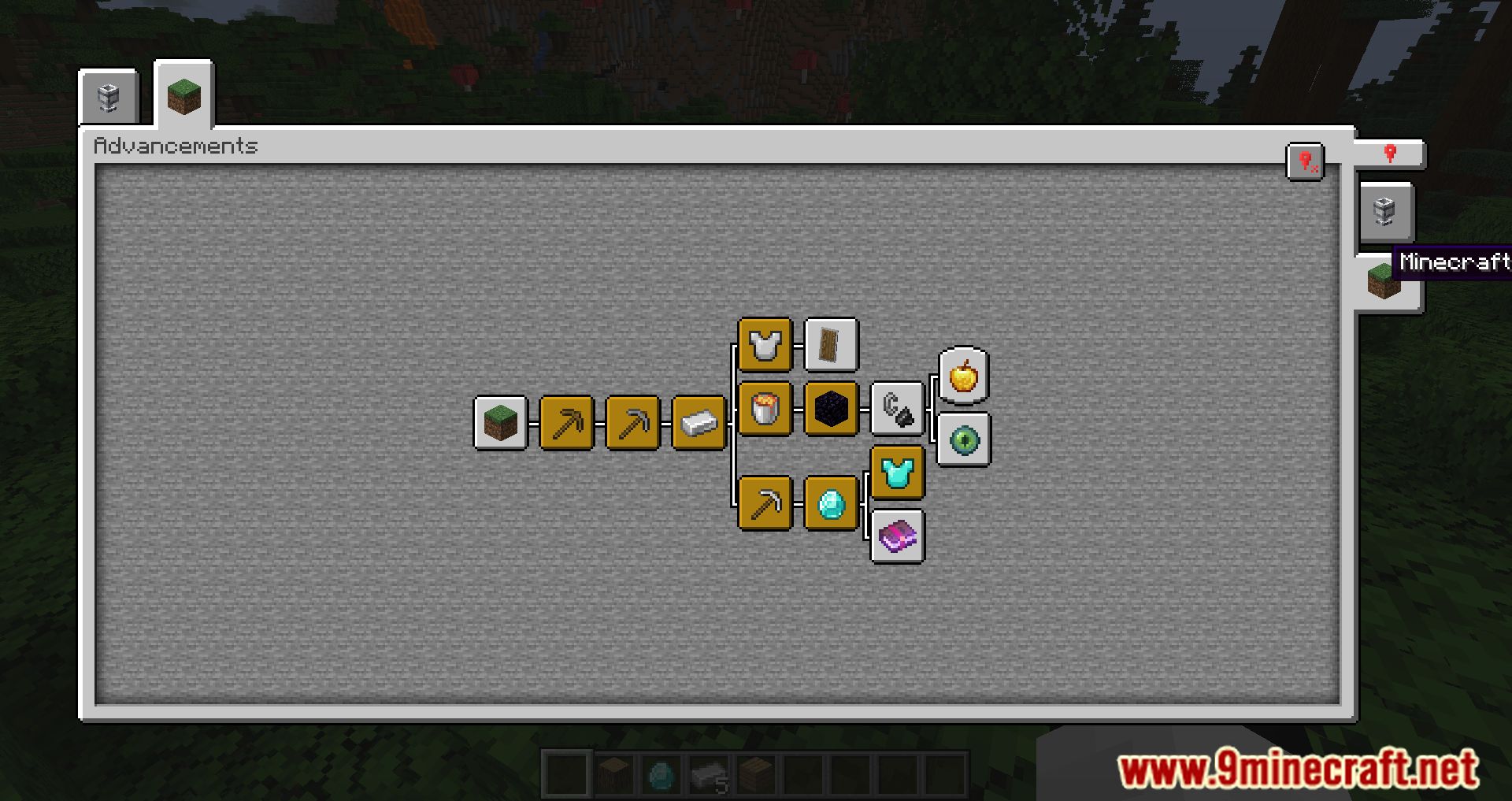
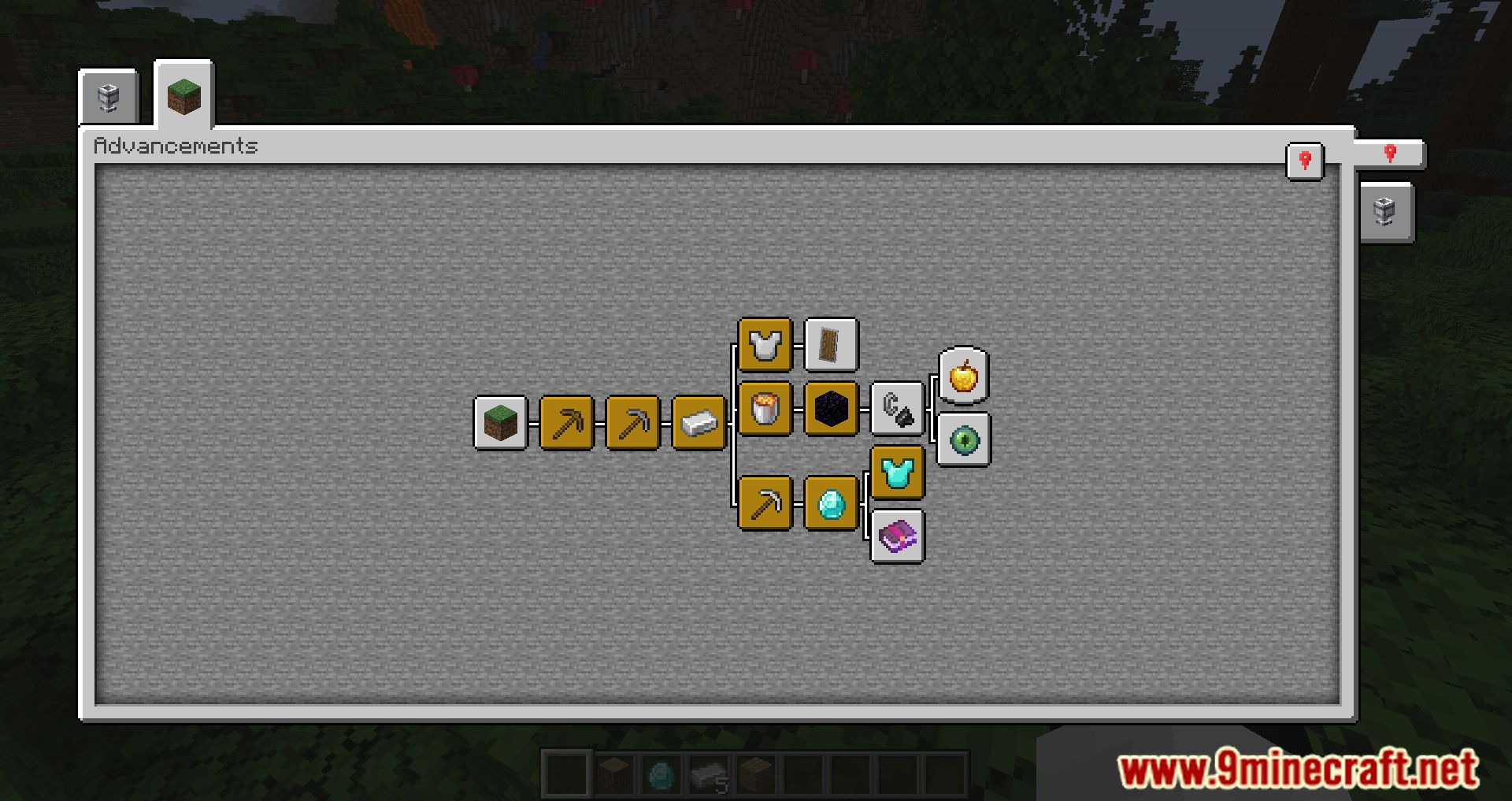
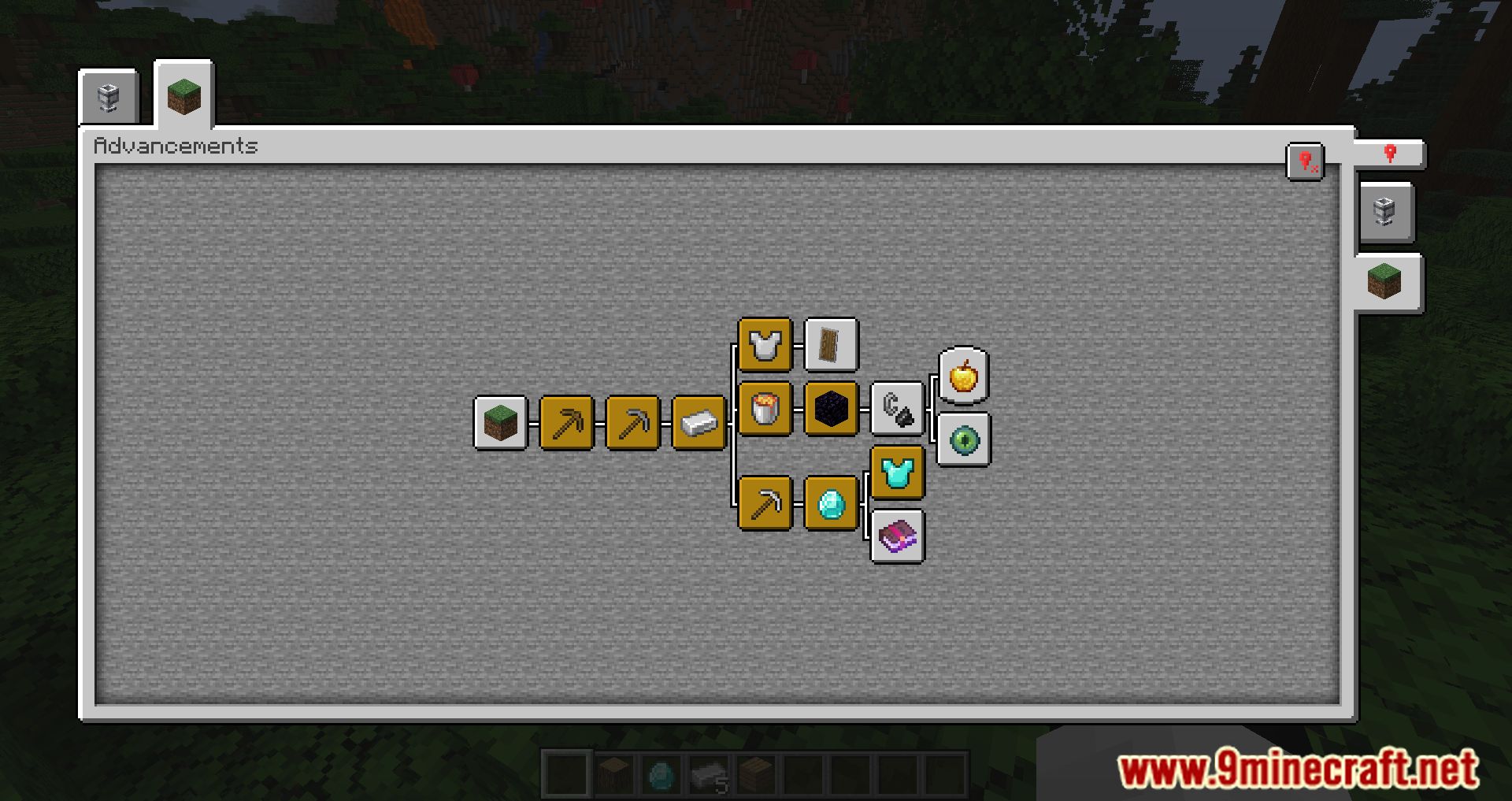
Paginated Advancements Mod revamps the appearance of the achievements menu by adding various useful features. The screen becomes significantly larger than the standard size, allows you to pin desired tabs, and includes separating modifications into individual pages, which is especially helpful for large modpacks.
Features:
- No more squinting at the tiny vanilla UI-this mod expands the screen for better visibility.
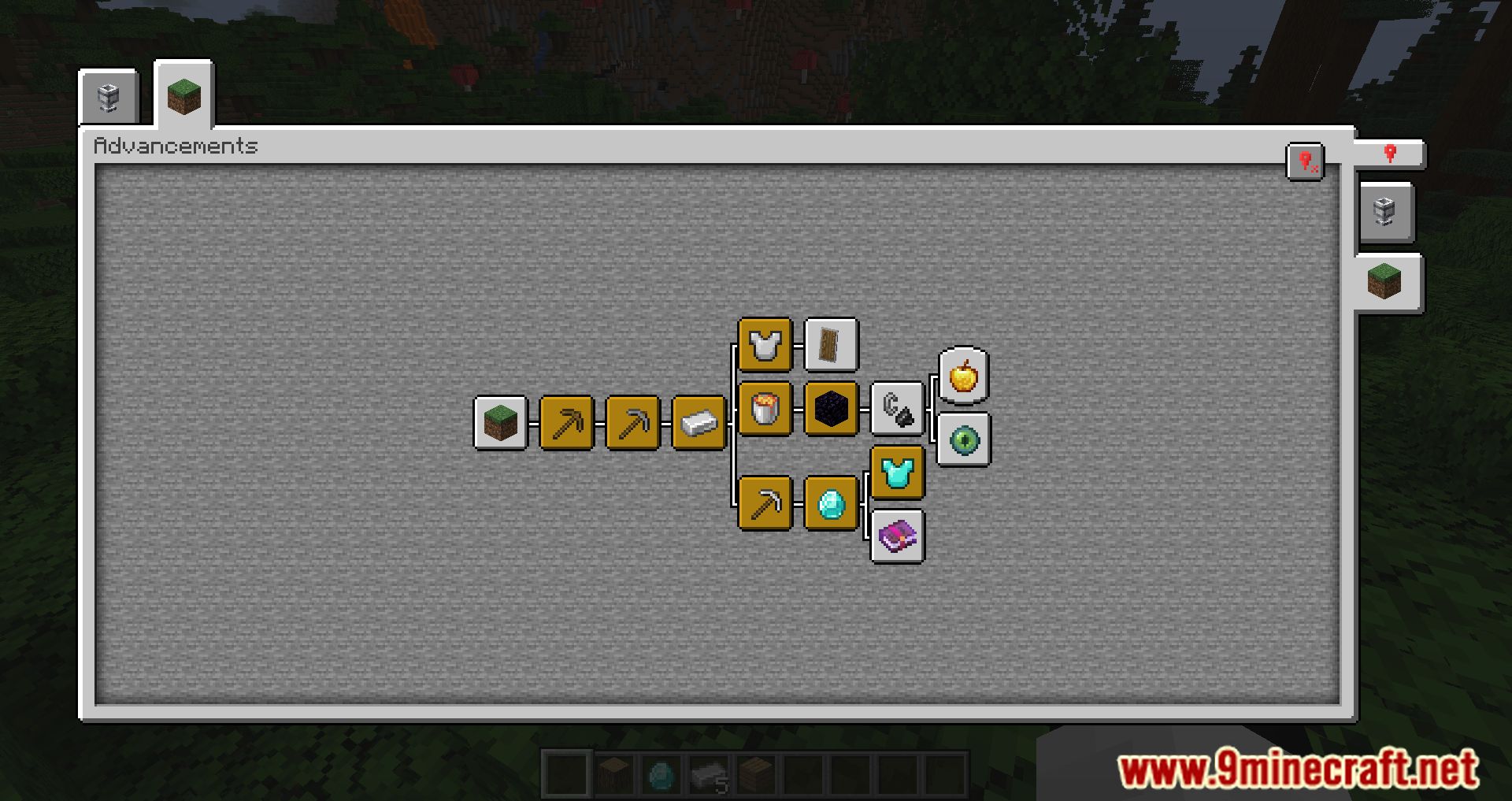
- Perfect for modpacks with tons of advancements. It prevents tabs from overlapping or disappearing.
- You can pin the tabs you’re actively working on, making it easier to track progress.
- Handy for picking up right where you left off.
- Adjust spacing between tabs, disable background fading, and tweak the layout to your liking.
- You can add new frame styles and colors via data packs or supporting mods. This includes assigning custom frames to both vanilla and modded advancements.
Screenshots:
Paginated Advancements Mod Download Links
Quick facts
- Edition: Minecraft Java
- File type: .jar
- Minecraft version listed: 1.20.1
- How to install: Install the matching mod loader (Forge, Fabric or NeoForge) for your Minecraft version. → Download the .jar. → Put it in the .minecraft/mods folder and launch that loader profile.
- Where to get it: In MC Java Mods, or directly above on this page.
Install steps are the general flow for this file type — How to install Minecraft Java mods & modpacks walks through it step by step.
Verified by MCModsHub
- Downloads as 27570.mcaddon
- Download size: 77 KB
- Download link checked 25 Sept 2026 — working
- Mirrored on our own servers — the download does not depend on the original host
These come from our own check of the pack file, not from the source page.