ModsJava
No More Pop-Ups Mod (26.2, 1.20.1) – Clean UI Without Warnings
Java mod listed for Minecraft 1.20. Downloads from the MC Java Mods app on Android.
⬇ Download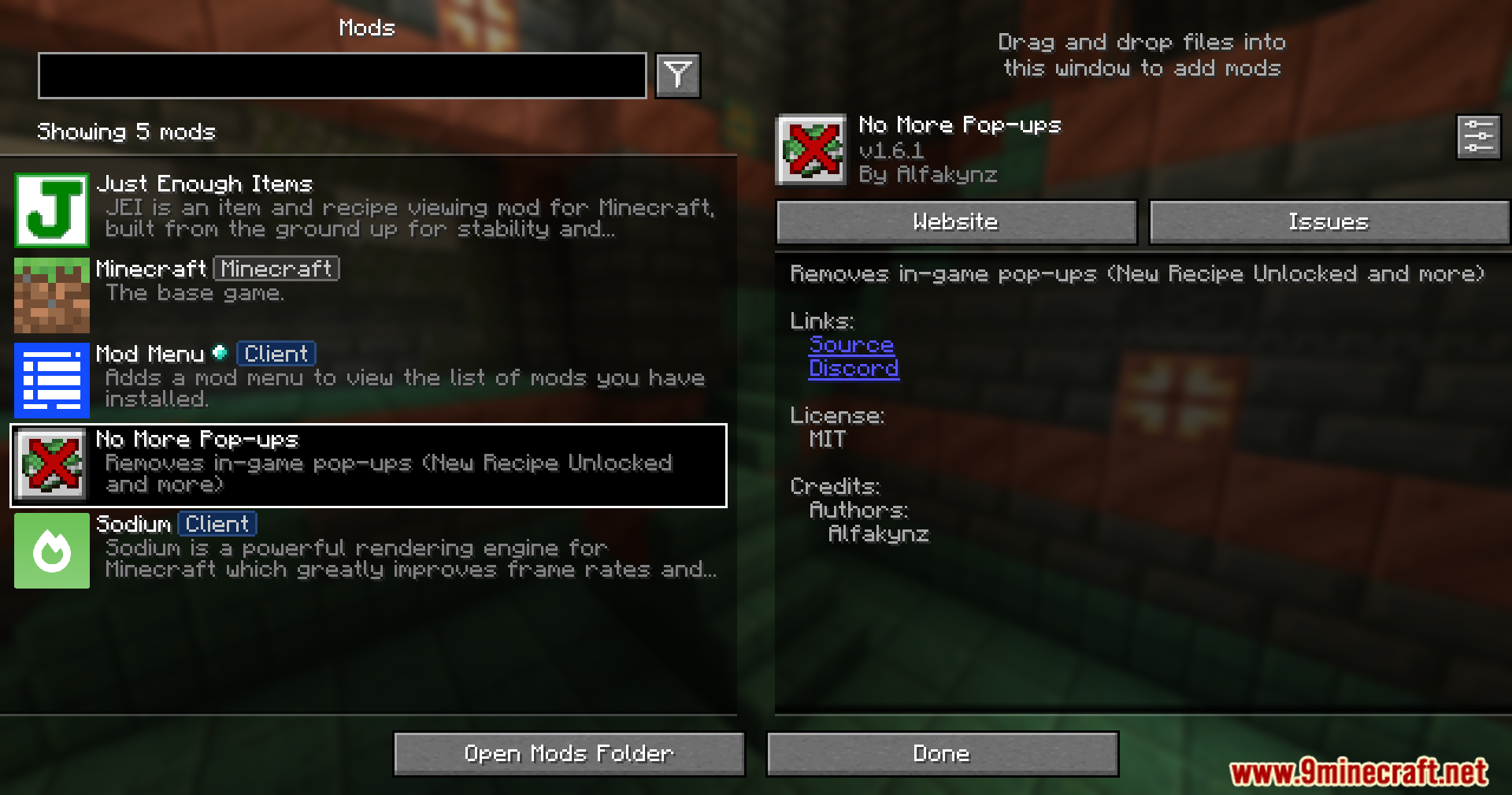
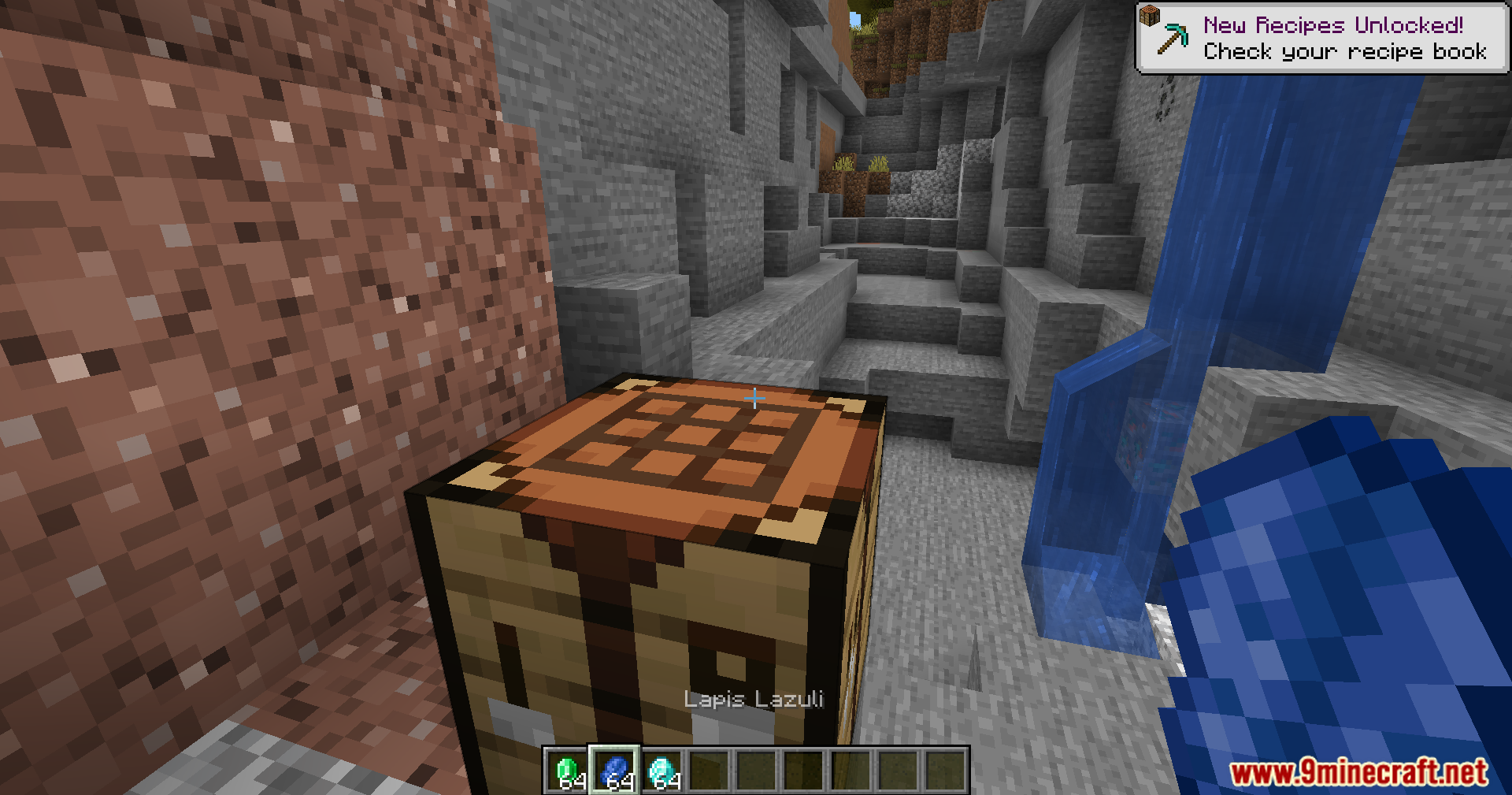
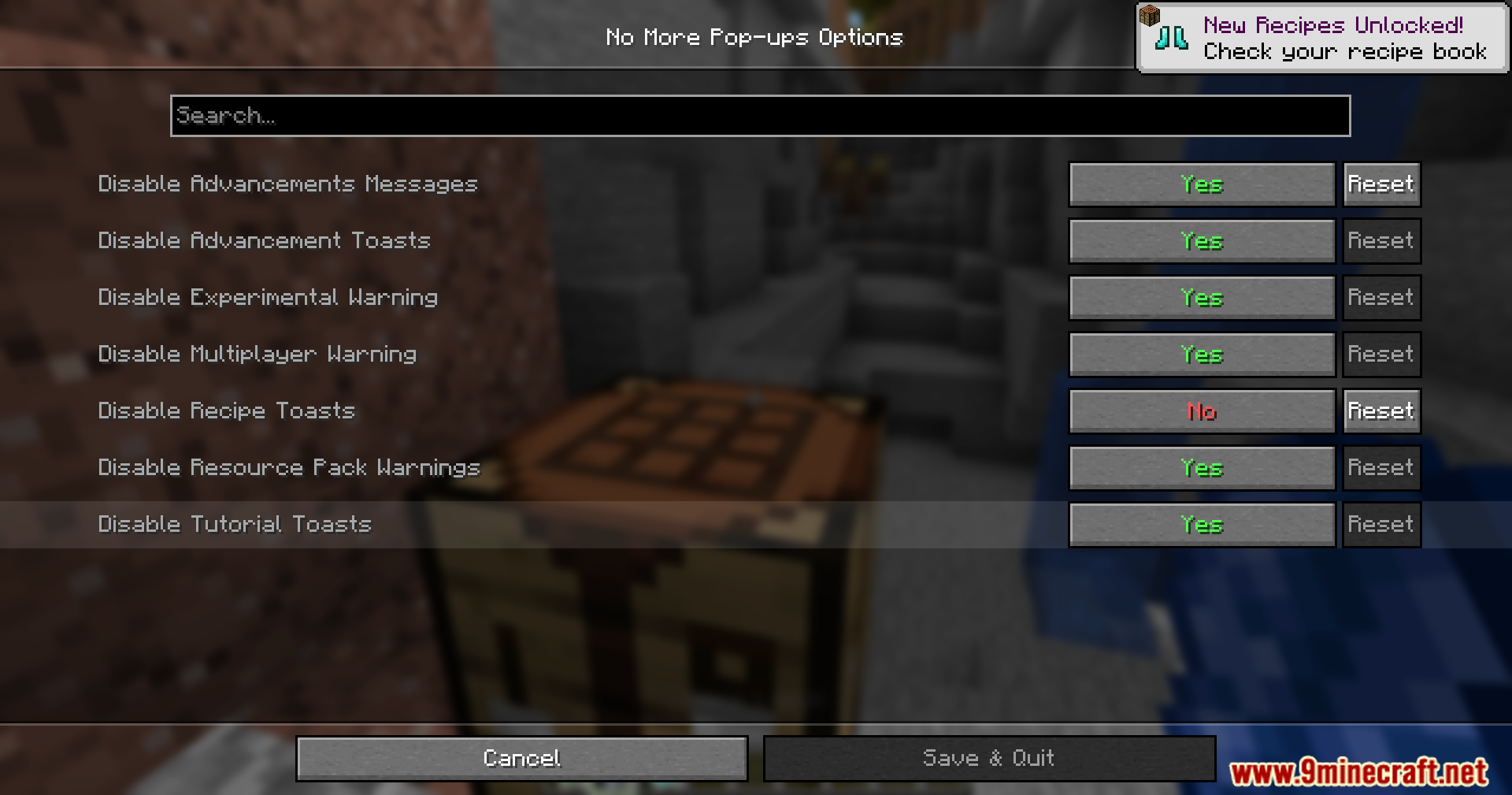
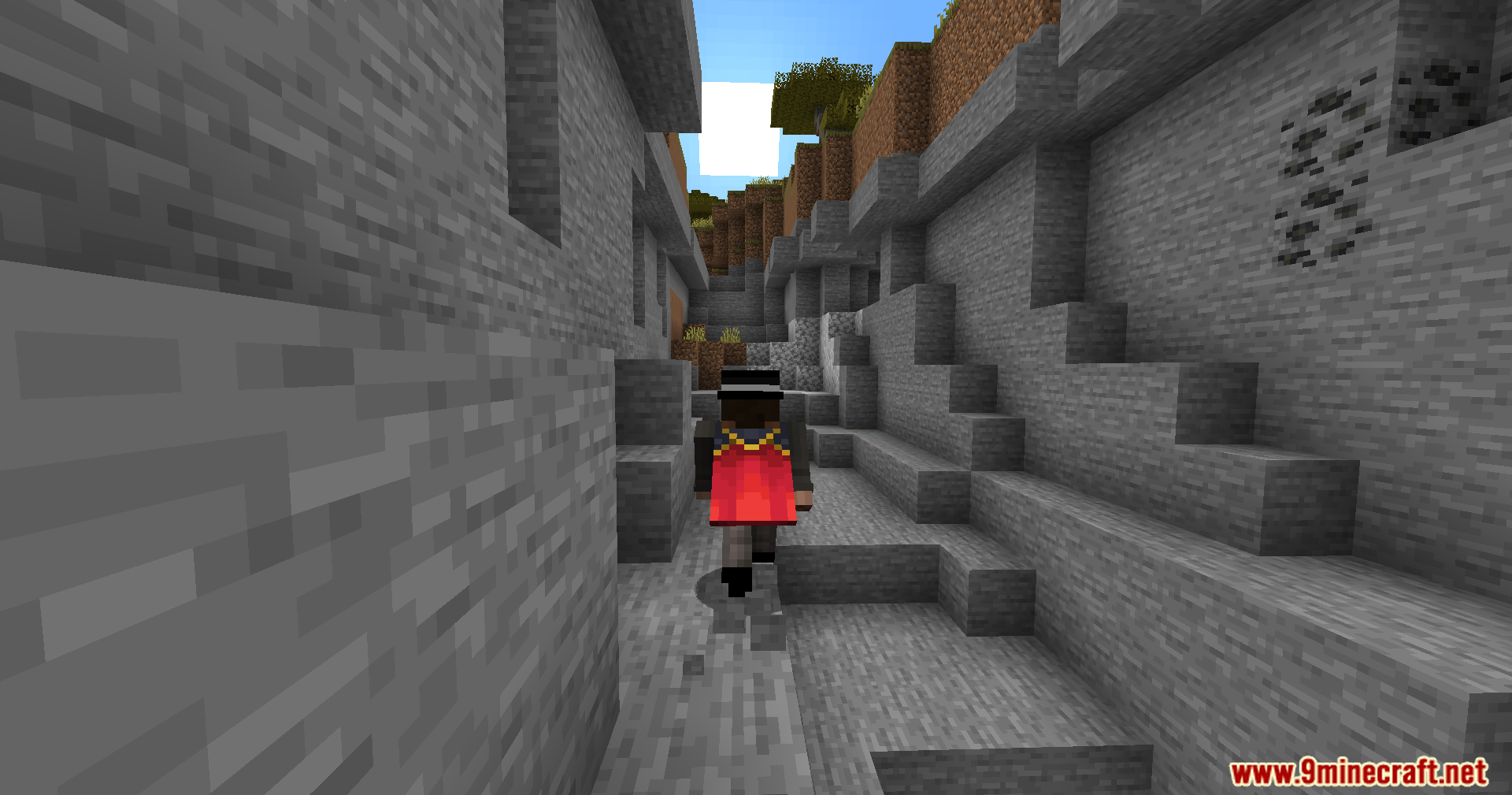
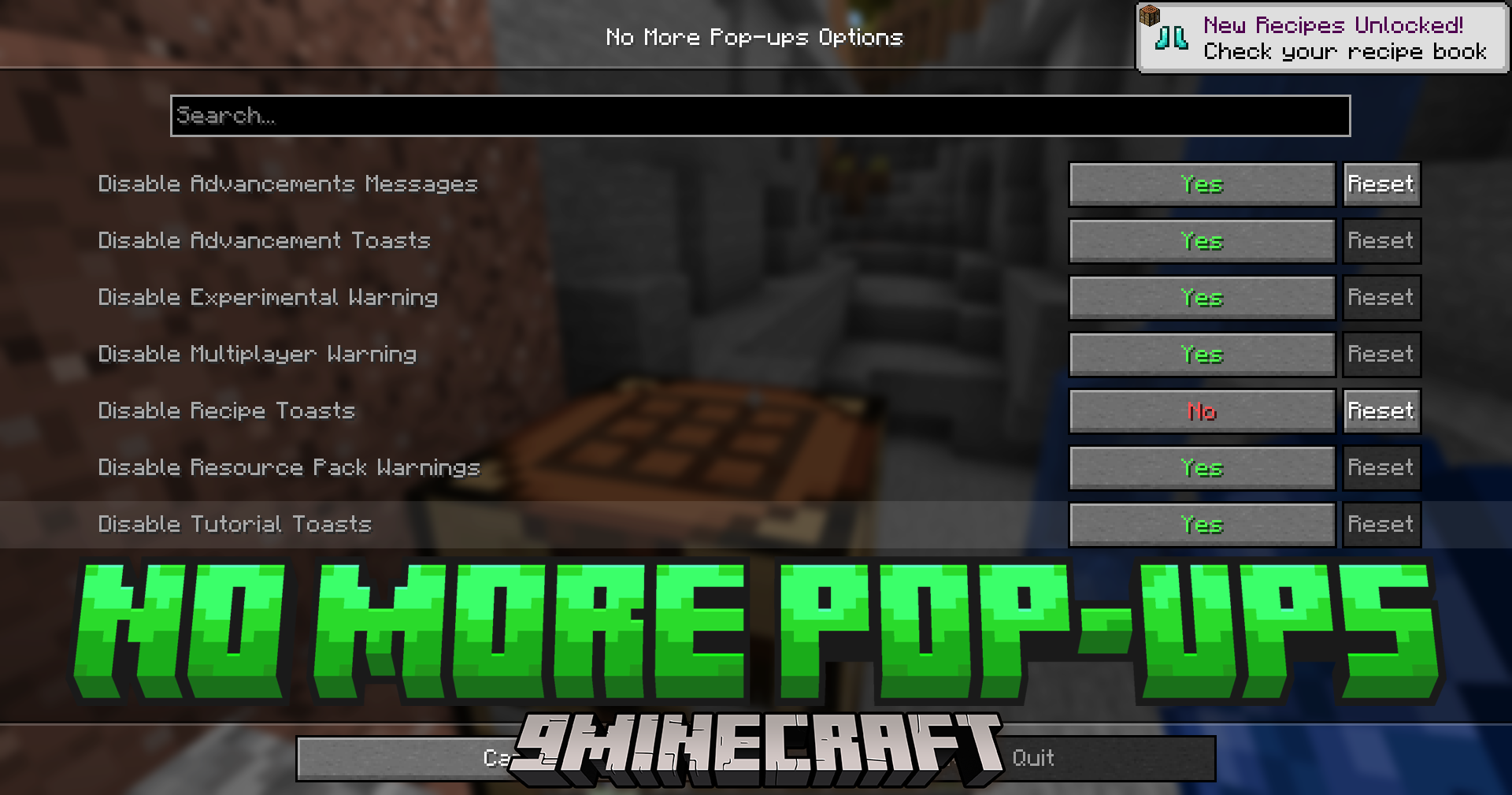
No More Pop-Ups Mod suppresses Minecraft’s on-screen tips and alerts to reduce visual interruptions. It removes several default pop-ups and warnings, with optional settings to re-enable specific items when configured through ModMenu/Cloth Config.
Features:
- Removes “New Recipe Unlocked!” pop-ups.
- Removes tutorial pop-ups.
- Removes advancement pop-ups.
- Removes resource pack warning.
- Removes multiplayer warning.
- Removes experimental world warning.
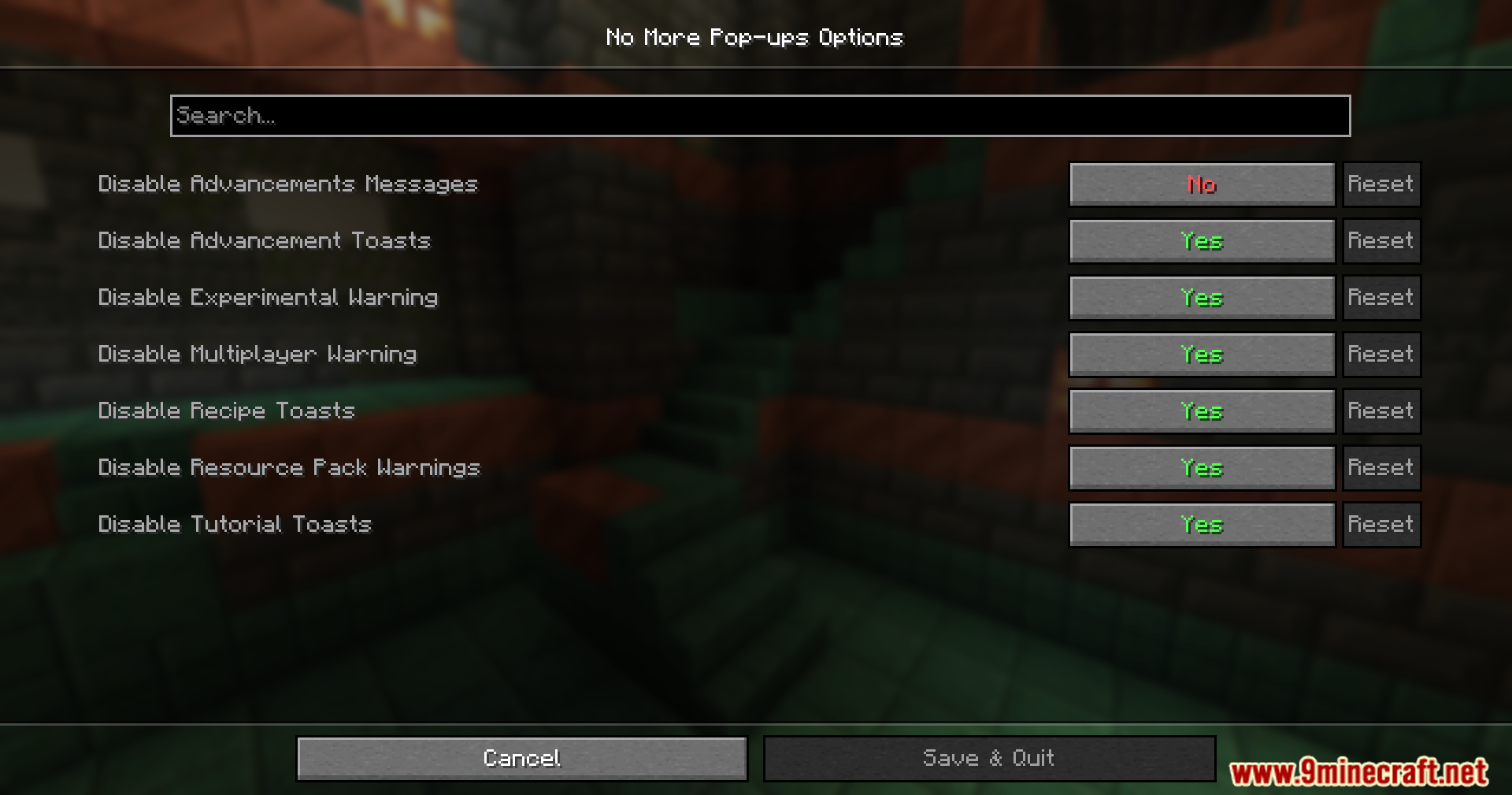
- Removes advancement messages in chat, disabled by default.
- Provides settings to choose which pop-ups appear, available via ModMenu Cloth Config.
Screenshots:
No More Pop-Ups Mod Download Links
Quick facts
- Edition: Minecraft Java
- File type: .jar
- Minecraft version listed: 1.20.1
- How to install: Install the matching mod loader (Forge, Fabric or NeoForge) for your Minecraft version. → Download the .jar. → Put it in the .minecraft/mods folder and launch that loader profile.
- Where to get it: In MC Java Mods, or directly above on this page.
Install steps are the general flow for this file type — How to install Minecraft Java mods & modpacks walks through it step by step.
File checked by MCModsHub
- Downloads as 27584.mcaddon
- Download size: 29 KB
- Download link checked 22 Sept 2026 — working
- Mirrored on our own servers — the download does not depend on the original host
These come from our own check of the pack file, not from the source page.