

ContingameIMESuper
Since an input method has already been built into the official release (version 26.1), maintenance of this project will be permanently discontinued.
An unofficial continuation of ContingameIME. Use input method in full screen Minecraft.
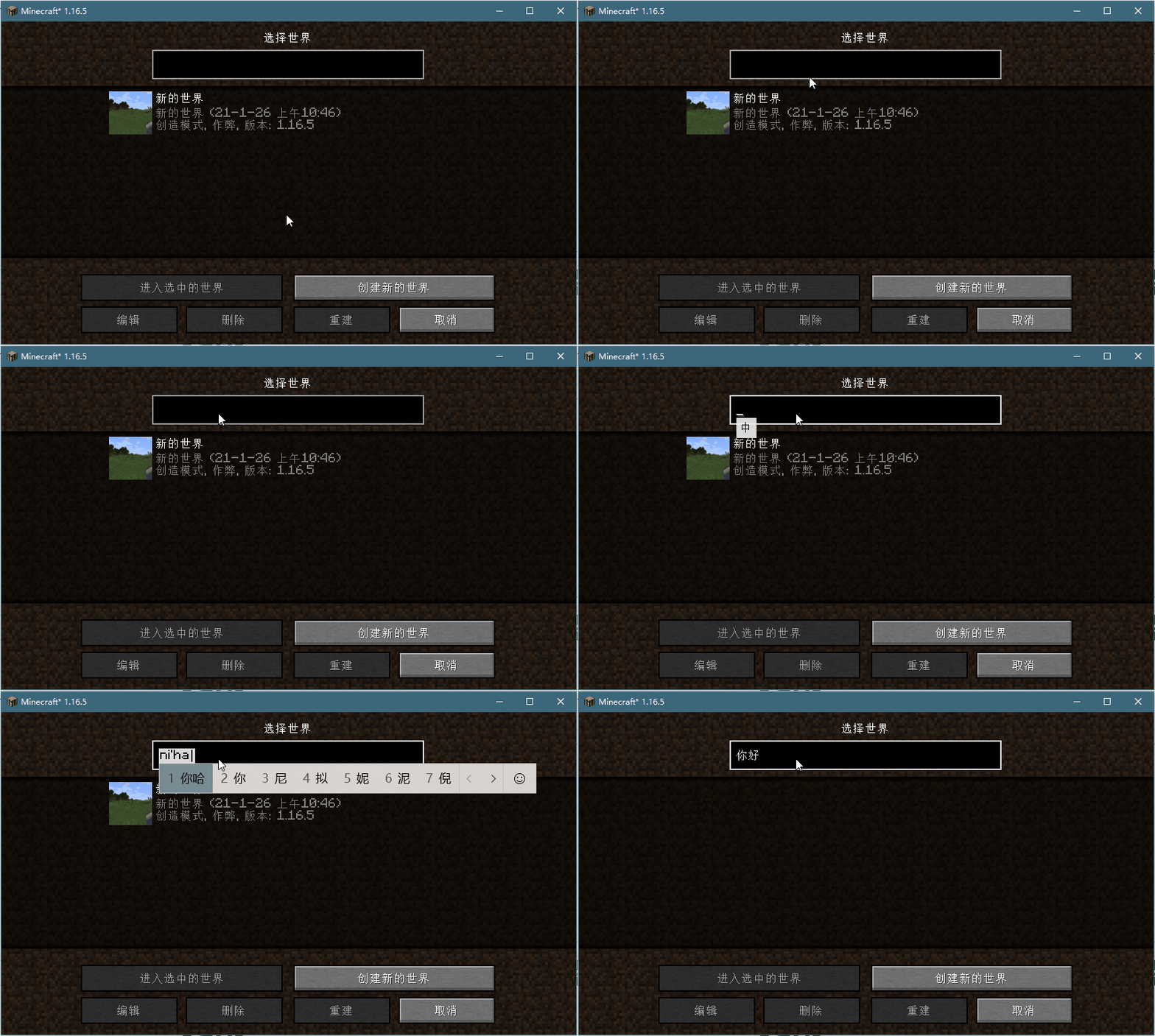
Preview
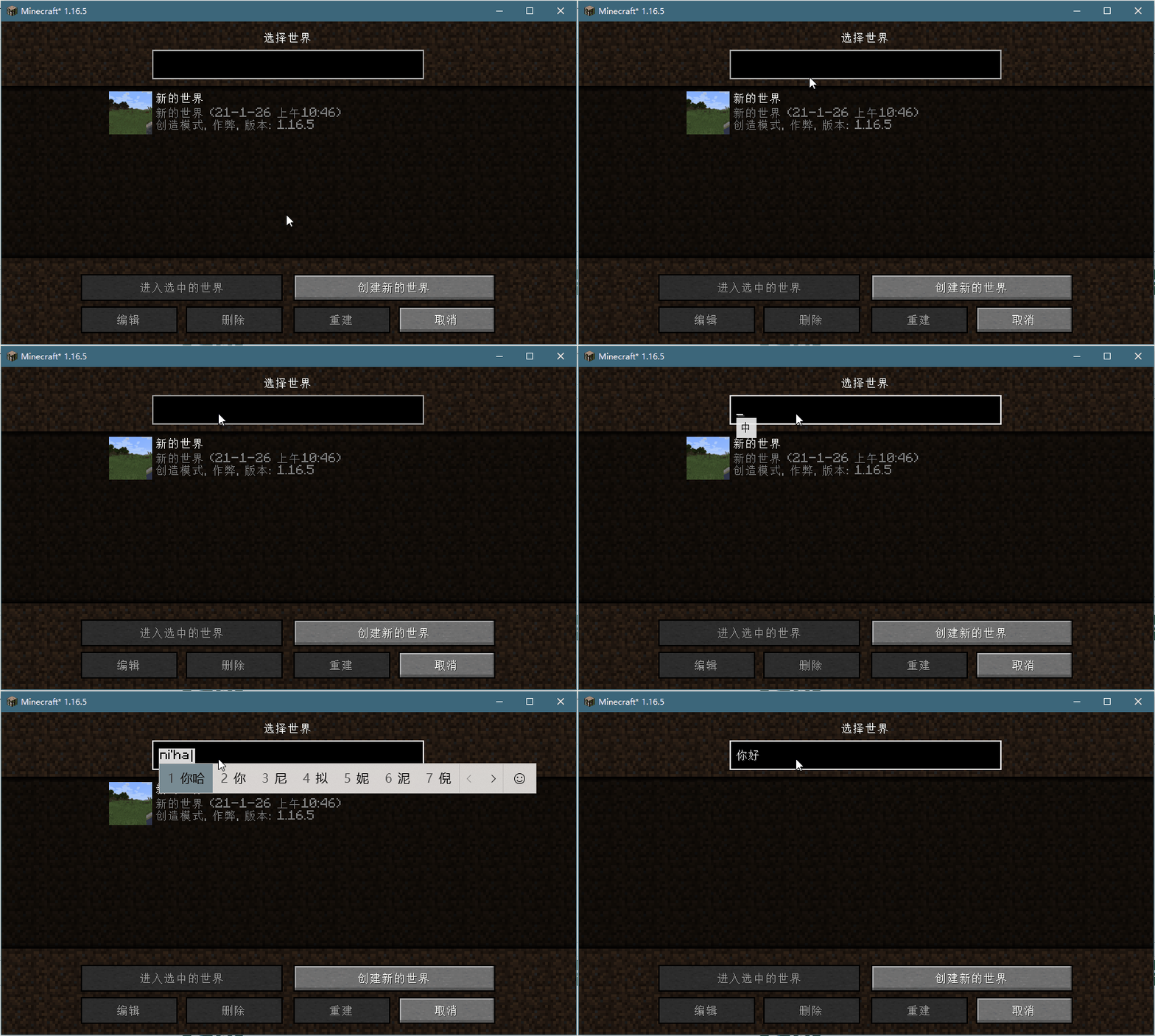
Window Mode
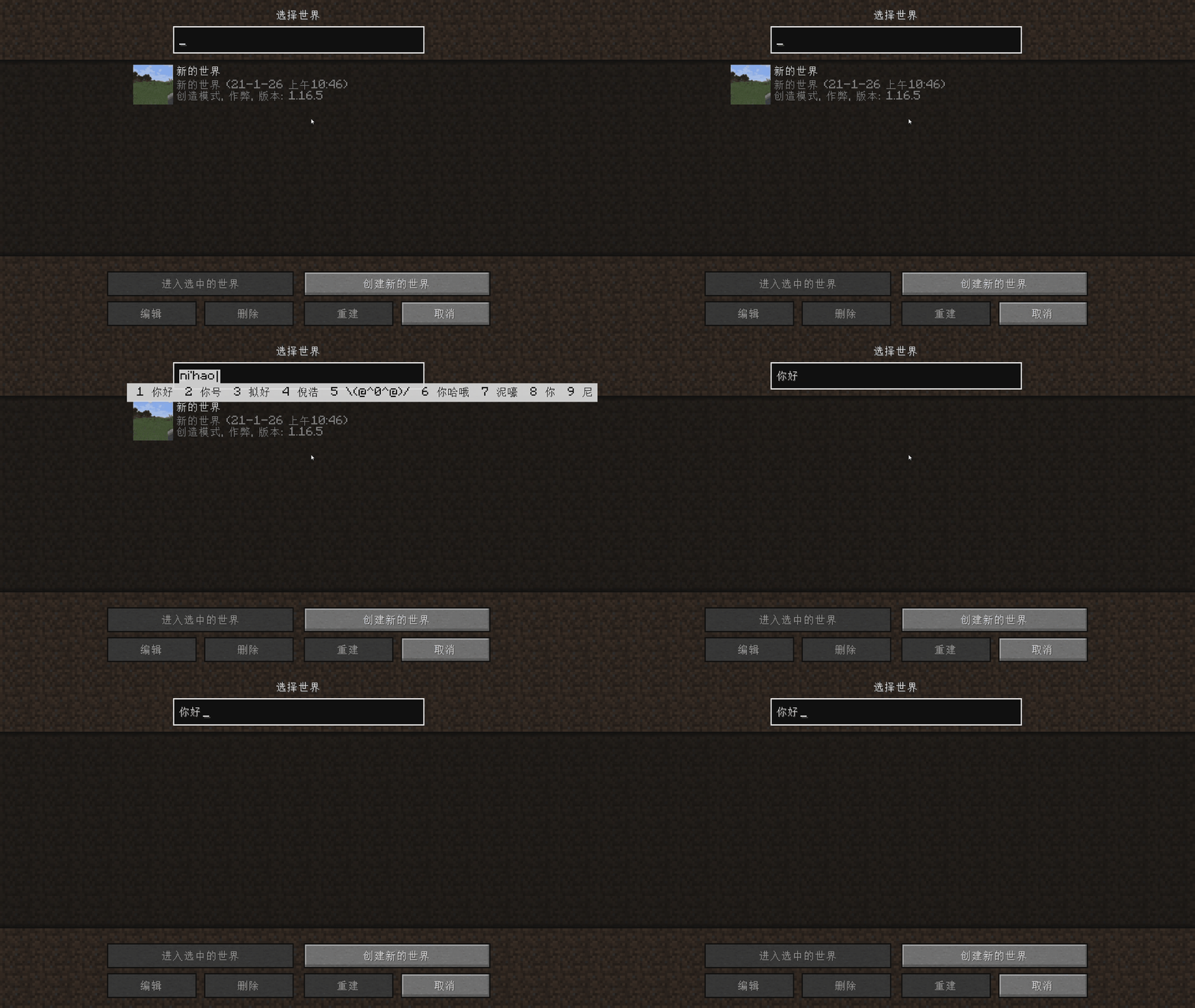
Full screen Mode
Toggle Key
- Click the hotkey to switch between temporary input state and closed state
- Double-click the hot key to switch to open mode
- temporary input state switch to closed State when mouse move and something was committed
Dependencies
This Mod requires VCRuntime141 to run, download it on the official website of Microsoft Download Link
This mod code reference/use
- ThinkingStudios/ContingameIME (LGPL-2.1)
- Windmill-City/IngameIME-Minecraft (LGPL-2.1)
- Wybxc/IngameIME-Minecraft (LGPL-2.1)
Quick facts
- Edition: Minecraft Java
- File type: .jar
- Minecraft version listed: 1.21.11
- How to install: Install the matching mod loader (Forge, Fabric or NeoForge) for your Minecraft version. → Download the .jar. → Put it in the .minecraft/mods folder and launch that loader profile.
- Where to get it: Opens on Modrinth — not every file is mirrored on our own servers.
Install steps are the general flow for this file type — How to install Minecraft Java mods & modpacks walks through it step by step.
Verified by MCModsHub
- Ships as ContingameIMESuper-1.0.14-1.21.11-fabric.jar — drop this file into the mods folder
- Download size: 194 KB
- Download link checked 31 Aug 2026 — working
These come from our own check of the pack file, not from the source page.