
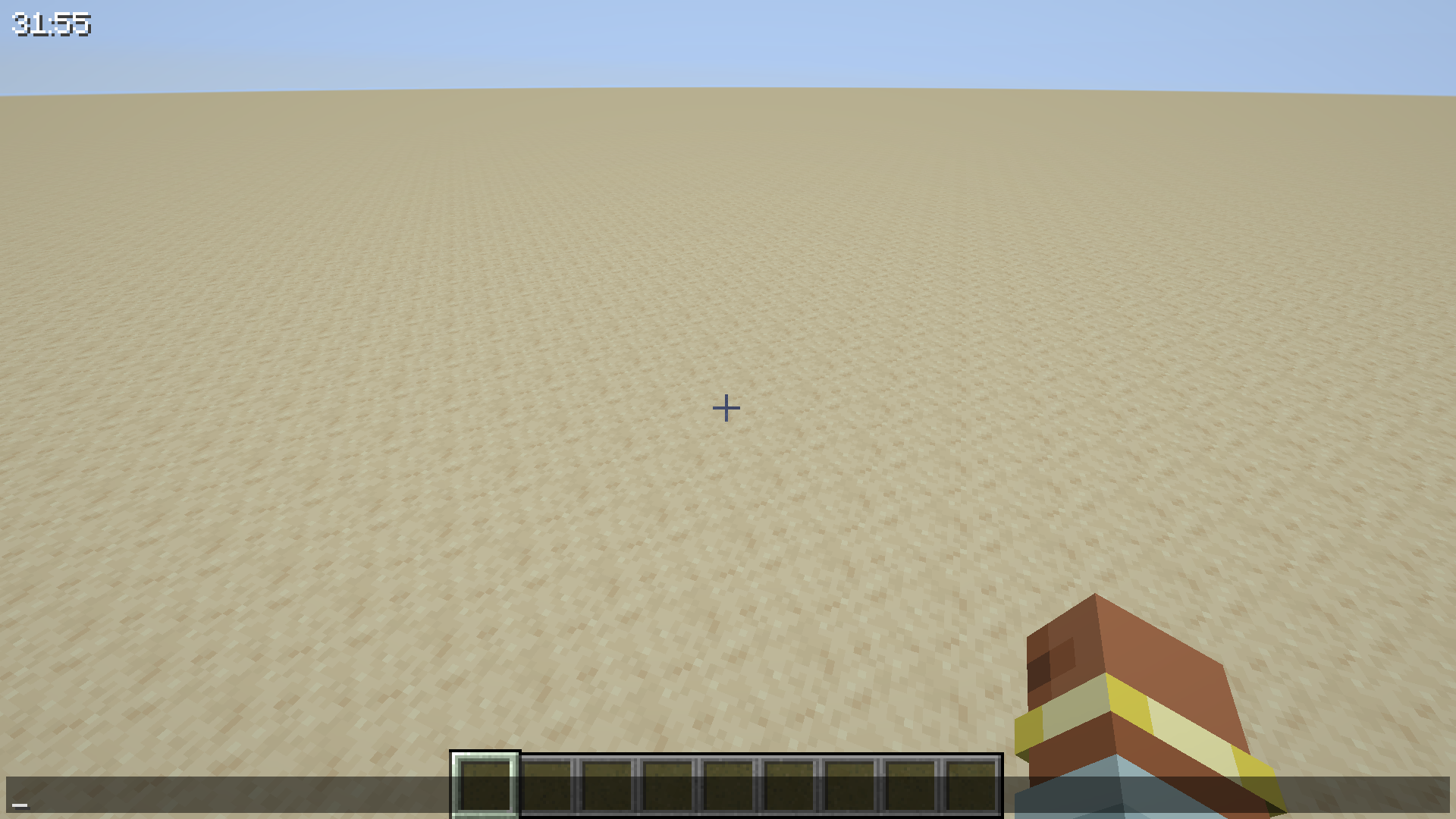
Display the current world's play time in a GUI display
Config options:
- X position of overlay (default: 4)
- Y position of overlay (default: 4)
- Color of overlay text (default: 0xFFFFFF)
- Drop shadow for overlay text (default: true)
- Use the default statistic format instead of YYDDHHMMSS (default: false)
Quick facts
- Edition: Minecraft Java
- File type: .jar
- Minecraft version listed: 1.21.11
- How to install: Install the matching mod loader (Forge, Fabric or NeoForge) for your Minecraft version. → Download the .jar. → Put it in the .minecraft/mods folder and launch that loader profile.
- Where to get it: Opens on Modrinth — not every file is mirrored on our own servers.
Install steps are the general flow for this file type — How to install Minecraft Java mods & modpacks walks through it step by step.
Verified by MCModsHub
- Ships as ptdisplay-1.21.11-1.0.1.jar — drop this file into the mods folder
- Download size: 20 KB
- Download link checked 31 Aug 2026 — working
These come from our own check of the pack file, not from the source page.