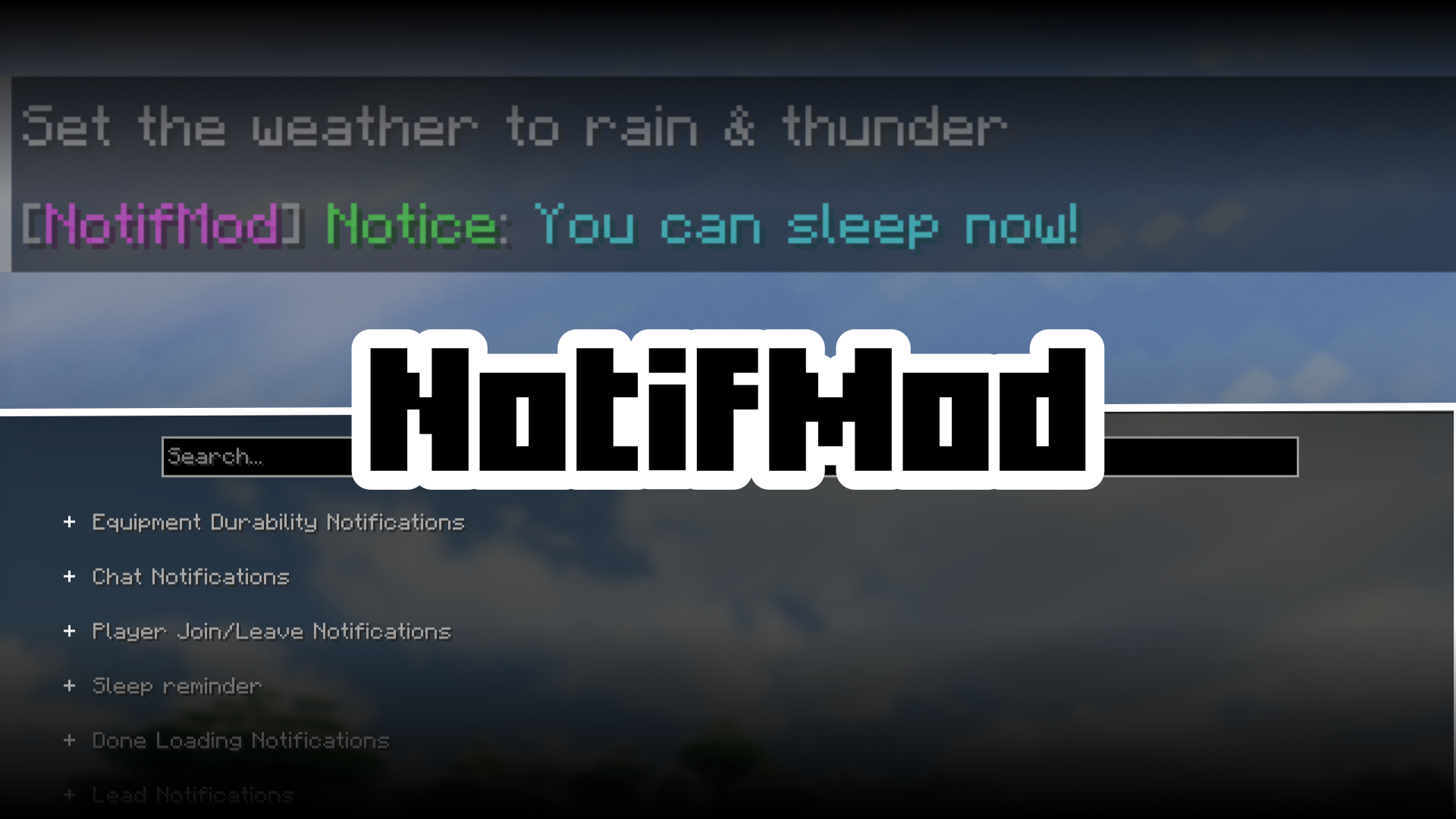
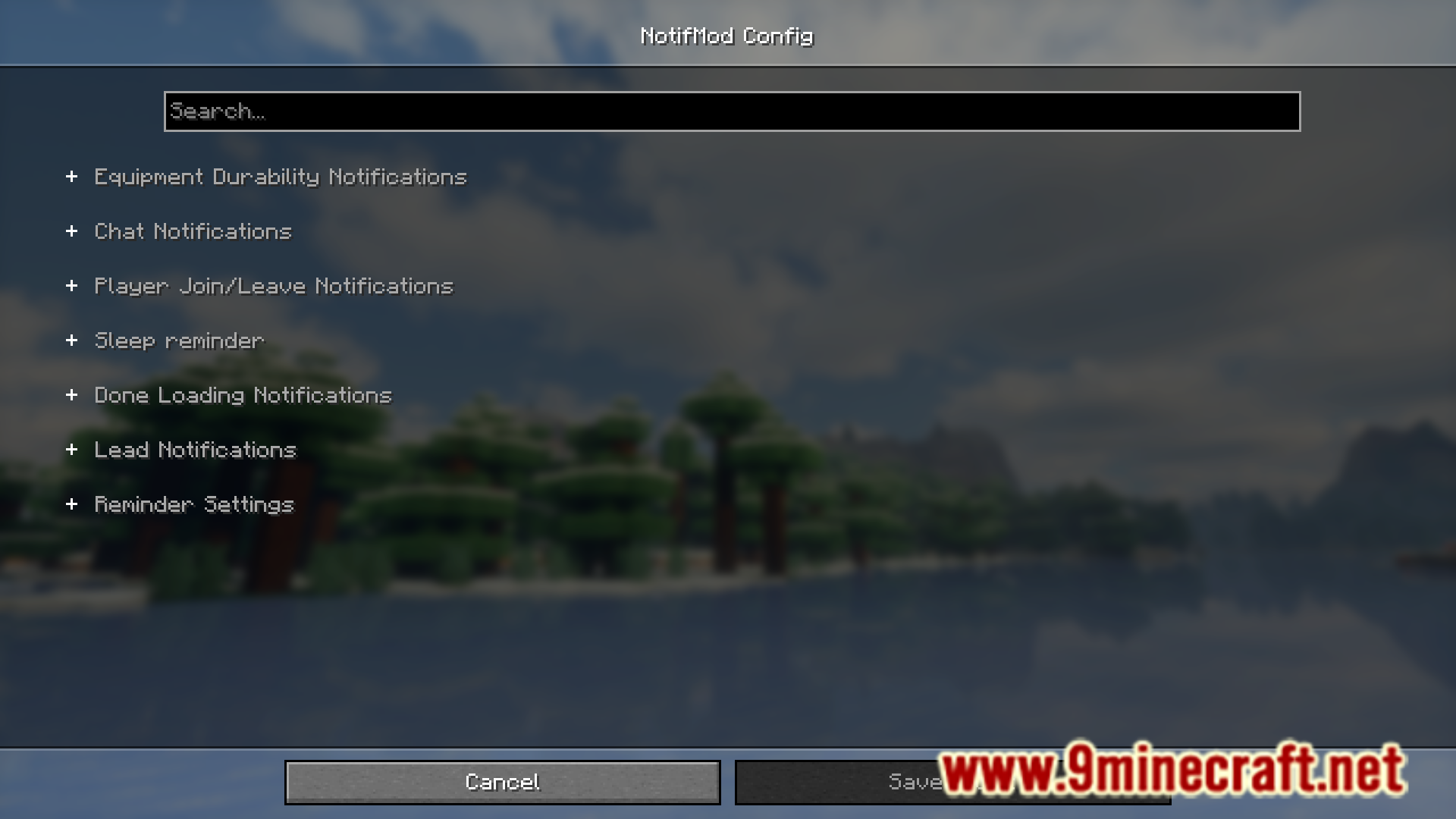
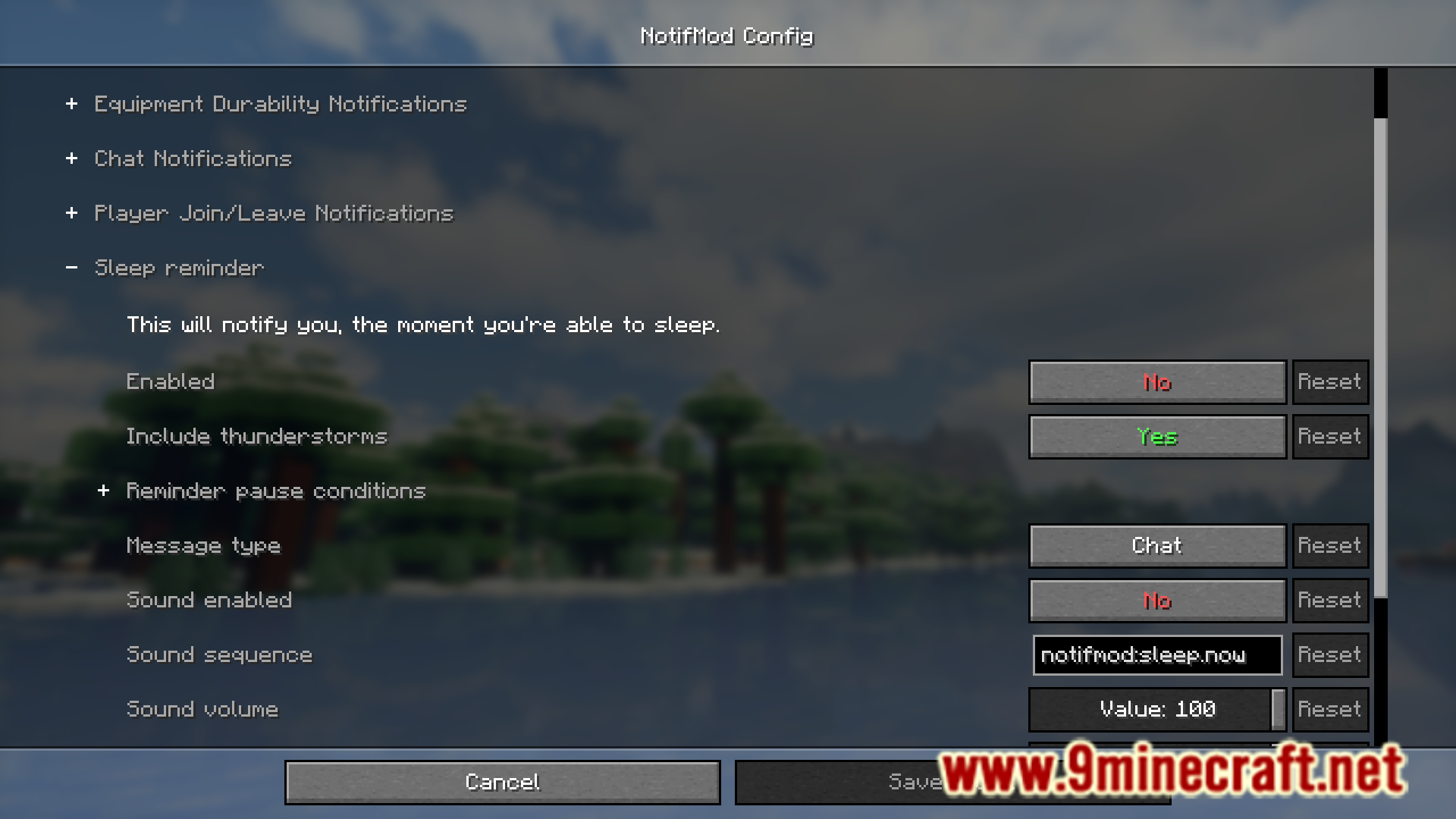
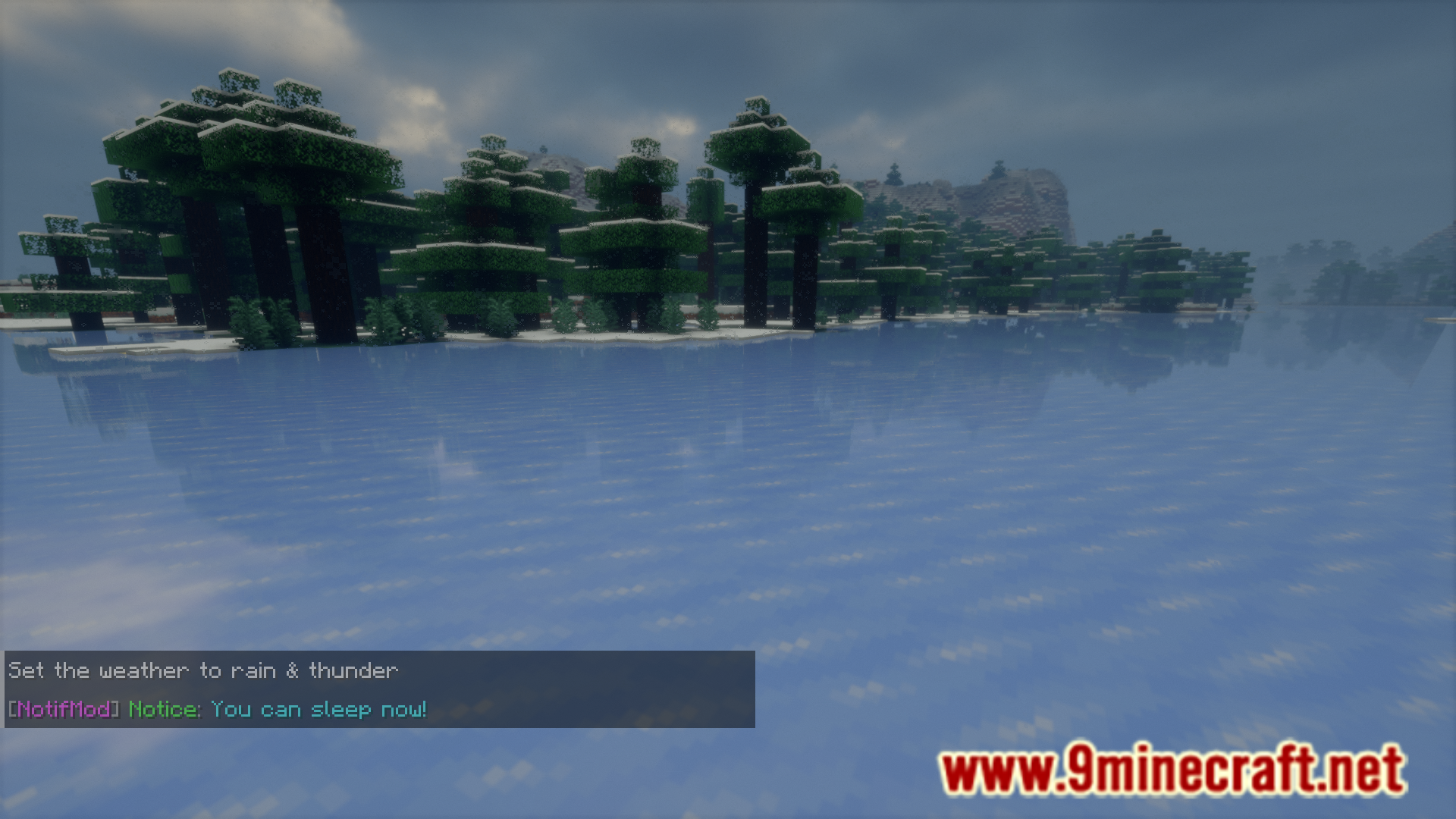
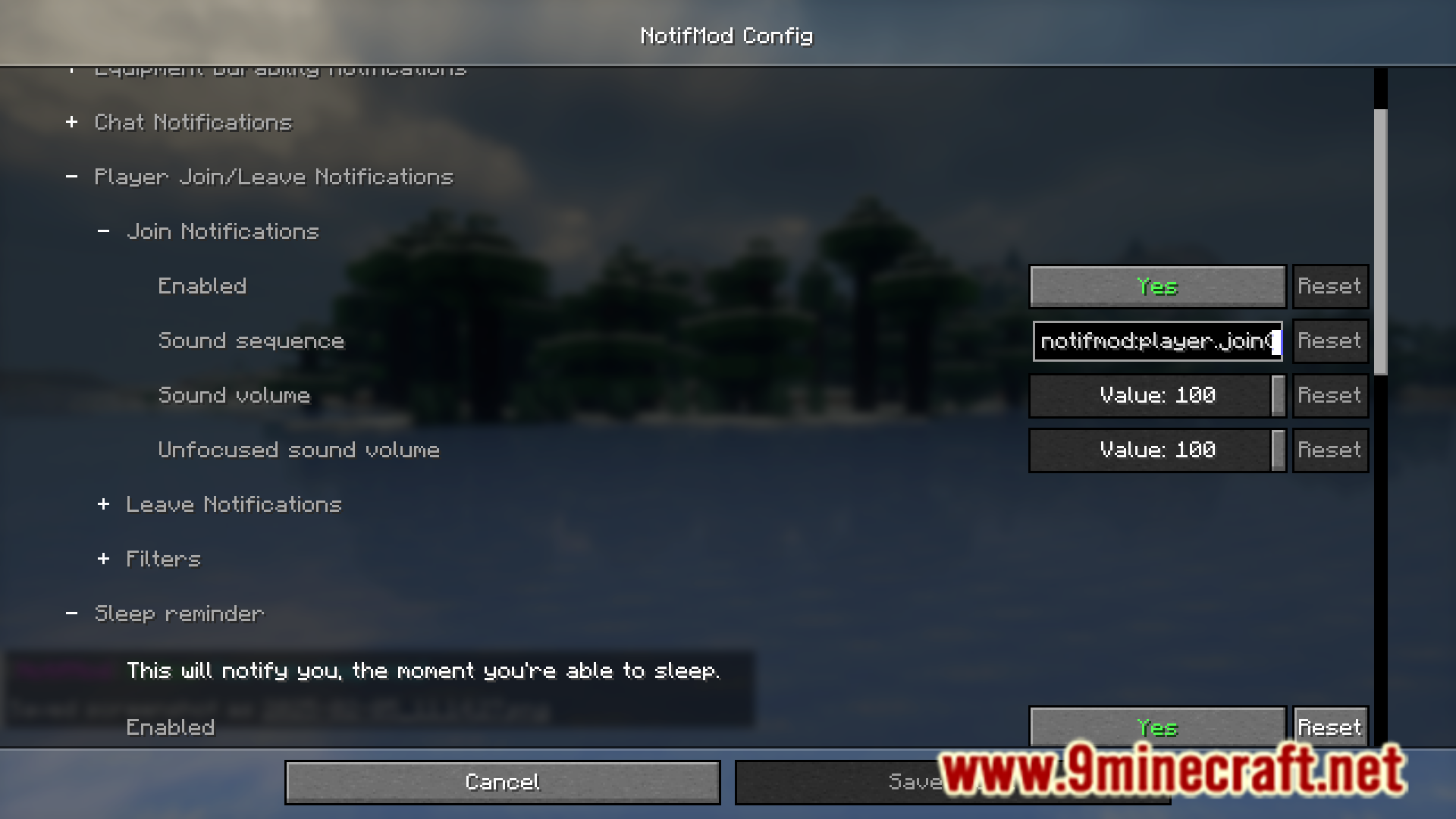
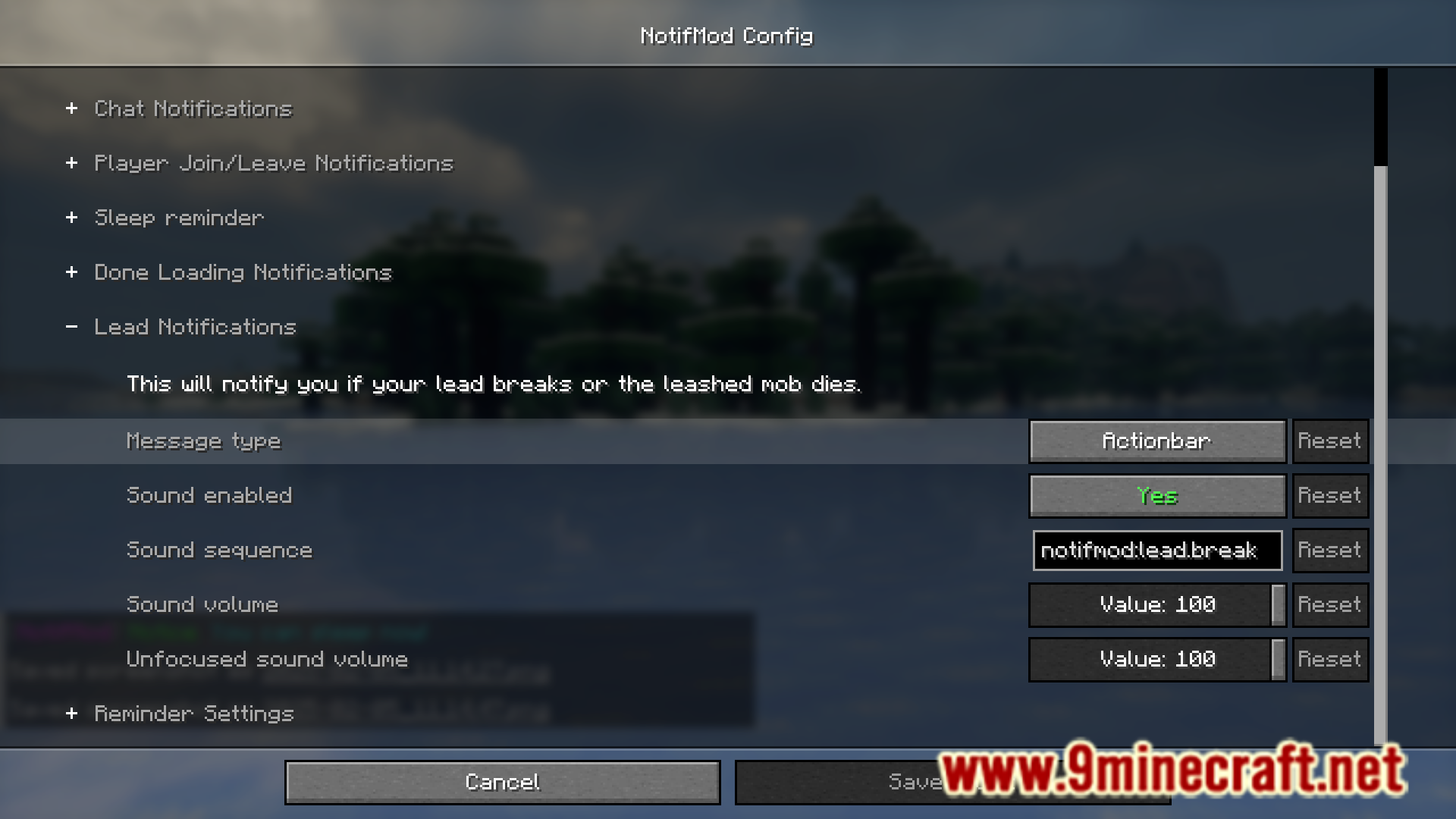
In Minecraft, there might be certain situations where it would be useful to set a notification alert that notifies you by sending a chat message or a sound or even both. Maybe you want to be notified when a friend of yours joins the game, or maybe you want to be notified when you are allowed to sleep. NotifMod Mod allows you to do all of that. Using the md settings, you will be able to set notifications for various different in-game activities. A list of possible notification activities are listed below.
Features:
- You can set notification for these activities:
- Equipment durability low
- Unbreakable equipment stopped working (elytra)
- Equipment fully repaired (mending)
- Chat message
- Chat username mention
- Able to sleep
- Your lead broke
- Player joined server
- Player left server
- Game’s done loading
- World’s done loading (when initially connecting)
Screenshots:
NotifMod Mod Download Links
Quick facts
- Edition: Minecraft Java
- File type: .jar
- Minecraft version listed: 1.20.1
- How to install: Install the matching mod loader (Forge, Fabric or NeoForge) for your Minecraft version. → Download the .jar. → Put it in the .minecraft/mods folder and launch that loader profile.
- Where to get it: In MC Java Mods, or directly above on this page.
Install steps are the general flow for this file type — How to install Minecraft Java mods & modpacks walks through it step by step.
Verified by MCModsHub
- Downloads as 27607.mcaddon
- Download size: 432 KB
- Download link checked 26 Sept 2026 — working
- Mirrored on our own servers — the download does not depend on the original host
These come from our own check of the pack file, not from the source page.