
Visual PIDS Editor
Java mod listed for Minecraft 1.19. Downloads from the MC Java Mods app on Android.
⬇ Download on Modrinth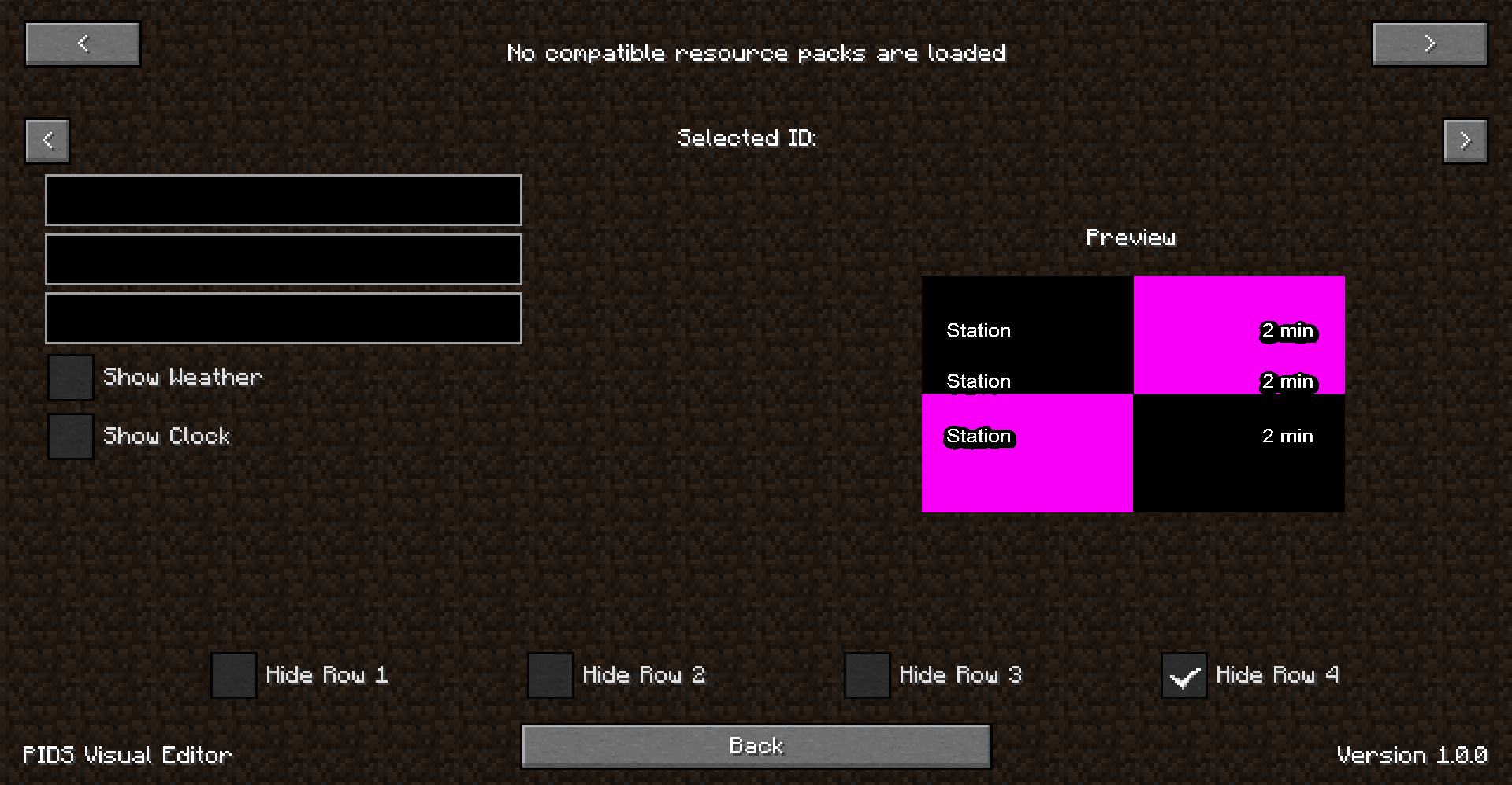
Visual PIDS Editor


If you don't have one, just go back to options and load the necessary resource packs, and then when you go to "PIDS Visual Editor" you should see it loaded it now!
You should see something like:
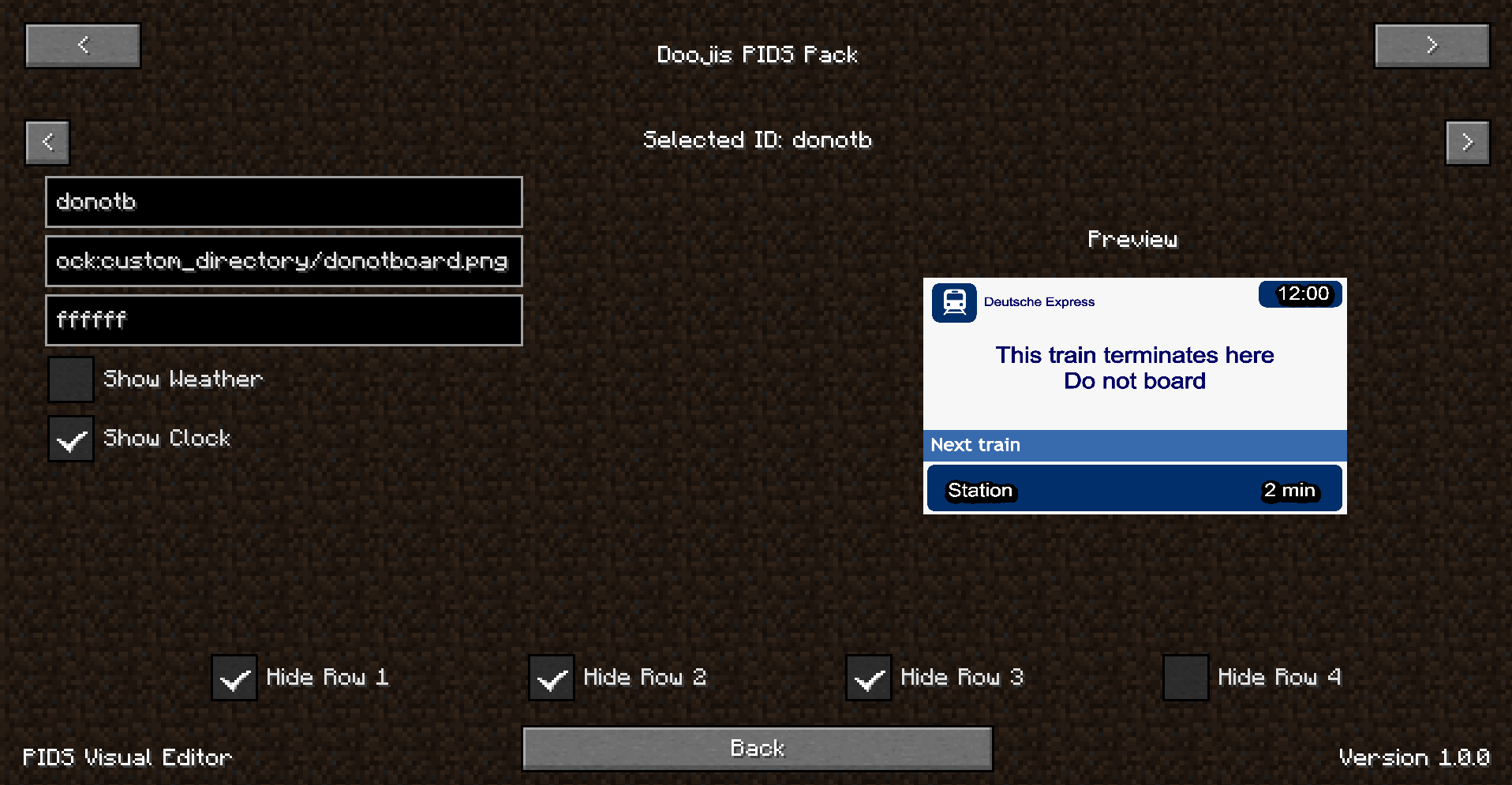
I have added some tooltips for the text fields to hopefully help you understand what they are. The top two arrows are to cycle between different resource packs, and the second set of two arrows are to cycle between PID templates ("id"s).
There's also a preview render of the current PID template!
Changes are automatically saved.
If you'd like to manually create a new PID template instead, for now please consider using the Visual PIDS Editor program. This will be available by this mod in the future too.
This mod should be used with Joban's Client Mod but is not required. It is only compatible with JCM PIDS resource packs.
- Edition: Minecraft Java
- File type: .jar
- Minecraft version listed: 1.19.2
- How to install: Install the matching mod loader (Forge, Fabric or NeoForge) for your Minecraft version. → Download the .jar. → Put it in the .minecraft/mods folder and launch that loader profile.
- Where to get it: Opens on Modrinth — not every file is mirrored on our own servers.
Install steps are the general flow for this file type — How to install Minecraft Java mods & modpacks walks through it step by step.
- Ships as djp-fabric-1.19.2-1.0.3.jar — drop this file into the mods folder
- Download size: 855 KB
- Download link checked 12 Oct 2026 — working
These come from our own check of the pack file, not from the source page.