


Wheel
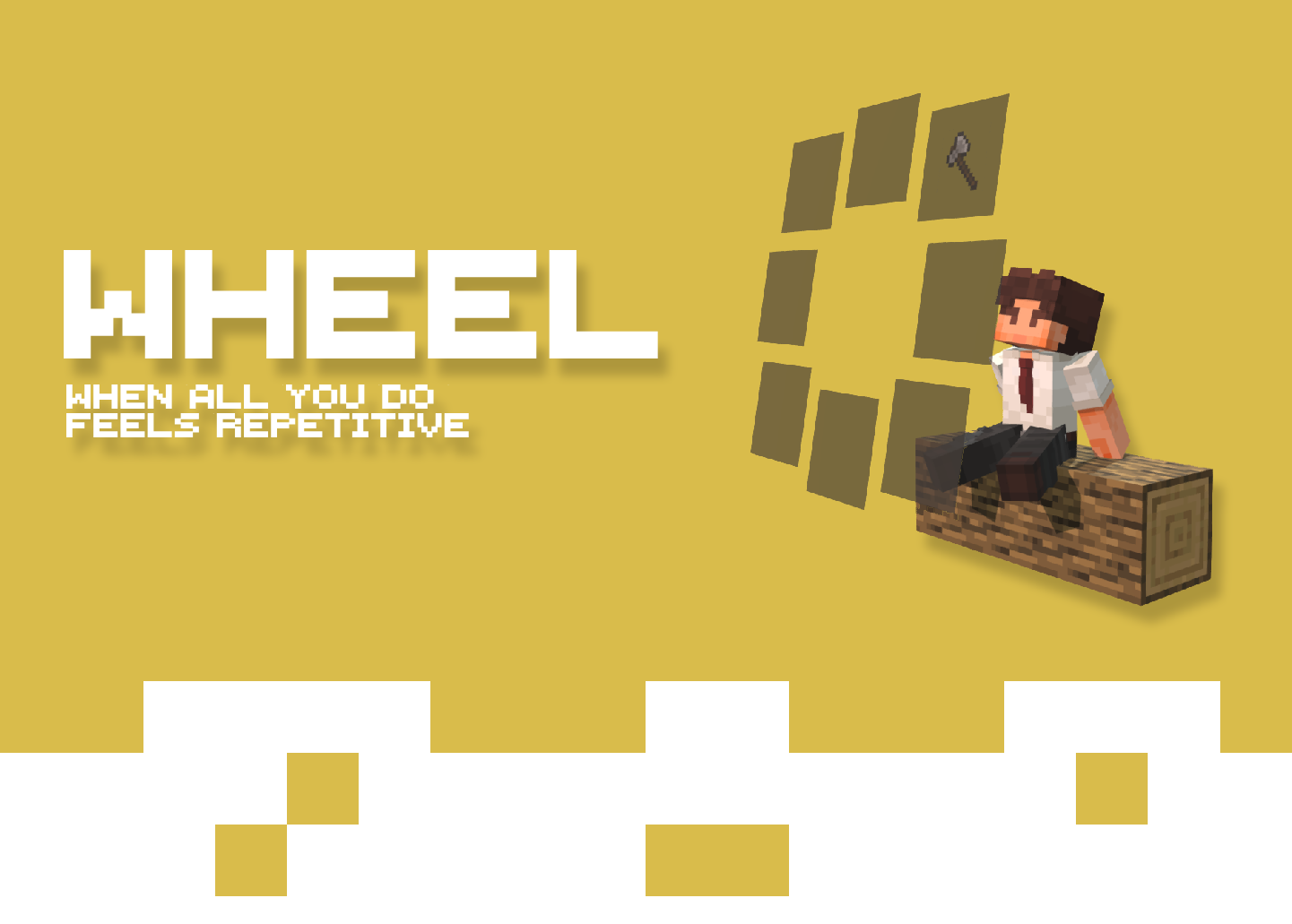
Wheel provides a way to use Widgets, simple reusable chunks of JSON-like code, which can perform different actions. The Wheel comes with quite some built-in widgets, simply press Z to open the wheel and you'll be able to use them right away!
Custom Widgets
Widgets are created within a resource pack, so if you ever want to break the boundaries of the built-in widgets, you can either download some new "widget packs", or even try creating your own!
🫂 Join the Workshop to share your widgets, or download new ones!
⚙️ Take a look at the GitHub for a detailed guide on how to create a widget!
- Edition: Minecraft Java
- File type: .jar
- Minecraft version listed: 1.21.1
- How to install: Install the matching mod loader (Forge, Fabric or NeoForge) for your Minecraft version. → Download the .jar. → Put it in the .minecraft/mods folder and launch that loader profile.
- Where to get it: Opens on Modrinth — not every file is mirrored on our own servers.
Install steps are the general flow for this file type — How to install Minecraft Java mods & modpacks walks through it step by step.
- Ships as Wheel-1.3-1.21.1.jar — drop this file into the mods folder
- Download size: 79 KB
- Download link checked 31 Aug 2026 — working
These come from our own check of the pack file, not from the source page.