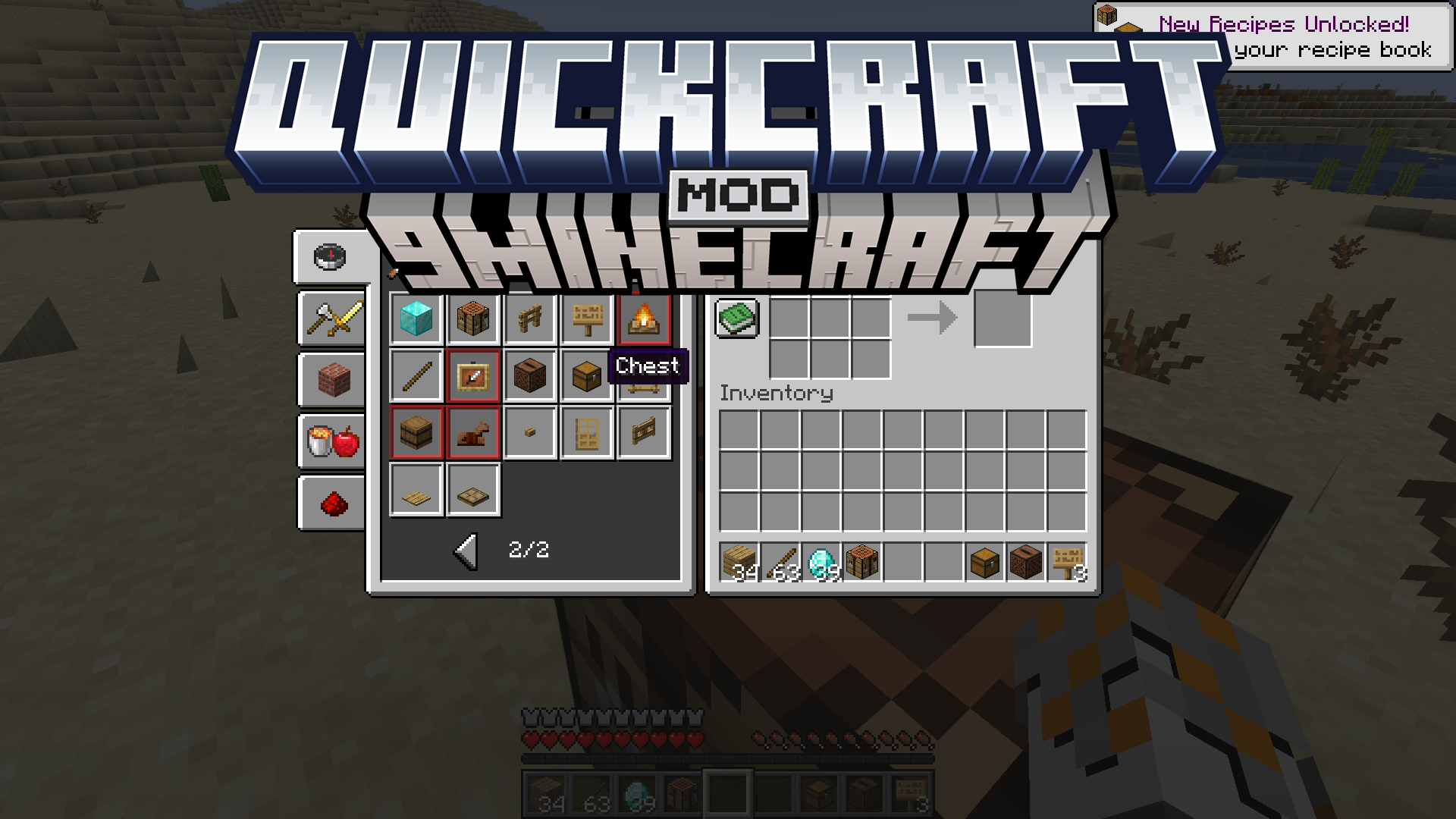
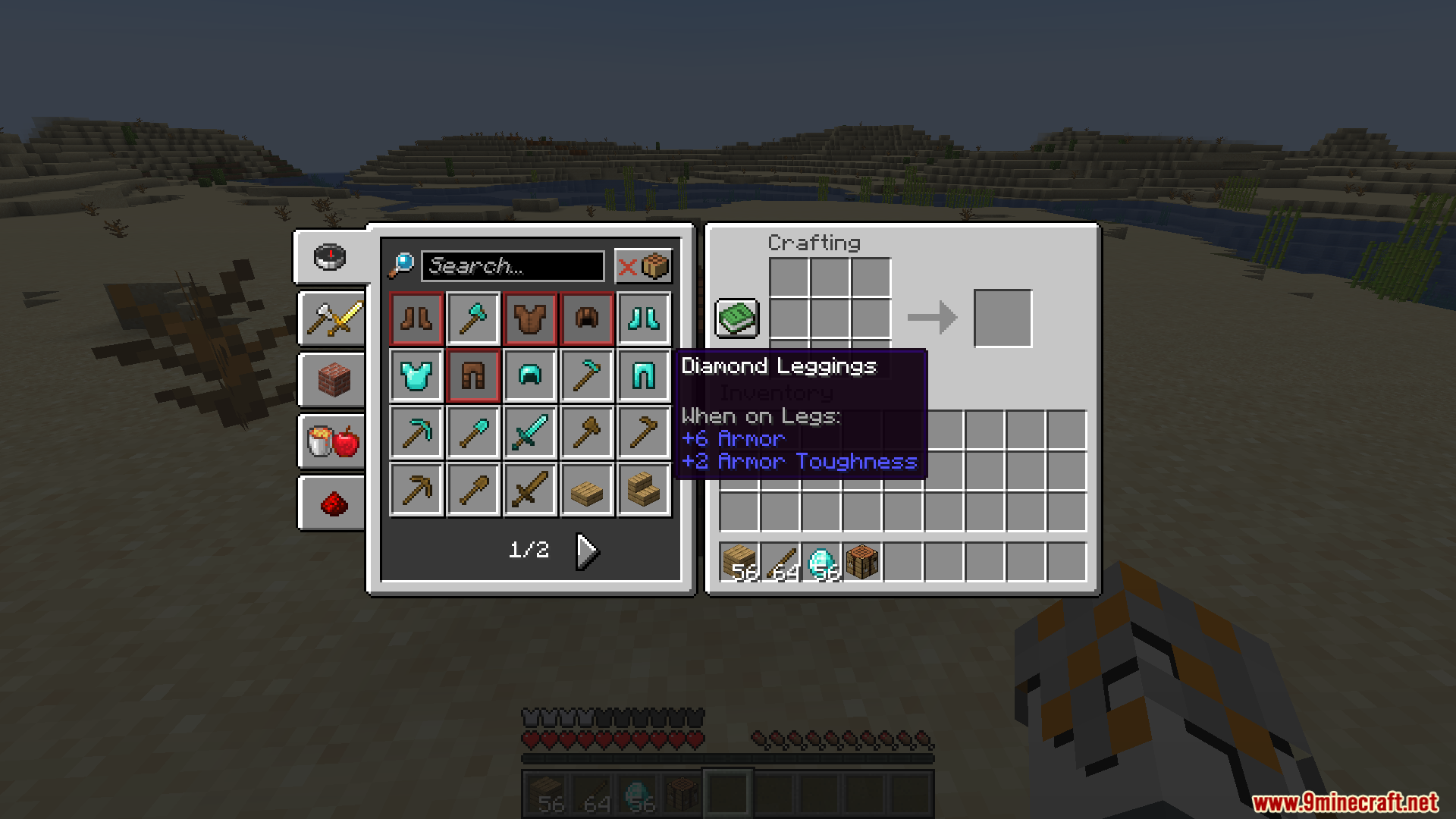
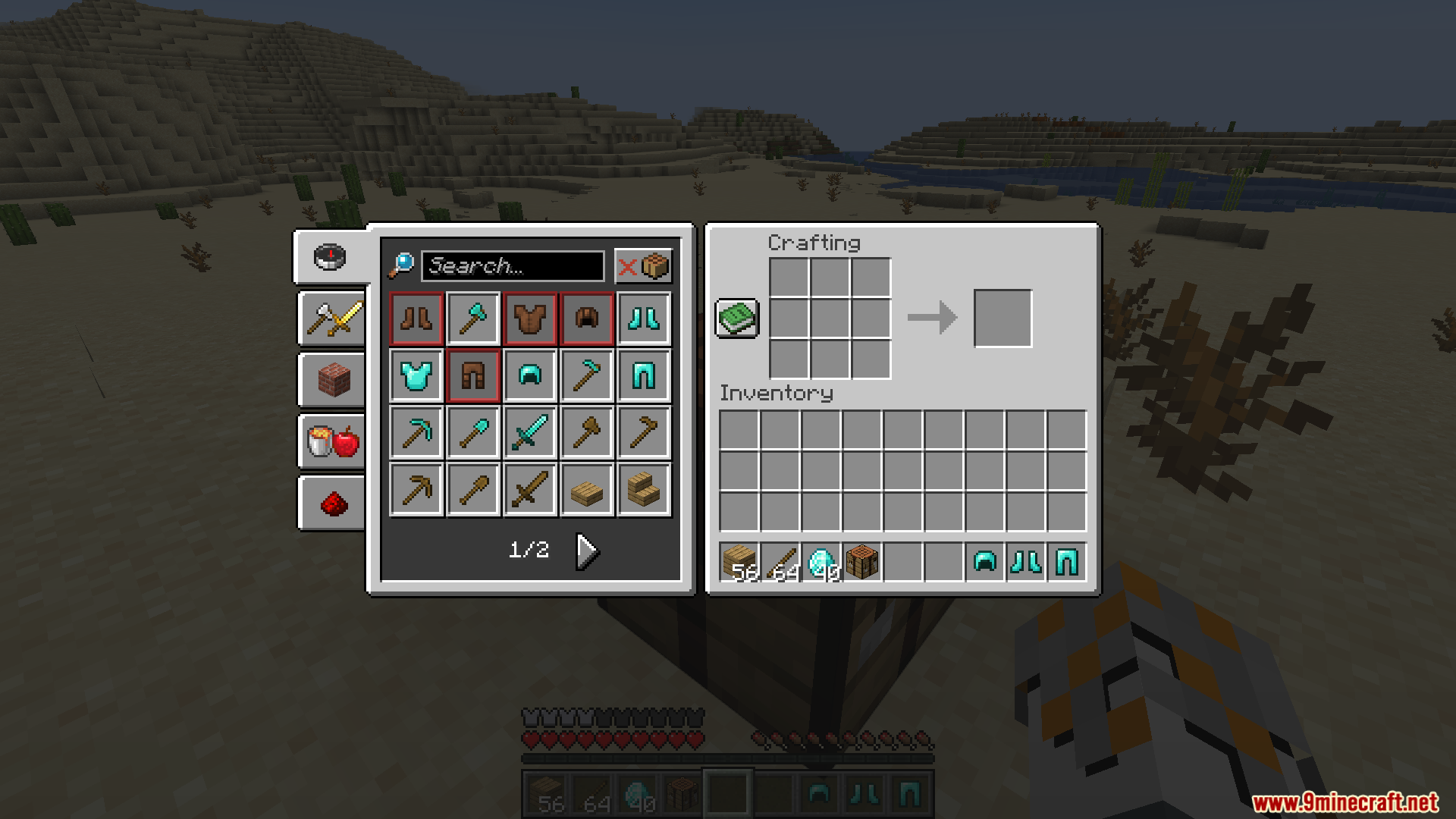
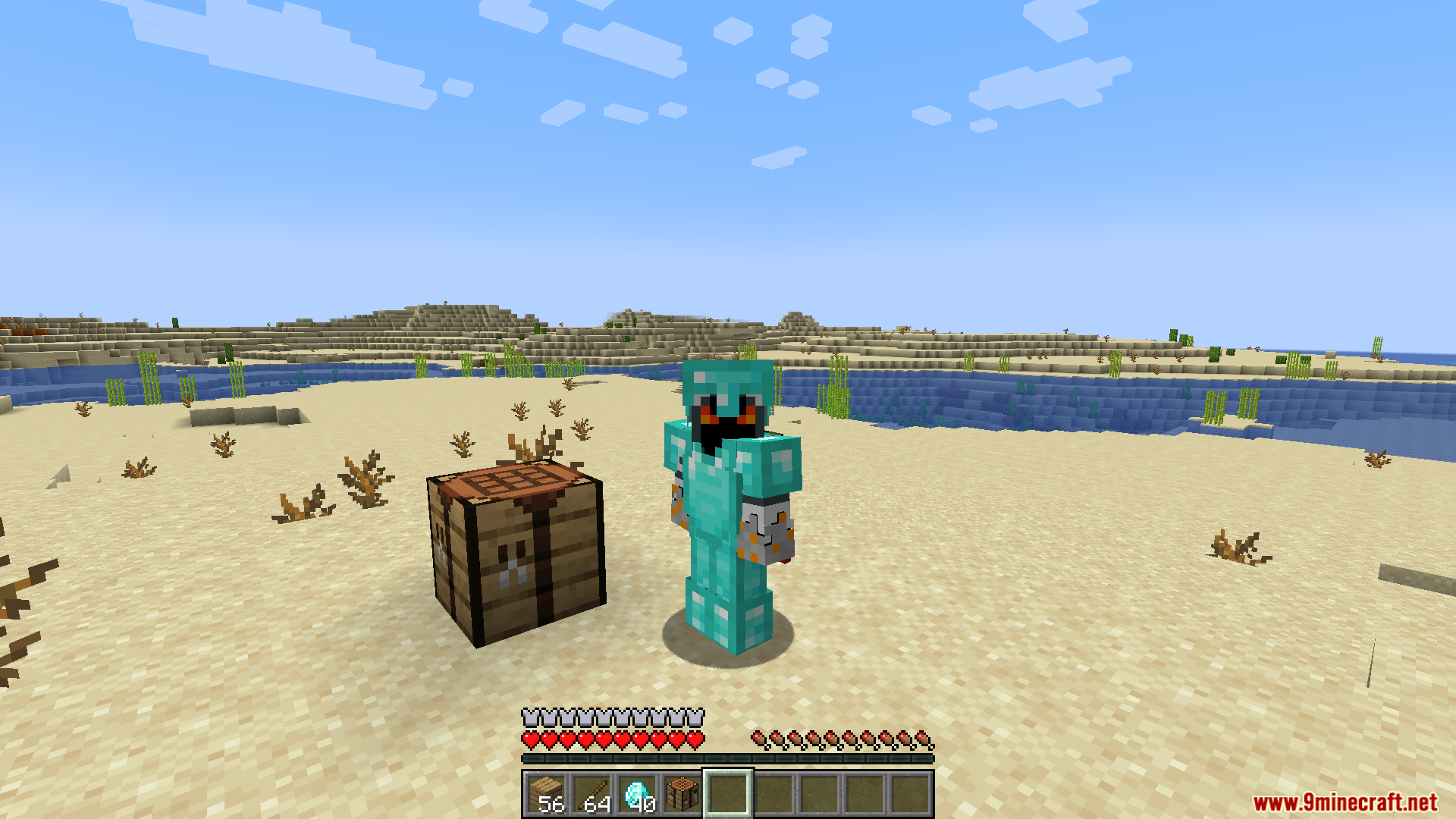
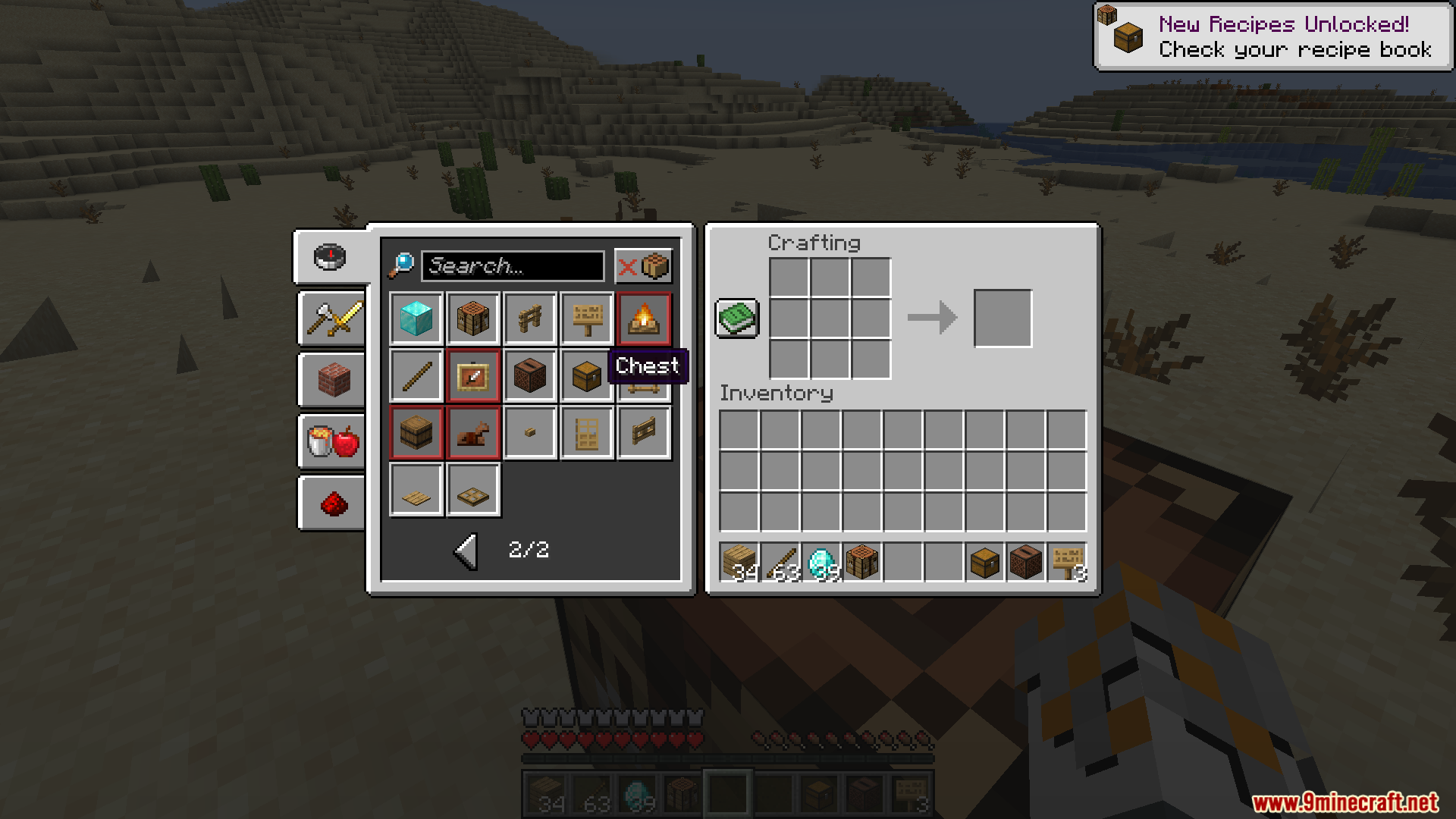
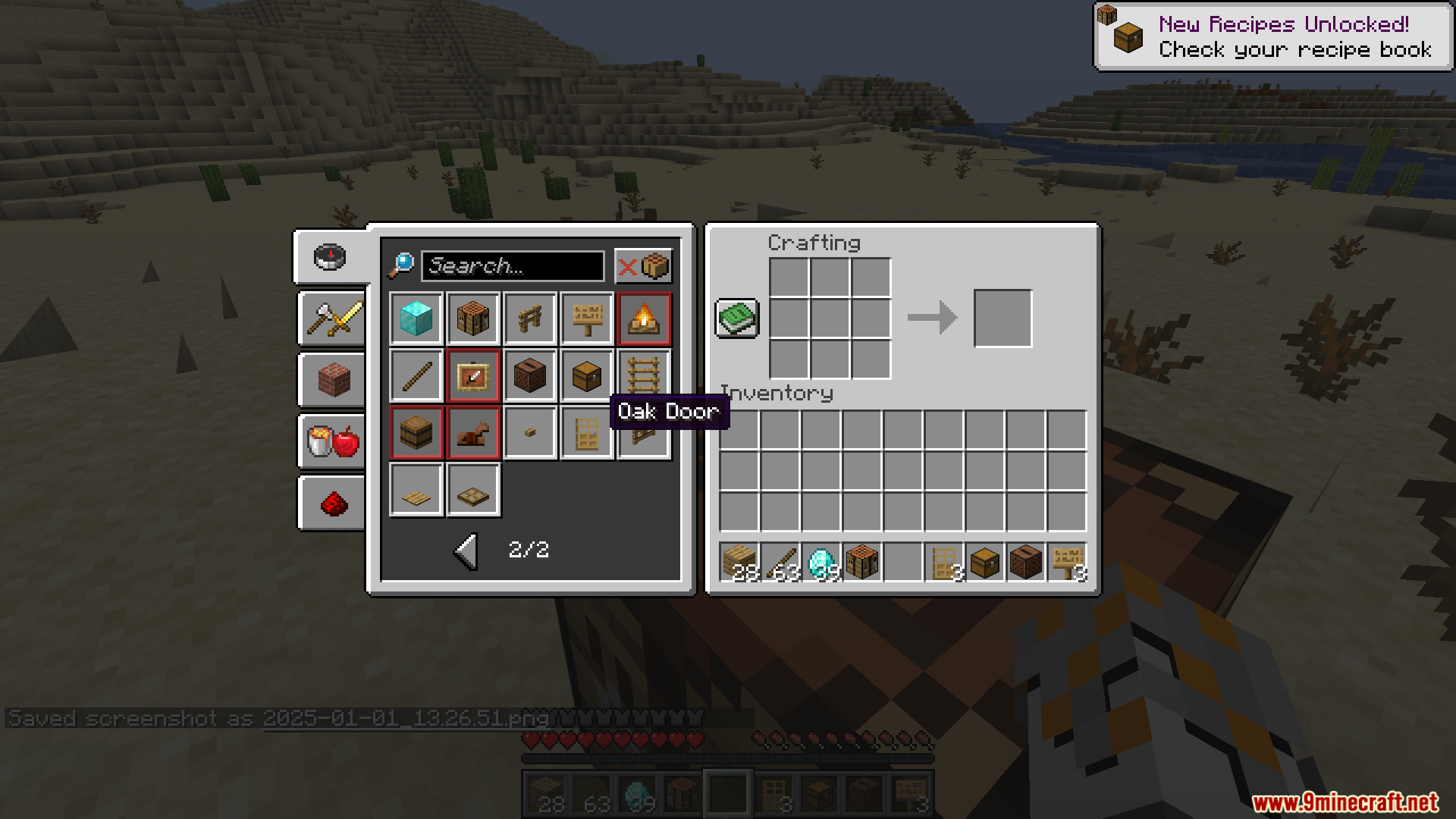
QuickCraft Mod is a convenient quality-of-life mod that streamlines the crafting process in Minecraft. By offering quick crafting solutions directly in your inventory interface by holding Ctrl, it reduces the hassle of navigating crafting tables for common recipes. The mod is highly customizable, allowing players to tweak its functionality to suit their gameplay needs.
Features:
- Enables crafting without needing a crafting table.
- Adjust settings to fit your crafting style.
- Improves crafting speed and efficiency for both single-item and bulk recipes.
- Works with other mods, making it suitable for modpacks.
Screenshots:
QuickCraft Mod Download Links
Quick facts
- Edition: Minecraft Java
- File type: .jar
- Minecraft version listed: 1.20.1
- How to install: Install the matching mod loader (Forge, Fabric or NeoForge) for your Minecraft version. → Download the .jar. → Put it in the .minecraft/mods folder and launch that loader profile.
- Where to get it: Opens on the file's original source — not every file is mirrored on our own servers.
Install steps are the general flow for this file type — How to install Minecraft Java mods & modpacks walks through it step by step.
QuickCraft Mod (26.1.2, 1.20.1) – Simplify Your Crafting Experience is a free Minecraft Java mod. Compatible with Minecraft 1.20.1. Download it and open it directly in the game.