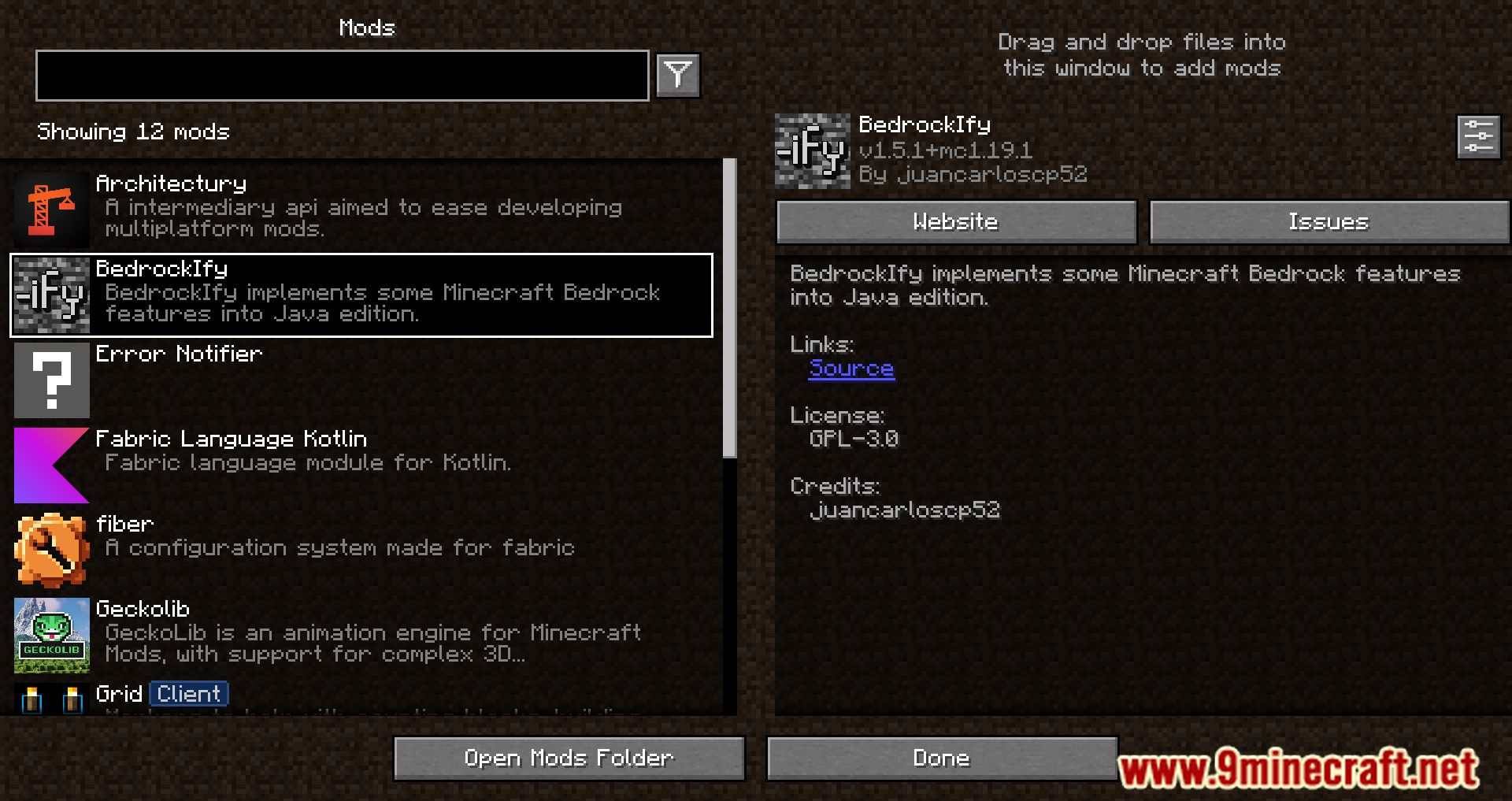
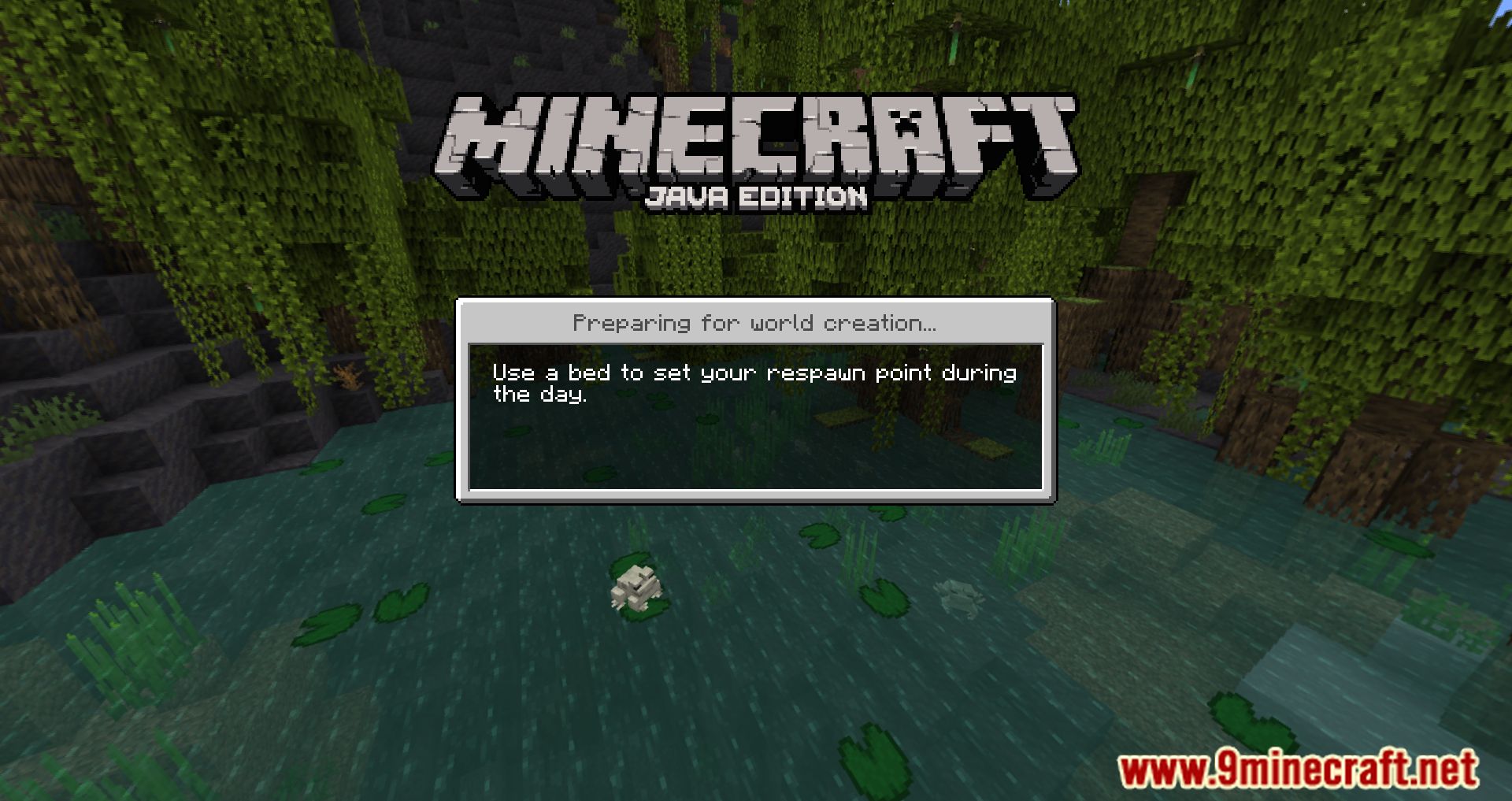
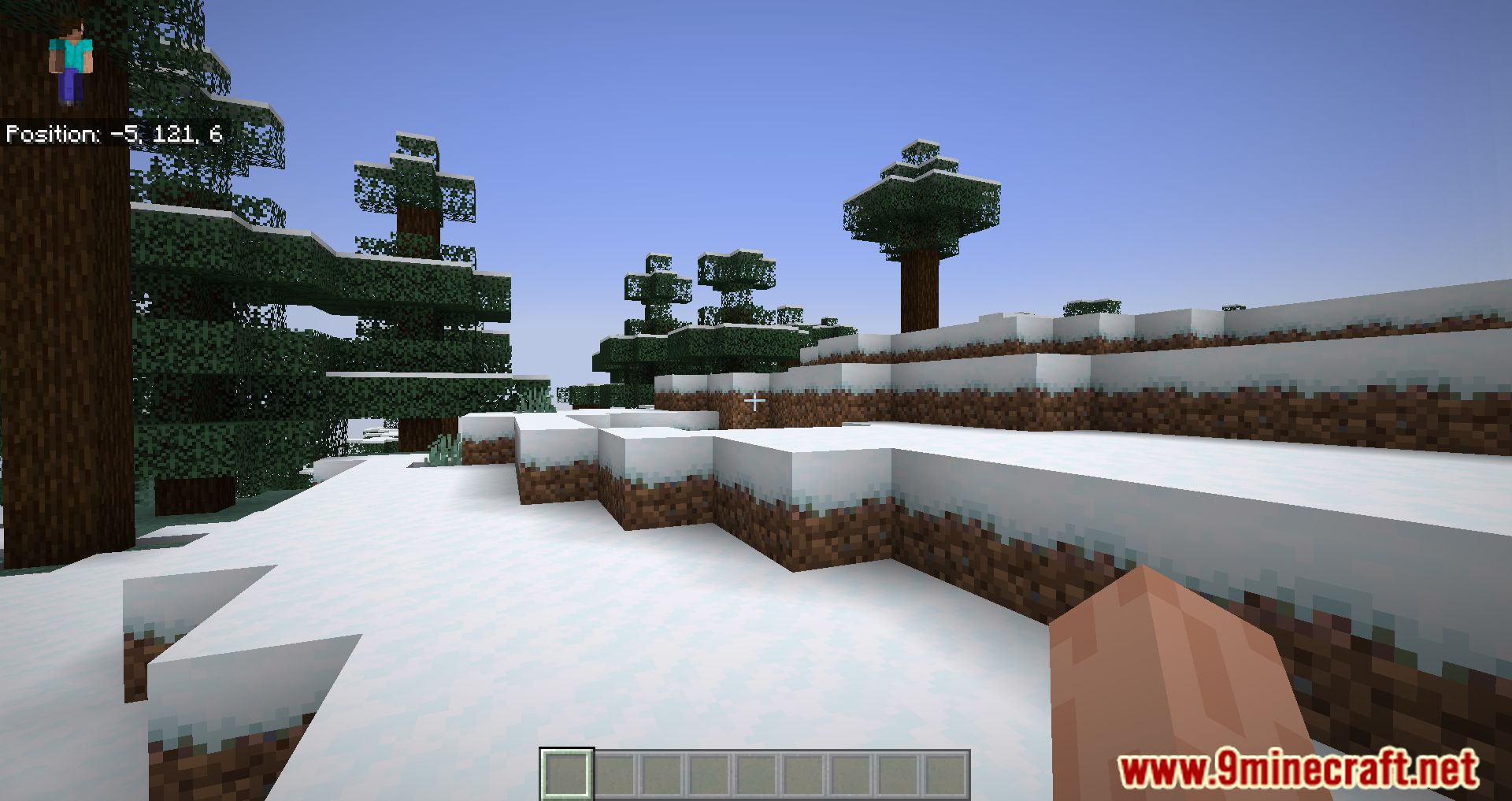
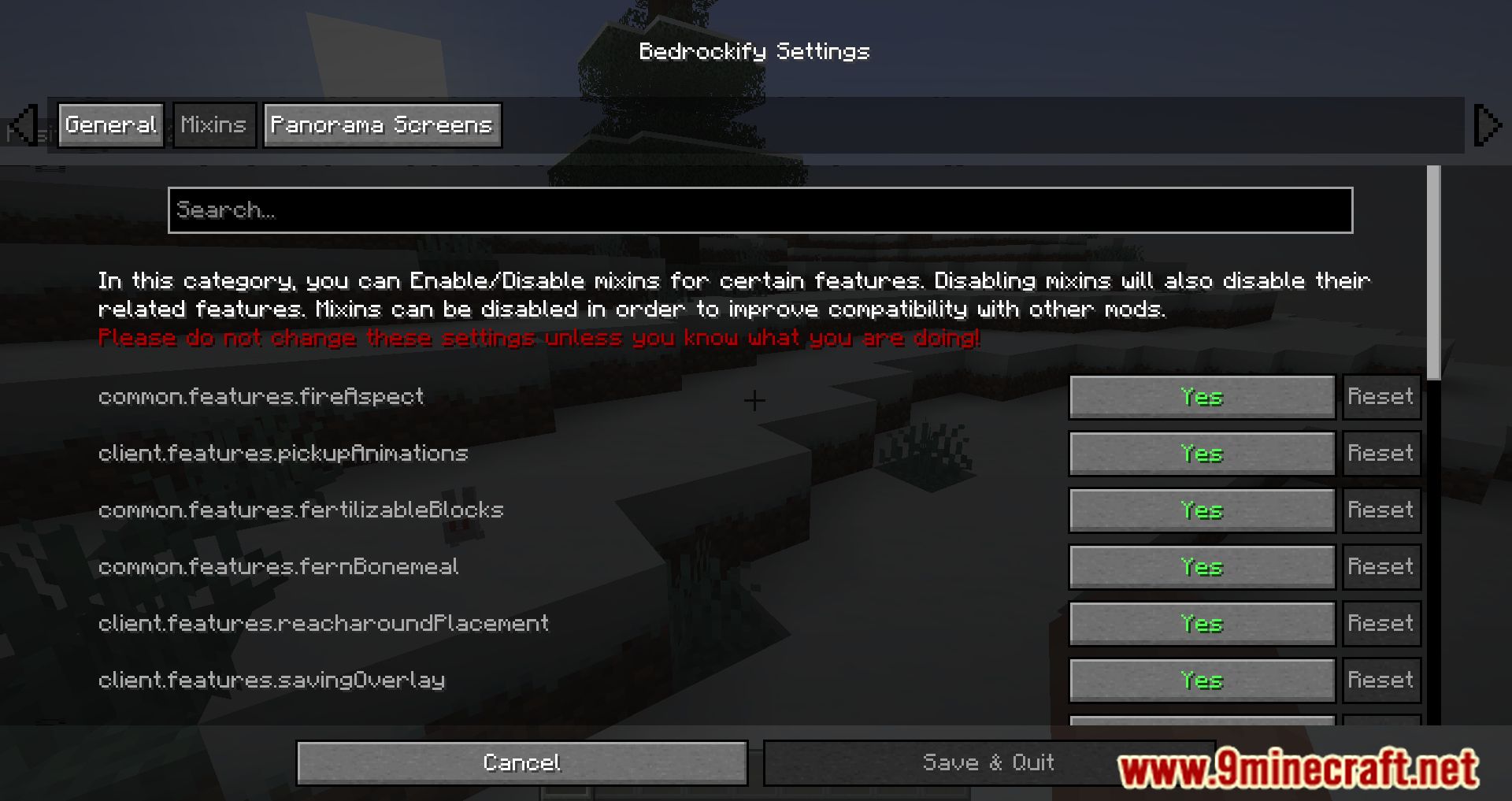
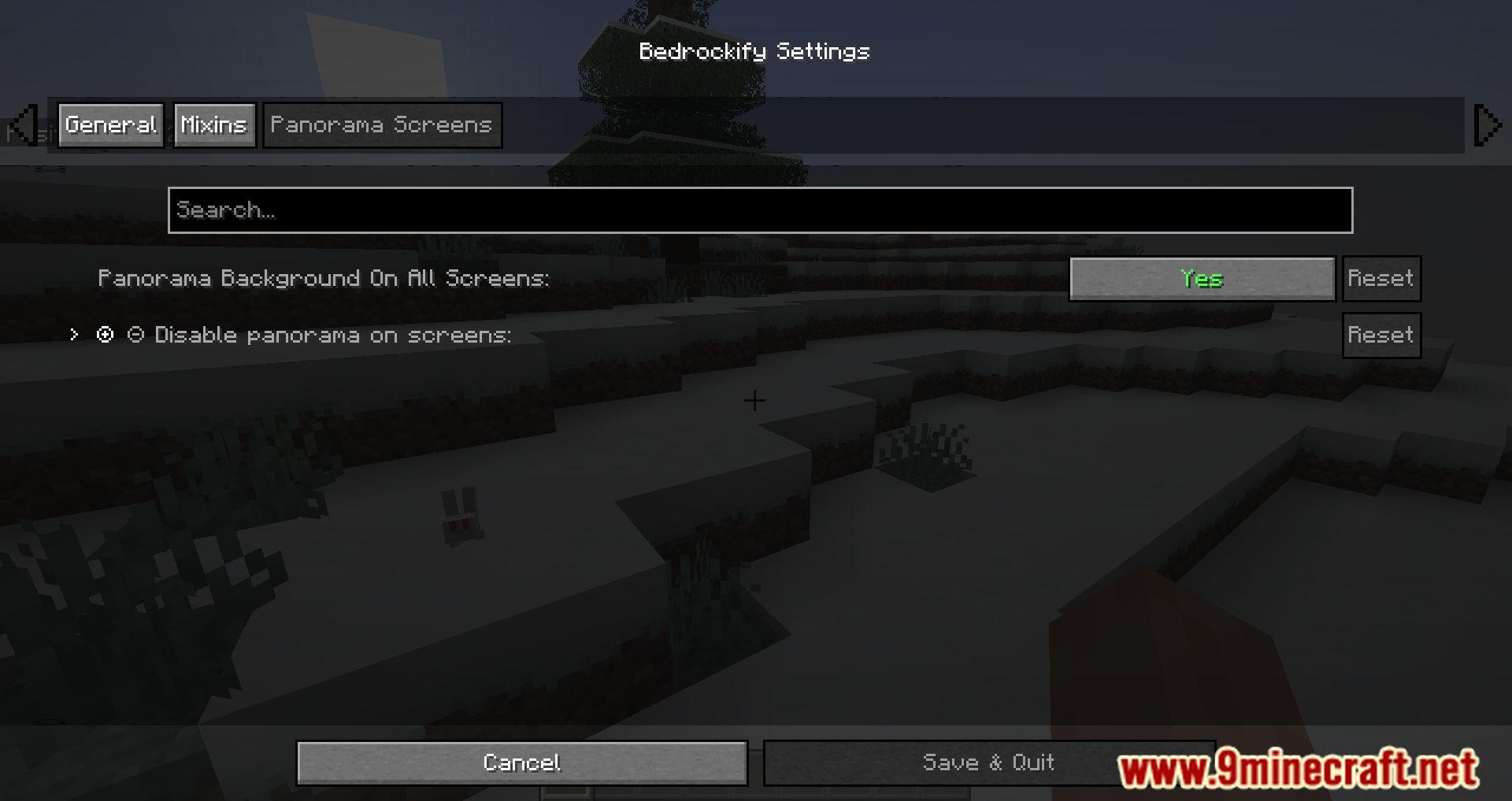
BedrockIfy Mod introduces several useful features from the Bedrock version of the game into Minecraft Java Edition: save indicator, loading screen tips, and item information when held. This mod brings Bedrock-like elements to Java Edition, including loading screens with helpful tips, third-person eating animations, sheared sheep colors, and more.
Features:
- Bedrock-like loading screens: Get useful tips while your game loads, just like in the Bedrock Edition.
- Third person eating animations: Add a touch of realism to your game with these animations.
- Position and “paper doll” overlay: Keep track of your character’s position with this handy feature.
- Dynamic Inactive Hud Opacity: A subtle but impactful change to your Heads-Up Display.
- Saving status overlay: Never lose track of your game’s saving status again.
- 3D fishing hook: Bring your fishing experience to life with this 3D feature.
- Bedrock Cauldrons: These can hold dyed water and potions, just like in Bedrock Edition.
- Bedrock Sun Glare: Experience the realistic sun glare from the Bedrock Edition.
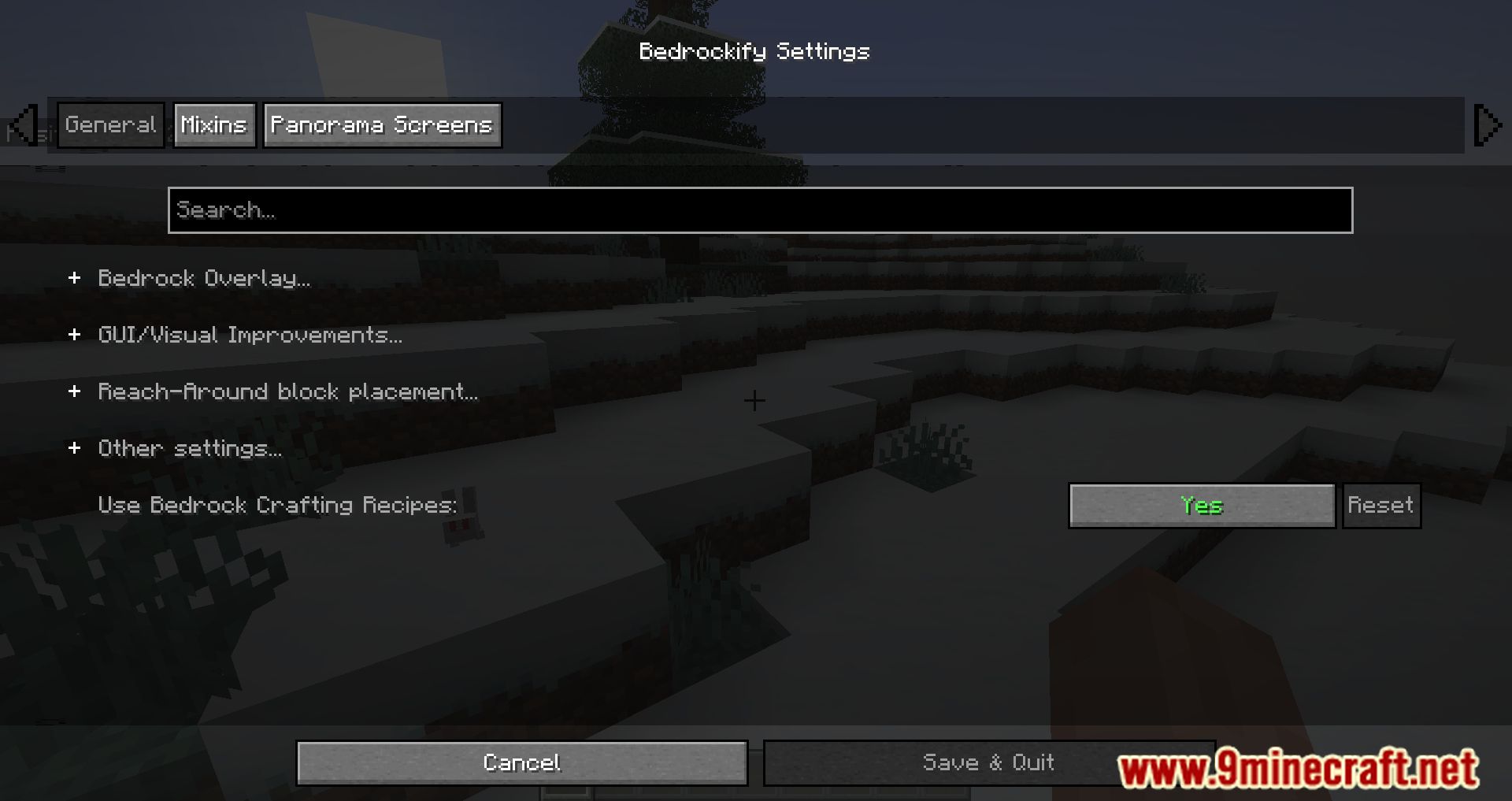
- Bedrock Crafting Recipes (Toggleable): Choose whether to use Bedrock Edition crafting recipes.
- Bedrock-like chat: Enjoy the familiar chat interface from Bedrock Edition.
- Bedrock Edition world color noise for grass and water: Enhance your world’s visuals with this feature.
- Idle hand animations: Add more life to your character with these animations.
- Held item descriptions (enchantments, books and potions): Know exactly what you’re holding with detailed descriptions.
- Reach-around block placement: Improve your building efficiency with this feature.
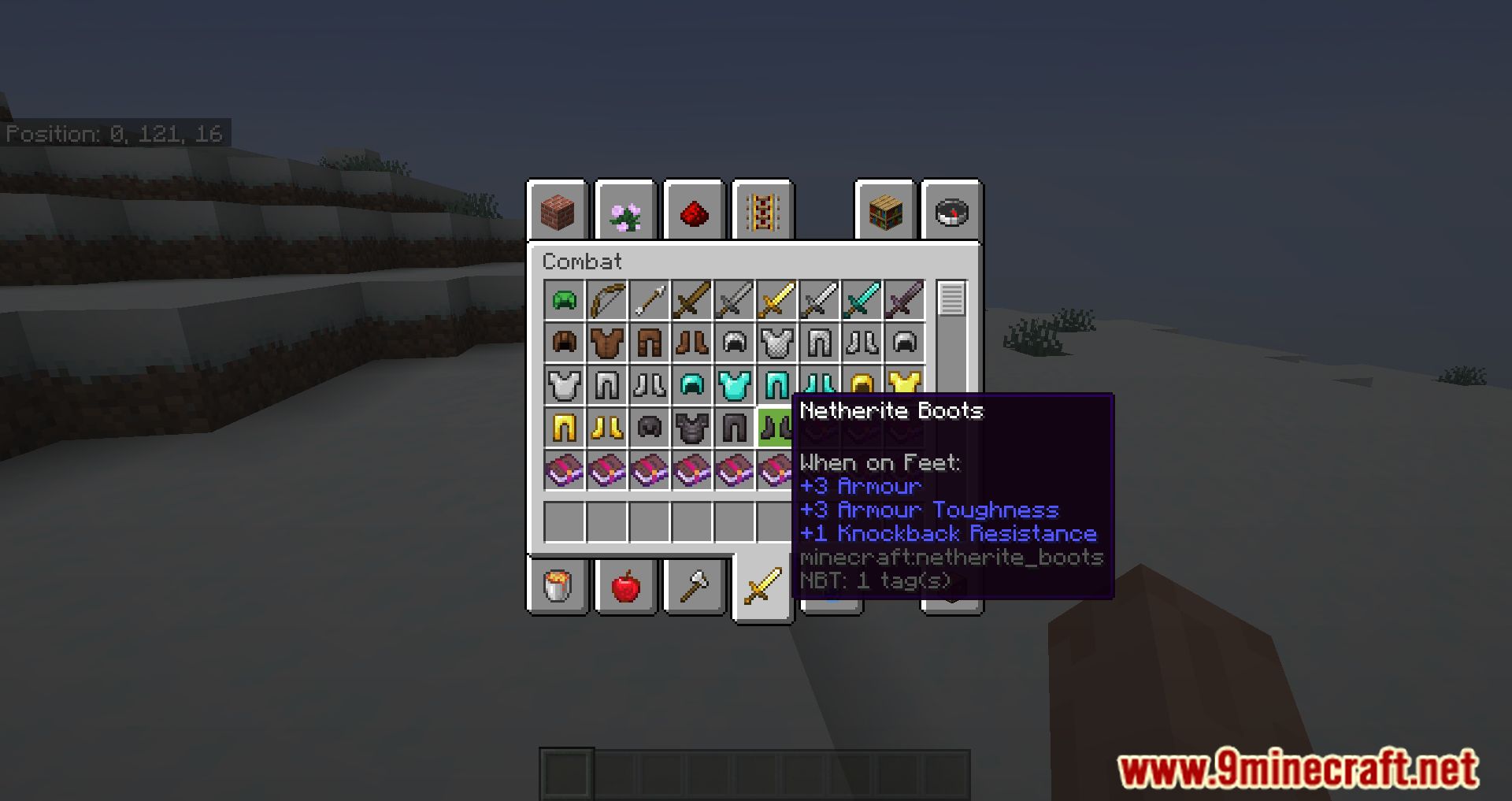
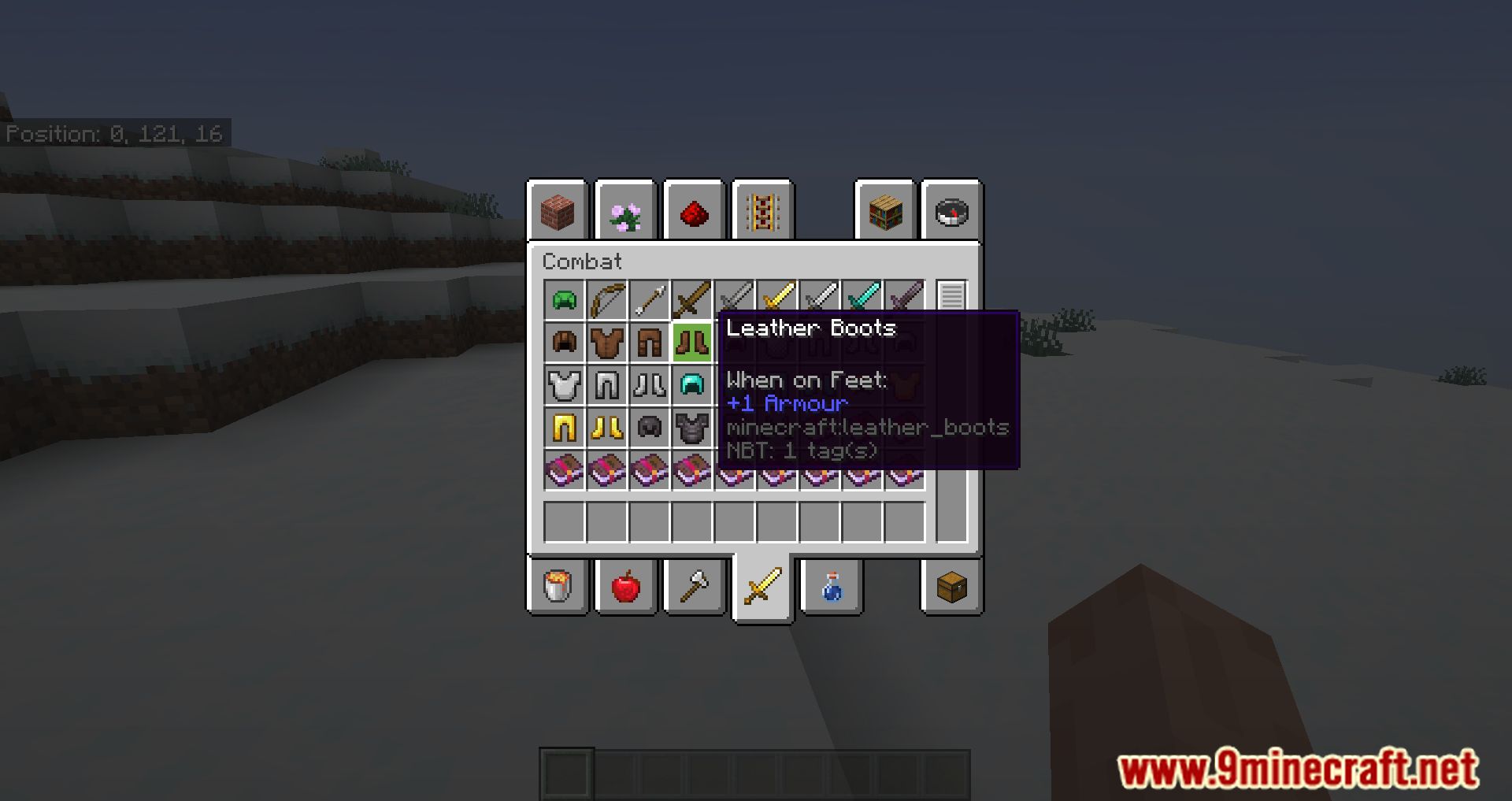
- Quick armor swap: Swap your armor pieces quickly and easily.
- Dying and Fallen Trees!: Add a touch of realism to your forests.
- Bedrock Light block shading: Enjoy the unique light block shading from Bedrock Edition.
- Disable flying momentum (Drift) in creative mode: Have more control over your flight in creative mode.
- Stop elytra flying by pressing space on air: A handy feature for elytra users.
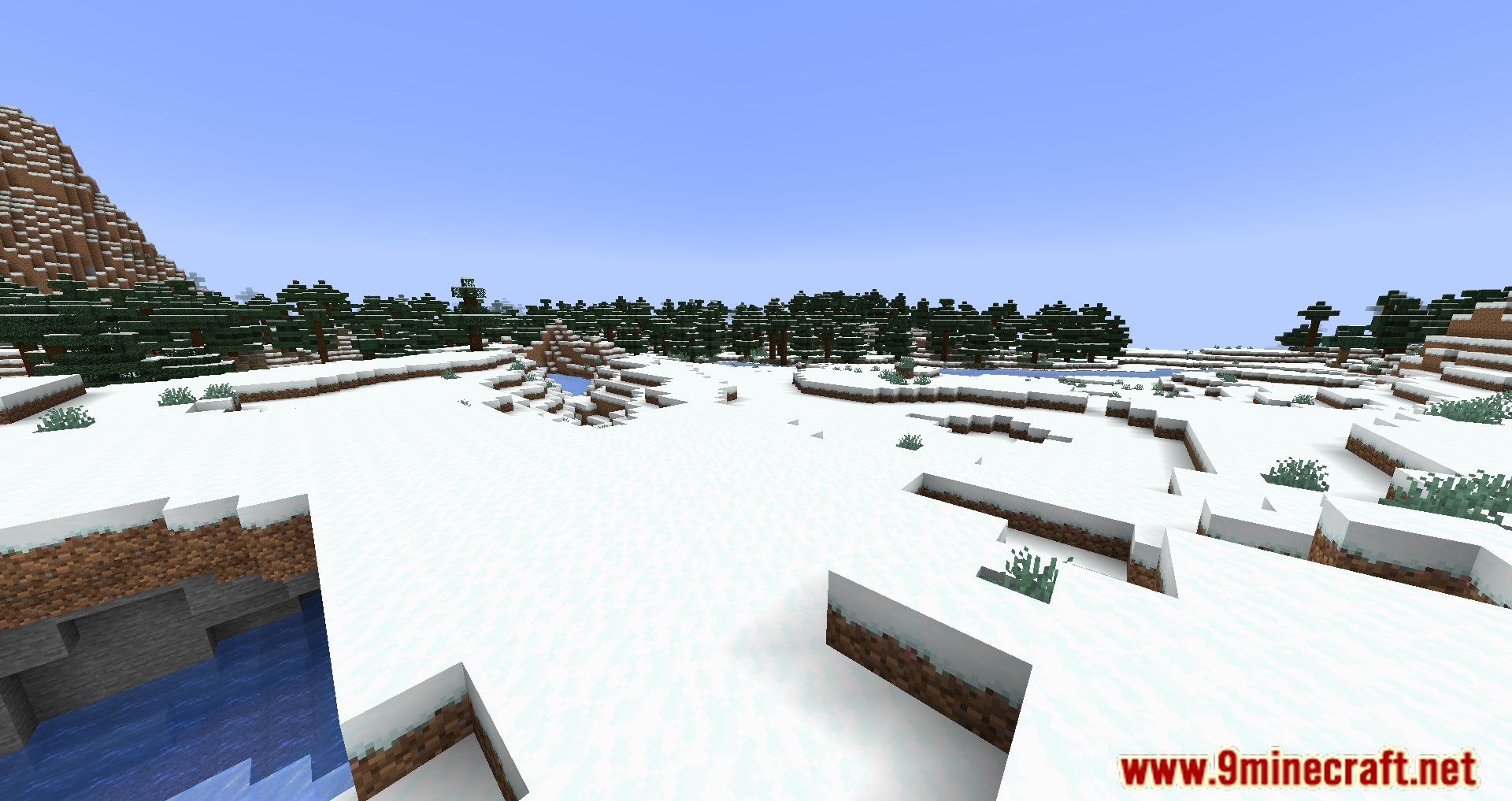
Screenshots:
BedrockIfy Mod Download Links
Quick facts
- Edition: Minecraft Java
- File type: .jar
- Minecraft version listed: 1.20.1
- How to install: Install the matching mod loader (Forge, Fabric or NeoForge) for your Minecraft version. → Download the .jar. → Put it in the .minecraft/mods folder and launch that loader profile.
- Where to get it: In MC Java Mods, or directly above on this page.
Install steps are the general flow for this file type — How to install Minecraft Java mods & modpacks walks through it step by step.
Verified by MCModsHub
- Downloads as 27613.mcaddon
- Download size: 1.4 MB
- Download link checked 23 Sept 2026 — working
- Mirrored on our own servers — the download does not depend on the original host
These come from our own check of the pack file, not from the source page.