
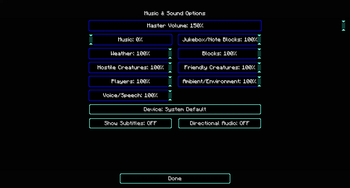
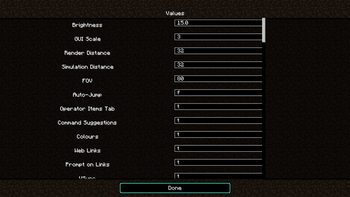
In the normal configuration you can go up to the highest settings. In the text file you are able to put the settings higher. But the limits will be put down back again. To prevent the resent you can use the "Limitless options".
Limitless options allow to set options values out of the range. For example a Gamma from 2000%. If you set an value out of the range, it may can brake something, please be careful.
You can do this via the "options.txt". This file is anther ~/.minecraft/options.txt
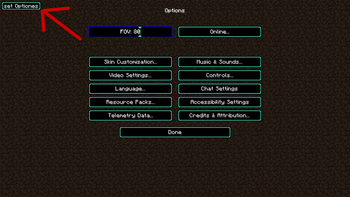
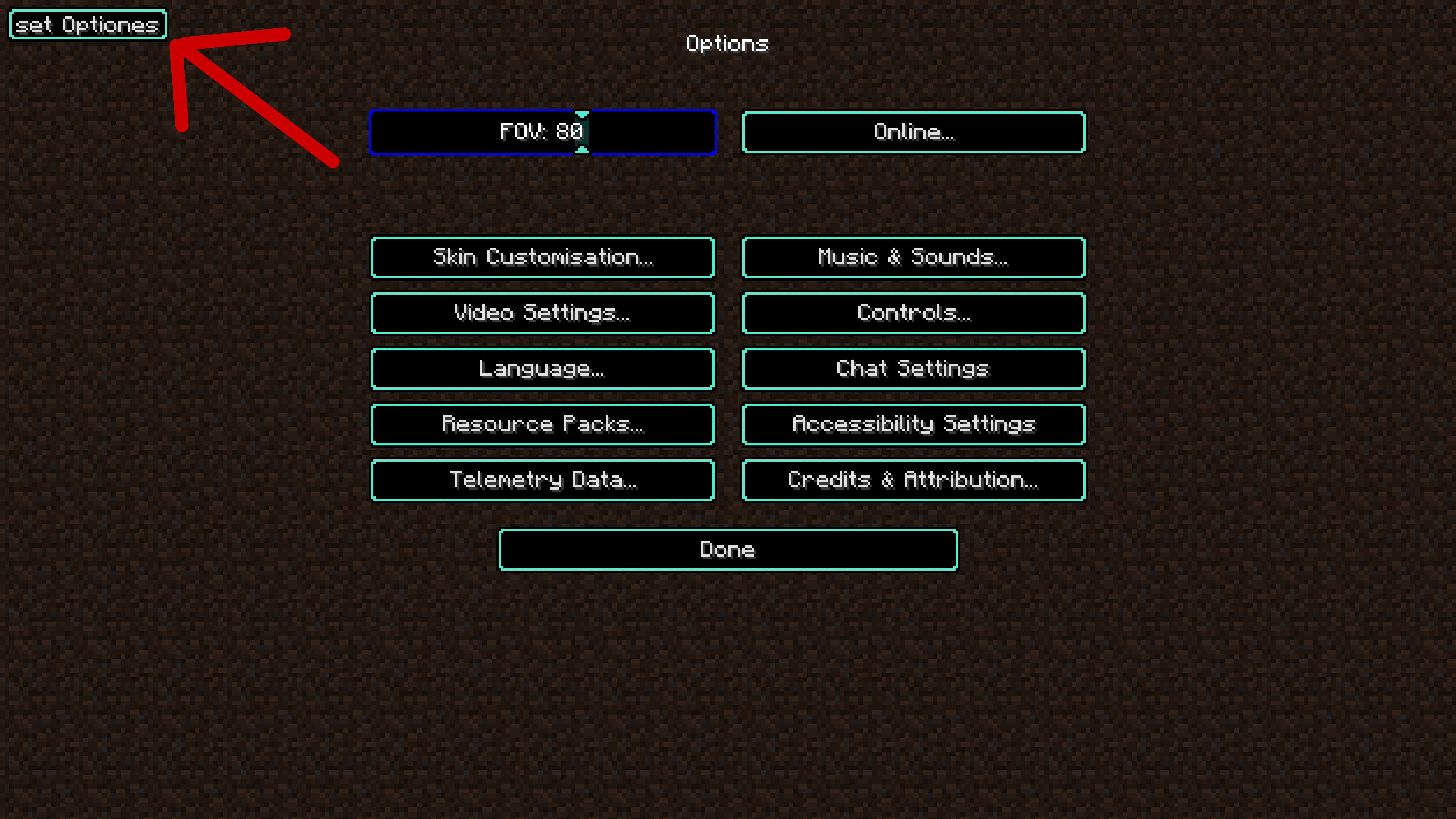
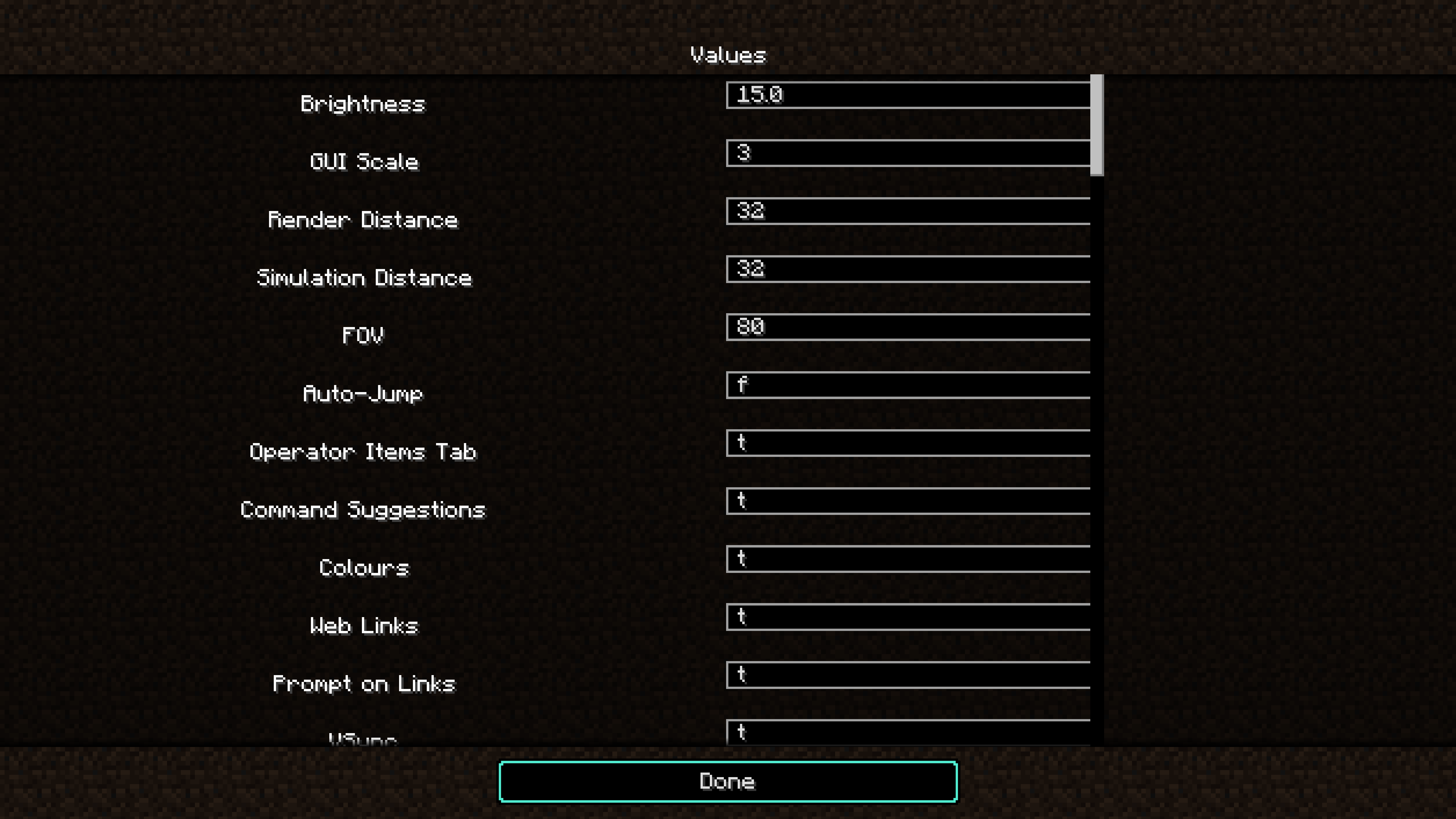
The mod provide a in game option setter. You can disable the button in the config file. This feature is sill very new and not complied jet. In the version 12 it only support Int, double, boolean. Support for enum will bee added in the future.
Known issues:
- The performance boost features breaks when render distance fix is switched on.
Notice:
- Cunks over 35 will not update for performance improvement(+~120 fps, - 40 mspt). Only for versions higher than version 4 inclusive.
- Add optional slider out of range fix. Can enable and disable in the config fie. Only for versions higher than version 7 inclusive.
- Add render distance fix (pre pre pre alpha and may can break the chunk loaden). Can enable and disable in the config fie. Only for versions higher than version 8 inclusive.
- Edition: Minecraft Java
- File type: .jar
- Minecraft version listed: 26.2
- How to install: Install the matching mod loader (Forge, Fabric or NeoForge) for your Minecraft version. → Download the .jar. → Put it in the .minecraft/mods folder and launch that loader profile.
- Where to get it: Opens on Modrinth — not every file is mirrored on our own servers.
Install steps are the general flow for this file type — How to install Minecraft Java mods & modpacks walks through it step by step.
- Ships as limitless_options_neoforge 26.2 V18.jar — drop this file into the mods folder
- Download size: 38 KB
- Download link checked 31 Aug 2026 — working
These come from our own check of the pack file, not from the source page.