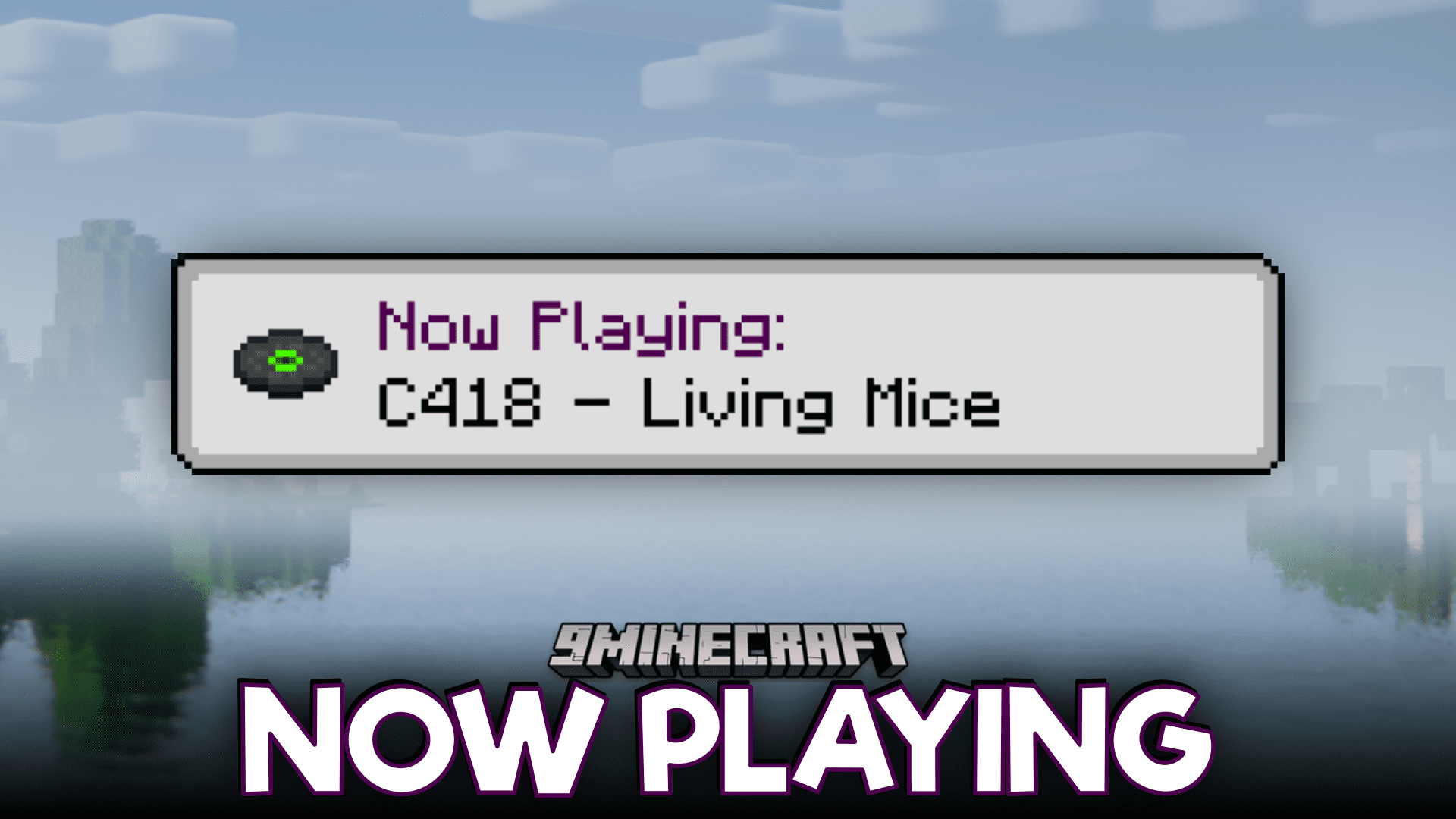
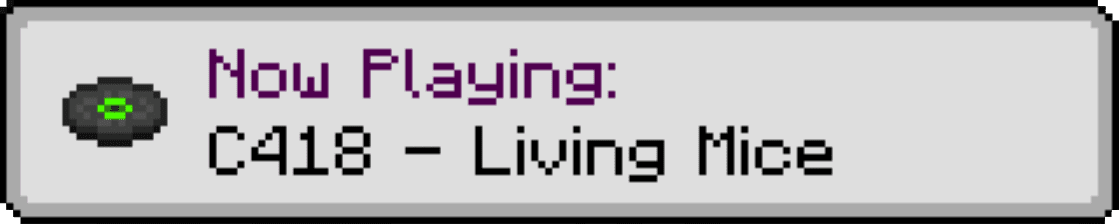
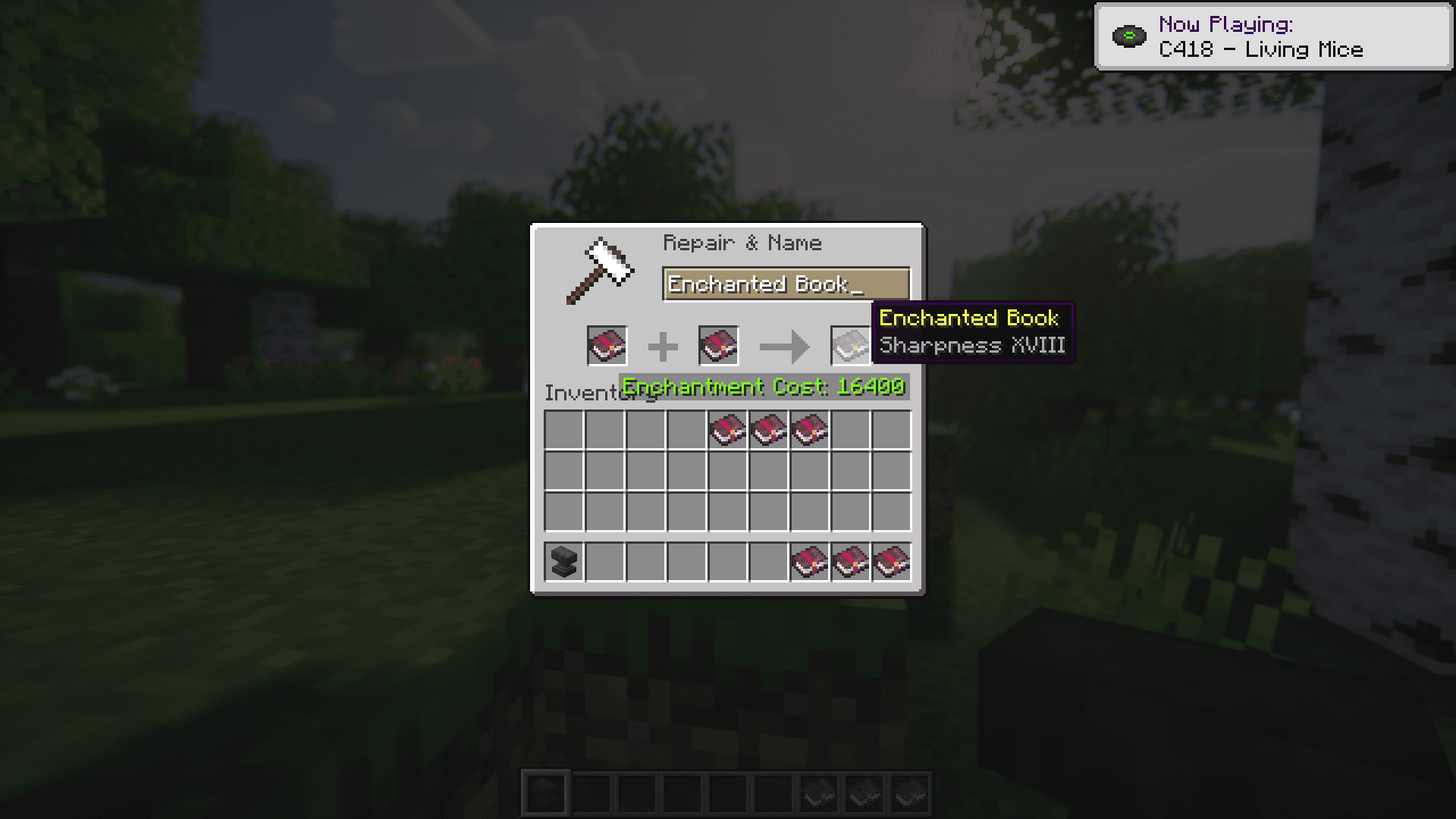
Now Playing Mod will display in-game information about which track has just started playing. The info appears as vanilla-style pop-up tooltips in the user interface.
Screenshots:
Features:
- Displays a pop-up when a new music track starts playing-either above the hotbar or in the top-right corner.
- Works with both ambient tracks and music discs.
- If Minecraft’s narrator is enabled, it can read out the track info.
Customization:
- Choose between toast pop-ups, status bar messages, or disable notifications entirely.
- Show info automatically or only when using a keybind or
/nowplayingcommand. - Toggle whether the “Now Playing” label appears alongside the track name.
- If hotbar messages aren’t possible, it can default to toast notifications.
Now Playing Mod Download Links
Quick facts
- Edition: Minecraft Java
- File type: .jar
- Minecraft version listed: 1.20.1
- How to install: Install the matching mod loader (Forge, Fabric or NeoForge) for your Minecraft version. → Download the .jar. → Put it in the .minecraft/mods folder and launch that loader profile.
- Where to get it: In MC Java Mods, or directly above on this page.
Install steps are the general flow for this file type — How to install Minecraft Java mods & modpacks walks through it step by step.
Verified by MCModsHub
- Downloads as 27615.mcaddon
- Download size: 63 KB
- Download link checked 26 Sept 2026 — working
- Mirrored on our own servers — the download does not depend on the original host
These come from our own check of the pack file, not from the source page.