ModsJava
Default World Type Mod (26.2, 1.20.1) – Change World Type for Creating a New World
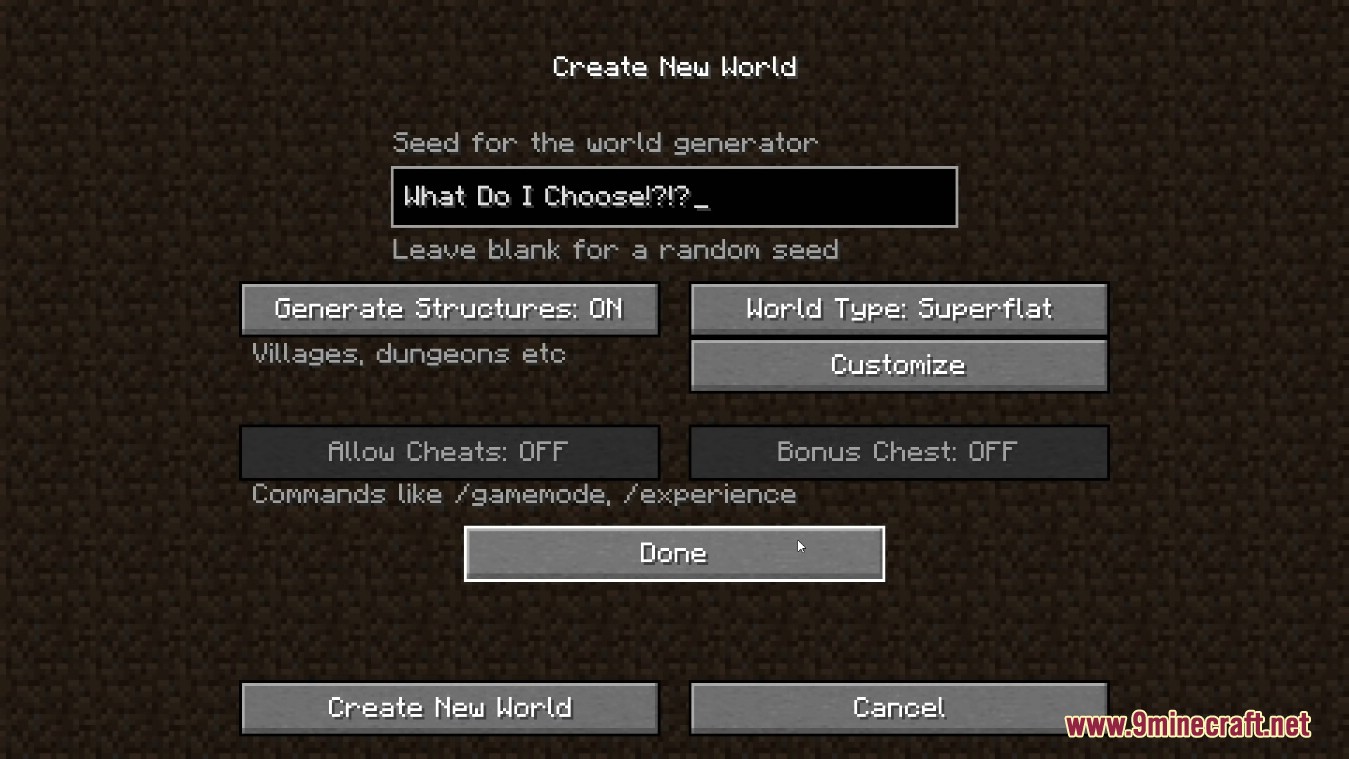
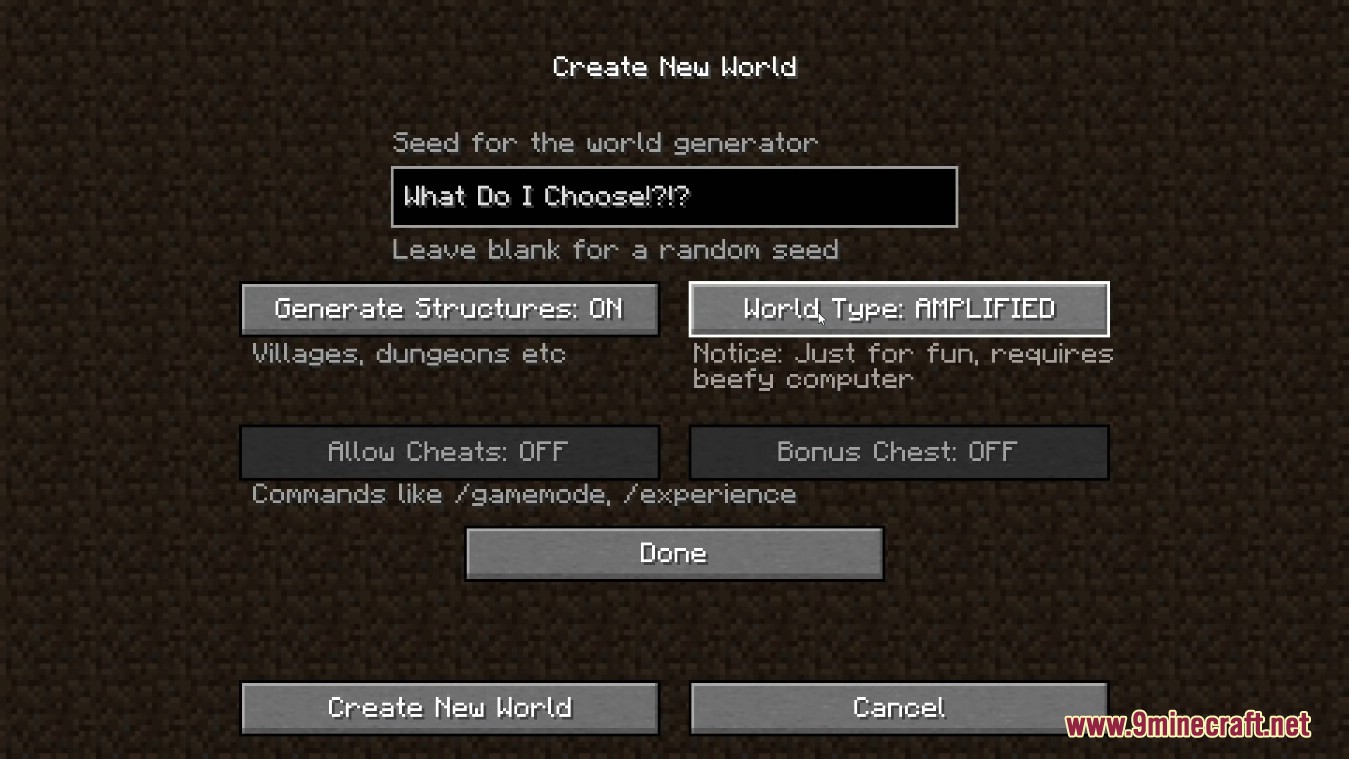
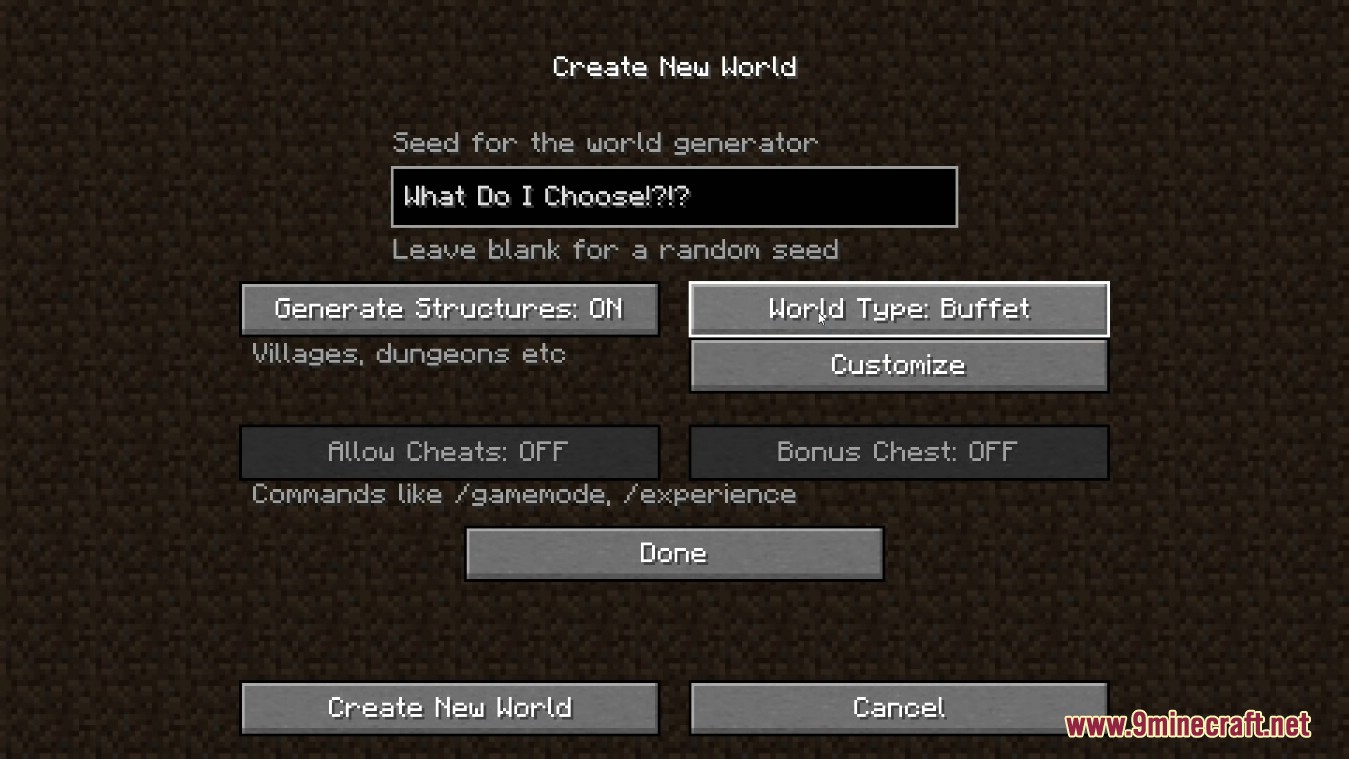
With Default World Type Mod you can set the world type which is selected by default when creating a New World. Example: you have Garden of Glass installed and set the value in the client config to “botania-skyblock”. When creating a new world, the user don’t need to change the world type for itself to that type. With this, accidentally generating the wrong world will not happen. Or it’s just less possible. The mod is client only.
Features:
- Allows you to set a specific world type (e.g., Skyblock, Amplified, etc.) as the default option when creating a new world.
- Ideal for modpack creators who want to ensure players generate worlds with the intended settings.
- The mod works on the client side, making it easy to configure without server-side requirements.
- Reduces the chances of accidentally generating the wrong world type.
Screenshots:
Default World Type Mod Download Links
Quick facts
- Edition: Minecraft Java
- File type: .jar
- Minecraft version listed: 1.20.1
- How to install: Install the matching mod loader (Forge, Fabric or NeoForge) for your Minecraft version. → Download the .jar. → Put it in the .minecraft/mods folder and launch that loader profile.
- Where to get it: In MC Java Mods, or directly above on this page.
Install steps are the general flow for this file type — How to install Minecraft Java mods & modpacks walks through it step by step.
Verified by MCModsHub
- Downloads as 27620.mcaddon
- Download size: 74 KB
- Download link checked 26 Sept 2026 — working
- Mirrored on our own servers — the download does not depend on the original host
These come from our own check of the pack file, not from the source page.